MiniMax H3 Image LoRA makes a still; MiniMax H3 LoRA makes a video. They run the same open-weights H3 model and take the same LoRA files, so you can settle a character or look on cheap stills and carry the identical loras setting into the clip. Use the still step when you need to create or fix the opening frame; if you already have the frame, go straight to image-to-video. Based on our September 2026 tests, both routes are uncensored, with one difference in image-to-video covered below.
For a comparison of the four H3 video families (regular H3, Spicy, LoRA, Singularity), see the H3 versions guide. This page covers how the still and the clip fit together.
Which task for which job
| You have | Use | Price |
|---|---|---|
| A written scene, need a new character or frame | H3 Image LoRA text-to-image | $0.042 (1k), $0.09 (2k) per image |
| One to nine reference images to change or combine | H3 Image LoRA edit | $0.054 (1k), $0.126 (2k), plus a small charge per reference after the first |
| A finished frame to animate | H3 LoRA image-to-video | $0.05 (480p) to $0.20 (1080p) per second, 3 to 15 s |
| A scene driven by references (up to 9 images, 3 clips, 3 audio) | H3 LoRA reference-to-video | From $0.06 per second |
Both still tasks and all three video tasks accept up to three LoRA entries, each a .safetensors link plus a strength from 0 to 4, with no extra charge for loading them. If you use no LoRA at all, base H3 image-to-video costs less ($0.037 per second at 768p), but it has no loras field.
Try it in the Playground. Stay on the Playground tab, in Form view, and sign in to run.
- Open the H3 Image LoRA text-to-image page, write the Prompt (trigger word first, if the LoRA has one) and choose 1k under Resolution.
- Under Style LoRAs, paste the direct file link into LoRA file, set Strength and press Add item for up to three. Set a Seed so you can compare strengths. Start with one LoRA and record its file link and strength with the frame.
- Press Run model, and repeat until the frame is right.
- Open the H3 LoRA image-to-video page, add the approved still under Input image, paste the same LoRA entries, set Resolution to 480p and Duration to 3 seconds, and describe the action in Prompt. Check the price estimate, then run.
Then run it from code
Install the Python SDK (pip install spicyapi) and set SPICY_API_KEY. This makes the still; the LoRA link is the same direct file link as in the Playground.
import uuid

from spicyapi import SpicyClient, output_assets

client = SpicyClient()  # reads SPICY_API_KEY
loras = [{"path": "https://huggingface.co/KennethFal/vh5tape-vhs-lora-minimax-h3/resolve/d25a4ab75aba899aa508220321525c8465ac11af/vh5tape.safetensors", "scale": 0.8}]
still = client.create_task(
    model="minimax/h3-image-lora/text-to-image",
    input_data={"prompt": "vh5tape, a woman in a red coat on a rainy city street at night, neon reflections", "resolution": "1k", "seed": 42, "loras": loras},
    idempotency_key=str(uuid.uuid4()),  # new key per new request; reuse only to retry the same one
)
print(output_assets(client.wait_for_terminal(still["taskId"]))[0]["url"])
For the clip, send the approved still as image_url with the same loras to minimax/h3-lora/image-to-video (resolution 480p, duration_seconds 3). Full SDK usage is in the Python SDK docs.
Or let an Agent run it. With the CLI, put the same input in input.json and run spicyapi tasks create --model minimax/h3-image-lora/text-to-image --input-file input.json --wait. With the MCP server, your assistant calls spicyapi_task_create and asks you to confirm the price. npx skills add spicyapi-ai/spicy-skill installs the Agent Skill, so a coding assistant reads the live schema instead of guessing fields.
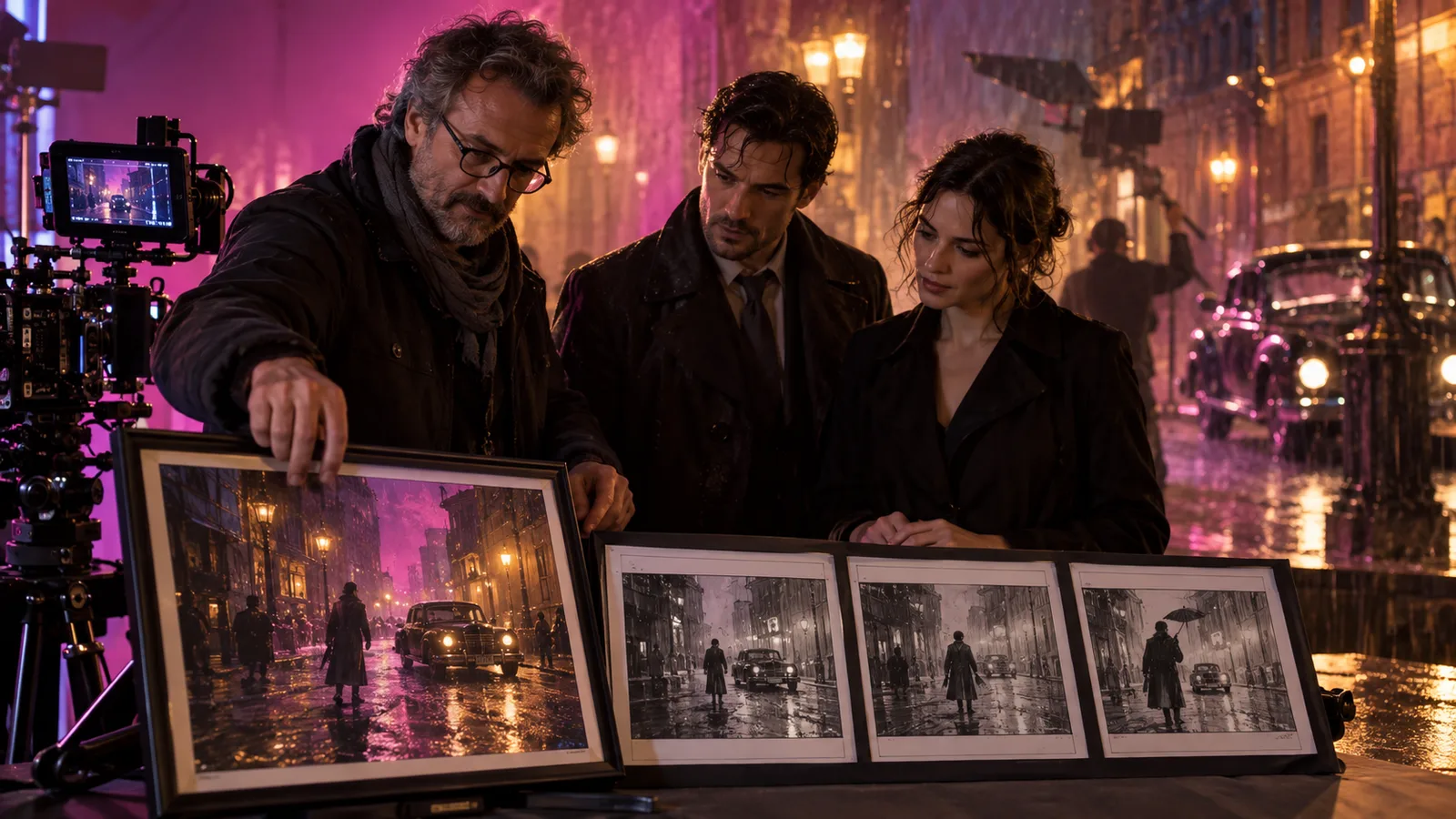
Concept illustration: approve the frame on stills first; motion comes after.
What carries over from still to clip
The same LoRA file and strength work in both. Character and style LoRAs show up clearly on a single frame, so a still tells you whether you have the right face or look. Motion and camera LoRAs cannot be judged on a still, because a frame has no movement; test those on a short clip.
Scale differs by stage. On stills, start style LoRAs at 0.7 to 1 and keep them moderate when identity matters, since a strong style LoRA can pull faces toward its training data. On image-to-video, start concept LoRAs at 0.6 to 0.8: at 1 they can pull the clip away from your frame. If a clip drifts, lower the strongest LoRA before rewriting the prompt.
Two file rules save failed runs. Use the direct …/resolve/… link to the weights file, not the Hugging Face …/blob/… page. And a …/resolve/main/… link follows whatever the author uploads next, so replace main with the commit hash if you need next month's clip to match this one. Use weights documented for MiniMax H3 and the task you are running; files for another model family may be rejected as incompatible rather than silently loaded.

A published H3 Image LoRA example: one still with film-grade lighting.
Make the still ready for motion
- Ratio. Image-to-video has no aspect-ratio field; the clip keeps your frame's shape. Pick the delivery ratio when you make the still. Reference-to-video accepts only 16:9, 9:16, 1:1, 4:3, 3:4, 21:9 and 9:21, so stay inside that list if you will mix routes.
- Resolution. A 1k still is about one megapixel, roughly a 768p video frame, which is enough for drafts and 768p delivery. Use 2k when the clip will finish at 1080p or the still is itself the deliverable.
- Room to move. A subject cropped at the edge or a hand hidden behind a prop leaves the clip little to work with. If the action needs a second person, put them in the frame rather than introducing them through text.
- Prompt for what happens next. In image-to-video, describe the action, camera and sound, and do not re-describe the picture. A prompt that moves the subject to a different scene fights the opening frame, especially with a strong LoRA.
- Closing frame. For a planned reveal or end pose, add a last frame; the clip moves from the first image to it.
- References. Two or three clean references with distinct jobs, such as one portrait and one outfit, hold identity better than nine overlapping ones, and each reference after the first adds to the edit price.
Adult content: stills versus image-to-video
On the content ladder (L1 Suggestive, L2 Mature themes, L3 Strong, L4 Intense, the higher-intensity intimate scene between adults, plus the L5a Restraint and L5b Gore probes), H3 Image LoRA delivered every class as written on both text-to-image and editing with no LoRA loaded, three runs each. H3 LoRA text-to-video and reference-to-video did the same. Image-to-video was the one that pulled back: at L4, two of three runs without a LoRA implied the scene instead of showing it.
With an adult LoRA loaded, the L4 probe rendered as written on text-to-video, image-to-video and reference-to-video, and on both still routes. For an intense frame you want animated, load the adult LoRA on the image-to-video request, or build the shot with reference-to-video or text-to-video. A good-looking approved still does not guarantee the clip keeps the content, so check the clip itself.
A cheaper order of work
A still is billed per image; a clip is billed per second. Five 1k stills cost $0.21: less than one 5-second clip at 480p ($0.25) and under half the price of the same clip at 768p ($0.50).
- Draft at 1k with a fixed seed. Settle the face, outfit and light, changing one LoRA scale at a time. Re-run the winner at 2k only if you need it.
- Test motion on the smallest clip. Send the approved frame and the same
lorasarray to image-to-video at 480p and 3 seconds. Check the start, middle and end for face drift, outfit changes, extra people and whether the requested action finishes. - Finish at the delivery resolution. Keep the same frame, seed and prompt when you move to 768p or 1080p.
- Debug stacks by removal. If a clip with three LoRAs goes wrong, hold the seed and prompt and drop one entry at a time; the run that recovers points to that adapter or its interaction with the remaining stack.
Which to pick
New frame: text-to-image. Keep a person from a reference: edit. Then send the approved image to H3 LoRA image-to-video. Use reference-to-video when the character should come from references instead of one opening frame. Skip the still step when you already have a frame with the right subject, composition and rights, when you use no LoRA (base H3 image-to-video is cheaper), or when the image is a poster that will never move. The H3 Image LoRA and H3 LoRA reviews hold the full content tests.