Introduction
MiniMax H3 Image LoRA Text to image makes one still from a written prompt using the open-weights MiniMax H3 video generator, with up to three of your own LoRA files loaded. Choose 1k, about one megapixel, or 2k, about four, in any of fifteen aspect ratios, and get back JPEG, PNG or WebP. The platform adds no content filter to the prompt, the weights or the image.
Choose a mode by starting material
| What you have | Mode |
|---|---|
| a written description | MiniMax H3 Image LoRA Text to image |
| one to nine images to change | MiniMax H3 Image LoRA Edit |
| a still you want to animate | MiniMax H3 LoRA Image to video |
Key features & highlights
A video model's frame, as a still
This endpoint runs the same generator as the H3 video families and returns a single frame. The result reads like a film still: directional light, shallow depth of field and natural skin rather than a glossy render.
The same LoRAs as your H3 videos
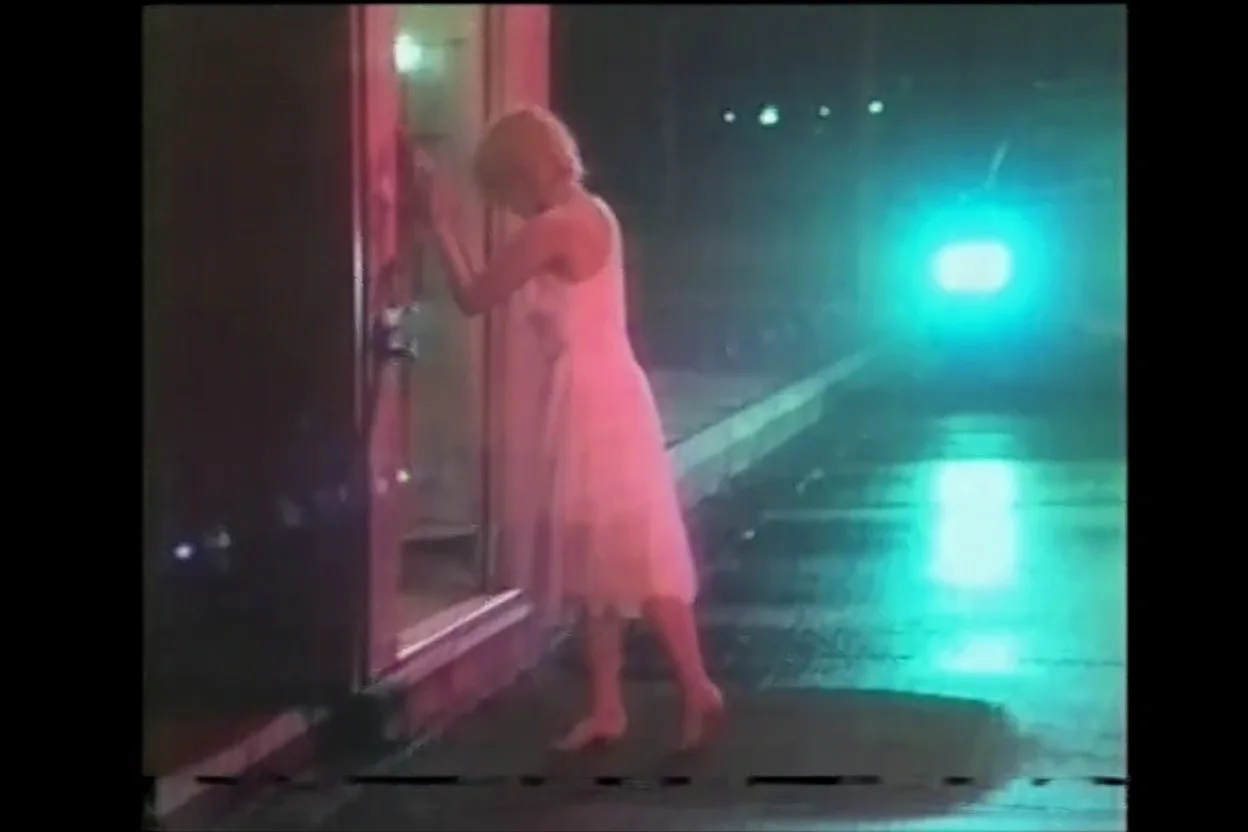
Because it is the same model, character and style LoRAs trained for MiniMax H3 apply here unchanged, up to three per request with their own strengths. A VHS style LoRA we use on video produced the same tape look on a still.
Uncensored with custom weights
With a LoRA trained for that content and our strongest prompt, the image came back as written. The weights are never reviewed and the output is never filtered.
Request parameters
| Parameter | Required | Description |
|---|---|---|
prompt | Yes | Describe the subject, the setting and the light as if lighting a film shot. If a LoRA has a trigger word, put it first. at least 1 characters · at most 5000 characters |
aspect_ratio | No | Fifteen options from 3:1 to 1:3. All ratios cost the same. |
resolution | No | 1k is about one megapixel and costs less; 2k is about four. Iterate at 1k. |
loras | No | Up to three {path, scale} entries trained for MiniMax H3; scale 0 to 4, 1 is neutral. Your H3 video LoRAs work here too. Default: |
output_format | No | JPEG by default, PNG or WebP if you need them. Does not change the price. |
seed | No | Keeps a set of images close while you compare LoRA scales. |
Pricing
Billed per image by resolution. Loading LoRAs adds no separate charge.
| Specification | Price |
|---|---|
| $0.042 / image |
| $0.09 / image |
Use cases
Opening frames for video
Design the first frame of a clip here with your character LoRA, then send it to MiniMax H3 LoRA image-to-video. The still and the motion share one model, so the look does not jump between them.
Style sheets for a character
Keep a character LoRA and seed fixed and change only the outfit, place and light between prompts to build a consistent set of stills.
Uncensored stills for your platform
Load the LoRA your audience expects and write the image directly. There is no content flag and no second review of the result.
Prompt guide & pro tips
Light it like a film shot
Name the light source, its direction and its colour, then the lens feel: a warm lamp from the left, blue window light behind, shallow depth of field. H3 was trained on video, and lighting language lands better than style adjectives.
Trigger first, then the picture
Most community LoRAs expect their trigger word at the start of the prompt. After it, describe the subject and the setting and let the weights carry the style.
Draft at 1k, finish at 2k
1k images come back in seconds. When a draw is right, keep the seed and re-run at 2k for the final. Change one LoRA scale at a time when you compare.
API quick start
# Generate the idempotency key once; reuse it when retrying after a lost response.
export SPICY_IDEMPOTENCY_KEY="${SPICY_IDEMPOTENCY_KEY:-$(uuidgen)}"
curl -X POST https://api.spicyapi.ai/api/v1/jobs/createTask \
  -H "Authorization: Bearer $SPICY_API_KEY" \
  -H "Content-Type: application/json" \
  -H "Idempotency-Key: $SPICY_IDEMPOTENCY_KEY" \
  -d '{
  "model": "minimax/h3-image-lora/text-to-image",
  "input": {
    "aspect_ratio": "1:1",
    "output_format": "jpeg",
    "prompt": "A ceramic teapot on a linen cloth, soft window light, muted palette",
    "resolution": "1k"
  }
}'

# Copy data.taskId from the response into TASK_ID, then poll the status.
TASK_ID="TASK_ID_FROM_RESPONSE"
curl "https://api.spicyapi.ai/api/v1/jobs/recordInfo?taskId=$TASK_ID" \
  -H "Authorization: Bearer $SPICY_API_KEY"
See the API reference for authentication, the complete schema, polling, and error handling.