Unrestricted. Uncensored.Yours.
Add a picture first, then describe the new look. Strength sets how much of the original stays.
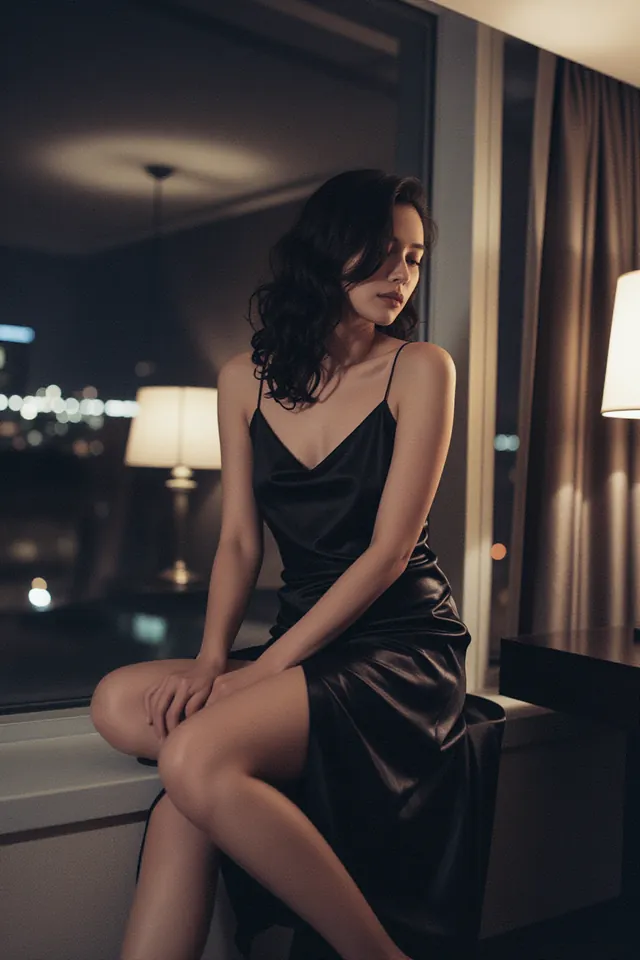 Hotel, 2 a.m.
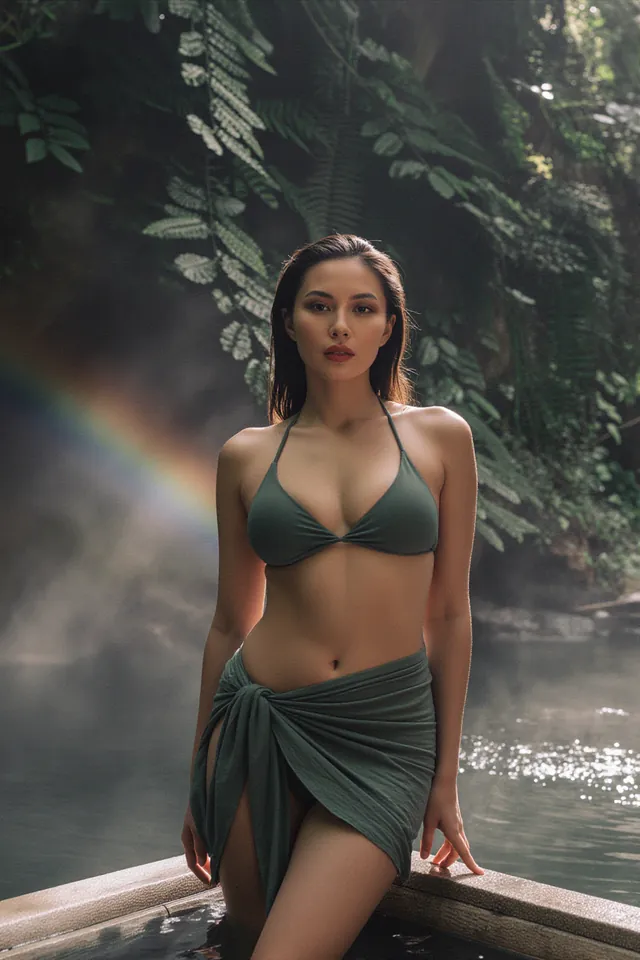 Jungle Falls
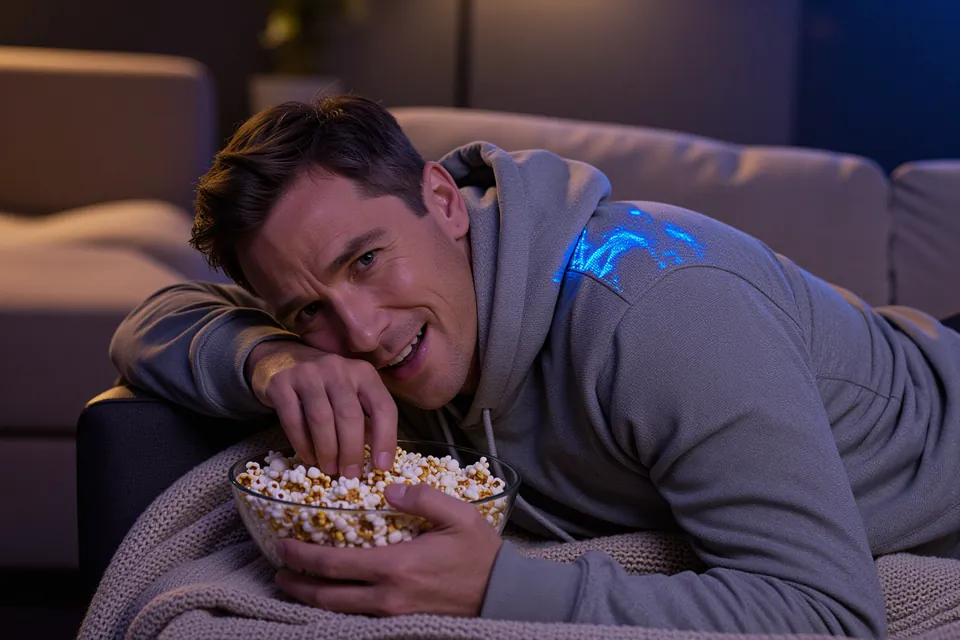 Movie Night
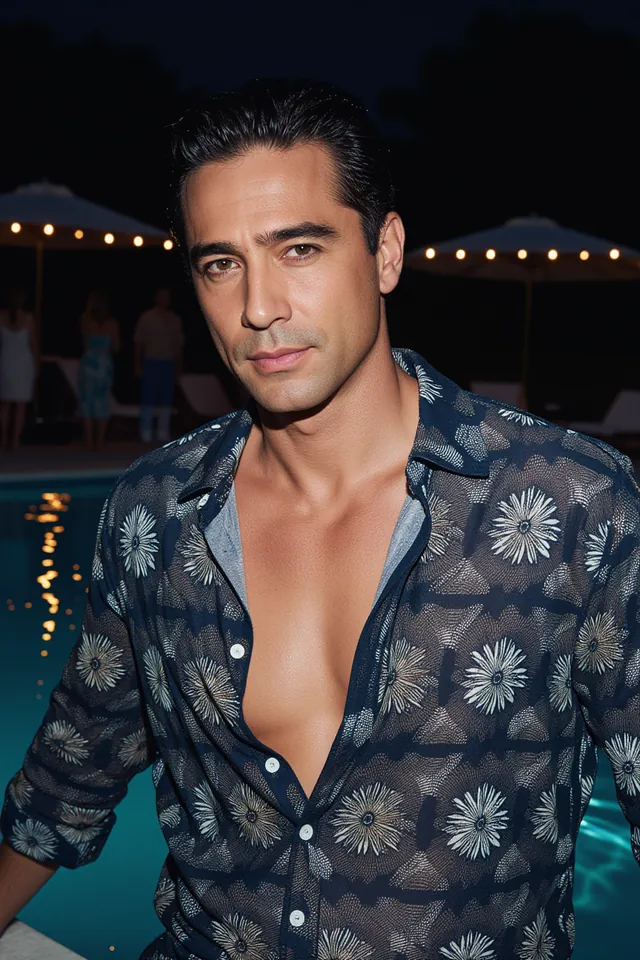 Pool Party Flash
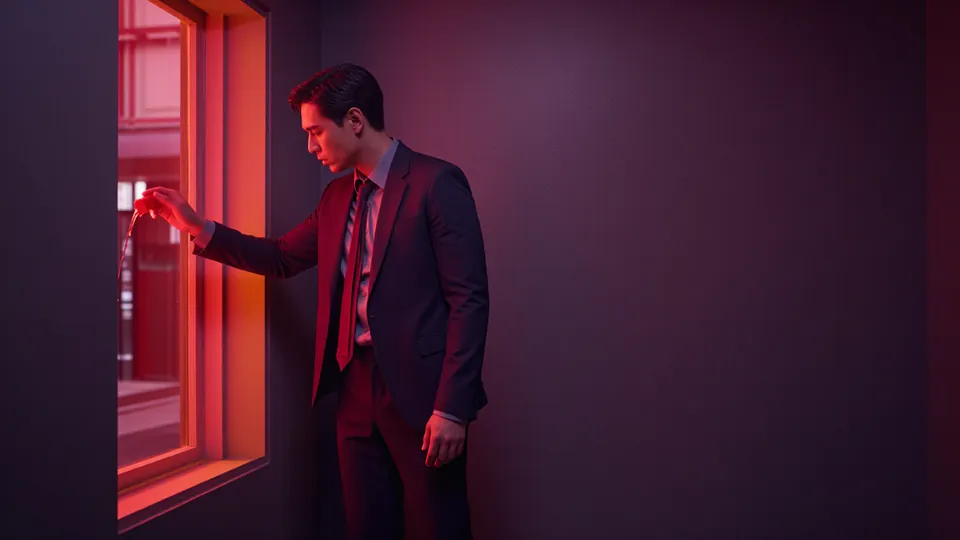 Crimson Room
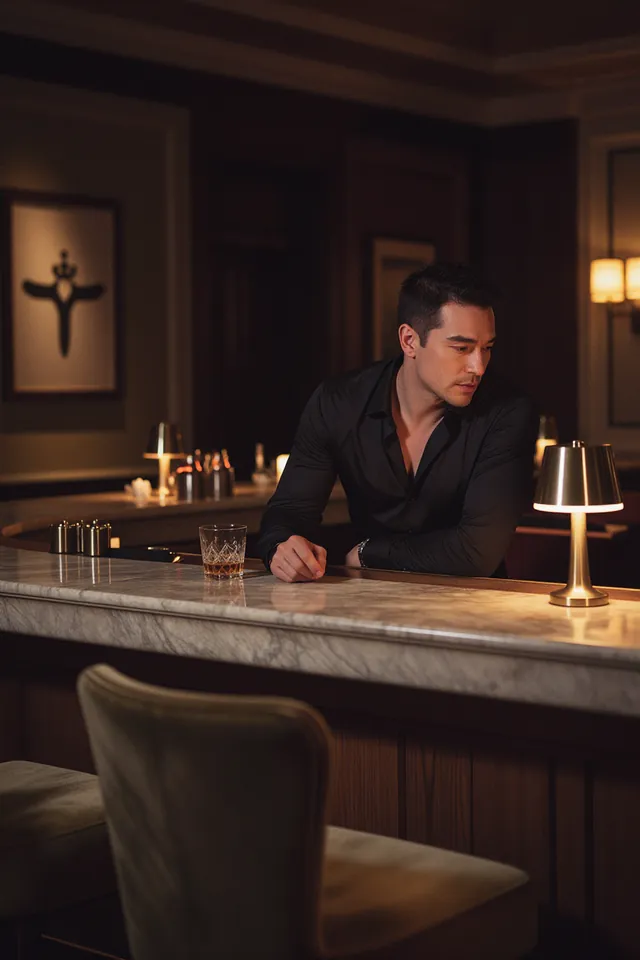 Last Call
Uncensored AI image to image: keep your picture's composition and change its style with Z-Image, Anima and FLUX LoRA models. Strength sets how far.
01
Same layout, a new look
Turn a photo into a painting, a sketch into a finished render or a daytime shot into a night scene. The model redraws every pixel but follows the shapes of your source, so the composition holds.
Choose a model02
Need one detail changed instead?
Swapping a jacket or a background while everything else stays put is an editing job. The uncensored image editor takes a written instruction and leaves the rest of the picture alone.
Open the image editor03
Photo to anime
Anima Turbo and its LoRA edition redraw photographs and renders as anime artwork. In our tests a strength of 0.75 kept the composition while the linework changed completely.
Try the anime generatorImage to image or image editor?
Both start from your picture. They differ in how much of it they are allowed to change.
- Image to image redraws the whole frame in a new style or medium and keeps the composition. Use it for photo to painting, render to anime or a new mood for the same scene.
- The image editor follows one instruction and keeps everything you did not mention. Use it to change an outfit, a background or a line of lettering.
- Only image to image has a strength setting. The editor decides for itself how much to touch, which is why it suits small, exact changes.
How strength changes the result
Strength runs from 0 to 1 and sets how much of your source survives the redraw.
- 0.3 to 0.5: colour, light and texture shift, but faces, outlines and the background mostly stay. Good for a grade or a film look.
- 0.6 to 0.75: the style changes clearly while the layout holds. This is the usual range for photo to painting or photo to anime.
- 0.8 to 1.0: the model repaints freely and keeps only the rough arrangement. Use it when the source is a sketch or a block-out.
- Z-Image Base LoRA barely changed a picture below 0.7 in our tests, so its slider starts at 0.7. Raise it before deciding a model ignores your prompt.
Pick a model
Every model here takes one source picture and a strength value, and we add no filter to any of them. Default strength is where each one starts before you move the slider.
Quick picks
- Lowest priceFLUX.1 Schnell LoRA$0.006 an imageUncensored
The lowest price per image here, which makes it the one to use while you find the right strength.
- High-resolution optionKrea 2 Turbo LoRAUp to 2KUncensored
Pick it when the restyled picture has to print large or survive a crop.
- Goes furthestAnima TurboFreedom Score 97.5Uncensored
Among the highest scores in our content tests. Check its samples and price against the next score down.
| Model | Maker | Sizes | Per image | Default strength | LoRA | Freedom Score |
|---|---|---|---|---|---|---|
| Z-Image Turbo LoRAReview | Alibaba | One price for every size | $0.012 | 0.8 | Yes | 95 |
| Anima TurboReview | CircleStone Labs | 1K · 1.5K | $0.012–$0.024 | 0.8 | No | 97.5 |
| Anima Turbo LoRAReview | CircleStone Labs | 1K · 1.5K | $0.018–$0.036 | 0.8 | Yes | 97.5 |
| Krea 2 Turbo LoRAReport | Krea | 1K · 2K | $0.022–$0.036 | 0.6 | Yes | 54 |
| Z-Image Base LoRAReview | Alibaba | One price for every size | $0.014 | 0.7 | Yes | 88.2 |
| FLUX.1 Krea Dev LoRAReport | Black Forest Labs | One price for every size | $0.024 | 0.8 | Yes | 42 |
| Wan 2.1 Image LoRAReport | Alibaba | One price for every size | $0.03 | 0.6 | Yes | 42 |
| FLUX.1 Dev LoRAReview | Black Forest Labs | One price for every size | $0.018 | 0.8 | Yes | 43.5 |
| FLUX.1 Schnell LoRAReport | Black Forest Labs | One price for every size | $0.006 | 0.8 | Yes | 42 |
Freedom Score: how far a model went up our five-level content ladder, 0 to 100, from our own test runs. A dash means there are not enough runs to publish a score yet. How the score works
How it works
- 01
Add a picture you may use
Upload an image you made or have the right to change. Image to image keeps its layout, so where the figure stands, the pose and the framing carry over into the result.
- 02
Describe the finished picture
Write the prompt as a description of the result, not of the change: “oil painting of an adult woman in a red coat on a pier at dusk, thick brushstrokes”. Name the medium, the light and the palette.
- 03
Set the strength, then run
Once the picture is in, Transformation strength appears under More settings. Around 0.5 keeps most of the source; 0.8 and up repaints it. Each model's starting value is in the comparison table.
Prompt tips
- Describe the result, not the edit. “Make it a painting” gives the model little to follow; “gouache painting, flat colour, visible paper texture” gives it a target.
- Keep the source simple. A clear subject against a plain background survives a restyle far better than a busy crowd scene.
- Move strength in steps of 0.1 and compare. Two runs a notch apart tell you more than ten runs at random settings.
- Load a style LoRA for a look the base model does not know. Most models here take one; keep strength around 0.6 so the LoRA, not the source, sets the style.
- Upload only pictures you own or may use. Making sexual or intimate images from a real person's photo without their documented consent breaks our content policy and, in many countries, the law.
Mistakes that waste a run
- Expecting an exact edit. Image to image repaints the whole frame, so small details move. For a change that must leave everything else alone, use the image editor.
- Pushing strength to 1 and wondering where the picture went. At the top of the range the source is only a rough guide.
- Leaving strength low on Z-Image Base LoRA. Under 0.7 it hands back nearly the same picture.
- Starting from a tiny or heavily compressed file. Blur and blocky artefacts get restyled too and end up in the new picture.
What “uncensored” means here
We add no content filter to these models and refuse nothing on our side. What each model renders is up to the model itself, and its badge shows what it did in our own content tests. The rules below still apply to every run.
- Nothing involving minors, or anyone who could be read as one.
- No sexual or intimate content of a real, identifiable person without their documented consent.
- Nothing that is illegal where you or your audience are.
Models on this page run uncensored. The examples shown here are picked to be safe to view at work. We add no content filter; each model's own behaviour is on its badge. What you create and publish is your responsibility.
Read the content policyWhat it costs
Images on this page cost between $0.006 on FLUX.1 Schnell LoRA and $0.036 on Anima Turbo LoRA at 1.5K, paid per run from a prepaid balance.
Build it into your app
Everything on this page is one API call. Z-Image Turbo LoRA takes the same parameters in code as in the form above, at the same price per run.
Questions
Read next
- Photo to anime with Anima TurboThe same photo at strengths from 0.3 to 1.0, with working prompts.
- Keep the face while changing the sceneSeparate identity from outfit references and fix drift across a series.
- Image to anime without losing the subjectDecide what stays, then plan the line and colour treatment.
- Image to image from codeRun the same job through the API, with a short script.
- Z-Image Turbo LoRA: our hands-on review
- Anima Turbo: our hands-on review
- FLUX.1 Dev LoRA: our hands-on review
- Models ranked by how far they go