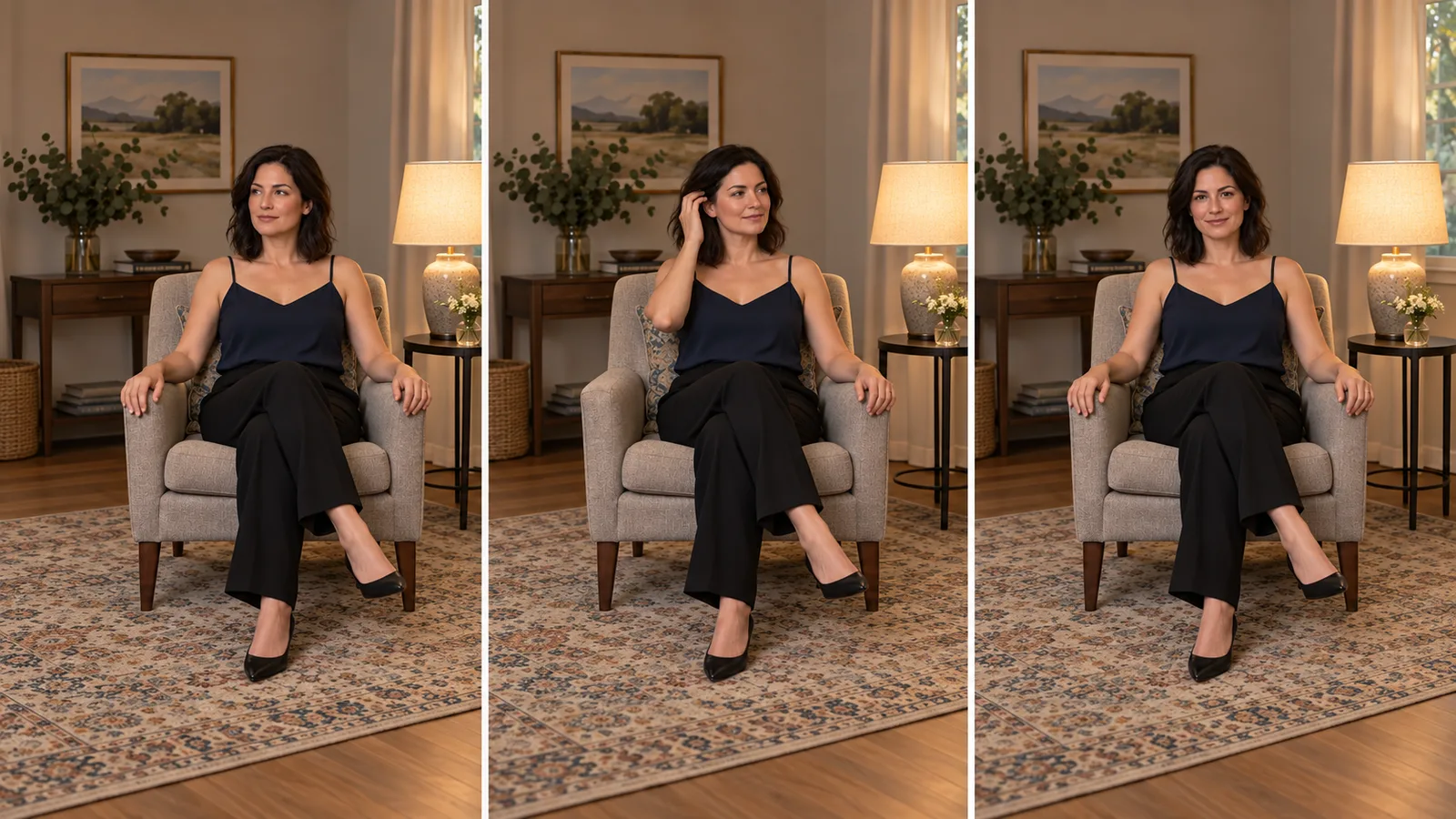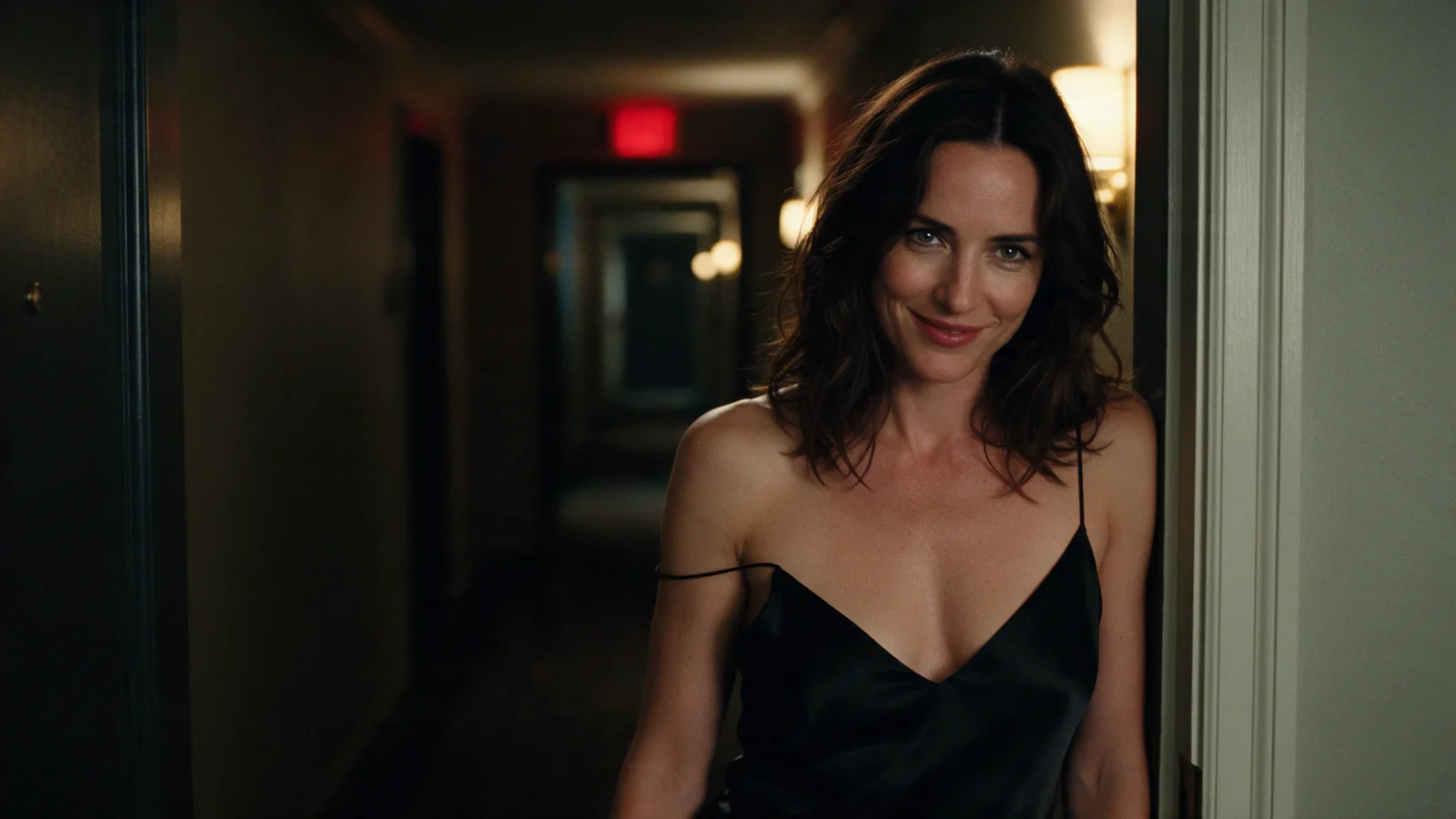
You have an adult-character image and a recorded line, and you want a short video that keeps both the character and the intended mood. Wan 2.7 Spicy looks promising because it offers NSFW image-to-video and an audio input.
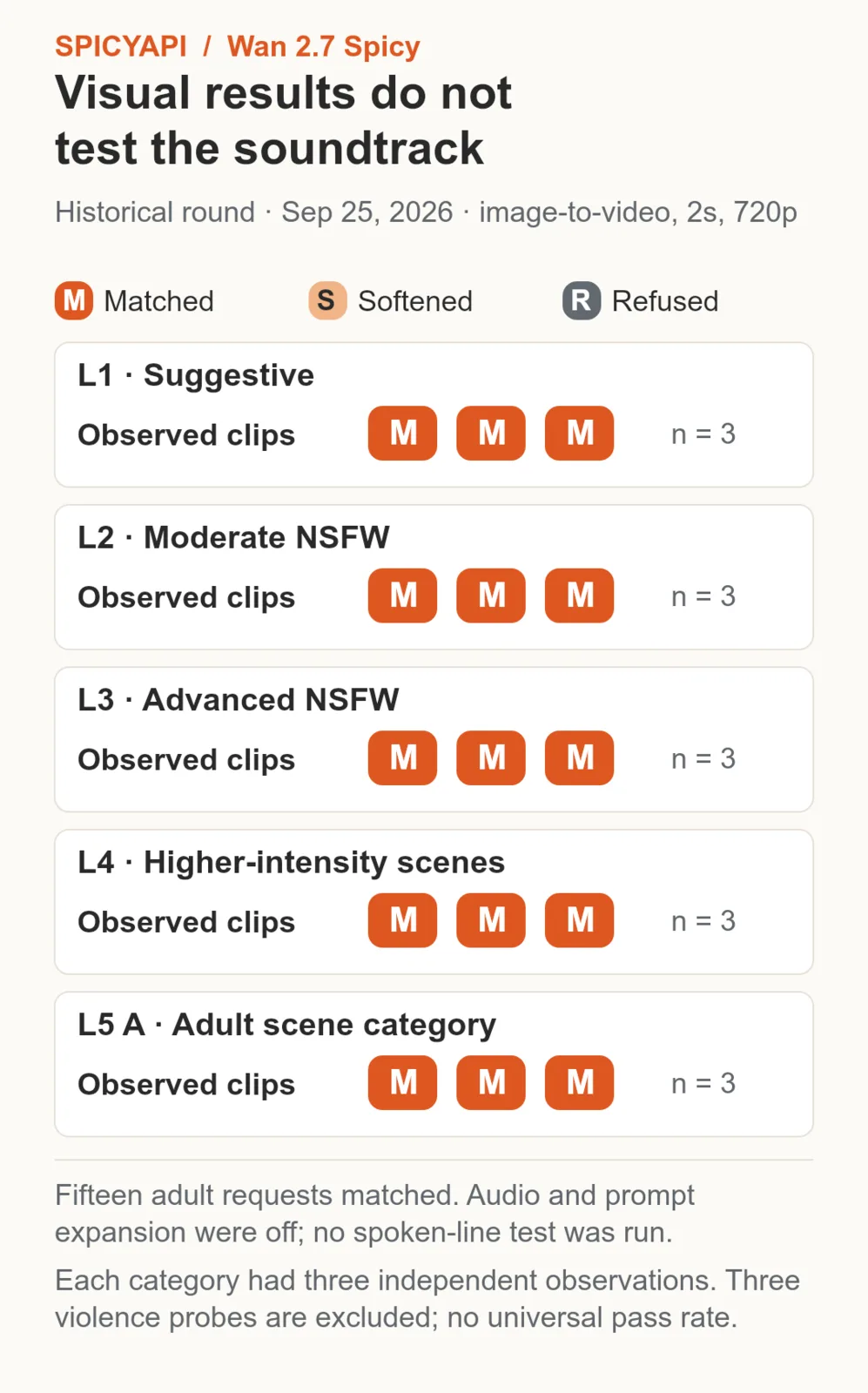
Wan 2.7 Spicy is an uncensored image-to-video option on SpicyAPI. In our September 2026 tests, every adult-oriented request was delivered, with none softened or refused.
The current task makes 2–15 seconds at 720p or 1080p. It accepts an opening image, a required motion prompt, optional generated sound and an optional audio track. Five seconds costs $0.6175 at 720p or $0.95 at 1080p. There is no extra listed audio tier.
What “uncensored” means in this test
SpicyAPI adds no platform content filter to Wan 2.7 Spicy; the actual output still has to be judged.
The higher-intensity requests were delivered rather than completed as milder substitutes. For a different take, select a new seed; keep the same seed when comparing two settings. See the Wan 2.7 Spicy test report.
This is the video edition, not the Wan 2.7 image generator
Wan 2.7 Spicy has one published task: image-to-video. An opening image and a non-empty prompt are both required. It does not make a still from text, take a separate ending frame, accept a stack of character reference images or extend an uploaded video.
Wan 2.7 and Wan 2.7 Pro on SpicyAPI are separate image models. If you have only a character description, create the opening still first. Use a video editor to replace a finished clip’s soundtrack; this task generates a new clip.
Three different ways to handle sound
For an adult-character catalogue, sound is part of the character: a calm voice, a recurring room ambience, or a consistent music cue. Wan 2.7 Spicy exposes two controls, generate_audio and audio_url, but they serve different jobs.
| Intended result | Set up the audio this way | Practical use |
|---|---|---|
| A silent clip to score later | Set generate_audio to false; leave audio_url empty | Add the approved soundtrack in your editor. |
| New sound created with the picture | Keep generate_audio true; describe wanted ambience in the prompt | Generate voice and ambience with the picture. |
| A clip guided by your recorded track | Supply audio_url and keep generate_audio true | Guide lip sync and pacing with the supplied track. |
When generate_audio is false, supplied audio is not used either. Uploading a recording and then turning audio off is therefore the wrong setup for a voice-led clip. Use WAV or MP3 and keep the source under 15 MB as a conservative preparation target. The generated video still has a fifteen-second ceiling. A thirty-second upload does not buy a thirty-second video.
Match your recording to the intended shot length before submitting. If the exact recording must remain unchanged, keep the master and put it under the chosen video in your editor and check by ear that the words stay clear.
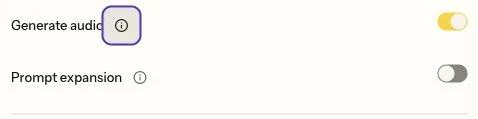
Keep Generate audio on when supplying a recorded track. The displayed setup leaves Prompt expansion off, preserving the written brief.
A practical voice-led character clip
For a complete starting setup, use a fictional adult woman aged 38, seated facing the camera in an opaque burgundy blouse. Frame from just below the waist to above the head. Keep her mouth visible and both hands resting away from her face. Use one soft light and a simple room. A profile image with the mouth hidden behind hair is a poor starting point for evaluating speech.
Record a short, original line such as “Stay a little longer. I saved this moment for you.” This is an adult-character teaser without a detailed adult scene. Use a voice you are authorized to process, and trim the recording to five seconds with a brief quiet lead-in and ending. Avoid music over the words for the first attempt: if the voice is hard to hear, you will not know whether the problem is generation or the mix.
In the Wan 2.7 Spicy Playground:
- Upload the approved opening image as Input image and the recorded track as Input audio.
- Choose five seconds at 720p, keep Generate audio on and turn Prompt expansion off.
- Paste the motion brief and generate the voice-led take.
Example brief:
One continuous medium shot of the fictional adult woman in the opening image. She faces the viewer and speaks the supplied short line, then settles into a restrained smile. Keep the same burgundy blouse, face, chair and lighting. Both hands remain resting beside her waist and clear of her face. Stationary eye-level camera, unchanged framing. No cut, no other speaker and no music added over the voice. End with a quiet hold.
The limited movement leaves the spoken performance visible. Once the voice and mouth are usable, a second shot can add a gesture. Combining a head turn, a hand across the mouth and a moving camera on the first attempt makes it much harder to judge whether the audio-led performance works.
Play the output with sound. Is the line recognizable? Does another voice appear? Do the mouth movements start and finish with the words? Does the final smile distort the face? A clip can be suitable as a silent teaser while failing as a voice-led one; decide based on what your audience will actually hear and see.
If the recording is truncated, prepare a shorter line rather than asking a five-second clip to fit a long performance. If the face changes during speech, return to a frontal still and remove head movement. If precise speech still fails, keep a useful silent take and add the recording in post only when visible lip matching is not required.
Keep the model close to the intended scene
Wan 2.7 Spicy can add more action than the prompt asks for. If the commission is a restrained teaser, an extra character, outfit change or unplanned adult scene can make a technically completed video unusable. Specify the performance you want before spending on variations.
For a controlled shot, describe the one action you want and its stopping point. Keep the opening image, clothing and room explicit when they must stay the same. Set prompt expansion off for a fully written performance brief; expansion is on by default and rewrites the prompt before generation. Turning it off preserves your submitted description from that expansion step, so the generation receives your own wording.
The negative-prompt field accepts up to 500 characters. For the seated example, use:
additional person, outfit change, scene change, zoom, camera cut, hand across face, subtitles, watermark
If a camera move persists, revise the positive brief too: “stationary eye-level camera, same waist-up framing from beginning to end.” If the intended movement still turns into a different scene, switch the shot design or evaluate another model. There is no reason to keep buying copies of the same unwanted interpretation.
How much should you budget?
The public rates are $0.1235 per output second at 720p and $0.19 at 1080p. The listed price matrix does not add a separate charge for generated or supplied audio.
| Clip length | 720p | 1080p |
|---|---|---|
| 2 seconds | $0.247 | $0.38 |
| 5 seconds | $0.6175 | $0.95 |
| 10 seconds | $1.235 | $1.90 |
| 15 seconds | $1.8525 | $2.85 |
Two seconds can check whether a starting frame animates, but it is too short for the five-second spoken line above. Three five-second 720p takes cost $1.8525. One additional five-second 1080p rerun brings the total to $2.8025, excluding the starting image and recording. Ten characters given that four-attempt workflow cost $28.025 in video generation.
The 1080p rerun is a new take, not an upscale of the chosen 720p clip. It can change the expression, timing and articulation. Audio off does not provide a listed price discount.
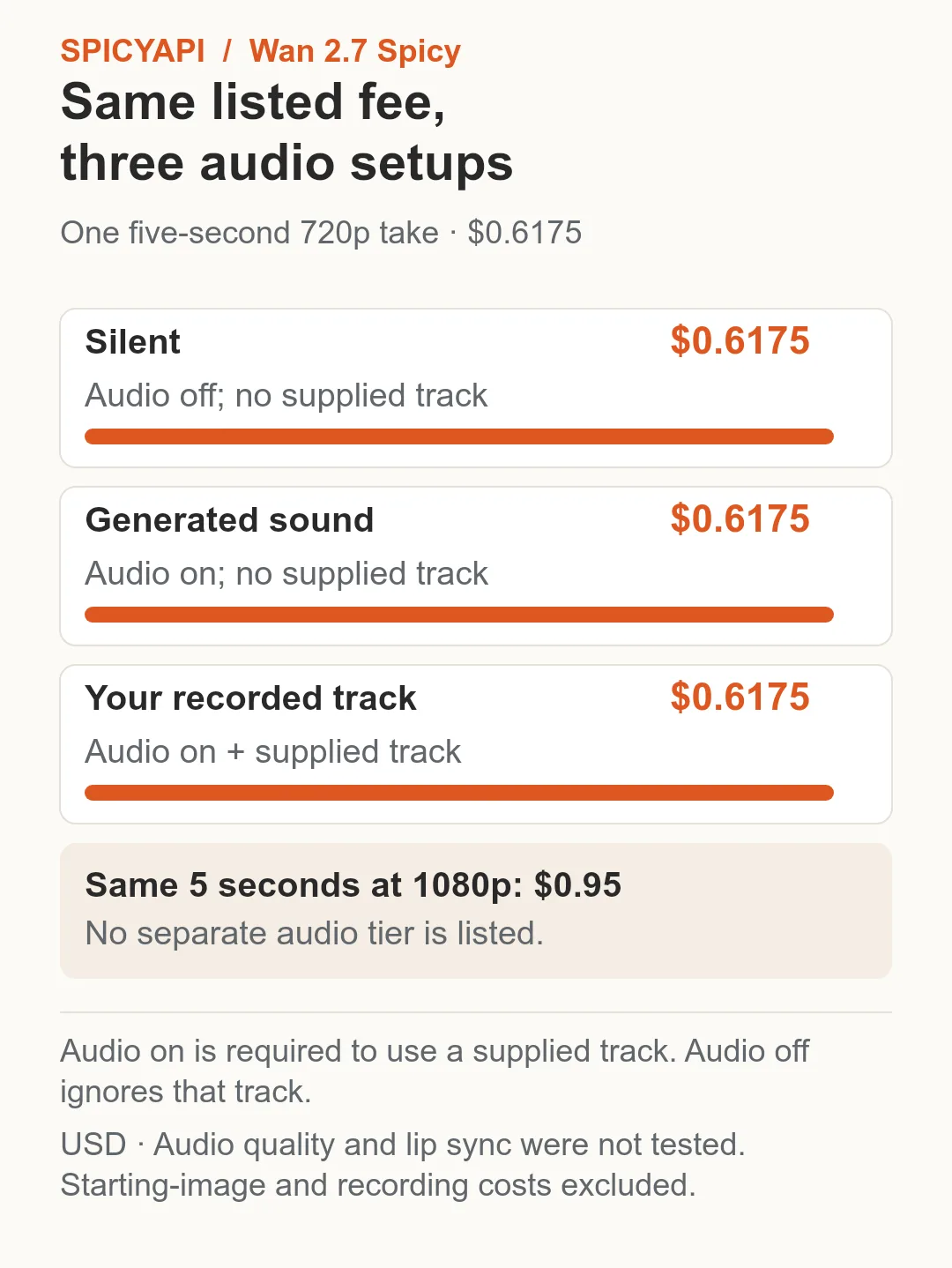
Wan 2.7 Spicy lists the same $0.6175 five-second 720p fee for silent, generated-sound and supplied-track setups. A supplied track requires audio on.
When another task fits better
Use Wan 2.7 Spicy when you have a finished starting image and want a short adult-oriented clip with an optional recorded audio input. Its 2–15-second range lets you fit a specific short beat without buying the maximum length.
- Lower-cost recorded-track clips: Wan 2.6 Spicy accepts
audio_urland costs $0.475 for five seconds at 720p. It offers fixed 5/10/15-second lengths and no audio on/off switch. - A closing frame or more than 15 seconds: Wan 3.0 Spicy offers an ending-image input and 2–30-second clips, from $0.057/s at 480p. It generates audio but does not accept your audio file. See the Wan 3.0 duration guide.
- Recorded audio plus precise short duration: choose Wan 2.7 Spicy for whole-second lengths from 2 to 15 at 720p or 1080p.
For adult-content behaviour across the family, compare the Wan uncensored versions.
Open Wan 2.7 Spicy image-to-video, upload an approved adult-character still, and begin with the shortest clip that contains the performance. Choose silent, generated sound or your own recording deliberately. Judge the actual video and soundtrack before expanding the idea into a batch.
Use the voice-led setup through the API
Set SPICY_API_KEY in your environment and SPICY_IMAGE_URI to your opening image’s accessible URL or uploaded spicy:// URI. Set SPICY_AUDIO_URI to the recorded track’s accessible URL or uploaded URI. This Python 3 example submits one new shot after you confirm its price.
import json
import os
import urllib.request
import uuid

base = "https://api.spicyapi.ai/api/v1"
headers = {"Authorization": "Bearer " + os.environ["SPICY_API_KEY"],
           "Content-Type": "application/json", "User-Agent": "SpicyAPI-Blog/1.0"}
settings = {
    "duration_seconds": 5,
    "resolution": "720p",
    "generate_audio": True,
    "enable_prompt_expansion": False
}
settings["prompt"] = 'The adult speaker talks in one continuous stationary shot.'
settings["image_url"] = os.environ["SPICY_IMAGE_URI"]
settings["audio_url"] = os.environ["SPICY_AUDIO_URI"]
payload = {"model": "alibaba/wan-2.7-spicy/image-to-video", "input": settings}

def post(path, body):
    request = urllib.request.Request(base + path, json.dumps(body).encode(), headers)
    with urllib.request.urlopen(request, timeout=60) as response:
        result = json.load(response)
    if result.get("code") != 200:
        raise RuntimeError(result)
    return result["data"]

quote = post("/jobs/quote", payload)
if input(f"Maximum charge ${quote['maxCharge']}. Type yes to generate: ") != "yes":
    raise SystemExit("Stopped before generation")
headers["Idempotency-Key"] = str(uuid.uuid4())
print("Request key:", headers["Idempotency-Key"], flush=True)
task = post("/jobs/createTask", {**payload, "quoteId": quote["quoteId"],
                              "expectedCost": quote["estimatedCost"]})
print("Task ID:", task["taskId"])
Keep the printed request key for recovery of that same request; a new shot gets a new key. Task API documentation covers result delivery and recovery.
For repeated shots, let an Agent use an approved input file: CLI spicyapi tasks create --model alibaba/wan-2.7-spicy/image-to-video --input-file input.json --wait; MCP ask it to call spicyapi_task_create with that model and input; Skill ask “Use the spicyapi Skill to generate this approved shot and return the result.” CLI and MCP show the price before creation. See the Agent integration documentation.