Introduction
Wan 2.7 Spicy Image-to-Video is one of the two endpoints of the uncensored Wan 2.7 Spicy family. An opening frame in image_url and a required prompt become 2 to 15 seconds of video at 720p or 1080p, with audio. The still supplies the person, wardrobe, body, set, light direction and the clip's shape; the prompt supplies motion, camera and sound.
There is no content flag in the request body, no per-request declaration and no review step: the clip continues whatever the authorised frame shows. The family has no text-to-video or reference task, so every new clip starts from a still; to continue a clip you already have, use Video Extend.
Key features & highlights
The frame you send is the frame that moves
image_url takes JPEG, PNG without transparency, BMP or WEBP, 240 to 8,000 pixels on each side, between 1:8 and 8:1 in shape and no larger than 20 MB. There is no aspect-ratio field, so the crop you send is the crop you get back. Whatever the plate shows carries into the clip as it is.
Any whole length from 2 to 15 seconds
duration_seconds takes any integer from 2 to 15, default 5, and resolution is 720p (the default) or 1080p. Both affect the price and how long the task takes to return. Drift in hands and fabric becomes visible past ten seconds, so long shots work best from a plate that already holds the pose you want.
Generated sound or your own track
generate_audio is on by default and returns room tone and effects aligned to the picture. To drive lip sync and pacing from a recorded line or music cue, pass audio_url, a WAV or MP3 of 2 to 30 seconds and up to 15 MB, and keep generate_audio on: when it is false, a supplied track is not used either.
Prompt expansion starts switched on
enable_prompt_expansion defaults to true on this endpoint, at no extra charge, and rewrites the prompt before generation. That helps a one-line brief. Once your motion description is precise, set it to false so your own wording reaches the model.
Request parameters
| Parameter | Required | Description |
|---|---|---|
image_url | Yes | The opening frame, and the single biggest lever here. Wardrobe, body, set, light direction and the clip's aspect ratio are all inherited from it. |
prompt | Yes | Required. Use it for motion and camera only — one action, one camera behaviour, one note on sound. at least 1 characters |
negative_prompt | No | What must not appear: a second person, a prop, text on a wall, a watermark the plate keeps reproducing. The only place to exclude something. at most 500 characters |
duration_seconds | No | Any whole number from 2 to 15, default 5. Drift in hands and fabric becomes visible past ten seconds. |
resolution | No | 720p or 1080p, default 720p. Affects both the price and how long the task takes to return. |
audio_url | No | An audio track for the clip to follow, driving lip sync and pacing. Use it when a spoken line or a music cue has to land on a specific frame. |
seed | No | 0 to 2147483647. Hold it while you compare 720p against 1080p or five seconds against ten. |
generate_audio | No | On by default; the clip comes back with sound aligned to picture. When false, a track supplied through |
enable_prompt_expansion | No | On by default, at no extra charge. The prompt is rewritten before generation — helpful for a one-line brief. Default: |
Pricing
| Specification | Price |
|---|---|
| $0.1235 / second |
| $0.19 / second |
Use cases
Uncensored scenes from an authorised plate
Scenes other video APIs refuse: send the still, describe the movement, get the clip. Nothing in the request declares the content. Only consenting adults and properly licensed material may be used, and you are responsible for rights, age and local law for everyone depicted.
One recurring character across many clips
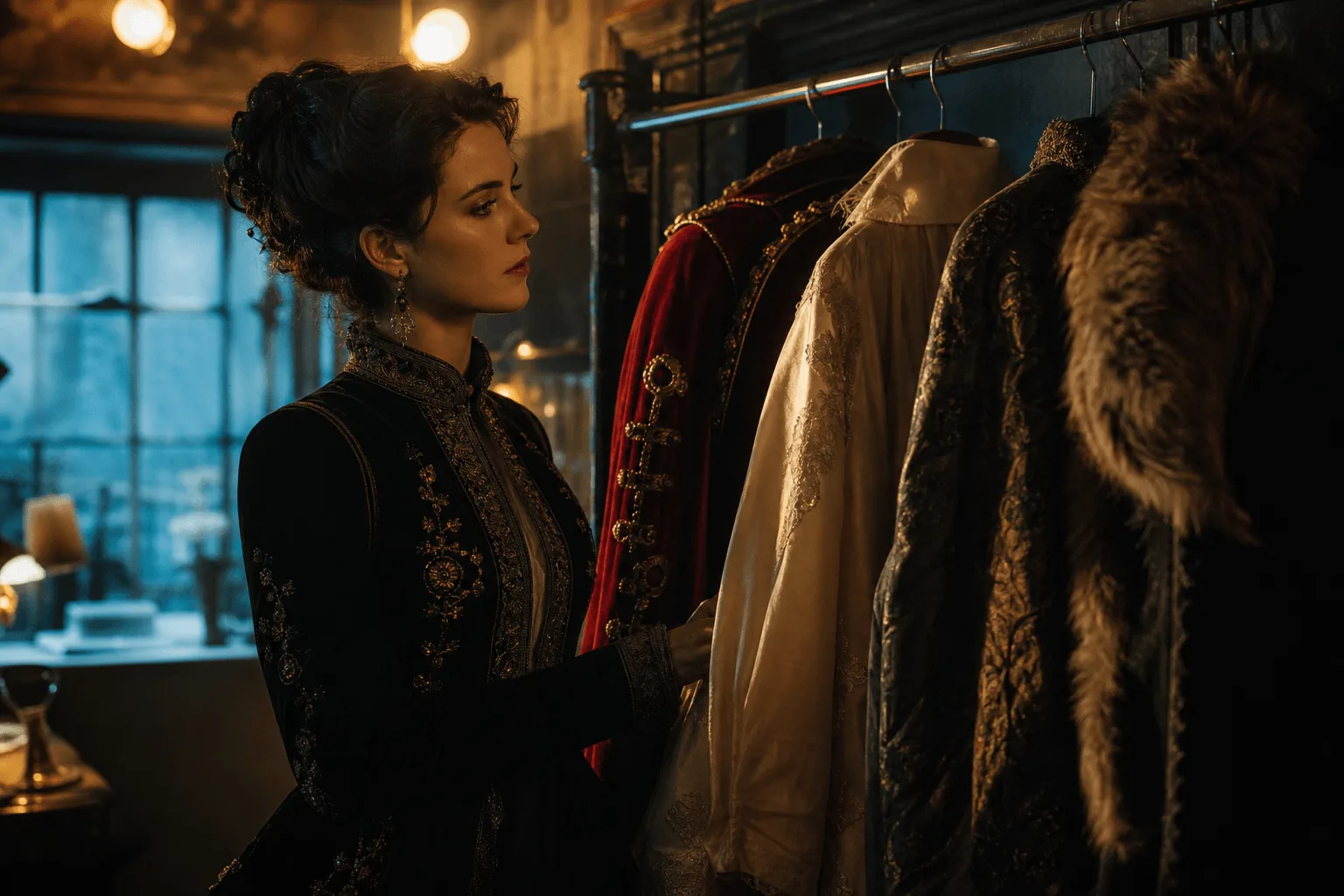
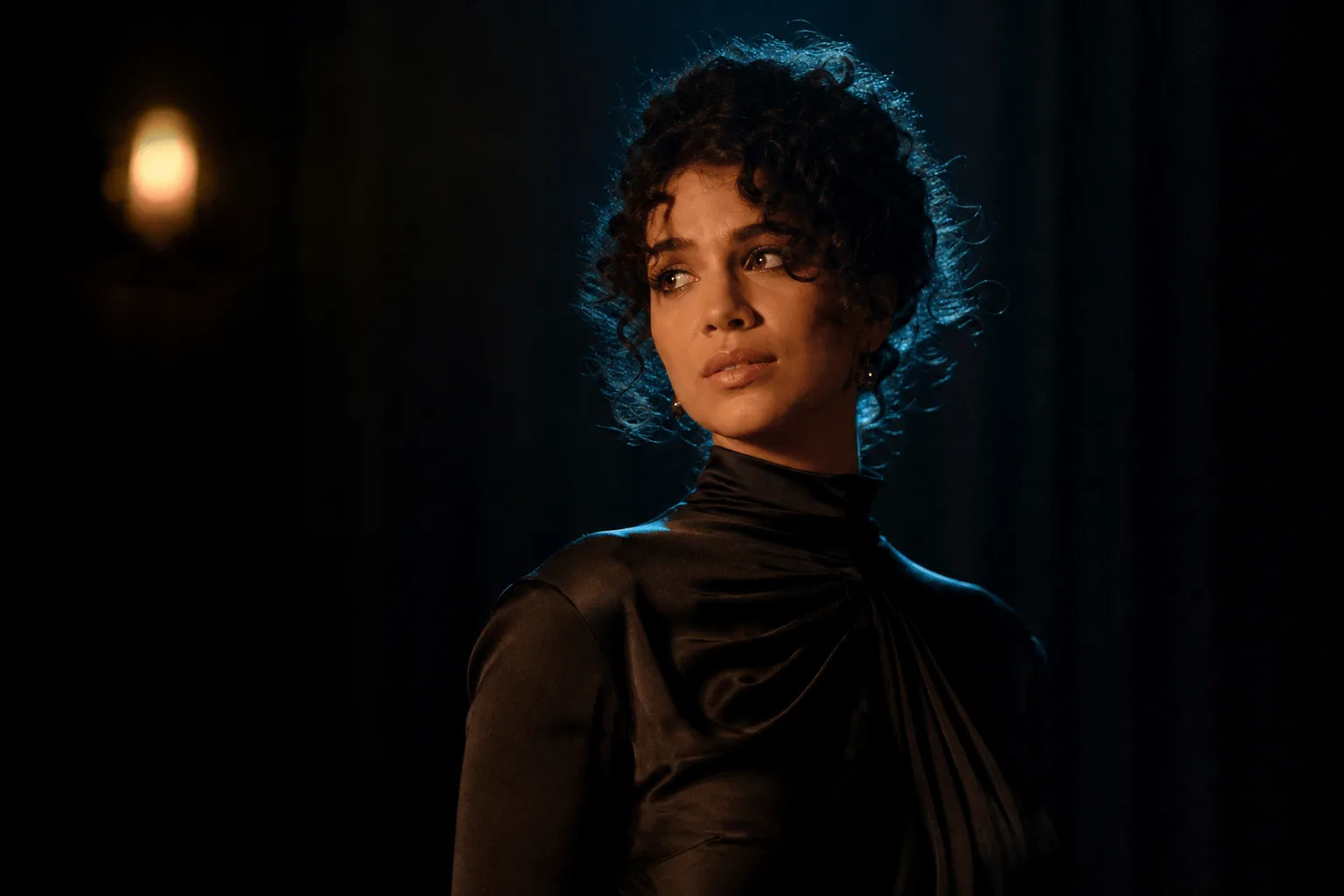
Keep one character plate and reuse it as the opening frame for every clip, changing only the action line. The plate, not the prompt, carries her face and wardrobe, so she stays the same person shot after shot. Hold seed as well when you compare takes.
Fabric, wind and secondary motion
The dune example throws several metres of indigo silk overhead at night, while sand streams off the crest, a lantern flame gutters and her shadow stretches across the ripples. Large soft fabric is a demanding subject, so check the silk for tearing or freezing across the whole five seconds.
Talking clips on your own audio
Upload a recorded line through audio_url and the clip is generated against it, so lip movement and pacing follow the take you already have. The result is a character who says your script instead of mouthing something.
Prompt guide & pro tips
Build the opening frame first
Crop the still to the delivery shape and make sure it already shows the person, costume, room and light direction you want. Then use negative_prompt, up to 500 characters, for what the plate keeps suggesting: a second person, a prop, text on a wall, a watermark. It is the only place to exclude something, since the prompt is for motion.
Adapt the included example
The backstage example runs at duration_seconds 5 and resolution 720p from a showgirl at a bulb-lit mirror. The plate already carries the costume, the feathers and the light, so the prompt only says what she does and what the room sounds like.
She finishes adjusting the sequin strap, checks herself in the bulb-lit mirror, then turns her head to camera and raises one eyebrow before stepping out of frame toward the stage. Bulbs flicker, feathers stir in the draft, smoke drifts, muffled orchestra and applause building behind the wall.
The exact request behind the clip for this endpoint, generated from the opening frame shown next to it.
Change one field per run
Settle the shot at five seconds and 720p, then hold seed while you try 1080p or a longer duration; change two things at once and the pair tells you nothing. Past ten seconds, check hands and fabric closely for drift, and play the clip with sound before delivery.
API quick start
# Generate the idempotency key once; reuse it when retrying after a lost response.
export SPICY_IDEMPOTENCY_KEY="${SPICY_IDEMPOTENCY_KEY:-$(uuidgen)}"
curl -X POST https://api.spicyapi.ai/api/v1/jobs/createTask \
  -H "Authorization: Bearer $SPICY_API_KEY" \
  -H "Content-Type: application/json" \
  -H "Idempotency-Key: $SPICY_IDEMPOTENCY_KEY" \
  -d '{
  "model": "alibaba/wan-2.7-spicy/image-to-video",
  "input": {
    "duration_seconds": 5,
    "image_url": "https://example.com/reference.png",
    "prompt": "A slow aerial shot drifting over a misty pine forest at sunrise",
    "resolution": "720p"
  }
}'

# Copy data.taskId from the response into TASK_ID, then poll the status.
TASK_ID="TASK_ID_FROM_RESPONSE"
curl "https://api.spicyapi.ai/api/v1/jobs/recordInfo?taskId=$TASK_ID" \
  -H "Authorization: Bearer $SPICY_API_KEY"
See the API reference for authentication, the complete schema, polling, and error handling.