Introduction
Image-to-video on Wan 3.0 Pro Prime. The frame carries wardrobe, body, set and light, so prompt is optional and should describe motion only. Resolution governs the render, not the source — feed the sharpest still you have.
| Field | Value |
|---|---|
| Input | Image |
| Output | Video |
| Producer | Alibaba (base model: Wan 3.0 Prime) |
| Published endpoints | text-to-video, image-to-video, video-extend, reference-to-video |
| Clip length | Budget the Prime shot in whole seconds from 2 to 30 (default 5), or use -1 to let the model choose; smart duration reserves 30 seconds and settles against delivered length; reference video and output together must fit within 30 seconds. |
| Resolution | Pro Prime starts at 1080p; 2k and 4k enlarge the Prime base render, so use them after approving motion rather than as a substitute for a clean take; default 1080p, no 480p or 720p, and the selected tier determines the per-second charge. |
| Aspect ratios | Choose the Prime delivery frame from 16:9, 4:3, 1:1, 3:4 or 9:16; default adaptive uses the input and intent, letting an opening image guide the framing. |
| Audio | Prime generates sound unless |
| Reference limits | Assign each Prime plate a role, such as character or location: 1–10 JPEG, opaque PNG, BMP or WEBP images, each 240–8000 px per side, at most 8:1 and 20 MB; image references add no billed seconds. Give Prime movement examples rather than extra identity plates: up to 5 MP4/MOV clips, 1–15 seconds each and 15 seconds total, ≥16 fps, 240–4096 px per side, ≤8:1 and ≤100 MB each; their seconds are billed with output and the combined limit is 30 seconds, with media limits checked during generation. Let Prime hear the intended voice or ambience through at most 5 WAV/MP3 clips of 1–15 seconds each, 15 seconds combined and 15 MB per file; audio references do not add a charge and media limits are checked during generation. |
| Relationship to Wan 3.0 Pro | Identical request contract; built on Wan 3.0 Prime, the high-speed version of Wan 3.0 |
Key features & highlights
The scene most filters refuse
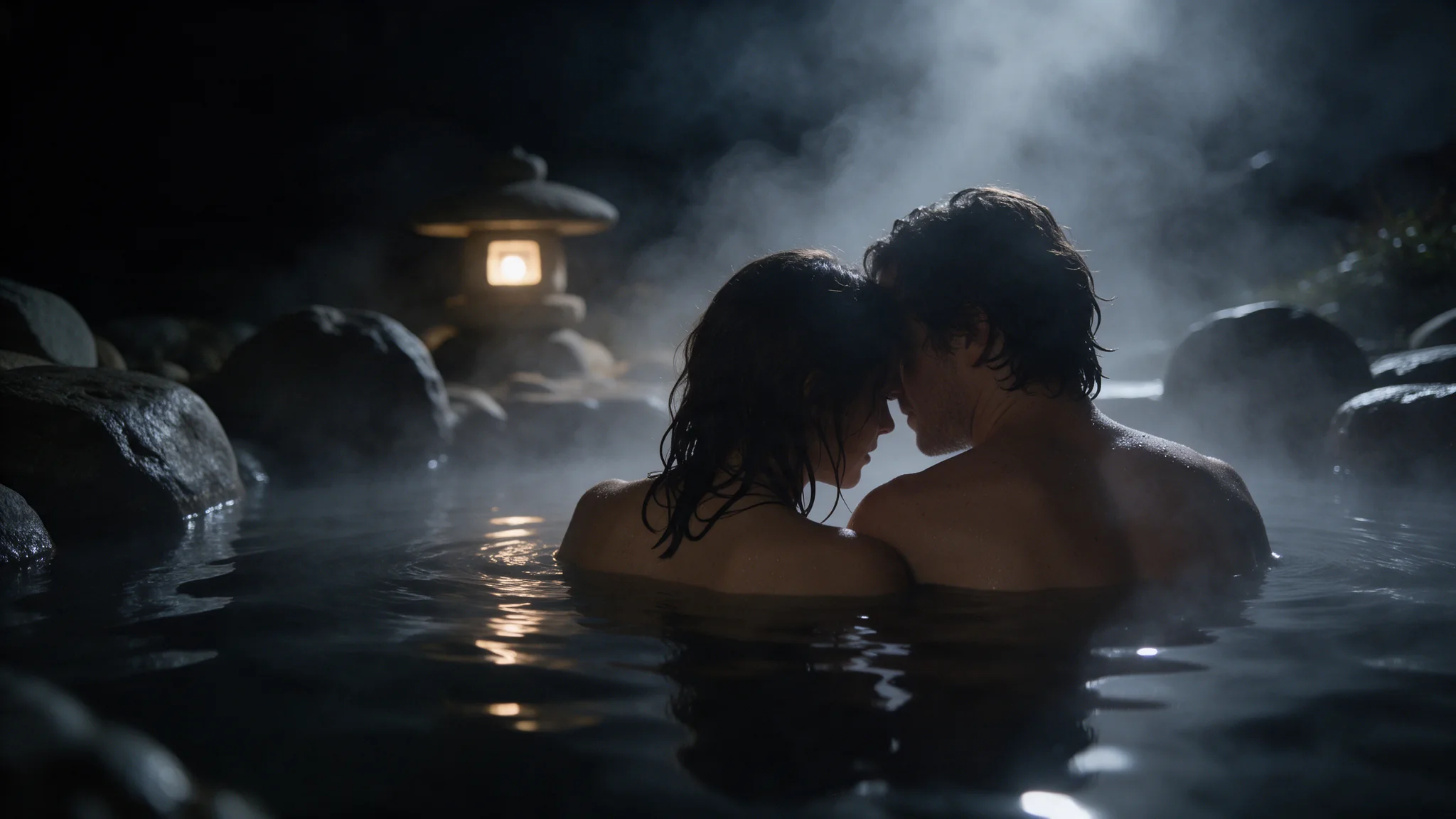
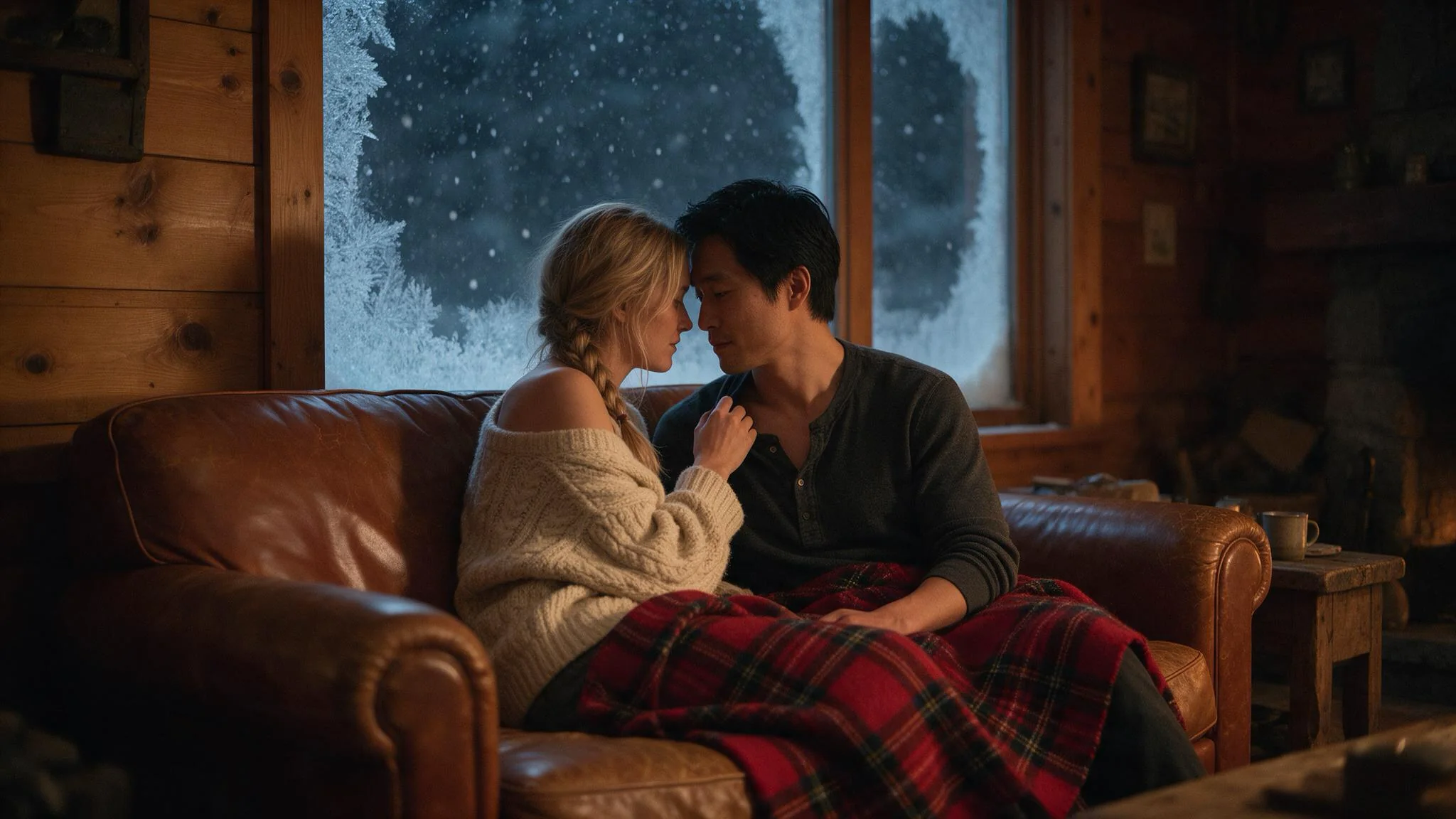
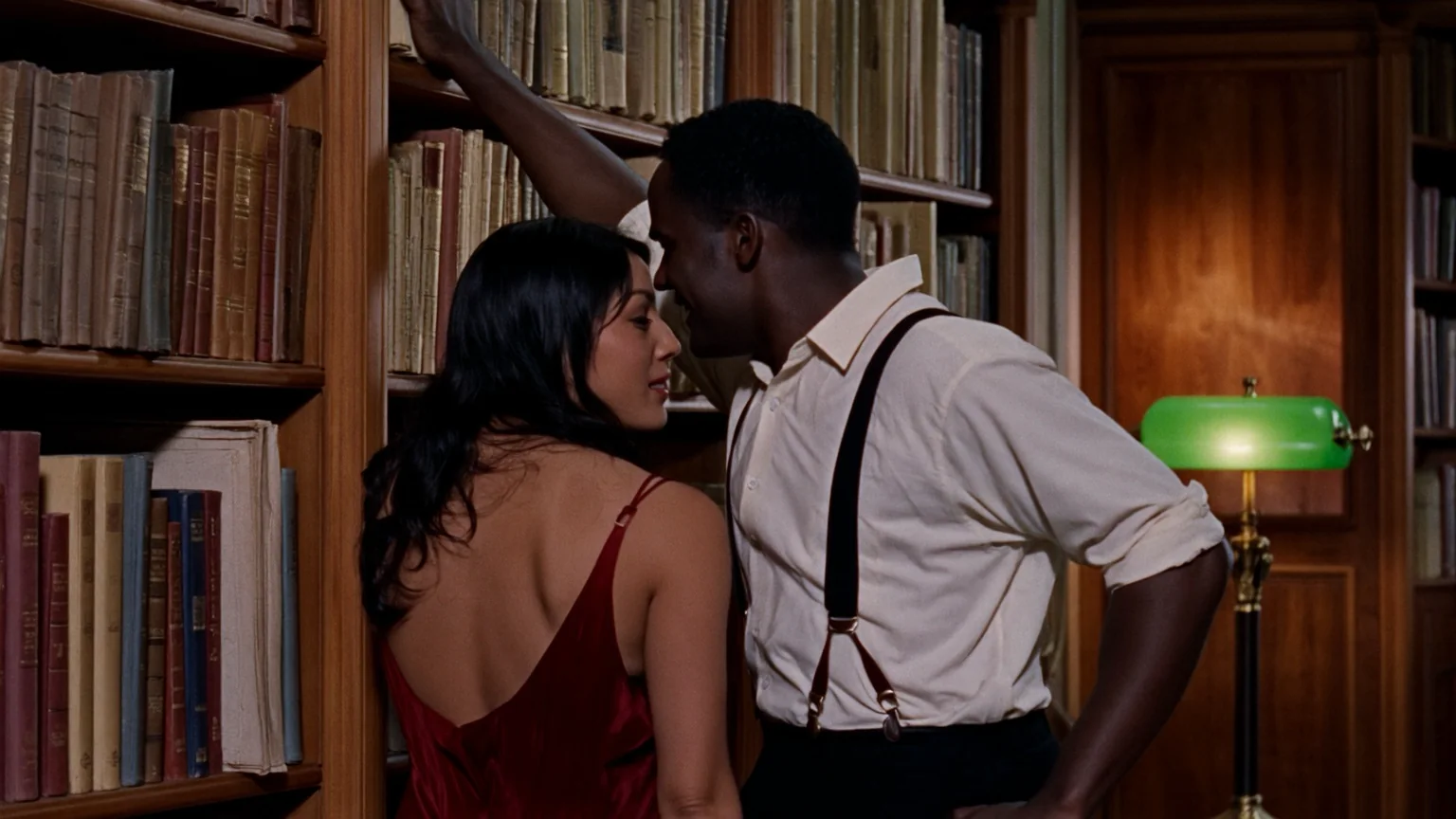
On SpicyAPI the Wan 3.0 line has generated the romantic two-person scenes already documented here; Pro Prime is classified unrestricted and needs no content declaration, which is not a claim that every adult request has been tested.
A drop-in for Wan 3.0 Pro
Pro Prime accepts exactly the fields Wan 3.0 Pro accepts, so one JSON body runs on both and only the model name changes. Its base render is Wan 3.0 Prime, which Alibaba positions as the high-speed version with the same capabilities, so choose it when turnaround matters more than per-second price.
Check hard light first in an upscaled file
Pro Prime starts at 1080p; 2k and 4k enlarge the Prime base render, so use them after approving motion rather than as a substitute for a clean take; default 1080p, no 480p or 720p, and the selected tier determines the per-second charge.
Request parameters
| Parameter | Required | Description |
|---|---|---|
prompt | No | Optional here. Use it for motion and camera; restating what is already visible in the frame invites the model to redraw it. at least 1 characters · at most 20000 characters |
image_url | Yes | Give Prime a clean approved opening plate: JPEG, opaque PNG, BMP or WEBP, 240–8000 px per side, maximum 8:1 and 20 MB; it serves as the first frame rather than a loose reference. at least 1 characters |
last_image_url | No | To finish the Prime action on an approved composition, supply |
resolution | No | Pro Prime starts at 1080p; 2k and 4k enlarge the Prime base render, so use them after approving motion rather than as a substitute for a clean take; default 1080p, no 480p or 72… |
aspect_ratio | No | Choose the Prime delivery frame from 16:9, 4:3, 1:1, 3:4 or 9:16; default adaptive uses the input and intent, letting an opening image guide the framing. |
duration_seconds | No | Budget the Prime shot in whole seconds from 2 to 30 (default 5), or use -1 to let the model choose; smart duration reserves 30 seconds and settles against delivered length. |
generate_audio | No | Prime generates sound unless |
enable_prompt_expansion | No | Prime enables expansion by default; disable it for an approved shot description to avoid another rewriting step, except with |
seed | No | Use 0–2147483647 while reviewing a Prime shot with one setting changed at a time; a shared random starting point aids comparison but does not promise identical frames. |
Pricing
| Specification | Price |
|---|---|
| $0.234 / second |
| $0.252 / second |
| $0.279 / second |
Use cases
Queer and uncensored scenes other APIs reject
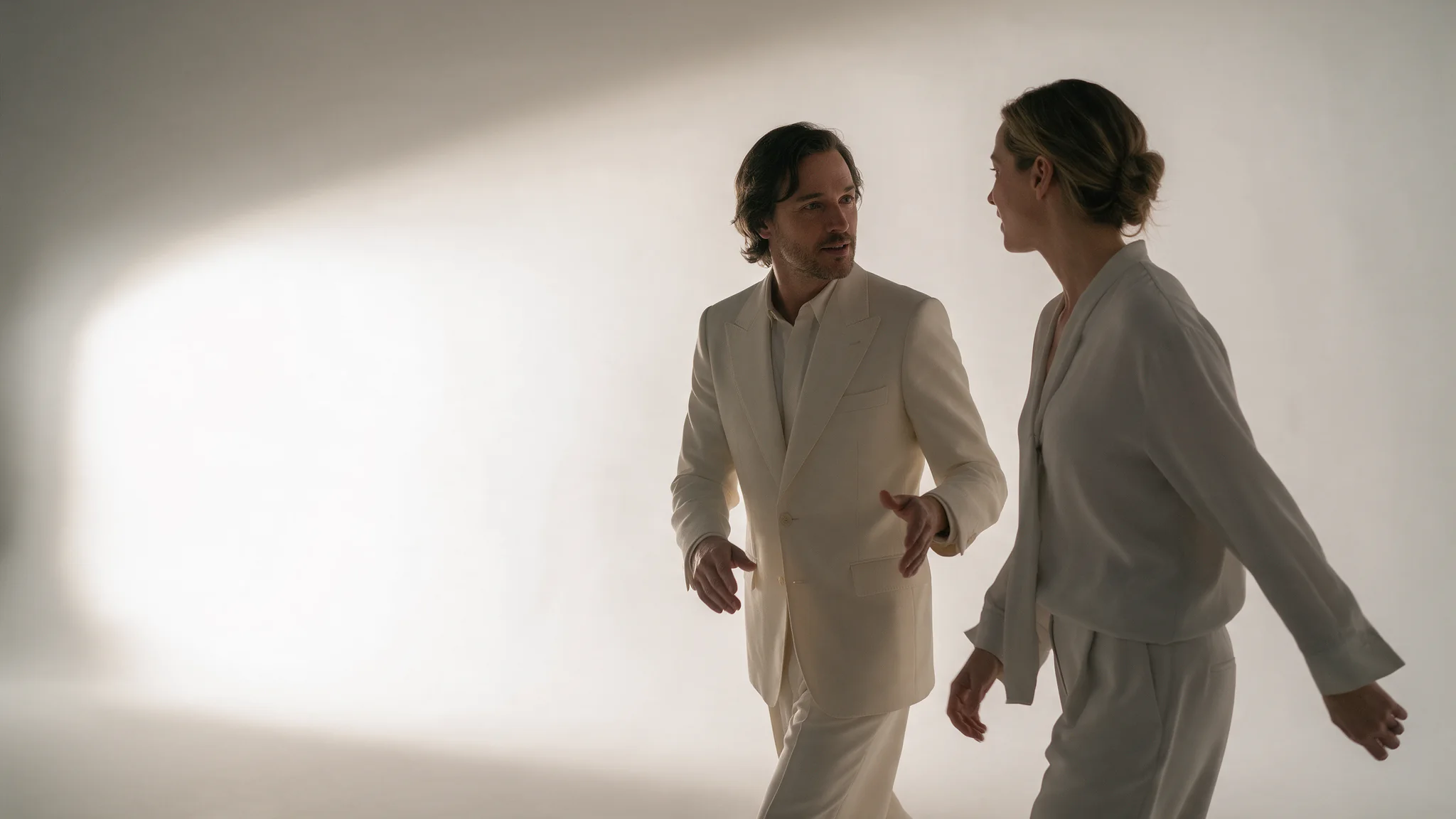
Two men kissing, two women sharing a quiet moment, couples of any gender. The clip on this page is that first case. There is no content declaration to send — you choose the model and describe the shot, and your own opening frame is the surest way to get your exact wording back.
Single-source lighting for large deliverables
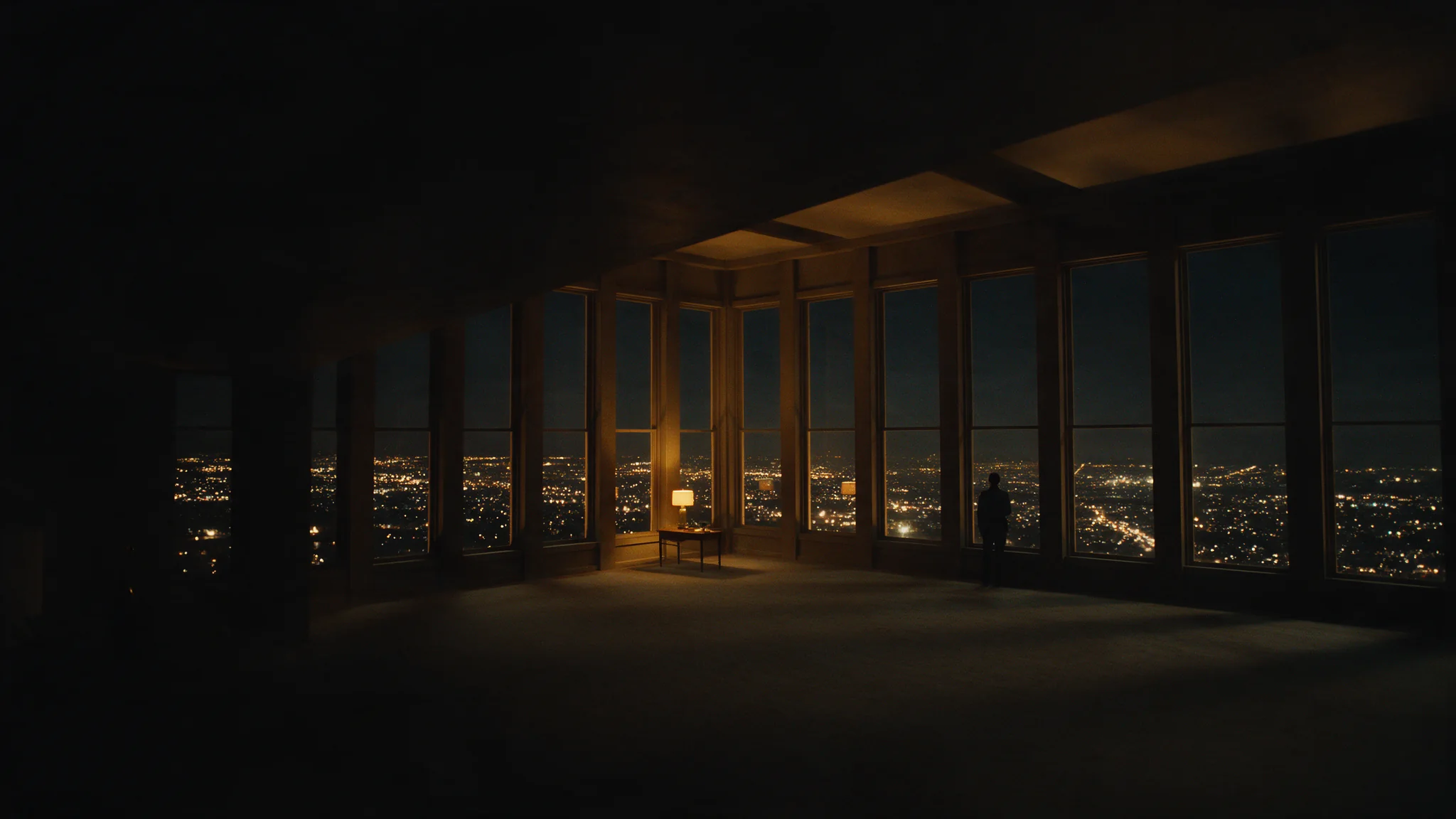
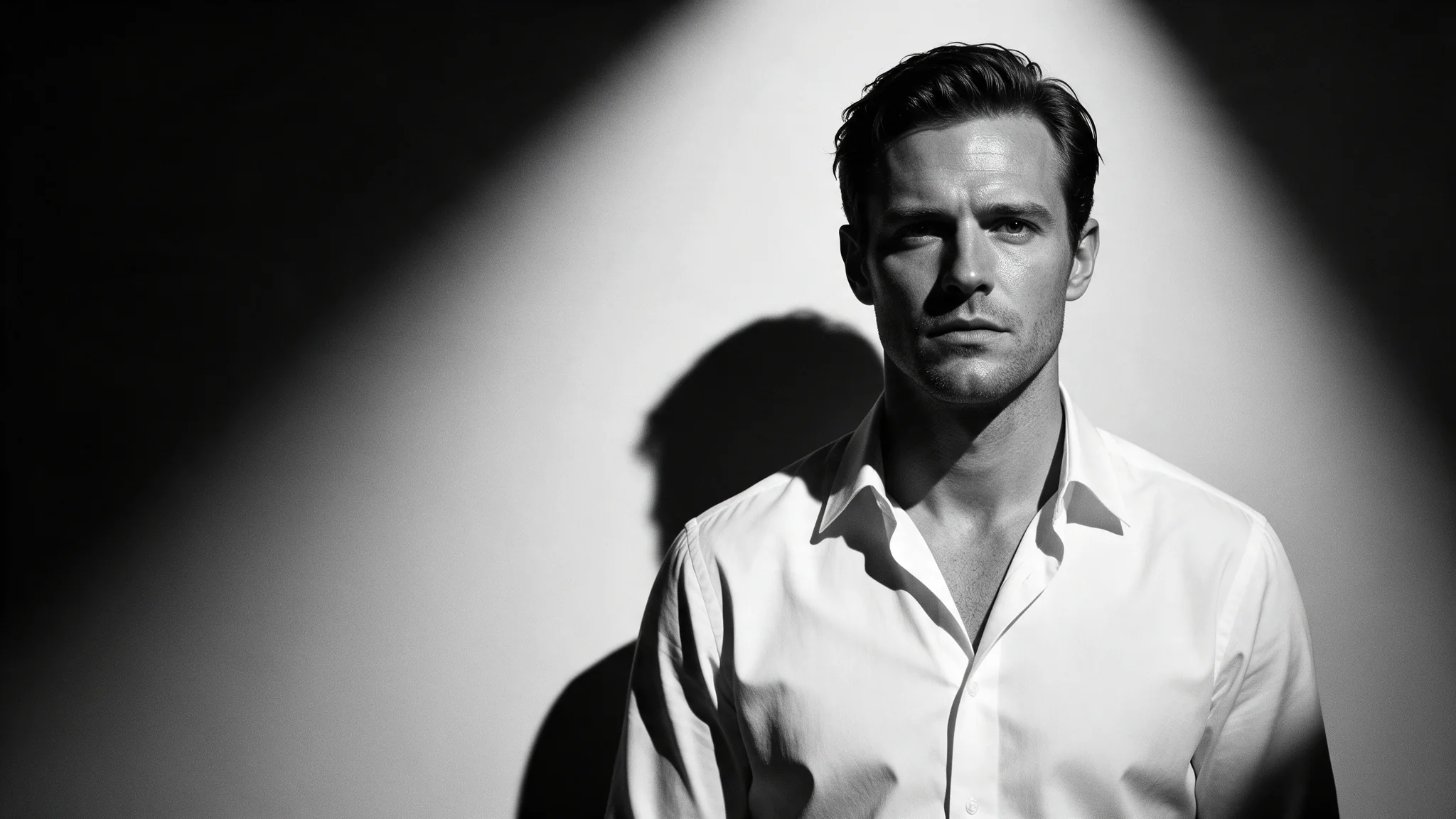
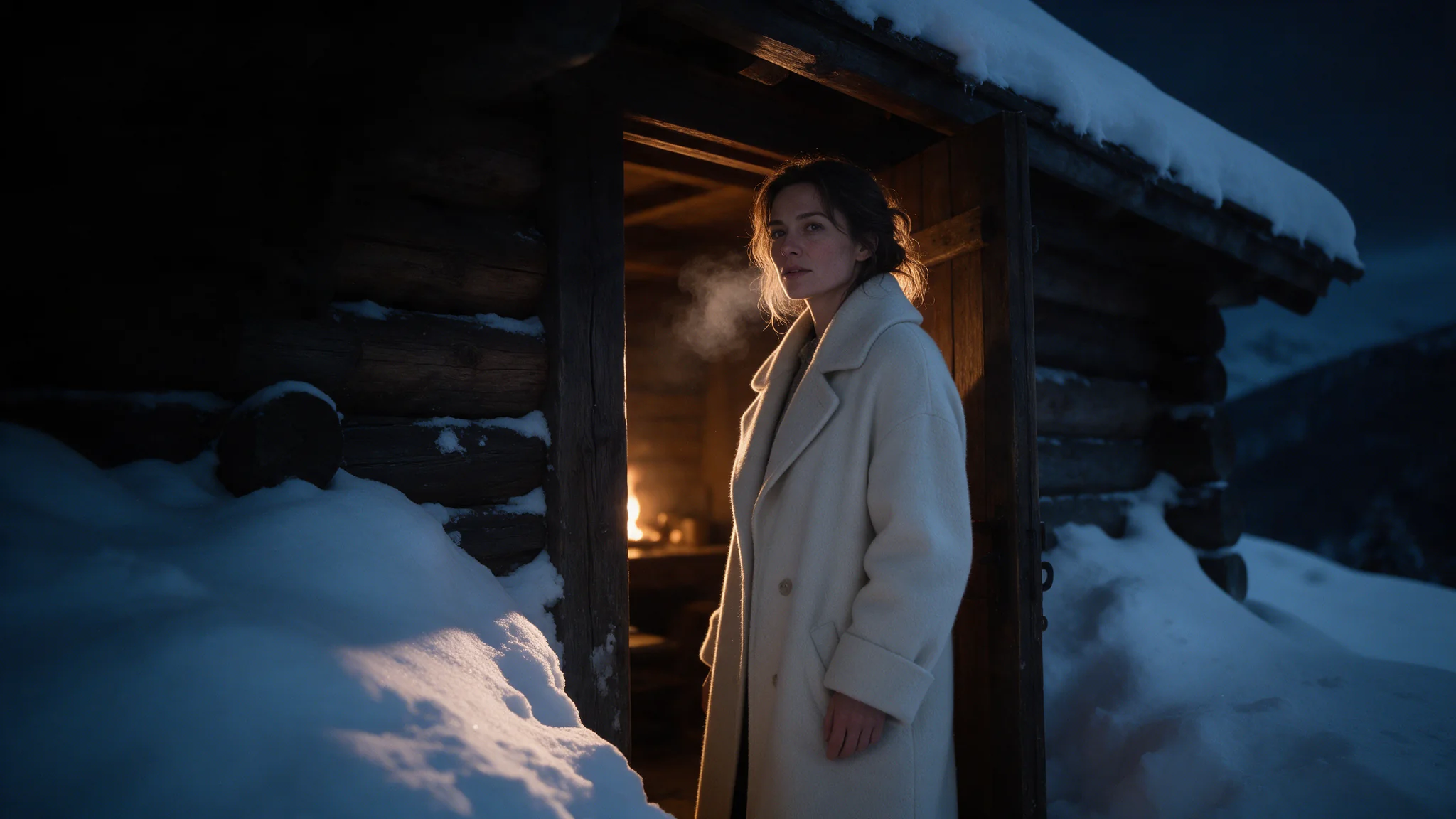
One practical lamp, deep shadow, dust in the beam. Deliver at 2K or 4K when the master will be cropped or projected, and check the shadow falloff in the delivered file before grading — the upscaling pass enlarges what the native render drew, banding included.
Choosing between Pro and Pro Prime
The schemas are identical, so the same prompt, seed, duration and resolution run on both. Pro Prime starts from the faster Prime base at a higher per-second price; send one test shot to each, compare turnaround and the two files, then commit the project to one.
Master files that get recut
Pro Prime separates reference roles: images establish appearance, video carries movement, audio suggests sound, and a document or public page supplies a brief; keep the brief and those assignments explicit before enlarging the result. Use 0–2147483647 while reviewing a Prime shot with one setting changed at a time; a shared random starting point aids comparison but does not promise identical frames.
Prompt guide & pro tips
Pick the endpoint, then pick the resolution last
Start Prime from a script, an approved first frame or labelled references; choose the matching endpoint before requesting an enlarged delivery.
Write the shot as one action under one light
Pro Prime starts at 1080p; 2k and 4k enlarge the Prime base render, so use them after approving motion rather than as a substitute for a clean take; default 1080p, no 480p or 720p, and the selected tier determines the per-second charge. Use 0–2147483647 while reviewing a Prime shot with one setting changed at a time; a shared random starting point aids comparison but does not promise identical frames.
Submit asynchronously, then compare renders
Submit the approved Prime brief with Idempotency-Key and retrieve its task result asynchronously; inspect the returned enlargement before scheduling the remaining shots.
Image-to-video on Wan 3.0 Pro Prime. The frame carries wardrobe, body, set and light, so prompt is optional and should describe motion only. Resolution governs the render, not the source — feed the sharpest still you have.
Give Prime a clean approved opening plate: JPEG, opaque PNG, BMP or WEBP, 240–8000 px per side, maximum 8:1 and 20 MB; it serves as the first frame rather than a loose reference.
To finish the Prime action on an approved composition, supply last_image_url as the exact closing frame; image-to-video also needs image_url; use JPEG, opaque PNG, BMP or WEBP, 240–8000 px per side, at most 8:1 and 20 MB.
Pro Prime starts at 1080p; 2k and 4k enlarge the Prime base render, so use them after approving motion rather than as a substitute for a clean take; default 1080p, no 480p or 720p, and the selected tier determines the per-second charge.
Prime enables expansion by default; disable it for an approved shot description to avoid another rewriting step, except with reference_file_url or reference_link_url, which require true or omission and reject explicit false.
Use 0–2147483647 while reviewing a Prime shot with one setting changed at a time; a shared random starting point aids comparison but does not promise identical frames.
Submit the approved Prime brief with Idempotency-Key and retrieve its task result asynchronously; inspect the returned enlargement before scheduling the remaining shots.
Wan 3.0 Pro Prime · text-to-video Wan 3.0 Pro Prime · image-to-video Wan 3.0 Pro Prime · reference-to-video
API quick start
# Generate the idempotency key once; reuse it when retrying after a lost response.
export SPICY_IDEMPOTENCY_KEY="${SPICY_IDEMPOTENCY_KEY:-$(uuidgen)}"
curl -X POST https://api.spicyapi.ai/api/v1/jobs/createTask \
  -H "Authorization: Bearer $SPICY_API_KEY" \
  -H "Content-Type: application/json" \
  -H "Idempotency-Key: $SPICY_IDEMPOTENCY_KEY" \
  -d '{
  "model": "alibaba/wan-3.0-pro-prime/image-to-video",
  "input": {
    "aspect_ratio": "adaptive",
    "duration_seconds": 5,
    "image_url": "https://example.com/reference.png",
    "resolution": "1080p"
  }
}'

# Copy data.taskId from the response into TASK_ID, then poll the status.
TASK_ID="TASK_ID_FROM_RESPONSE"
curl "https://api.spicyapi.ai/api/v1/jobs/recordInfo?taskId=$TASK_ID" \
  -H "Authorization: Bearer $SPICY_API_KEY"
See the API reference for authentication, the complete schema, polling, and error handling.