Introduction
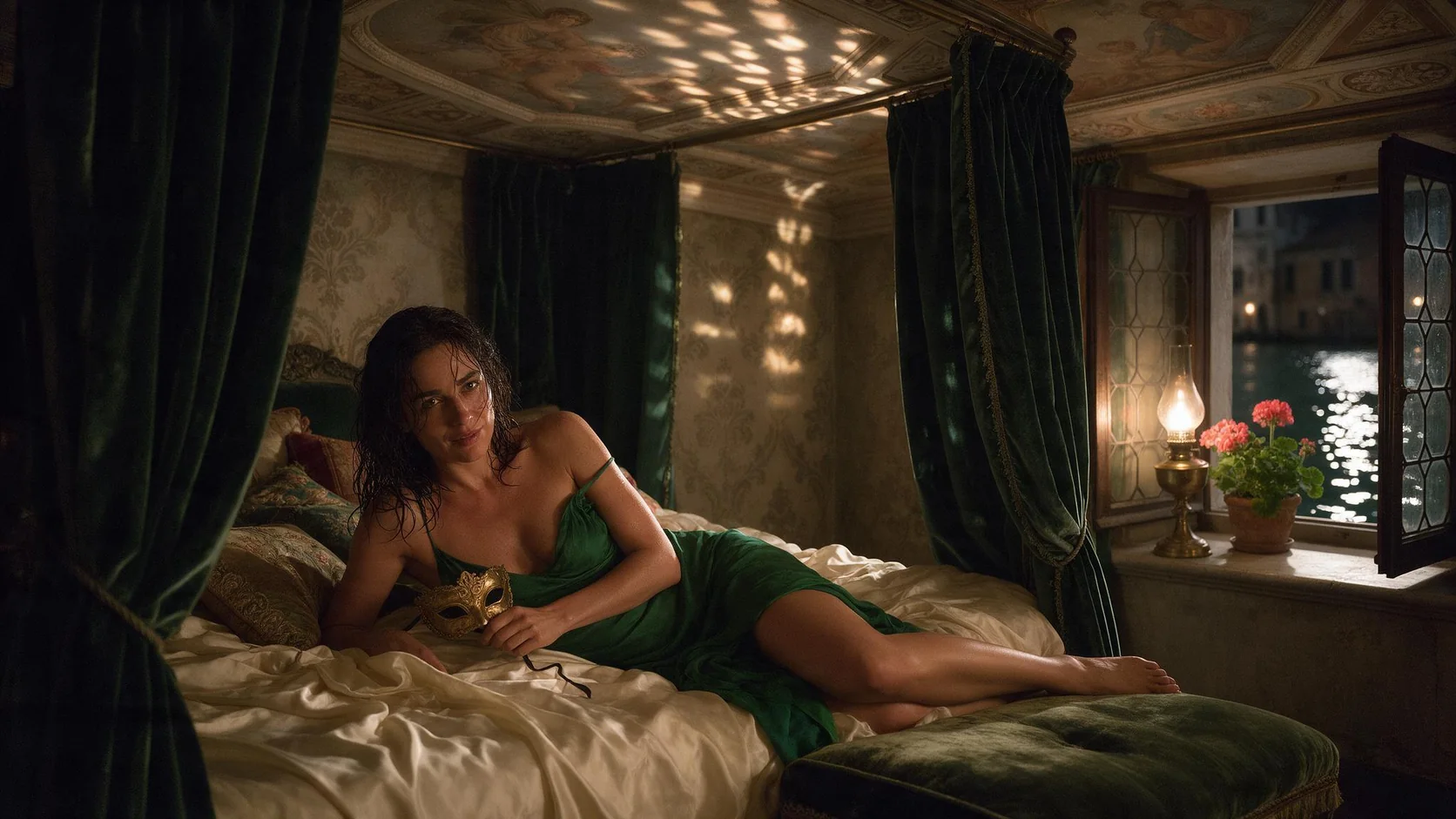
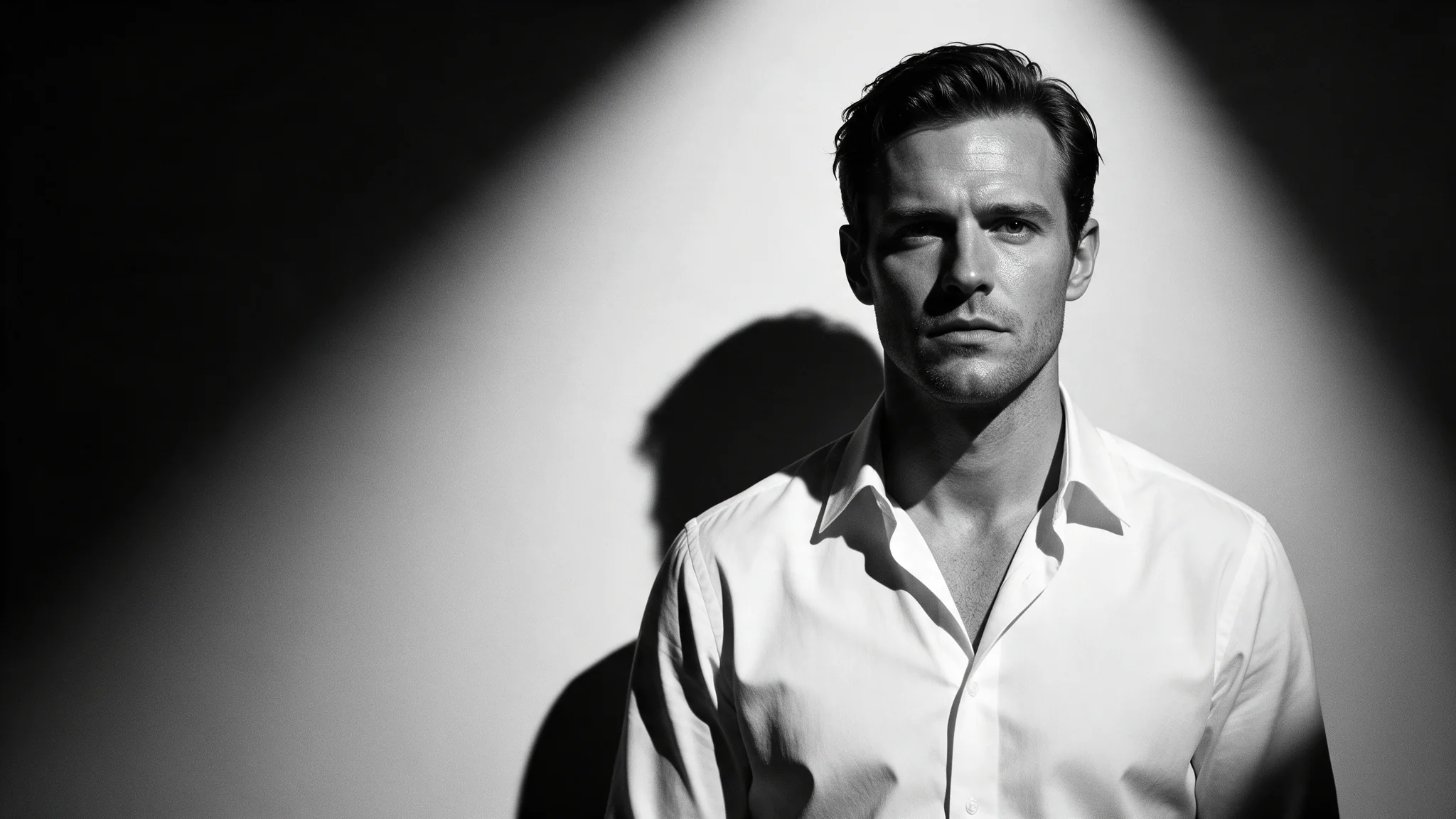
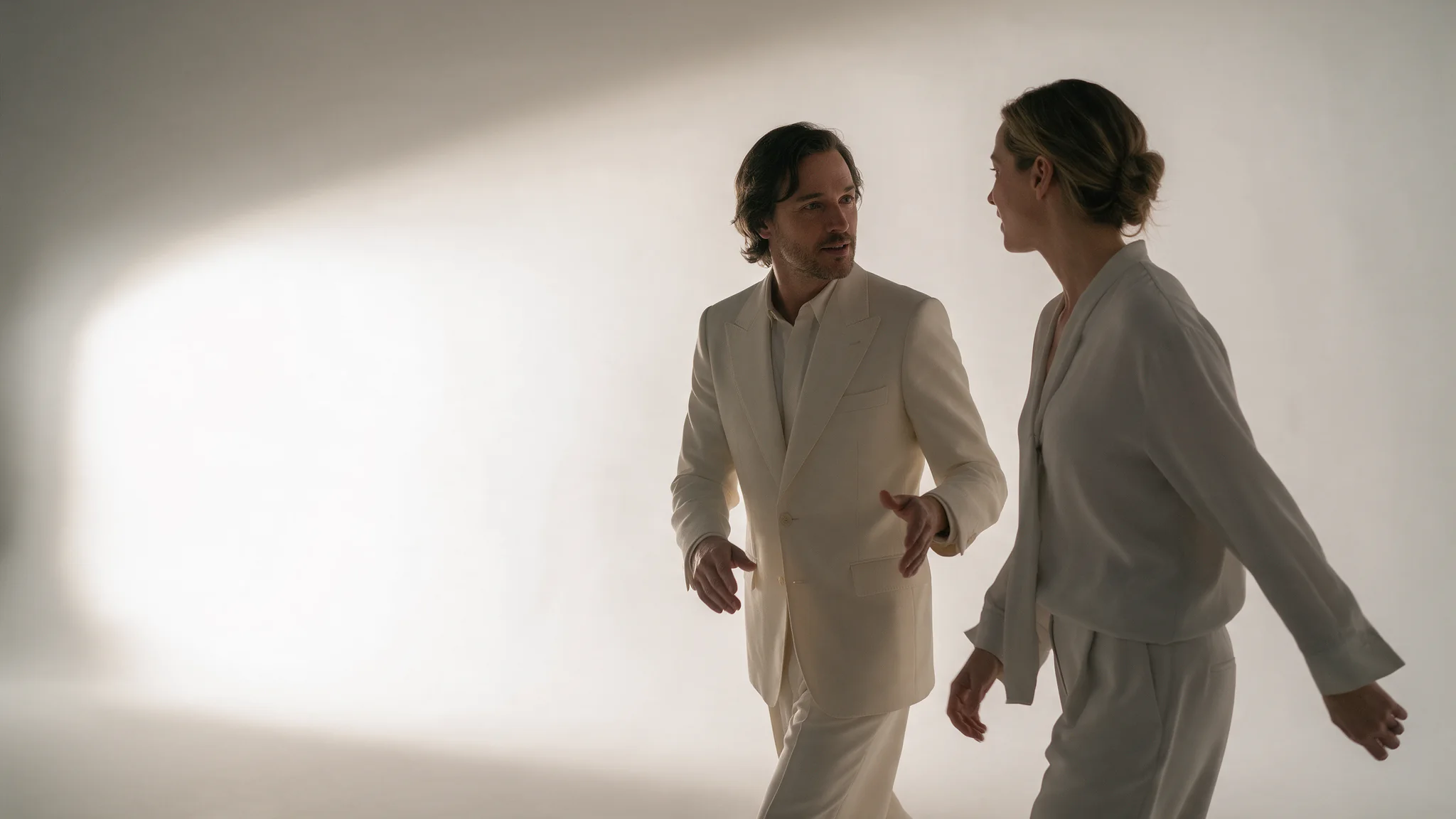
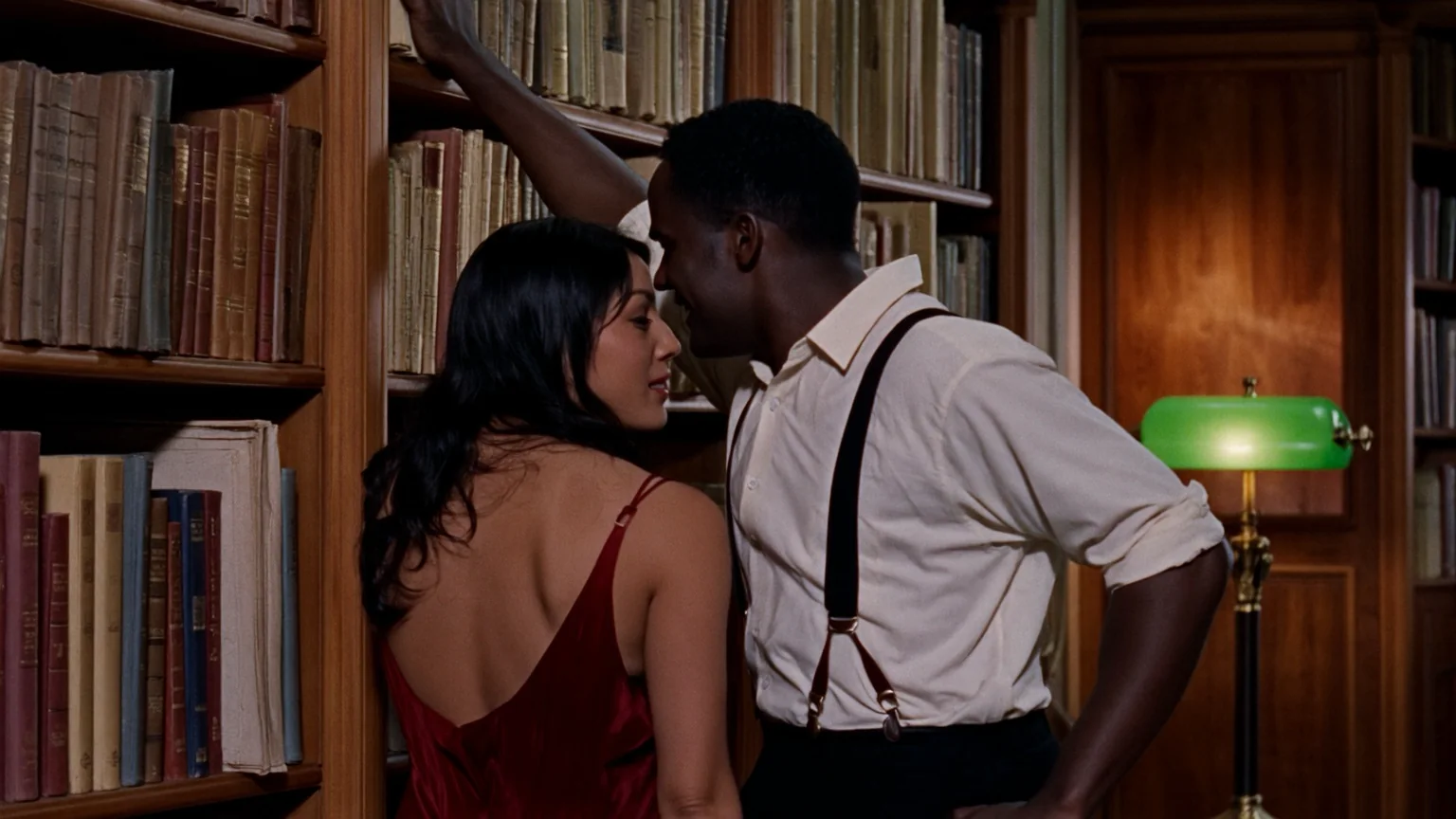
On Wan 2.6 image-to-video, the uploaded still fixes the opening composition, while your prompt describes the movement that follows; crop the still first because this form has no aspect_ratio field.
| Field | Value |
|---|---|
| Input | Image |
| Output | Video |
| Required input |
|
| Controls | 5, 10 or 15 seconds; 720p or 1080p; single or multi shot; |
| Delivery mode | Wan 2.6 · Asynchronous task; poll or callback |
Key features & highlights
Let the model cut the story
Set shot_type to multi and write the prompt as numbered shots. Image-to-video keeps the look of your opening frame while it cuts between angles, so a fifteen-second clip can carry an establishing view, a detail and a payoff instead of one drifting camera move.
Request parameters
| Parameter | Required | Description |
|---|---|---|
image_url | Yes | Prepare the opening image for Wan 2.6 in the final crop; this endpoint has no |
prompt | No | Optional. One action for a single take, or numbered shots for a multi-shot edit. at least 1 characters · at most 1500 characters |
negative_prompt | No | In Wan 2.6, reserve |
resolution | No | The Wan 2.6 image-to-video request offers 720p / 1080p, with 720p as the default. |
duration_seconds | No | Set the requested Wan 2.6 image-to-video length to 5 / 10 / 15; the default is 5. The estimate for Wan 2.6 image-to-video uses this selected duration as its output quantity. |
audio_url | No | Supply Wan 2.6 with a licensed WAV or MP3 track for speech timing or musical pacing: 3–30 seconds, at most 15 MB. |
shot_type | No | Choose single for a continuous Wan 2.6 take or multi for an edited sequence. |
enable_prompt_expansion | No | For Wan 2.6, |
seed | No | For Wan 2.6, keep seed between 0 and 2147483647 when comparing one change to the same source; matching seeds do not guarantee identical output. |
Pricing
| Specification | Price |
|---|---|
| $0.09 / second |
| $0.135 / second |
Use cases
Fifteen-second story cards
One key frame, three numbered shots in the prompt, shot_type multi, fifteen seconds. It is enough for a pre-roll or a product teaser without an editor, and the sound comes back inside the file.
Product turntables from a single still
Start from the approved packshot and describe only the move: a slow quarter turn, light sweeping the surface. The frame decides the product, so the prompt never has to re-describe it.
One brief per channel
On text-to-video, render the same brief at 9:16 and 16:9 with the seed held; on image-to-video, crop the still to each shape before sending. Either way the channel format is settled before the clip exists, not fixed afterwards.
Prompt guide & pro tips
Prepare the frame
On Wan 2.6 image-to-video, the uploaded still fixes the opening composition, while your prompt describes the movement that follows; crop the still first because this form has no
aspect_ratiofield.Wan 2.6 · Write a take or a shot list
In Wan 2.6, choose the task before assembling inputs: a shot list belongs in text mode, a locked opening composition in image mode, and character1-style references in reference mode; keep single for uninterrupted motion.
Create, poll, review
Create Wan 2.6 image-to-video work with an Idempotency-Key and save its task id, then poll or receive the completion callback; after a timeout, check that existing task before spending on another submission.
Wan 2.6 · image-to-video
Wan 2.6 API covers three starting points: a written scene, an opening still, or reference footage. Text and image modes deliver fixed 5-, 10- or 15-second videos; reference-to-video accepts 2–10 whole seconds and applies the content filter recorded for that endpoint.
On Wan 2.6 image-to-video, the uploaded still fixes the opening composition, while your prompt describes the movement that follows; crop the still first because this form has no aspect_ratio field.
In Wan 2.6, choose the task before assembling inputs: a shot list belongs in text mode, a locked opening composition in image mode, and character1-style references in reference mode; keep single for uninterrupted motion.
The reference-to-video task in Wan 2.6 uses creator-side checks of prompts and output, so adult requests can be rejected without a charge; SpicyAPI adds no filter and cannot unlock that one, while Wan 2.6 Spicy is a separate image-to-video family.
Create Wan 2.6 image-to-video work with an Idempotency-Key and save its task id, then poll or receive the completion callback; after a timeout, check that existing task before spending on another submission.
| Starting material | Available task |
|---|---|
| a written scene or script | Wan 2.6 Text to video |
| an approved opening image | Wan 2.6 Image to video |
| separate visual, motion, or sound references | Wan 2.6 Reference to video |
For Wan 2.6, use only licensed sources and consenting adults, respect likeness and music rights, and exclude minors, non-consensual intimate imagery and deceptive impersonation; the public examples remain suitable for general audiences.
For commercial use of Wan 2.6, you are responsible for permissions covering the source material, likenesses, trademarks and music, and for compliance with the applicable law.
API quick start
# Generate the idempotency key once; reuse it when retrying after a lost response.
export SPICY_IDEMPOTENCY_KEY="${SPICY_IDEMPOTENCY_KEY:-$(uuidgen)}"
curl -X POST https://api.spicyapi.ai/api/v1/jobs/createTask \
  -H "Authorization: Bearer $SPICY_API_KEY" \
  -H "Content-Type: application/json" \
  -H "Idempotency-Key: $SPICY_IDEMPOTENCY_KEY" \
  -d '{
  "model": "alibaba/wan-2.6/image-to-video",
  "input": {
    "duration_seconds": 5,
    "image_url": "https://example.com/reference.png",
    "resolution": "720p",
    "shot_type": "single"
  }
}'

# Copy data.taskId from the response into TASK_ID, then poll the status.
TASK_ID="TASK_ID_FROM_RESPONSE"
curl "https://api.spicyapi.ai/api/v1/jobs/recordInfo?taskId=$TASK_ID" \
  -H "Authorization: Bearer $SPICY_API_KEY"
See the API reference for authentication, the complete schema, polling, and error handling.