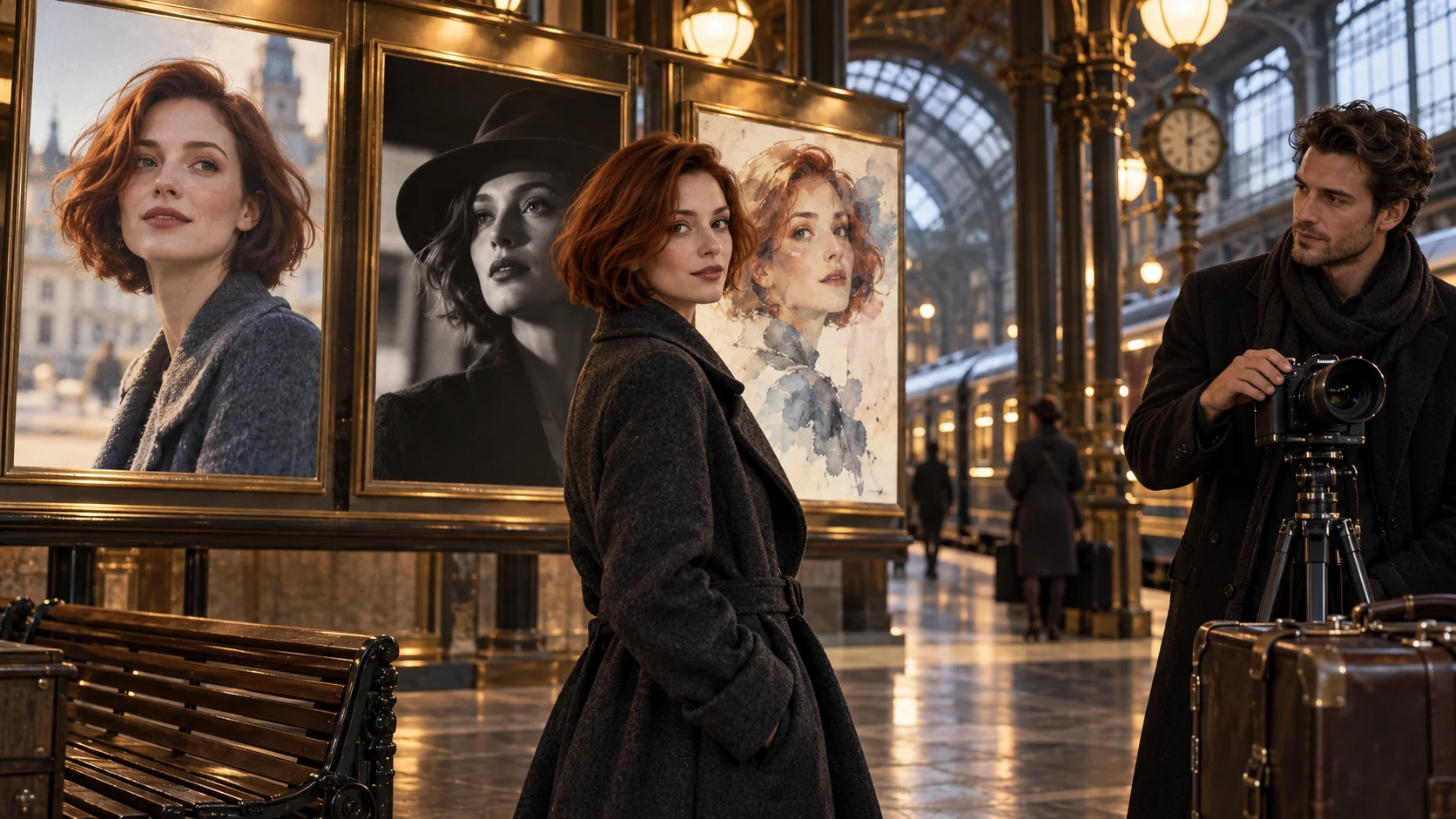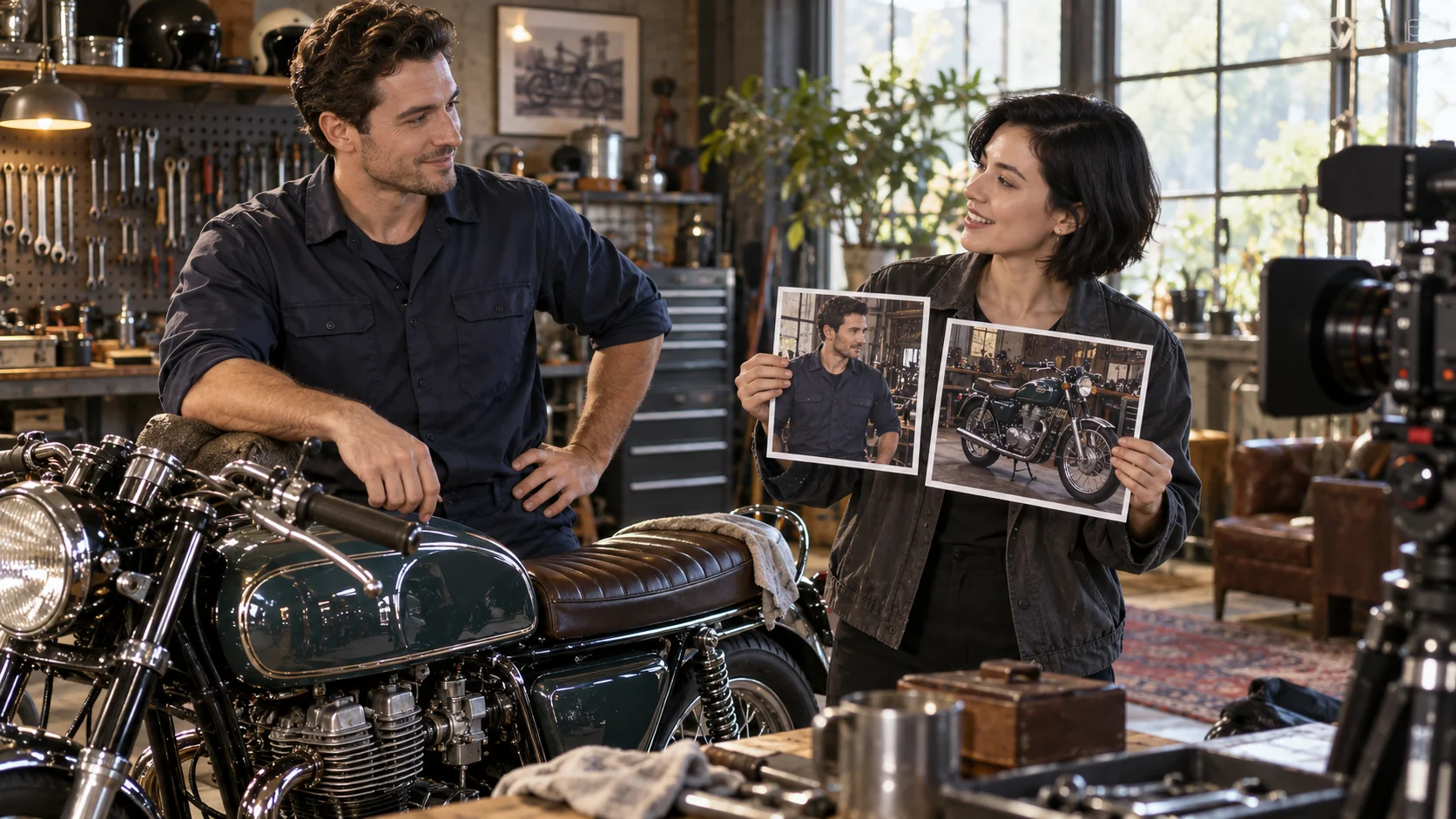
Wan 2.6 reference-to-video takes one to three short clips of the people, animals or objects you want, plus a prompt that describes a new scene. The clips decide who or what appears; the prompt decides where they are, what they do and how the camera and light treat them. The result runs 2 to 10 seconds at 720p or 1080p, in one of five aspect ratios, as one take or several cut shots. It costs $0.065 per second at 720p and $0.0975 at 1080p, and the seconds of reference footage you send are billed as well.
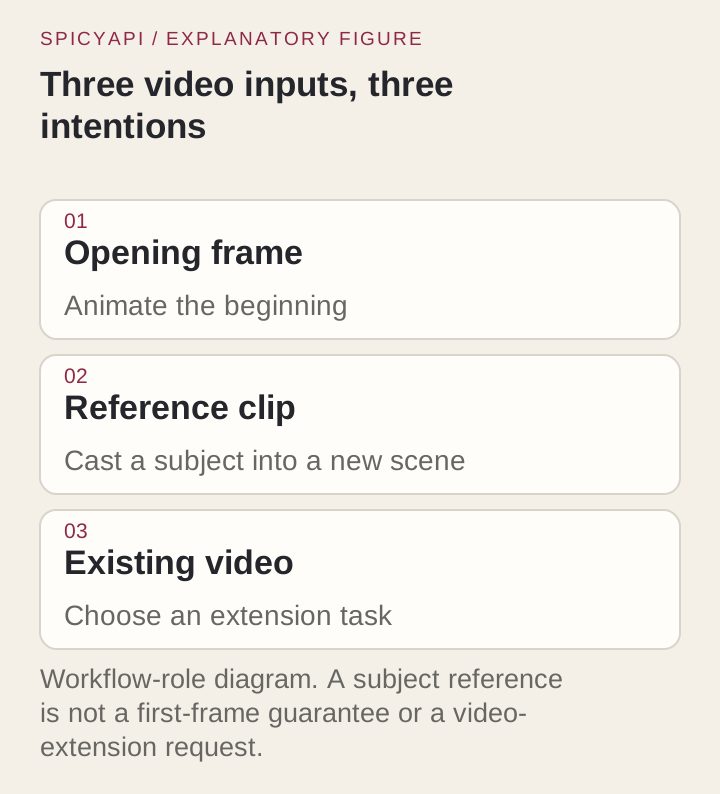
Use it when the footage is the subject and the setting is new: a presenter filmed once and placed in several locations, or a product clip re-staged for a new season. Use Wan 2.6 image-to-video instead when an approved still has to set the opening frame, the set and the proportions. It also takes up to two still images, alongside the clips or instead of them; it still has no audio reference field, and it is the only Wan 2.6 task on the Filtered tier.
Try it in the Playground first
- Open the reference-to-video page and stay on the Playground tab in Form view. Sign in with a funded account to run.
- Under Reference videos, add one to three trimmed clips with Add a file, or paste links with Asset URL. The first clip you add is character1 in the prompt, the second character2, the third character3.
- Write the Prompt as shown in the scene section below: what each clip contributes, then setting, action, camera and light.
- Set Resolution to 720p, Duration to a short 5, Aspect ratio to the shape you deliver, and Shot structure to Single take for the first test.
- Set a Seed and keep it while you swap one clip at a time. Add Negative prompt only for something that keeps turning up.
- Check the price estimate, which includes the reference seconds, and run it. Move to 1080p once the casting is right.
What the request takes
The task is alibaba/wan-2.6/reference-to-video.
| Field | Rule |
|---|---|
Prompt (prompt, required) | The new scene, up to 1,500 characters |
Reference videos (reference_video_urls) | One to three clips, MP4 or WebM, 90 MB maximum |
Reference images (reference_image_urls) | Up to two stills, numbered after the clips and not billed; send at least one clip or one image |
Negative prompt (negative_prompt) | What must not appear, up to 1,500 characters |
Duration (duration_seconds) | Any whole number from 2 to 10, default 5 |
Resolution (resolution) | 720p (default) or 1080p |
Aspect ratio (aspect_ratio) | 16:9 (default), 9:16, 1:1, 4:3 or 3:4 at both resolutions |
Shot structure (shot_type) | single (default) or multi |
Seed (seed) | 0 to 2147483647 |
Do not copy a field from another Wan 2.6 task: an image_url or an audio field in this payload is a contract error, not a weak prompt.
Pick and trim the reference clips
Each clip should show one subject, large in frame, well lit and, if you can, from more than one angle. A subject that stays small or backlit comes back only approximately, and a clip of an empty location gives the model nothing to cast: the setting comes from the prompt. A clip with several people makes it unclear who should be cast, so crop or trim to the stretch where your subject is clearest.
Trim before you upload. Reference seconds are billed, and a few clear seconds transfer better than a long take that wanders.
Add a second or third clip only for a new subject
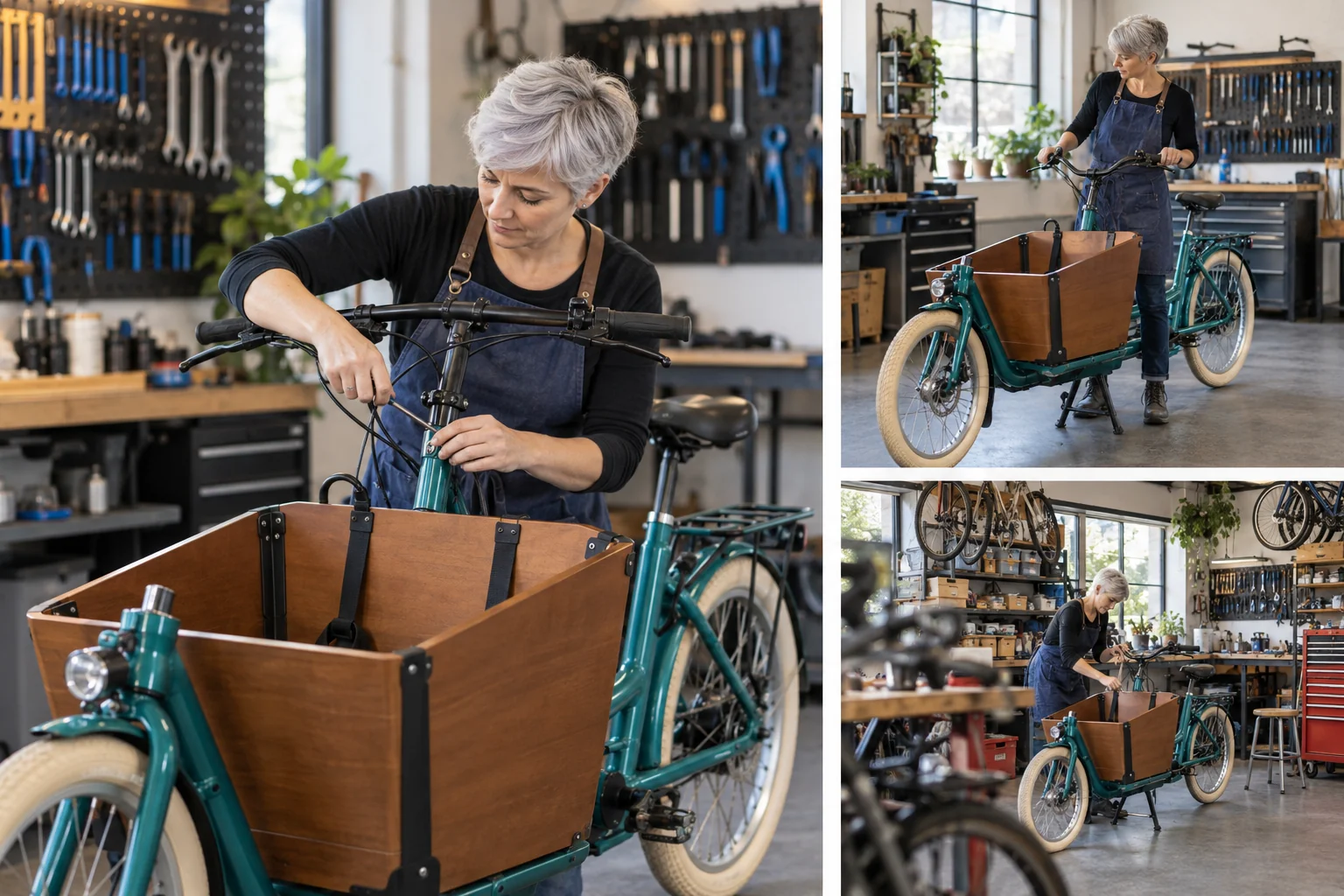
Every extra clip adds identity, motion and background the model has to sort out. Send a second clip when the scene needs another subject (a vendor next to the mechanic) or when the first clip hides a defining feature of an object, such as the front cargo box of a bike. Give a second person a distinct position and action, because similar faces in similar spots blur together. If two clips show the same subject in different outfits, pick one before you submit; a prompt asking for both returns a compromise.
To see whether an added clip helps, keep the seed, duration, resolution, ratio and shot type fixed and change only the clips. The seed keeps the random draw constant between runs, so the clip you added is the main thing that moves; it does not promise a frame-identical rerun.
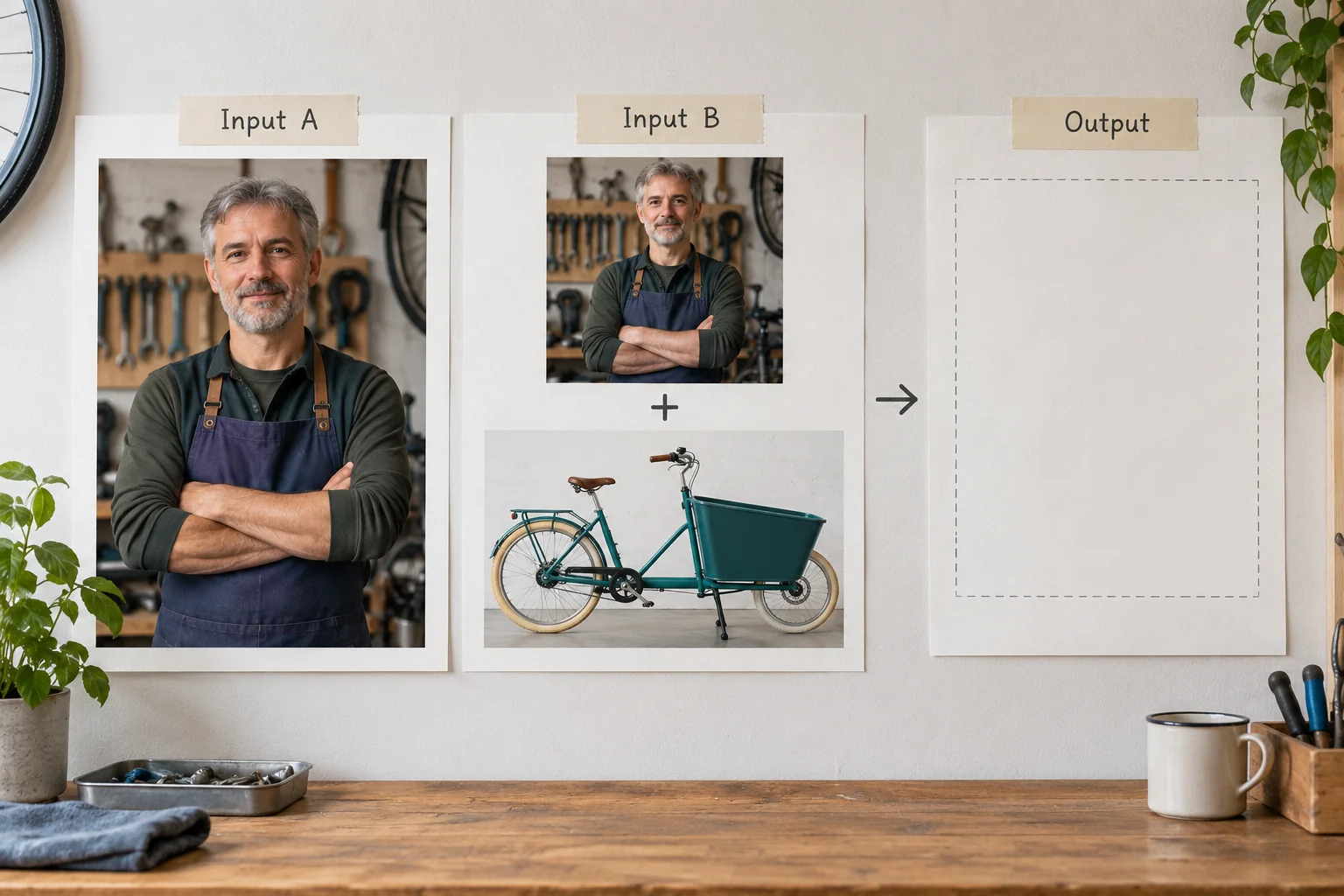
Write the scene around the clips
Refer to each clip as character1, character2 or character3, in the order you sent them: the model recognizes the cast only by those names, so "Clip 1" or "the mechanic video" leaves it guessing. Say what each one contributes, then give the setting, action, camera and light. Do not re-describe what the footage already shows: it uses up the 1,500 characters and competes with the clips. Write one shot with one clear action, so you can tell whether the casting worked before you ask for a story.
character1 is the mechanic: keep the short silver hair and indigo apron.
character2 is the teal cargo bicycle: keep its front box and cream tires.
Place them in a quiet produce market at dawn. One continuous medium-wide shot:
character1 wheels character2 a few steps and stops beside a vegetable stall.
Slow sideways camera move, soft morning light, distant market ambience.
Use negative_prompt for something that keeps turning up across runs, such as an extra person, on-screen captions or a prop from the clip, instead of listing every exclusion up front. Change one thing between attempts. If the workshop leaks into the market, clarify the destination and trim the clip; changing the outfit, camera and duration at once will not tell you which fix worked.
Single take or multi-shot
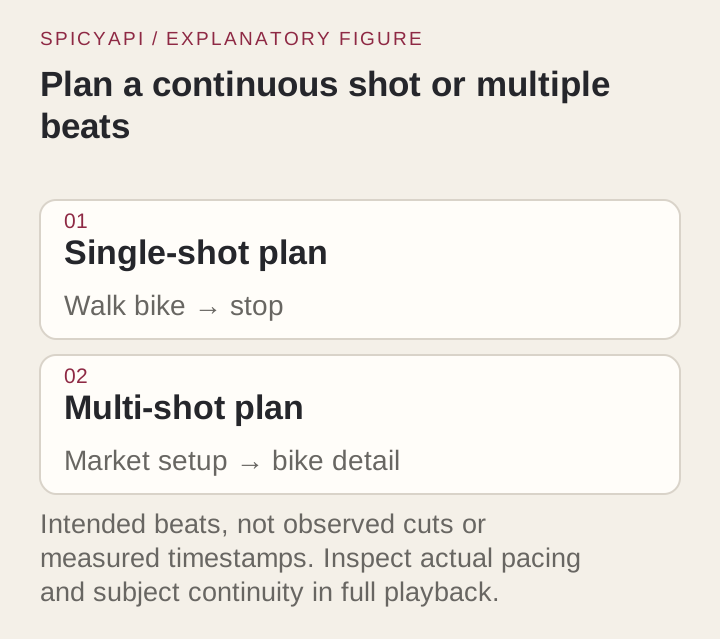
single keeps one continuous take and is the right first test because you can see whether the subject changes during motion. multi lets the model cut between shots inside the scene; it pays off from about 6 seconds, since a 2 to 3 second clip rarely has room for a cut. Direct the cuts with a numbered shot list in the prompt, for example a medium-wide arrival followed by a close view of the bike stopping, and check that the subject looks the same after the cut.
Shape, size and length
The ratio is a request choice, not something taken from the clips, so one set of references can be delivered in several shapes and a vertical delivery does not need vertical source footage. Write the scene for the frame you pick: a full-width market panorama does not fit a 9:16 delivery. Test the final ratio instead of cropping a wide result afterwards, because a crop can hide the part that went wrong.
| Aspect ratio | 720p | 1080p |
|---|---|---|
| 16:9 | 1280 x 720 | 1920 x 1080 |
| 9:16 | 720 x 1280 | 1080 x 1920 |
| 1:1 | 960 x 960 | 1440 x 1440 |
| 4:3 | 1088 x 832 | 1632 x 1248 |
| 3:4 | 832 x 1088 | 1248 x 1632 |
Duration is the main price driver and also where likeness drifts. Play the whole clip, not the first second, and look hard at the last second before you commit to a long length. Resolution sets the rate and the render time; it will not fix a wrong subject, so settle the casting at 720p and move to 1080p for the final.
Then run it from code
Install the Python SDK (pip install spicyapi), set SPICY_API_KEY in your server environment, replace the placeholder links with clips you are allowed to use, and run:
import uuid
from spicyapi import SpicyClient, output_assets

client = SpicyClient()  # reads SPICY_API_KEY from the environment

task = client.create_task(
    model="alibaba/wan-2.6/reference-to-video",
    input_data={
        "prompt": "character1 is the mechanic and character2 is the teal cargo bike. At a quiet "
                  "produce market at dawn, character1 wheels character2 forward and stops beside "
                  "a vegetable stall. One medium-wide continuous shot, slow sideways camera move, "
                  "distant market ambience.",
        "reference_video_urls": [
            "https://example.com/mechanic.mp4",
            "https://example.com/cargo-bike.mp4",
        ],
        "duration_seconds": 5,
        "resolution": "720p",
        "aspect_ratio": "16:9",
        "shot_type": "single",
        "seed": 26017,
    },
    idempotency_key=str(uuid.uuid4()),
)

final = client.wait_for_terminal(task["taskId"])
if final["state"] != "succeeded":
    raise RuntimeError(f"{task['taskId']} ended as {final['state']}: {final.get('errorCode')}")
print(output_assets(final)[0]["url"])  # copy the clip to your own storage now
Quotes, waiting, retries, callbacks and error codes are covered in the tasks guide and the Python SDK reference; results expire, so see retention and delivery. The task has no audio input or setting, but the clip comes back with generated sound: describe what you want to hear in the prompt (for example ambience), and replace it in your edit if you need specific audio.
Or let an Agent run it
When an assistant should run the generations, all three official tools show the price and ask you before a paid call.
- CLI. Put the same
inputobject ininput.json, then runspicyapi tasks create --model alibaba/wan-2.6/reference-to-video --input-file input.json --wait. For a clip on your computer,spicyapi files upload ./mechanic.mp4returns aspicy://address to use inreference_video_urls. See the CLI docs. - MCP server. Add the MCP server to your assistant, then ask: "Cast the person in /path/to/mechanic.mp4 into a dawn produce market on Wan 2.6 reference-to-video, 5 seconds, 720p." It uploads the file with
spicyapi_upload_file, then callsspicyapi_task_create, which stops for your price confirmation. - Skill.
npx skills add spicyapi-ai/spicy-skillinstalls the Agent Skill, which has a coding assistant read the live model schema instead of guessing fields.
Budget the reference seconds
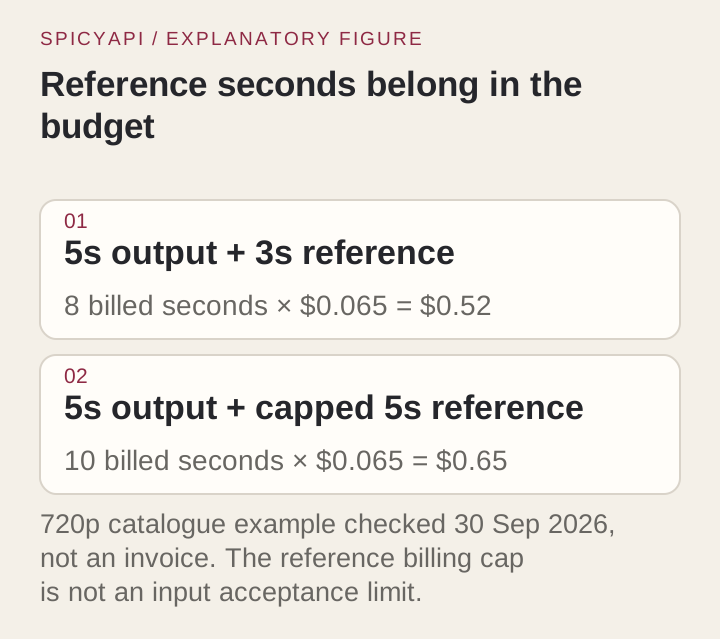
Billable seconds are the output length plus the length of the reference clips, each clip rounded up to a whole second, with at most five reference seconds counted in total. A 5-second render with one 3-second clip bills 8 seconds; the same render with three clips adding up to nine seconds bills 10. The live estimate before you submit shows the amount. If a clip's length cannot be read in advance, the hold assumes five reference seconds and the final charge uses the measured length.
| Output length | 720p, 3 s of references | 720p, 5 s or more | 1080p, 3 s of references | 1080p, 5 s or more |
|---|---|---|---|---|
| 2 s | $0.325 | $0.455 | $0.4875 | $0.6825 |
| 5 s | $0.52 | $0.65 | $0.78 | $0.975 |
| 10 s | $0.845 | $0.975 | $1.2675 | $1.4625 |
Prices are the live catalogue rates at the time of writing. A shorter, cleaner reference is the cheapest saving: it removes billed seconds and gives the model a clearer subject, and a retry costs a full run.
Check the result and fix it
Judge the person and the object separately, because one can hold while the other fails. For the person: the face and outfit stay the same through turns and after any cut, and no extra person replaces the subject. For the object: the shape, not just the colour, survives (the cargo box, the number of wheels), because an ordinary teal bicycle is also teal. Also look for set pieces carried over from the clip, such as the workshop door or a tool rack.
| What you see | Try |
|---|---|
| The wrong person, or two subjects merged | One subject per clip; name each one in the prompt as character1, character2 and so on; give each a distinct position and action |
| The bike becomes a different bike | Use a clip that shows the box and frame; simplify the camera move, because an orbit asks the model to invent unseen surfaces |
| The old setting leaks in | Trim the clip to the subject, state the new setting first, add the leaked item to negative_prompt |
| The first second is right and the ending drifts | Shorten the duration or the action; keep either the camera or the subject moving, not both |
| Identity changes across a cut | Rerun as single, or simplify the second shot |
| Hands or small props deform | Keep them out of close-ups; this is a trait of the Wan line, not of your clips |
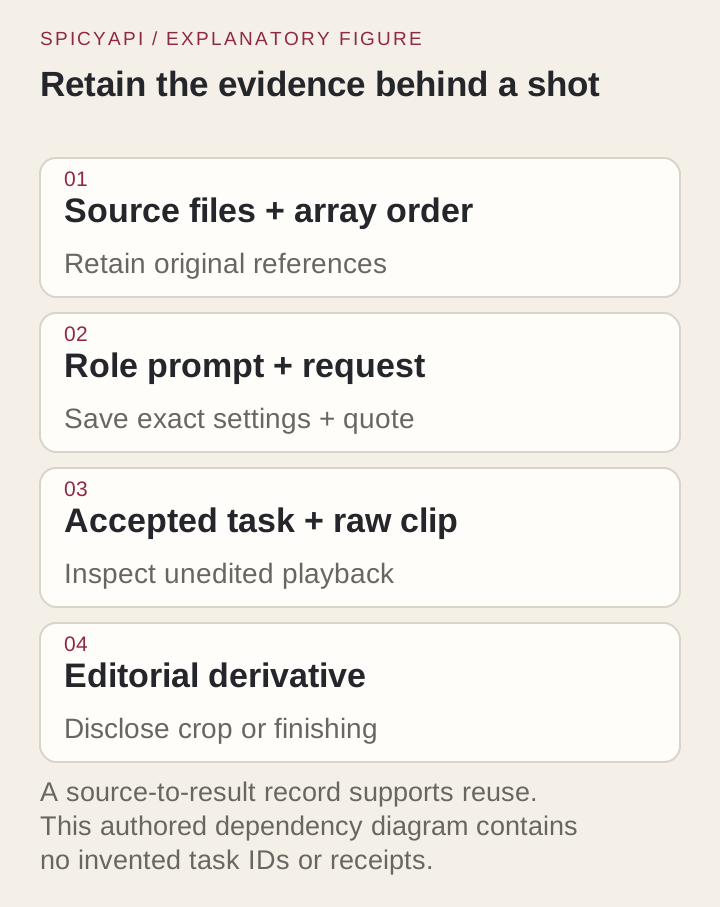
If two or three revisions do not settle the subject, switch tasks instead of forcing it: a composited still with image-to-video, or one of the models below. For a shot you will repeat, keep the clips, the full request and the unedited output together.
Content tier and consent
Wan 2.6 image-to-video and text-to-video are Uncensored, but reference-to-video is Filtered. Based on our September 2026 tests, an explicit reference clip was refused, so adult-oriented casting belongs on another task; see which Wan versions are uncensored. Reference casting carries a recognizable face into a scene that never happened, so use fictional characters or footage of real people who have agreed to it, and label generated results as generated where an audience could take them for a recording.
The faster tier: Wan 2.6 Flash reference-to-video
Since 14 October, Wan 2.6 Flash reference-to-video offers the same casting on the faster, lower-cost Flash tier of Wan 2.6, with three differences that change what you send:
- More stills.
reference_image_urlstakes up to five images instead of two, alongside up to three clips inreference_video_urls, five references in total. Images are not billed on either task; clips add their seconds as described above, up to five in total. - Sound is a switch.
generate_audiois off by default and returns picture only, at $0.0225 per second at 720p or $0.03375 at 1080p. Turned on, it adds generated voices, effects and ambience at $0.045 or $0.0675. The task on this page always returns sound, at $0.065 per second at 720p. - It is Uncensored. In our 14 October tests, requests with adult references came back as asked, with none refused.
Name the references in the prompt as character1, character2 and so on, clips first and then stills; the call is alibaba/wan-2.6-flash/reference-to-video. Flash trades some fine detail for turnaround, so it suits casting drafts, volume and adult-oriented scenes. Stay on this task when one take has to carry the finer texture of the full Wan 2.6 tier.
When another model fits better
| You need | Use |
|---|---|
| A still to set the first frame, 5, 10 or 15 s | Wan 2.6 image-to-video, $0.09 per second at 720p, Uncensored |
| More images, audio references, more clips, up to 30 s | Wan 3.0 reference-to-video: up to ten images, five clips and five audio tracks, $0.09 per second at 720p, Uncensored; its face check can refuse photos of real people, so use clips or generated characters; the Wan 3.0 workflow guide covers the three tasks |
| Stills, clips and audio together | Seedance 2.0 reference-to-video: up to nine stills, three clips and three audio tracks, from $0.043 per second at 480p, Uncensored; the Fast and Mini versions are cheaper still |
Stay on Wan 2.6 reference-to-video when your references are up to three clips and two stills and you want the cheapest Wan 720p casting ($0.065 per second against $0.09 on Wan 3.0) with optional multi-shot cuts. Trim the clips, name each one in the prompt, test at 720p in a single take, and open the reference-to-video task to check the live price for your clips before you run it.