Introduction
Wan 3.0 Reference to video builds a new 2 to 30 second shot from supplied references: up to ten images, five video clips and five audio clips in one request. At least one of reference_image_urls, reference_video_urls, reference_audio_urls, reference_file_url or reference_link_url must be present, and the prompt is optional. Use it when a face, a garment, a location or a voice has to stay the same across separately rendered shots — something text-to-video cannot do, because it invents a new face on every run. Output is 480p, 720p or 1080p, default 720p.
Choose a Wan 3.0 mode by starting material
| What you have at the start | Mode |
|---|---|
| a written scene or script | Wan 3.0 Text to video |
| an approved opening image | Wan 3.0 Image to video |
| separate visual, motion, or sound references | Wan 3.0 Reference to video |
Key features & highlights
Images for identity, wardrobe and sets
reference_image_urls takes 1 to 10 images — character plates, garment plates, set plates — as JPEG, PNG without transparency, BMP or WEBP, 240 to 8000 pixels per side and up to 20 MB each. Reference images are not billed. Name each one in the prompt, or the model averages them into a subject that resembles none of them.
Video for movement, audio for voice
Reference videos carry movement and camera style rather than a face: up to five MP4 or MOV clips, each 1 to 15 seconds and 15 seconds in total, at least 16 fps. Reference audio carries a voice, a line reading or room tone: up to five WAV or MP3 clips, also 15 seconds in total. These limits are checked during generation rather than when the task is accepted, so measure your clips before you submit.
A 30-second budget shared with the output
Reference video seconds are billed together with the output, and reference video length plus duration_seconds must not exceed 30 seconds. A 12-second motion reference therefore leaves room for an output of at most 18 seconds. Reference images and reference audio do not count toward that budget.
Request parameters
| Parameter | Required | Description |
|---|---|---|
prompt | No | Optional. When you write one, name what each reference controls, then the shot: subject, one action, one camera move, light and sound. at least 1 characters |
reference_image_urls | No | 1 to 10 images for identity, wardrobe and set plates. Name each one in the prompt — character, garment, set — or they are averaged together. at least 1 items · at most 10 items |
reference_video_urls | No | Up to 5 clips, each 1 to 15 seconds and 15 seconds in total. Use them for movement and camera style rather than for a face. at least 1 items · at most 5 items |
reference_audio_urls | No | Up to 5 clips, each 1 to 15 seconds and 15 seconds in total — a voice, a line reading or room tone the shot has to match. Reference audio is not billed. at least 1 items · at most 5 items |
reference_file_url | No | One document the model reads before it directs the shot: a character sheet, a script, a shot list or a product brief. |
reference_link_url | No | One public web page the model reads for reference, such as an article, a product page or a character profile. It must open without a login. |
aspect_ratio | No | 16:9, 9:16, 1:1, 4:3, 3:4 or adaptive, which lets the model choose. Defaults to 16:9. |
enable_thinking | No | Has the model think through the brief and any reference material before generating. It helps with dense documents, web pages and complex reference images, and makes the run slower. Default: |
resolution | No | 480p, 720p or 1080p. Defaults to 720p. |
duration_seconds | No | Any whole number from 2 to 30, or -1 for smart duration. Defaults to 5. |
generate_audio | No | On by default. The clip comes back with sound already locked to the picture. Default: |
enable_prompt_expansion | No | Off by default. When on, the prompt is rewritten before generation, which helps thin briefs and fights you on detailed ones. |
seed | No | 0 to 2147483647. Hold it steady to compare one changed field at a time; drop it for variety. |
Pricing
Reference videos add to the billed seconds; reference images and audio do not. Because we cannot measure your clips before the job runs, we hold funds for the 15-second maximum up front and release the unused portion the moment the job settles — you are only ever charged for the seconds actually used.
| Specification | Price |
|---|---|
| $0.045 / second |
| $0.09 / second |
| $0.18 / second |
Use cases
Re-rendering the same performer in a known room
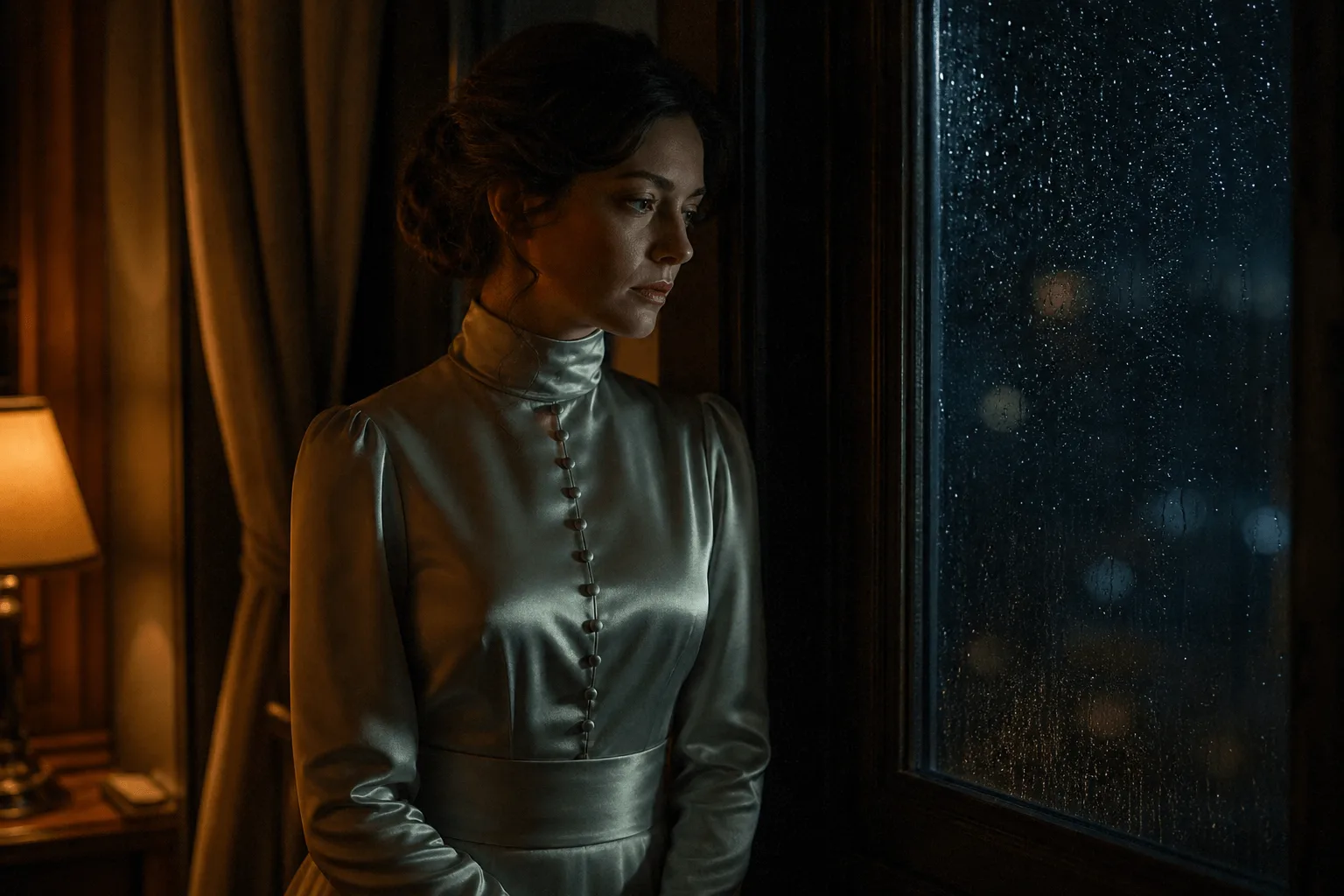
The character-and-room example sends two images and labels them in the prompt: "Image 1 is the character — keep her face, hair and the black slip dress exactly. Image 2 is the room." She then crosses to the window under a slow lateral track, 8 seconds at 720p with seed 771120. Keeping both plates and the seed fixed while changing only the action line is the request shape for episodic work.
A speaker with a matched voice
The monologue example pairs one image plate for the speaker's face and wardrobe with one audio reference for her voice. The prompt keeps those roles apart, then describes a locked medium shot at a kitchen table in morning light, 10 seconds at 720p. Presenters, narrators and recurring characters who must sound the same across takes follow this pattern.
Prompt guide & pro tips
Map every reference before describing the shot
Open the prompt with one sentence per reference — which image is the character, which is the set, what the video or audio is for — then write the scene: subject, one action, one camera move, light and sound. Supply images in the order you refer to them, because "Image 1" and "Image 2" are how the prompt points at them.
Resolve conflicts explicitly
If a motion clip contains a person or background you do not want, ask only for its camera path or timing. Do not give two references the same job and expect the model to choose between them; decide in the brief which one controls identity and which one controls the setting.
Change one thing per rerun
Hold seed and the reference set steady and change one line — the action, the camera move or a single reference — per attempt, so any difference in the result can be traced to that change. Explore at 5 seconds and 720p before committing to a longer or larger render, and check face, wardrobe, setting and voice against their references in every take.
API quick start
# Generate the idempotency key once; reuse it when retrying after a lost response.
export SPICY_IDEMPOTENCY_KEY="${SPICY_IDEMPOTENCY_KEY:-$(uuidgen)}"
curl -X POST https://api.spicyapi.ai/api/v1/jobs/createTask \
  -H "Authorization: Bearer $SPICY_API_KEY" \
  -H "Content-Type: application/json" \
  -H "Idempotency-Key: $SPICY_IDEMPOTENCY_KEY" \
  -d '{
  "model": "alibaba/wan-3.0/reference-to-video",
  "input": {
    "aspect_ratio": "16:9",
    "duration_seconds": 5,
    "prompt": "A slow aerial shot drifting over a misty pine forest at sunrise",
    "reference_image_urls": [
      "https://example.com/reference.png"
    ],
    "resolution": "720p"
  }
}'

# Copy data.taskId from the response into TASK_ID, then poll the status.
TASK_ID="TASK_ID_FROM_RESPONSE"
curl "https://api.spicyapi.ai/api/v1/jobs/recordInfo?taskId=$TASK_ID" \
  -H "Authorization: Bearer $SPICY_API_KEY"
See the API reference for authentication, the complete schema, polling, and error handling.