Introduction
Wan 3.0 Text to video generates a 2 to 30 second clip with sound from nothing but a written prompt. prompt is the only required field; duration_seconds, resolution (480p, 720p or 1080p, default 720p), aspect_ratio (default 16:9), generate_audio, enable_prompt_expansion and seed are optional controls you can leave at their defaults. Because no image anchors the shot, the model invents every face, garment and set from the words. That gives the widest creative range of the Wan 3.0 modes and the least control over a specific person.
Choose a Wan 3.0 mode by starting material
| What you have at the start | Mode |
|---|---|
| a written scene or script | Wan 3.0 Text to video |
| an approved opening image | Wan 3.0 Image to video |
| separate visual, motion, or sound references | Wan 3.0 Reference to video |
Key features & highlights
Sound written into the same request
generate_audio is on by default, so the returned file already carries sound locked to the picture. The armoury example uses this deliberately: its prompt ends with an "Audio:" line — a leather glove slapping onto wood, lacing creaking, a torch spitting — and those sounds come back with the actions that cause them. Set the field to false only when the shot will be scored separately.
Any whole length from 2 to 30 seconds
duration_seconds accepts every whole number from 2 to 30, with 5 as the default, or -1 for smart duration, where the model picks the length from the prompt. The dune example runs the default 5 seconds at 720p in 16:9 — enough for one aerial glide from the storm wall down to her face. Longer clips drift more in identity and geometry, so settle the look at 5 seconds before extending.
Uncensored scenes from wording alone
The family is uncensored, and no scene needs a flag or per-request declaration. The drive-in example — two adult women on a station-wagon tailgate, lit only by the projector beam, ending in a slow kiss — came from the prompt text alone at 5 seconds and 720p. You remain responsible for consent, rights, age and local law for everyone depicted.
Request parameters
| Parameter | Required | Description |
|---|---|---|
prompt | Yes | The shot itself: subject, one action, one camera move, then light and sound. Long lists of adjectives move the result less than one clear action does. at least 1 characters |
aspect_ratio | No | 16:9, 9:16, 1:1, 4:3, 3:4 or adaptive, which lets the model choose. Defaults to 16:9. |
enable_thinking | No | Has the model think through the brief and any reference material before generating. It helps with dense documents, web pages and complex reference images, and makes the run slower. Default: |
resolution | No | 480p, 720p or 1080p. Defaults to 720p. |
duration_seconds | No | Any whole number from 2 to 30, or -1 for smart duration, where the model picks the length: the 30-second maximum is held up front and the charge settles on the length actually d… |
generate_audio | No | On by default. The clip comes back with sound already locked to the picture. Default: |
enable_prompt_expansion | No | Off by default. When on, the prompt is rewritten before generation, which helps thin briefs and fights you on detailed ones. Default: |
seed | No | 0 to 2147483647. Hold it steady to compare one changed field at a time; drop it for variety. |
Pricing
| Specification | Price |
|---|---|
| $0.045 / second |
| $0.09 / second |
| $0.18 / second |
Use cases
Atmospheric set pieces without a source image
When no photograph of the location exists, the prompt has to build it. The dune example describes a sunset dune crest, a colossal sandstorm rolling in, an emerald silk gown streaming in the wind and a camera that glides down from an aerial view to her face, all from the sentence alone. Requests like this suit mood films and pitch reels where the environment matters more than a specific face.
First-person framing
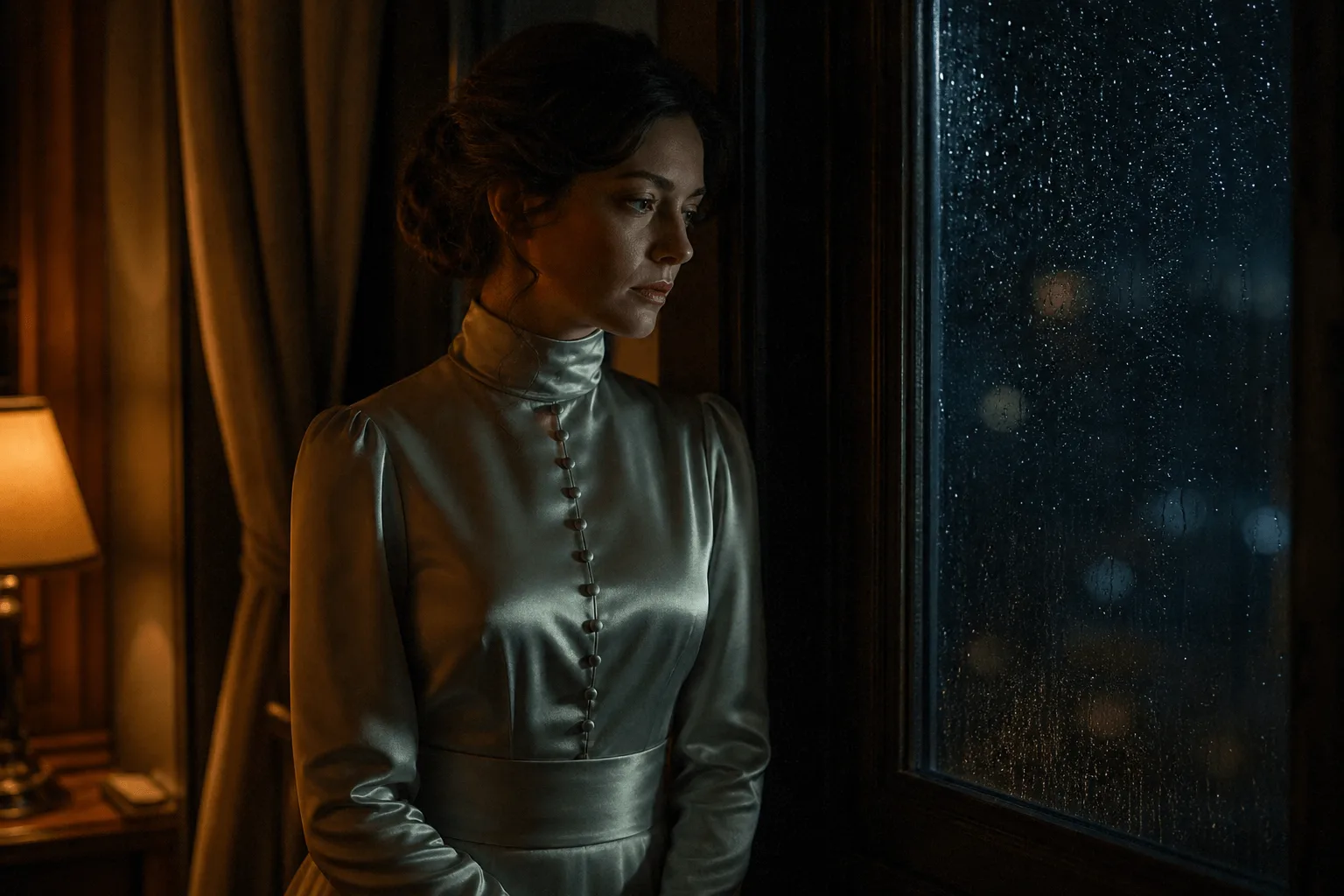
The point-of-view example is written as one continuous take: the camera is the viewer's own eyes, a single tungsten lamp is the only light, and the brief states that the wardrobe stays exactly as written throughout. Stating what stays unchanged is as useful as stating what moves, because it stops the model from resolving an ambiguous prompt in its own direction.
Prompt guide & pro tips
Order the prompt: subject, action, camera, light, sound
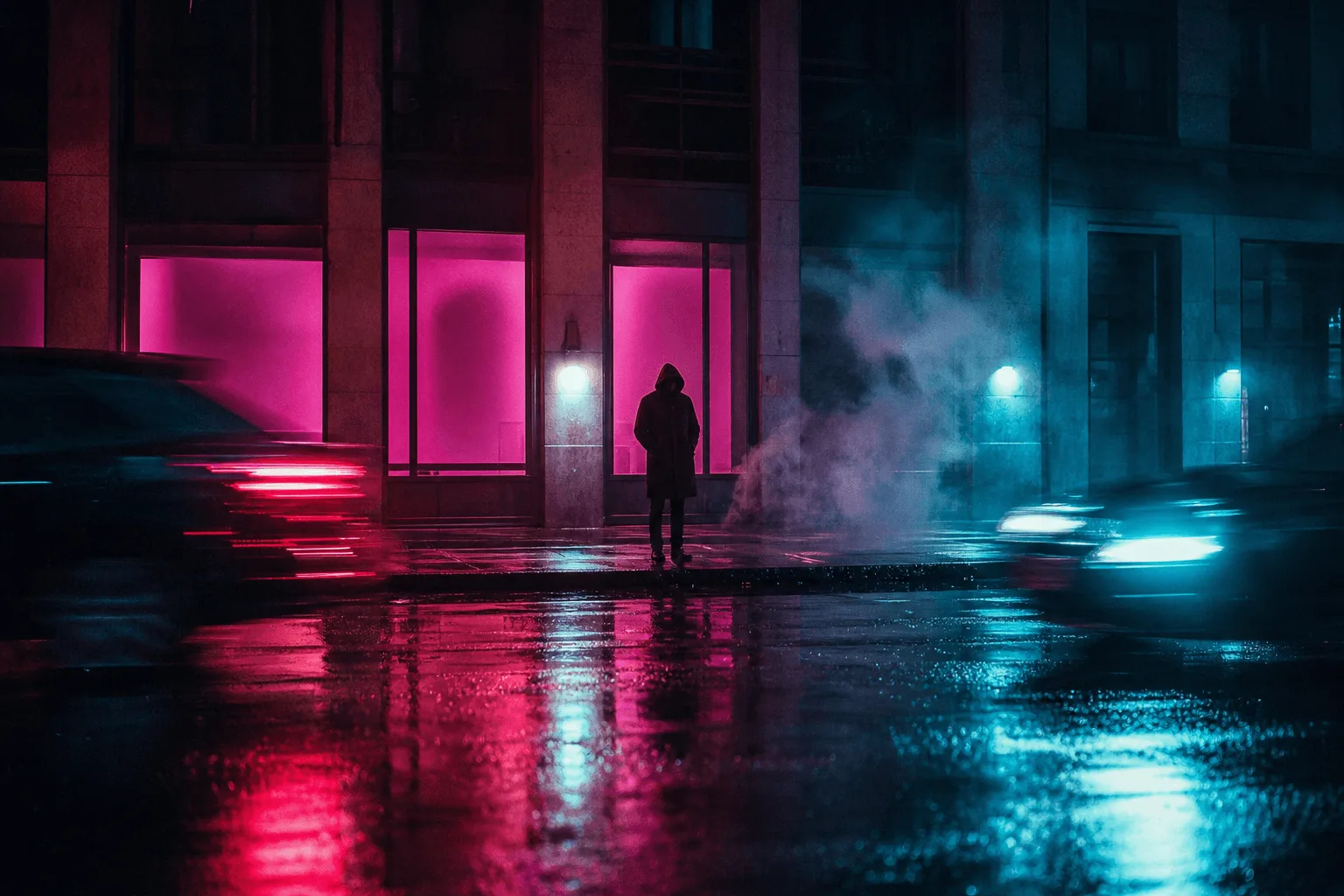
Write one subject, one action, one camera move, then a note each for light and sound. Long adjective lists move the result less than one clear action does. The family's reference clip follows this order exactly: two women sharing an umbrella, a strand of hair tucked away and a kiss, a slow dolly-in, neon bleeding across wet ground, rain on the umbrella.
Specify the framing when a detail carries the scene
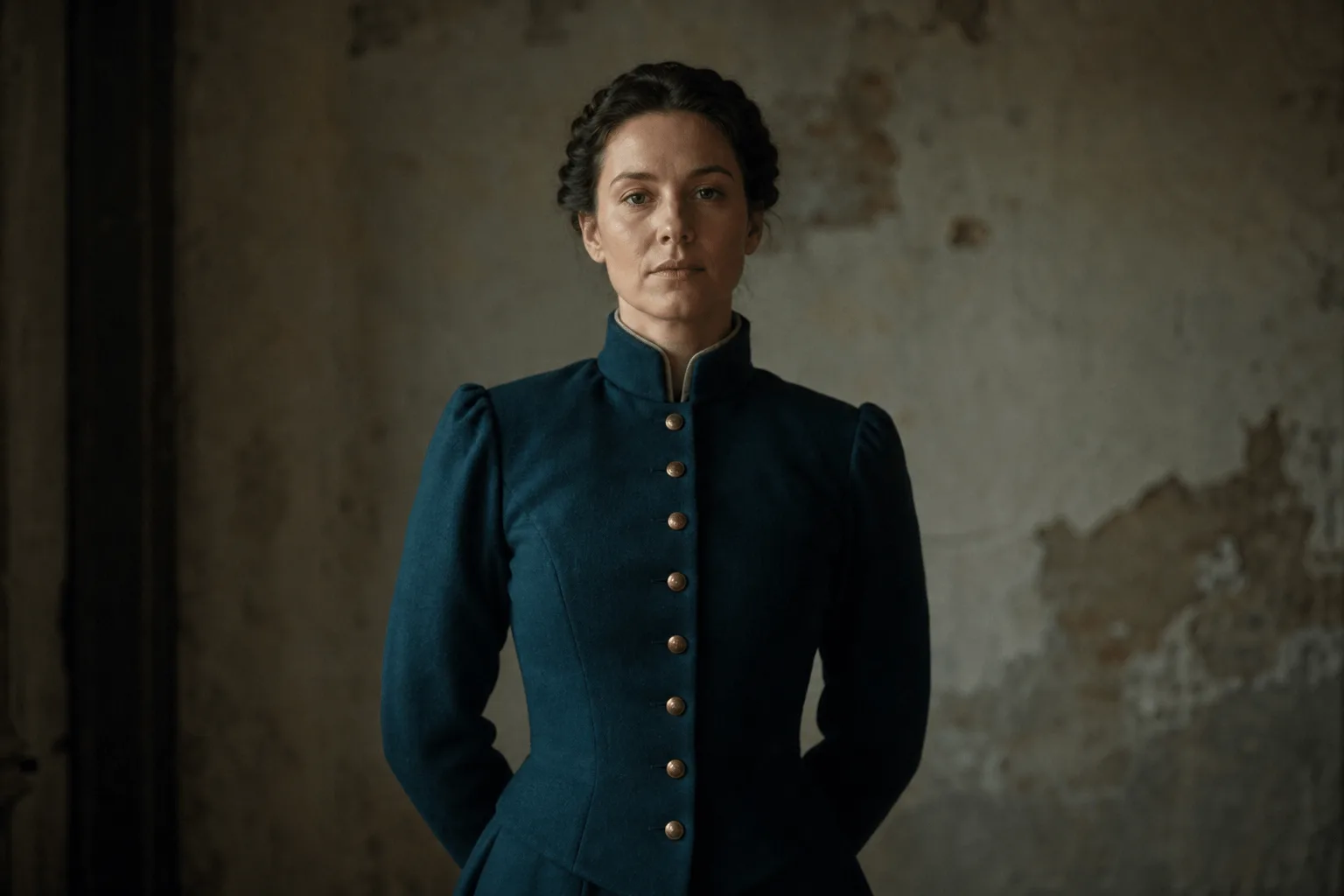
The armoury prompt names its framing — medium close-up from the hips up, low three-quarter angle, 85mm — because a wide shot would lose the glove, the lacing and the torchlight on her shoulders. When a detail matters, say how large it should be in the frame instead of hoping the model picks a close shot.
Keep prompt expansion off for precise briefs
enable_prompt_expansion defaults to false here. Switching it on rewrites the prompt before generation, which helps a two-line idea and works against a detailed brief like the ones above. For controlled reruns, hold seed and change one field at a time; a fixed seed makes comparisons fair but does not guarantee identical frames. Text alone cannot keep one face across runs, so use reference-to-video for recurring characters.
API quick start
# Generate the idempotency key once; reuse it when retrying after a lost response.
export SPICY_IDEMPOTENCY_KEY="${SPICY_IDEMPOTENCY_KEY:-$(uuidgen)}"
curl -X POST https://api.spicyapi.ai/api/v1/jobs/createTask \
  -H "Authorization: Bearer $SPICY_API_KEY" \
  -H "Content-Type: application/json" \
  -H "Idempotency-Key: $SPICY_IDEMPOTENCY_KEY" \
  -d '{
  "model": "alibaba/wan-3.0/text-to-video",
  "input": {
    "prompt": "A slow aerial shot drifting over a misty pine forest at sunrise",
    "resolution": "720p",
    "aspect_ratio": "16:9",
    "duration_seconds": 5
  }
}'

# Copy data.taskId from the response into TASK_ID, then poll the status.
TASK_ID="TASK_ID_FROM_RESPONSE"
curl "https://api.spicyapi.ai/api/v1/jobs/recordInfo?taskId=$TASK_ID" \
  -H "Authorization: Bearer $SPICY_API_KEY"
See the API reference for authentication, the complete schema, polling, and error handling.