Introduction
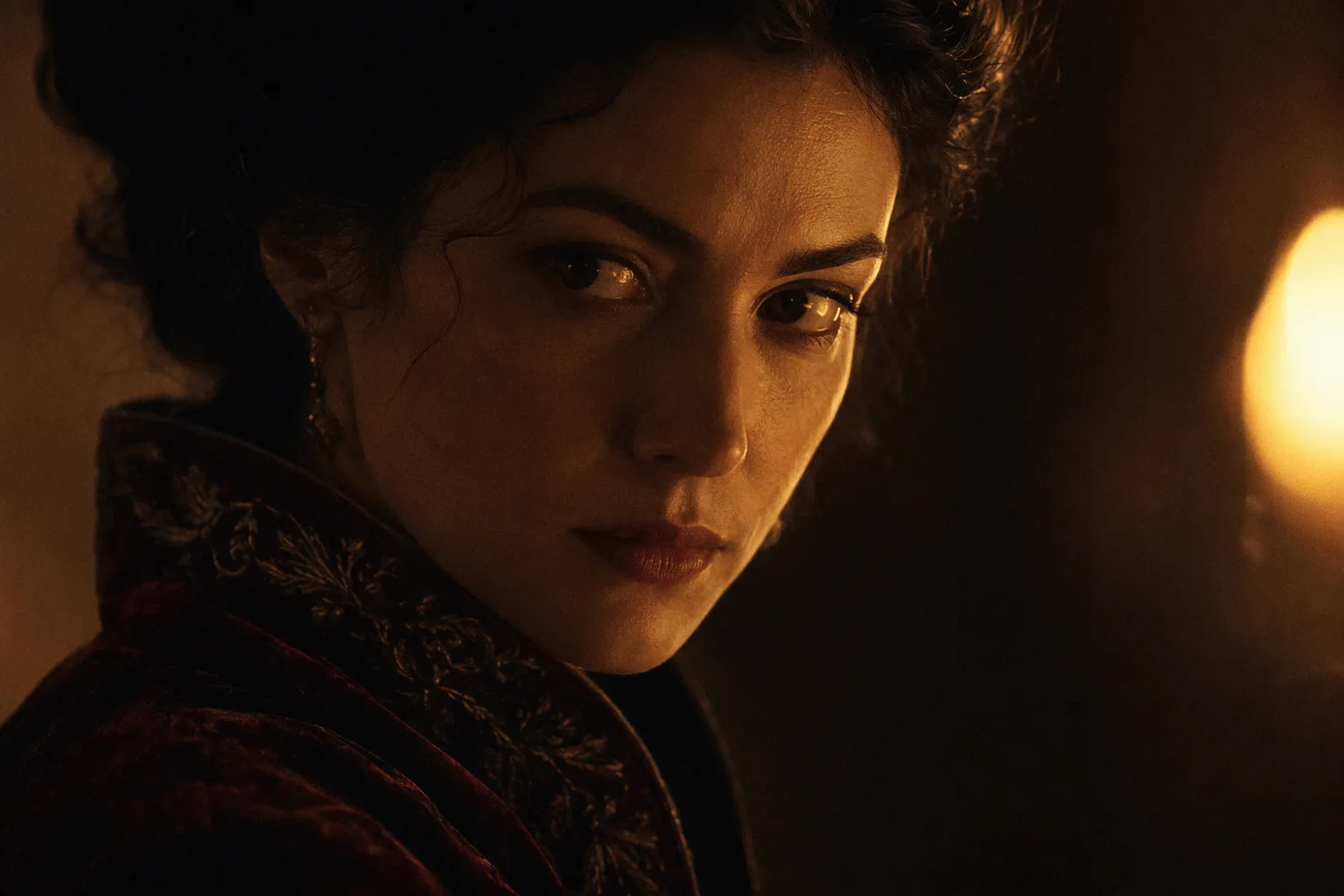
Wan 2.6 Spicy Image-to-Video is the single endpoint of the Wan 2.6 Spicy family. An authorised opening frame becomes exactly 5, 10 or 15 seconds at 720p or 1080p, returned with sound. The frame carries wardrobe, body, set, light and frame shape; the prompt carries motion. Nothing in the request flags a clip, and no per-request declaration is involved.
Only image_url is required. The prompt, a negative prompt, an audio track, a shot type, prompt expansion and a seed are all optional.
Key features & highlights
Three fixed lengths
duration_seconds is an enum of 5, 10 and 15, not a range. Sending 7 returns a validation error rather than a rounded clip, so you always know how many seconds you are paying for, and the edit can be planned around three lengths. Water, hair and hands hold well at five seconds and drift more at fifteen, which is worth weighing before choosing the longest option.
Your own track through audio_url
Clips always return with sound; there is no switch to turn it off. When a spoken line or a music cue has to land on a specific frame, send it through audio_url and the clip follows it for lip sync and pacing. The file must be WAV or MP3, 3 to 30 seconds long and no larger than 15 MB.
A separate field for exclusions
negative_prompt is where a second person, a prop, on-screen text or a watermark the frame keeps reproducing is kept out, in up to 500 characters. The prompt, up to 1,500 characters, stays free for motion. Restating the outfit or the set in the prompt invites the model to redraw what the frame already fixed.
Request parameters
| Parameter | Required | Description |
|---|---|---|
image_url | Yes | The opening frame. Wardrobe, body, set, light direction and the clip's aspect ratio all come from it, so crop it to the delivery shape first. |
prompt | No | Optional. Describe what happens after the frame — one action, one camera behaviour, one note on sound. at most 1500 characters |
negative_prompt | No | What must not appear: a second person, a prop, on-screen text, a watermark the plate keeps reproducing. The only place to exclude something. at most 500 characters |
duration_seconds | No | Exactly 5, 10 or 15. Anything else is rejected rather than rounded, so the length you pay for is never a surprise. |
resolution | No | 720p or 1080p, default 720p. It moves both the price and how long the task takes to come back. |
audio_url | No | An audio track for the clip to follow, driving lip sync and pacing. Use it when a spoken line or a music cue has to land on a specific frame. |
seed | No | 0 to 2147483647. Keep it fixed while you compare resolutions or lengths from the same plate. |
shot_type | No | Single keeps the whole clip on one continuous take. Multi lets the model cut between shots, which suits a short scene but breaks strict continuity. |
enable_prompt_expansion | No | Off by default, so the prompt is sent as written. Turn it on to fill out a thin brief. Default: |
Pricing
| Specification | Price |
|---|---|
| $0.095 / second |
| $0.1425 / second |
Use cases
Water and light
The published pool example starts from a still of a swimmer rising out of a rooftop pool at blue hour. Because the frame holds the outfit, the water and the city behind her, the prompt only says that she rises further, slicks her hair back and opens her eyes to camera. It runs five seconds at 720p.
Scenes for two
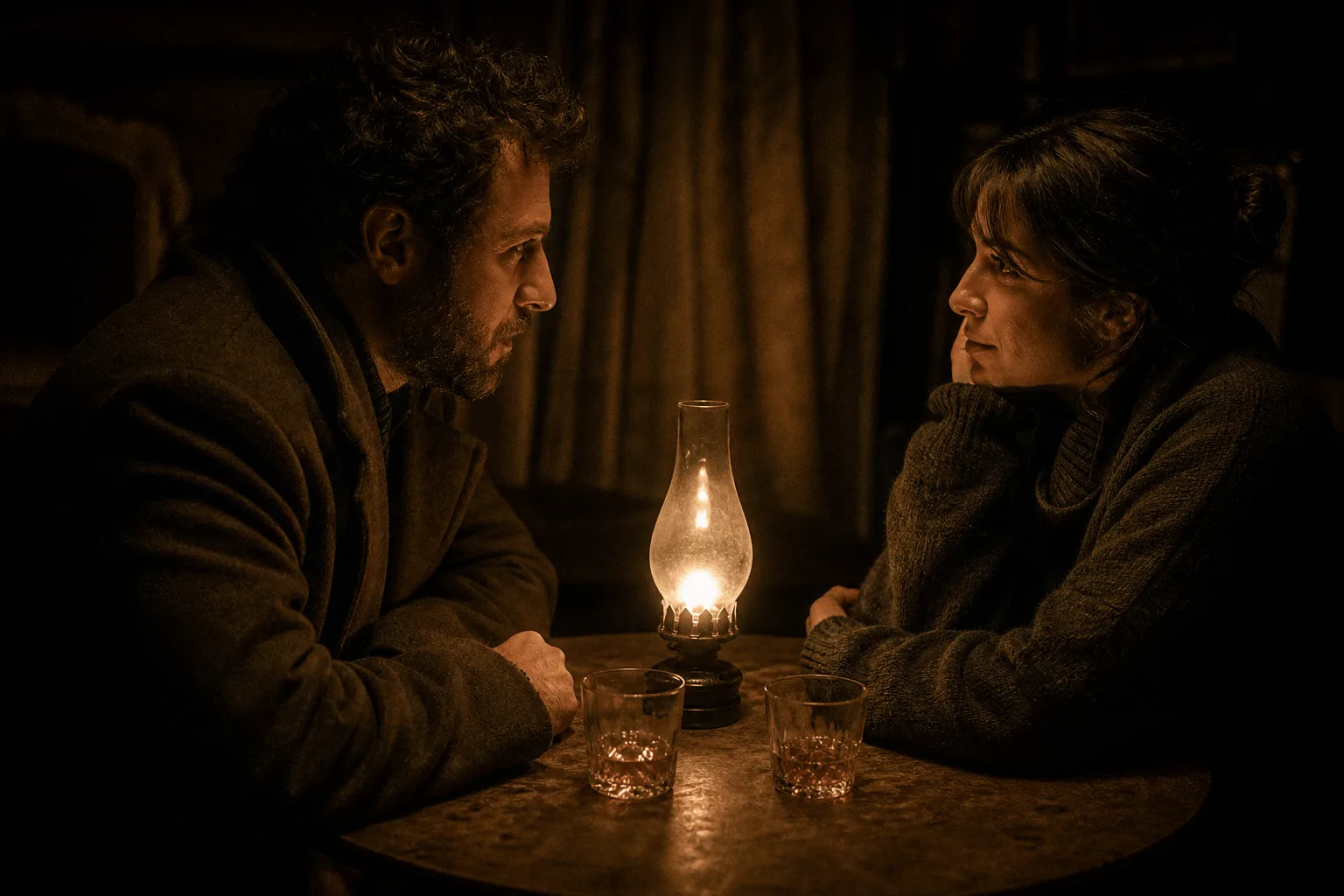
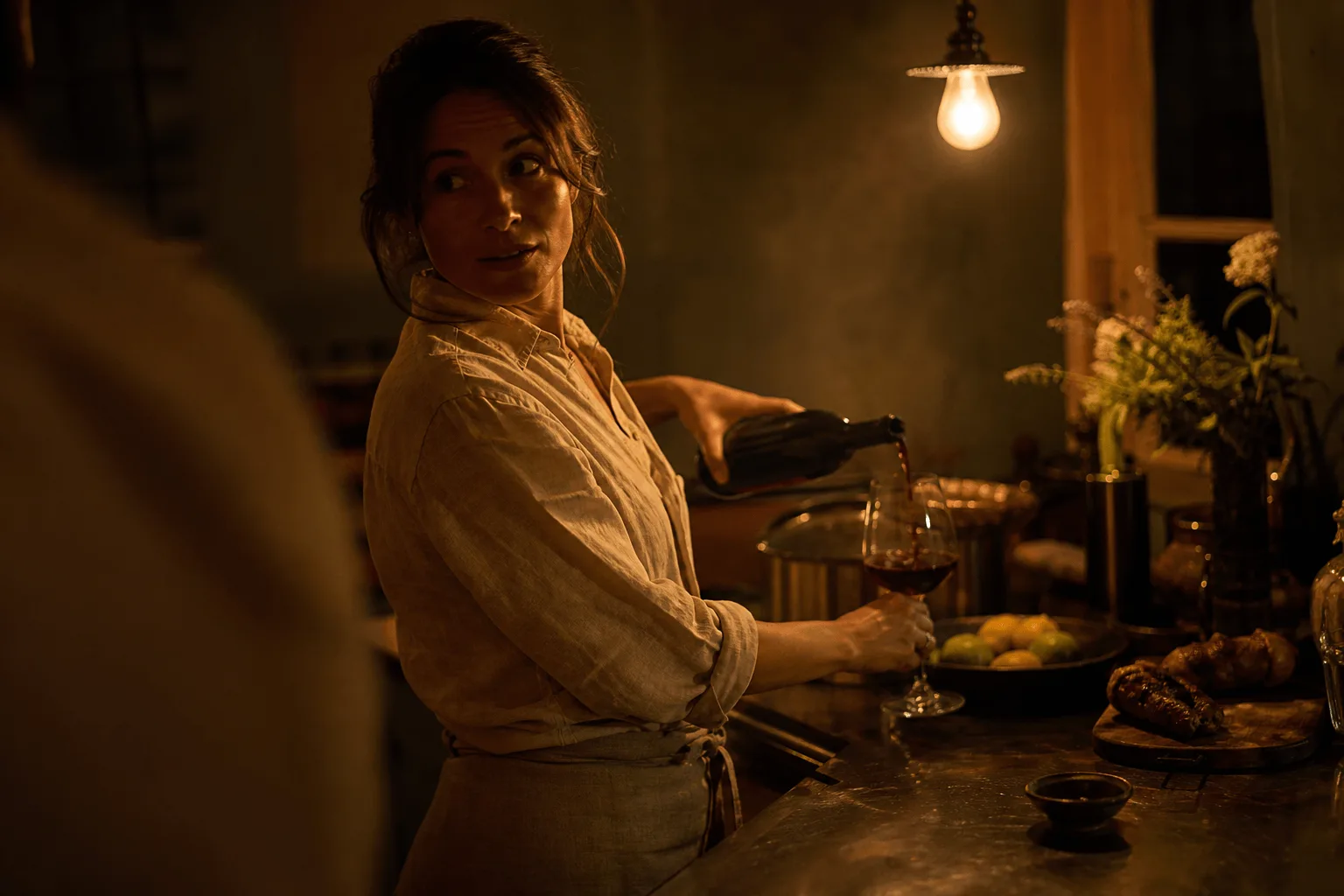
A frame with two people is handled like any other continuation: the clip continues whatever the opening frame shows, and nothing is screened afterwards. The green-room example keeps the same framing for the whole clip while one person moves behind the other, rendered at 1080p for five seconds.
Companion characters with your own voice track
Reuse one character plate as the opening frame and upload a recorded line through audio_url. Lip movement and pacing follow your take, so the same face can deliver a script instead of mouthing generic motion.
Fifteen-second spots in one call
Fifteen seconds covers a full pre-roll or a story card without an edit. One opening frame, one action line, one request, and because the length is one of three fixed values, it is settled before you submit.
Prompt guide & pro tips
Crop the frame to the delivery shape
The still decides the person, the costume, the location, the light and the proportions of the clip. There is no ratio field, so crop it to 16:9, 9:16 or square before sending it; reframing afterwards costs a re-render. Send JPEG, PNG without transparency, BMP or WEBP, 240 to 8,000 pixels on each side and no larger than 20 MB.
Build a clip from small movements
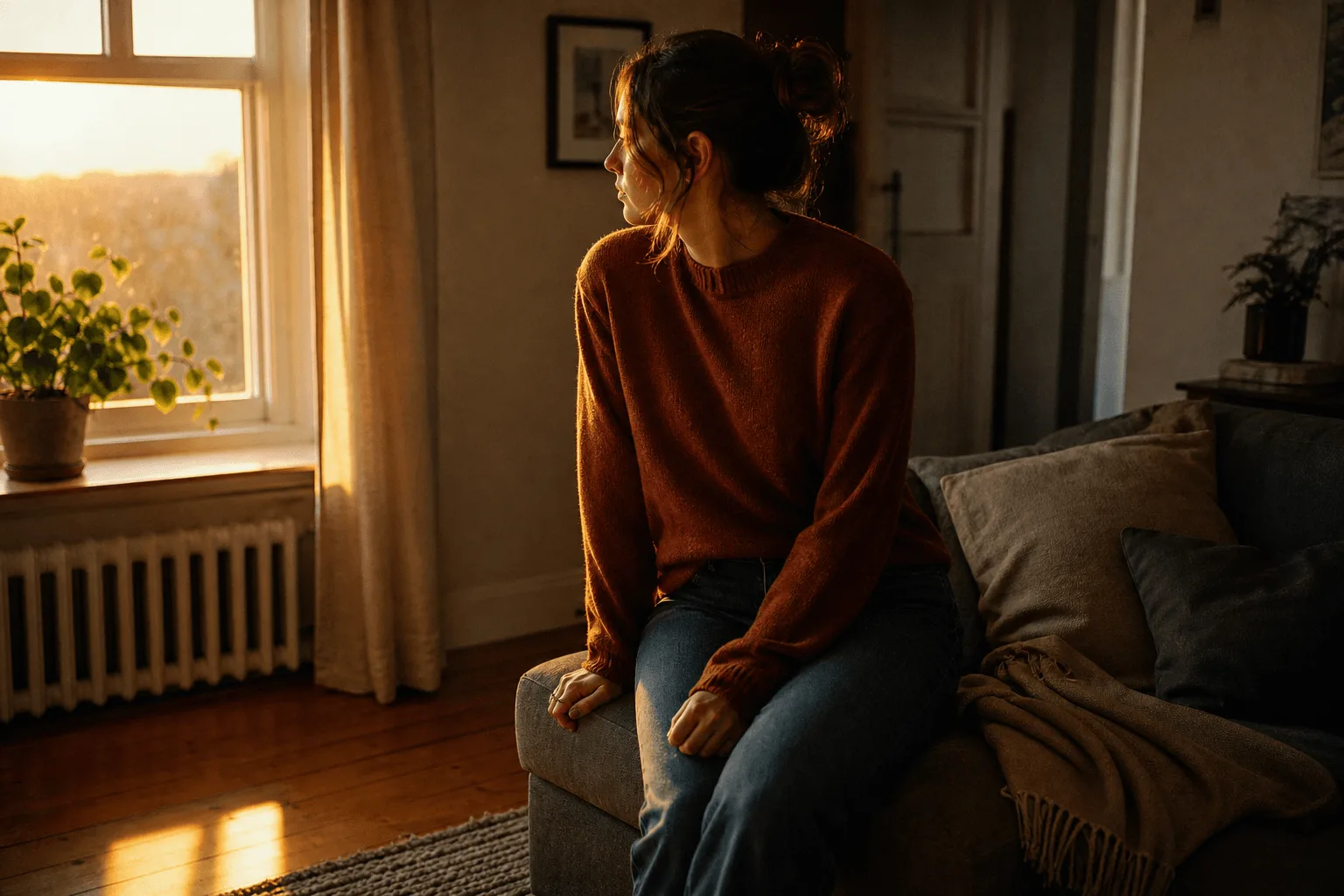
The slatted-light example is made of two tiny movements, a foot flexing and a knee straightening, while the silk shifts underneath. The light does the rest as slatted bars creep across while the blind stirs, and the camera is a handheld point-of-view sway rather than a move. Small, specific actions like these give the frame something to do without asking it to change.
Write a boundary into the prompt when the camera is locked
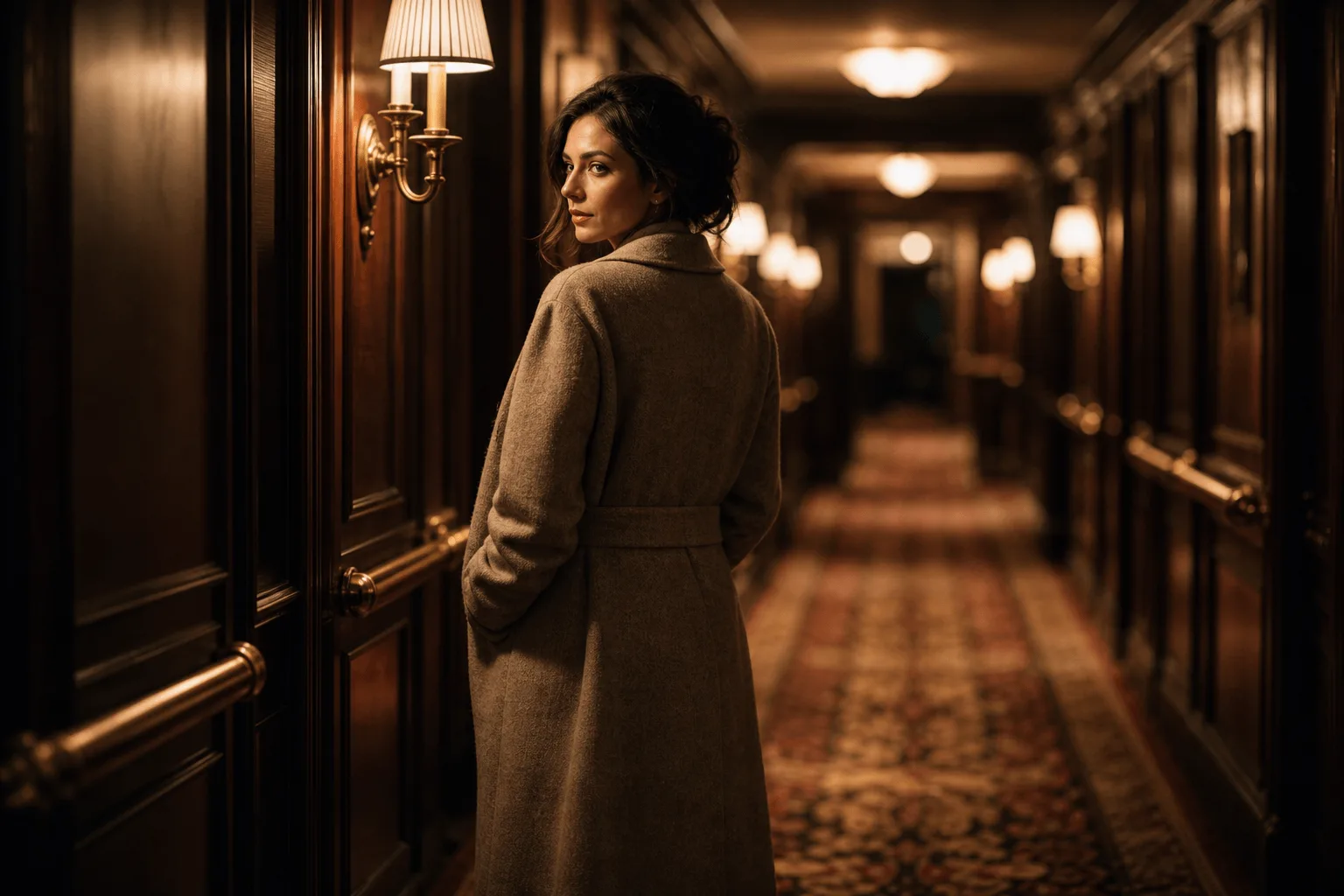
In the ten-second green-room example, everything of interest sits on one horizontal line and the prompt states outright what must stay out of frame. When the camera does not move, stating the constraint in the prompt holds more reliably than trying to frame around it, because it has to hold for the whole clip.
Adapt the included example
Start with the published example using duration_seconds: 5, image_url: a publicly accessible URL, resolution: 720p. Replace the subject and the motion while keeping the input contract for this mode intact.
She rises further out of the water, sheets of it running off her shoulders and swimsuit, slicks her wet hair straight back with both hands and opens her eyes toward camera, droplets scattering. Blue-hour city towers glow behind, slow-motion water detail, ambient pool lap and distant traffic.
The exact request behind the clip for this endpoint, generated from the opening frame shown beside it.
Settle at 720p, then render the keeper at 1080p
Resolution changes both the price and the time the task takes. Settle the motion at 720p, then re-render the chosen version at 1080p with the same frame and seed, which accepts 0 to 2147483647. Keep both fixed when comparing five seconds against fifteen as well; otherwise you are comparing two different clips, not two settings. The seed steadies the draw but an identical clip is not guaranteed.
API quick start
# Generate the idempotency key once; reuse it when retrying after a lost response.
export SPICY_IDEMPOTENCY_KEY="${SPICY_IDEMPOTENCY_KEY:-$(uuidgen)}"
curl -X POST https://api.spicyapi.ai/api/v1/jobs/createTask \
  -H "Authorization: Bearer $SPICY_API_KEY" \
  -H "Content-Type: application/json" \
  -H "Idempotency-Key: $SPICY_IDEMPOTENCY_KEY" \
  -d '{
  "model": "alibaba/wan-2.6-spicy/image-to-video",
  "input": {
    "duration_seconds": 5,
    "image_url": "https://example.com/reference.png",
    "resolution": "720p",
    "shot_type": "single"
  }
}'

# Copy data.taskId from the response into TASK_ID, then poll the status.
TASK_ID="TASK_ID_FROM_RESPONSE"
curl "https://api.spicyapi.ai/api/v1/jobs/recordInfo?taskId=$TASK_ID" \
  -H "Authorization: Bearer $SPICY_API_KEY"
See the API reference for authentication, the complete schema, polling, and error handling.