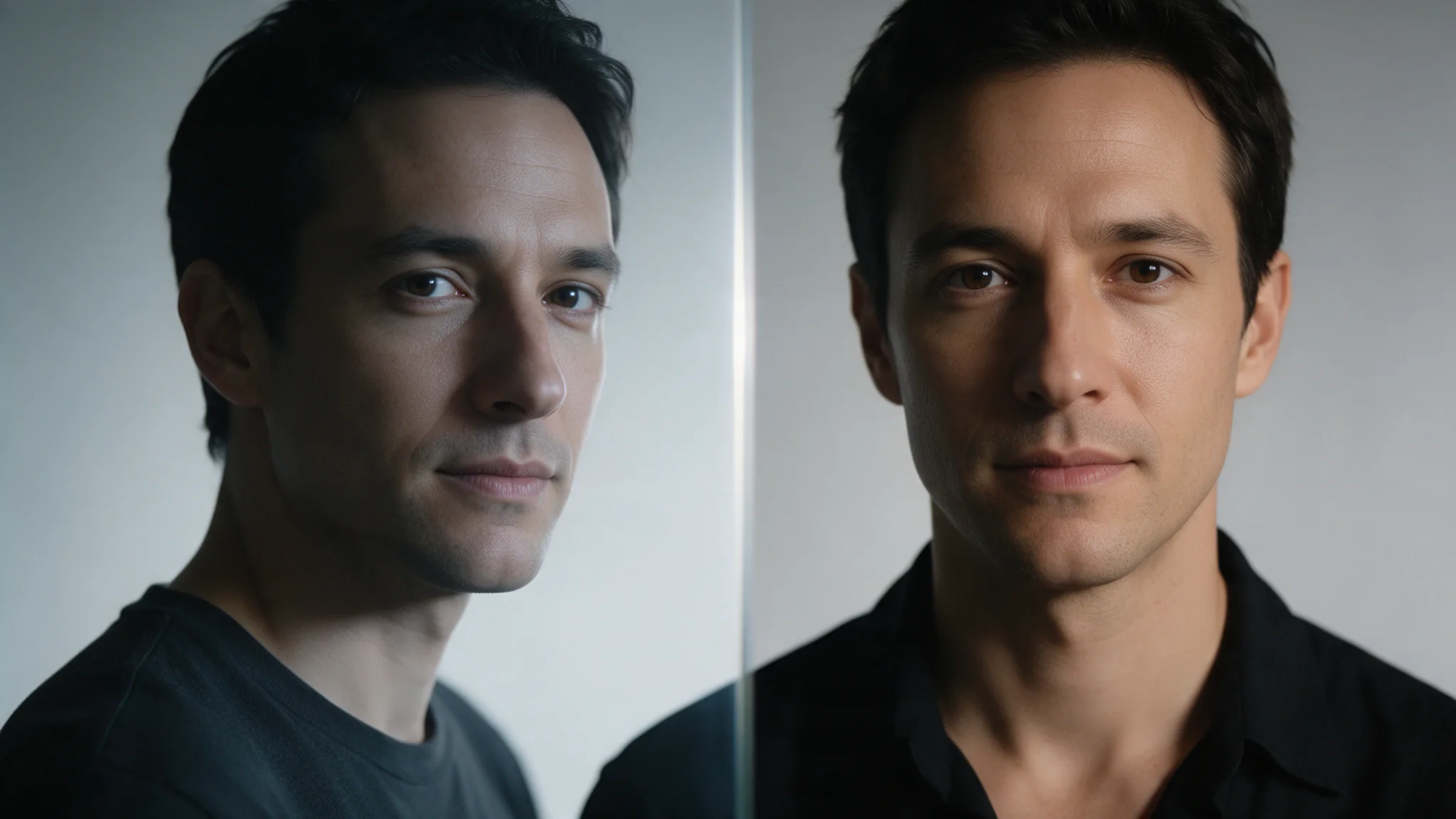
Comparing reference photos and colour before a swap.
Face swap on SpicyAPI is a family of uncensored endpoints that take two images (or one image and a clip), no prompt and no mask. This guide covers which endpoint to call, how to try it in the Playground and then from code or an Agent, what to check in the output, and how to keep the result after the platform deletes it.
Pick the endpoint for the job
| You need | Call | Price | What stays from the target |
|---|---|---|---|
| A new face in a photo whose hair already works (avatar variants, catalogue recasts) | Face Swap | $0.013 per image | Hair, head shape, pose, outfit, background |
| The whole head, hairstyle and hair colour included (a fictional character whose hair is part of the design) | Head Swap | $0.013 per image | Body, outfit, pose, background |
| A person in a 3 to 40 second clip | Video Face Swap | $0.026 per second, billed in 10 second blocks | Hair, movement, framing, background |
| Several heads in one clip, chosen by position | Video Head Swap, a two-step flow: see the guide | $0.08 analysis, then from $0.064 per second | Body, motion, original audio |
| Skin tone matched for you | Face Swap Plus | $0.16 per image | Pose, outfit, lighting, background; the engine decides face-only or whole head per pair |
| No retouch pass, pores and grain kept | Face Swap Pro | $0.16 per image | Hair, head shape, pose, background |
Start with Face Swap at $0.013. Move to Pro when the swapped face looks smoother or sharper than the rest of the frame, and to Plus when the two photos have clearly different skin tone or lighting colour. 200 avatar variants cost $2.60 on Face Swap and $32 on Pro, so test your hardest pair on both. Plus has a prompt field that has no effect, so leave it out and put glasses or an expression into the target photo instead.
Video Face Swap bills the source clip in whole 10 second blocks, so a 12 second clip is charged as 20 seconds ($0.52) and a 40 second clip as $1.04. Submit holds the 40 second estimate ($1.04) and releases the difference when the task settles. Trim to a block boundary before you submit.
What the endpoints do with real faces
These endpoints are listed uncensored: SpicyAPI adds no per-request face scan or real-person check. Failures are usually about the input (no detectable face, an unreachable file), though an individual model can still decline a request. The Acceptable Use Policy prohibits impersonation, non-consented intimate or sexualised use of a real person's likeness, and anything involving minors; after a report SpicyAPI can remove stored assets and suspend access. A public photo or a prior relationship is not consent. The consent record is yours to keep, and it belongs before the upload button:
- The signed-in user confirms they have the subject's permission for both images and for this use; store the confirmation with the project (who, which asset, what use, when).
- No images of minors, and no use that impersonates a real person to deceive.
Keep these as product records, not in prompts, analytics events or logs.
Prepare inputs that will not fail
There is no strength setting to tune, so a bad result means a different input pair.
- Frontal, large, sharp faces. Heavy profile angles, motion blur, dense occlusion (hands, masks, large sunglasses) and very small faces degrade the transfer or fail the request. A large, sharp, frontal reference face gives the best result.
- Same light direction. The swap does not relight the target, so a reference lit from the other side shows as a seam at the jawline. Match direction and rough skin tone, or pick another reference. Plus reconciles skin tone only; it does not fix a lighting-direction mismatch.
- One face per image. For group shots, Face Swap and Video Face Swap accept
face_mapping: up to 10 entries, each pairing a reference face with a target face, numbered from 0 in detection order. Re-check the numbering whenever you change an image. Plus and Pro assume one face; crop first.
``json "face_mapping": [{ "reference_face_index": 0, "target_face_index": 1 }] ``
This swaps reference face 0 onto the second face found in the target. Leave the field out to swap a single face.
- Direct file links. Image URLs must resolve to the file without a login. For video, a page that plays the clip returns HTML, not a clip, and the call fails with the charge refunded; upload the file instead.
- The roles are not interchangeable.
image_urlis the picture that is changed;reference_image_urlsupplies the face. Swapping them is a valid request with a different result and returns no error, so a wrong-way swap looks like a model bug.
Limits for video: MP4 up to 90 MB and 3 to 40 seconds, reference image JPG, PNG or WEBP up to 10 MB. Keep the face large in frame and not turned away for long. The endpoint works best with one person on screen; for a clip with several people, add face_mapping (same shape as above, numbered in detection order) or crop to the subject.
Try it in the Playground first
Open the Face Swap task page and use the Playground tab (configure, estimate, run). Enter the target image and the reference face image, check the price estimate for your settings, and run it. Try your hardest pair here before you write code: if the result is wrong in the Playground it will be wrong from the API, and the fix is a different input pair. Head Swap has the same tab for whole-head swaps.
Then call it from code
Install the Python SDK (pip install spicyapi), set SPICY_API_KEY in the environment, and run:
import json
import uuid
from pathlib import Path
from spicyapi import SpicyClient, output_assets

client = SpicyClient()  # reads SPICY_API_KEY from the environment
job_file = Path("avatar-8841-layout-02-v1.json")  # keep this file to resume this job

if job_file.exists():
    job = json.loads(job_file.read_text())
else:
    target = client.upload_file("./layout-02.png")
    face = client.upload_file("./approved-portrait.png")
    job = {
        "key": str(uuid.uuid4()),
        "input": {"image_url": target["uri"], "reference_image_url": face["uri"],
                  "style": "realistic", "seed": 4242},
    }
    job_file.write_text(json.dumps(job))  # persist the exact key and payload BEFORE submit

if "taskId" not in job:
    task = client.create_task(
        model="spicyapi/face-swap-v1/edit", input_data=job["input"],
        idempotency_key=job["key"],
    )
    job["taskId"] = task["taskId"]
    job_file.write_text(json.dumps(job))

print("Resume task:", job["taskId"], flush=True)
final = client.wait_for_terminal(job["taskId"])
if final["state"] != "succeeded":
    raise RuntimeError(f"Task {job['taskId']} ended as {final['state']}")
assets = output_assets(final)
if not assets or any(a.get("pending") or a.get("unavailable") or not a.get("url") for a in assets):
    raise RuntimeError(f"Task {job['taskId']} has no ready output; check this task, not a new run")
print(assets[0]["url"])  # copy it to your own storage now
Run one process per job file. If waiting times out, rerun with the same file to resume the saved task. If submission itself timed out before returning an ID, retain the file and reconcile that request before trying again; idempotency protection is not permanent. Use a new job filename only when you intend a new paid request.
Uploads, waiting, errors and retries are in the Subject swap guide and the Python SDK reference. Video Face Swap uses spicyapi/face-swap-video-v1/video-edit with video_url and reference_image_url.
Or let an Agent run the job
If an assistant should run the swaps for you, give it the CLI or the MCP server. Both show the price and ask you to confirm before a paid call. The Skill adds instructions on top of either.
- CLI.
spicyapiruns one task from a terminal or script (npx @spicyapi/cliworks without installing):
``bash spicyapi files upload ./layout-02.png # prints a spicy:// URI SWAP_REQUEST_KEY="$(python3 -c 'import uuid; print(uuid.uuid4())')" printf 'Save this request key: %s\n' "$SWAP_REQUEST_KEY" spicyapi tasks create --model spicyapi/face-swap-v1/edit \ --input-file input.json --idempotency-key "$SWAP_REQUEST_KEY" --wait ``
input.json holds the same input object as above, with the spicy:// URIs. This block starts a new job. Keep its printed key and task ID; after a timeout, resume that task instead of rerunning the new-key block.
- MCP server. Add the MCP server to your assistant, then ask: "Swap the face in ./layout-02.png for the one in ./approved-portrait.png with Face Swap." It calls
spicyapi_upload_file, thenspicyapi_task_create(which stops for your price confirmation), thenspicyapi_task_wait.
``json { "mcpServers": { "spicyapi": { "command": "npx", "args": ["--yes", "--package=@spicyapi/mcp", "spicyapi-mcp"], "env": { "SPICY_API_KEY": "YOUR_SPICY_API_KEY" } } } } ``
- Skill.
npx skills add spicyapi-ai/spicy-skillinstalls the Agent Skill, which teaches a coding assistant to read the live schema, reuse idempotency keys and save results rather than guessing. It cannot run tasks by itself, so use it with the CLI or MCP.
The consent record and copying results to your own storage apply to an Agent's calls exactly as to yours.
Review before you call it done
succeeded means generation has finished. Before downloading, check that the asset has a usable URL and neither pending nor unavailable is true; while pending is true or the URL is missing, keep querying the same task. Delivery readiness still does not mean the image is approved. For video, scrub turns and fast movement, not only the first frame. A similarity score is a diagnostic signal, not consent or publication approval.
Two checks that change what you do next:
- Hair is part of the design (a game character, a mascot). Face Swap keeps the target's hairstyle, so the new face sits under the old hair. Use Head Swap instead, with a fixed character-board image as the reference, and compare each output with the board: a drifting face on a stable composition is an identity problem, the reverse is a framing problem, and a retry fixes only one of them.
- One portrait across several layouts. Run Face Swap once per layout with the same reference and
seed. Accept an output when the face is recognisable against the portrait at the crop you will publish, the glasses and hairline have not drifted and no extra people appear; keep the reference revision, target revision and task ID with it.
Deliver: copy the result yourself
Uploaded sources are deleted after one day and results after at most 14 days (retention.outputsExpireAt has the exact time). Download the result and store it yourself; the result link lasts about 20 minutes. See the retention guide.

When it goes wrong
| Symptom | Likely cause | Fix |
|---|---|---|
| Request fails: no face detected | Face too small, turned away, covered, or the URL returned a page | Crop closer, pick a frontal reference, send a direct file link or spicy:// URI |
| Visible seam at the jaw | Light direction or skin tone differs between the photos | Pick a reference lit from the same side (Plus only helps with skin-tone mismatch) |
| Face looks smoother or sharper than the scene | Retouch finish versus a raw target | Try style: "lossless" or face_enhance: true (no extra cost), then Pro (no retouch pass) |
| The wrong person's face changed in a group | face_mapping indices follow detection order | Check the detection order of both images again, or crop to one person |
| Result looks like the opposite swap | image_url and reference_image_url reversed | Fix the field roles; no error is raised |
| Video job fails and refunds | Link is a page, not an MP4; clip outside 3 to 40 s | Upload the file or use a direct link; trim |
| Second charge after a timeout | New idempotency key on retry | Reuse the original key |
| Identity drifts across a batch | Reference revision changed, or too many variables | Pin one reference and, on Face Swap, Head Swap and Plus, a seed; change one target variable at a time |
FAQ
Will the API refuse a real person's face?
SpicyAPI does not check: there is no real-person check or per-request scan, and failures are usually about the input. An individual model can still decline, and the Acceptable Use Policy prohibits impersonation, non-consented intimate use and minors. Build the permission record yourself.
Can I send a video and an image in one call?
Yes on Video Face Swap: one MP4 and one reference photo. For several people in one clip use face_mapping there, or the two-step Video Head Swap flow when you need whole heads.
Hosted API or self-hosted open-source swap?
The hosted endpoint costs $0.013 per image and removes GPU provisioning and model maintenance. Self-hosting replaces per-image fees with GPU and operating costs; whether it is cheaper depends on throughput and utilisation. High, steady volume can spread those costs across more images, but you still maintain consent and retention controls.
Is this the same as a general image-editing API?
No. A swap endpoint takes two images (or one image and a clip), no prompt and no mask, and each endpoint decides what stays from the target: Face Swap keeps the hair, Head Swap replaces it. The same pair of inputs can fail review differently on each, so choose the endpoint first.
Should I keep the original portraits with the output?
Only if you have a clear reason and a disclosed retention policy. Uploaded sources on SpicyAPI are deleted after a day anyway, so keep the reference and target revision IDs and the task ID as lineage instead of a permanent copy of each portrait.
Do I need webhooks, or is polling enough?
Polling alone works and is the recovery path: read every few seconds, or add wait (up to 60 s) on createTask for short image swaps. Add a webhook for lower latency, store each event once, and treat polling as the reconciliation for missed callbacks.
What to be able to answer
A face-swap feature earns trust when your team can say whose images were used, which revisions went in, whether the task was accepted once, why a result was delivered, and how it gets removed. Consent records, idempotency keys, your own storage and a review step are what produce those answers.