
Introduction
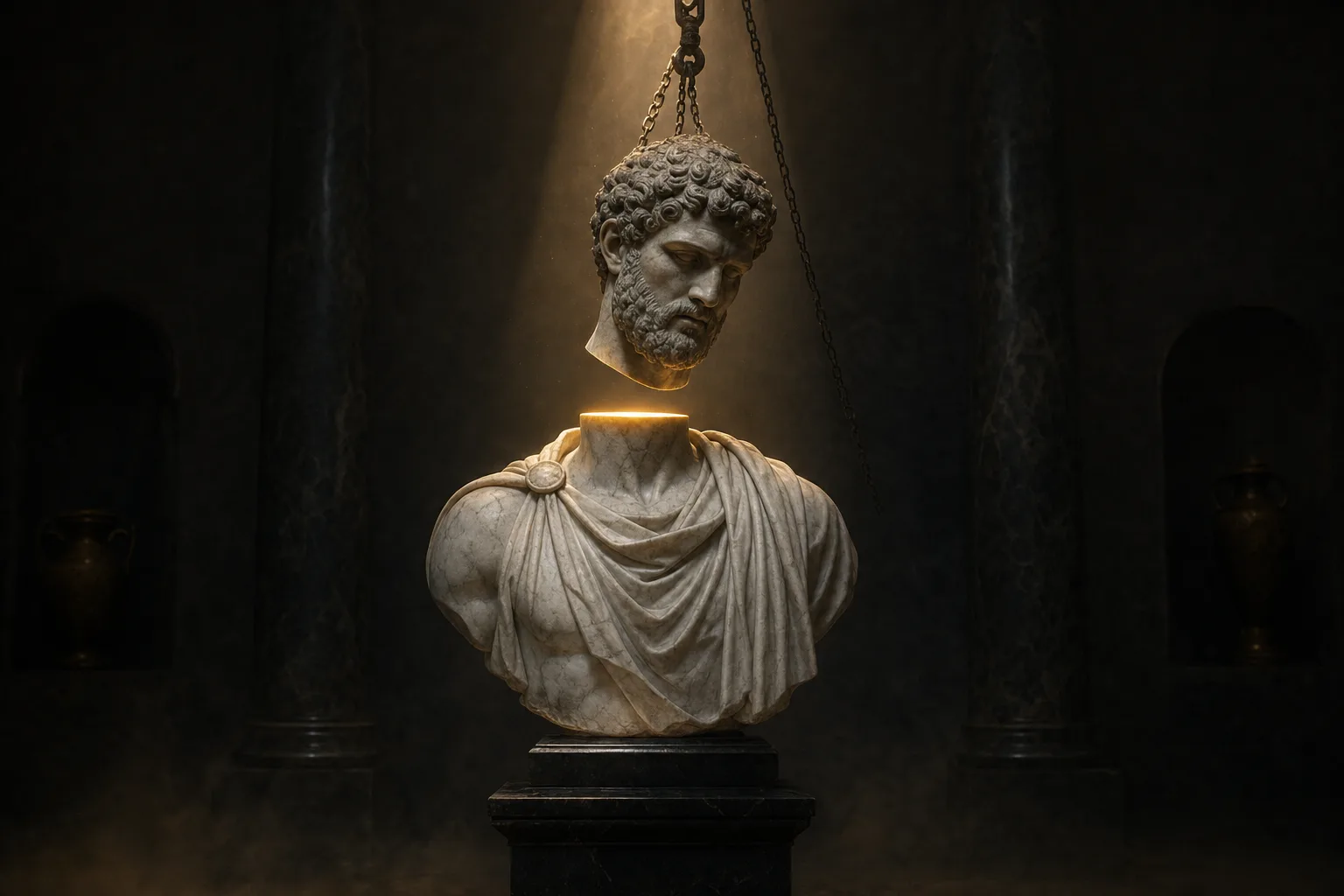
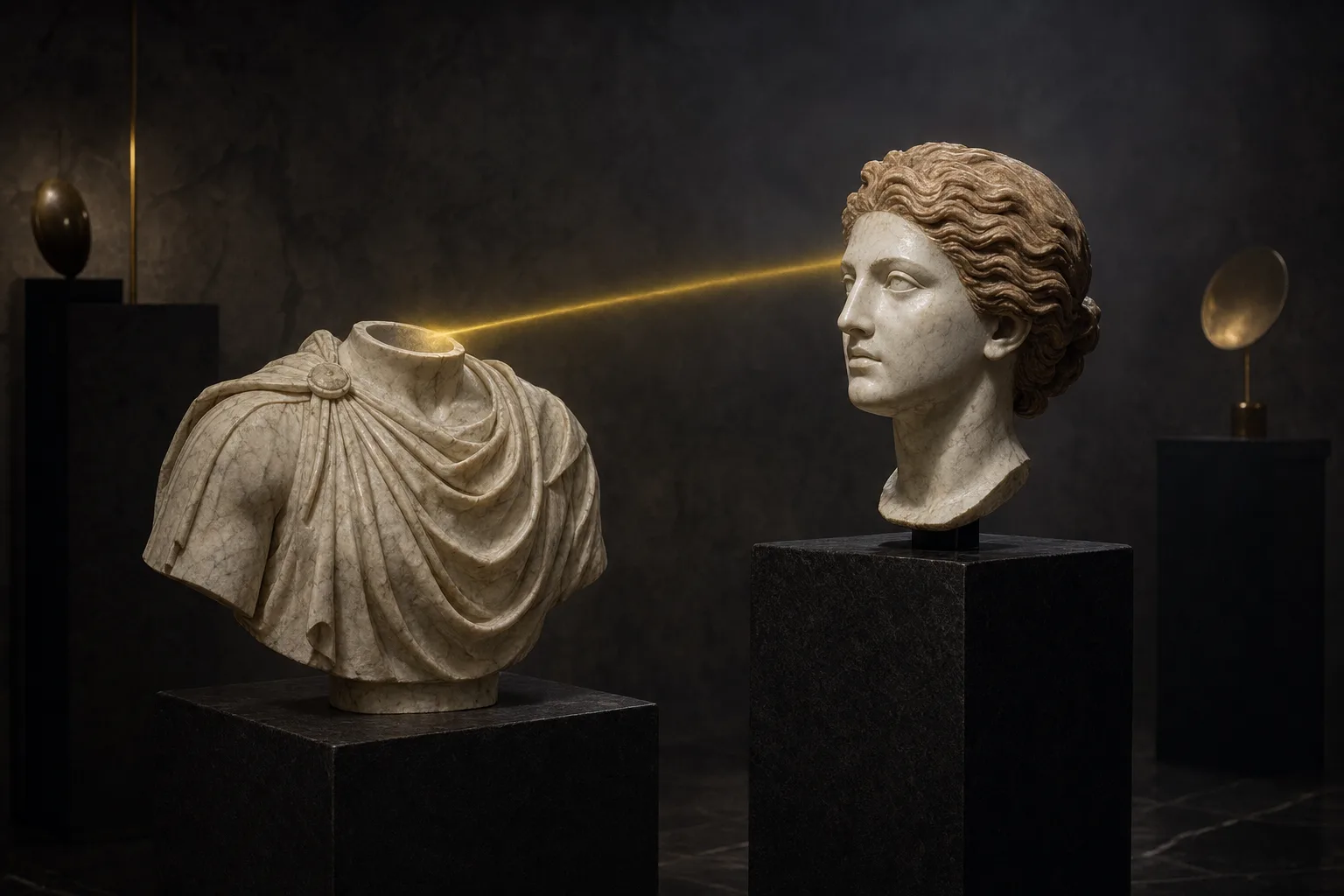
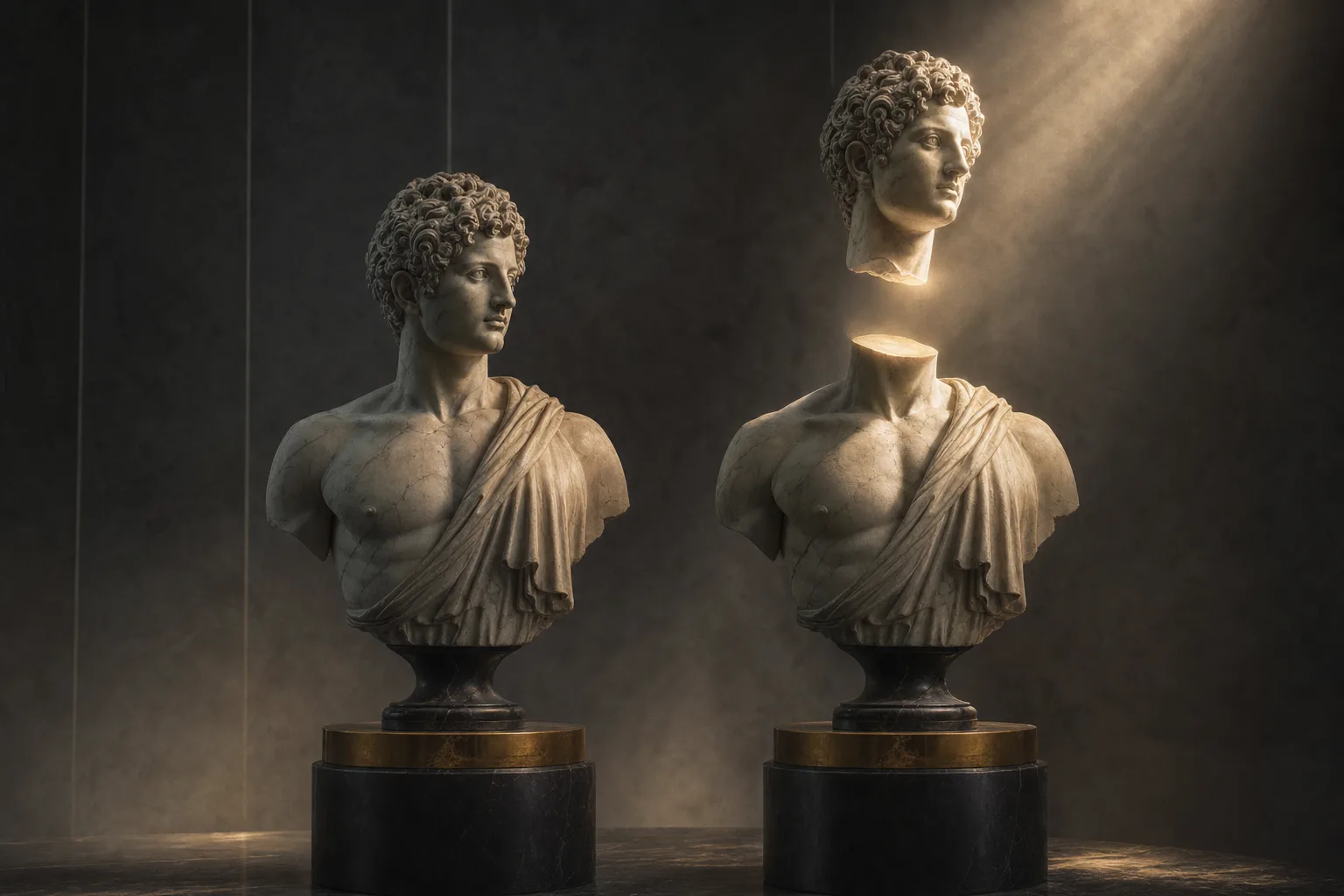
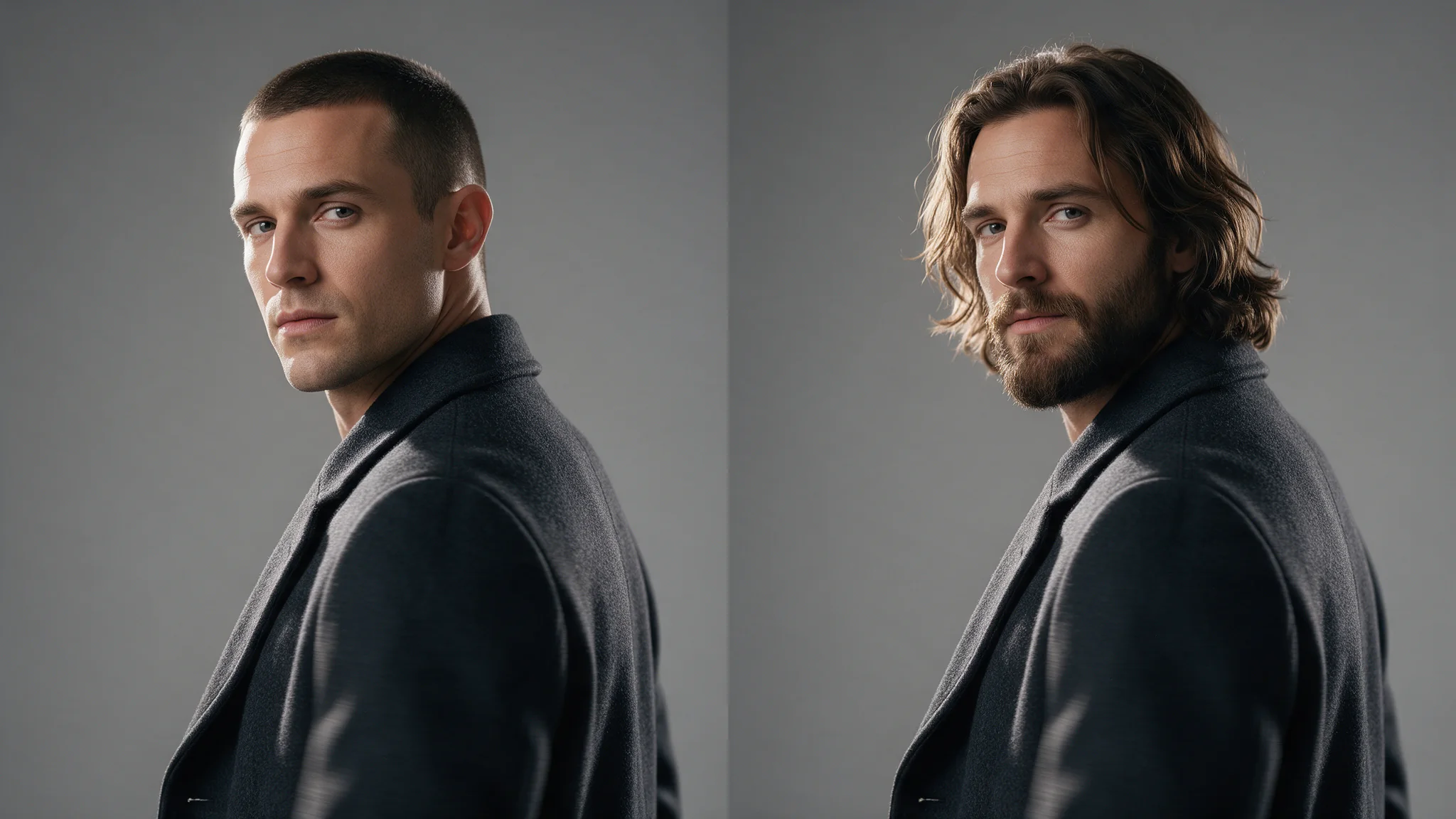
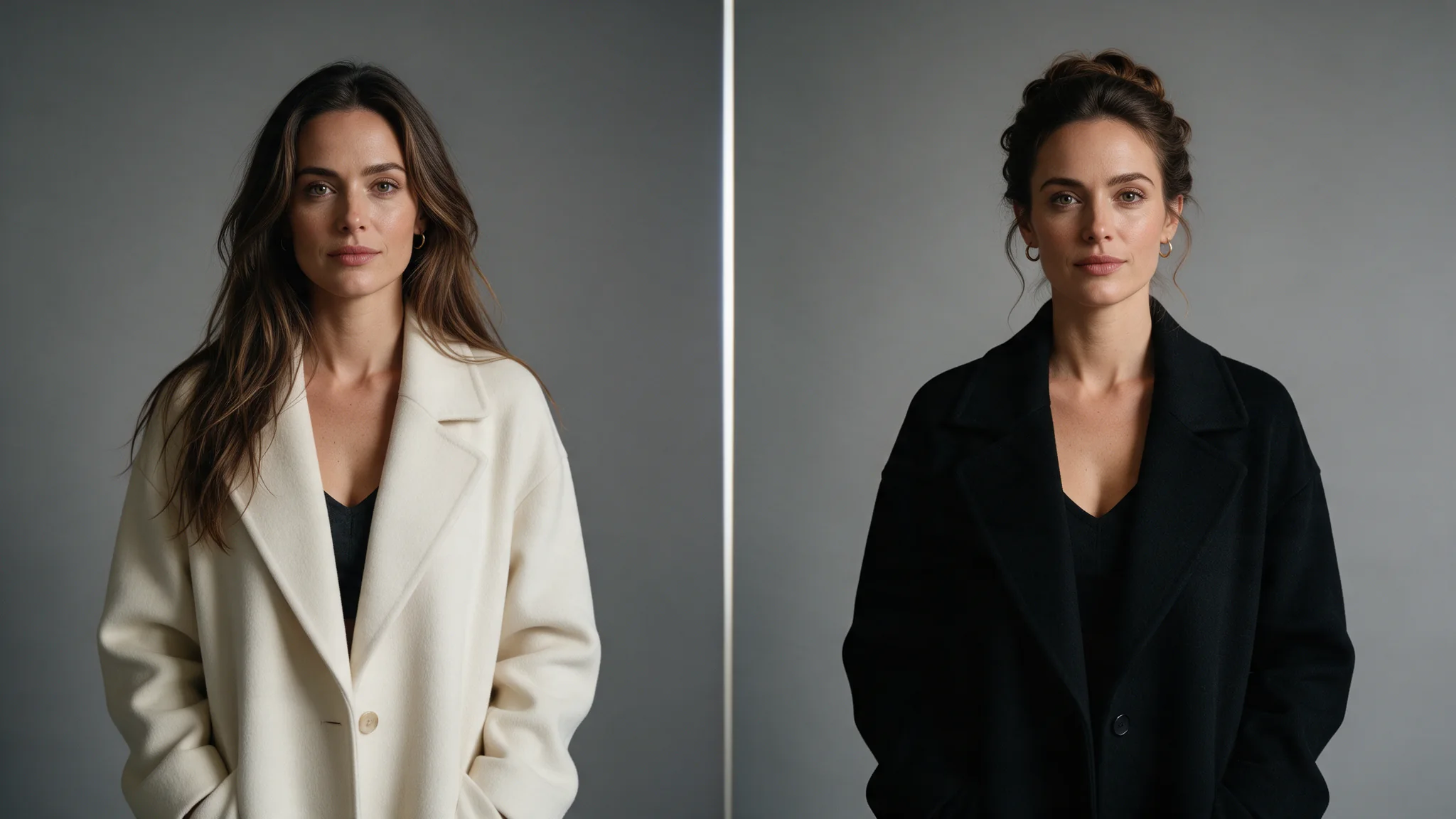
Head Swap replaces the entire head of the person in the target image with the head from a reference photo. Face, hairstyle, hair colour and skull silhouette all transfer; the target's body, wardrobe, pose, lighting and background stay as they were.
The request is two image URLs and an optional seed: image_url is the body being kept and reference_image_url supplies the head. There is no prompt, no mask and no strength control, and one image comes back per request.
Key features & highlights
Move a full character head into an existing plate
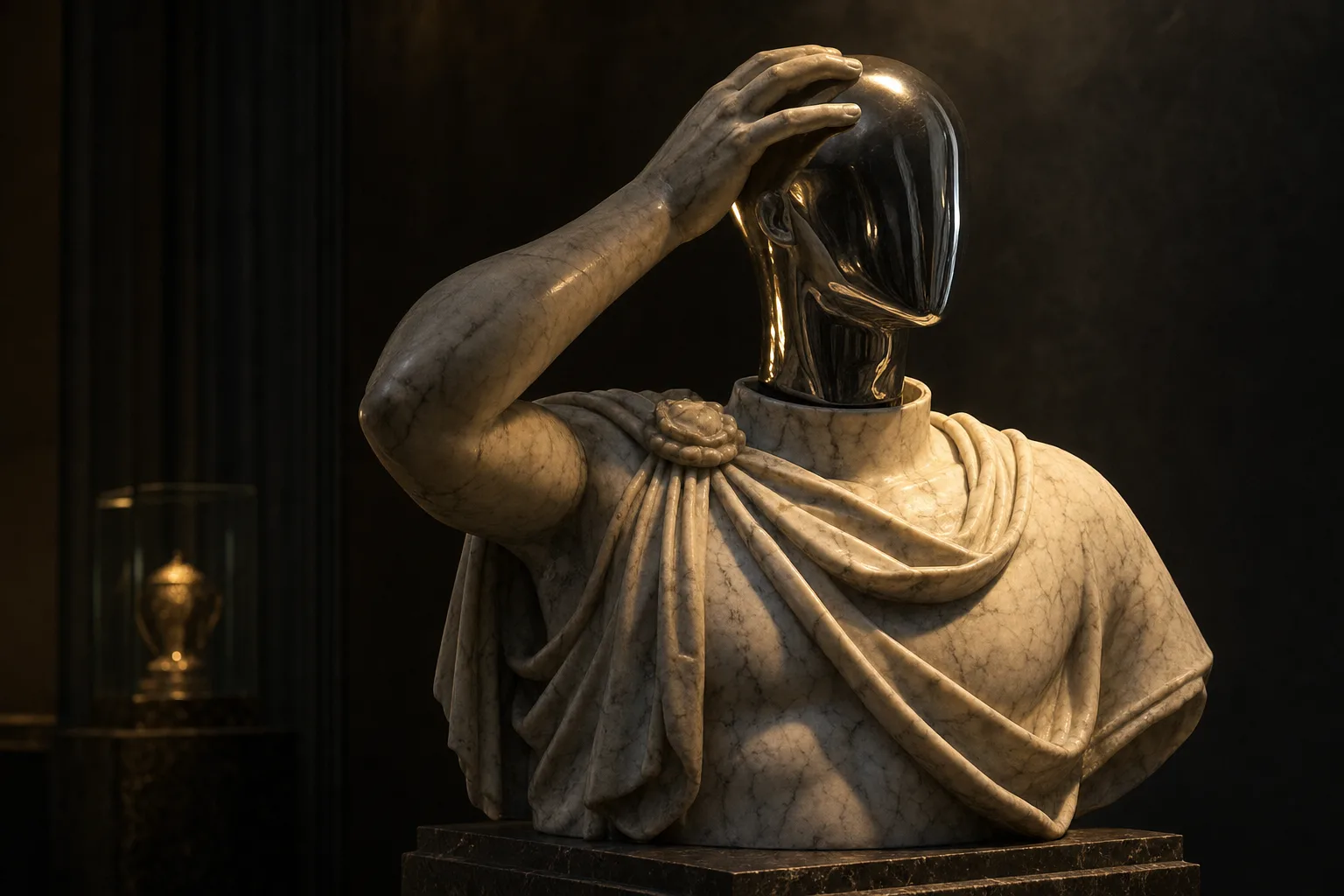
Head Swap changes more than facial identity: it is the right scope when the incoming character's hair, colour and head silhouette must travel with them. That makes it useful for character recasting, costume concepts and continuity treatments where the target hairstyle should not survive.
Treat the neck transition as the acceptance test
Choose source material with compatible camera angle, light direction and visible neck area. Review the hairline, ears, jaw, neck seam and shadow continuity at full size before accepting a result; these boundaries reveal whether the two assets truly belong together.
Use a controlled source pair
Start with a single clear subject in each image and avoid severe blur, occlusion or extreme profiles. When the target's own hair and silhouette are essential to the shot, choose Face Swap instead of forcing a full-head treatment.
Request parameters
| Parameter | Required | Description |
|---|---|---|
image_url | Yes | The image being changed. Its body, wardrobe, pose, lighting and background are preserved; everything above the neck is replaced. at least 1 characters |
reference_image_url | Yes | The image supplying the whole head, including its shape, hairstyle and hair colour. Choose one lit from a similar direction and held at a similar angle to the target. at least 1 characters |
seed | No | Reuse a seed to compare two runs over the same image pair against an identical draw; leave it empty or set 0 for a random draw each time. |
Pricing
$0.013 / image
Use cases
Replace the whole head, not just the face
Use this endpoint when the incoming person's hairstyle, hair colour and head silhouette have to arrive with them. Review the hairline, ears and neck seam at full size before accepting the result; if the target's own hair belongs to the shot, Face Swap is the narrower tool.
Recasting a body plate you already like
When the wardrobe, pose and lighting of a frame already work, swapping the head is cheaper and more predictable than regenerating the whole image and hoping the composition survives.
Costume and cosplay plates
Put a character's own head and hairstyle onto a body wearing the costume you generated. The maid uniform, the pose and the cafe set stay exactly as they were, so the outfit work you produced survives the pass.
Any scene, with a consented likeness
Move a head you are authorised to use onto frames you produced yourself, whatever they show. The endpoint treats the material no differently — the consent requirement in the limits below is what governs, and it is not a formality.
Prompt guide & pro tips
Confirm you hold the rights to both people
Both images depict a person, and you need authorisation for the head you are moving and for the frame you are moving it into. Keep the release alongside the job record before any integration work starts.
Match the angles, then send the pair
image_url is the body being kept; reference_image_url supplies the head. A general editor would need an instruction such as: "Head swap: replace the entire head of the person in the first image — face, hairstyle and hair colour — with the head from the second image, keeping the first image's body, maid outfit, pose, cafe background, lighting and colour grade unchanged. Match the neck seam, skin tone and lighting direction so the result reads as one photograph." — here there is no prompt field at all.
Check the result before iterating
The neck seam is the failure mode: a target whose neck is hidden by a high collar, a scarf or hair, or whose head is at a sharply different angle from the reference, produces a visible join. Match the lighting direction and skin tone between the two sources, and prefer similar head angles. Both images want one clearly visible, reasonably frontal, well-lit head of a decent size; group shots give the endpoint no way to know which person you meant. If the target's own hairstyle needs to stay, use Face Swap instead — no parameter here will keep it. There is no prompt, no mask and no strength control, so a wrong result is fixed with a different input pair.
API quick start
# Generate the idempotency key once; reuse it when retrying after a lost response.
export SPICY_IDEMPOTENCY_KEY="${SPICY_IDEMPOTENCY_KEY:-$(uuidgen)}"
curl -X POST https://api.spicyapi.ai/api/v1/jobs/createTask \
  -H "Authorization: Bearer $SPICY_API_KEY" \
  -H "Content-Type: application/json" \
  -H "Idempotency-Key: $SPICY_IDEMPOTENCY_KEY" \
  -d '{
  "model": "spicyapi/head-swap-v1/edit",
  "input": {
    "image_url": "https://example.com/reference.png",
    "reference_image_url": "https://example.com/reference.png"
  }
}'

# Copy data.taskId from the response into TASK_ID, then poll the status.
TASK_ID="TASK_ID_FROM_RESPONSE"
curl "https://api.spicyapi.ai/api/v1/jobs/recordInfo?taskId=$TASK_ID" \
  -H "Authorization: Bearer $SPICY_API_KEY"
See the API reference for authentication, the complete schema, polling, and error handling.