
Introduction
Overview
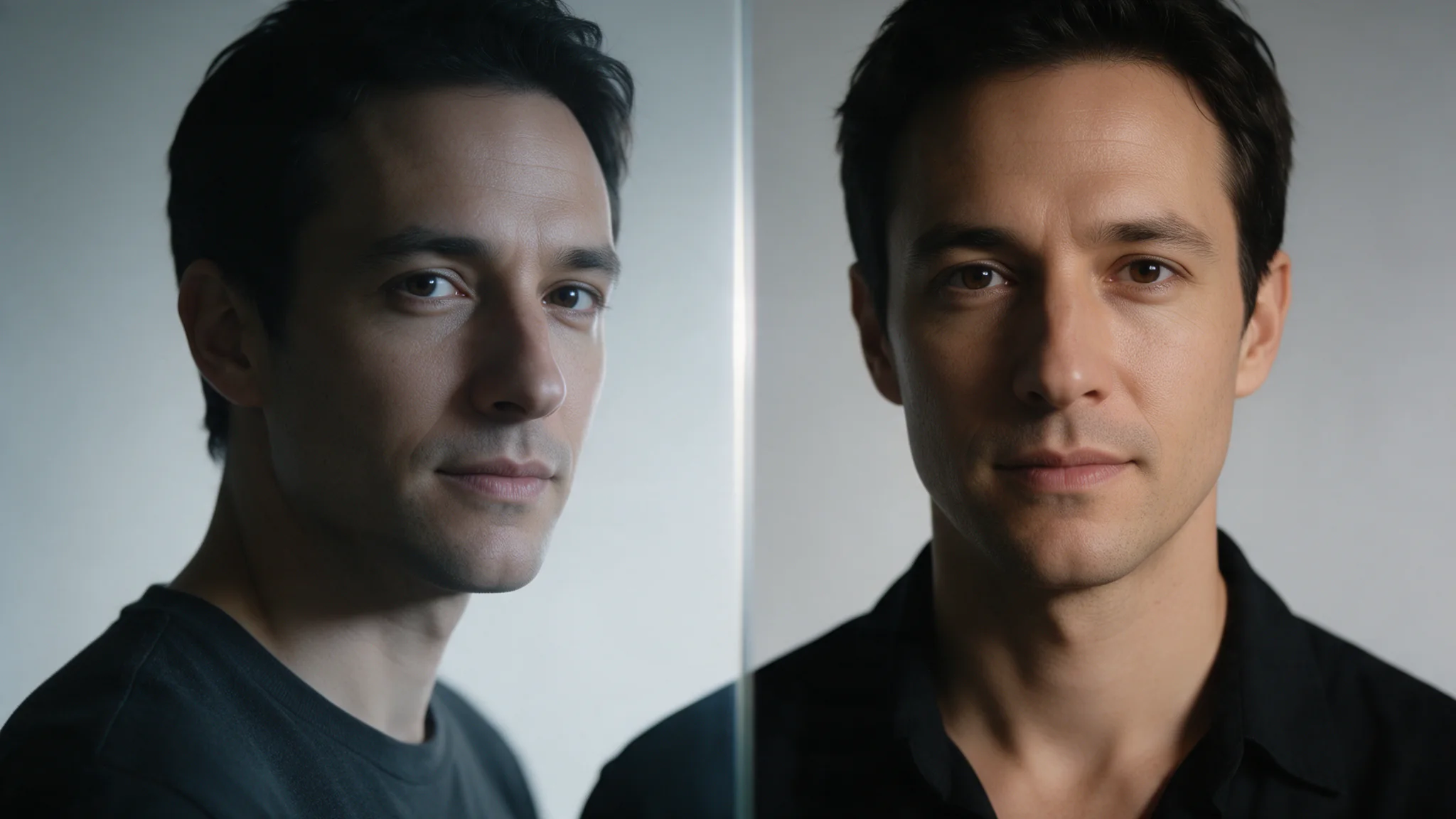
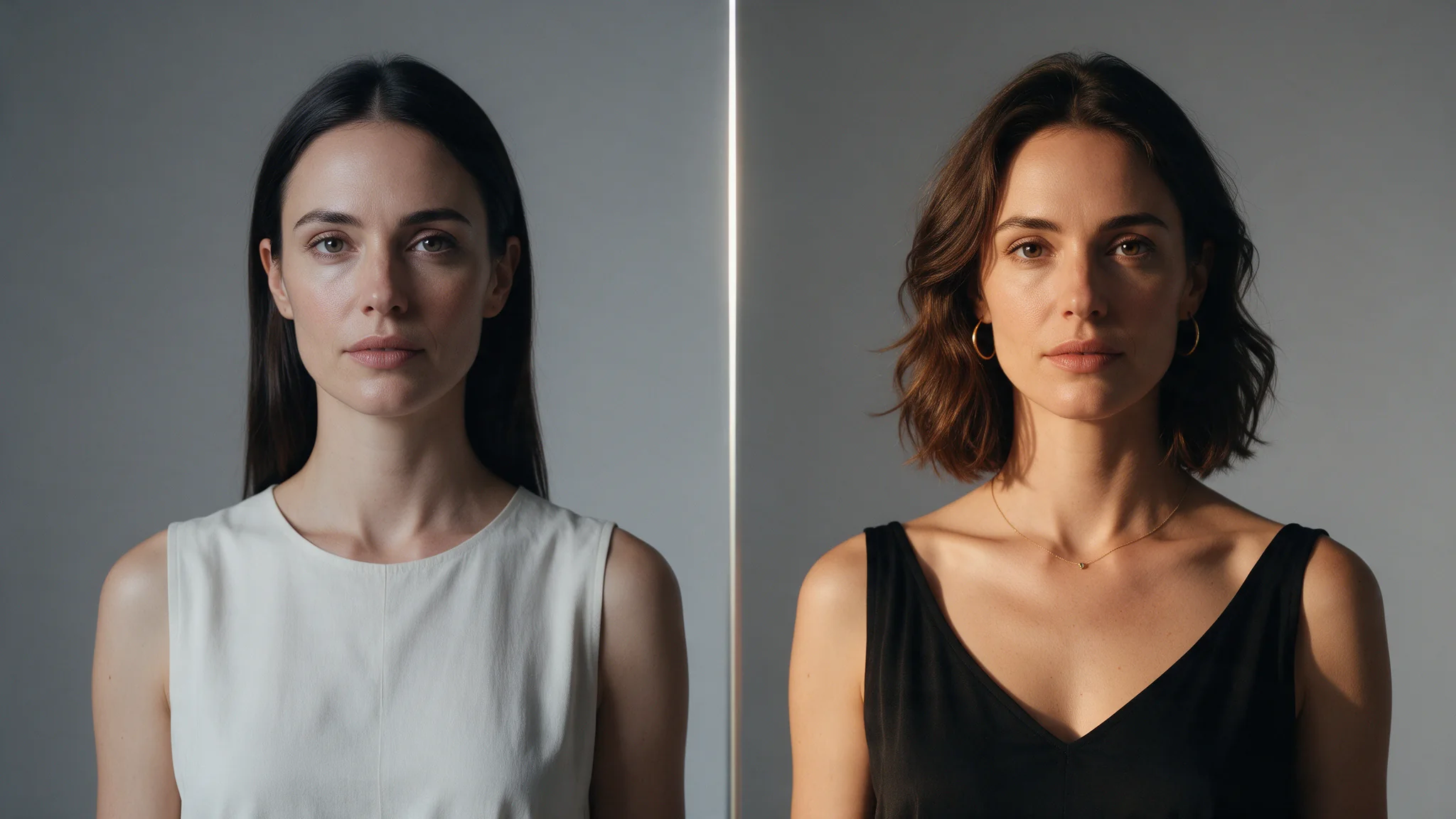
Face Swap API replaces a face in a supplied photograph without a text prompt; the base version keeps the target hairstyle and scene and offers an optional seed. Use the base Face Swap for identity changes within an approved composition; replacing the entire head and its hair belongs to Head Swap instead.
Inputs and controls
In the base Face Swap request, image_url is the composition that receives the new face, not the portrait supplying its identity. reference_image_url contributes the face for the base edit; match its light direction to the target to reduce visible joins. The base Face Swap body contains image_url, reference_image_url and optional seed, with no mask, strength or prompt to tune.
Review and limits
For the base edit, use clear, reasonably frontal reference photos and crop group pictures to the intended subject; blur, obstructions and opposing light can spoil the facial boundary.
Task and delivery
Track each base Face Swap submission by its task ID, then poll and copy the completed image from storage; record the submitted seed alongside the pair when planning a later comparison. The base edit yields one image URL while keeping the target’s framing, hairstyle, pose and scene as the reference for review.
Authorised use
Before a base Face Swap upload, verify your rights to the adult’s likeness and the target photo; retain explicit, informed consent for the intended material and avoid impersonation or defamatory edits.
| Field | Value |
|---|---|
| Input | Image |
| Output | Image |
| Endpoint | Image to Image |
| Required input |
|
| What transfers | Facial features only |
| What is preserved | In the base Face Swap request, |
| Controls | The base Face Swap body contains |
| Authorisation | Only likenesses you are authorised to process |
Key features & highlights
Two image URLs and a seed — there is nothing to write
The entire request is two image URLs and an optional seed. There is nothing to phrase, no region to select and no strength to tune, which removes the whole class of failures that come from an ambiguous instruction. It also makes the endpoint trivially batchable across a list of pairs.
Features move, everything else stays
Only the facial features transfer. The target's hairstyle, hairline shape, head silhouette, pose, wardrobe, lighting and background are preserved, which is what makes results sit inside an existing shot instead of looking pasted on. When the hair has to change too, that is Head Swap's job, not this one.
image_url is changed, reference_image_url is read
The two parameters are not symmetrical: image_url is the picture being modified and reference_image_url only supplies a face. Swapping them produces a completely different, usually unwanted, result — it is the single most common integration mistake on this endpoint, and there is no error for it because both requests are valid.
Request parameters
| Parameter | Required | Description |
|---|---|---|
image_url | Yes | In the base Face Swap request, |
reference_image_url | Yes |
|
seed | No | For the base model, an omitted seed or 0 requests a fresh random draw; reuse a nonzero seed for controlled comparisons, without expecting pixel-identical results. |
Pricing
$0.013 / image
Use cases
Consistent characters across a shoot
Generate a set of scenes with any model, then bring one face across all of them so a series reads as the same person. Because hair and wardrobe stay with each target frame, the variation you generated survives the pass.
Uncensored content with a consented performer's likeness
Before a base Face Swap upload, verify your rights to the adult’s likeness and the target photo; retain explicit, informed consent for the intended material and avoid impersonation or defamatory edits.
Recasting a stock or generated plate
Take a plate whose lighting, pose and set already work and put a different face in it, rather than regenerating the whole frame and losing the composition you had already approved.
Bulk avatar and profile pipelines
With no prompt to write, a list of target-reference pairs can be pushed through the endpoint programmatically. Pin a seed per pair when a retry has to stay comparable with the first run.
Prompt guide & pro tips
Authorised use
Before a base Face Swap upload, verify your rights to the adult’s likeness and the target photo; retain explicit, informed consent for the intended material and avoid impersonation or defamatory edits.
Host both images and send the pair
The base Face Swap body contains
image_url,reference_image_urland optional seed, with no mask, strength or prompt to tune.Poll the task and pin the seed
Track each base Face Swap submission by its task ID, then poll and copy the completed image from storage; record the submitted seed alongside the pair when planning a later comparison.
Overview
Face Swap API replaces a face in a supplied photograph without a text prompt; the base version keeps the target hairstyle and scene and offers an optional seed. Use the base Face Swap for identity changes within an approved composition; replacing the entire head and its hair belongs to Head Swap instead.
Inputs and controls
In the base Face Swap request, image_url is the composition that receives the new face, not the portrait supplying its identity. reference_image_url contributes the face for the base edit; match its light direction to the target to reduce visible joins. The base Face Swap body contains image_url, reference_image_url and optional seed, with no mask, strength or prompt to tune.
Review and limits
For the base edit, use clear, reasonably frontal reference photos and crop group pictures to the intended subject; blur, obstructions and opposing light can spoil the facial boundary.
Task and delivery
Track each base Face Swap submission by its task ID, then poll and copy the completed image from storage; record the submitted seed alongside the pair when planning a later comparison. The base edit yields one image URL while keeping the target’s framing, hairstyle, pose and scene as the reference for review.
Authorised use
Before a base Face Swap upload, verify your rights to the adult’s likeness and the target photo; retain explicit, informed consent for the intended material and avoid impersonation or defamatory edits.
Base Face Swap billing is per returned image, rather than by the number of input photographs; review the current image price before submitting the pair.
API quick start
# Generate the idempotency key once; reuse it when retrying after a lost response.
export SPICY_IDEMPOTENCY_KEY="${SPICY_IDEMPOTENCY_KEY:-$(uuidgen)}"
curl -X POST https://api.spicyapi.ai/api/v1/jobs/createTask \
  -H "Authorization: Bearer $SPICY_API_KEY" \
  -H "Content-Type: application/json" \
  -H "Idempotency-Key: $SPICY_IDEMPOTENCY_KEY" \
  -d '{
  "model": "spicyapi/face-swap-v1/edit",
  "input": {
    "image_url": "https://example.com/reference.png",
    "reference_image_url": "https://example.com/reference.png"
  }
}'

# Copy data.taskId from the response into TASK_ID, then poll the status.
TASK_ID="TASK_ID_FROM_RESPONSE"
curl "https://api.spicyapi.ai/api/v1/jobs/recordInfo?taskId=$TASK_ID" \
  -H "Authorization: Bearer $SPICY_API_KEY"
See the API reference for authentication, the complete schema, polling, and error handling.