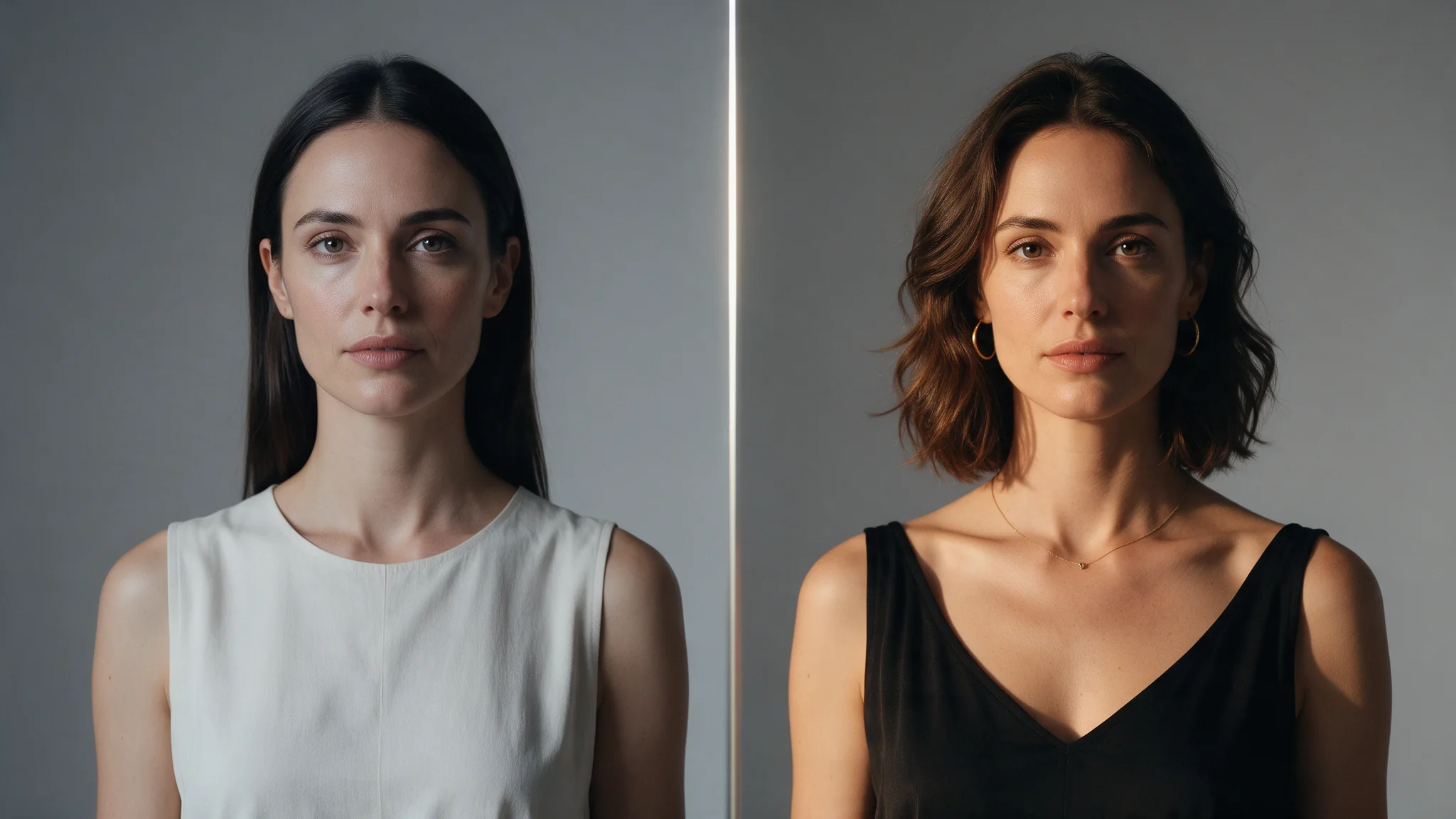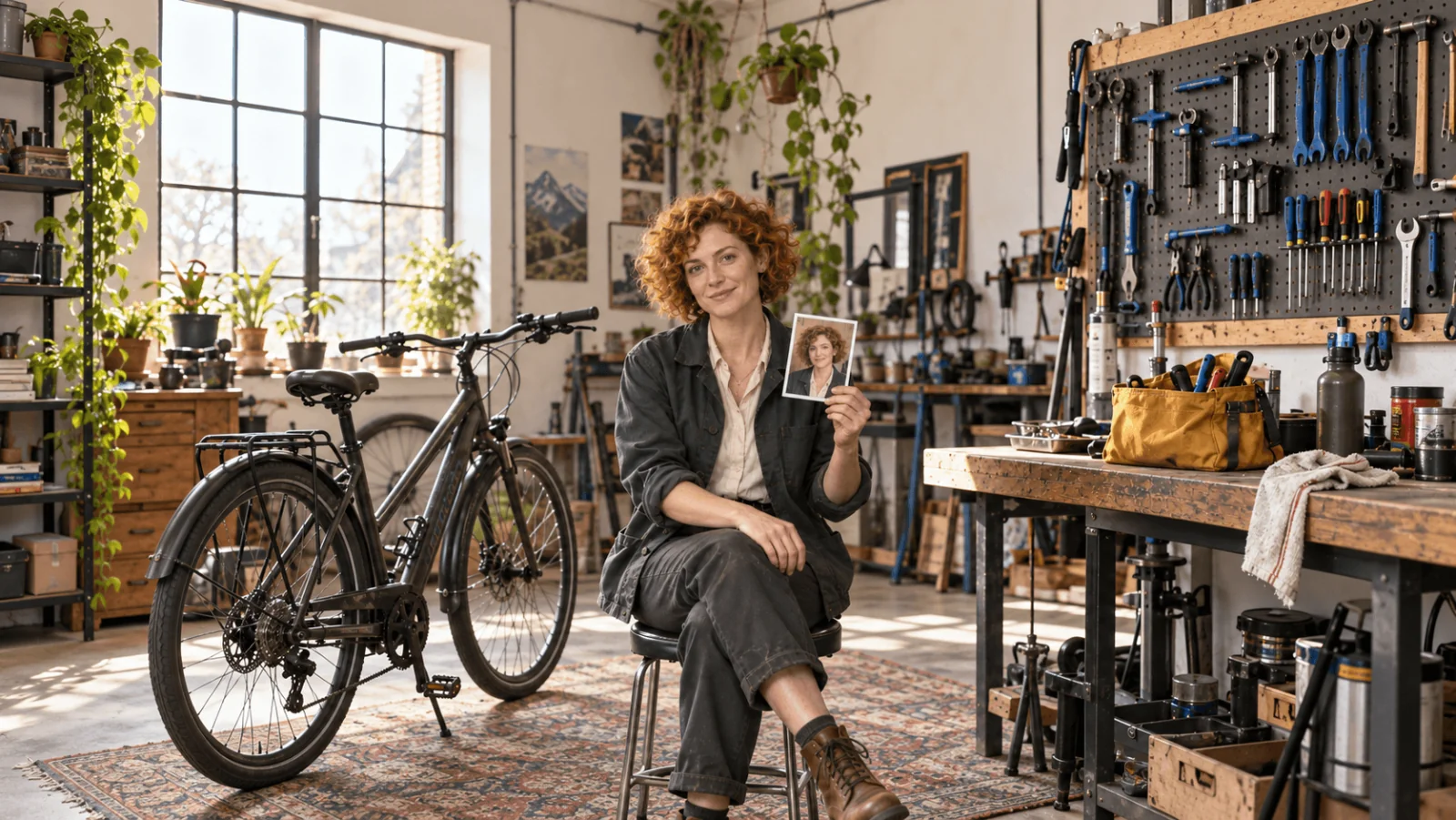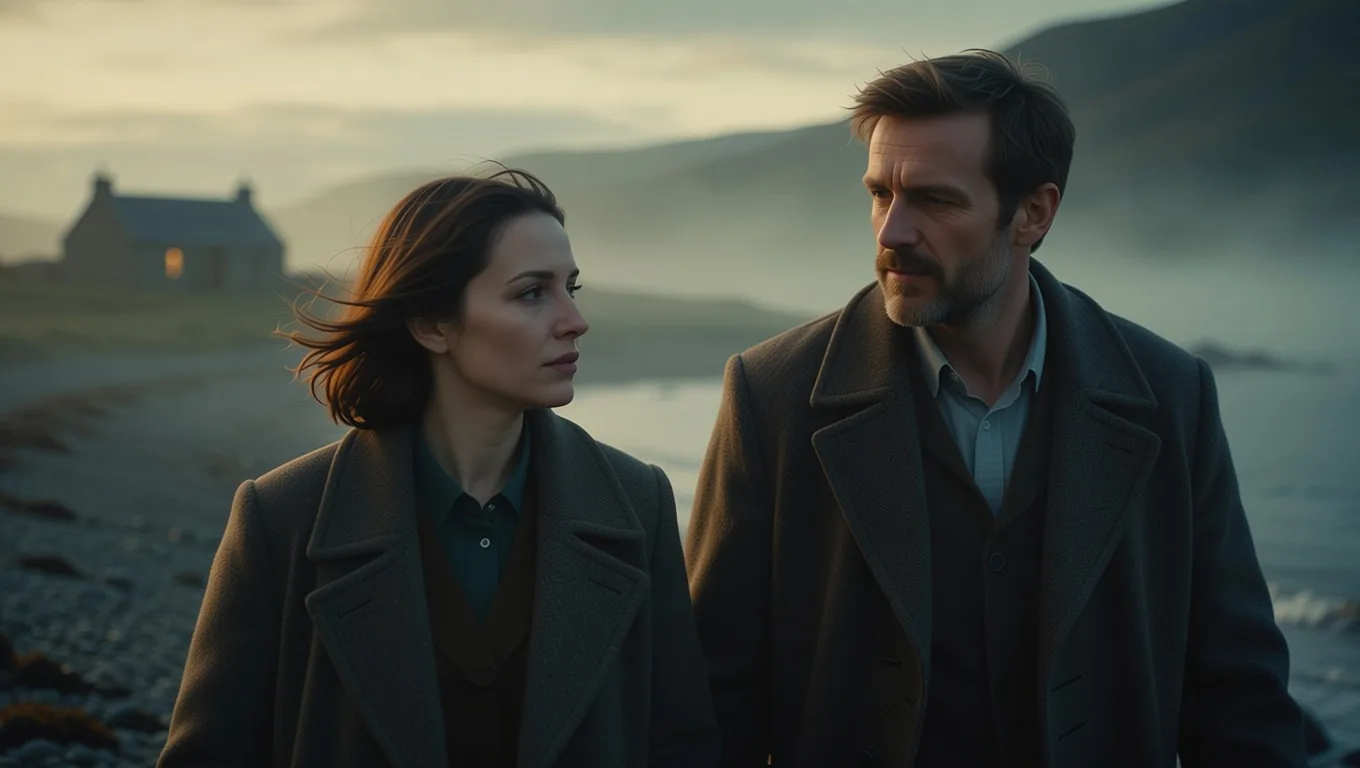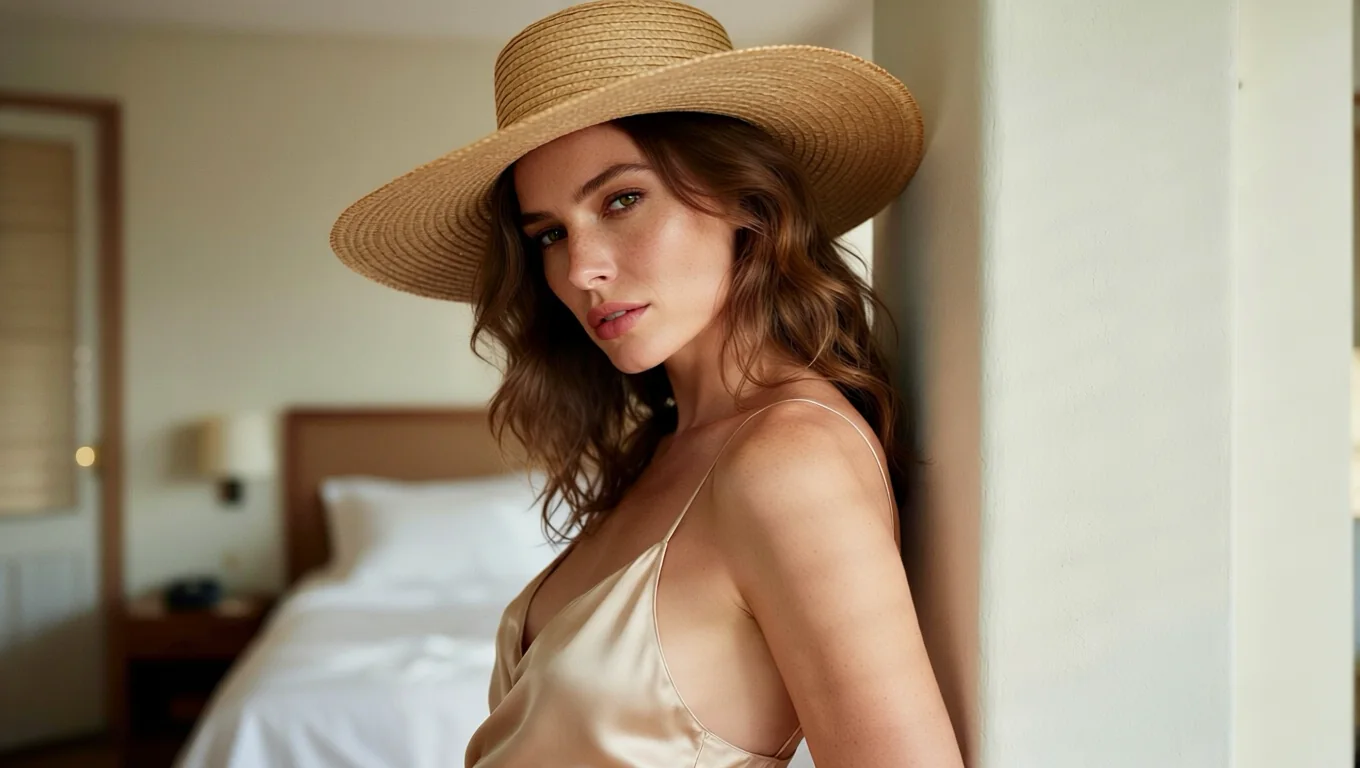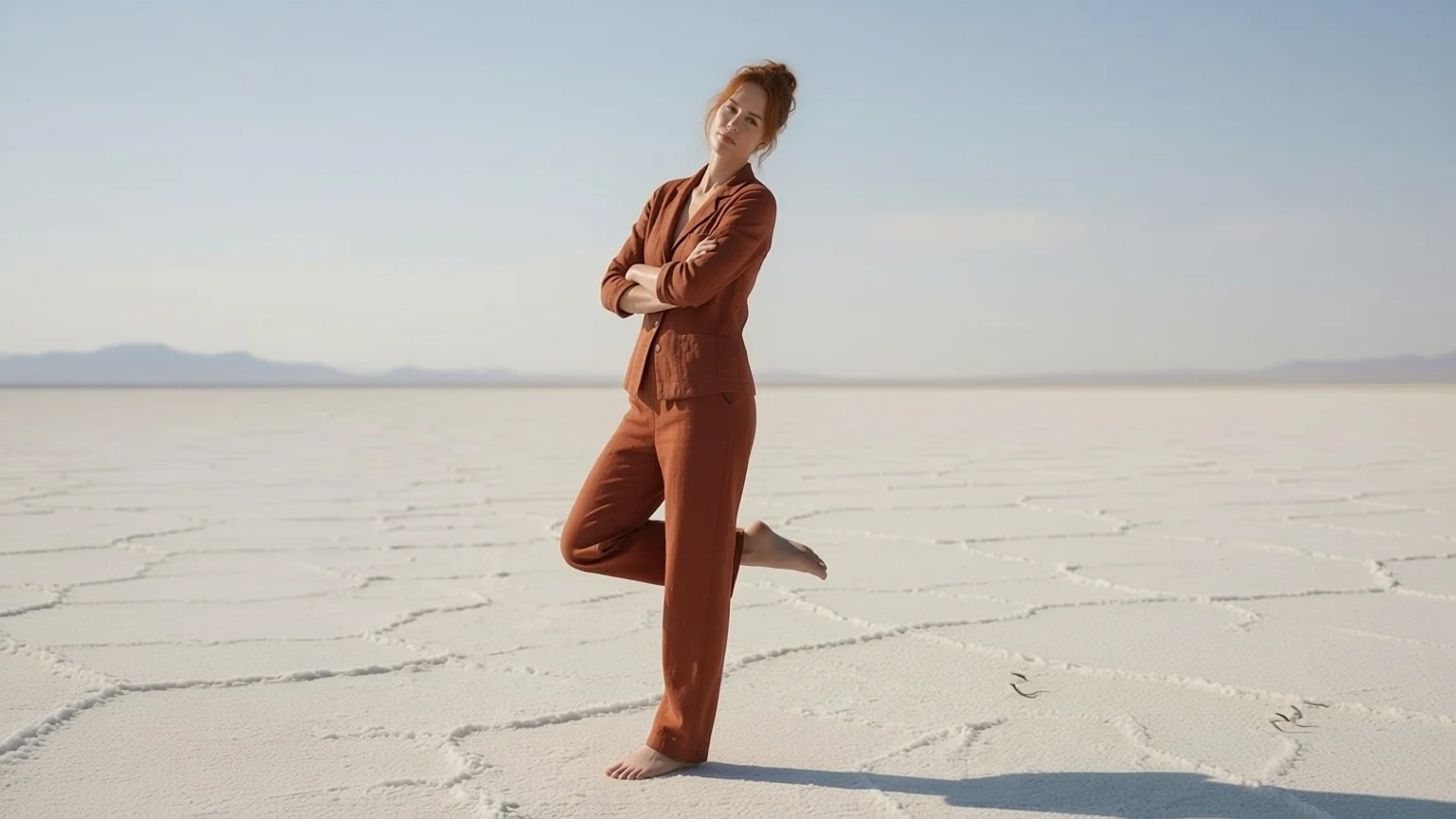
You have a good photo of a person and a second photo with the pose you wish they had. An AI pose changer takes both and returns the first person in the second photo's pose, keeping their face and clothes. That is exactly what Pose Changer does, and this post shows what we got from it, where it went wrong, and the one-line fixes.
It costs $0.03 per image, whatever the aspect ratio, and a result usually arrives in 11 to 20 seconds. Every person in our tests is a fictional adult, fully dressed.
How the two photos work together
You send two images. image_url is the person to re-pose. reference_image_url is the pose to copy; only the pose is used, not the person, outfit or room. There is no pose menu or stick figure to draw: the instruction is built in, and the optional prompt is appended to it.
Under the hood it runs Alibaba's open Qwen-Image-Edit-2511 with the AnyPose LoRAs by lilylilith and the author's own pose-transfer instruction, which asks for matching arms, legs, head tilt and gaze and for keeping the style and background of the first photo. The credit for the pose transfer belongs to that author.
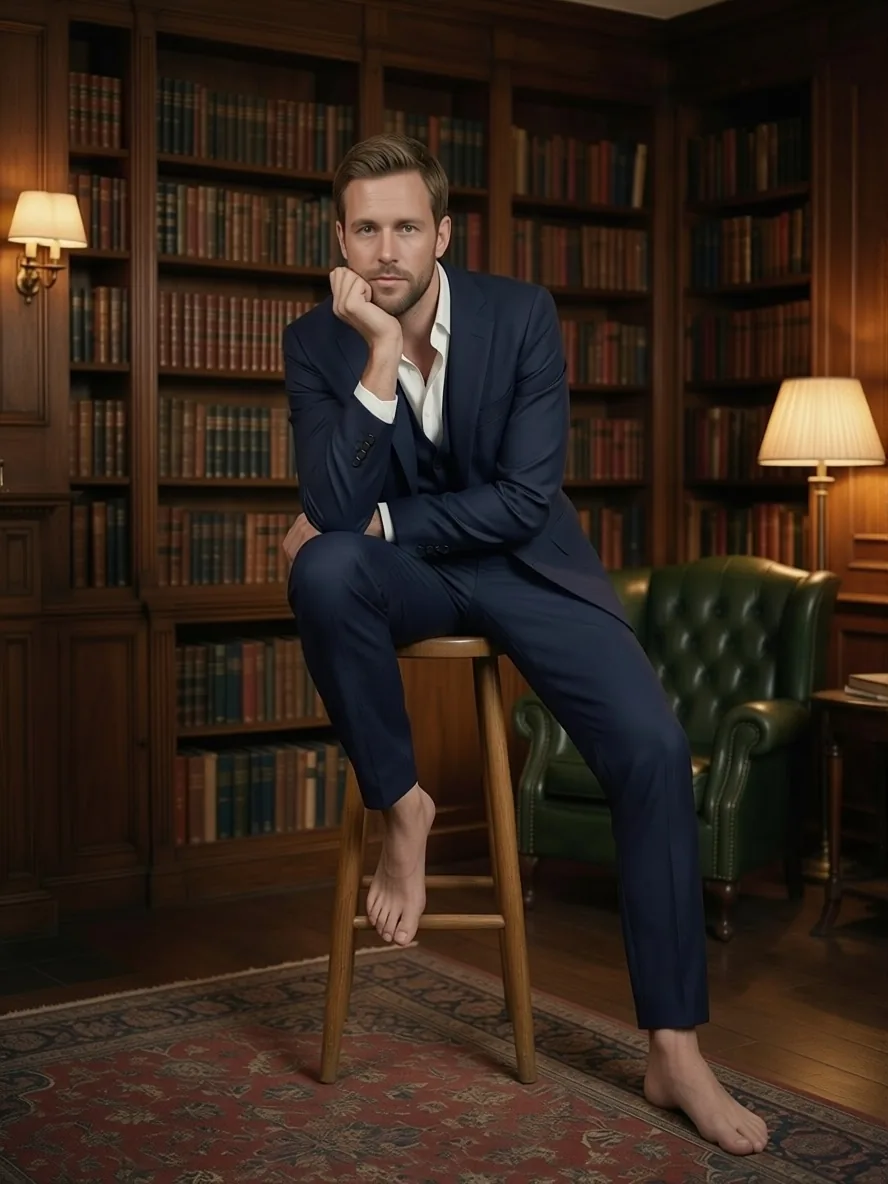
The result of the library example: the man from the first photo takes the stool pose from the second, suit and bookshelves intact. Seed 24, with the keep-the-background line described below.
A first result worth copying
Take a full-length photo of one person, and a second full-length photo of someone of a similar build on a plain wall. Add this to the prompt field:
Remove the background of image 2, and replace it with the background of image 1.In the library result above, the man stood in a wood-panelled study and the pose came from a studio shot of a man perched on a stool. He ended up on the stool, chin on hand and one foot raised, in his own study and his own suit. The next one is a woman beside a pale-green pickup on a salt flat, who took a lean-back pose with arms crossed and one foot lifted, and the salt flat stayed.
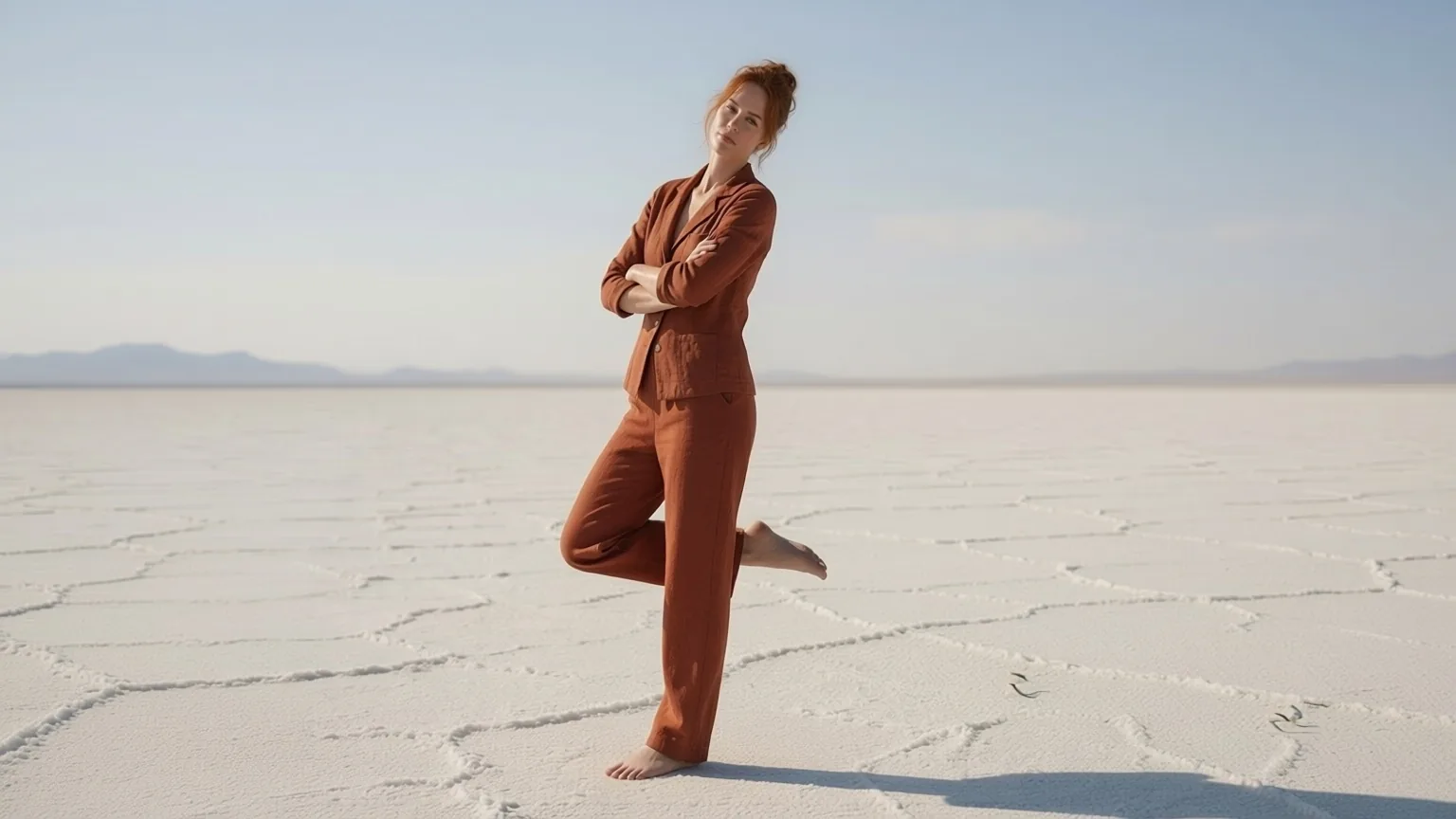
Seed 23, 16:9, keep-the-background line used. The pickup from the source photo does not appear in the result.
And a third, where we named the outfit as well:
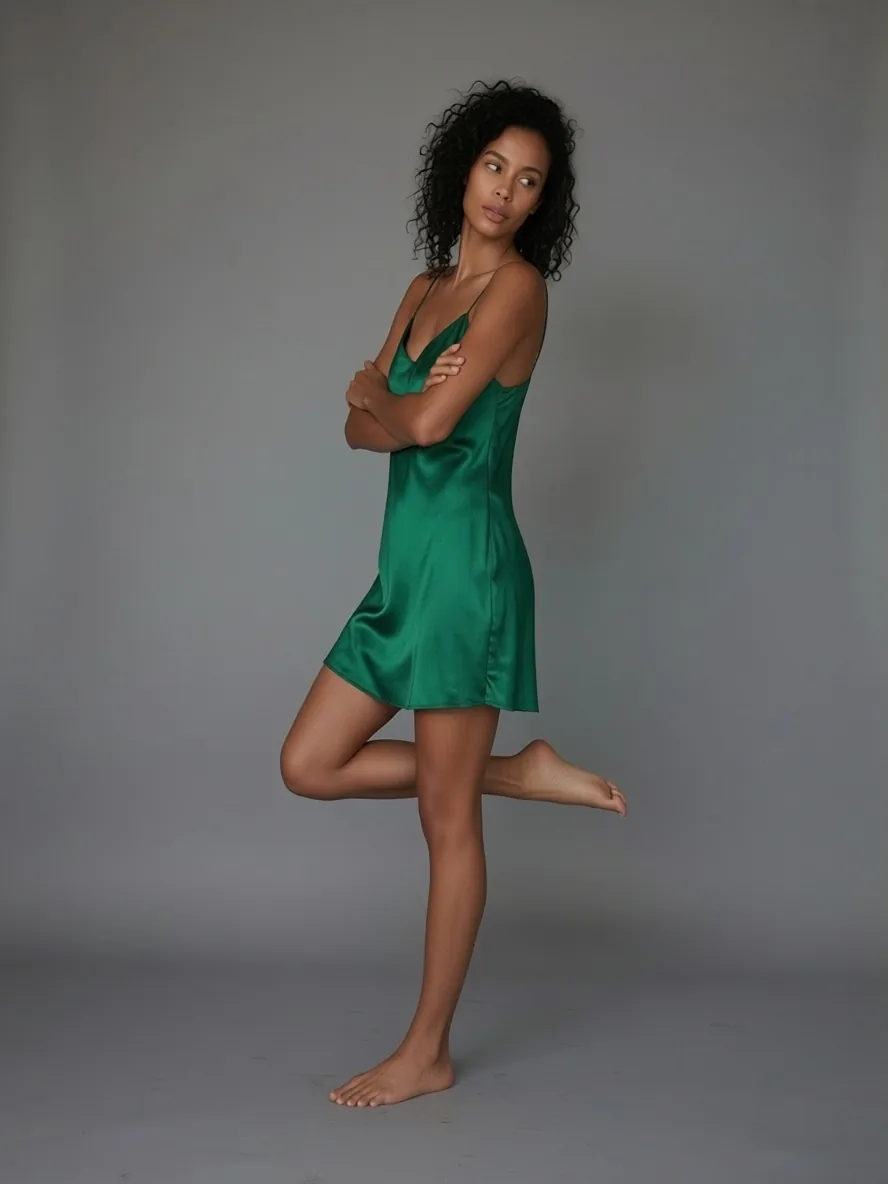
Seed 25, keep-the-background line plus "She keeps her emerald satin dress." used. The source background was a grey studio, and it was kept.
Three things that broke, and the fix for each
Each of these happened in our own runs. They are single runs, not a statistical study, but they are the failures worth expecting.
1. The background came from the pose photo. With no extra prompt, the woman on the salt flat took a one-legged dance pose correctly, but the result placed her in the white dance studio of the reference. The pose was right, the scene was not. The fix is the line above, which asks for image 1's background to replace image 2's. Here is every run that used it, and the one that did not:
- Seed 21: man in a suit, woman's lean pose, line used. Background kept; the face drifted (failure 2).
- Seed 22: woman in a dress, man's stool pose, line used. Background kept; sweatpants crossed over (failure 3).
- Seed 23: salt-flat woman, lean pose, line used. Background kept; a good result.
- Seed 24: man in the library, stool pose, line used. Background kept; a good result.
- Seed 25: woman in the emerald dress, lean pose, line plus the outfit sentence. Background kept; a good result.
- Seed 424242: salt-flat woman, dancer pose, no line. The studio background replaced hers (the image below). This was an earlier test run, not one of the five.
So the scene stayed in all five runs that used the line, including the two that failed for other reasons.
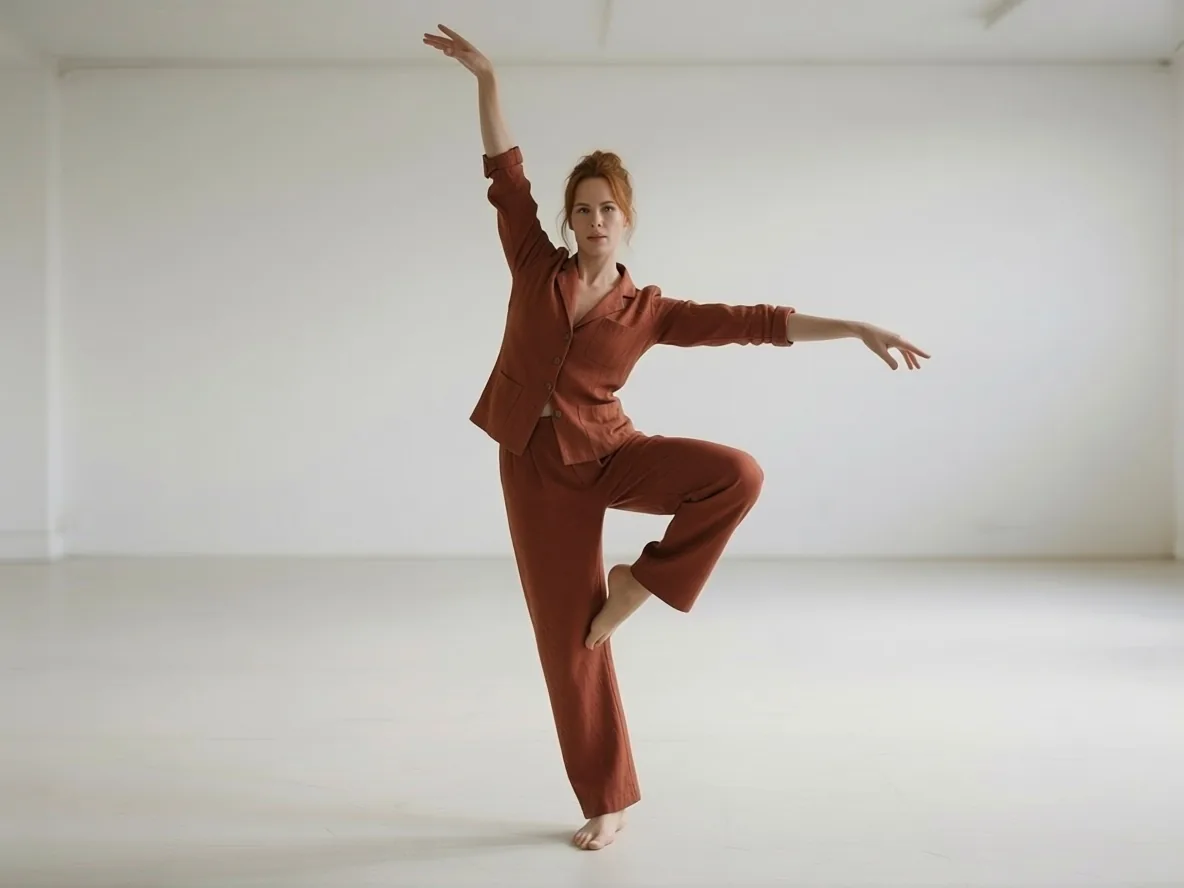
Right pose, wrong room (seed 424242): this run had no keep-the-background line, so the studio backdrop came across with the pose.
2. A reference of the other gender pulled the face with it. In our single cross-gender test (seed 21, line used, background kept), a woman's pose on the man in the suit pulled his face toward hers. We ran it once, so treat it as a caution rather than a rule: pick a reference of the same gender and a similar build, as in the library result. We dropped that result and re-ran with a matching reference.
3. The reference's clothes crossed over. In one run (seed 22, line used, background kept) the grey sweatpants from the pose photo showed up on a woman who was wearing a satin dress. Name what must stay in the prompt, for example "She keeps her emerald satin dress." Our re-run changed three things at once: a female reference instead of a male one, that line, and the seed. The dress stayed, but we did not test the changes separately, so do all of them. If the outfit matters, say so every time.
What the pose files add
We ran one same-seed comparison (seed 424242): the same two photos and the same instruction, once with the AnyPose files and once without. Without them, the model cut the dancer out of the pose photo and put her into the first scene instead of re-posing the woman. With them, the woman took the dancer's pose. That is one pair of runs on one pair of photos, so it shows what the files did here, not how any other editor behaves.
Making it work on your photos
- Show the whole body in both photos. A waist-up photo forces the model to invent legs and floor.
- One person per photo. Group shots confuse which body moves; crop first and run each person separately.
- Prefer plain backdrops in pose references. A plain backdrop gives the model less to carry over, which is why our reference photos used plain walls. That is our practice, not a verified result: the studio background still crossed over in failure 1, so keep the background line either way.
- Reuse a seed to compare. Keep the same seed when you change only the prompt, so you can see which line made the difference.
- Pick the shape. Leave
aspect_ratioempty to keep your photo's shape at about one megapixel, or choose one of nine ratios to reframe; the price does not change. - Budget for retries. Every completed result is billed at $0.03, including ones you do not like, and each re-run costs the same: four tries come to about $0.12.
Try it in Studio or call it from code
In the web Studio, open Pose Changer, upload the person and the pose, paste the keep-the-background line if you want your own scene, and run it. Both photos can be a public HTTPS link or an upload, as JPEG, PNG or WebP up to 10 MB each. The same request over the API:
curl https://api.spicyapi.ai/api/v1/jobs/createTask \
  -H "Authorization: Bearer $SPICY_API_KEY" \
  -H "Idempotency-Key: $(uuidgen)" \
  -H "Content-Type: application/json" \
  -d '{
    "model": "spicyapi/pose-changer-v1/edit",
    "input": {
      "image_url": "https://example.com/person.jpg",
      "reference_image_url": "https://example.com/pose.jpg",
      "prompt": "Remove the background of image 2, and replace it with the background of image 1.",
      "seed": 24
    }
  }'

curl "https://api.spicyapi.ai/api/v1/jobs/recordInfo?taskId=TASK_ID" \
  -H "Authorization: Bearer $SPICY_API_KEY"
The first call returns a task ID; call recordInfo with it until the task finishes, then download the image. The API reference has the full task flow, and the model page lists every parameter.
Where it may fit
We only tested the examples above, so these are ideas, not proven workflows:
- Clothing catalogues: one shot of an outfit could become standing, seated and leaning versions without rebooking the model. We have not tried it on product shots, and clothing from the pose photo can bleed onto the garment (failure 3), so name the outfit every time.
- Character and storyboard work: keeping one face while changing the pose a scene needs. Untested beyond one character; for longer sets, see the consistent character workflow.
Use photos of people who agreed to it. If you are swapping a face rather than a pose, that is a different tool, Face Swap, and it needs the same consent: only use faces you have the right to use, and do not make images that depict a real person in a misleading way.
FAQ
Can I describe a pose in words instead of sending a reference photo?
Not with this tool. It is built to copy a pose from a second image; the prompt field only adds direction such as keeping your background or naming an outfit.
Does it keep my face and clothes?
In the three results we kept, yes: the face and outfit stayed, and all three used a reference of the same gender and a similar build. In our one cross-gender run the face drifted, and in one run clothing from the reference crossed over until we named the outfit. Two runs are not a guarantee, so check each result.
Does the aspect ratio change the price?
No. It is one flat price per image for every ratio. Requests that fail are not charged, but a finished result you dislike is billed, and each re-run costs $0.03.