Introduction
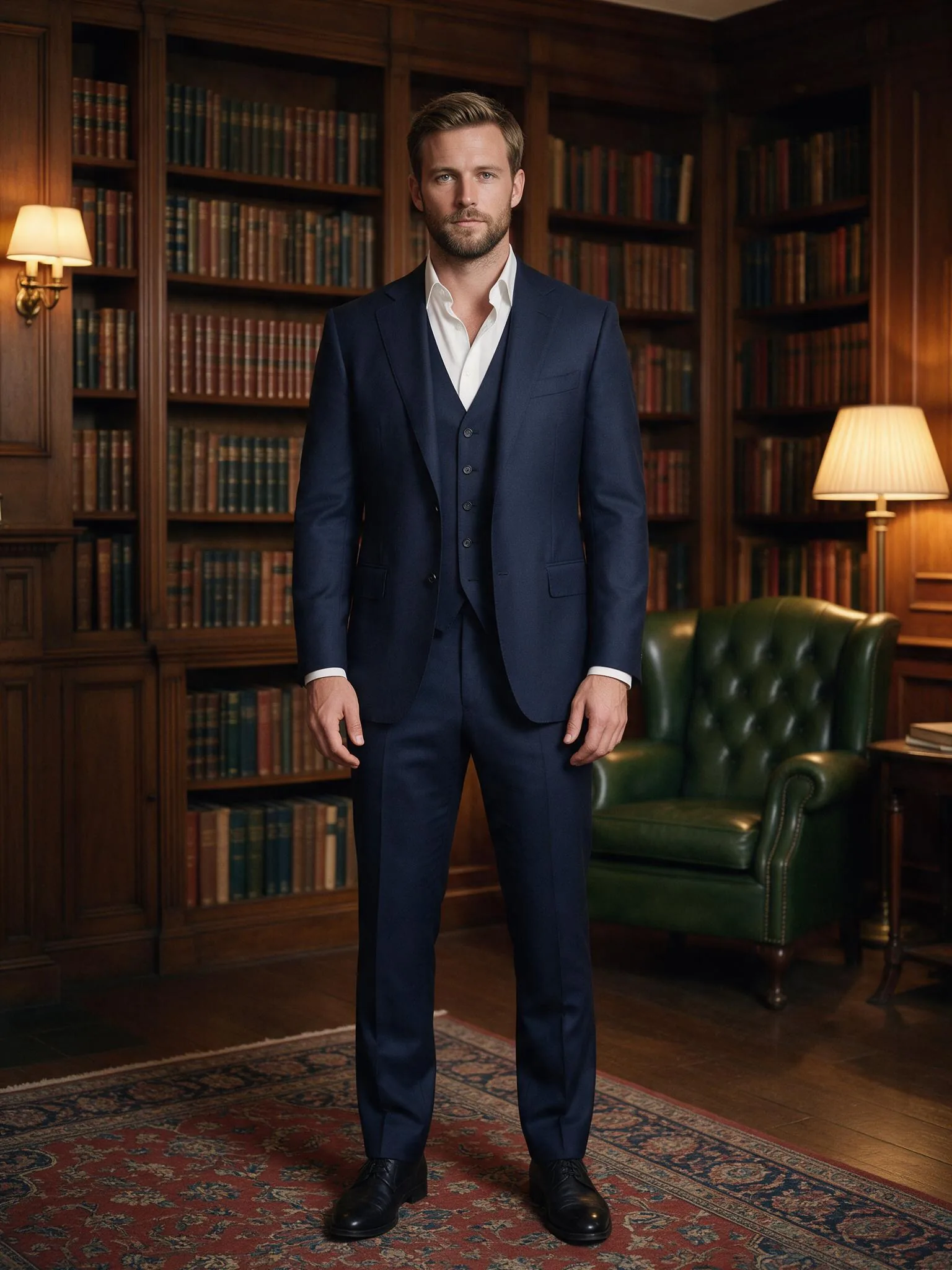
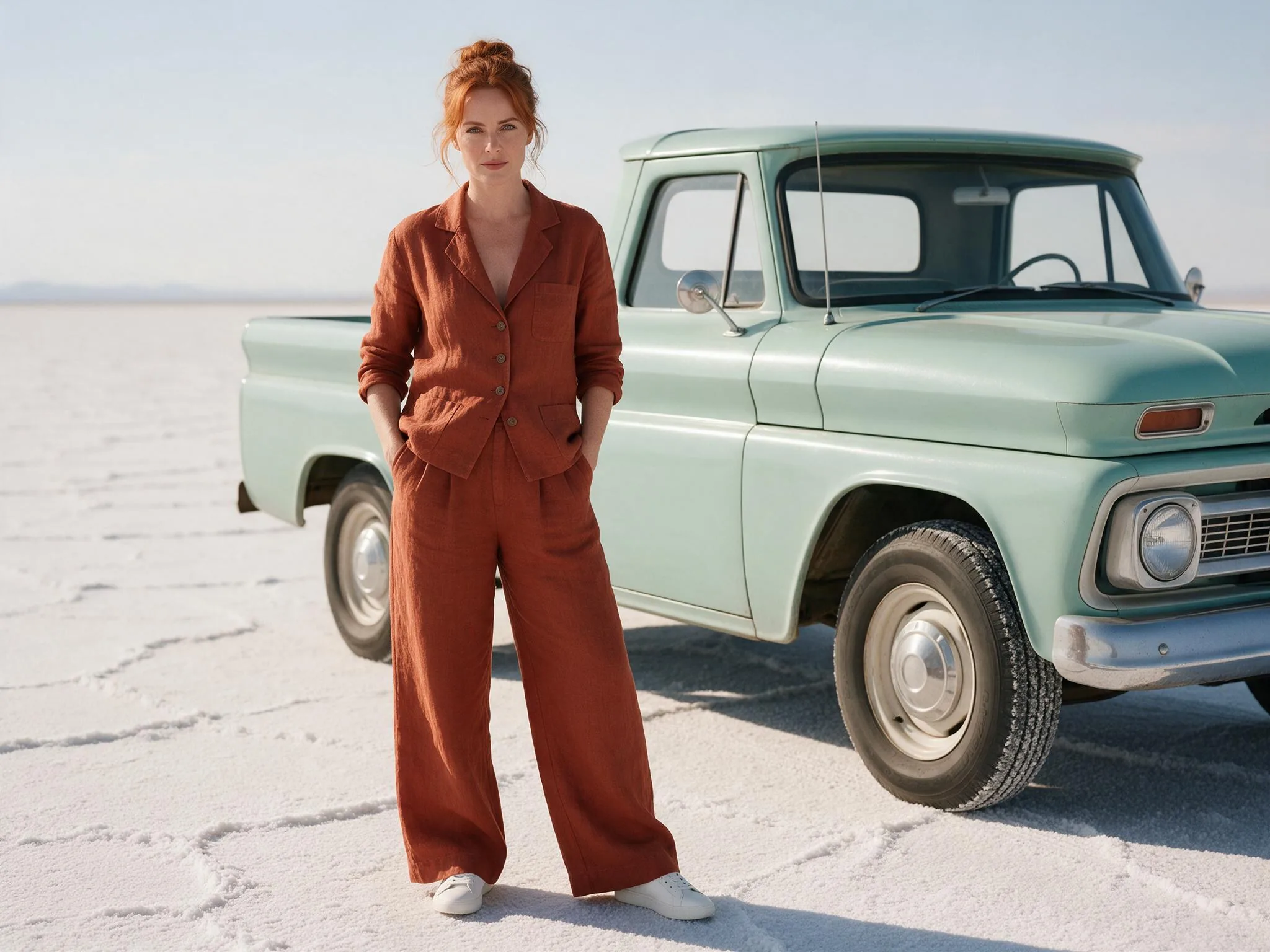
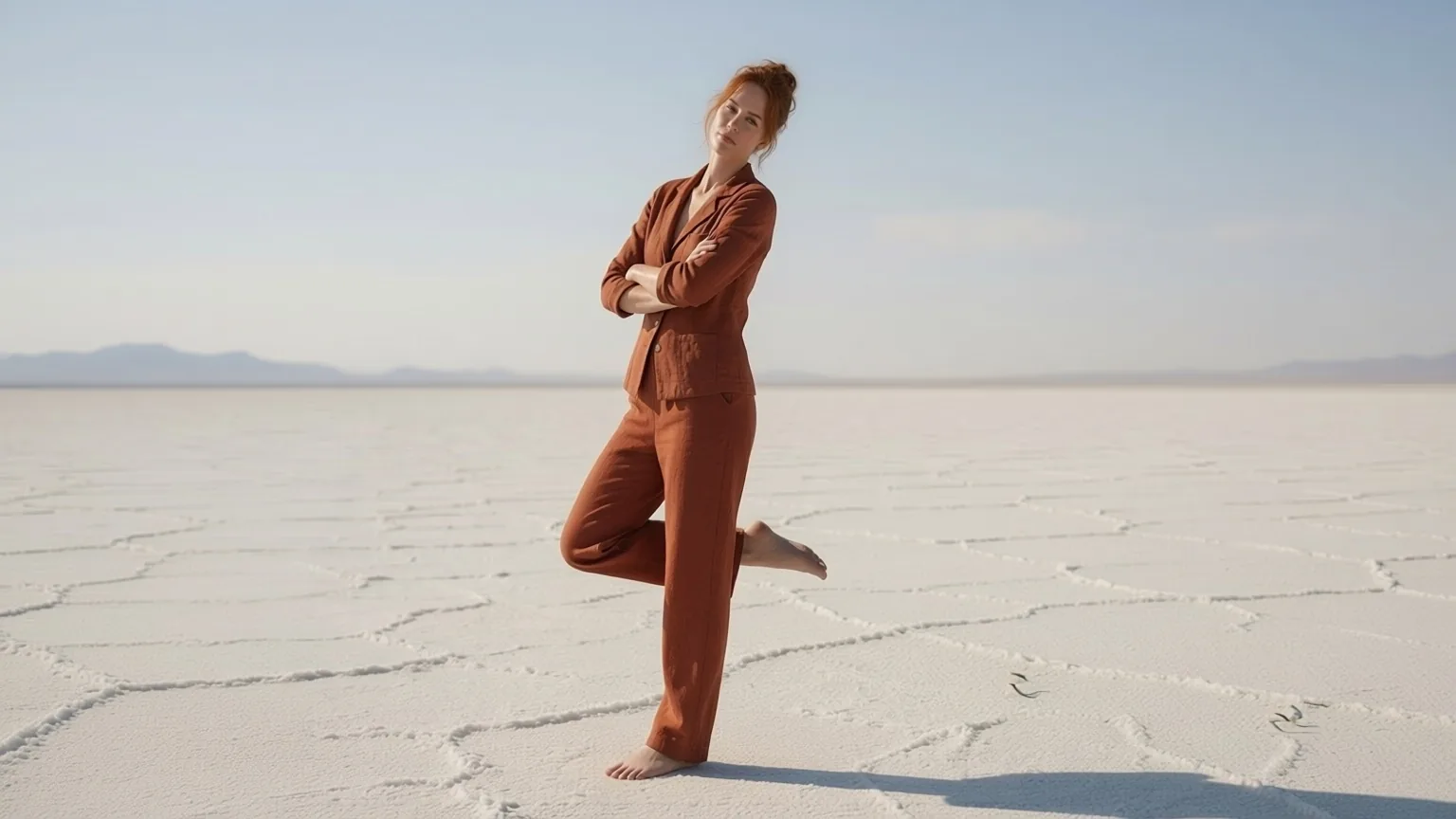
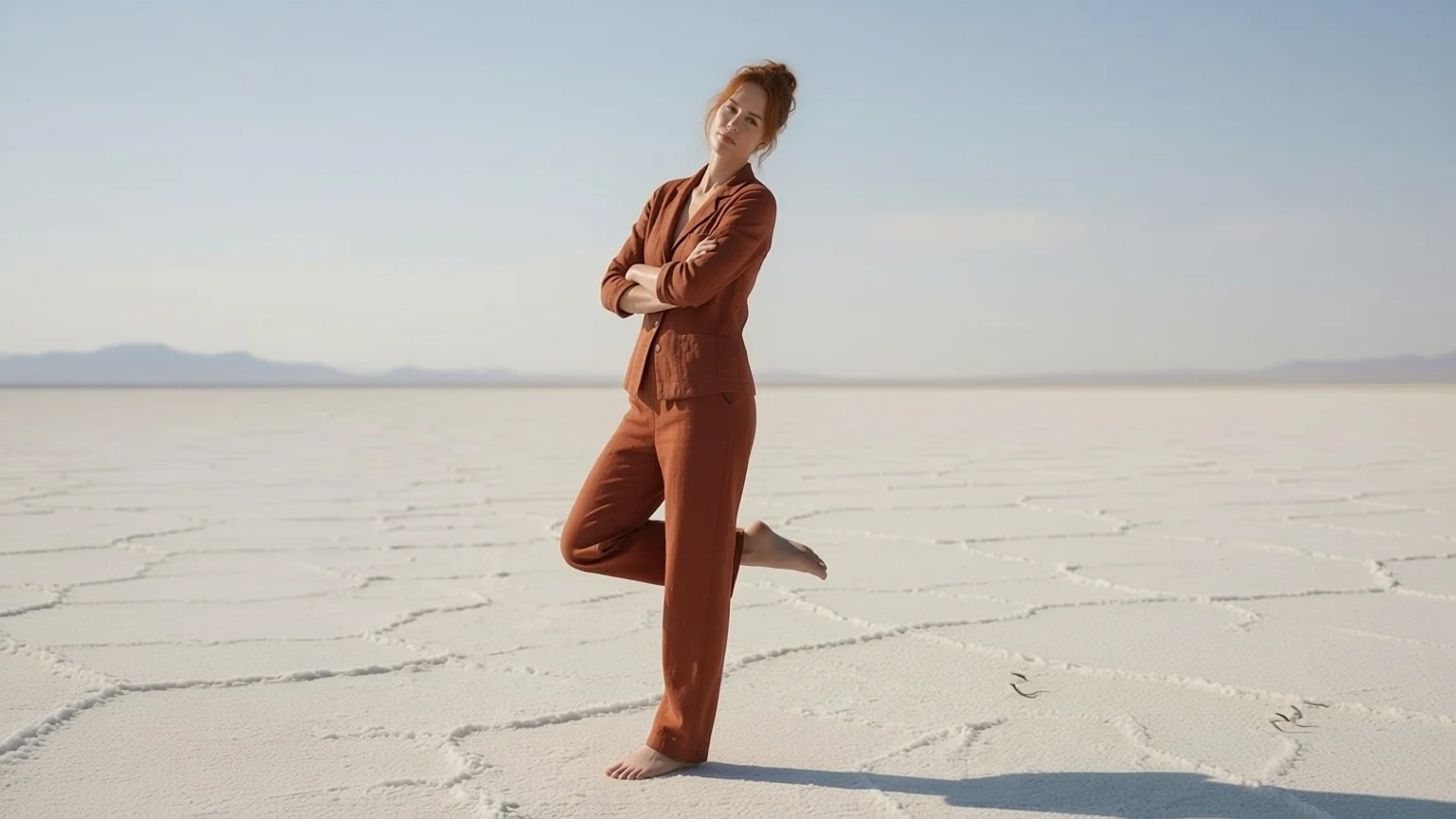
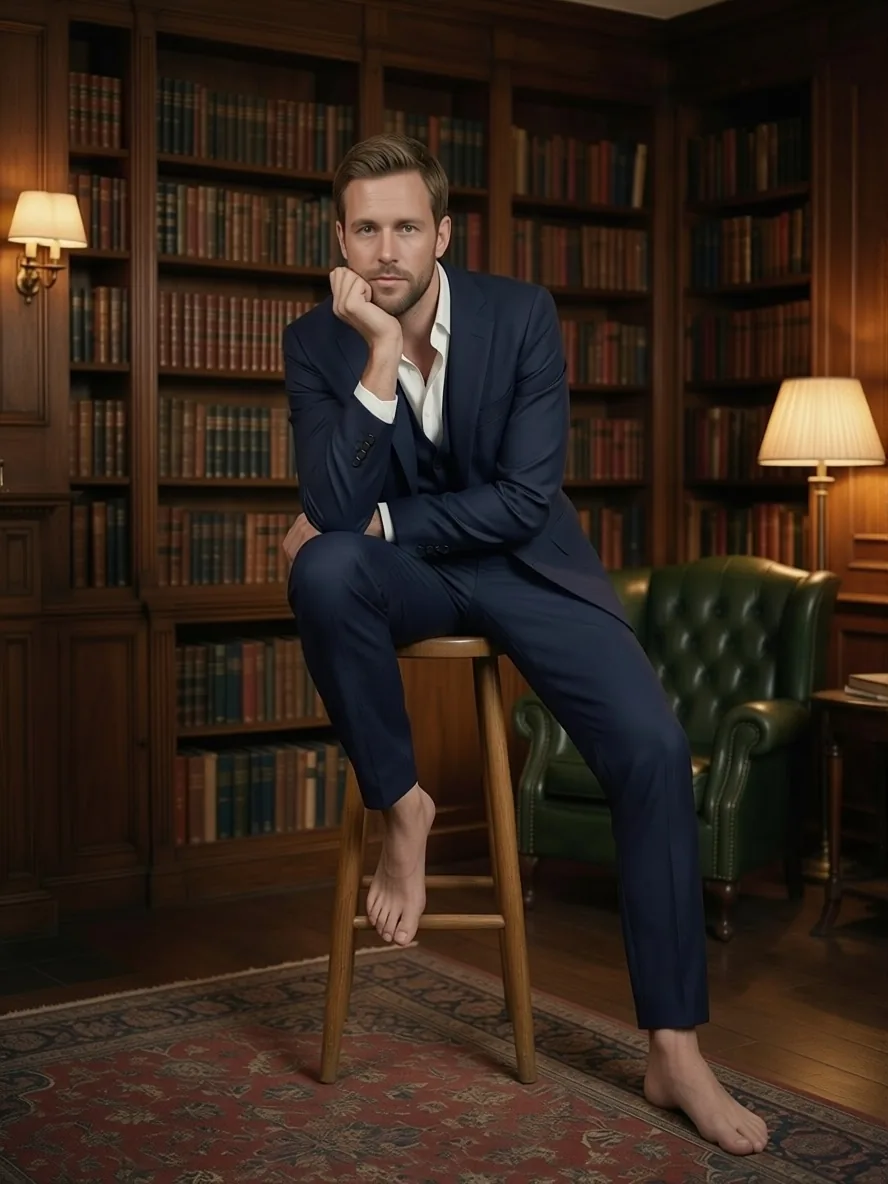
Pose Changer moves a person into a new pose. You send two photos, the person and a pose reference, and get back the first person holding the second photo's pose: arms, legs, head tilt and gaze, with their own face and outfit.
Key features & highlights
Two photos, no prompt
The tool runs Qwen-Image-Edit-2511 with the AnyPose base and helper LoRAs by lilylilith and the author's instruction. The prompt field is only for extra direction.
The LoRAs make the difference
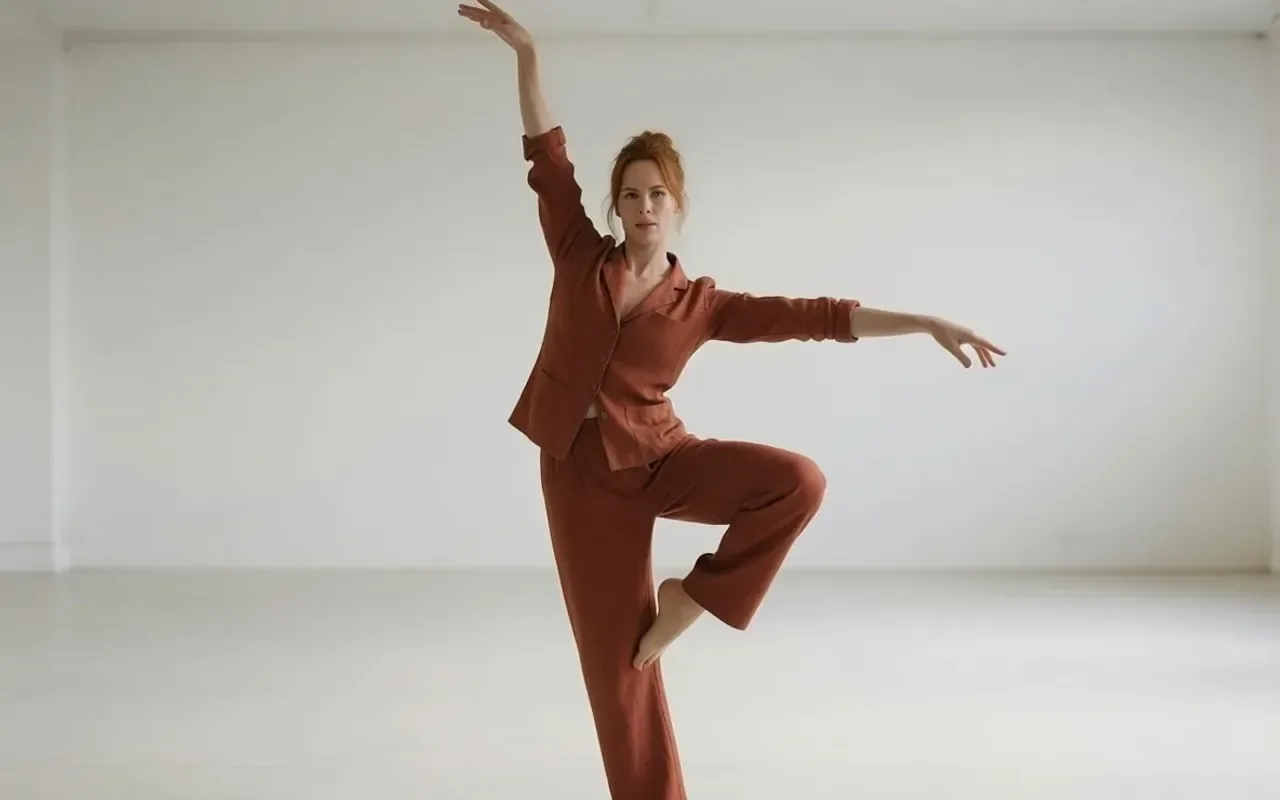
With the same photos and seed, the base model without the LoRAs pasted the dancer from the pose photo into the first scene. With them, the woman from the first photo took the dancer's pose.
Keep your scene with one line
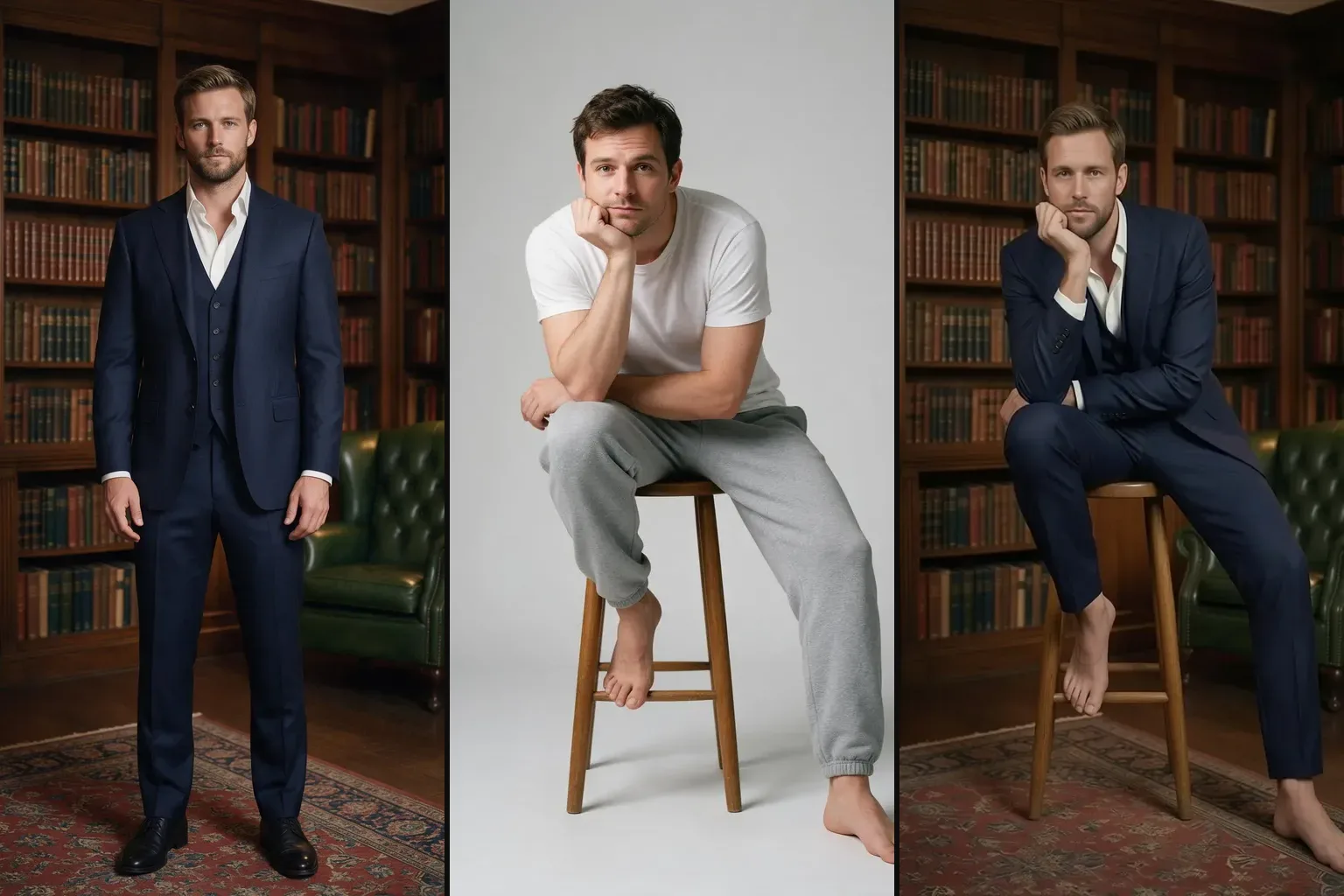
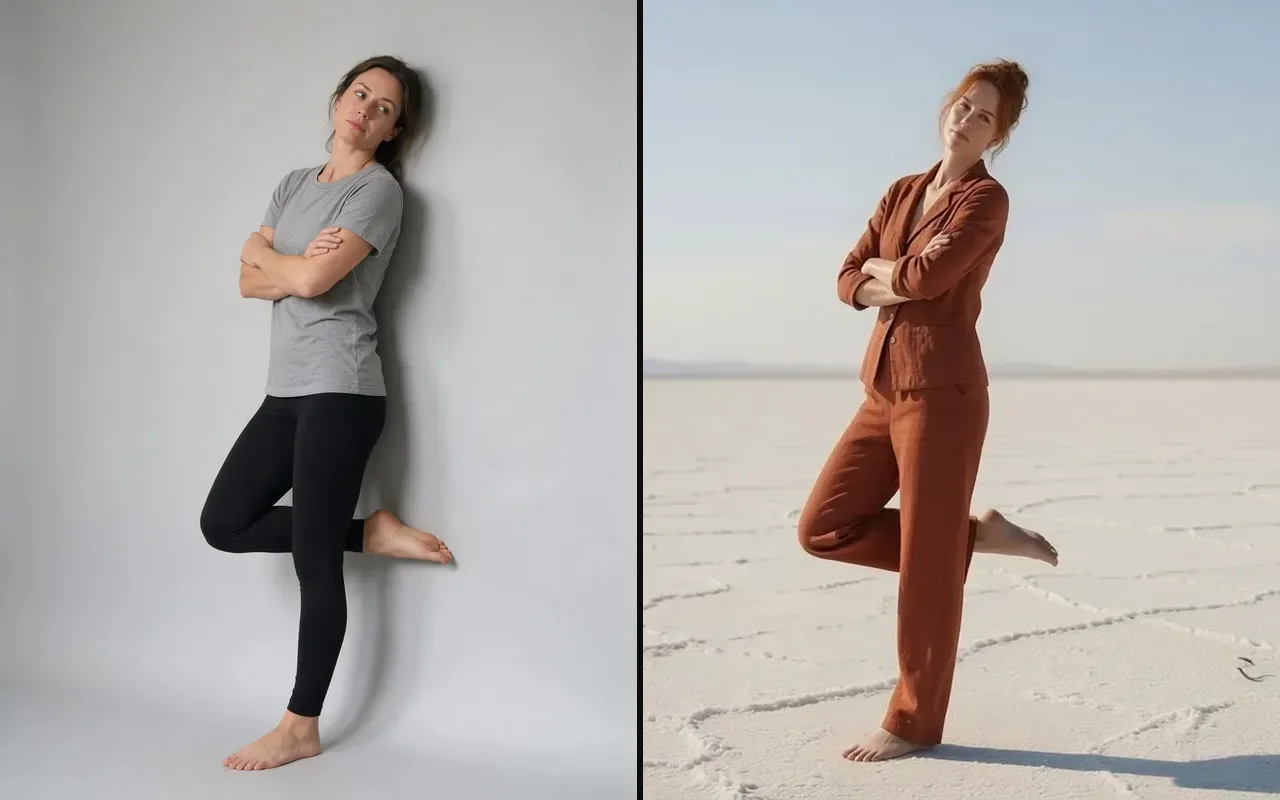
Out of the box the result often takes the pose photo's backdrop. Adding "Remove the background of image 2, and replace it with the background of image 1." kept a wood-panelled library and a salt flat in our runs.
Request parameters
| Parameter | Required | Description |
|---|---|---|
image_url | Yes | The person to re-pose. A public HTTPS link or an upload, JPEG, PNG or WebP, up to 10 MB. at least 1 characters |
reference_image_url | Yes | The photo whose pose is copied. A public HTTPS link or an upload, JPEG, PNG or WebP, up to 10 MB. at least 1 characters |
prompt | No | Optional extra direction, added after the built-in pose instruction. at most 1000 characters |
aspect_ratio | No | Optional. Leave it empty and the result keeps the shape of your photo at about one megapixel. |
output_format | No | JPEG by default, PNG or WebP if you need them. Does not change the price. |
seed | No | Use the same number again to compare two runs on the same photo. Any whole number from 0 to 2147483647; leave it empty for a random seed. |
Pricing
$0.03 / image
Billed per output image at one flat price. The aspect ratio and the output format do not change it, and failed requests are not charged.
Use cases
Catalogue variants
Turn one shot of an outfit into standing, seated and leaning versions from simple pose references shot against a plain wall, without rebooking the model or the location.
Consistent characters
Keep a character's face and costume while changing the pose a scene needs, so a storyboard or a comic keeps one recognisable cast.
Pose libraries
Keep a folder of reference poses shot on a plain backdrop and apply them to any portrait.
Prompt guide & pro tips
Match the build
Copying a woman's pose onto a man in our tests pulled his face toward hers. A reference of a similar build and gender kept the identity.
Name what must stay
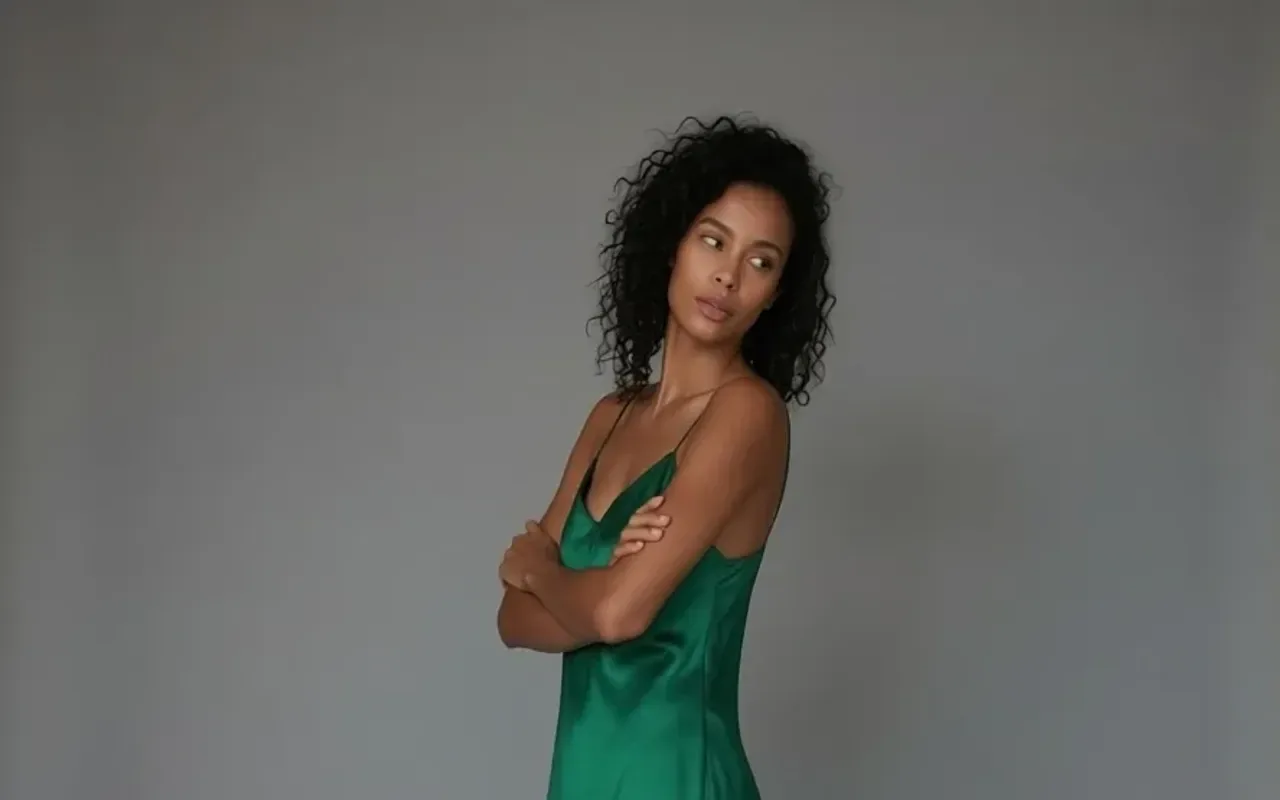
If the outfit changes, say so: "She keeps her emerald satin dress." fixed a case where sweatpants from the reference appeared.
Show the whole body
Full-body photos on both sides give the cleanest result; a waist-up source forces the model to invent legs and floor.
Keep one person per photo
Group shots in either photo confuse which body to move and which pose to copy. Crop to one person first, then run each person separately.
API quick start
# Generate the idempotency key once; reuse it when retrying after a lost response.
export SPICY_IDEMPOTENCY_KEY="${SPICY_IDEMPOTENCY_KEY:-$(uuidgen)}"
curl -X POST https://api.spicyapi.ai/api/v1/jobs/createTask \
  -H "Authorization: Bearer $SPICY_API_KEY" \
  -H "Content-Type: application/json" \
  -H "Idempotency-Key: $SPICY_IDEMPOTENCY_KEY" \
  -d '{
  "model": "spicyapi/pose-changer-v1/edit",
  "input": {
    "image_url": "https://example.com/reference.png",
    "output_format": "jpeg",
    "reference_image_url": "https://example.com/reference.png"
  }
}'

# Copy data.taskId from the response into TASK_ID, then poll the status.
TASK_ID="TASK_ID_FROM_RESPONSE"
curl "https://api.spicyapi.ai/api/v1/jobs/recordInfo?taskId=$TASK_ID" \
  -H "Authorization: Bearer $SPICY_API_KEY"
See the API reference for authentication, the complete schema, polling, and error handling.