Introduction
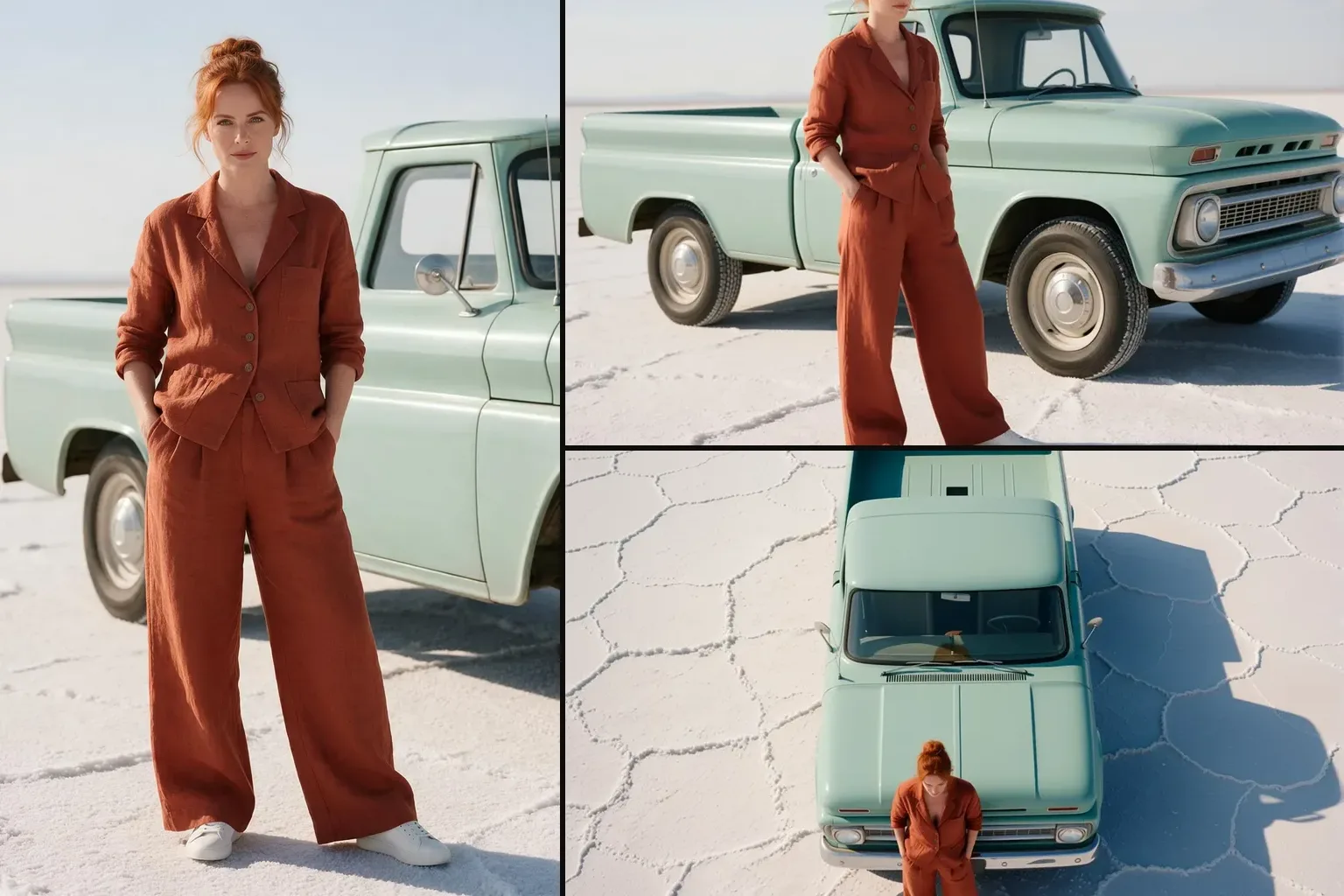
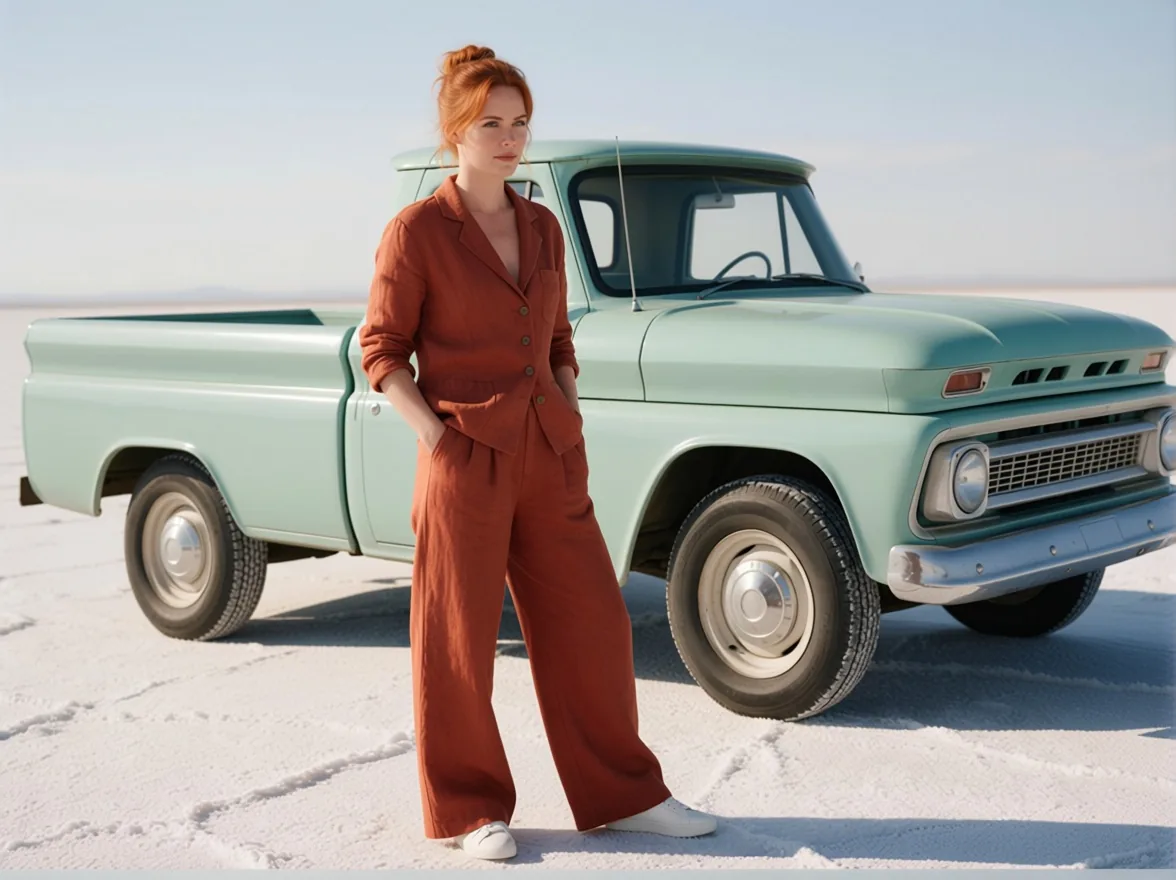
Camera Angle Changer moves the camera after the photo was taken. Tell it to rotate around the subject, look straight down, move closer or step back, and it returns the same people and place from that position, as if you had walked around the set with the camera.
Key features & highlights
The Multiple-angles LoRA, hosted
It runs dx8152's Multiple-angles LoRA on Qwen-Image-Edit-2509, the camera-control LoRA many ComfyUI users know as "Qwen Edit 2509 Multiple Angles", without any local setup.
Plain-language moves
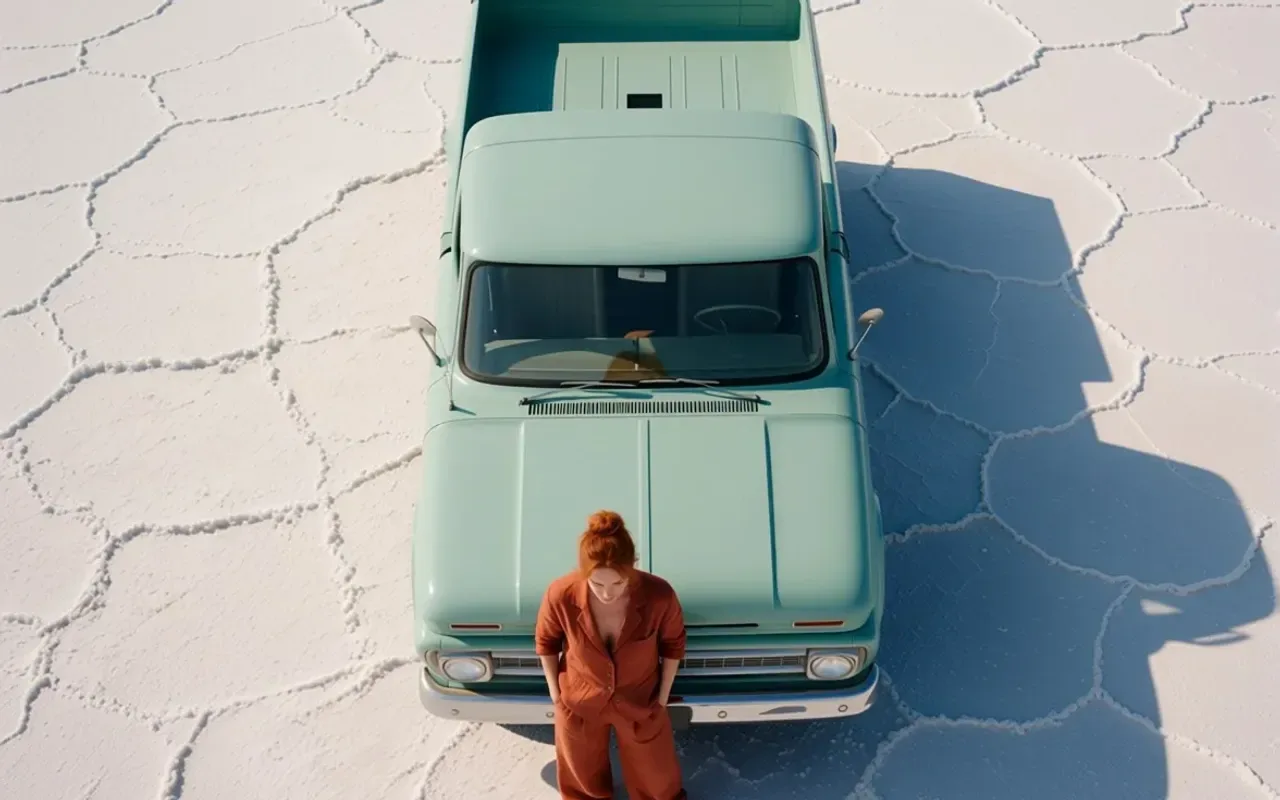
The LoRA has no trigger word. Write the move: "Rotate the camera 45 degrees to the left.", "Turn the camera to a top-down view.", "Turn the camera to a close-up."
A real difference
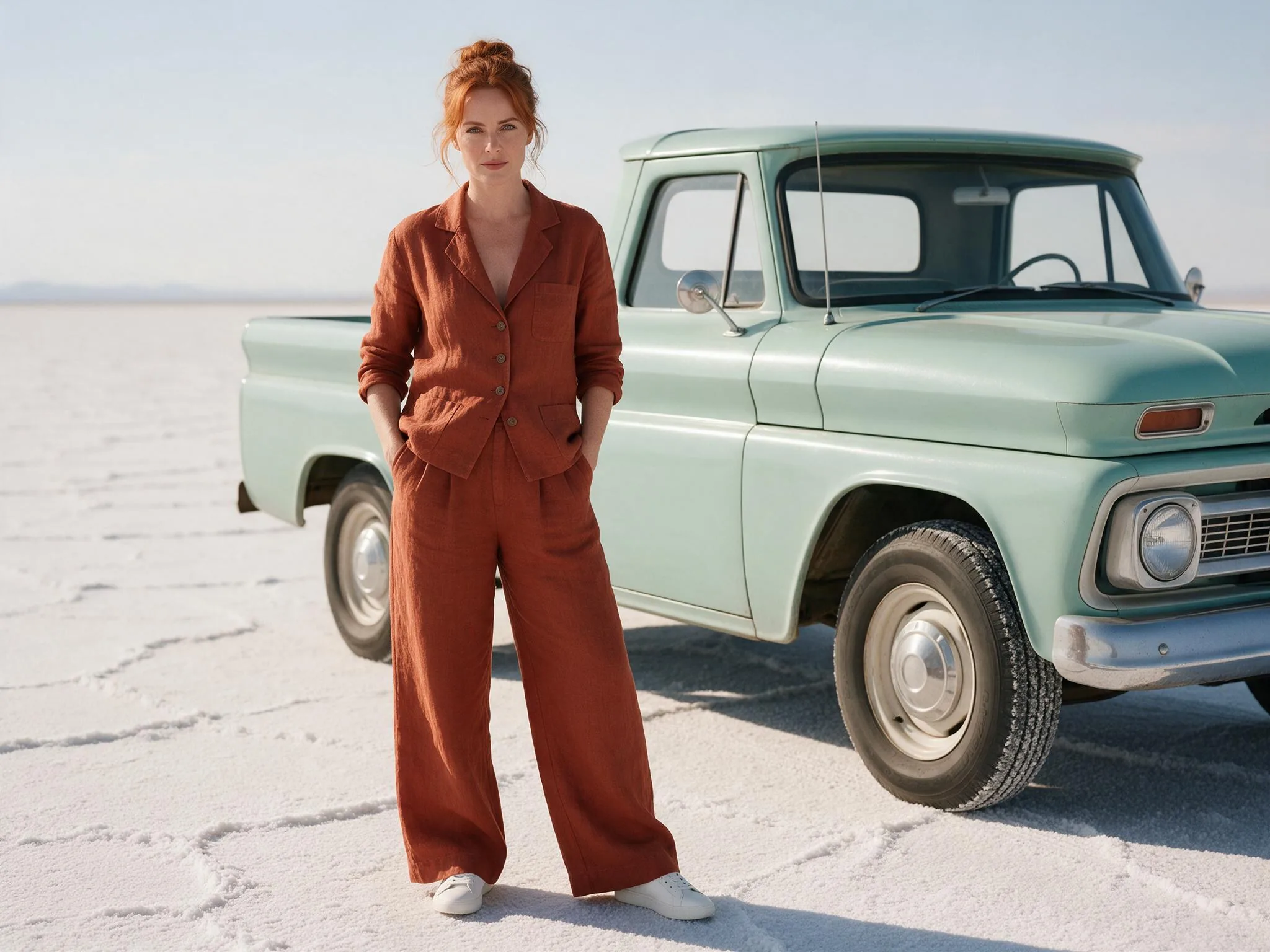
With the same photo and seed, the base edit model without the LoRA hardly changed the view for a 45-degree rotation; with it, a pickup truck turned side-on.
Request parameters
| Parameter | Required | Description |
|---|---|---|
image_url | Yes | The photo to re-frame. A public HTTPS link or an upload, JPEG, PNG or WebP, up to 10 MB. at least 1 characters |
prompt | Yes | The camera move in plain words, one per request works best: "Rotate the camera 45 degrees to the left.", "Turn the camera to a top-down view.", "Turn the camera to a close-up.",… at least 1 characters · at most 1000 characters |
aspect_ratio | No | Optional. Leave it empty and the result keeps the shape of your photo at about one megapixel. |
output_format | No | JPEG by default, PNG or WebP if you need them. Does not change the price. |
seed | No | Use the same number again to compare two runs on the same photo. Any whole number from 0 to 2147483647; leave it empty for a random seed. |
Pricing
$0.03 / image
Billed per output image at one flat price. The aspect ratio and the output format do not change it, and failed requests are not charged.
Use cases
More angles for listings
Turn one product or location photo into side, top and close views, so a listing or a carousel shows the subject from more than one side.
Coverage for a scene
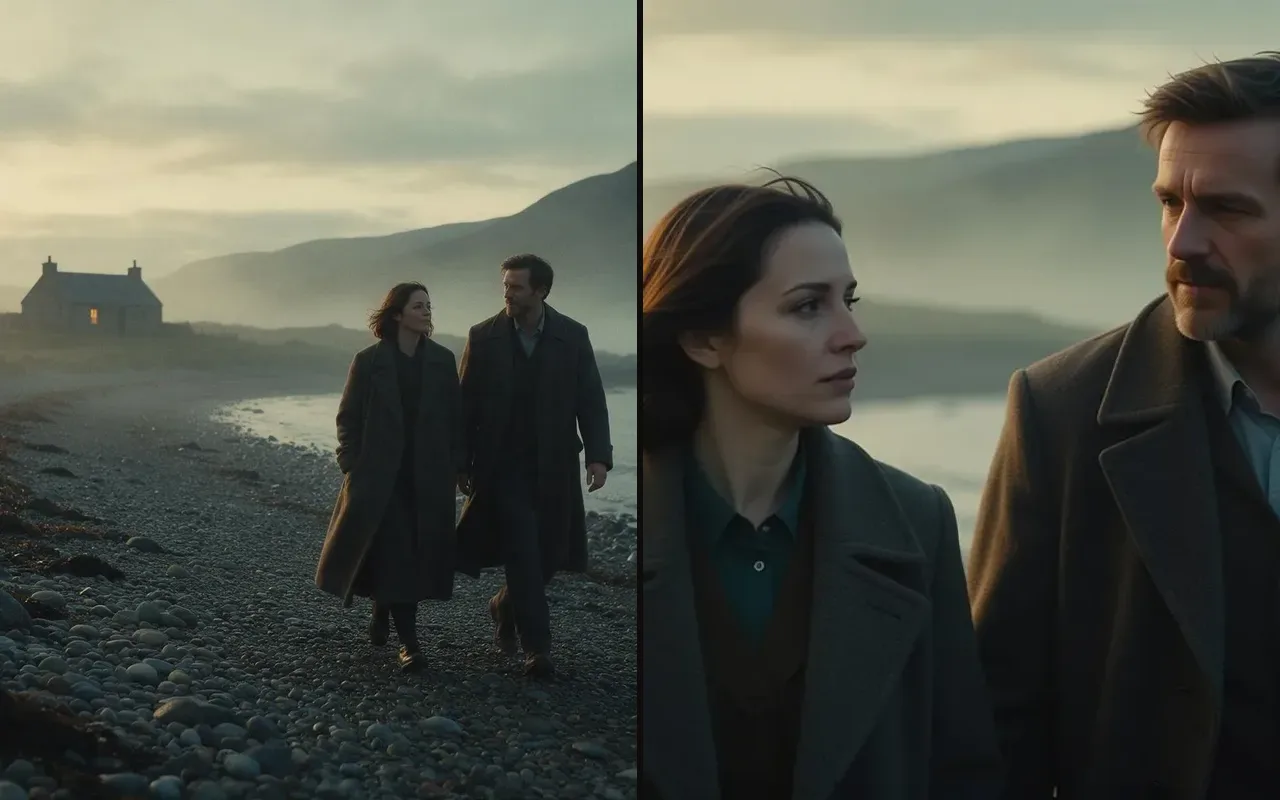
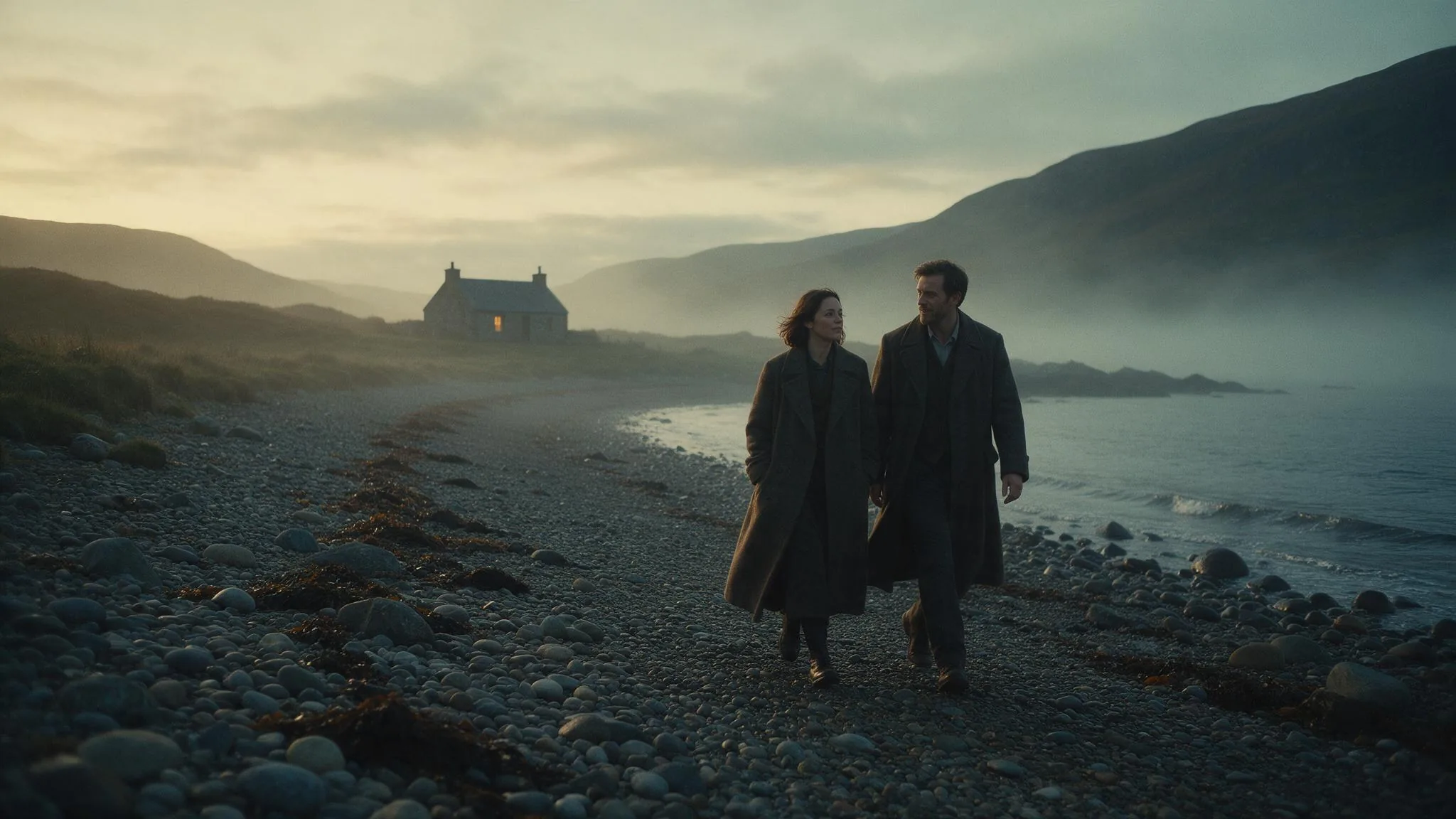
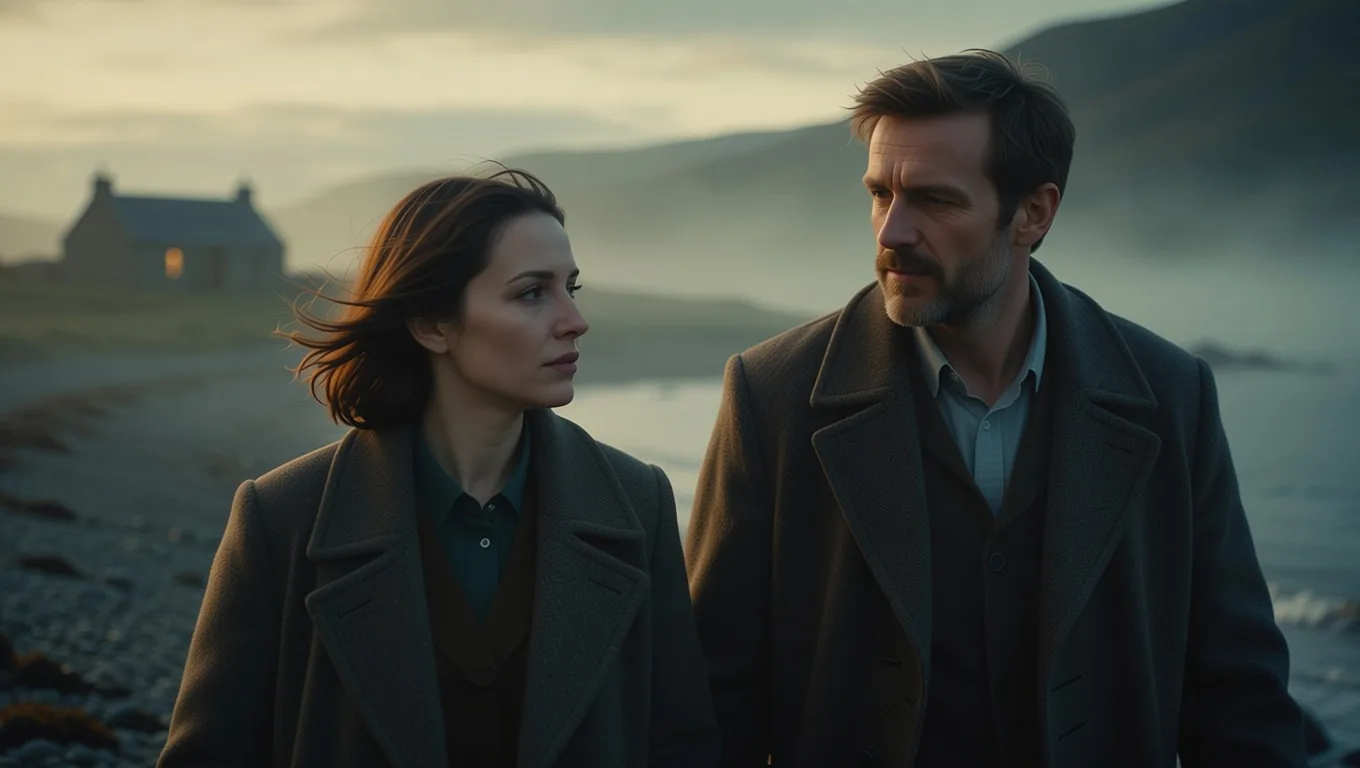
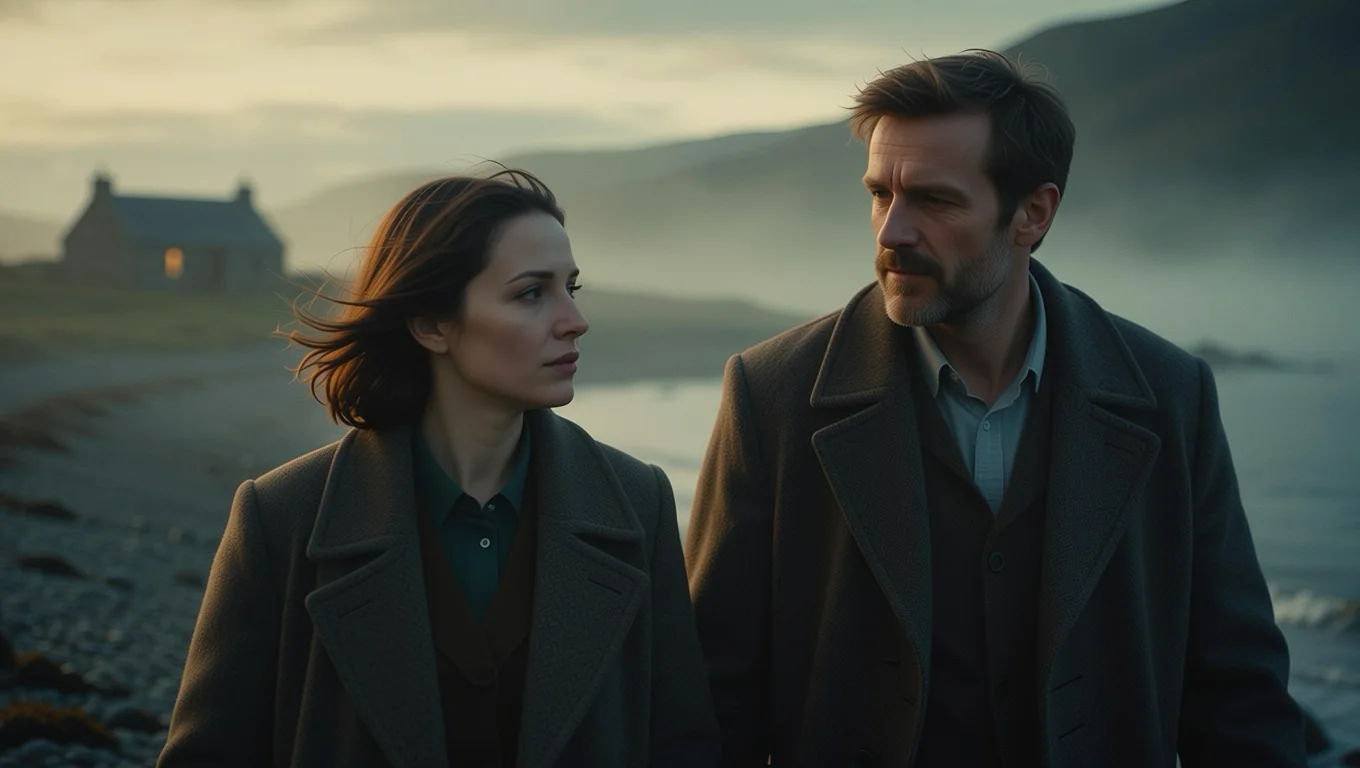
Cut from a wide shot to a close-up of the same couple for a storyboard or a carousel, with the same coats, light and backdrop.
Character turnarounds
Get several views of the same person and outfit for reference.
Prompt guide & pro tips
One move at a time
Single moves were the most reliable in our runs. For a compound move, run the result through again.
Give it depth
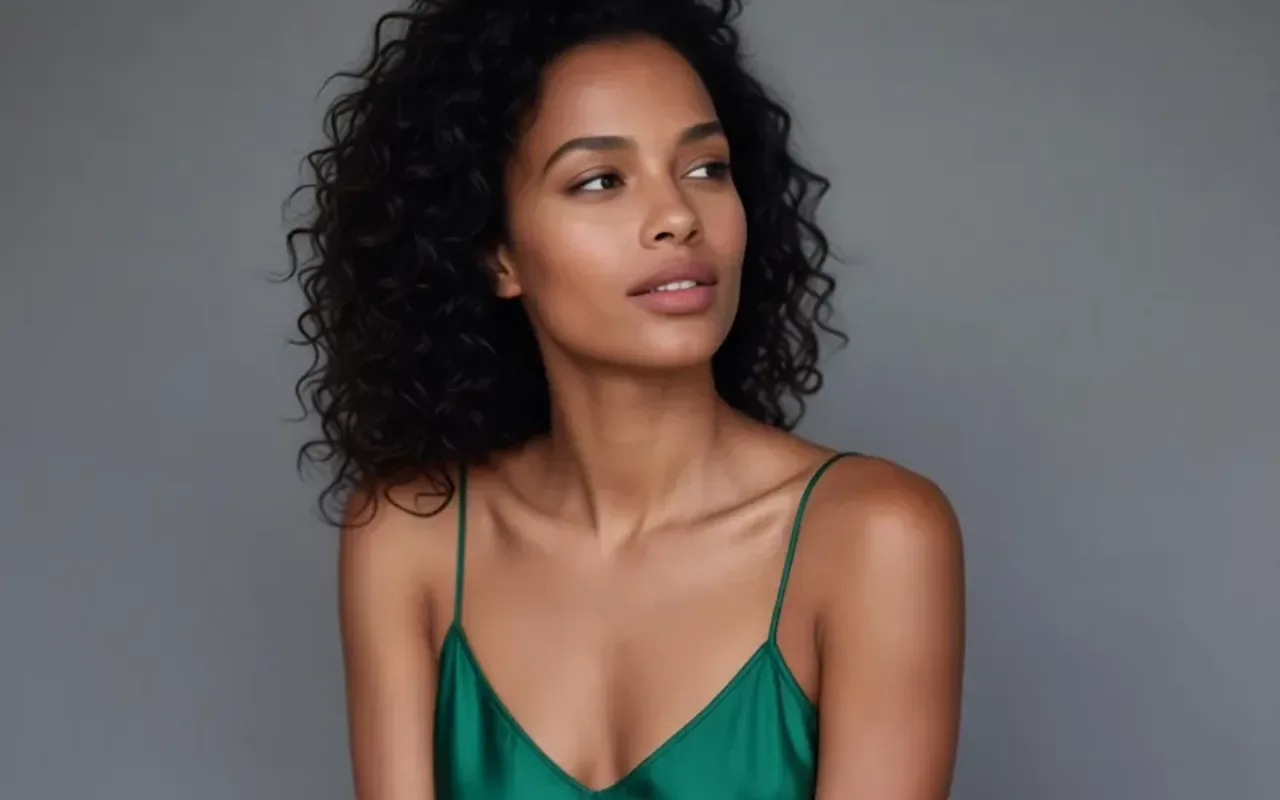
Scenes with objects at different distances change the most. A tight studio portrait mostly turns the head.
Check invented sides
Big rotations and top-down views draw parts the original never showed. They look plausible, but they are new.
Use the trained phrases
The LoRA learned short commands such as "Rotate the camera 45 degrees to the left." and "Turn the camera to a close-up." Starting from those wordings and changing only the direction gave the most predictable results in our runs.
API quick start
# Generate the idempotency key once; reuse it when retrying after a lost response.
export SPICY_IDEMPOTENCY_KEY="${SPICY_IDEMPOTENCY_KEY:-$(uuidgen)}"
curl -X POST https://api.spicyapi.ai/api/v1/jobs/createTask \
  -H "Authorization: Bearer $SPICY_API_KEY" \
  -H "Content-Type: application/json" \
  -H "Idempotency-Key: $SPICY_IDEMPOTENCY_KEY" \
  -d '{
  "model": "spicyapi/camera-angle-changer-v1/edit",
  "input": {
    "image_url": "https://example.com/reference.png",
    "output_format": "jpeg",
    "prompt": "A ceramic teapot on a linen cloth, soft window light, muted palette"
  }
}'

# Copy data.taskId from the response into TASK_ID, then poll the status.
TASK_ID="TASK_ID_FROM_RESPONSE"
curl "https://api.spicyapi.ai/api/v1/jobs/recordInfo?taskId=$TASK_ID" \
  -H "Authorization: Bearer $SPICY_API_KEY"
See the API reference for authentication, the complete schema, polling, and error handling.