Introduction
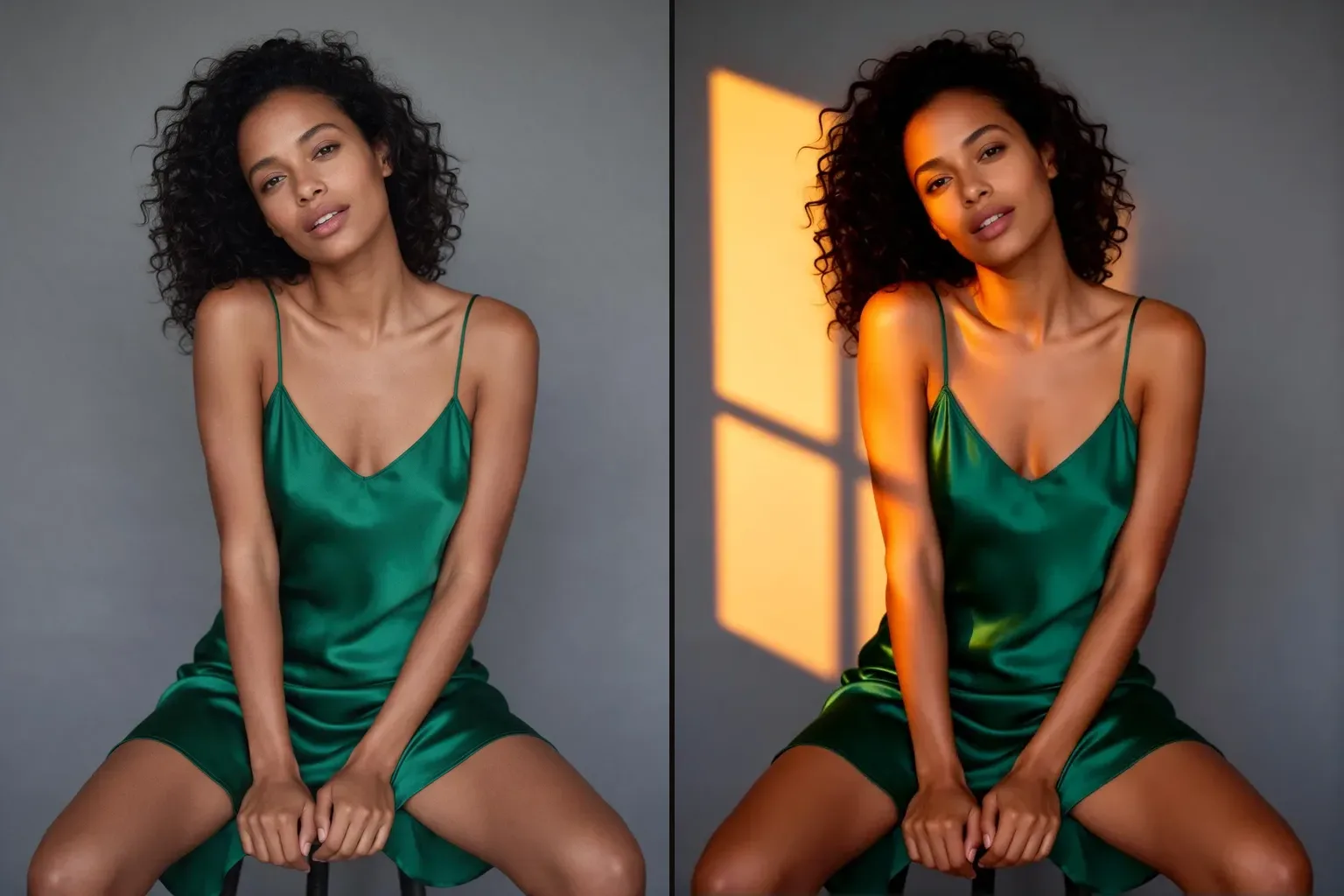
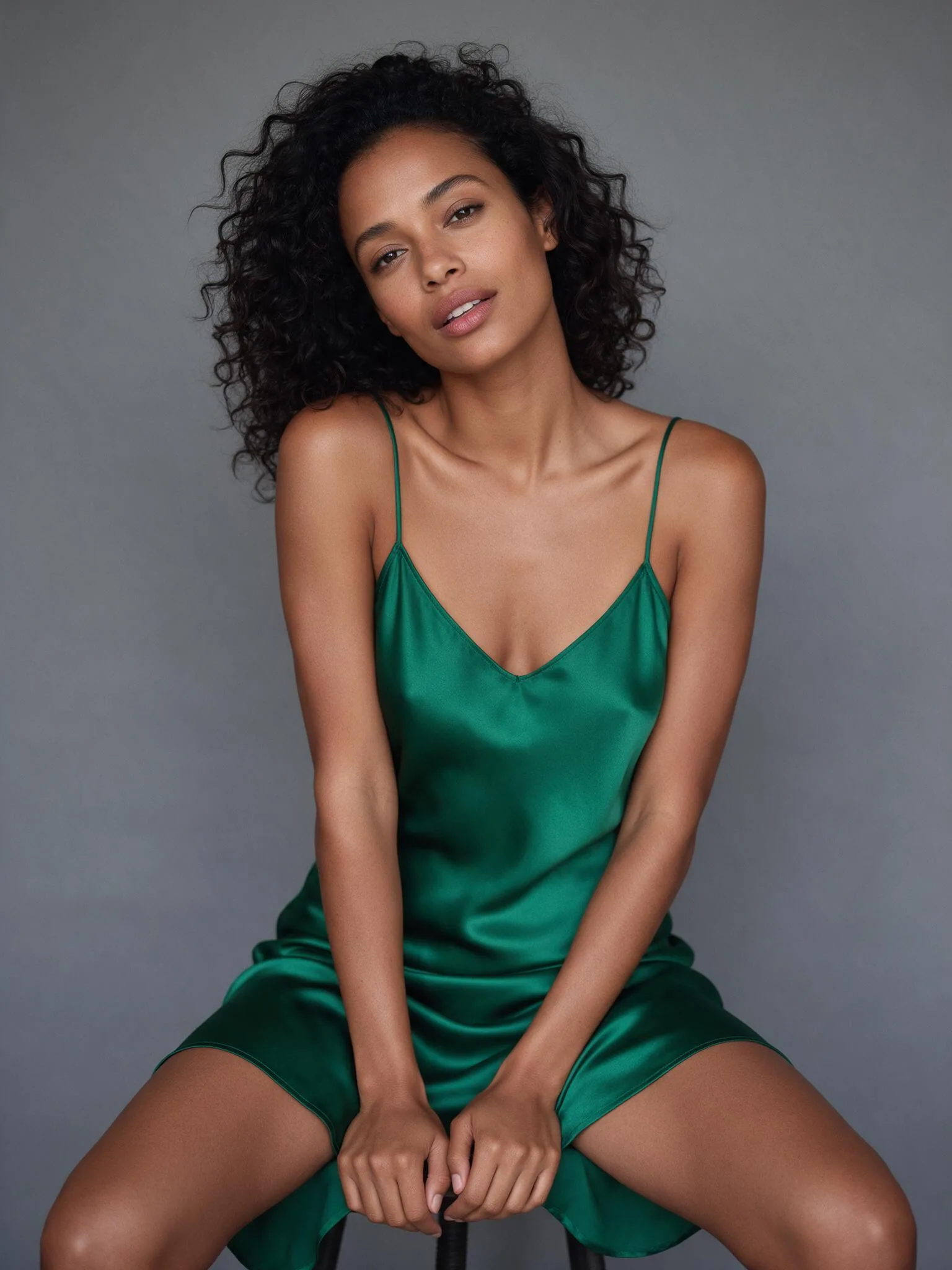
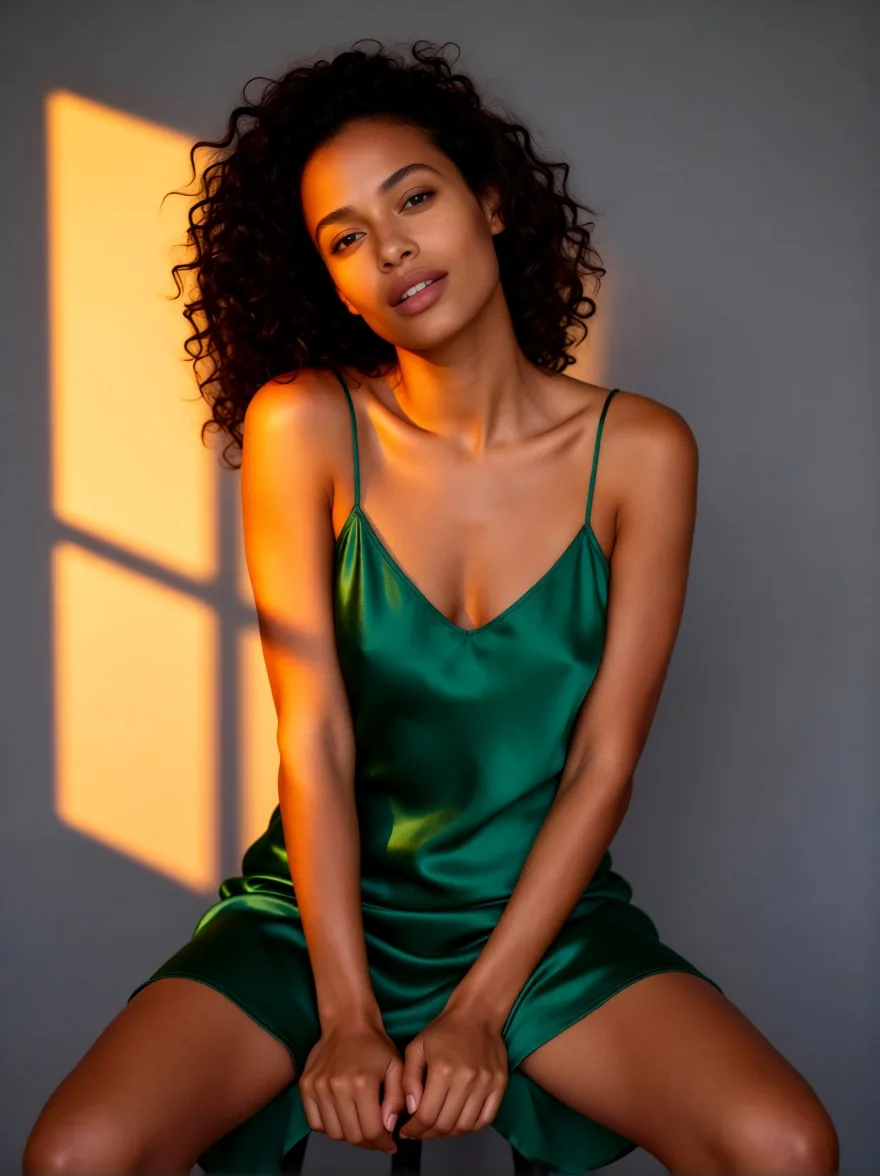
Relight changes the light in a photo. Describe the light you want and get the same people and scene back, lit that way: window light at sunset, blue hour, a hard overhead spotlight or a golden rim from behind. Nothing else in the frame is meant to change.
Key features & highlights
Light from a sentence
Write the source, direction, colour and hardness. The tool runs Qwen-Image-Edit-2509 with dx8152's Relight LoRA, trained on before-and-after relighting pairs, so it moves light and shadow rather than repainting the picture.
People and framing stay
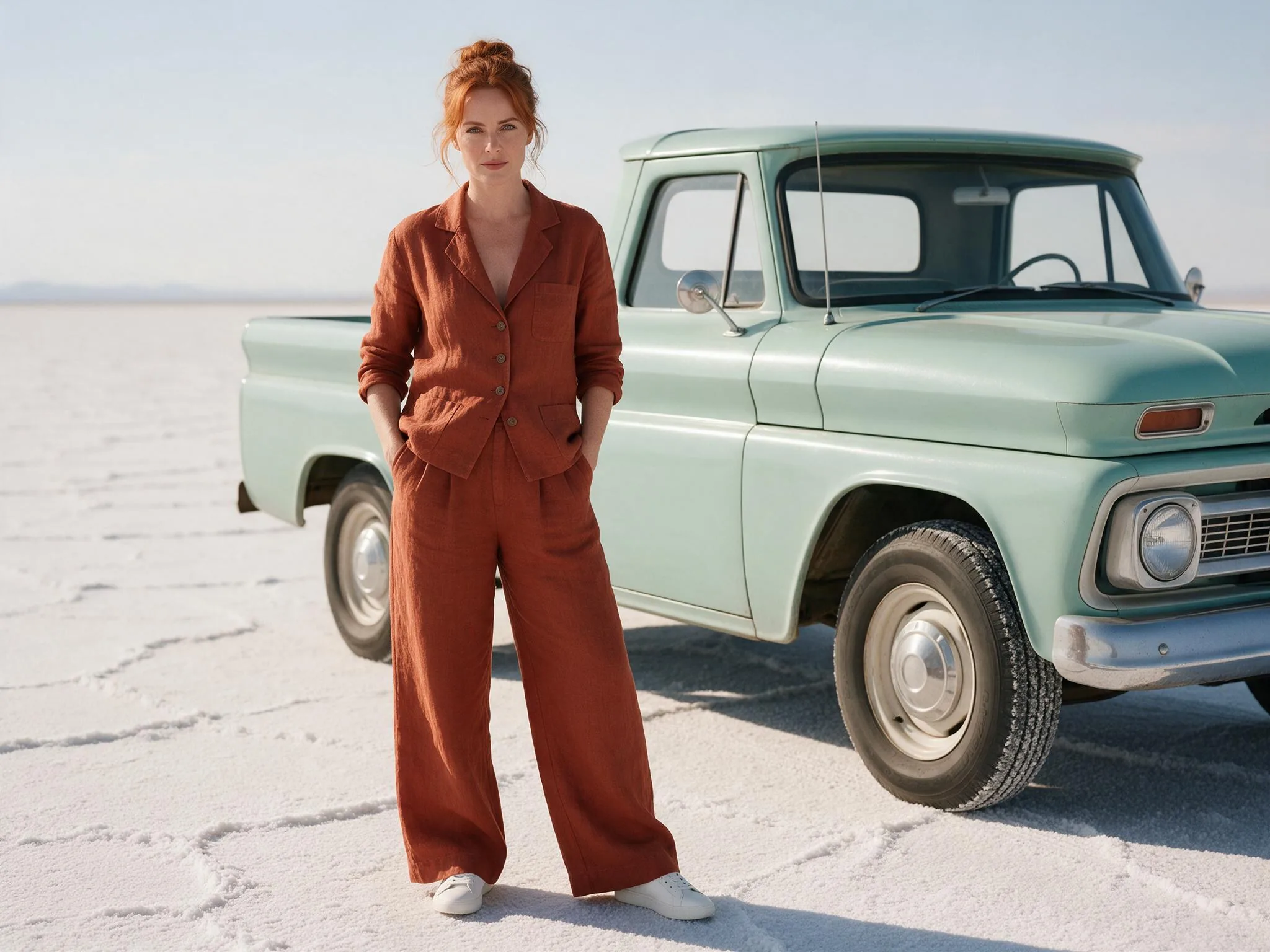
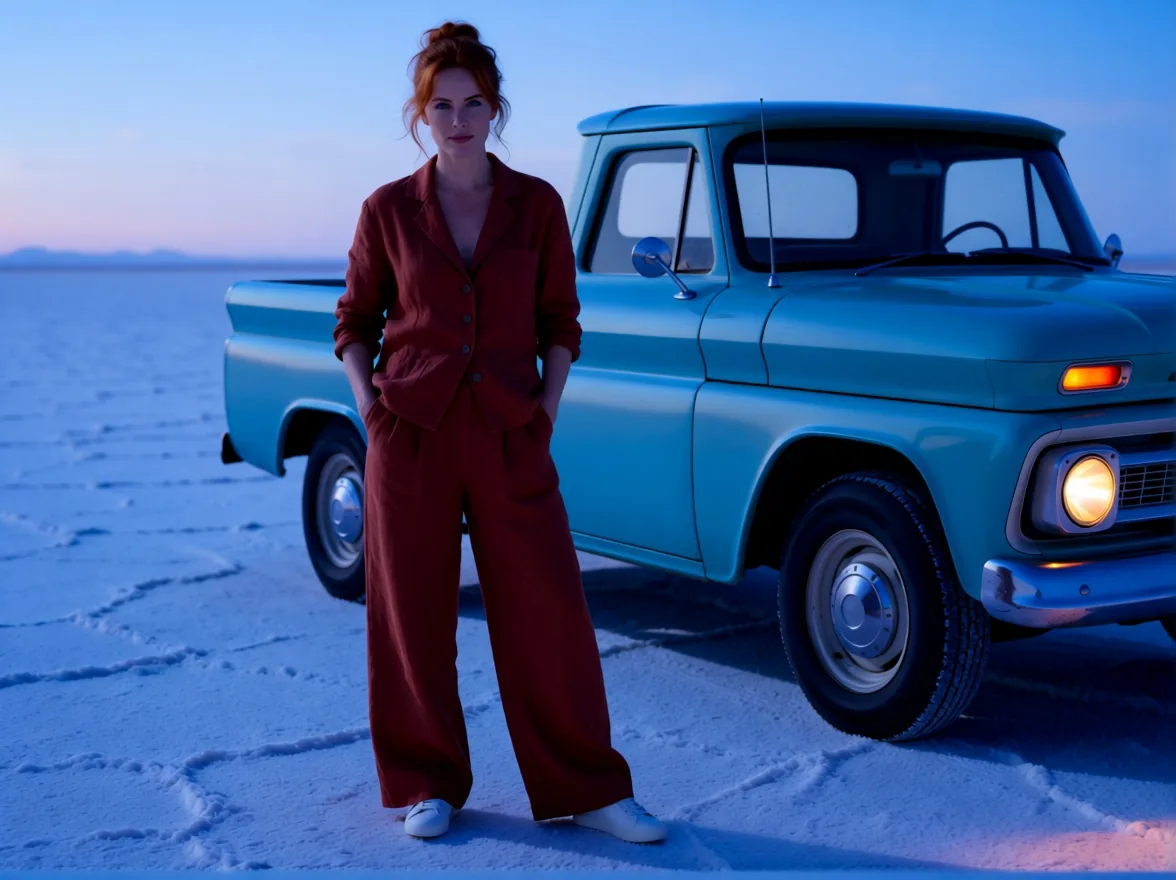
Faces, clothes, pose and composition were unchanged in every test; only light, shadows and colour grade moved, which keeps a relit photo usable next to the original in a set.
Bigger mood shifts
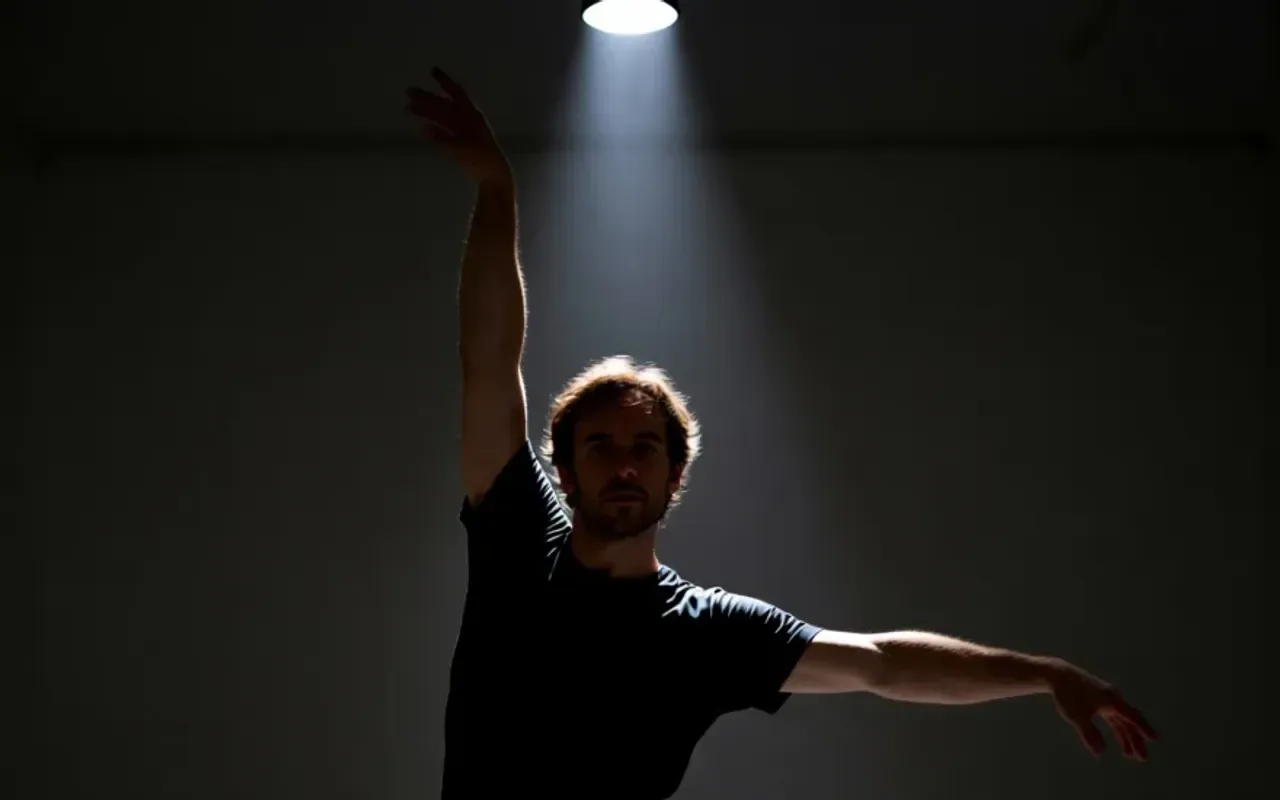
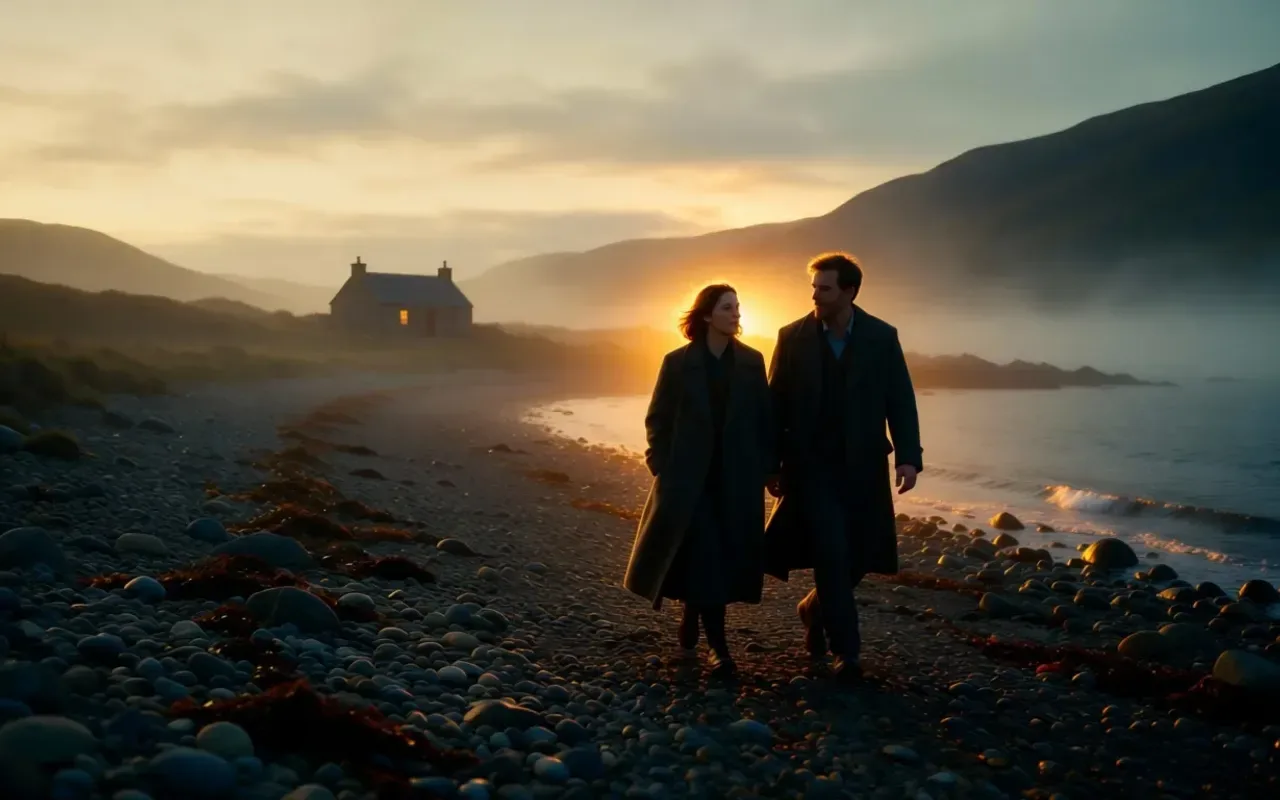
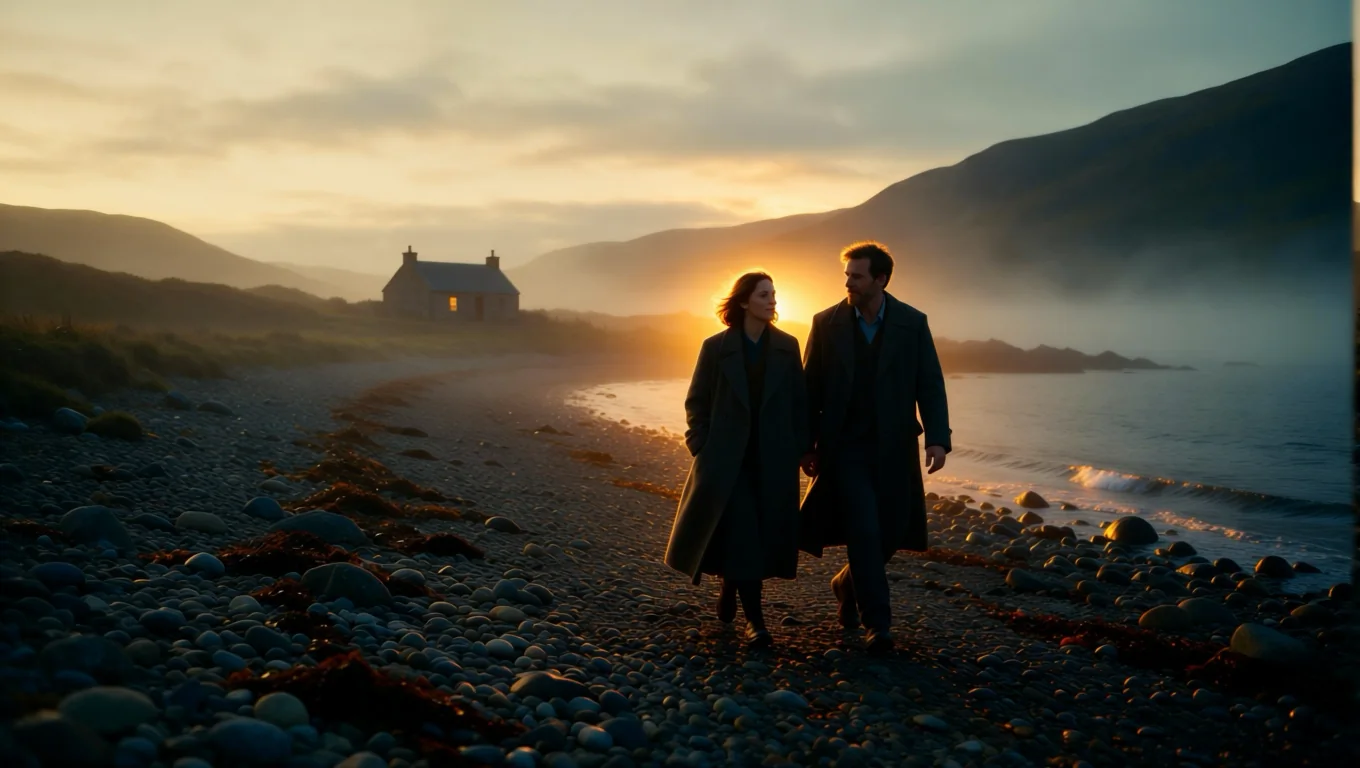
A white dance studio became a dark room with one spotlight, and a misty dawn shore became a golden sunset with rim light.
Request parameters
| Parameter | Required | Description |
|---|---|---|
image_url | Yes | The photo to relight. A public HTTPS link or an upload, JPEG, PNG or WebP, up to 10 MB. at least 1 characters |
prompt | Yes | The new light, starting with "Relight the image with ...": its source, direction, colour and hardness, for example "Relight the image with warm golden sunset light coming throug… at least 1 characters · at most 1000 characters |
aspect_ratio | No | Optional. Leave it empty and the result keeps the shape of your photo at about one megapixel. |
output_format | No | JPEG by default, PNG or WebP if you need them. Does not change the price. |
seed | No | Use the same number again to compare two runs on the same photo. Any whole number from 0 to 2147483647; leave it empty for a random seed. |
Pricing
$0.03 / image
Billed per output image at one flat price. The aspect ratio and the output format do not change it, and failed requests are not charged.
Use cases
Rescue flat photos
Add direction and mood to evenly lit portraits and product shots that came out of a softbox or an overcast day looking lifeless.
Time of day
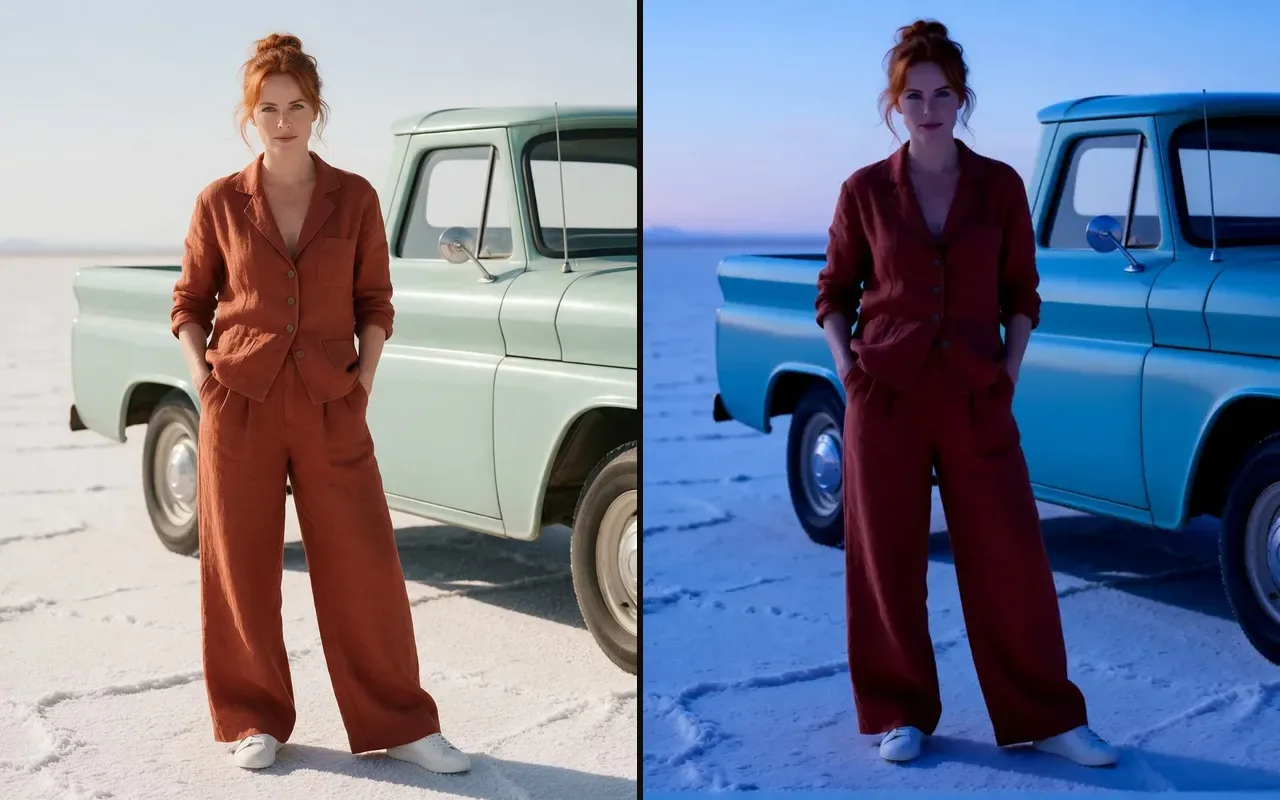
Move a location photo to blue hour or golden hour without going back to the location, for example a salt flat at blue hour with the truck lights on.
One look for a set
Bring photos taken in different light to one consistent look for a campaign, a lookbook or a carousel.
Prompt guide & pro tips
Start with "Relight the image with"
Then name the light source and where it comes from. Specific beats vague: "a single hard spotlight from directly above" works better than "dramatic".
Remove old shadows first
If the photo already has hard shadows, run Shadow Remover first and relight the clean result.
Expect props for motivated light
Asking for window light can add a window to the scene. If you do not want new objects, describe light only ("warm light from the left").
Change one thing per run
Ask for one light setup at a time. When a result is close, keep the seed and adjust only the colour or the direction in the prompt, so you can compare the two versions side by side.
API quick start
# Generate the idempotency key once; reuse it when retrying after a lost response.
export SPICY_IDEMPOTENCY_KEY="${SPICY_IDEMPOTENCY_KEY:-$(uuidgen)}"
curl -X POST https://api.spicyapi.ai/api/v1/jobs/createTask \
  -H "Authorization: Bearer $SPICY_API_KEY" \
  -H "Content-Type: application/json" \
  -H "Idempotency-Key: $SPICY_IDEMPOTENCY_KEY" \
  -d '{
  "model": "spicyapi/relight-v1/edit",
  "input": {
    "image_url": "https://example.com/reference.png",
    "output_format": "jpeg",
    "prompt": "A ceramic teapot on a linen cloth, soft window light, muted palette"
  }
}'

# Copy data.taskId from the response into TASK_ID, then poll the status.
TASK_ID="TASK_ID_FROM_RESPONSE"
curl "https://api.spicyapi.ai/api/v1/jobs/recordInfo?taskId=$TASK_ID" \
  -H "Authorization: Bearer $SPICY_API_KEY"
See the API reference for authentication, the complete schema, polling, and error handling.