Introduction
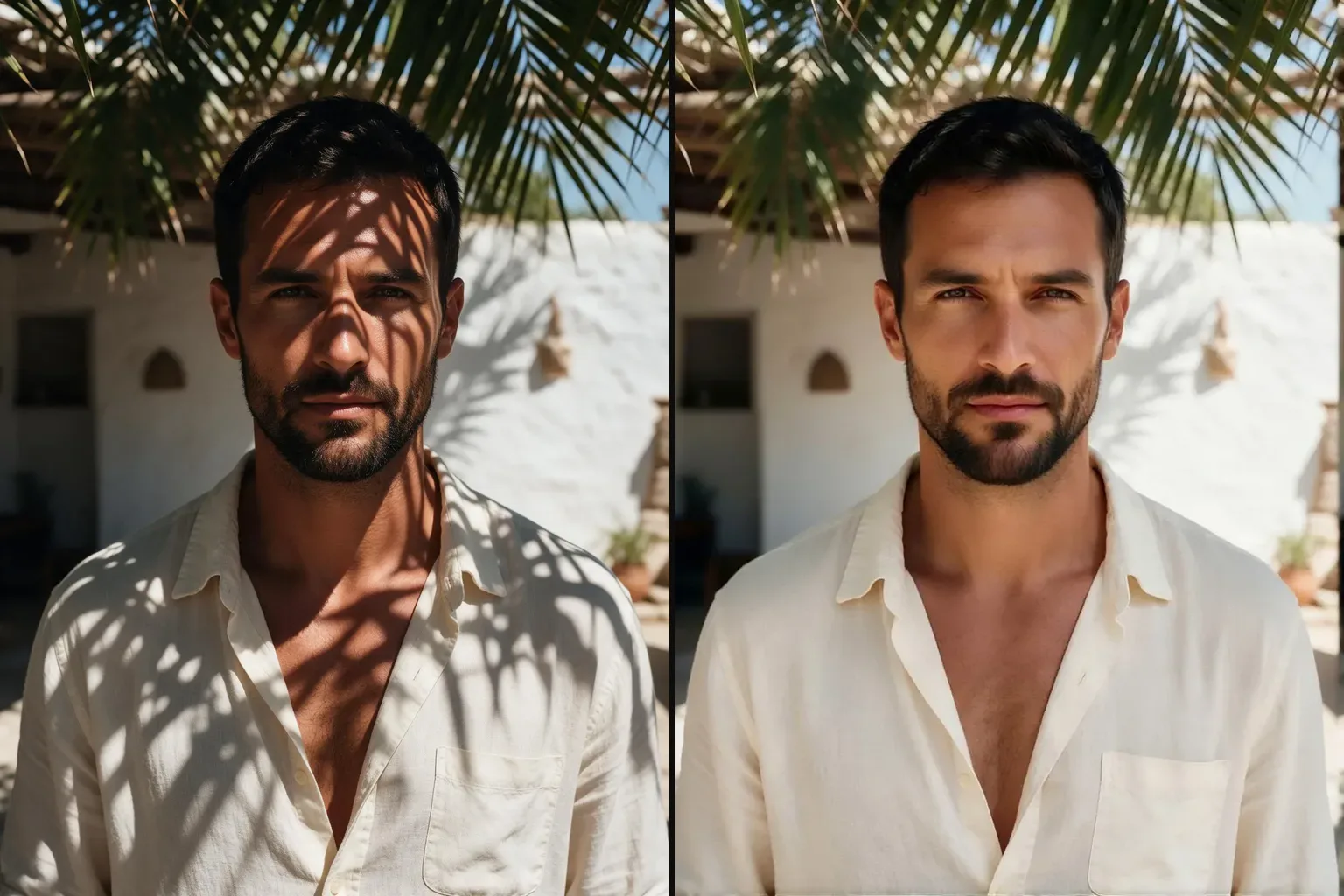
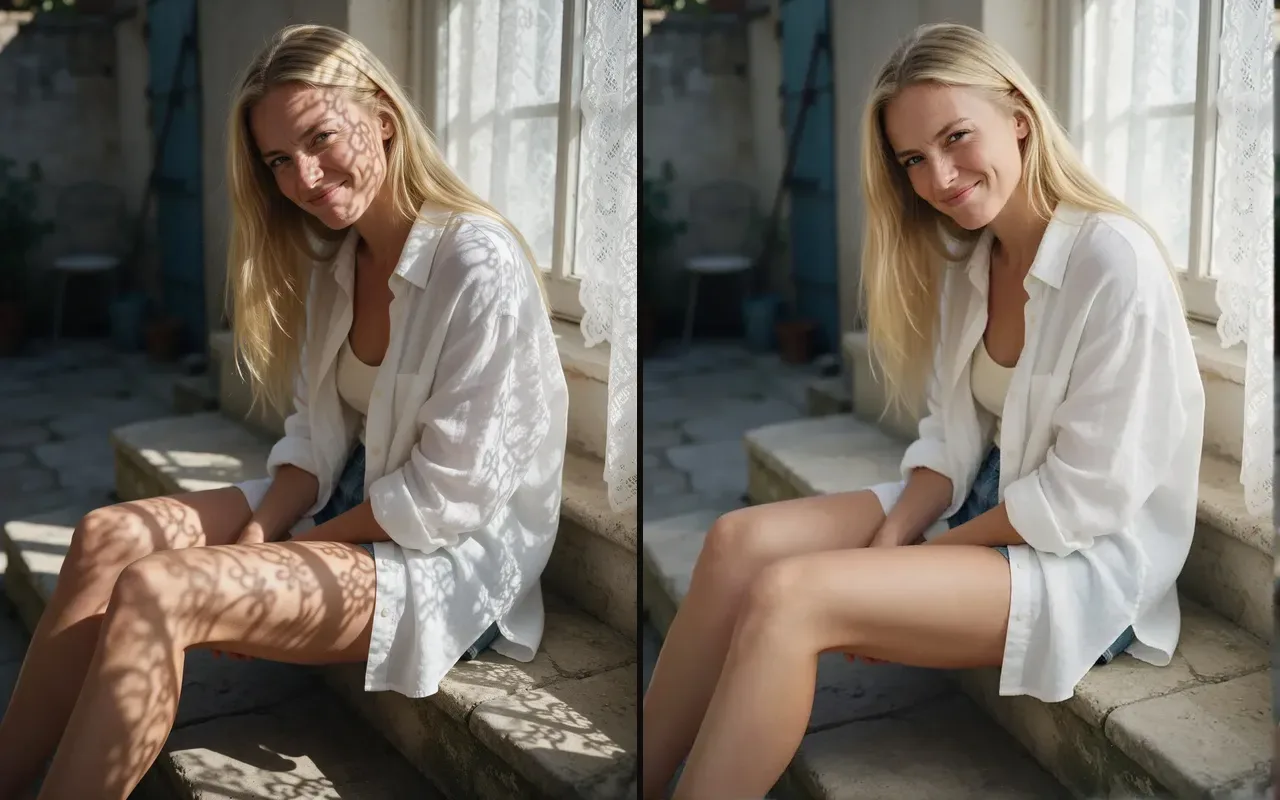
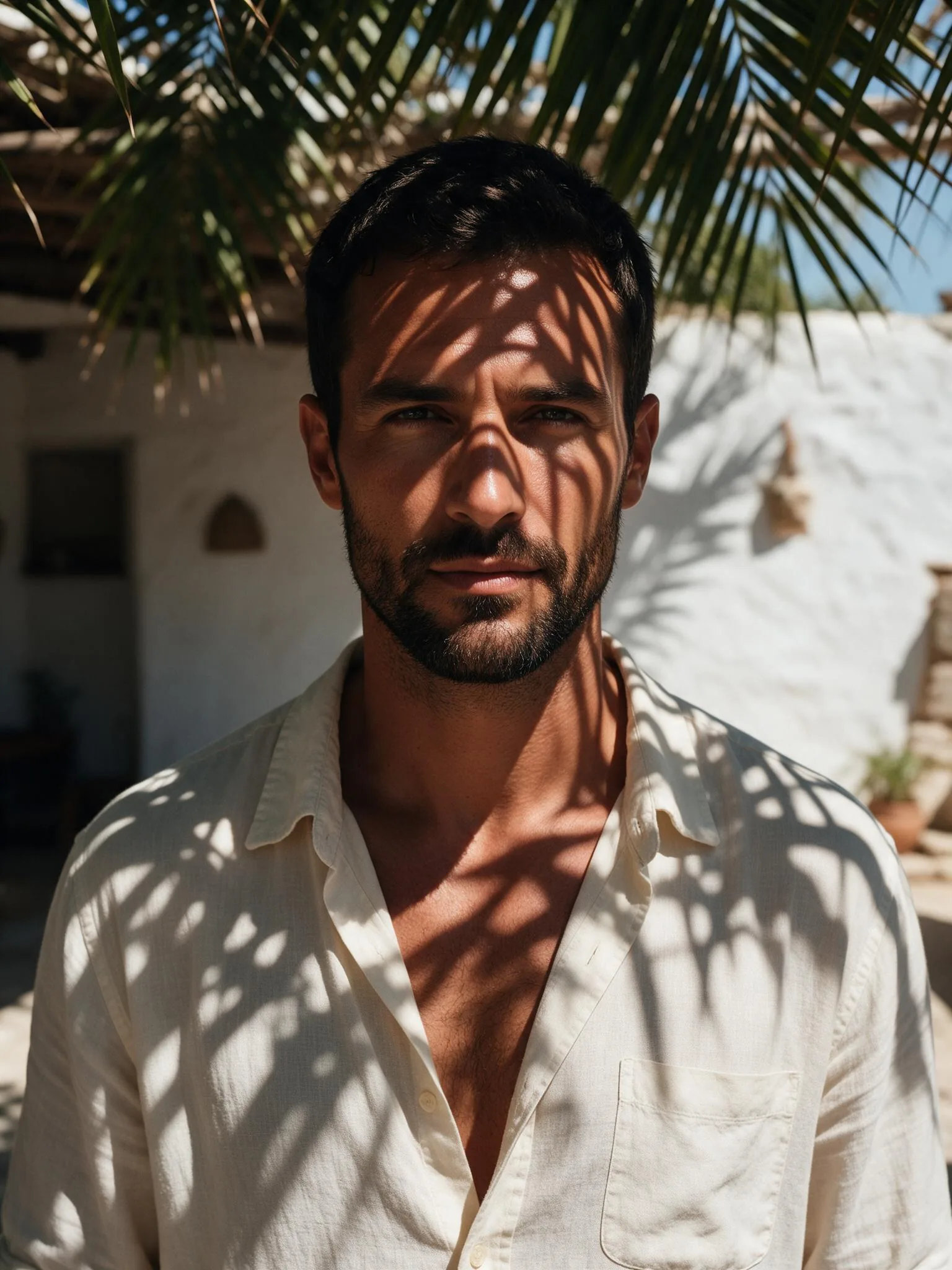
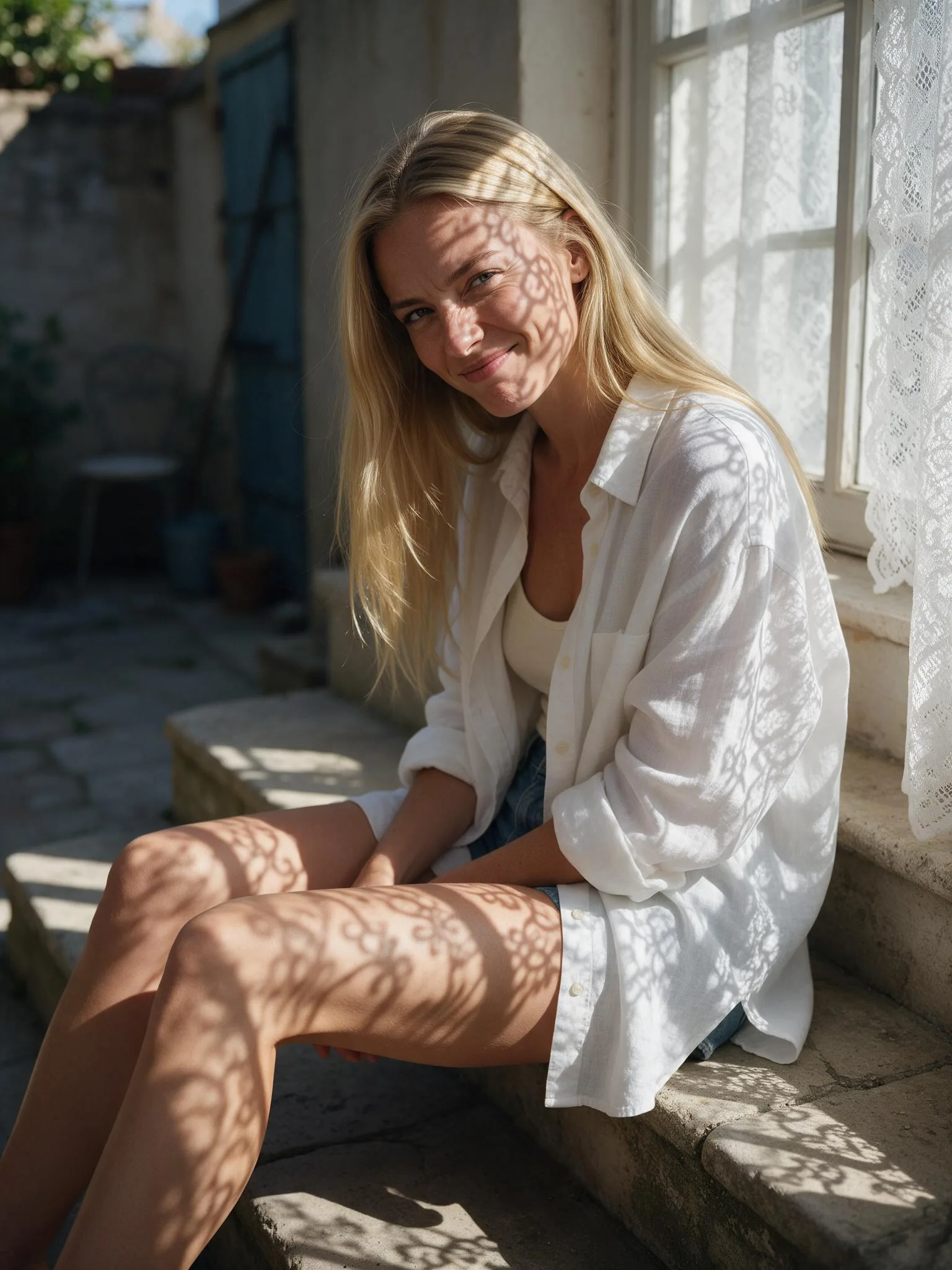
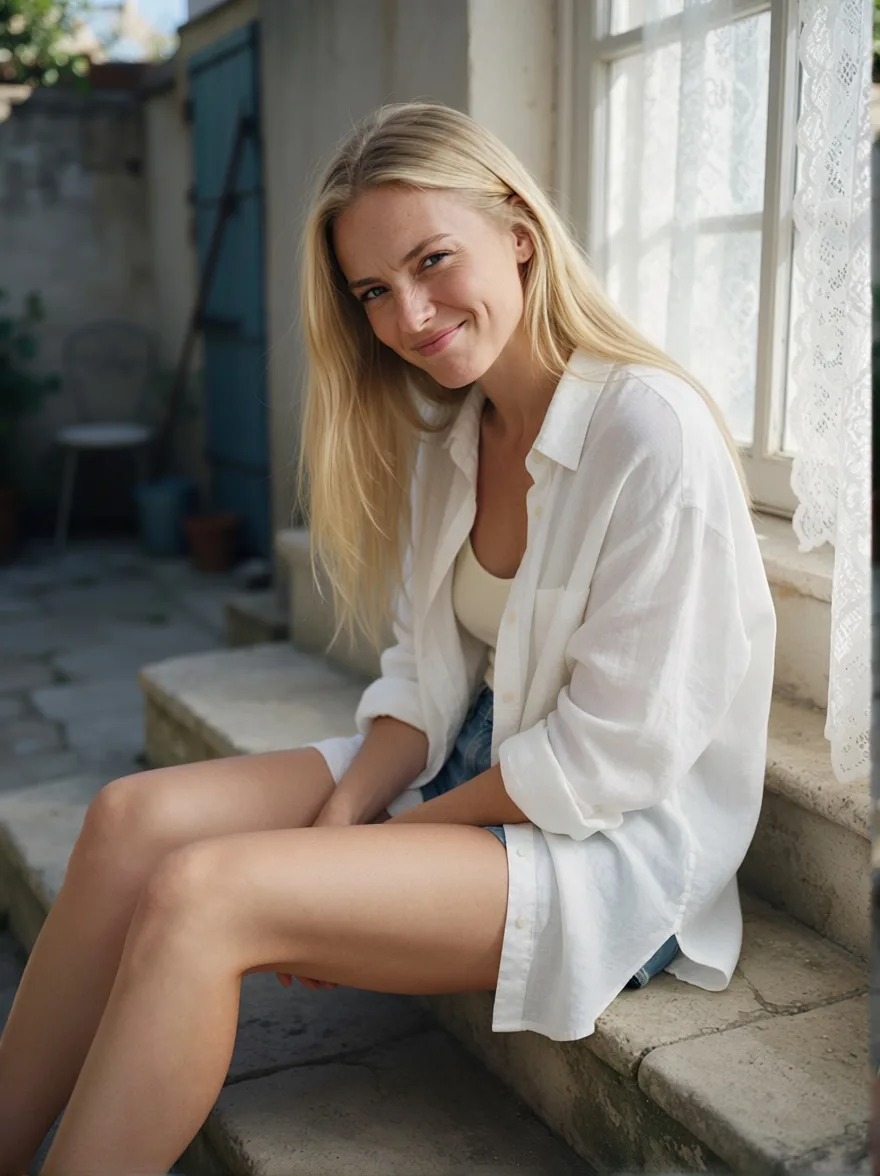
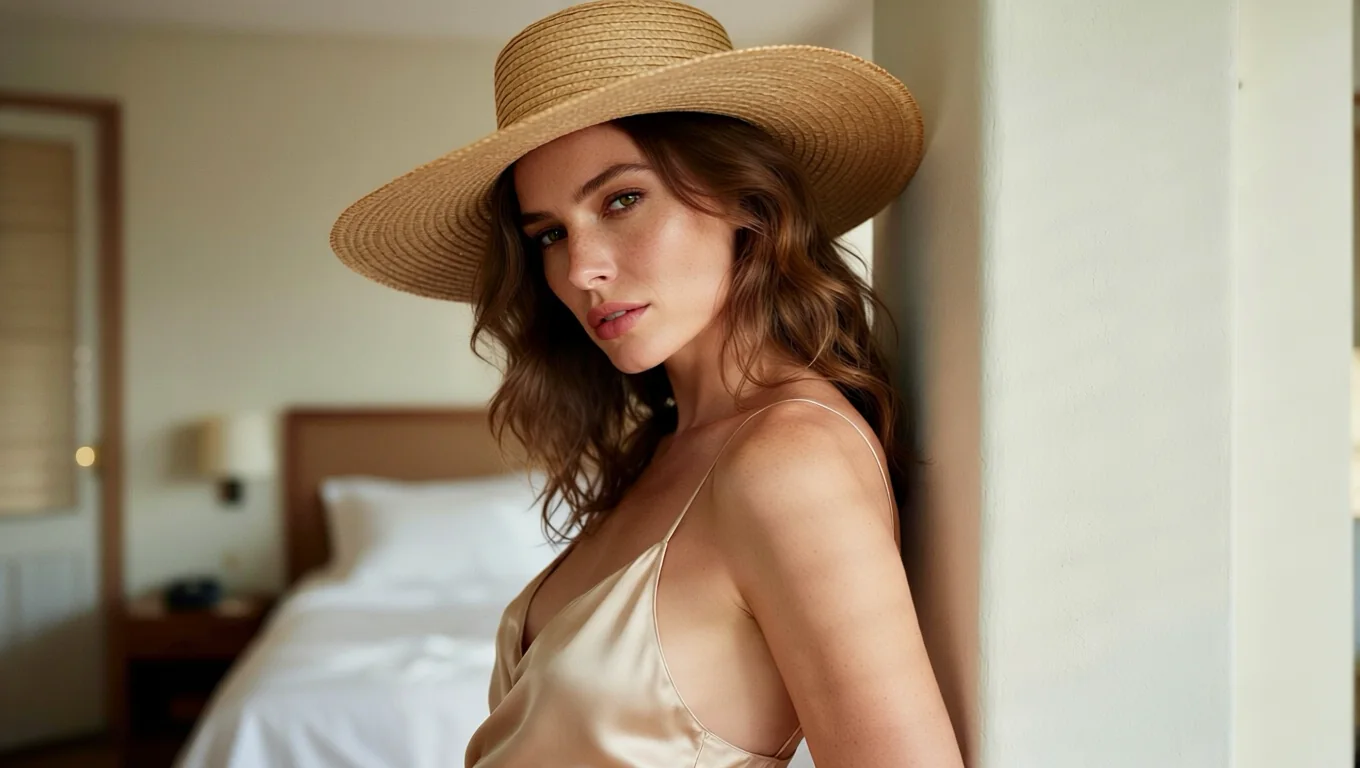
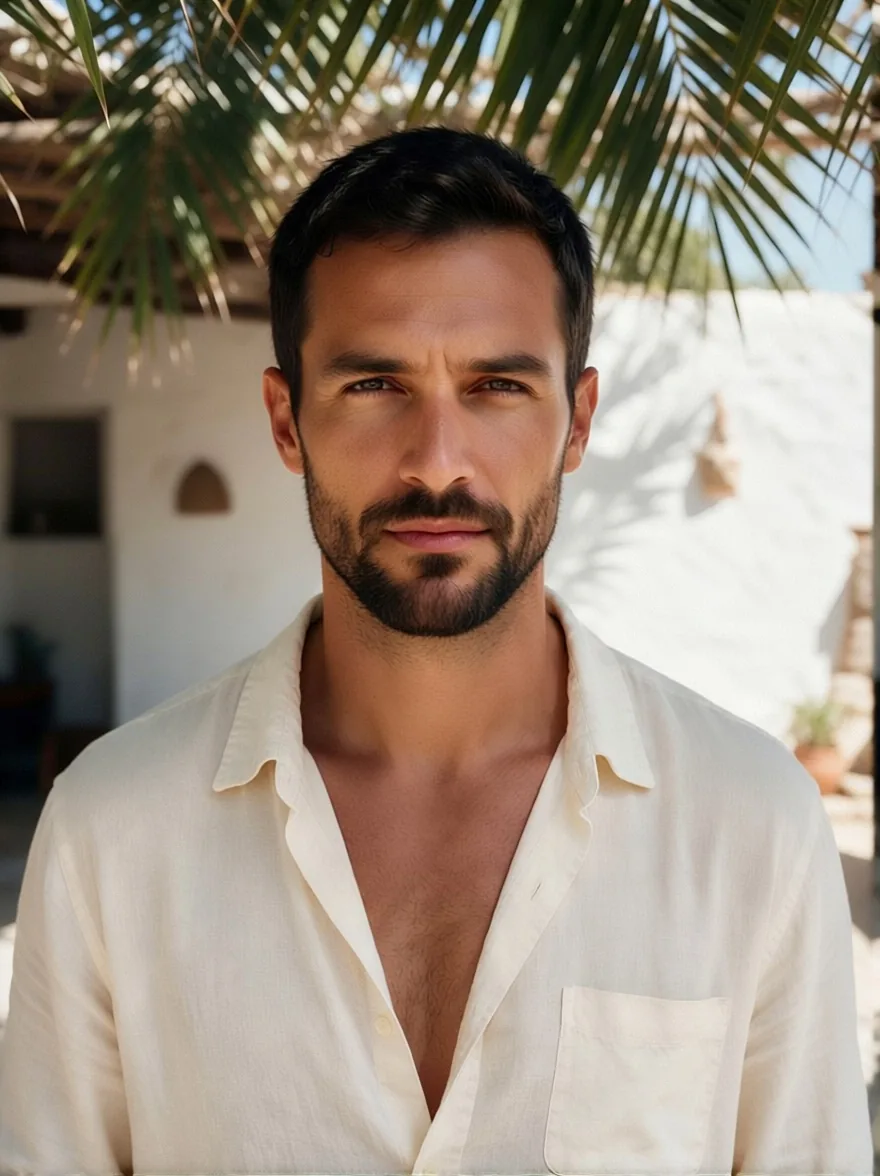
Shadow Remover takes the hard shadows and harsh light off a photo and relights it with soft, even light. You send one image and get the same scene back, with the same person, outfit and background, minus the leaf patterns, blind stripes or midday glare. There is no prompt: the instruction and the shadow-removal LoRA are fixed.
Key features & highlights
No prompt to write
The tool runs Qwen-Image-Edit-2509 with the Light Restoration LoRA by dx8152 and one fixed instruction. Upload, wait about 12 seconds, download.
It does what the base model will not
With the same photo, instruction and seed, the underlying edit model on its own returned the leaf shadows untouched. With the LoRA they were gone and the face was evenly lit.
The scene stays
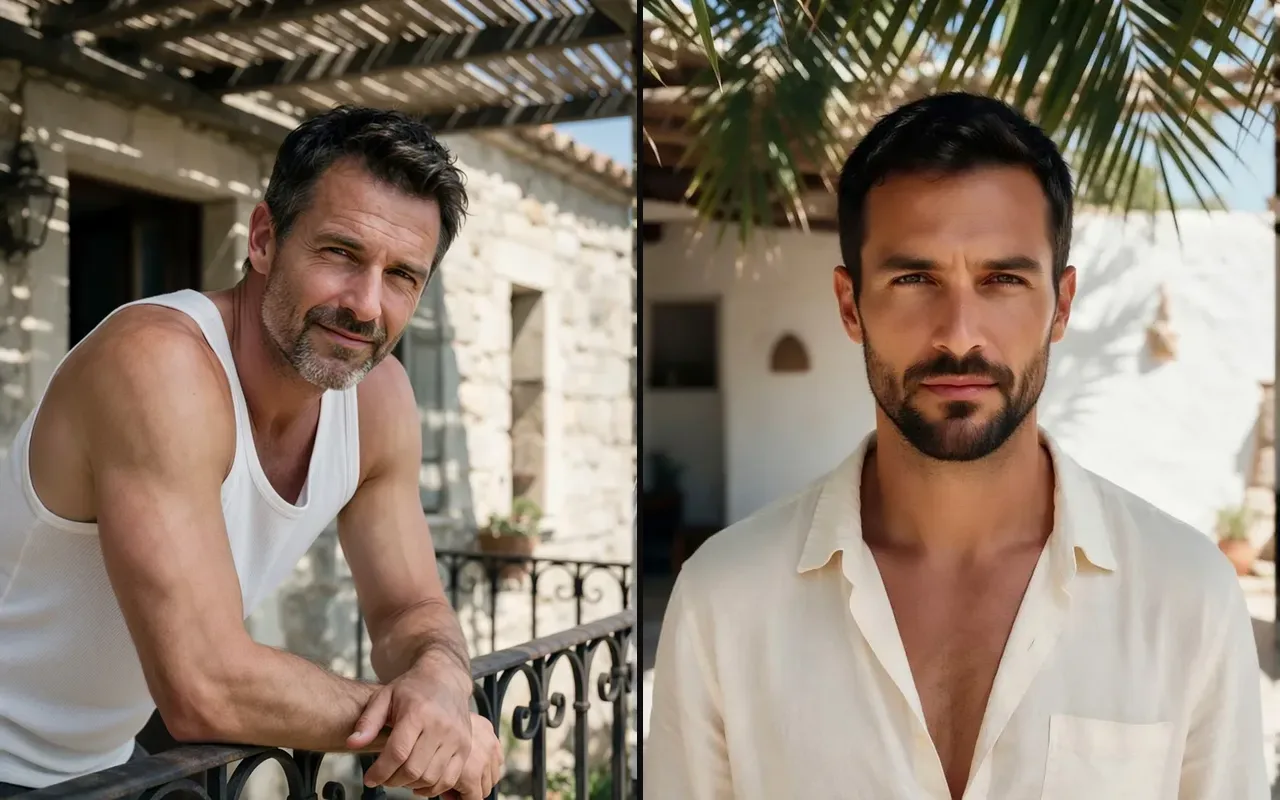
Pose, clothing, hair and background come back as they were. Only the light changes, which is why it works as a first step before relighting or retouching.
Request parameters
| Parameter | Required | Description |
|---|---|---|
image_url | Yes | The photo to clean up. A public HTTPS link or an upload, JPEG, PNG or WebP, up to 10 MB. at least 1 characters |
aspect_ratio | No | Optional. Leave it empty and the result keeps the shape of your photo at about one megapixel. |
output_format | No | JPEG by default, PNG or WebP if you need them. Does not change the price. |
seed | No | Use the same number again to compare two runs on the same photo. Any whole number from 0 to 2147483647; leave it empty for a random seed. |
Pricing
$0.03 / image
Billed per output image at one flat price. The aspect ratio and the output format do not change it, and failed requests are not charged.
Use cases
Holiday and outdoor portraits
Shots taken under trees, pergolas or in midday sun often have blotchy shadows on the face. Remove them instead of reshooting, and keep the moment you actually caught.
Fashion and product photos
Blind stripes and window patterns over clothing hide colour and fabric. Even them out so the outfit reads clearly.
Clean base for new light
Take the light out with Shadow Remover, then describe the light you want with Relight.
Prompt guide & pro tips
Pick photos where the shadow is the problem
The tool flattens all light, not just shadows. A photo whose drama comes from one hard key light will lose it. Use it on photos where the shadows are in the way, and keep the dramatic ones as they are.
Compare faces on portraits
Faces are redrawn while the light changes. Most stay very close; check the result next to the original before replacing an important portrait.
Upscale after, not before
The result is about one megapixel whatever you send, so a huge source does not buy detail. Run Image Upscaler on the result if you need a larger file.
API quick start
# Generate the idempotency key once; reuse it when retrying after a lost response.
export SPICY_IDEMPOTENCY_KEY="${SPICY_IDEMPOTENCY_KEY:-$(uuidgen)}"
curl -X POST https://api.spicyapi.ai/api/v1/jobs/createTask \
  -H "Authorization: Bearer $SPICY_API_KEY" \
  -H "Content-Type: application/json" \
  -H "Idempotency-Key: $SPICY_IDEMPOTENCY_KEY" \
  -d '{
  "model": "spicyapi/shadow-remover-v1/edit",
  "input": {
    "image_url": "https://example.com/reference.png",
    "output_format": "jpeg"
  }
}'

# Copy data.taskId from the response into TASK_ID, then poll the status.
TASK_ID="TASK_ID_FROM_RESPONSE"
curl "https://api.spicyapi.ai/api/v1/jobs/recordInfo?taskId=$TASK_ID" \
  -H "Authorization: Bearer $SPICY_API_KEY"
See the API reference for authentication, the complete schema, polling, and error handling.