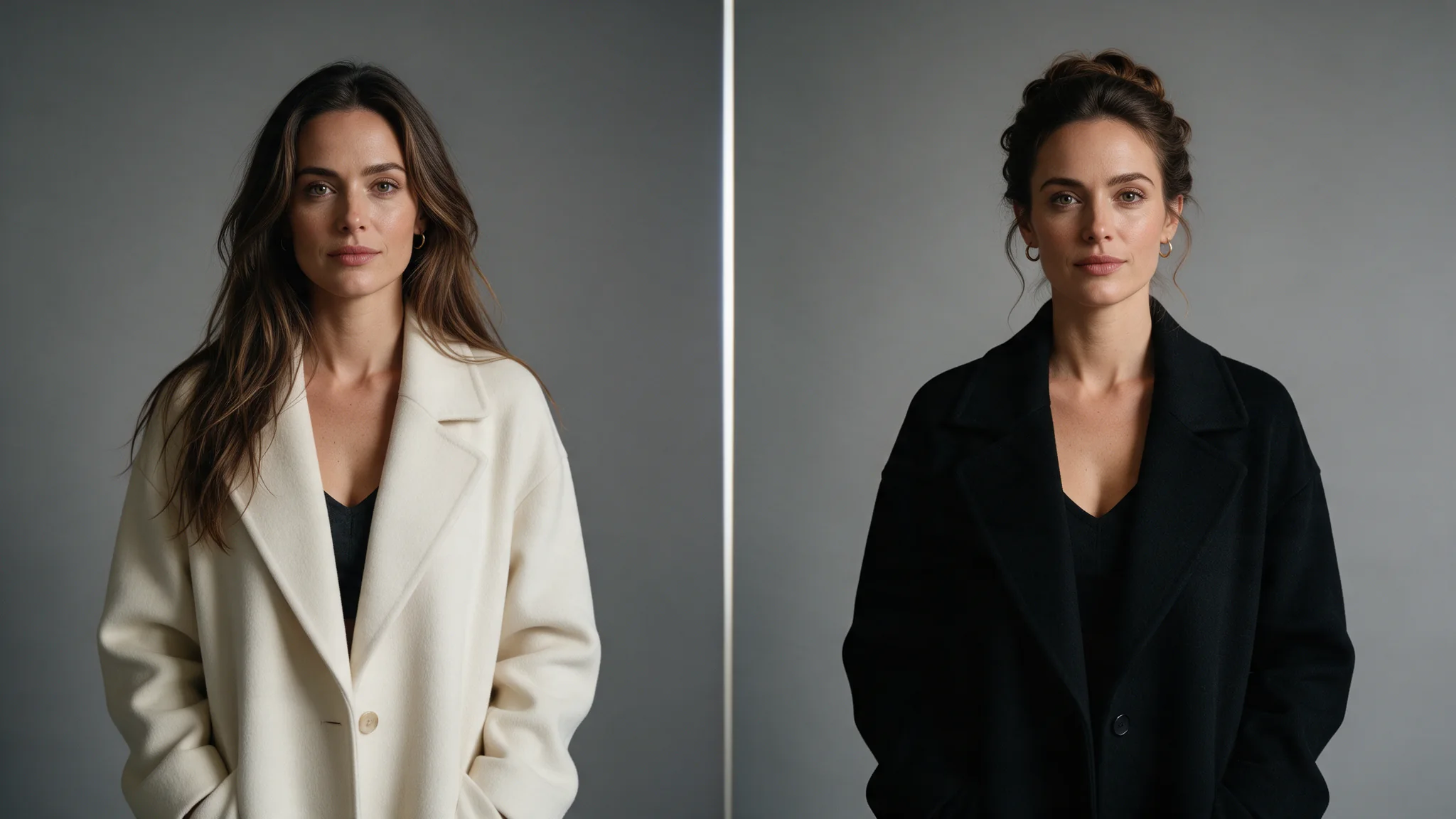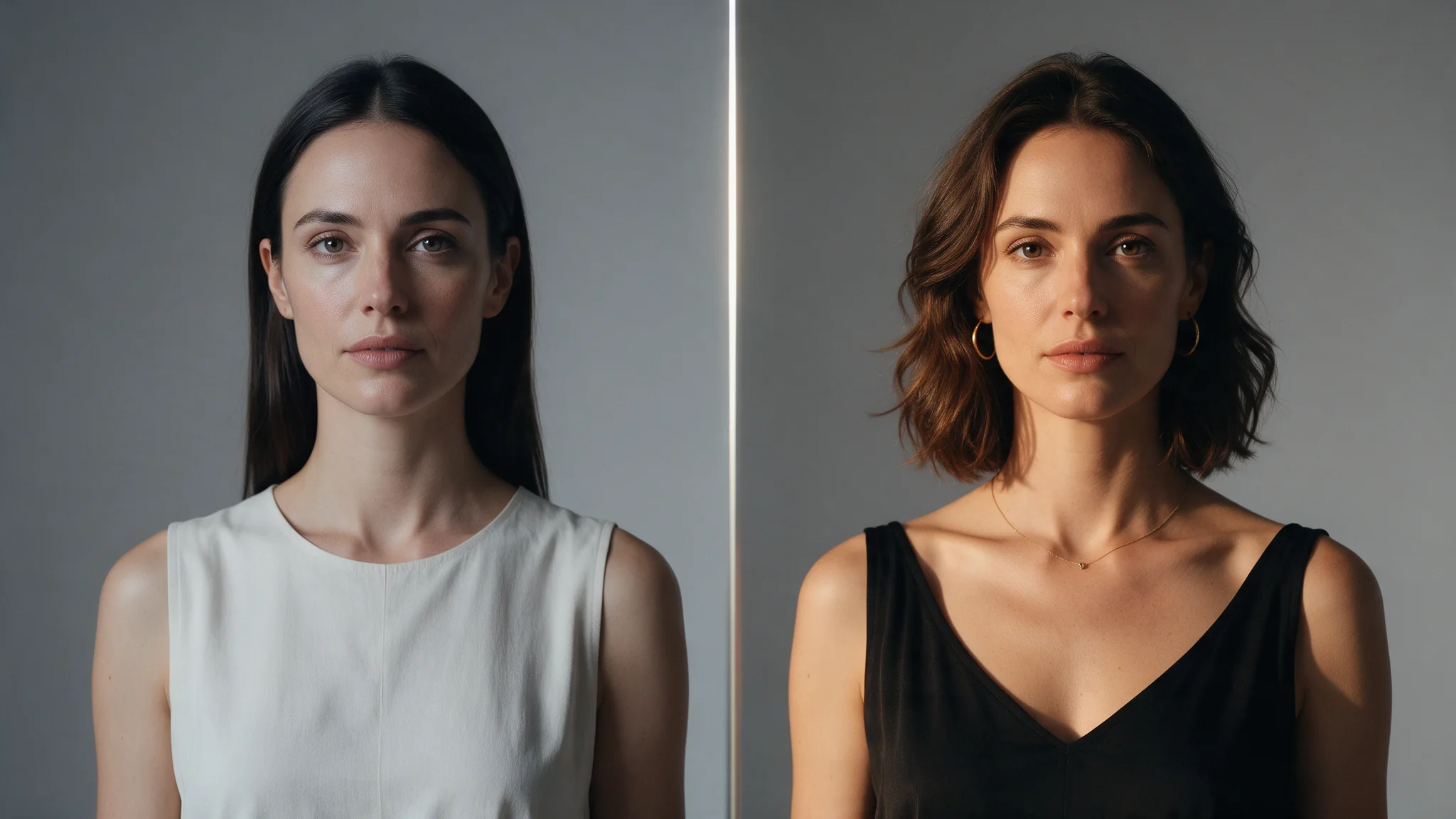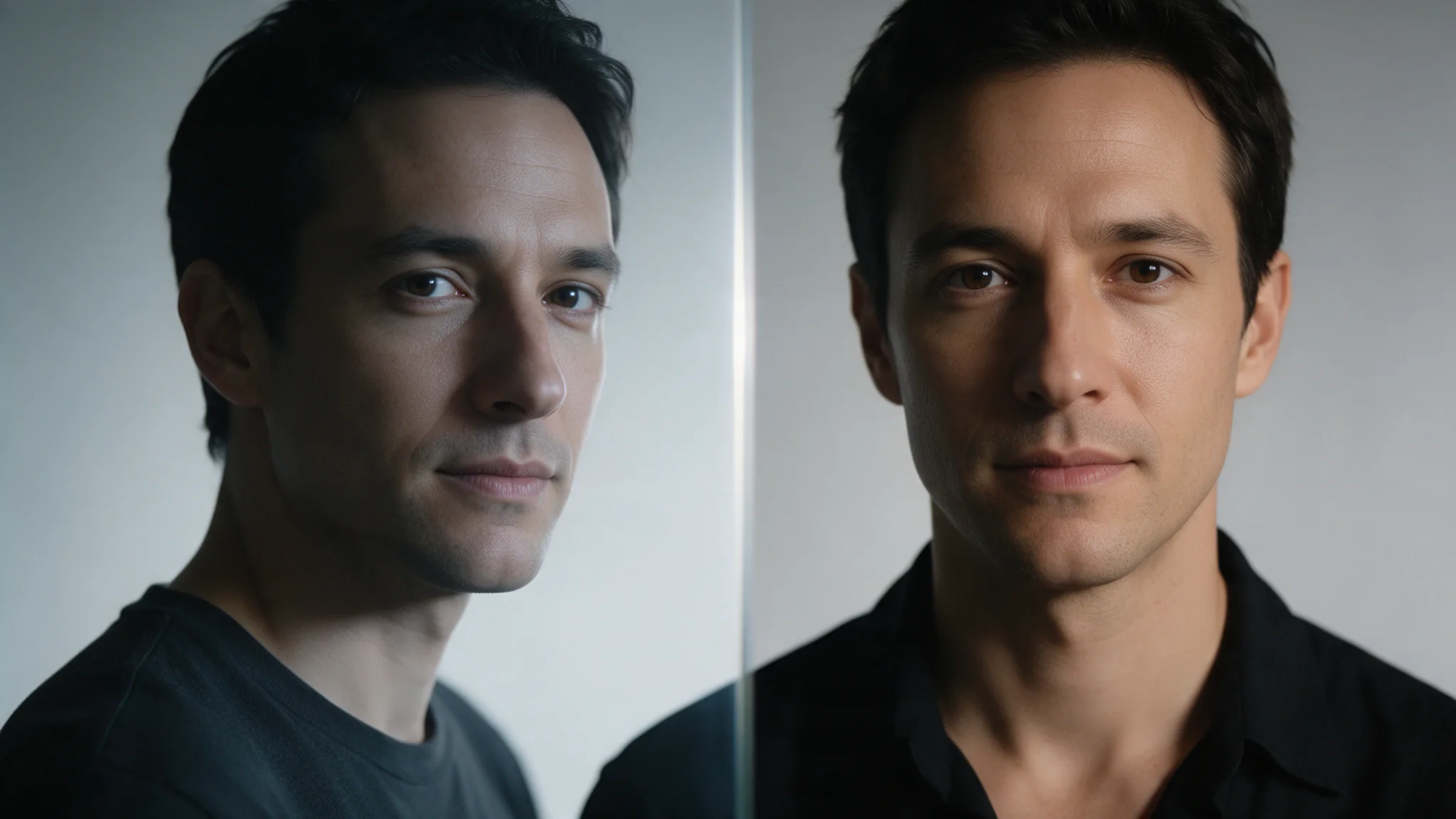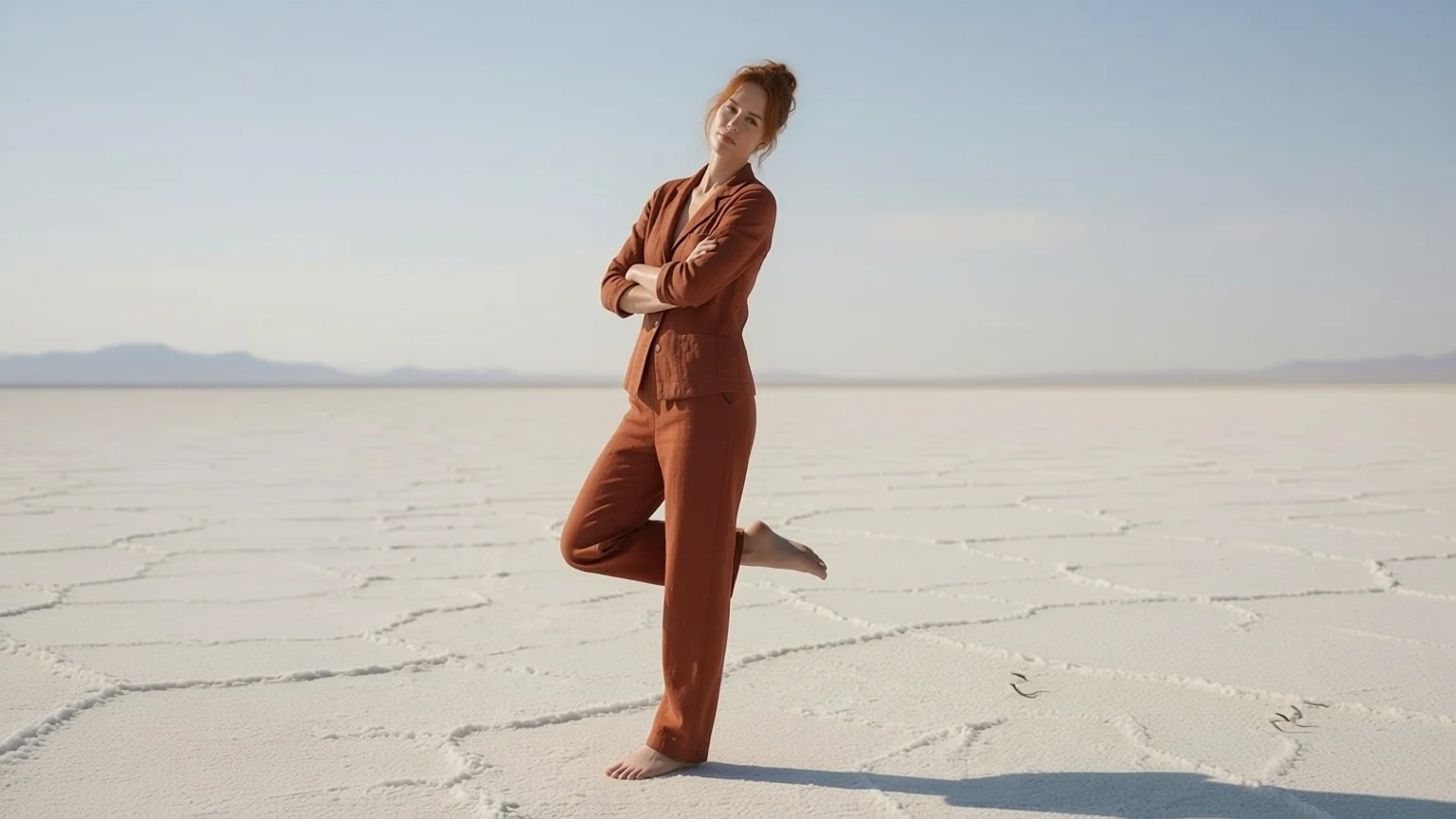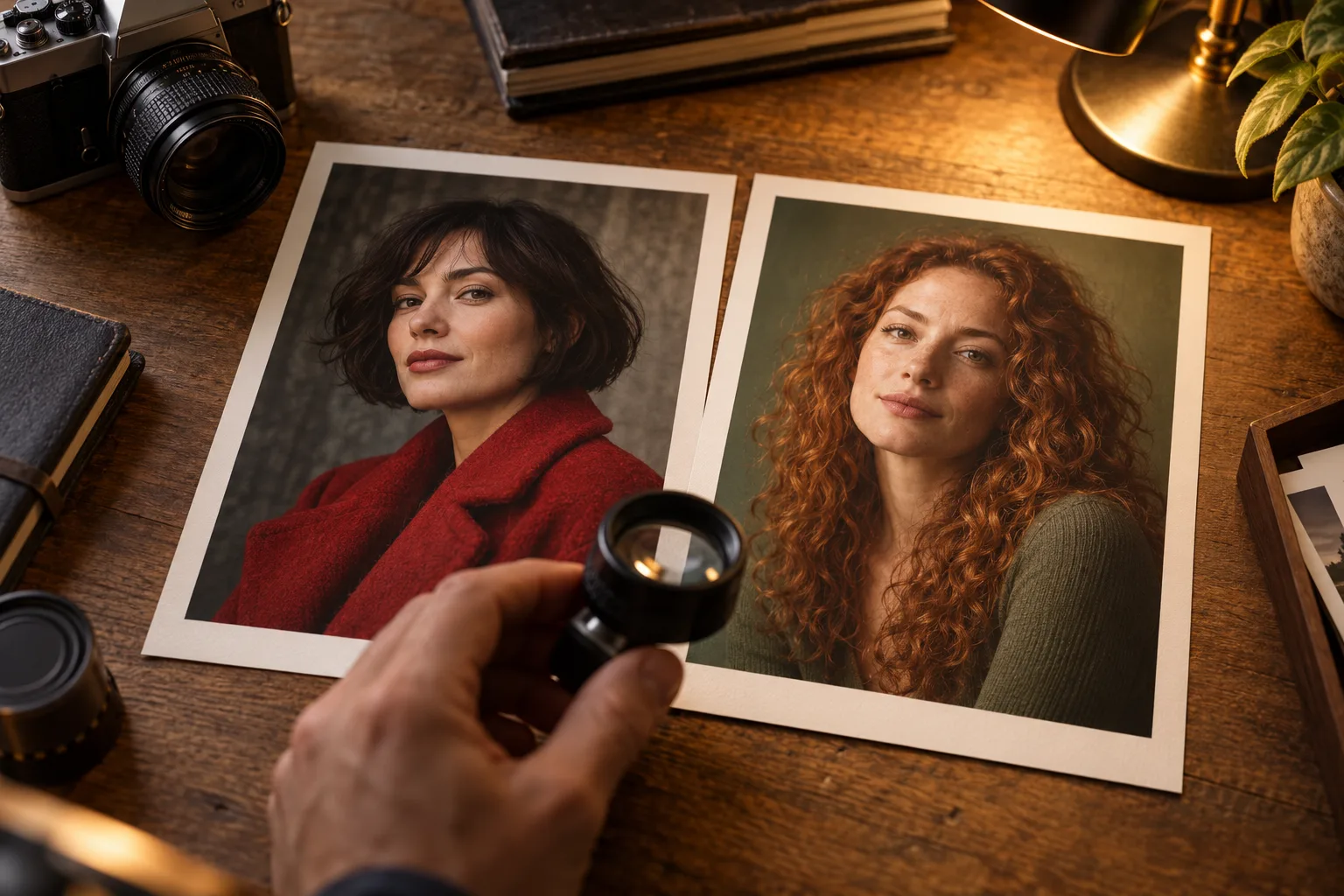
AI head swap vs face swap comes down to what you want to replace. Choose Head Swap when the reference person's hairstyle, head shape and facial features all belong in the finished picture. Choose Face Swap when you want to keep the target's hair and styling while changing facial features. Both cost $0.013 per image on SpicyAPI, so the first decision is about the picture you want.
Our matched portrait tests show why that distinction matters. Head Swap carried over copper curls, a beard and a hair bun; Face Swap retained the target's hairstyle and produced a more partial resemblance. But Head Swap also failed visibly when a short silver hairstyle met a target with long black hair and a different skin tone. A fuller identity change is useful only when it fits the body and scene.
| What matters | Head Swap | Face Swap |
|---|---|---|
| What moves | Face, hairstyle, hair colour and head shape | Facial features |
| What stays | Target body, outfit, pose, light and background | Those elements plus target hair, hairline and head shape |
| Public price | $0.013 per image | $0.013 per image |
| Submit-to-finished time in our runs | 22–34 seconds | 21–29 seconds |
The Head Swap and Face Swap pages are the places to try these routes. The comparisons below use the same target and reference within each pair, with seed 1027. All people in our tests are generated fictional adults; only use faces and heads you have permission to use.
What changed in our portrait comparisons
Copper curls replace a bob, or the bob stays
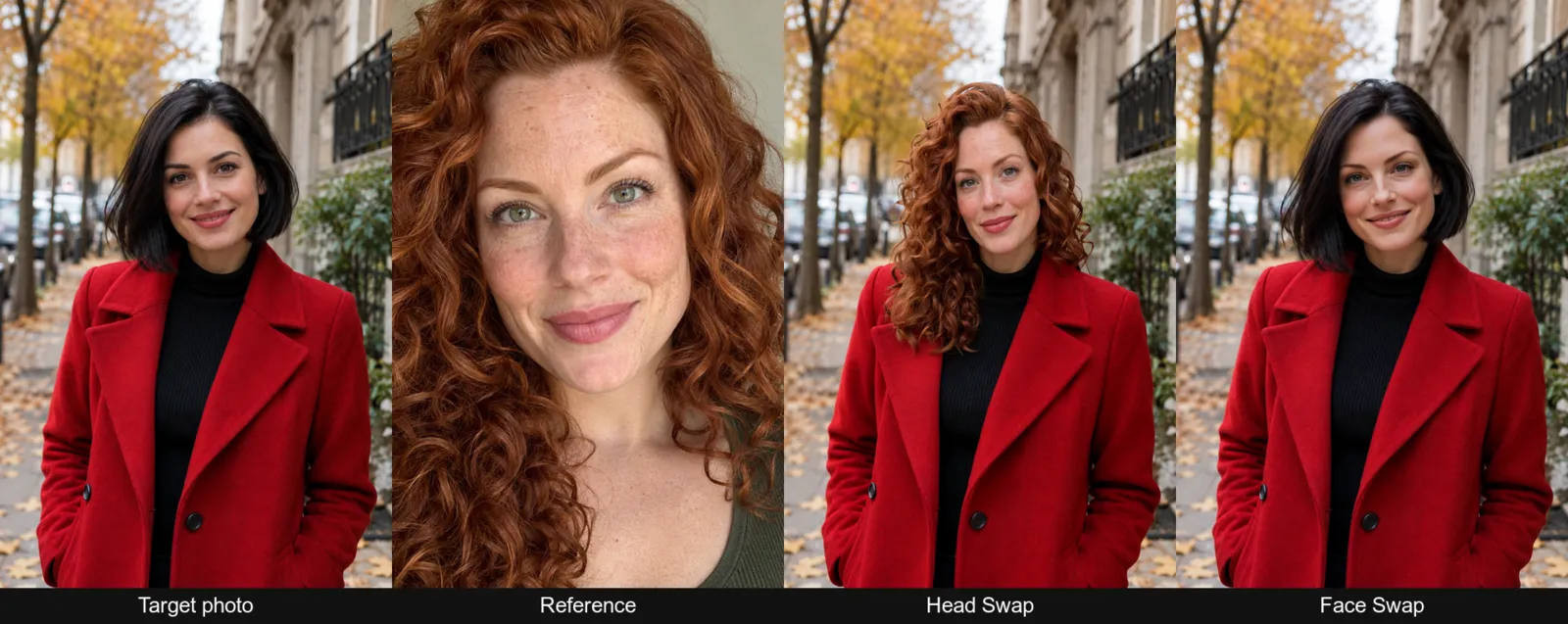
Left to right: target, reference, Head Swap and Face Swap.
The target wears a red wool coat on an autumn street and has a black chin-length bob. The reference has long copper curls, freckles and green eyes. This pair makes the choice easy to see because the hairstyles differ so clearly.
Head Swap brought across the copper curls, freckles and lighter eyes. The original bob disappeared, and the new hair sat naturally over the coat collar. The coat, hands and street remained unchanged. If the reference's hair is part of what makes that person recognisable to you, this result shows the benefit of replacing the whole head.
Face Swap kept the black bob and the original hair shape and colour. The coat and street also stayed in place, but the face read as a blend: someone who knew the reference would not instantly recognise her. Preserving the target's styling worked here; reproducing the reference's whole appearance was a different task.
We also ran Face Swap Pro on this pair. It costs $0.16 per image, and we could not see a meaningful improvement over the $0.013 Face Swap result: the framing matched and the faces looked very similar. That is a single comparison, not evidence that Pro will behave the same on other portraits. It does mean this example gives us no reason to recommend the higher price.
A beard and bun make identity more than a face
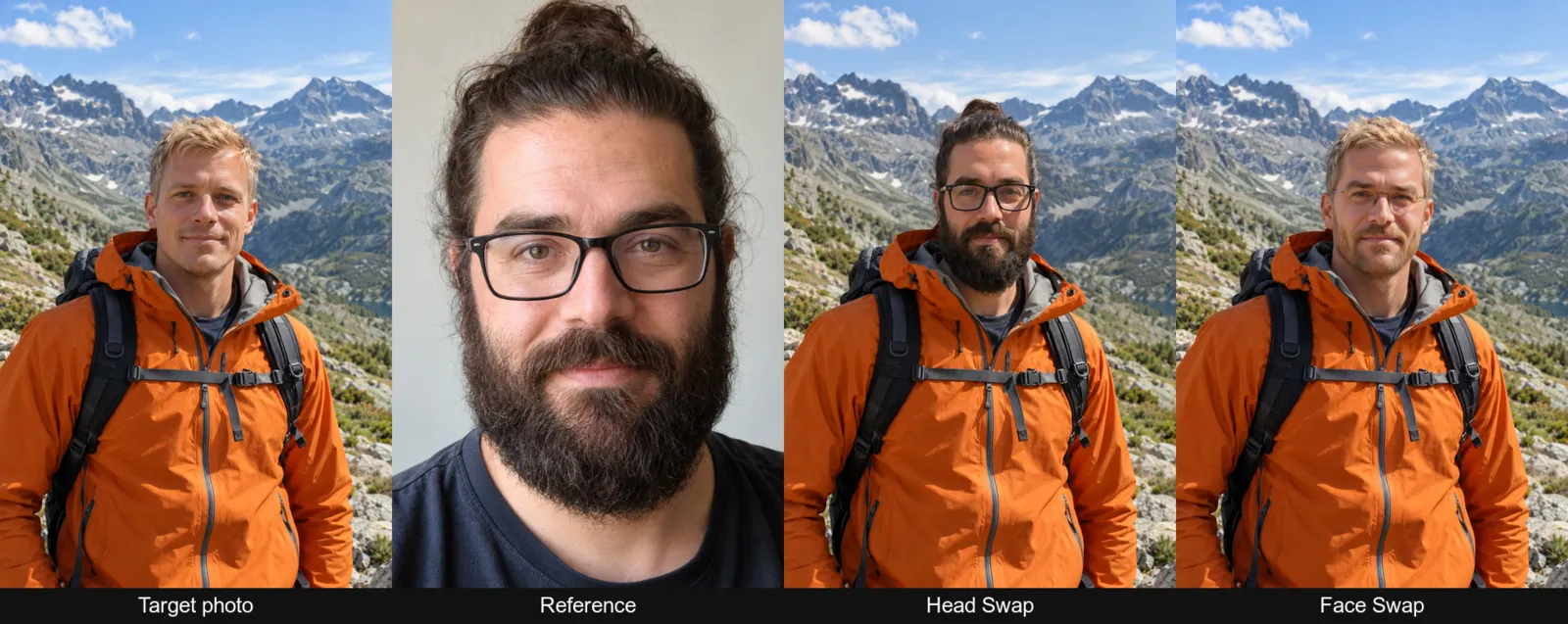
Left to right: target, reference, Head Swap and Face Swap on the mountain-trail portrait.
The target is a blond man in an orange shell jacket on a mountain trail. The reference has a full dark beard, long hair tied in a bun and black-framed glasses. Those details are central to the reference's appearance, rather than small finishing touches.
Head Swap transferred the beard, glasses and top bun while leaving the jacket, backpack straps and mountains untouched. This was the strongest identity transfer in our test. The useful point is specific: the details that distinguished this reference travelled with the head.
Face Swap retained the target's blond hair and light stubble. The full beard did not arrive; in this comparison, it belonged to the head change rather than the facial-feature change. The glasses appeared only as a faint thin frame. The result was a blond man with somewhat different features, rather than a convincing match for the reference person.
For this kind of reference, decide whether you actually want the beard and hairstyle before choosing a tool. If you do, Head Swap matches the request more closely. If the blond hairstyle must stay, Face Swap preserves it, but the reference's overall identity may become less obvious.
The failure: short silver hair leaves long black hair behind
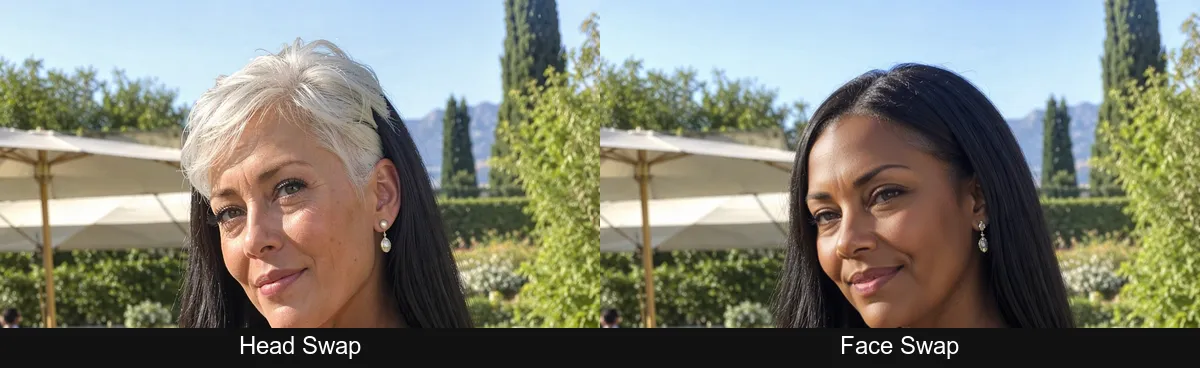
Head Swap is on the left; Face Swap is on the right in this cropped comparison.
The final pair combined a three-quarter-view target with long black hair and dark skin, and a reference with a silver pixie cut and fair skin. There was also a large age difference. This is where replacing more of the head created a visible problem.
Head Swap placed the silver pixie head, but the target's long black hair still hung behind it. The fair head also did not match the darker neck and shoulders. These are visible mismatches, so we would not describe the result as a clean swap. A successful transfer of the short hairstyle did not remove the longer hair already occupying the scene.
Face Swap kept the target's hair and skin tone. The face gained lighter grey-green eyes and some reference features, while mostly retaining the target's apparent age. It looked natural, but only partly like the reference. That is a useful fallback when continuity with the target matters more than reproducing the reference's full appearance.
This pair supports a practical input rule: for Head Swap, choose a target with similar or shorter hair than the reference, and a similar skin tone. Front or near-front angles are the better starting choice in this workflow. These are preparation guidelines drawn from our results, rather than a promise that every compatible pair will work.
Prepare the pictures for the change you want
Start by separating the roles of the images. The target supplies the body and scene you want to keep. The reference supplies the face or head you want to bring in. For an orange-jacket hiking picture, the hiking photo is the target even if the reference portrait is your favourite photo of the person.
Choose pictures with similar head angles and light coming from a similar direction. For Head Swap, look beyond the face: compare the hair around the shoulders and the skin visible at the neckline. The garden-party failure shows why those areas matter even when the replacement head itself is present.
Head Swap has no prompt. Put your effort into the image pairing instead of drafting instructions to remove leftover hair. If the reference is AVIF or HEIC, convert it to JPEG or PNG first. The image roles are image_url for the target and reference_image_url for the reference; the optional seed is enough detail to know before opening the page.
For a longer explanation of the image workflow, use the Face Swap API guide.
Which one should you use?
- Choose Head Swap for the reference's full appearance: hair, head shape, beard or glasses need to come with the face.
- Choose Face Swap to preserve the target's styling: the hairstyle and hairline are part of the finished picture you already like.
- Prefer Face Swap for a difficult hair or skin-tone match: accept that resemblance may be partial, as in our final pair.
- Prepare a different target for Head Swap when needed: similar or shorter hair and a similar skin tone reduce the risk of the mismatch shown here.
- Treat Pro as a separate trial: our single run did not demonstrate a visible benefit worth its higher price.
Every output in this comparison was 1024 × 1536, matching its target. The base-model comparison cost $0.078 for three Head Swap and three Face Swap images, plus $0.16 for the Pro run. Pro took 48 seconds; the base-model time ranges in the table are observations from this small test, not turnaround guarantees.
Need the same choice for a video?
Head Swap Video and Face Swap Video also exist. This article tests still images, so use the two-step video head-swap guide for that workflow rather than treating these portraits as video evidence.
FAQ
Does an AI head swapper replace hair too?
Head Swap is designed to move hair and head shape with the face. Our copper-curl and bun examples did; the silver-pixie example also left unwanted target hair behind.
Can Face Swap bring over a full beard?
It did not in our hiking portrait. Head Swap brought the full beard across, while Face Swap retained light stubble.
Is Face Swap Pro worth the extra cost?
Our single pair showed practically indistinguishable results at $0.16 and $0.013. That does not settle its value on other inputs.
Why does a swapped head look disconnected from the body?
Check the neck's skin tone and hair behind the head. Both mismatched in our failure case; choose a more compatible target or use Face Swap to preserve those target details.