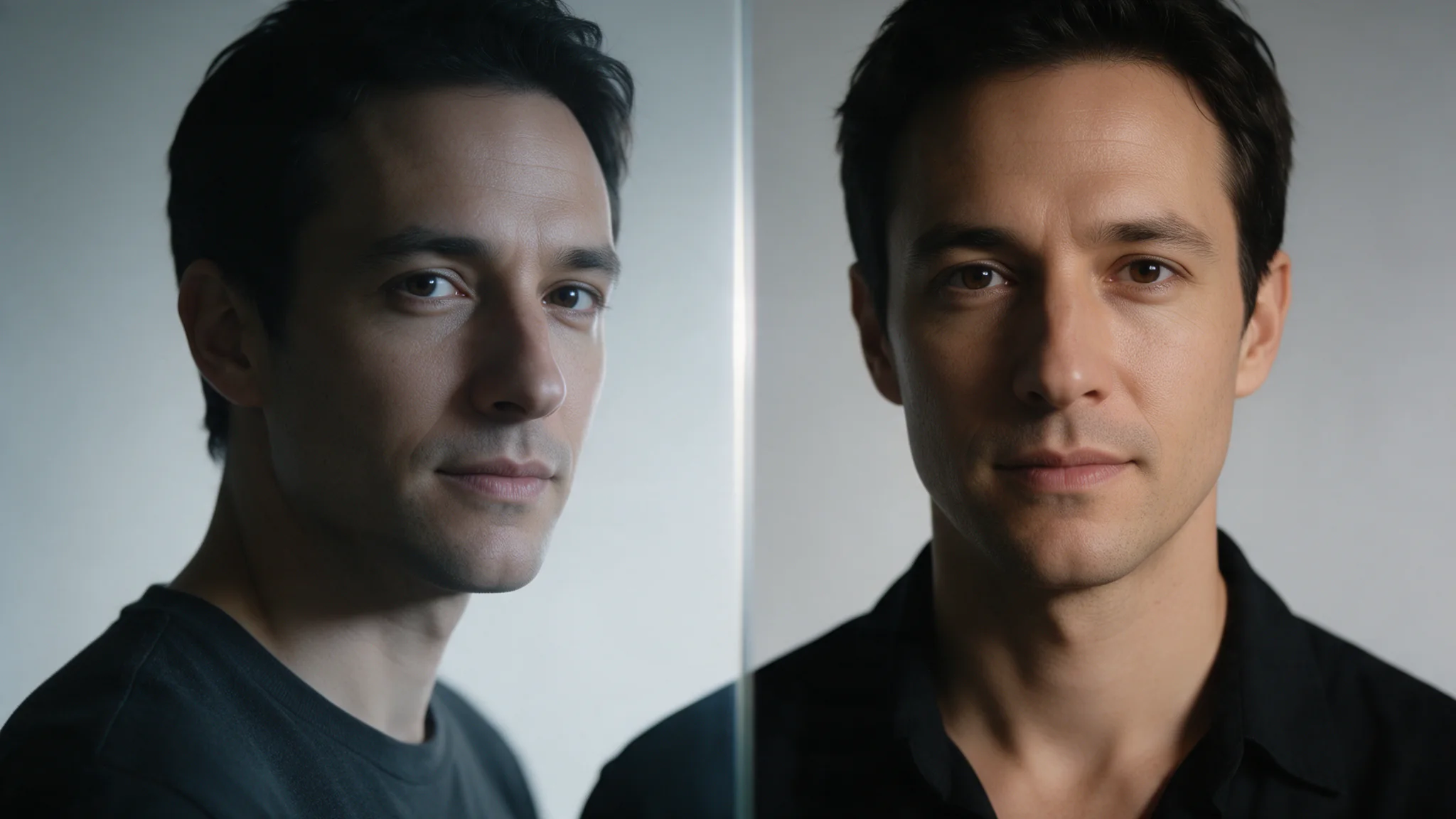
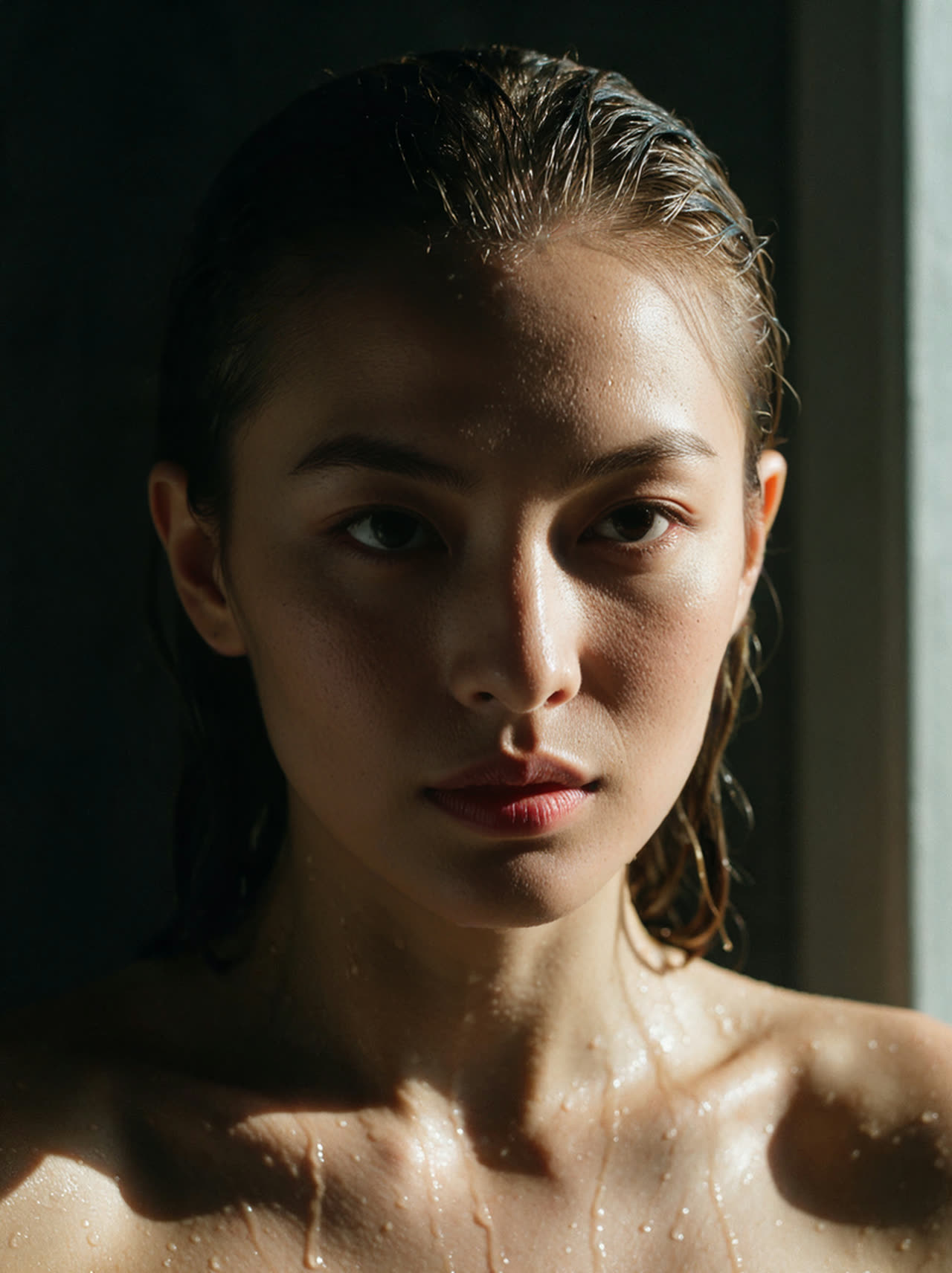
Introduction
Overview
Face Swap Pro API aligns facial landmarks in two photographs for a precise identity transfer, with optional enhancement disabled by default. Pro suits close inspection of an existing portrait: compare the transferred features against the target’s hairline and photographic texture before deciding whether to enable enhancement.
Inputs and controls
For Pro, image_url supplies the photograph to edit, including the hairstyle, pose and setting you intend to keep. Choose a sharp reference_image_url for Pro with lighting close to the target; its face supplies the identity rather than a new composition. Pro accepts two required image URLs and optional face_enhance; it has no prompt, mask, strength or seed control.
Review and limits
Prepare one visible face per Pro input as JPEG, PNG or WebP, using directly downloadable links; strong profiles, blur and occlusion make landmark alignment harder.
Task and delivery
Submit a Pro job with an Idempotency-Key, retain its task ID and poll until completion; copy the result before its 14-day retention ends, while uploaded inputs are retained for 1 day. Pro delivers one edited photograph through a result URL; it exposes no output-size selector, detection coordinates or mask download.
Authorised use
Use Pro only with adult subjects whose likeness and target photograph you are authorised to edit; keep explicit, informed consent for the specific use and do not impersonate or defame anyone.
| Field | Value |
|---|---|
| Input | Image |
| Output | Image |
| Request body |
|
| Input URLs | JPEG / PNG / WebP · HTTP(S) |
| Response | One generated image. No mask, no score and no detection data to read. |
| Call pattern | Face Swap Pro → task ID → URL |
| Billing | One output image, one charge. Nothing in the photos changes the amount. |
| Retention | 1d / 14d |
| Accepted formats | JPEG, PNG or WebP source files, fetched over HTTP without a login. |
| Failure modes | Prepare one visible face per Pro input as JPEG, PNG or WebP, using directly downloadable links; strong profiles, blur and occlusion make landmark alignment harder. |
Key features & highlights
The engine maps the face by its keypoints
Pro suits close inspection of an existing portrait: compare the transferred features against the target’s hairline and photographic texture before deciding whether to enable enhancement. face_enhance is false by default on Pro; enable it only when you want an additional face-enhancement pass instead of the default untreated finish.
Request parameters
| Parameter | Required | Description |
|---|---|---|
image_url | Yes | For Pro, |
reference_image_url | Yes | Choose a sharp |
face_enhance | No |
|
Pricing
$0.16 / image
Use cases
Editorial and campaign frames that will be printed
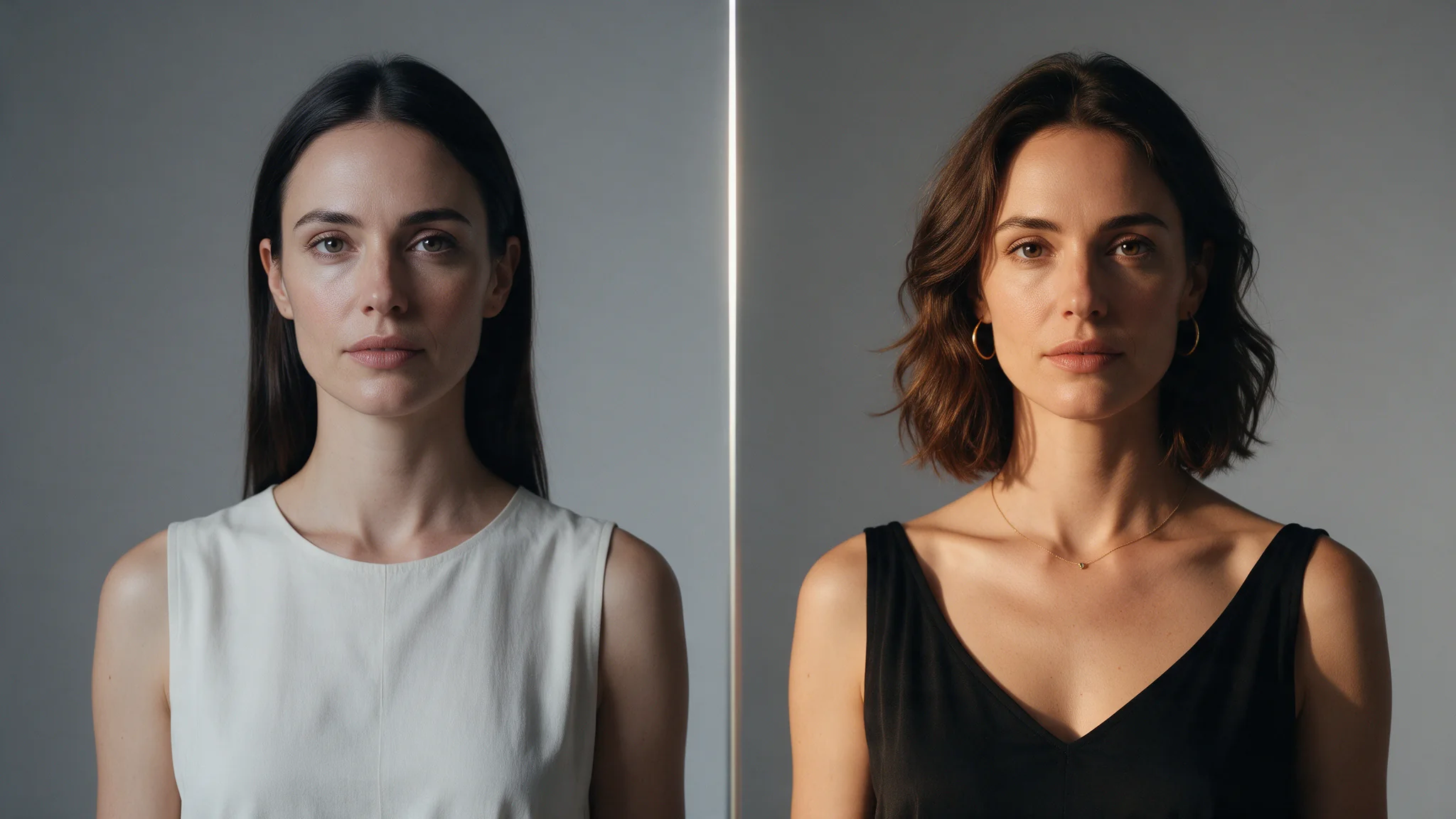
A smoothed face falls apart at print size: the skin reads as plastic next to a sharp garment and a sharp background. Keeping the original texture means the frame holds together when someone looks at it closely instead of at thumbnail size.
Recasting a plate you have already approved
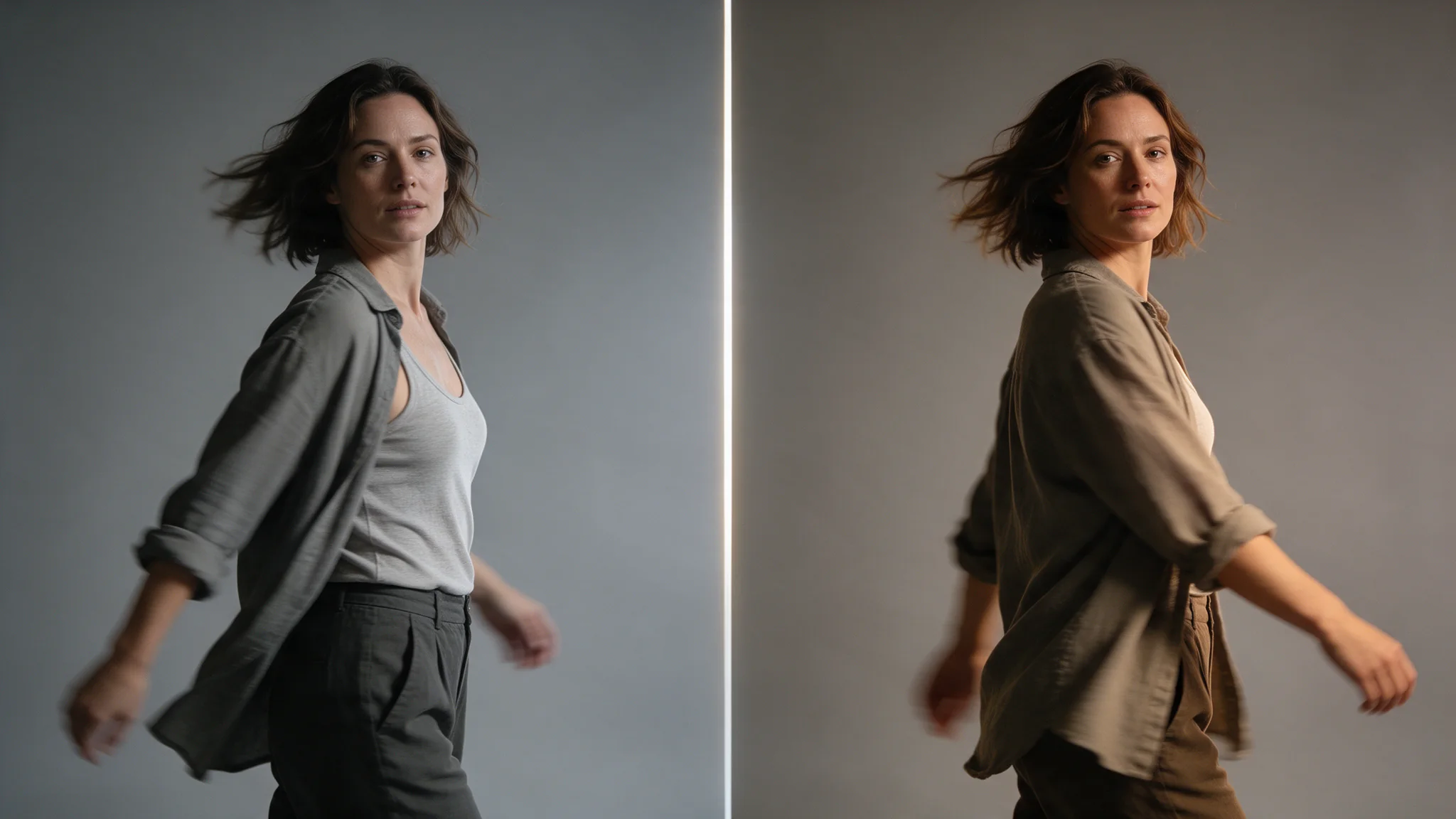
The lighting, pose and set already work, and regenerating the whole frame would put all of that back in play. Move one face into the plate instead and everything you signed off on stays exactly where it was.
Consistent characters across a series
Generate the scenes with any model, then bring one face across all of them so the set reads as the same person. Hair and wardrobe stay with each target frame, so the variation you generated survives the pass.
Authorised use
Use Pro only with adult subjects whose likeness and target photograph you are authorised to edit; keep explicit, informed consent for the specific use and do not impersonate or defame anyone.
Anonymising a shoot with a face you generated
Use a synthetic reference to change the recognisable face in an approved photograph, then inspect the result yourself; enhancement remains optional, so the default pass does not add that extra finishing step.
Prompt guide & pro tips
Authorised use
Prepare one visible face per Pro input as JPEG, PNG or WebP, using directly downloadable links; strong profiles, blur and occlusion make landmark alignment harder.
Submit the pair and keep the task id
Pro accepts two required image URLs and optional
face_enhance; it has no prompt, mask, strength or seed control.Task and delivery
Submit a Pro job with an Idempotency-Key, retain its task ID and poll until completion; copy the result before its 14-day retention ends, while uploaded inputs are retained for 1 day.
Overview
Face Swap Pro API aligns facial landmarks in two photographs for a precise identity transfer, with optional enhancement disabled by default. Pro suits close inspection of an existing portrait: compare the transferred features against the target’s hairline and photographic texture before deciding whether to enable enhancement.
Inputs and controls
For Pro, image_url supplies the photograph to edit, including the hairstyle, pose and setting you intend to keep. Choose a sharp reference_image_url for Pro with lighting close to the target; its face supplies the identity rather than a new composition. Pro accepts two required image URLs and optional face_enhance; it has no prompt, mask, strength or seed control.
Review and limits
Prepare one visible face per Pro input as JPEG, PNG or WebP, using directly downloadable links; strong profiles, blur and occlusion make landmark alignment harder.
Task and delivery
Submit a Pro job with an Idempotency-Key, retain its task ID and poll until completion; copy the result before its 14-day retention ends, while uploaded inputs are retained for 1 day. Pro delivers one edited photograph through a result URL; it exposes no output-size selector, detection coordinates or mask download.
Authorised use
Use Pro only with adult subjects whose likeness and target photograph you are authorised to edit; keep explicit, informed consent for the specific use and do not impersonate or defame anyone.
Pro billing counts each delivered image; optional face enhancement does not change the price, and a completed image is chargeable even when you dislike the edit, whereas a failed request is not.
face_enhance is false by default on Pro; enable it only when you want an additional face-enhancement pass instead of the default untreated finish.
spicyapi/face-swap-pro-v1/edit
Face Swap Pro is listed as unrestricted on SpicyAPI, which adds no content filter or content flag; NSFW use still requires the depicted adult’s explicit consent for that material. Use Pro only with adult subjects whose likeness and target photograph you are authorised to edit; keep explicit, informed consent for the specific use and do not impersonate or defame anyone.
API quick start
# Generate the idempotency key once; reuse it when retrying after a lost response.
export SPICY_IDEMPOTENCY_KEY="${SPICY_IDEMPOTENCY_KEY:-$(uuidgen)}"
curl -X POST https://api.spicyapi.ai/api/v1/jobs/createTask \
  -H "Authorization: Bearer $SPICY_API_KEY" \
  -H "Content-Type: application/json" \
  -H "Idempotency-Key: $SPICY_IDEMPOTENCY_KEY" \
  -d '{
  "model": "spicyapi/face-swap-pro-v1/edit",
  "input": {
    "image_url": "https://example.com/reference.png",
    "reference_image_url": "https://example.com/reference.png"
  }
}'

# Copy data.taskId from the response into TASK_ID, then poll the status.
TASK_ID="TASK_ID_FROM_RESPONSE"
curl "https://api.spicyapi.ai/api/v1/jobs/recordInfo?taskId=$TASK_ID" \
  -H "Authorization: Bearer $SPICY_API_KEY"
See the API reference for authentication, the complete schema, polling, and error handling.