A custom LoRA is worth loading only if it survives the shot you need: the character, the movement and the sound together. MiniMax H3 LoRA on SpicyAPI (spicyapi.ai) is the open-weights H3 video model with a loras field: up to three of your own .safetensors files per request, each with a strength from 0 to 4.
Pick the task by what you start from and link a direct file trained for H3. Start at scale 1 for a style LoRA and 0.6 to 0.8 for a concept LoRA, and judge a 3-second 480p draft ($0.15) against the same request with loras empty. Based on our September 2026 tests, all three tasks delivered adult requests, and SpicyAPI adds no extra content filter to the weights you load.
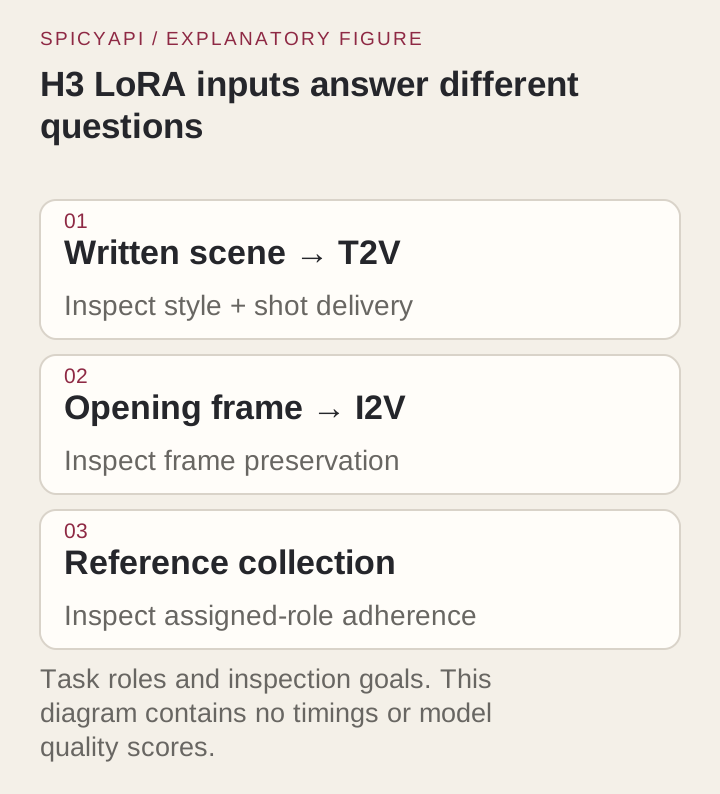
Pick the task by what you start from
| You start from | Task | What the LoRA does there |
|---|---|---|
| A written scene | Text-to-video | Leads the look, so it is the clearest first test of any file. Seven aspect ratios. |
| An approved frame | Image-to-video | The clip opens on your frame and keeps its shape (no aspect ratio field). An optional last_image_url sets the closing frame. A strong LoRA can pull the clip away from the frame, and a style LoRA fades on a photographic one. |
| Images, clips and audio | Reference-to-video | Up to 9 images, 3 clips and 3 audio clips, each given one job in the prompt. A character LoRA plus stills of the same person holds identity best. |
All three return a 3 to 15 second MP4 with stereo sound from the same pass, at 480p, 540p, 768p or 1080p, and loading LoRAs costs nothing extra. With no LoRA to load, base H3 is cheaper. To settle a character or look before paying for video seconds, make stills with H3 Image LoRA first; the same loras array carries over (stills versus video).
Choose a LoRA that fits H3
The file must be trained for MiniMax H3. A LoRA for another base model is not compatible; even H3 adapters need a task and weight layout the loader supports. H3 LoRAs are new and quality varies, so look for a model card that names the base, the trigger word and a working strength. Two files that do, and that load on this API:
| LoRA | Effect | Tasks | Trigger | Creator's strength | Size |
|---|---|---|---|---|---|
| vh5tape | Worn 1980s VHS look: tape noise, colour bleed, muffled sound | Text, image | vh5tape, first in the prompt | 1.0 for the full look, 0.7 to 0.9 for softer wear | 131 MB |
| H3 Realism People | Realistic skin, faces and a light handheld feel | One file for text, image and reference | r34l1sm | 1.0 intended, 0.6 to 0.8 for a lighter touch | 131 MB |
Both use the H3 Community License, which has territory and use limits; read it before commercial work.
Take only the trigger and the strength from a model card. Recipes written for local ComfyUI or other hosts include controls this task does not have (prompt_expansion_mode, step counts, samplers, weight_name, a repo name in place of a link), and speed-distillation (Turbo) LoRAs exist to cut local sampling steps, so skip them.
Link the file
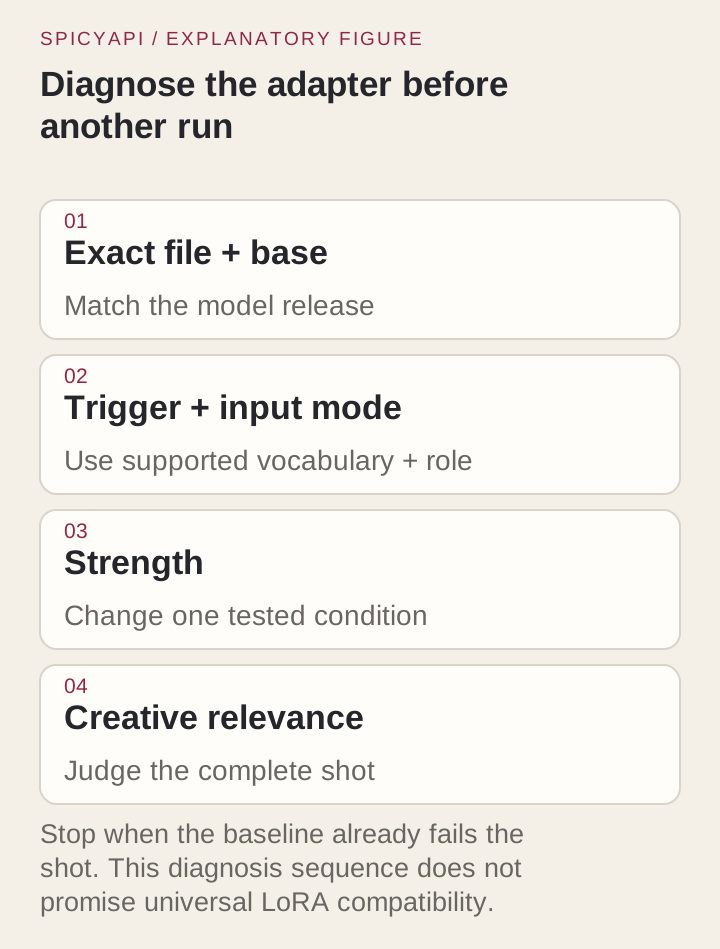
path must be a direct HTTPS link that returns the .safetensors file with no login. On Hugging Face that is the /resolve/ link, not the /blob/ page in your address bar. The request has no credentials field, so a private file needs a pre-signed link that stays valid until the job has run. Replace main with a commit hash so the same request loads the same file next month. A /blob/ page, a missing file or a private repo is rejected with a 400 before any task exists. If a task fails after it was accepted, resend the identical request with "loras": []: if that succeeds, the problem is the file (access, compatibility or its effect); if it fails too, look at the prompt or inputs.
Try it in the Playground first
- Open the text-to-video page, stay on the Playground tab in Form view and sign in with a funded account to run. Image-to-video and reference-to-video have their own pages (links in the table above).
- Put the trigger word first in the Prompt, then write the shot as a short timeline (who is in it, what they do, how the camera moves) with the sound on its own
Audio:line. Describing at length what the LoRA already does tends to fight the weights. - Under Style LoRAs, paste the direct file link into LoRA file and set Strength. Add item gives you up to three files.
- Pick 480p under Resolution and 3 under Duration for a cheap first look, set a Seed, and run.
- Press Remove item, run again with the same prompt and seed, and compare the two clips. If they look alike, the LoRA did nothing (see the failure table below).
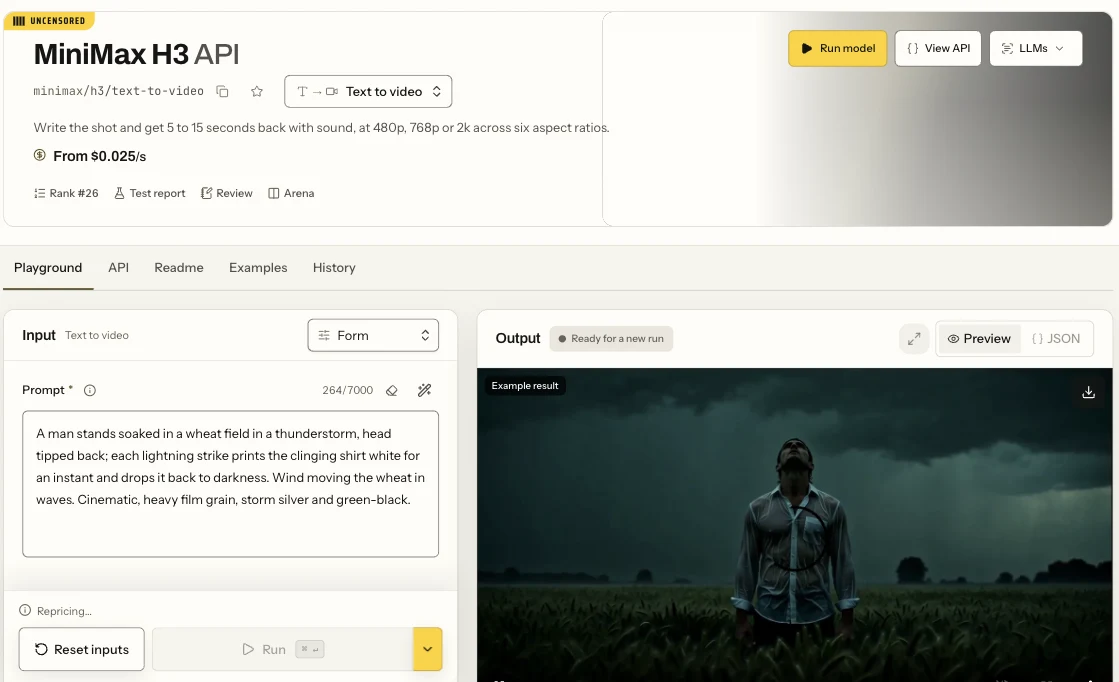
The MiniMax H3 text-to-video Playground in Form view, showing the Prompt field and the Run button. The LoRA page adds a Style LoRAs section to the same form.
The Playground request body is the same JSON the API takes, so a setup that works here can be copied straight into code. The other two tasks add their own inputs:
- Image-to-video adds Input image (the opening frame) and an optional Closing frame. Write what happens next inside the frame, not a new scene: with a concept LoRA at 1, a prompt that moved the subject to another room replaced the opening frame, while the same frame held when the prompt described motion within it. There is no aspect ratio field, so crop the frame to the shape you want first and leave room for the movement.
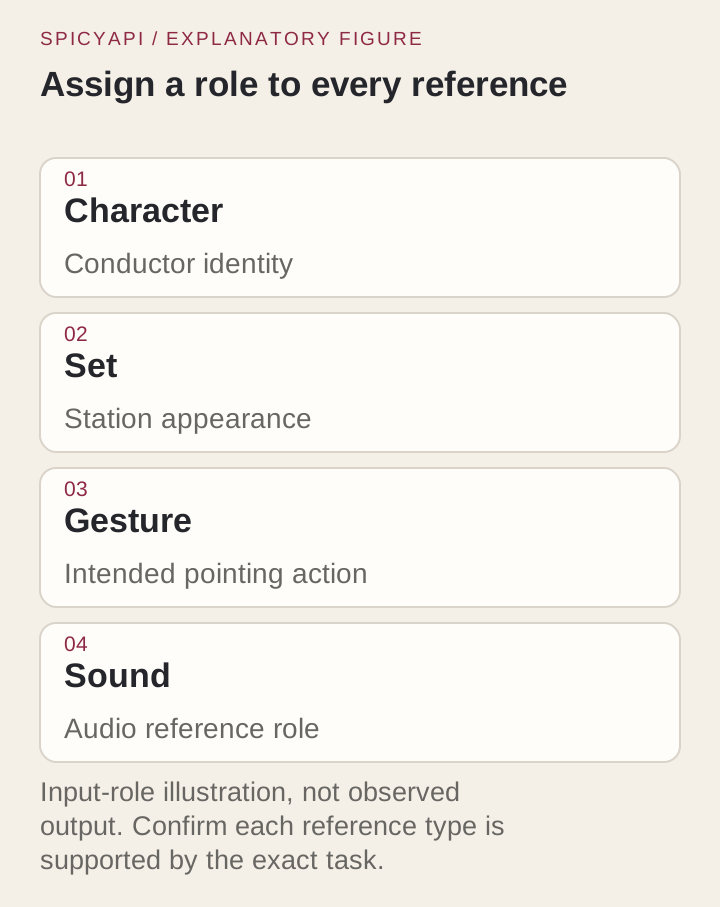
- Reference-to-video adds Reference images (up to 9), Reference videos (up to 3) and Reference audio (up to 3). Open the prompt with one short sentence per input, each with one job: Picture 1 is the woman, Picture 2 is the room, Video 1 is the camera move, Audio 1 is her voice. When you borrow motion from a clip, say outright that the person comes from the picture and only the motion from the clip; without that sentence the dancer in the clip came along with the move. Three good stills hold identity better than nine overlapping ones.
Each model page's Playground opens on a ready-made example, and its Request body panel shows the exact JSON. Three runs of those examples:
Reference clips are billed by their seconds on top of the output seconds, up to 15 seconds of clip in total, so keep them short.
Then run it from code
Install the Python SDK (pip install spicyapi), set SPICY_API_KEY in your server environment and run the text-to-video request below. For the other tasks for image-to-video change model, drop aspect_ratio and add image_url; for reference-to-video change model and add reference_image_urls (aspect_ratio stays).
import uuid
from spicyapi import SpicyClient, output_assets

client = SpicyClient()  # reads SPICY_API_KEY from the environment

task = client.create_task(
    model="minimax/h3-lora/text-to-video",
    input_data={
        "prompt": "vh5tape, worn VHS tape with light tracking noise. A woman in a red satin dress sits alone in a late-night diner booth, turns toward the camera and slowly smiles, neon light flickering in the rain-streaked window behind her. Slow push-in. Audio: rain on glass, a jukebox ballad muffled through the tape, quiet room hum.",
        "aspect_ratio": "4:3",
        "resolution": "480p",
        "duration_seconds": 5,
        "seed": 42,
        "loras": [{
            "path": "https://huggingface.co/KennethFal/vh5tape-vhs-lora-minimax-h3/resolve/d25a4ab75aba899aa508220321525c8465ac11af/vh5tape.safetensors",
            "scale": 1.0,
        }],
    },
    idempotency_key=str(uuid.uuid4()),
)

final = client.wait_for_terminal(task["taskId"])
if final["state"] != "succeeded":
    raise RuntimeError(f"{task['taskId']} ended as {final['state']}: {final.get('errorCode')}")
print(output_assets(final)[0]["url"])  # copy the video to your own storage now
Creating, waiting, downloading, retries and error codes are covered in the tasks guide and the Python SDK reference. Generated files are kept for 14 days at most, so see retention and delivery before you build on the returned link; for production, polling versus webhooks helps you choose.
Or let an Agent run it
When an assistant should run the generations, all three official tools show the price and ask you before a paid call.
- CLI. Put the same
inputobject int2v.json, then:
``bash spicyapi tasks create --model minimax/h3-lora/text-to-video --input-file t2v.json --wait ``
See the CLI docs; npx @spicyapi/cli works without installing.
- MCP server. Add the MCP server to your assistant, then ask: "Run MiniMax H3 LoRA text-to-video with this prompt and this weights link at strength 1, 480p, 3 seconds." It calls
spicyapi_task_create, which stops for your price confirmation, thenspicyapi_task_wait. - Skill.
npx skills add spicyapi-ai/spicy-skillinstalls the Agent Skill, which has a coding assistant read the live model schema instead of guessing fields.
Set the strength
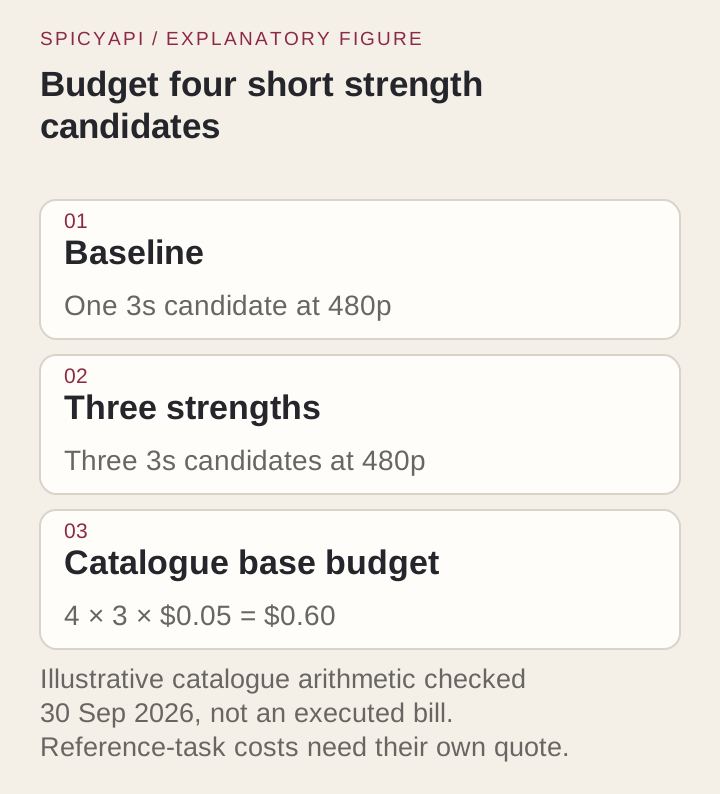
scale runs from 0 to 4, and 1 is neutral. Start style LoRAs at 1 and concept LoRAs at 0.6 to 0.8. Then run a ladder: the same prompt and seed at 480p and 3 seconds, with scale 0.5, 0.8 and 1.1, plus one run with loras empty. Change one thing per run. A fixed seed keeps runs comparable, not identical, so judge the look and the action rather than pixels.
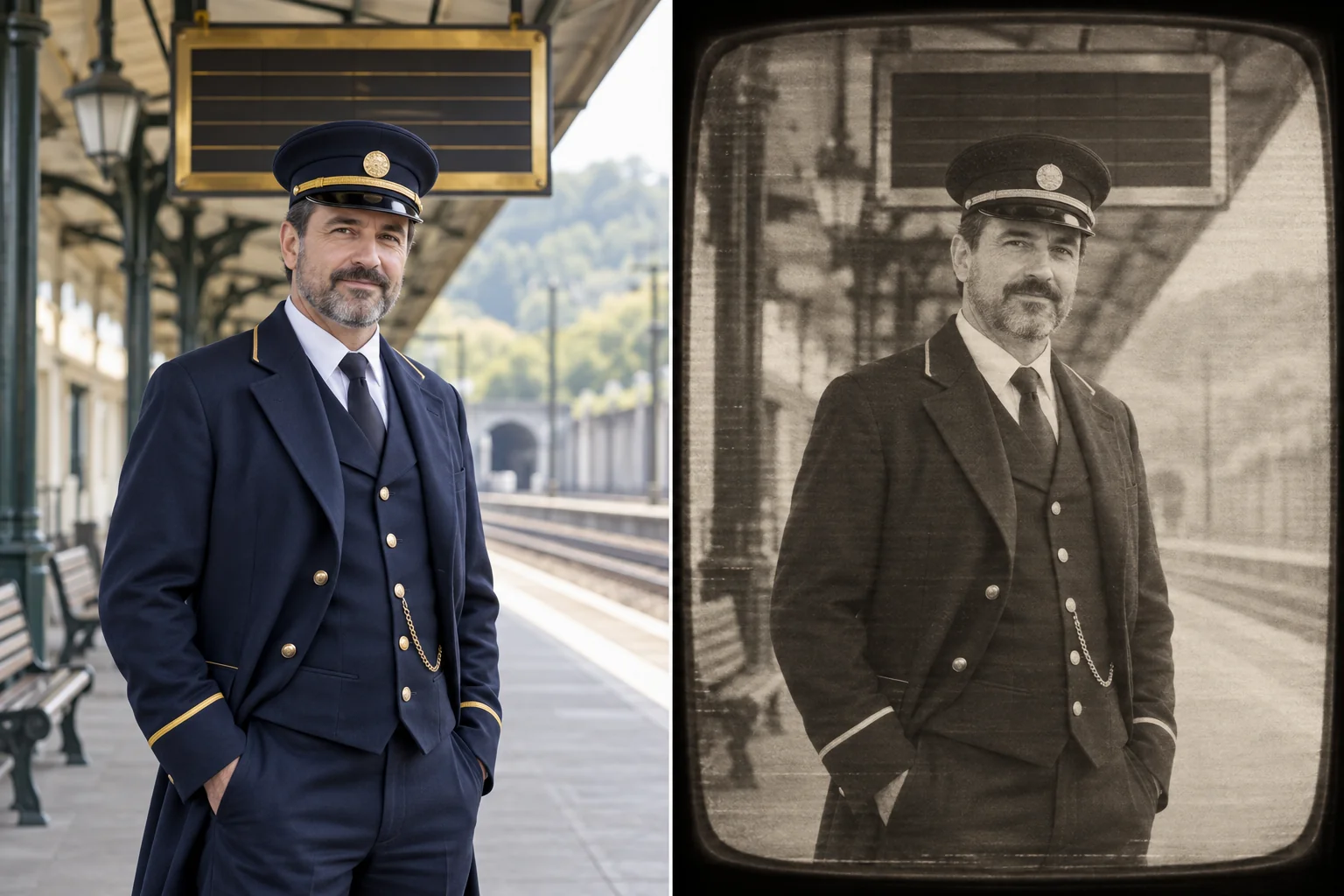
Keep the rung that reads right, or split the difference between two. Stop raising the strength when the subject, the action or the sound starts to break; if the baseline already fails the shot, no scale will repair it. Watch the whole clip rather than the first frame, and listen, because a LoRA can change the sound too (vh5tape muffles it on purpose). The vh5tape card also lists prompt phrases for light, medium and heavy wear; change those before pushing the scale past 1.
Stack up to three
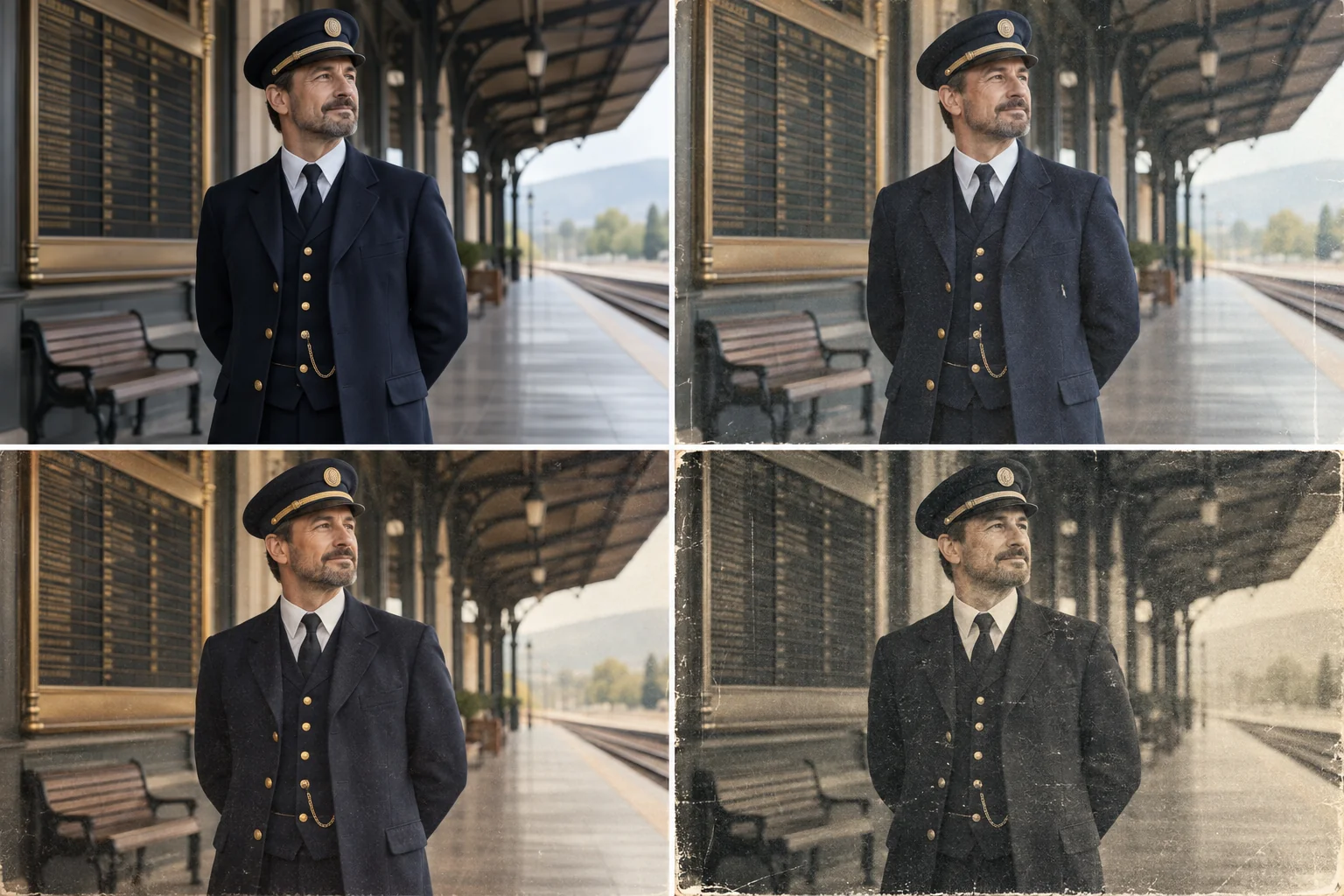
Test each file alone before combining. A character LoRA trained on glossy portraits can fight a heavy tape look, and a motion LoRA can turn the subject away from the framing. When a stack goes wrong, hold the seed and the prompt and remove one entry at a time: a recovery points to that adapter or its interaction with the remaining stack. Lower the strongest weight first. Decide in advance which requirement wins when two conflict (identity over texture, say), and re-test a stack that worked on text before using it on a photographic frame or reference.
What it costs
| Task | 480p | 540p | 768p | 1080p | Extras |
|---|---|---|---|---|---|
| Text-to-video and image-to-video | $0.05/s | $0.075/s | $0.10/s | $0.20/s | None; LoRAs are free to load |
| Reference-to-video | $0.06/s | $0.09/s | $0.135/s | $0.27/s | $0.02 per reference image or audio clip; clip seconds billed like output seconds |
- 3 seconds at 480p: $0.15. 5 seconds at 480p: $0.25. 5 seconds at 1080p: $1.00.
- The three requests above: $0.25, $0.50 and $0.58.
- A baseline plus a three-rung ladder, four 3-second 480p clips: $0.60.
- Reference-to-video, 5 seconds at 480p: $0.32 with one image, $0.34 with two, $1.37 at 1080p with one image.
- A failed or expired task is normally not charged; a finished clip you dislike is.
- A quote that includes a reference clip reserves the full 15 seconds of clip: $1.20 for a 5-second 480p output. The charge settles on the clip's actual length.
Draft at 480p and 3 seconds, then re-send the keeper once at 768p or 1080p with the same seed. Expect a close variation, not a copy.
When the LoRA does nothing or the clip goes wrong
| Symptom | Likely cause | Fix |
|---|---|---|
| The clip looks like plain H3 | The file was trained for another base, the trigger is missing, or a photographic frame or reference is leading a style LoRA | Check the card's base, put the trigger first, try the same file on text-to-video, then raise the scale |
| The clip drifts from your opening frame | A concept LoRA is too strong, or the prompt describes a new scene | Drop to 0.6 and describe only what happens next |
| The look swamps the scene | The strongest weight is too high, or the stack is crowded | Lower the strongest weight, then remove entries one at a time |
| The performer from a reference clip appears | The prompt never said what the clip is for | State that the person comes from the picture and only the motion from the clip |
| The identity wobbles | Too many overlapping references | Keep two or three good stills |
| Rejected with 400 | Not a direct file link | Use the /resolve/ file link |
| The task fails after being accepted | The link expired or the repo went private | Resend with "loras": []; make a pre-signed link outlast the job |
Uncensored use
SpicyAPI adds no content filter to the prompt, the weights or the output. In those tests nothing was refused on our content ladder, which runs from L1 Suggestive through L2 Mature themes and L3 Strong to L4 Intense, plus L5a Restraint and L5b Gore probes, with no LoRA loaded. One soft spot: without a LoRA, image-to-video softened L4 Intense (an intimate scene between two adults) in two of three runs, while text and reference input rendered every level. With a community adult LoRA loaded, all three tasks rendered L4. The full results are in the H3 LoRA review.
SpicyAPI adding no extra content filter does not grant rights to a likeness: everyone shown must be an adult, and a LoRA of a real person needs that person's consent and your rights to their likeness.
Try it in the MiniMax H3 LoRA playground, which shows live prices.
FAQ
Can I paste a Hugging Face repo name or a /blob/ link?
No. path takes a direct HTTPS link to the file; a /blob/ page or bare owner/repo name is rejected with a 400, and a weight_name field, as some hosts accept, has no equivalent here. Use the /resolve/ link.
Can I load a LoRA I trained myself?
Yes, if it was trained on the open-weights H3, saved as .safetensors and reachable over HTTPS.