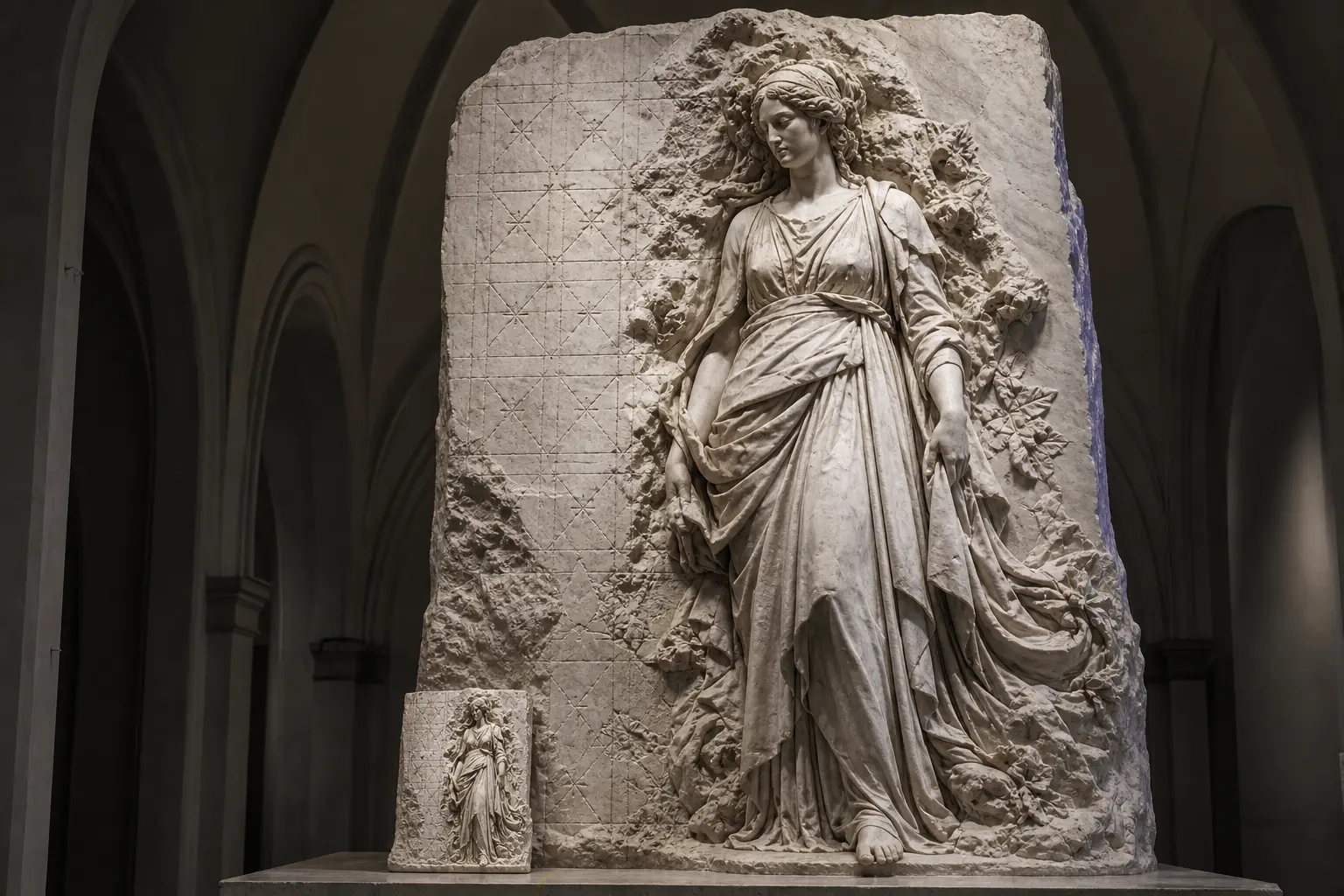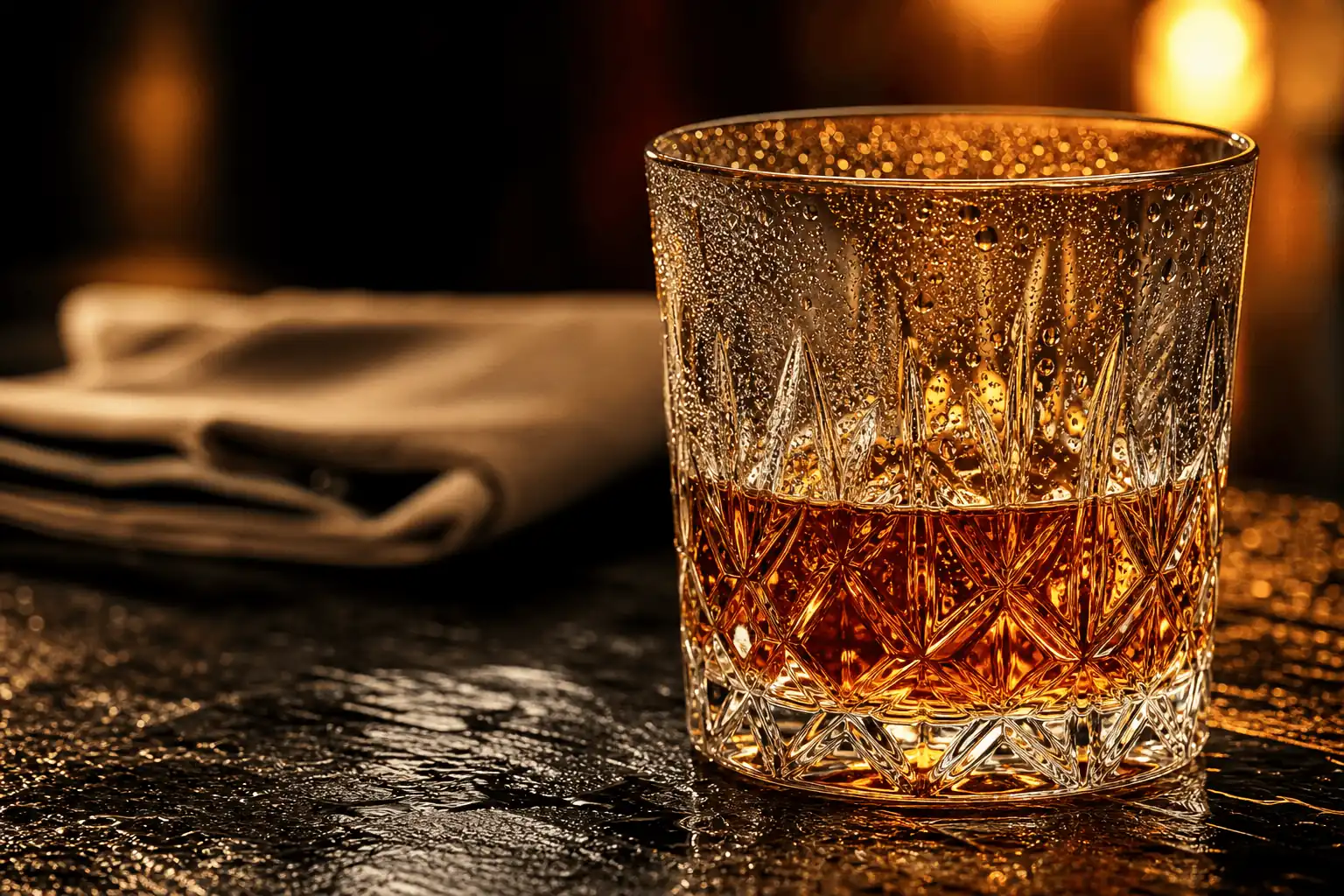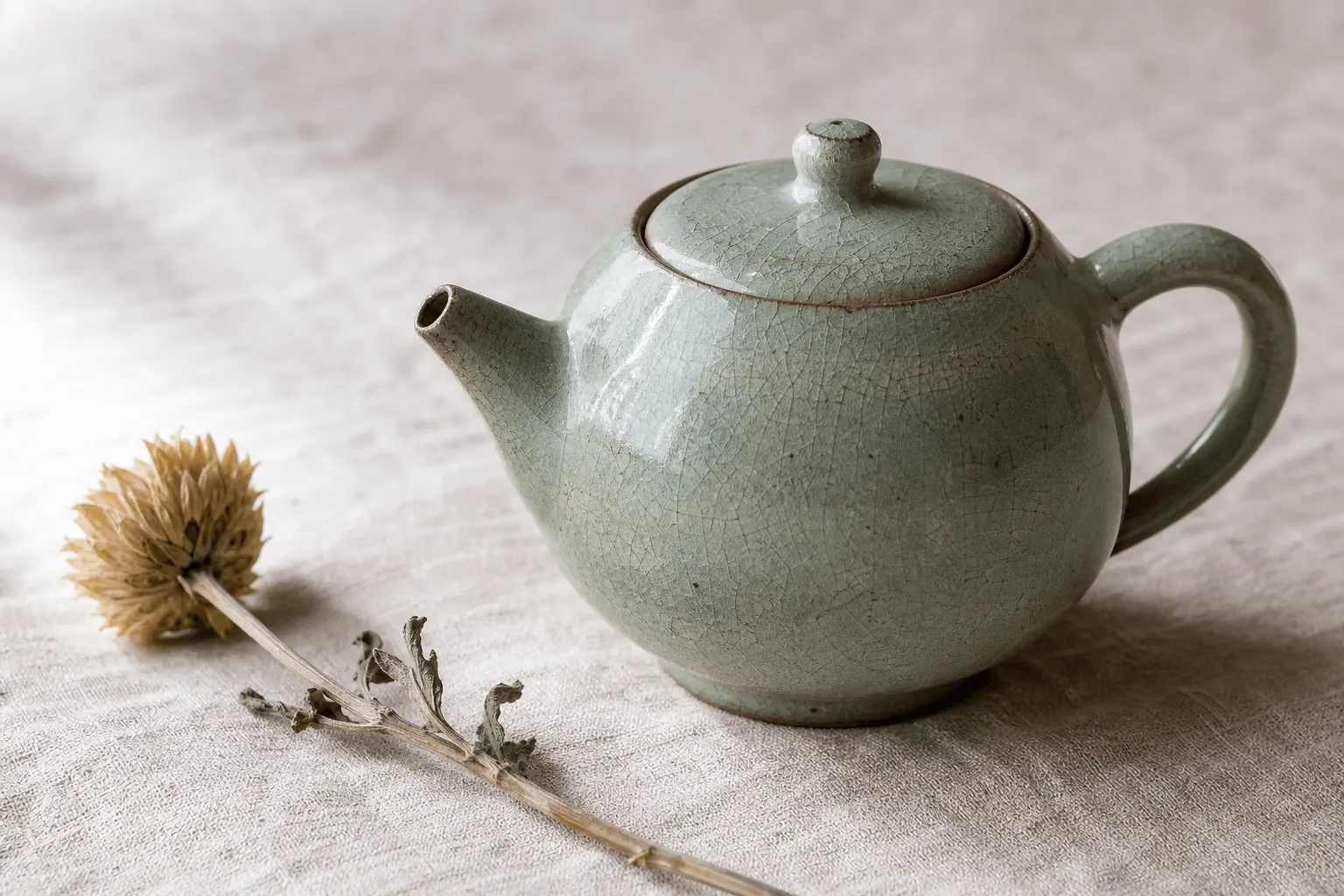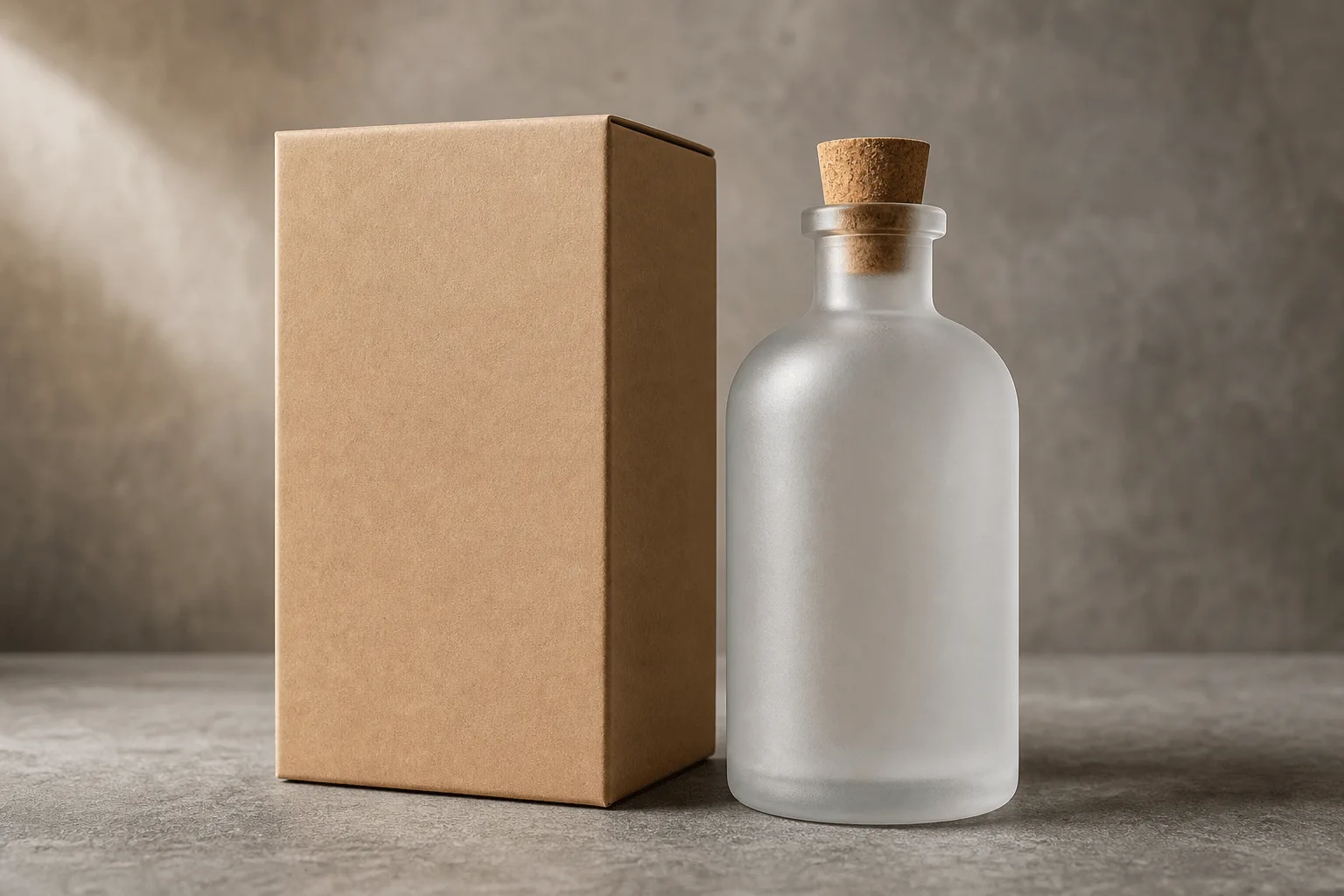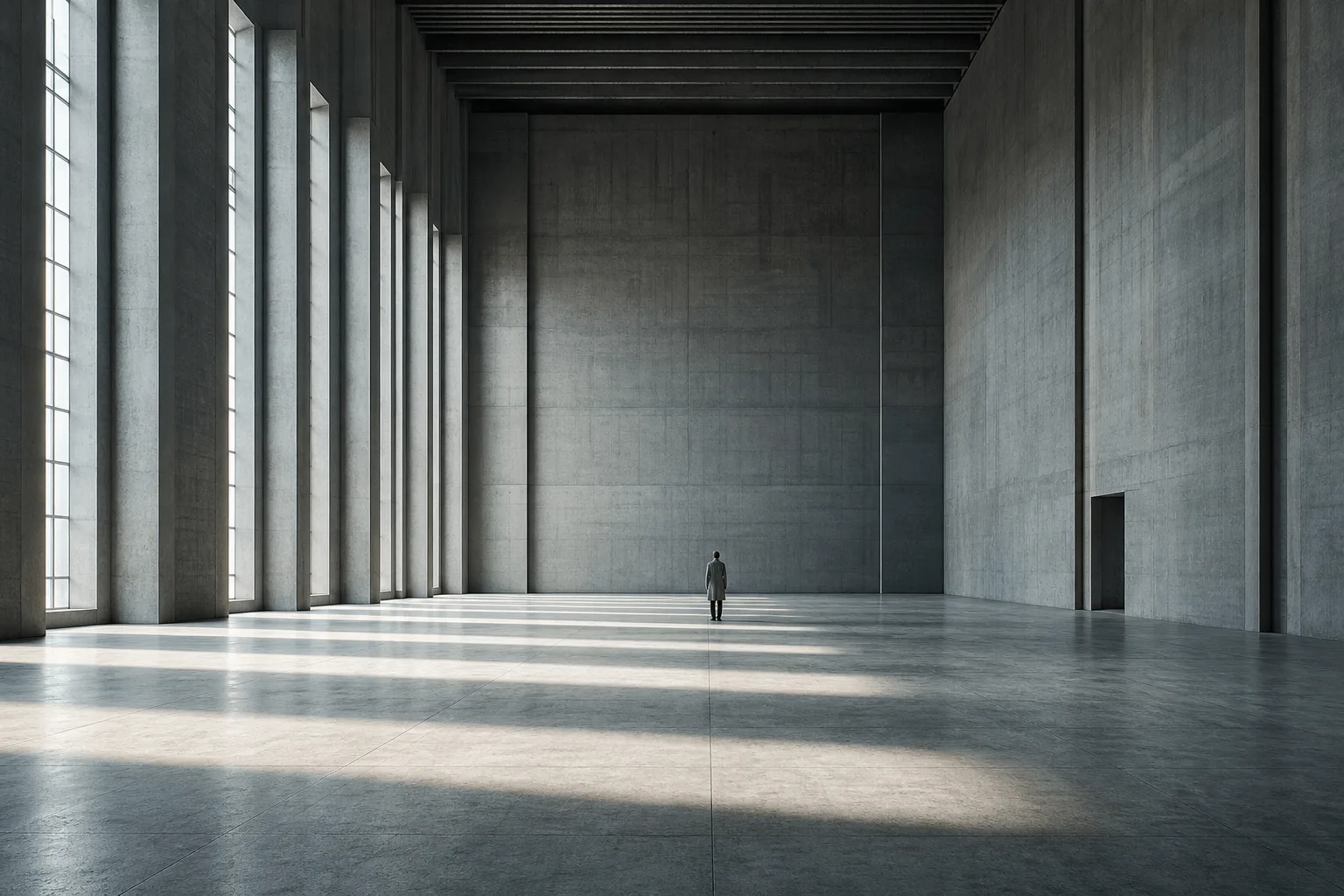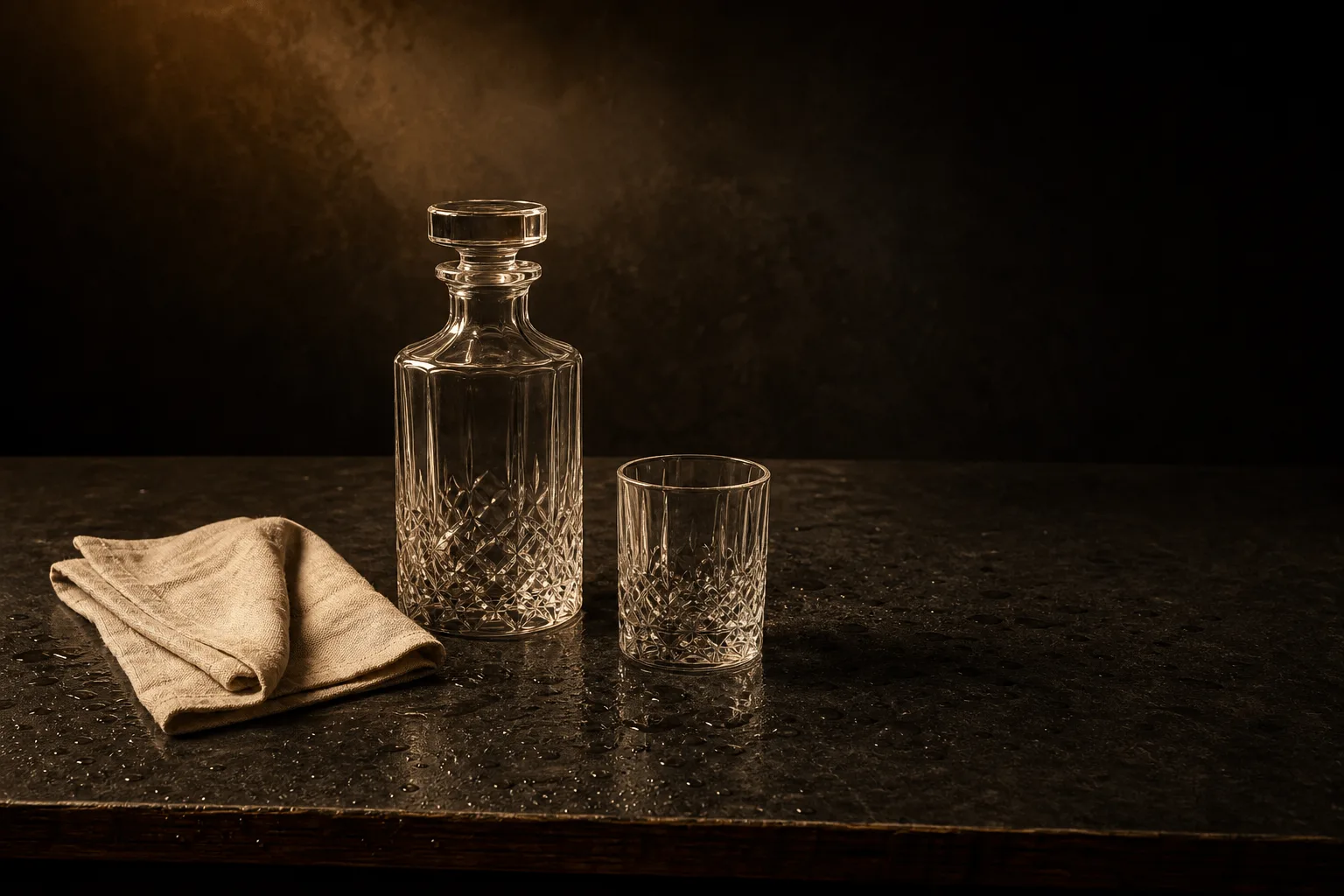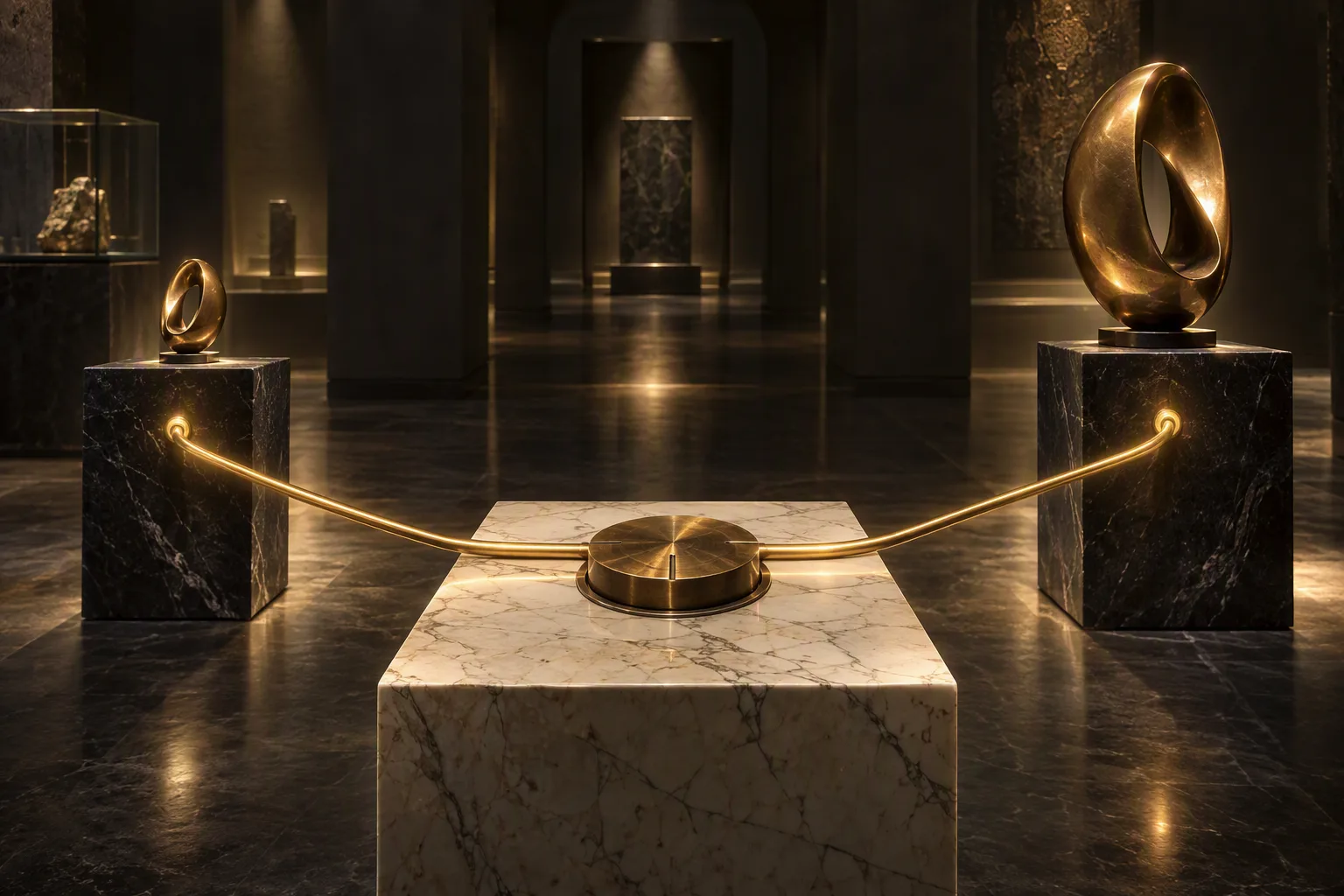
Wan 2.7 Pro is Alibaba's large-canvas text-to-image model, returning one image per request at 2k (about 4 megapixels) or 4k (about 16 megapixels). It supports seven aspect ratios from 1:1 to 16:9 and 9:16, plus a seed and colour palette.

Filtering differs by endpoint: Image editing — Uncensored, Text to image — Softened.

From $0.075/image

Workbench

Input

Text to image
339/5000
Describe the frame, then name the materials worth the canvas — leather, wet concrete, glass, printed type. Composition is planned before drawing, so one clear spatial relationship beats a keyword pile. at least 1 characters · at most 5000 characters
1:1, 4:3, 3:4, 16:9, 9:16, 3:2 or 2:3. Defaults to 1:1. Every ratio gets the same pixel budget, so choose it for the delivery crop rather than for size.
2k or 4k; 2k by default. 2k is about 4 megapixels and 4k carries four times that, about 16 megapixels. The shape still follows aspect_ratio.
Color palette0/10
    Optional colour theme of 3 to 10 colours (8 is the recommended count). Enter each colour as a #RRGGBB hex code and, if you want, the share of the image it should cover in percent; rows left empty split whatever share is left, so leaving them all empty weights the colours equally. It steers the palette of the whole frame — set, wardrobe and light. No effect on price. at least 3 items · at most 10 items
    Seed
    0 to 2147483647. An identical seed with an identical prompt holds the draw steady, which is what makes single-clause iteration meaningful. A fixed seed helps control variation; identical results are not guaranteed. no lower than 0 · no higher than 2147483647
    Safety checkerOff

    SpicyAPI does not run a safety checker on this model. Your prompt and media go to the model as written, and the model itself decides what comes back.

    Checking your account before enabling submission and pricing.

    Output

    Ready for a new run
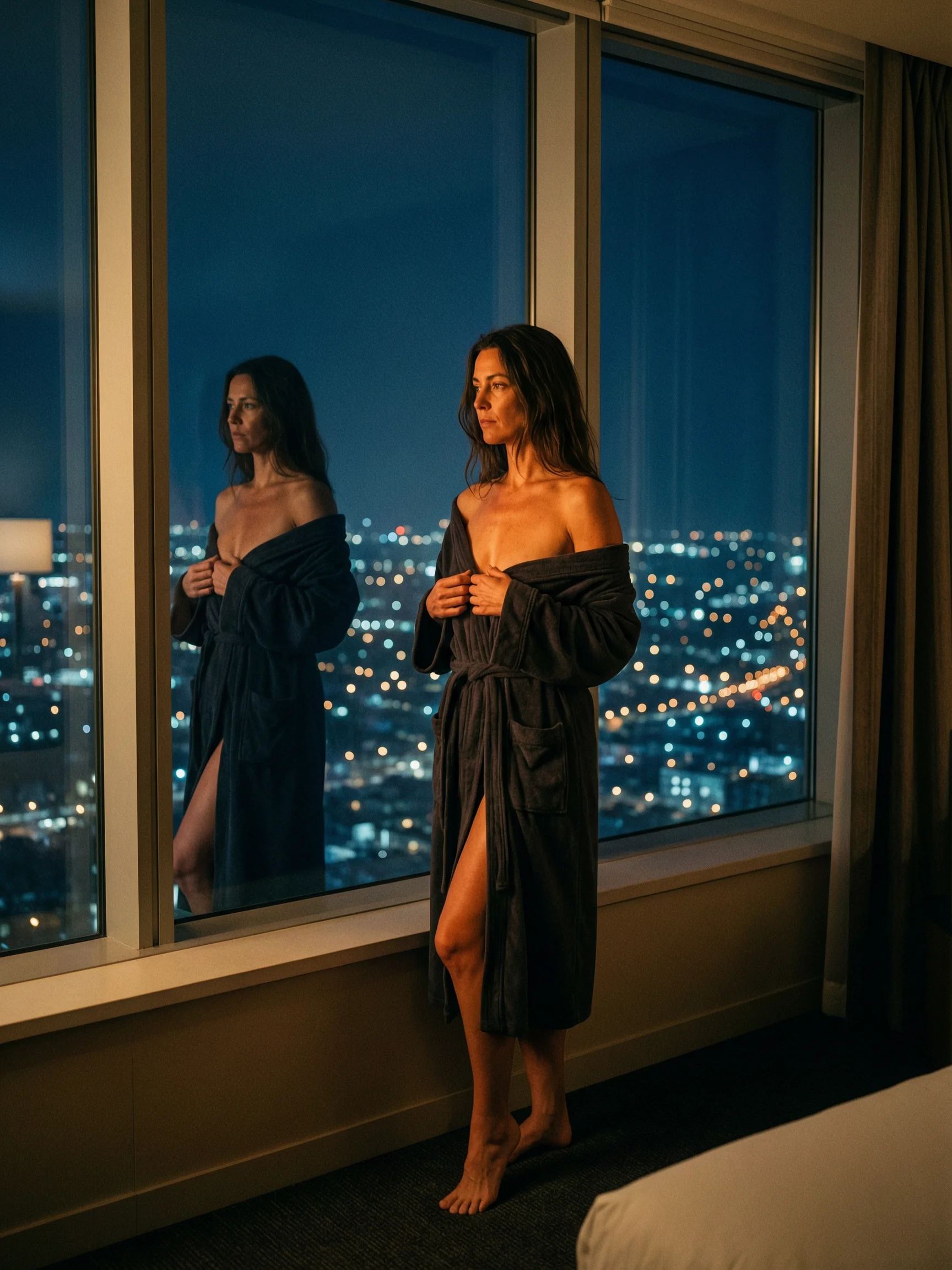
    robe-window-someone-behindExample result

    Related models and next tasks

    Missing the model you need?

    Tell us what to add and where you would use it. Requests go to the people who decide what gets onboarded next.

    The one endpoint in this family with a 4k tier

    The Wan 2.7 Pro text-to-image API turns a written prompt into one image at 2k, about 4 megapixels, or at 4k, about 16 megapixels, selected through the resolution field. Alibaba's documentation allows 4K output on text-to-image only, so this is the single endpoint in the family that reaches it. Seven aspect ratios share the same pixel budget, and seed holds the draw steady between runs.

    Open the playground
    The one endpoint in this family with a 4k tier
    Resolution
    2k unless asked otherwise, about 4 megapixels; 4k carries about 16
    Aspect ratios
    1:1, 4:3, 3:4, 16:9, 9:16, 3:2, 2:3; defaults to 1:1, same budget for each
    Output per call
    One image; this endpoint has no num_outputs field
    Prompt
    Up to 5,000 characters
    Seed
    0 to 2147483647; steadies a comparison run without guaranteeing an identical image
    Composition pass
    Runs on every request; no field here switches it off
    Resolution
    The 4k tier the edit endpoint does not haveresolution takes 2k or 4k, and Alibaba's documentation restricts 4K output to text-to-image. The family's edit endpoint carries no resolution field and returns 2k, so a frame that has to survive enlargement or a print crop has to come straight out of this endpoint: sending it through an edit afterwards brings it back at 2k.
    Batching
    One image per callThis endpoint has no num_outputs field, so every request comes back with a single image. The standard Wan 2.7 text-to-image endpoint accepts num_outputs from 1 to 4; here a variant set is a loop of requests with the prompt fixed and the seed moved by one.
    Composition
    The composition pass has no off switchWan 2.7 Pro resolves layout, object relationships and lighting before it starts drawing, and this endpoint exposes no field to skip that step. Alibaba's documentation describes the pass as improving output quality at the cost of generation time. The standard endpoint keeps it as a boolean you can set to false.

    What the Wan 2.7 Pro API does well

    Print-adjacent detail at the 4k tier

    Print-adjacent detail at the 4k tier

    4k carries about 16 megapixels, four times the pixel count of the 2k default, which is what keeps condensation on glass or the weave of a linen backdrop readable at a size larger than a screen crop. Alibaba's documentation states the 4K specification as a 4096×4096 total pixel budget, redistributed across whichever aspect ratio the request sets.

    Moving to 4k does not change how the prompt is written

    Moving to 4k does not change how the prompt is written

    The same still-life description that composes correctly at 2k renders at 4k with the resolution value as the only edit. There is no separate syntax for the larger tier, no quality clause to append and no reordering to do, so a prompt library built at the default tier carries over without a rewrite.

    • Seven ratios drawing from one budget

      1:1, 4:3, 3:4, 16:9, 9:16, 3:2 and 2:3 are all available at both tiers, and the budget is spread to fit the shape, so a 9:16 portrait comes back at the same detail level as a 1:1 square. aspect_ratio defaults to 1:1 when the request leaves it out, which is rarely the shape a banner needs.

    • Comparison runs with one value moved

      Hold prompt, aspect_ratio and seed steady and change a single value between calls: the same request at 2k and at 4k, or the same tier at two shapes. seed accepts 0 to 2147483647, and Alibaba's documentation is direct that generation stays probabilistic, so a repeat run is a close comparison and not a guarantee.

    • A settled 2k prompt moves to 4k with one field

      Once a composition reads correctly at the default tier, resubmitting the identical prompt with resolution set to 4k is the whole change. No endpoint switch or second integration is involved. The 4k call renders the prompt again at the larger size rather than enlarging the 2k image, so the framing can shift and the new frame is worth a look before it ships.

    Who Wan 2.7 Pro is for

    • Where the default tier runs out of headroom

      Packaging and print work

      Where the default tier runs out of headroom

      Packaging mockups, posters and oversized marketing crops get inspected at arm's length, and 4k gives them about 16 megapixels to work with. A label edge, a fabric seam or a material texture still holds once a designer scales the asset into a layout at final size.

    • One generation, several delivery crops

      Large hero crops

      One generation, several delivery crops

      A 4k source leaves margin to pull a wide banner and a tighter square from the same image. Generate once at the ratio closest to your widest crop, then cut the other shapes in post, which keeps the subject, the light and the palette identical across the set.

    • The prompt is settled, only the tier changes

      Upgrading a settled composition

      The prompt is settled, only the tier changes

      Iterate at the 2k default while subject, framing and light are still moving, then raise resolution to 4k for the run that ships. Prompt wording carries over untouched between the two tiers, so the effort spent getting the description right is not spent twice.

    • One field where two endpoints would be

      API integration

      One field where two endpoints would be

      resolution is a request field, so a thumbnail job and a print-asset job post the same body shape to the same endpoint and differ by one value. A single worker can serve both queues and let the caller decide the tier at request time.

    How to call the Wan 2.7 Pro API

    1. Start at the 2k default

      2k is what the endpoint uses when resolution is omitted, and it is where the wording gets settled: subject placement, materials and one light direction. Write the scene as one connected description so the composition pass has a whole frame to resolve.

    2. Change resolution, not the prompt

      Once the description is right, resubmit the identical text with resolution set to 4k. Wording, aspect_ratio and seed all stay where they are, and 4k is the only value that moves between the two calls.

    3. Set aspect_ratio for the delivery crop

      Every ratio draws from the same pixel budget, so pick the shape the finished asset needs instead of a convenient drafting shape. Left out, aspect_ratio falls back to 1:1, which suits a feed tile more than a poster.

    4. Pin seed before comparing tiers

      Send the same prompt twice with seed fixed, once at 2k and once at 4k, to see what the larger budget adds on this particular prompt. Alibaba's documentation notes identical seeds can still return varying images.

    5. Send an Idempotency-Key, then hold on to the task id

      The endpoint is asynchronous: poll that id or register a callback URL. Finished images are served from platform storage, so link that URL from your product instead of re-uploading the file.

    Wan 2.7 Pro worked examples

    • A packaging mockup meant to sit at 4k

      Naming the surface, the material and the light direction keeps a product render from drifting into a generic studio shot once it is pushed to the larger tier.

      Product photography of a frosted glass perfume bottle with a brushed brass cap, standing on a slab of black marble, soft studio key light from the upper left, a faint reflection of the bottle visible in the marble surface, tight depth of field, no text, no logos
    • A wax seal pushed from 2k to 4k without touching the prompt

      The same prompt that composes correctly at the 2k default rerenders at 4k with only the resolution field changed, keeping the wax texture and paper grain legible at the larger size.

      Overhead macro shot of a cream stationery envelope sealed with a dark burgundy wax stamp bearing a small compass motif, one loose thread of wax pooled beside the seal, a fountain pen resting diagonally across the corner, warm directional light raking across the paper grain, no text visible
    • A vertical key visual generated at the shape it ships in

      Setting aspect_ratio to 9:16 up front keeps the subject inside the frame that gets published, since a later crop from a wider generation throws away part of the budget the tier paid for.

      Editorial still life photographed from above on deep green velvet, one ripe pomegranate cut in half beside a brass spoon and a scatter of seeds, hard light from the right casting a long shadow, fine water droplets on the fruit, vertical composition with empty space across the upper third, no text, no logos

    Wan 2.7 Pro API questions

    Work at the 2k default while the composition is still moving, then switch resolution to 4k for the run that ships. Wording carries over between tiers, so nothing written at the default tier is wasted. Pick aspect_ratio for the crop you have to deliver: the budget is spread to fit the shape, so a wide frame gains width and gives up height. Keep seed pinned while you iterate one clause at a time.

    All Wan models22

    Video models18