Introduction
MOSS-Image LoRA Text to image draws one image from a written prompt on MOSS-Image, OpenMOSS's open 5-billion-parameter diffusion transformer released under Apache-2.0, with up to three of your own LoRA files loaded. In our tests LoRAs trained on the Base or the SFT checkpoint loaded, in diffusers and ComfyUI formats, and style LoRAs worked at scale 1. The platform adds no content filter to the prompt, the weights or the image. Without LoRAs it is the same model as MOSS-Image.
Choose a model by what you need
| What you need | Model |
|---|---|
| exact text, long prompts and JSON layout from the base model | MOSS-Image Text to image |
| the same model plus up to three of your own LoRAs | MOSS-Image LoRA Text to image (you are here) |
Key features & highlights
Base and SFT LoRAs
A gouache LoRA trained on the Base checkpoint loaded here, and so did LoRAs for the SFT checkpoint. Both the diffusers layout and the ComfyUI layout loaded in our tests.
Style and text together
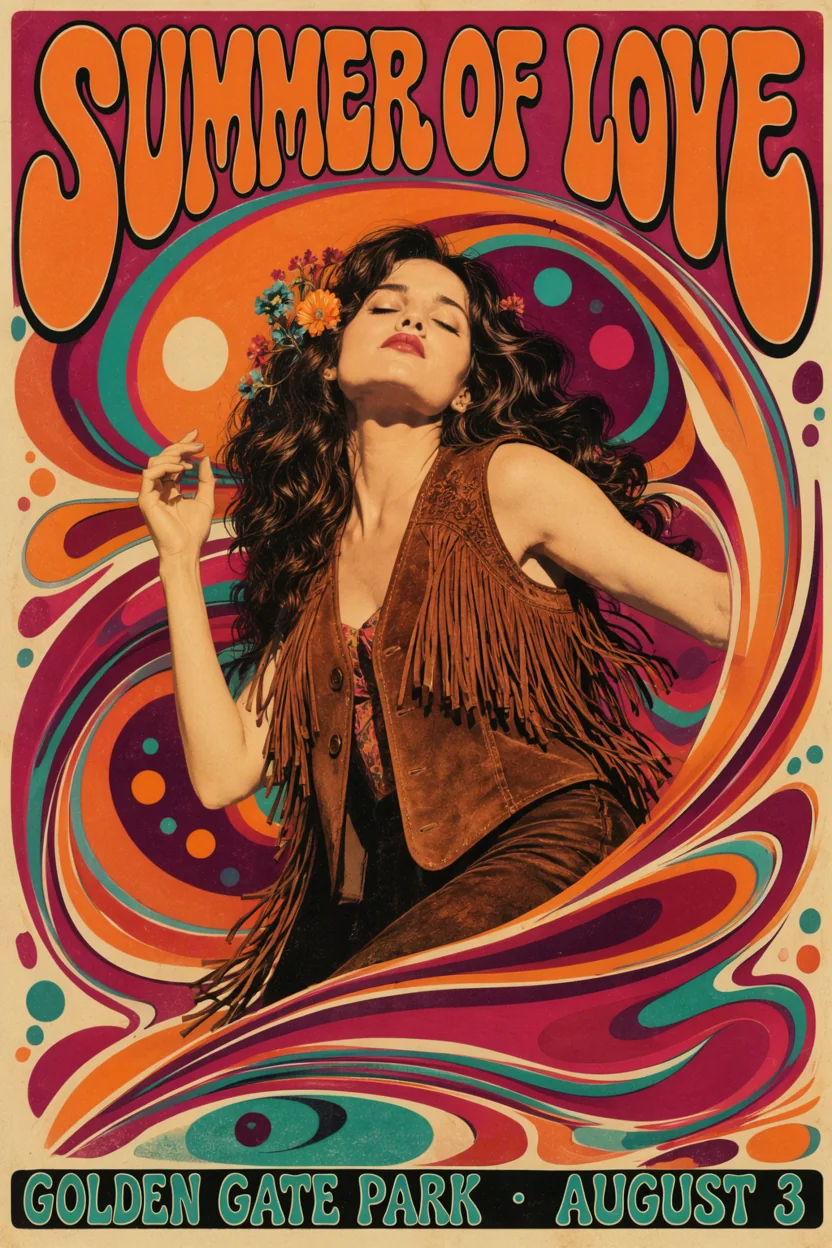
With a psychedelic-poster LoRA at scale 1, the lettering and the collage look changed to the LoRA's style, while the title and the date line were still spelled correctly.
Three at once
Up to three LoRAs per request, each with a scale from 0 to 4. Three stacked at 0.7, 0.8 and 0.5 ran normally.
Uncensored
An unfiltered LoRA loads without review, and nothing is filtered. In our tests the base model already delivered every content level from Mild to Maximum as written, with no refusals and nothing toned down.
Same model, same long prompts
Prompts up to 12,000 characters, 15 aspect ratios and 1k, 1.5k and 2k tiers, as on the base endpoint. It also accepts the experimental JSON layout prompt.
Request parameters
| Parameter | Required | Description |
|---|---|---|
prompt | Yes | Put the LoRA's trigger word first, then describe the subject, place and light in sentences. Quote any text you want in the picture. at least 1 characters · at most 12000 characters |
aspect_ratio | No | 15 shapes from 1:3 to 3:1; 1:1 by default. The ratio changes the shape, not the price. |
resolution | No | 1k (about 1 megapixel, default), 1.5k or 2k. The tier sets the price; a tall image at 2k came back at 1536 x 2720. |
loras | No | Up to three {path, scale} entries trained for MOSS-Image, on the Base or the SFT checkpoint; scale 0 to 4, 1 by default. Default: |
output_format | No | JPEG by default, or PNG or WebP. The format does not change the price. |
seed | No | Keeps images comparable while you change one LoRA or one sentence at a time. It does not promise identical pixels. |
Pricing
Billed per image by resolution tier (1k, 1.5k or 2k). Loading LoRAs adds no separate charge, and the aspect ratio and output format do not change the price. Failed requests are not charged.
| Specification | Price |
|---|---|
| $0.03 / image |
| $0.054 / image |
| $0.102 / image |
Use cases
Poster and cover styles
Load a style LoRA, keep its trigger word first, and put the title and date in quotes: the look comes from the file and the words from the prompt.
A consistent portrait look
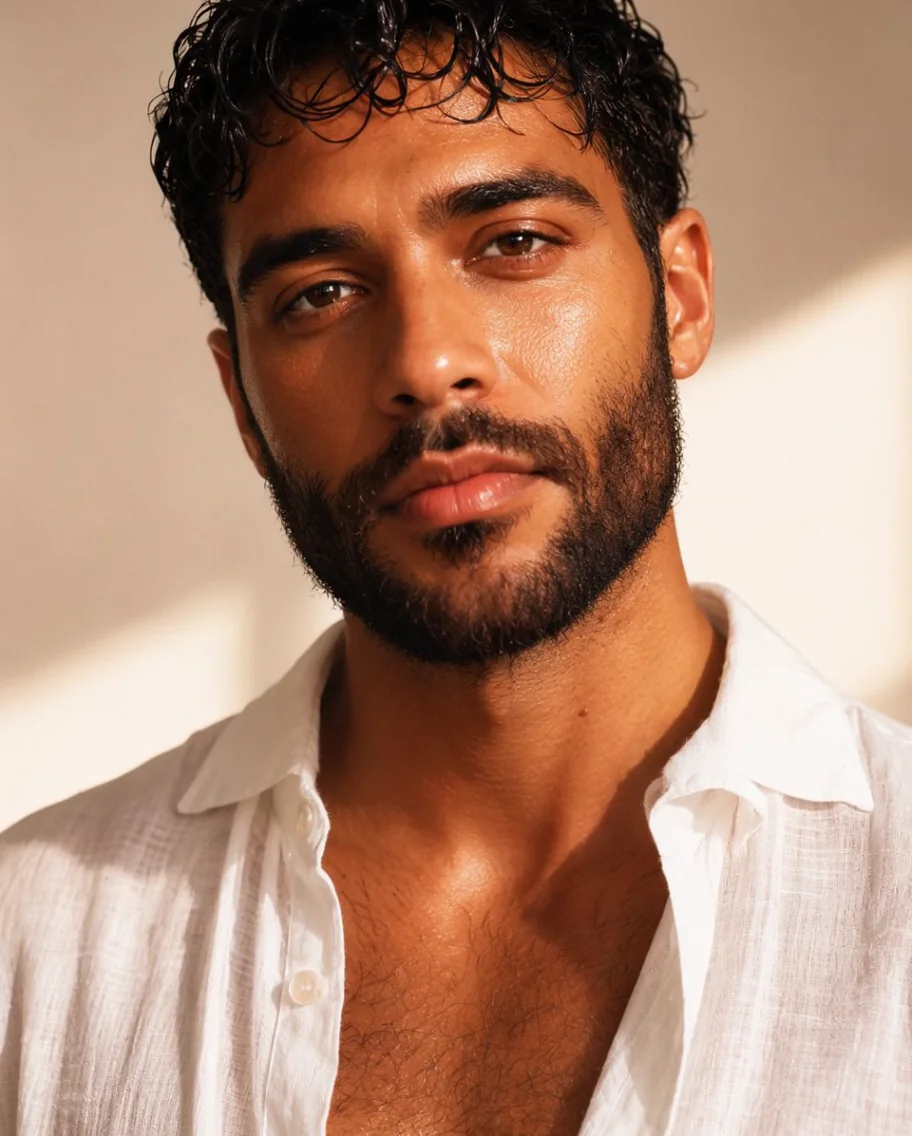
Use one portrait LoRA across a series and vary the ratio or the tier; the finish stays the same.
Painted and illustrated series
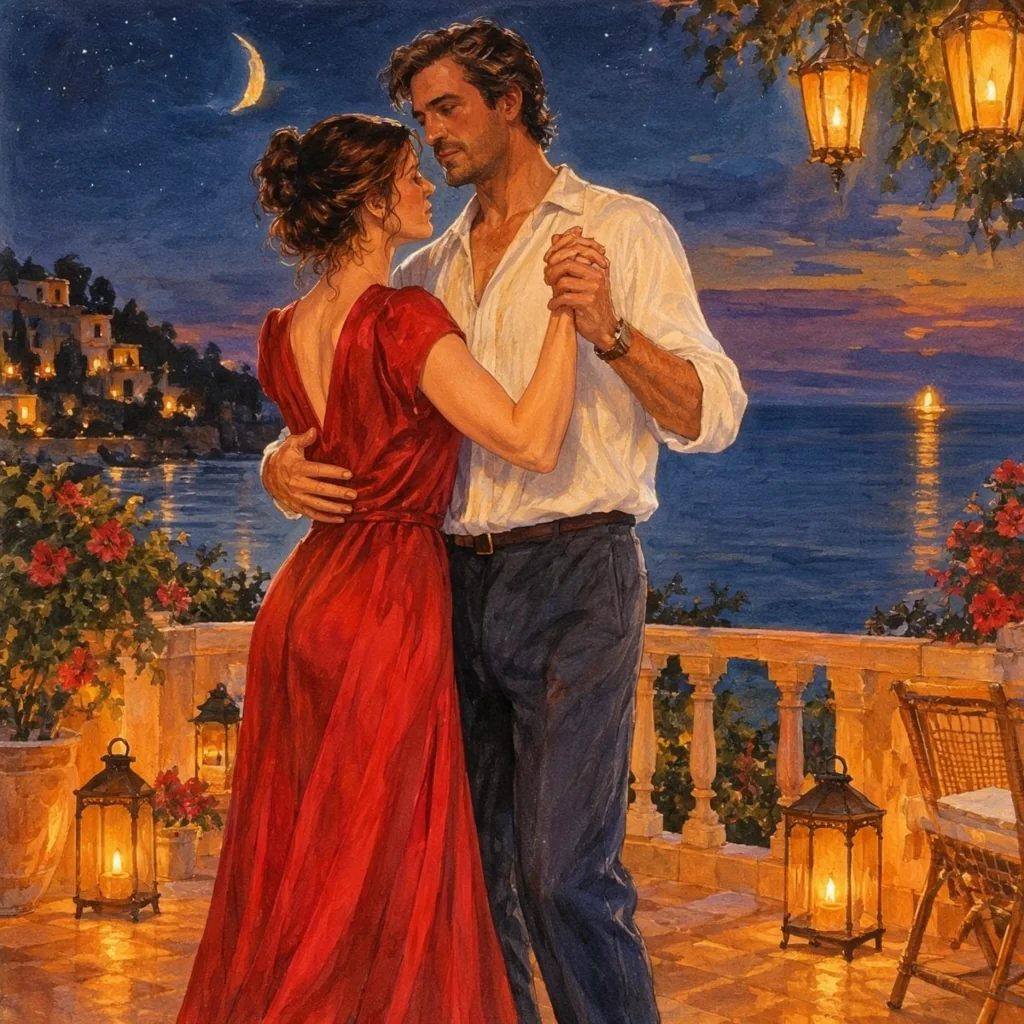
A short sentence plus a gouache LoRA is enough for a set of paintings at one price per image.
Prompt guide & pro tips
Trigger word first
Start the prompt with the LoRA's trigger word, then the subject, place and light as sentences.
Start at scale 1
Style LoRAs showed clearly at 1. Compare with scale 0 on the same seed: if the two images match, the file did not apply. A scale of 0.7 gave a softer effect with an unfiltered LoRA.
Link the file, not the page
Use the direct download address of the .safetensors file. A repository page or a gated file fails with a message asking for a direct download link, and a failed request is not charged.
Expect a slower first run
The first request with a new LoRA takes longer while the file is downloaded. Later requests with the same file are quicker.
Quote the text
Put any text for the picture in quotes and say where it goes. If letters stick together, change the seed.
API quick start
# Generate the idempotency key once; reuse it when retrying after a lost response.
export SPICY_IDEMPOTENCY_KEY="${SPICY_IDEMPOTENCY_KEY:-$(uuidgen)}"
curl -X POST https://api.spicyapi.ai/api/v1/jobs/createTask \
  -H "Authorization: Bearer $SPICY_API_KEY" \
  -H "Content-Type: application/json" \
  -H "Idempotency-Key: $SPICY_IDEMPOTENCY_KEY" \
  -d '{
  "model": "openmoss/moss-image-lora/text-to-image",
  "input": {
    "aspect_ratio": "1:1",
    "output_format": "jpeg",
    "prompt": "A ceramic teapot on a linen cloth, soft window light, muted palette",
    "resolution": "1k"
  }
}'

# Copy data.taskId from the response into TASK_ID, then poll the status.
TASK_ID="TASK_ID_FROM_RESPONSE"
curl "https://api.spicyapi.ai/api/v1/jobs/recordInfo?taskId=$TASK_ID" \
  -H "Authorization: Bearer $SPICY_API_KEY"
See the API reference for authentication, the complete schema, polling, and error handling.