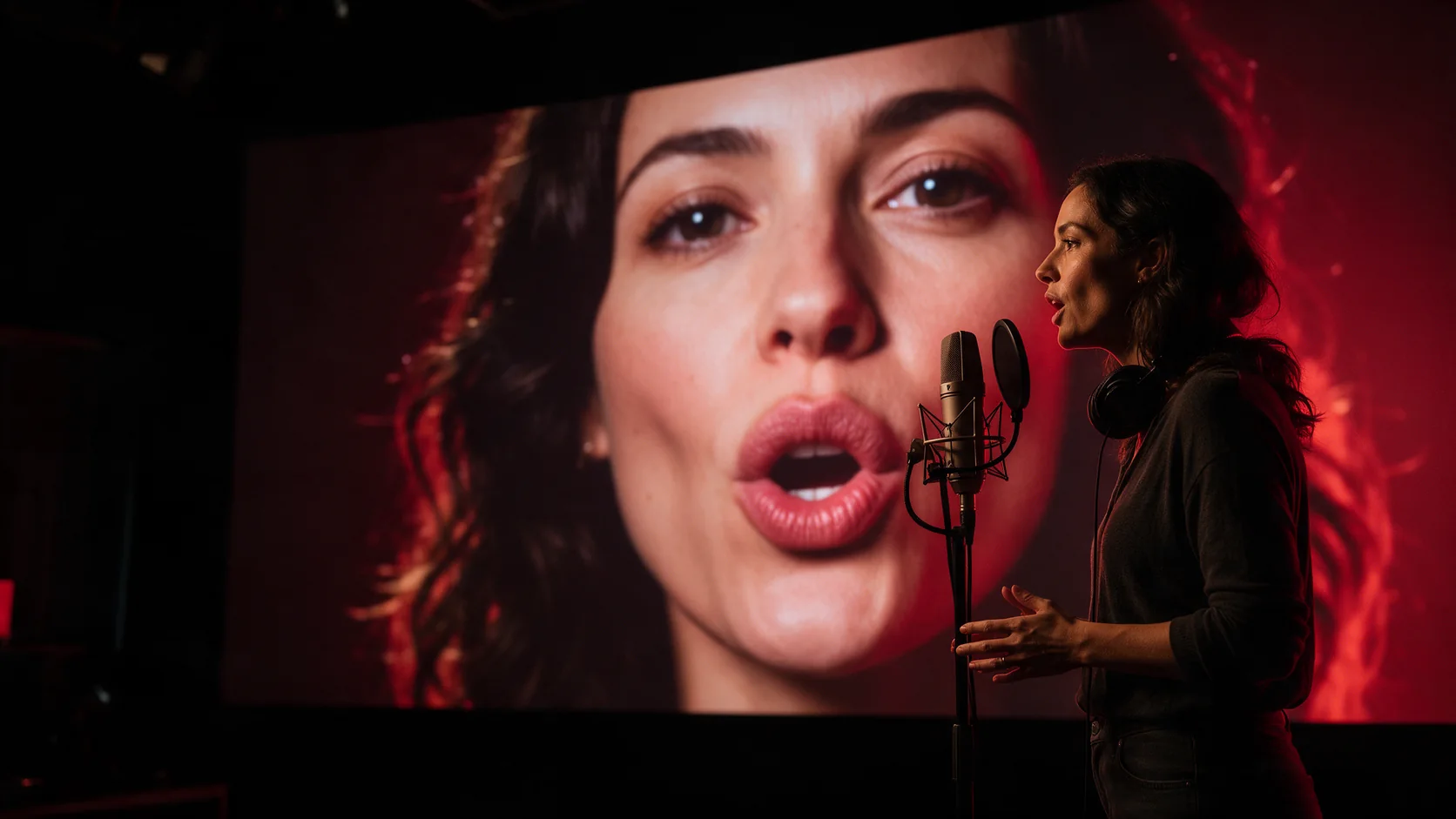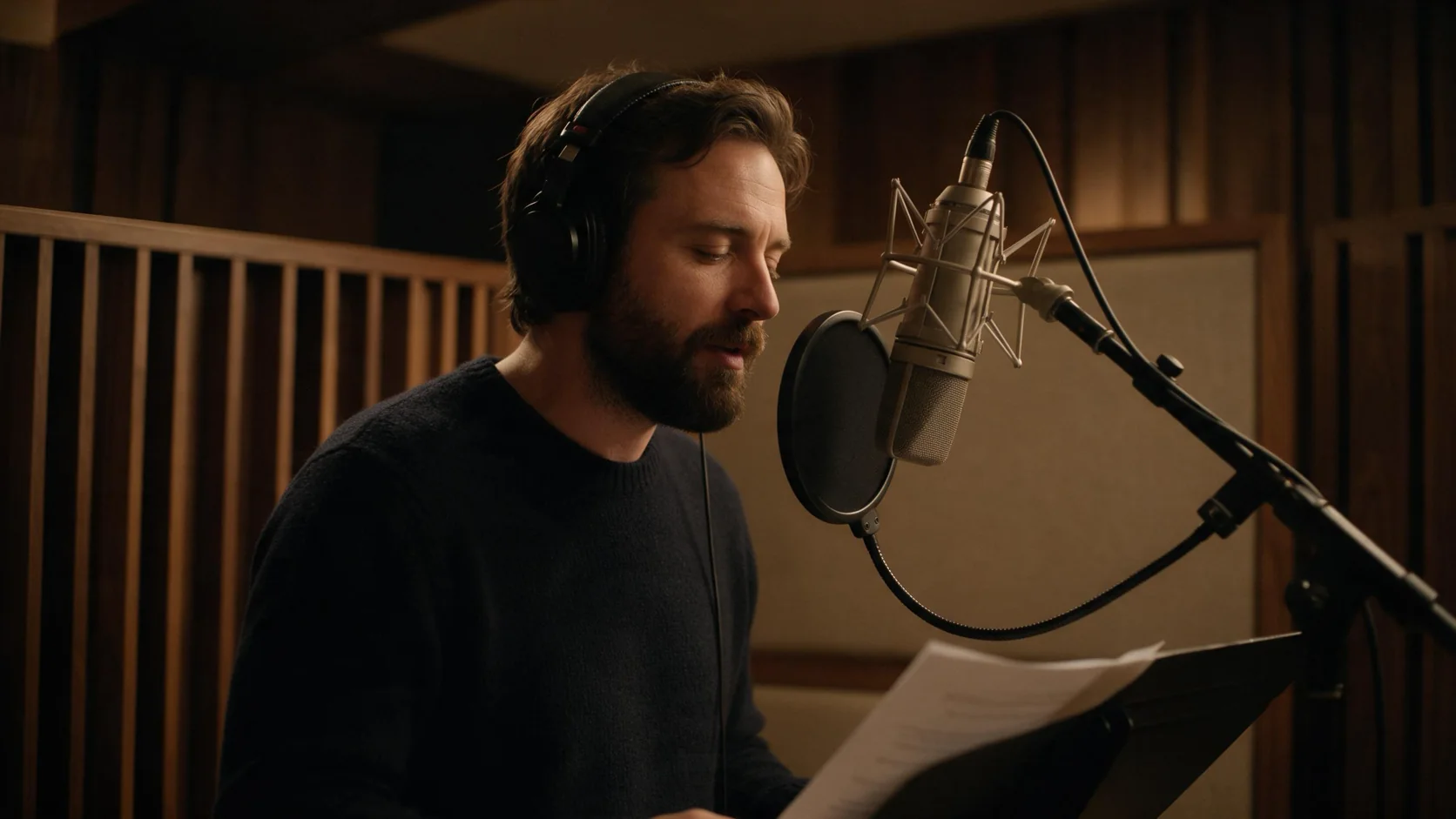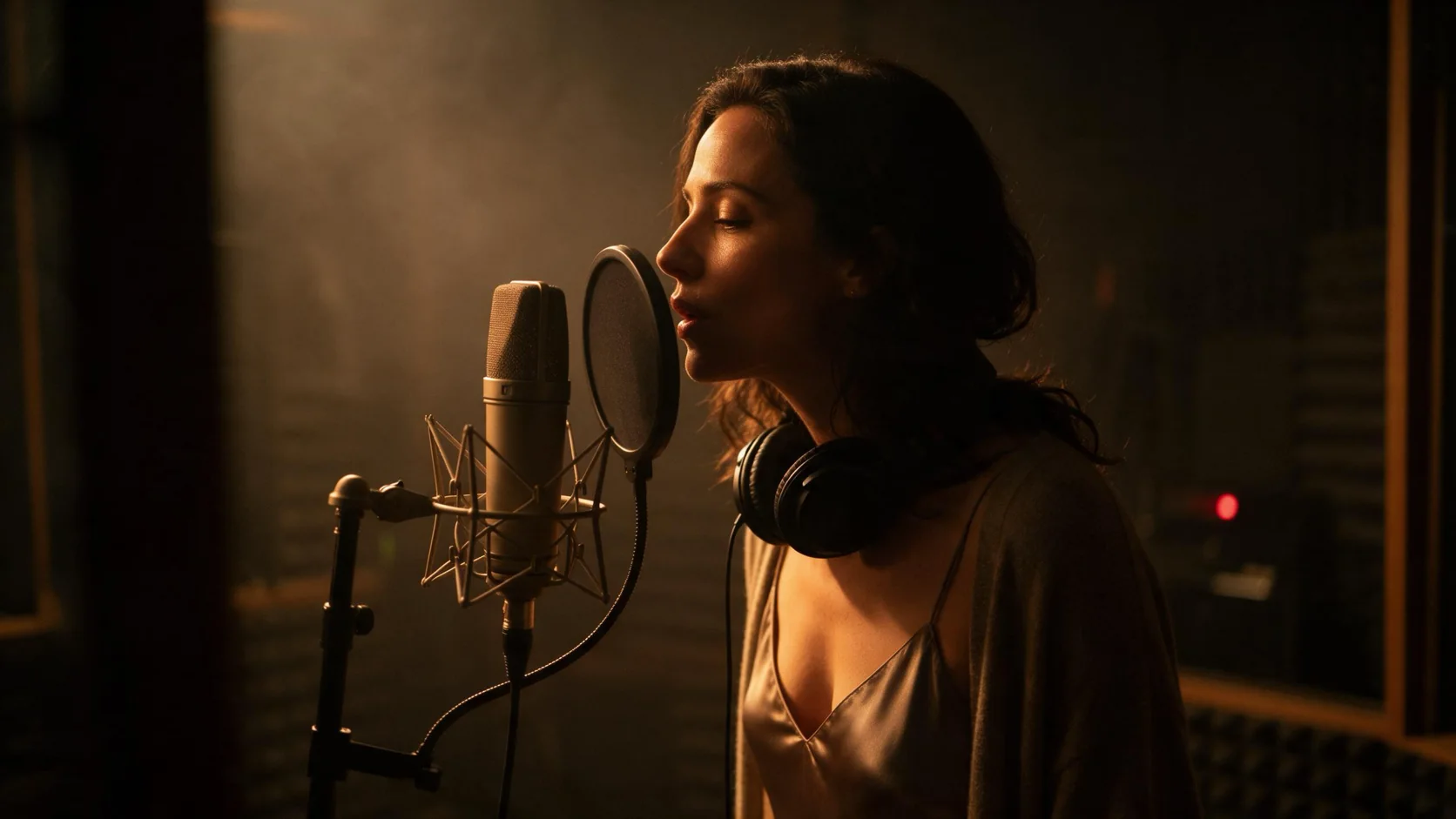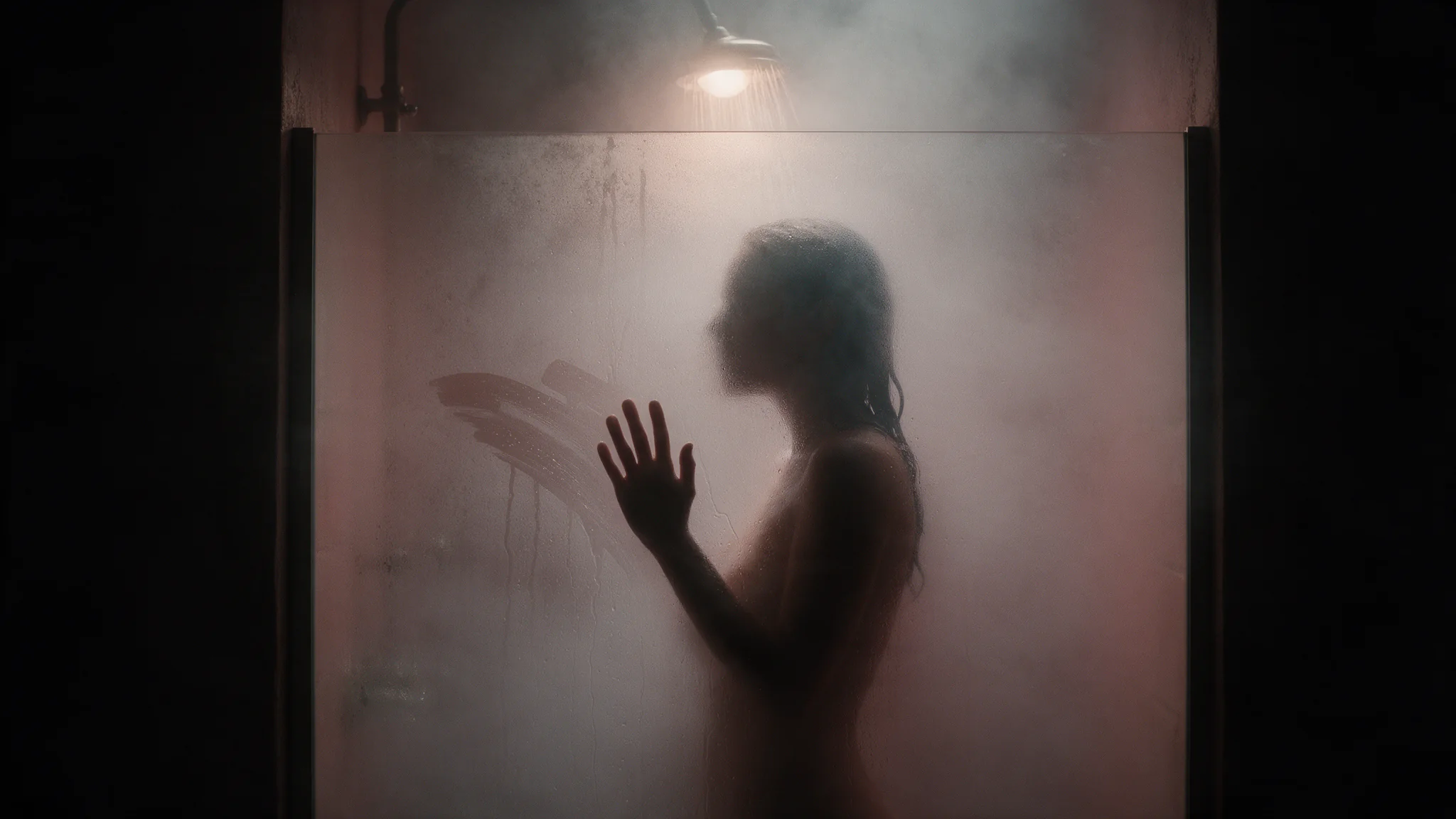
Short answer: Lip Sync takes a clip you already have plus a 3 to 60 second speech file, and redraws only the mouth so the person on screen says your line. The video runs as long as the audio, not the clip. The pipeline: write the line, voice it with a text-to-speech model, send clip and audio as one async task, then check the few timestamps where sync breaks. The voice costs a fraction of a cent; the sync costs $0.012 per second of audio, so a 10-second line is about $0.12.
Swapping the audio track with ffmpeg leaves the mouth saying something else, like a badly dubbed film. Redrawing the mouth is the lip-sync model's job.
In our October 2026 tests, adult clips from clothed embraces up to strongly adult footage were accepted at the normal price, with nothing blurred or cropped. Lip Sync redraws only the mouth, so it works best on a clip where the person faces the camera and talks; kissing or tightly cropped shots give it nothing to sync.
At a glance
- Two files in, no prompt.
video_urlis the clip andaudio_urlis the new speech; there is nothing else to tune. - The audio sets the length. A longer clip is cut to the line; a shorter clip loops until the line ends. The two file lengths are your only control.
- Audio must be 3 to 60 seconds, MP3 or WAV. Anything outside that fails within seconds and costs nothing.
- You pay for the audio, per second, rounded up, with a 3-second minimum. The returned video runs about half a second past the audio, and that tail is free.
- It takes minutes, not seconds. Submit it and let it run; a 10-second line takes about four minutes.
Before and after
Apart from the length, which now follows the line, only the mouth changes. Expression, head movement, light and framing come from the original frames, so Lip Sync suits a take you already like and can't liven a flat performance.
Step 1: Start from a clip that can carry a line
The model repaints the mouth and leaves everything else alone, so the footage decides most of the result. What works:
- One person, face reasonably large in frame, turned mostly toward the camera. A medium close-up is the safe choice; a face in the far background isn't.
- A single continuous shot. A hard cut in the middle of the clip breaks the sync at the cut.
- A clear mouth. A hand, a glass, a microphone or a strand of hair across the lips is where the sync slips.
- A performance that fits the line. Because the rest of the face is untouched, a calm face with a shouted line still reads as calm.
Resolution tops out at about 720p: a 1920×1080 clip comes back at 1280×720, and sending 1080p costs no more.
If you're generating the source clip
Ask the video model for a take that is already talking: the jaw and head movement that make speech look real have to be in the clip. This is the motion prompt we used on Seedance 2.0 Mini Spicy, starting from a still of the man at the bar:
Medium close-up. He faces the camera and talks to someone just off-screen,
lips moving naturally as if mid-sentence, a small tilt of the head.
Steady camera, one continuous shot, hands stay on the counter.
Set the clip length to at least the length of your line: Seedance 2.0 Mini Spicy takes 4 to 15 seconds. Leave native audio off, because Lip Sync replaces the sound track.
Two checks before you pay for the sync:
- Lock the camera. A slow push-in makes the loop cut jump from close-up back to the wider first frame, so watch for one.
- Compare the face with your still. Image-to-video can drift a face over a few seconds, and Lip Sync keeps whatever face the clip has. Discard a drifted clip before the sync.
Why not let the video model make the sound?
Video models such as Seedance 2.x, Wan 3.0 and Kling 3.0 can generate sound with the picture. That's fine for ambience or loose dialogue, but the audio comes baked into a full render: changing one word means paying for the whole clip again. A new 10-second line costs about $0.12 to sync, while re-rendering a 10-second 720p clip on Seedance 2.0 Mini Spicy costs $0.82.
Step 2: Write the line and voice it
Any MP3 or WAV between 3 and 60 seconds works, including your own recording. If you don't have a voice actor, a text-to-speech model is the fastest route. These four suit lip sync:
| Model | How you direct the delivery | List price | A 10-second line costs about |
|---|---|---|---|
| Gemini 3.8 Flash TTS | Text plus one of 30 voices, with optional style, accent, pace and a delivery note. Cues in square brackets, like [laughs], are usually performed rather than read | $0.00032 per second of audio | $0.0032 |
| Gemini 2.5 Pro TTS | Same controls as Flash; older model, slightly higher price | $0.00045 per second of audio | $0.0045 |
| MiniMax Speech 2.8 HD | An emotion setting. Cues go in parentheses, like (sighs) | $0.12 per 1,000 characters | $0.018 |
| Seed Speech 2.0 | 41 voices, 10 languages, and a separate note that steers delivery without being read aloud | $0.072 per 1,000 characters | $0.011 |
Whichever you pick, the voice costs next to nothing beside the sync. For lip sync, start with Gemini 3.8 Flash TTS: it has the same controls as 2.5 Pro and costs less. Switch to MiniMax for the emotion setting, or to Seed Speech 2.0 if you want its plain-language delivery note.
Four rules keep the audio from undermining the picture:
- Stay inside 3 to 60 seconds. Generated English runs 12 to 19 characters a second, so write at least 60 characters (about a dozen words); 700 to 1,100 characters fills 60 seconds. Measure the file, not the script: a 10-character "Come here." came out at 1.76 seconds and was rejected (very short lines run slower per character).
- Trim silence at both ends. Gemini voices add 0.1 to 0.3 seconds before the first word and up to 0.45 after the last. Billing rounds up, so a 4.04-second line is charged as 5 seconds and the same line trimmed under 4 as 4.
- Match the delivery to the face. A breathy whisper over a face that's laughing looks wrong, however good the sync is. Pick the emotion or style that fits the footage you have.
- Send dry speech. No music under it. If you want a score, add it after the sync.
The voice changes the mouth as much as the words do. The same clip and words voiced by MiniMax Speech 2.8 HD give different mouth shapes:
All four of these read adult scripts; the per-model detail is in our uncensored text-to-speech comparison.
Step 3: Run it in the Playground, then the API
Try it in the Playground first, with your own clip and one line:
- Open the Gemini 3.8 Flash TTS page, paste your line into Text, pick a Voice and run it. Download the WAV, or skip this step if you have your own recording.
- Open the Lip Sync page, add your clip under Input video and the audio under Input audio, check the price estimate and run it. Expect a wait of minutes: about four for a 10-second line.
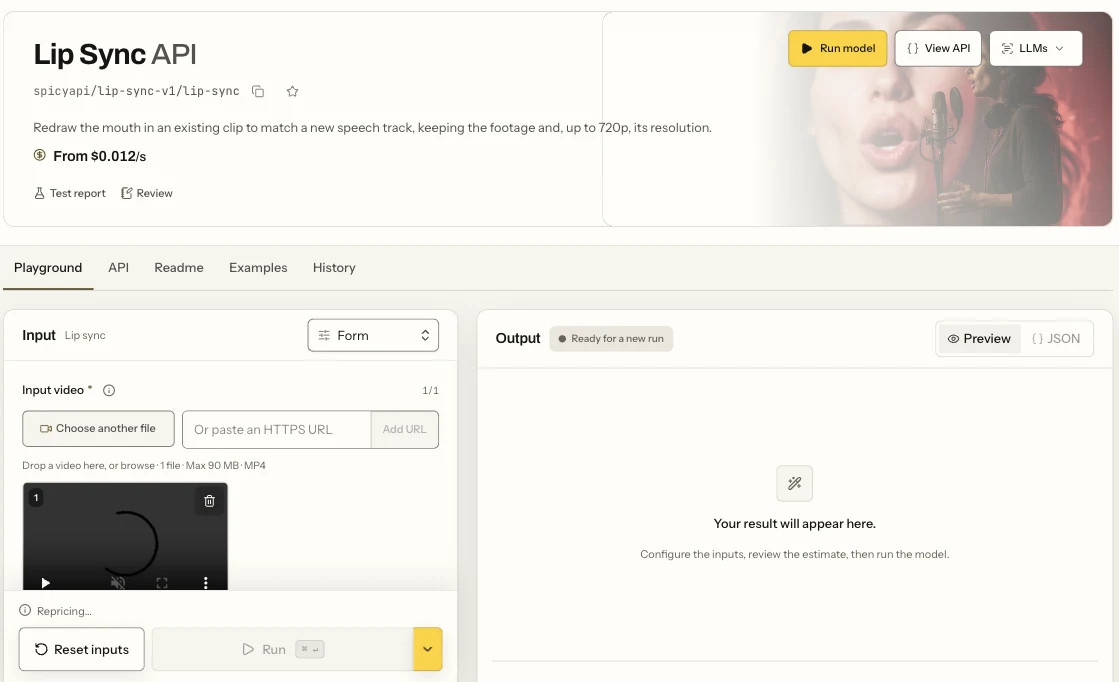
The Lip Sync page in the Playground: the Form view, the Input video field where you add your clip, and the Run button.
Limits that matter: an MP4 clip and an MP3 or WAV file, each up to 90 MB.
For your own app, send the same two inputs as one task (upload the clip and audio first, as covered in the media guide):
curl -s "https://api.spicyapi.ai/api/v1/jobs/createTask" \
  -H "Authorization: Bearer $SPICY_API_KEY" \
  -H "Content-Type: application/json" \
  -d '{
    "model": "spicyapi/lip-sync-v1/lip-sync",
    "input": {
      "video_url": "spicy://f/<your-uploaded-clip>",
      "audio_url": "spicy://f/<your-uploaded-audio>"
    }
  }'
Full request, polling and callbacks: tasks guide.
Let an agent run it
Use the Playground for a one-off line. When voice, sync and trim are a repeated pipeline, hand it to an Agent; all three tools show the price and ask before a paid call.
- CLI:
spicyapi tasks create --model spicyapi/lip-sync-v1/lip-sync --input-file input.json --wait, withinput.jsonholding theinputobject above (CLI docs). - MCP: add the MCP server, then ask: "Lip-sync ./take.mp4 with ./line.wav." It calls
spicyapi_upload_file,spicyapi_task_createandspicyapi_task_wait. - Skill:
npx skills add spicyapi-ai/spicy-skillinstalls the Agent Skill, which has the assistant read the live model schema before it builds the input.
Step 4: Check the result where it breaks
A lip-synced video can look fine for 90% of its length and fall apart at one moment. Jump to these points:
- The first half-second. Is the mouth still until the first word?
- P, B and M sounds. The lips should close fully. Soft or missing closures are the quickest tell of a weak sync.
- Every multiple of the clip length, if the line is longer than the clip. A 5-second clip under a 10-second line repeats at 0:05 and 0:10. That's where the seam shows.
- The last half-second. The file runs about 0.5 seconds past the audio, and the mouth should rest there.
- Any frame where a hand, a glass or a head turn crosses the mouth.
When the line is longer than the clip
The loop is a straight cut back to the clip's first frame, and no setting changes that. Fix it with the files you send:
- Make the clip longer. Generating a source clip as long as the line is the clean fix, and usually the cheapest one if you're generating anyway.
- Split the line. Break the script at natural pauses into pieces no longer than the clip, sync each piece separately, and join the results in your editor. Each piece still has to be at least 3 seconds.
- Pick a steady take. If you have to loop, a clip with little head movement hides the jump better than one with a big gesture.
What it costs
Lip Sync bills per second of audio, rounded up, with a 3-second minimum. With Gemini 3.8 Flash TTS for the voice:
| Line length | Voice (Gemini 3.8 Flash TTS) | Lip Sync | Total |
|---|---|---|---|
| 5 seconds | $0.0016 | $0.06 | about $0.06 |
| 10 seconds | $0.0032 | $0.12 | about $0.12 |
| 30 seconds | $0.0096 | $0.36 | about $0.37 |
| 60 seconds | $0.0192 | $0.72 | about $0.74 |
While the task runs, the quote holds the 60-second maximum ($0.72); the unused part is released once the audio length is settled. A file outside 3 to 60 seconds fails within seconds with invalid_request and costs nothing, and any failed task releases its hold in full. The source clip, if you generate it, is usually the biggest cost, which is why re-voicing is cheap: each new line costs about $0.12 per 10 seconds instead of a new render.
Lip Sync, Talking Avatar or Kling Avatar 2.0?
All three put your audio into someone's mouth. What decides between them is what you're starting from:
| You have | Use | Price | Output | Worth knowing |
|---|---|---|---|---|
| A clip with the person already in it | Lip Sync | $0.012 per second of audio | Up to about 720p, original performance kept | Audio 3 to 60 seconds |
| Only a portrait photo | Talking Avatar | $0.018 per second | About 0.2 megapixels (640×352 from a 16:9 photo) | Adds blinks and small head movements; audio 3 to 60 seconds |
| Only a portrait, and you need 720p or 1080p or a longer take | Kling Avatar 2.0 | $0.0512 per second at 720p, $0.1024 at 1080p | 720p or 1080p | Audio up to about 5 minutes. Kling moderates inputs: a strong-level portrait was refused, and a refused request isn't charged |
If you have footage, start with Lip Sync: it's the cheapest per second, and it's the only one that keeps a real performance. Go to a portrait tool only when there's no footage to work from.
FAQ
Can Lip Sync translate my video?
No. It syncs the audio you give it. To make another language version, translate the line yourself, voice it with a model that speaks that language (Gemini 3.8 Flash TTS covers 130+ languages), and sync the new file onto the same clip.
What happens to the original sound?
It's replaced; the output carries only the audio you sent.
Why did my task fail straight away?
The audio was under 3 seconds, over 60 seconds, or not MP3 or WAV; the error names the length. For a short line, add words rather than silence, since silence counts toward the seconds you pay for.
Does Lip Sync work on NSFW footage?
Yes for a single adult on screen: the clip goes through at the normal price and comes back with nothing blurred or covered. The model only redraws the mouth, so it needs a face that talks to the camera.
Can I use my own voice recording?
Yes. Any MP3 or WAV between 3 and 60 seconds that you have the rights to works exactly like a generated voice.
Next step
Already have a take you like? Lip Sync plus one of these voices is the cheapest way to change what a character says: about $0.12 per 10 seconds, with no new render. Try it on your own clip on the Lip Sync model page, or read the Lip Sync review.