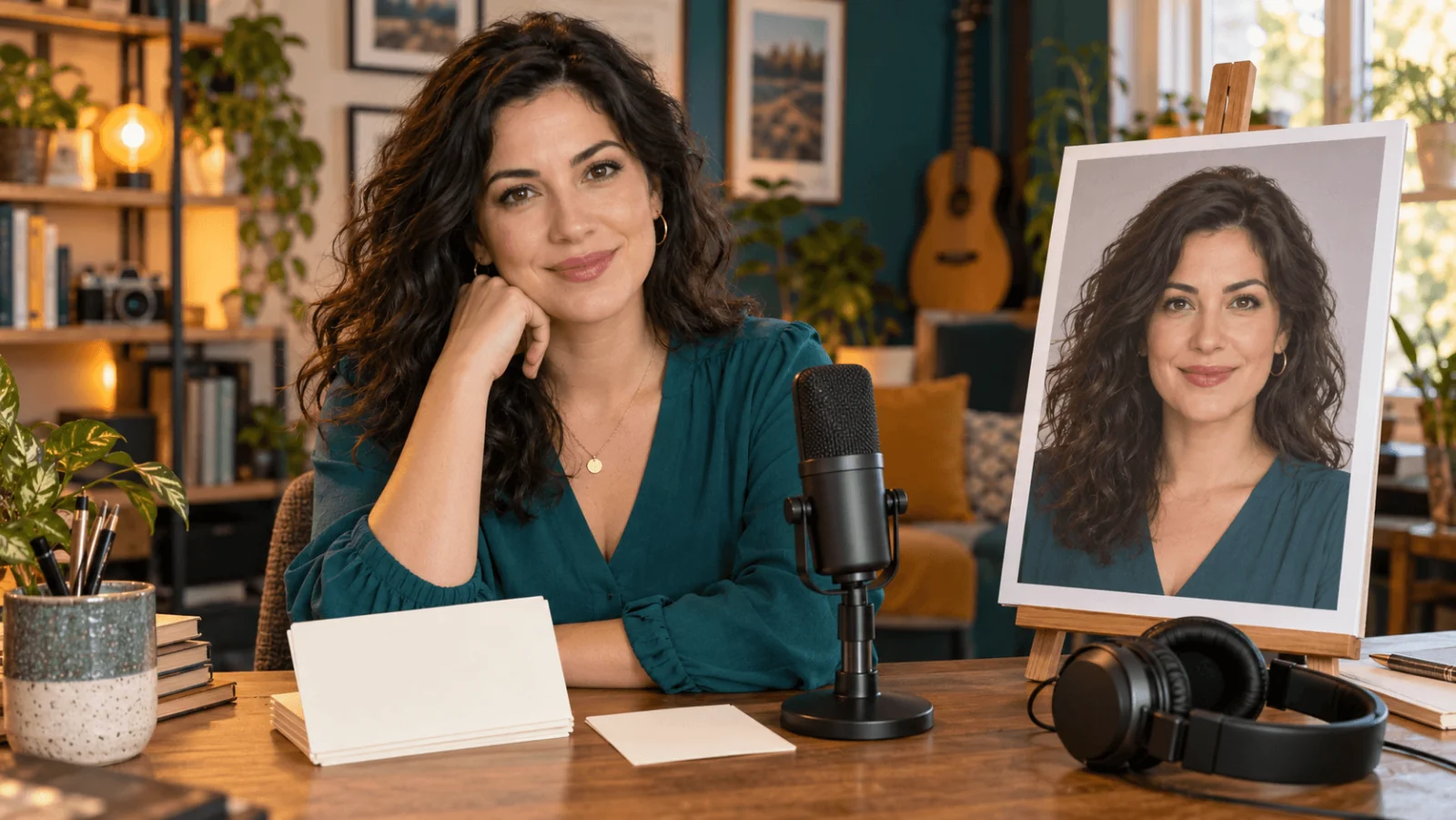
Use spicyapi/talking-avatar-v1/talking-avatar to turn one portrait and 3–60 seconds of MP3 or WAV speech into a speaking MP4. The recording supplies the words and timing; the portrait supplies the face and scene. It costs $0.018 per returned second, rounded up with a three-second minimum, and a 4–5 second line renders in about a minute (a 60-second recording takes longer). Output is compact, about 0.2 megapixels at 25 fps, so it suits a card, feed or chat window rather than a full-screen HD presenter. If you need HD, or longer audio, see the Kling Avatar 2.0 option at the end. Hear a real output on the model page.
Prepare the portrait and the recording
The example uses Mara, a fictional adult course presenter in a teal blouse. The portrait should be:
- one clear face, roughly facing the camera, evenly lit, head and shoulders;
- free of hands, hair, sunglasses or a microphone over the mouth;
- JPEG, PNG or WebP, at most 10 MB, with room around the chin and hair for your final player.
The recording is an MP3 or WAV of at most 90 MB and 3–60 seconds, with one voice and no music or overlapping speakers. Trim accidental silence, but not the first or last word: silence counts toward the length you pay for. Files outside 3–60 seconds are rejected before any charge.
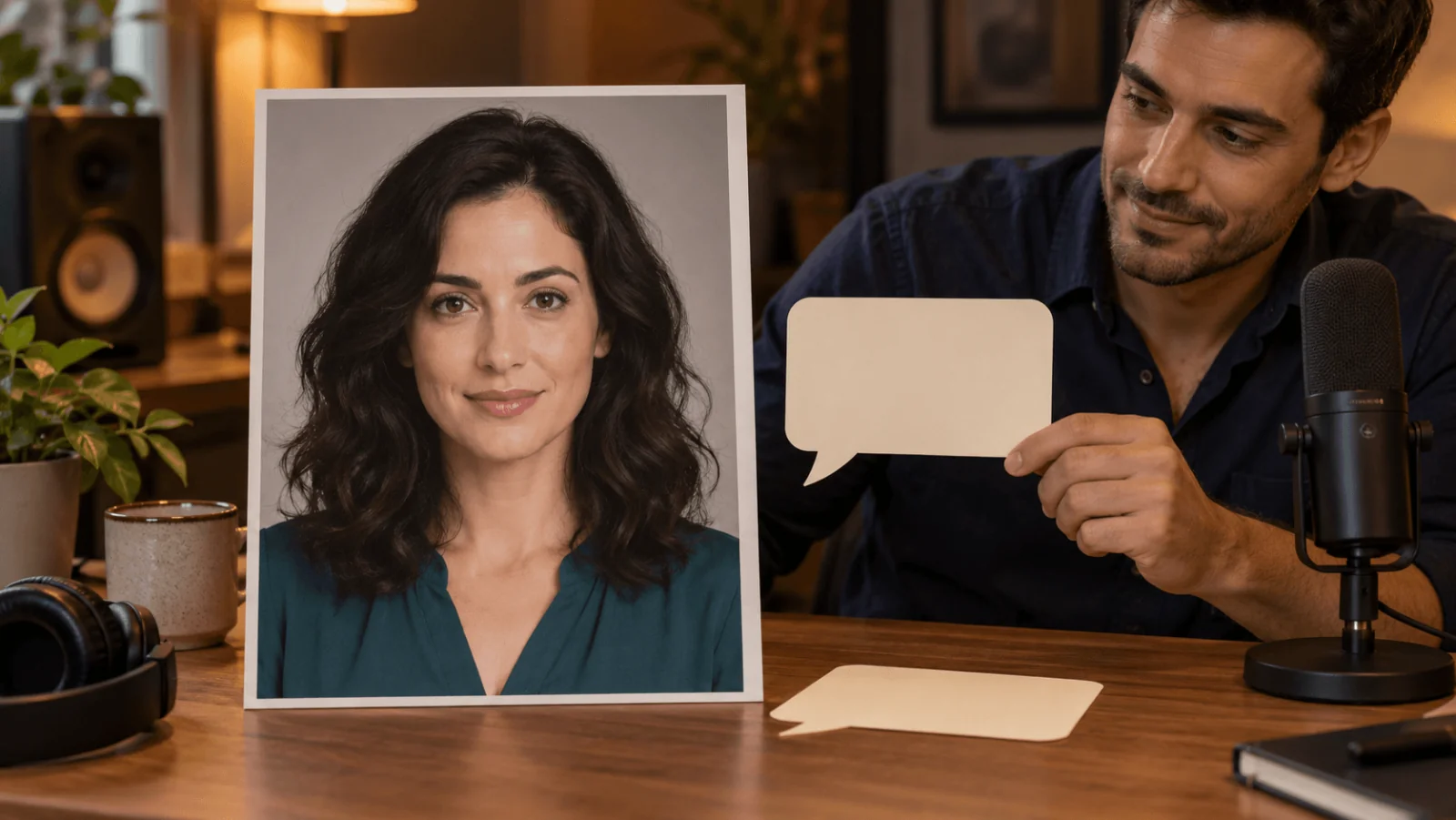
Illustration of the preparation step, not a Talking Avatar frame.
There is no script, voice_id or language field. For another language, record or generate another audio file and reuse the same portrait. If you already have footage of a moving presenter and only want to replace the speech, use the lip-sync workflow instead.
Inputs
| Input | Use in this example |
|---|---|
image_url | Required: Mara's approved portrait |
audio_url | Required: the exported recording |
prompt | Optional: calm and welcoming; expression only, it cannot change who speaks or where |
mask_url | Omit for one person. For a group portrait, a same-size black-and-white image with white over the speaker |
seed | Optional integer, 0–2147483647. Fix it to compare two recordings on one portrait; leave it out for a fresh take |
There is no field for resolution, frame rate, duration or camera. A 16:9 photo comes back at 640×352 and a 3:4 portrait at 400×544.
Your files must be reachable by direct HTTPS link. Uploading them is more reliable than pointing at a page or a share link; uploaded references are short-lived, so keep your originals.
What it costs, and why the quote is $1.08
The charge is the returned duration rounded up to whole seconds, three seconds minimum:
| Returned duration | Billable seconds | Final charge |
|---|---|---|
| 3 seconds | 3 | $0.054 |
| 12.2 seconds | 13 | $0.234 |
| 60 seconds | 60 | $1.08 |
The quote, and the hold placed when the task is created, are for the 60-second cap: $1.08 whatever your audio length. When the clip is finished, the final charge settles at the real duration and the rest is released; a failed task releases the full hold. Until then the hold counts against your balance and spend caps, so a nearly empty balance or a tight spend cap can block even a 12-second clip. Quoting itself holds nothing.
Try it in the Playground first
- Open the Talking Avatar model page and stay on the Playground tab in Form view. Sign in with a funded account to run; the price shows once you are signed in.
- Under Input image, drop Mara's portrait or paste its link with Add URL.
- Under Input audio, add the MP3 or WAV the same way. Uploading is more reliable than a link.
- Optionally type a few words of expression into Prompt (
calm and welcoming), add a Mask for a group portrait, or set a Seed to compare two recordings. - Run it, then play the result with sound at the size you will display it.
The Playground sends the same request the API takes, so a portrait and recording that work here will work in code. If the mouth is hard to read here, fix the source files before writing any code.
Then call it from code
Install the Python SDK (pip install spicyapi), set SPICY_API_KEY, and run the following. Creating the task is charged, and the hold is the $1.08 cap described above.
import shutil
import urllib.request
import uuid

from spicyapi import SpicyClient, output_assets

client = SpicyClient()  # reads SPICY_API_KEY from the environment

portrait = client.upload_file("./mara.png")      # local files become spicy:// URIs
speech = client.upload_file("./mara-intro.mp3")

task = client.create_task(
    model="spicyapi/talking-avatar-v1/talking-avatar",
    input_data={
        "image_url": portrait["uri"],
        "audio_url": speech["uri"],
        "prompt": "calm and welcoming",
        "seed": 42,
    },
    idempotency_key=str(uuid.uuid4()),  # new key per new request; reuse only to retry the same one
)

final = client.wait_for_terminal(task["taskId"])
if final["state"] != "succeeded":
    raise RuntimeError(f"Task {task['taskId']} ended as {final['state']}")

url = output_assets(final)[0]["url"]
request = urllib.request.Request(url, headers={"User-Agent": "avatar-example/1.0"})  # default Python clients can get a 403
with urllib.request.urlopen(request, timeout=60) as response, open("avatar.mp4", "wb") as target:
    shutil.copyfileobj(response, target)
print("Saved avatar.mp4")
Quotes, waiting, retries and errors are in the Python SDK reference and the asynchronous tasks guide. An accepted task cannot be cancelled, so check the price before you run. Result links are temporary, so keep your own copy, as covered in making generated media durable.
Or let an Agent run it
If an assistant should make the clips, give it the CLI or the MCP server. Both show the price and ask you to confirm before a paid call. The Skill adds instructions on top of either.
- CLI.
spicyapiruns one task from a terminal (npx @spicyapi/cliworks without installing):
``bash spicyapi files upload ./mara.png # prints a spicy:// URI; repeat for the audio spicyapi tasks create --model spicyapi/talking-avatar-v1/talking-avatar \ --input-file input.json --wait ``
input.json holds the same input object as above, with the two spicy:// URIs.
- MCP server. Add the MCP server to your assistant, then ask: "Make Mara speak ./mara-intro.mp3 using ./mara.png with Talking Avatar." It calls
spicyapi_upload_file, thenspicyapi_task_create(which stops for your price confirmation), thenspicyapi_task_wait.
``json { "mcpServers": { "spicyapi": { "command": "npx", "args": ["--yes", "--package=@spicyapi/mcp", "spicyapi-mcp"], "env": { "SPICY_API_KEY": "YOUR_SPICY_API_KEY" } } } } ``
- Skill.
npx skills add spicyapi-ai/spicy-skillinstalls the Agent Skill, which teaches a coding assistant to read the live schema and reuse idempotency keys instead of guessing. It cannot run tasks by itself, so use it with the CLI or MCP.
Fix problems at the source
Play avatar.mp4 with sound at the size you will display it, and compare eyes, face outline and hairline with the source portrait: a moving mouth alone does not prove the character stayed consistent.
| Symptom | Next step |
|---|---|
| Face is small or the mouth is hard to read | Crop the source to head and shoulders with the chin visible and resubmit |
| Speech is rushed or mispronounced | Re-record; a mood prompt cannot fix words or pacing |
| Music or several voices muddy the speech | Export a clean single-voice recording and add music after animation |
| Wrong person speaks in a group portrait | Add a mask the exact size of the portrait, white over the speaker |
| Constant audio offset after editing | Compare the downloaded original with your export and fix track timing in the edit |
| Odd mouth or teeth motion on one phrase | Try a clearer portrait or a slower reading of that phrase |
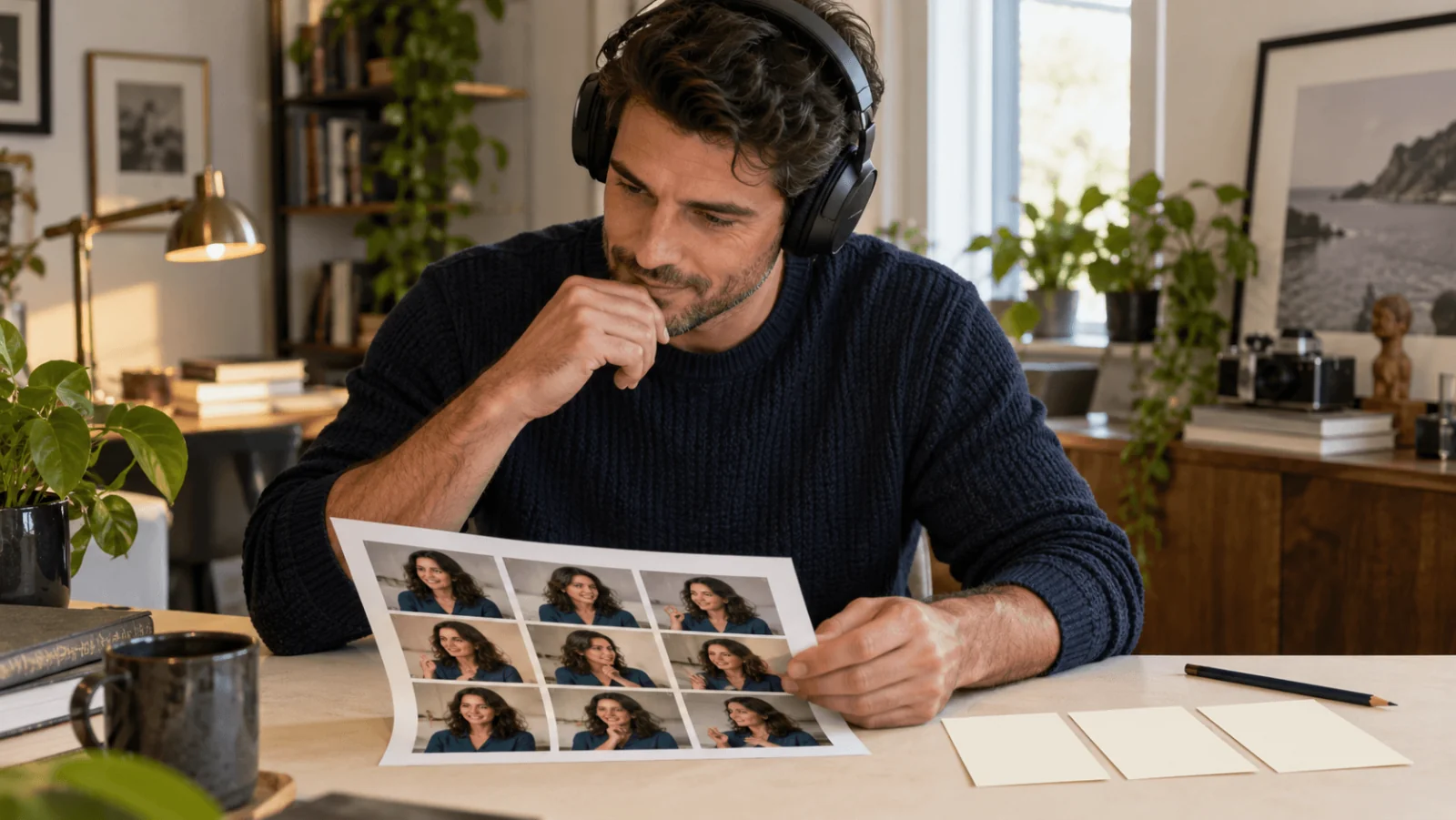
Illustration of the identity check; the printed portraits are constructed artwork, not avatar frames.
Content rules and when to pick another model
SpicyAPI adds no safety checker on Talking Avatar v1, and the model itself decides what comes back; a face it cannot detect or a rejected image fails the task. Use fictional or consenting adult portraits only.
Kling Avatar 2.0 takes a portrait and audio too, at 720p ($0.0512 per second) or 1080p ($0.1024 per second), with clips up to about five minutes. It is a filtered model: explicit portraits are refused, so it fits presenter and brand clips rather than adult-oriented characters. Choose Talking Avatar v1 for short, cheap clips at card size, and Kling Avatar 2.0 when the clip must look sharp at full size or run longer than a minute.