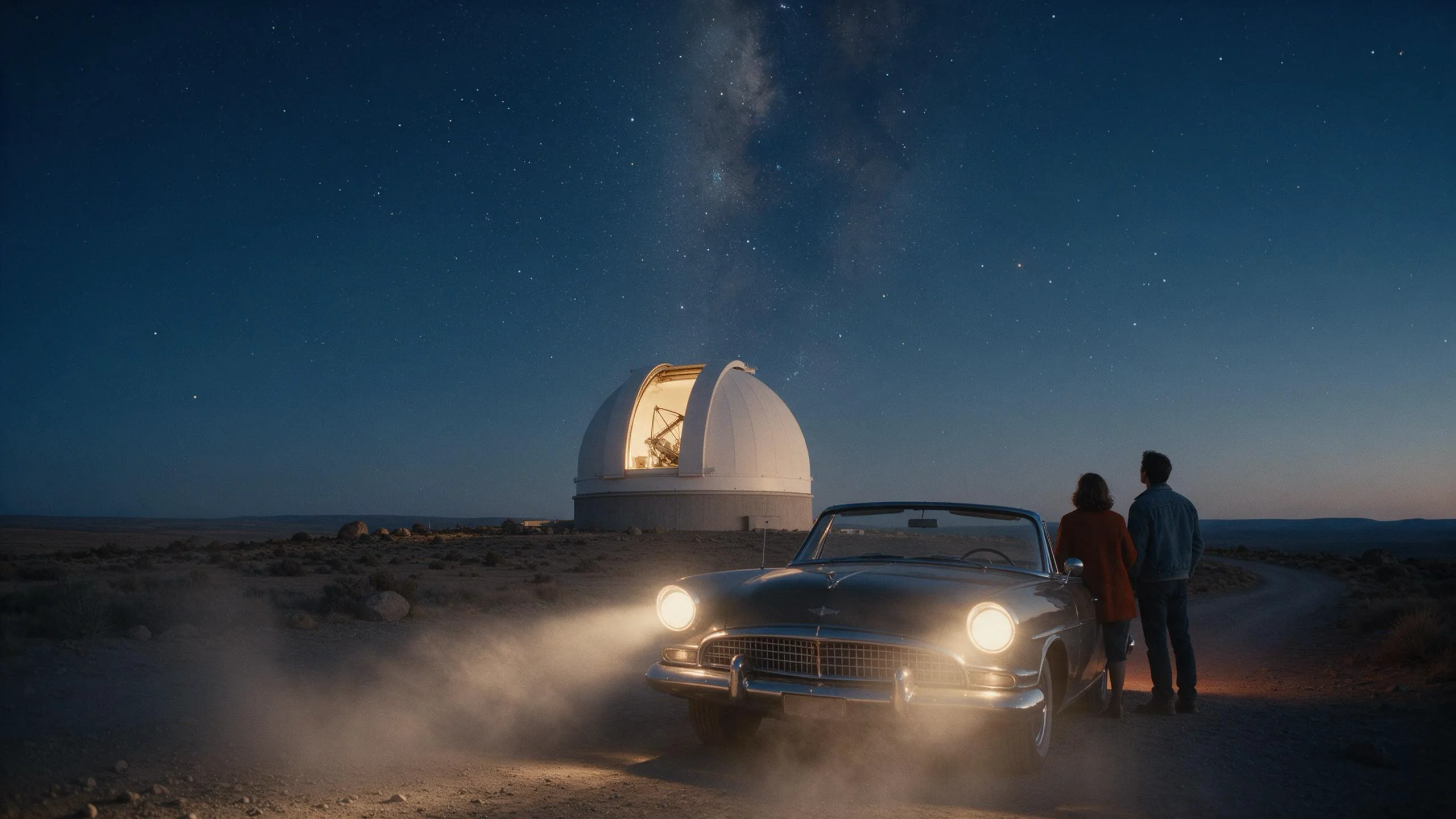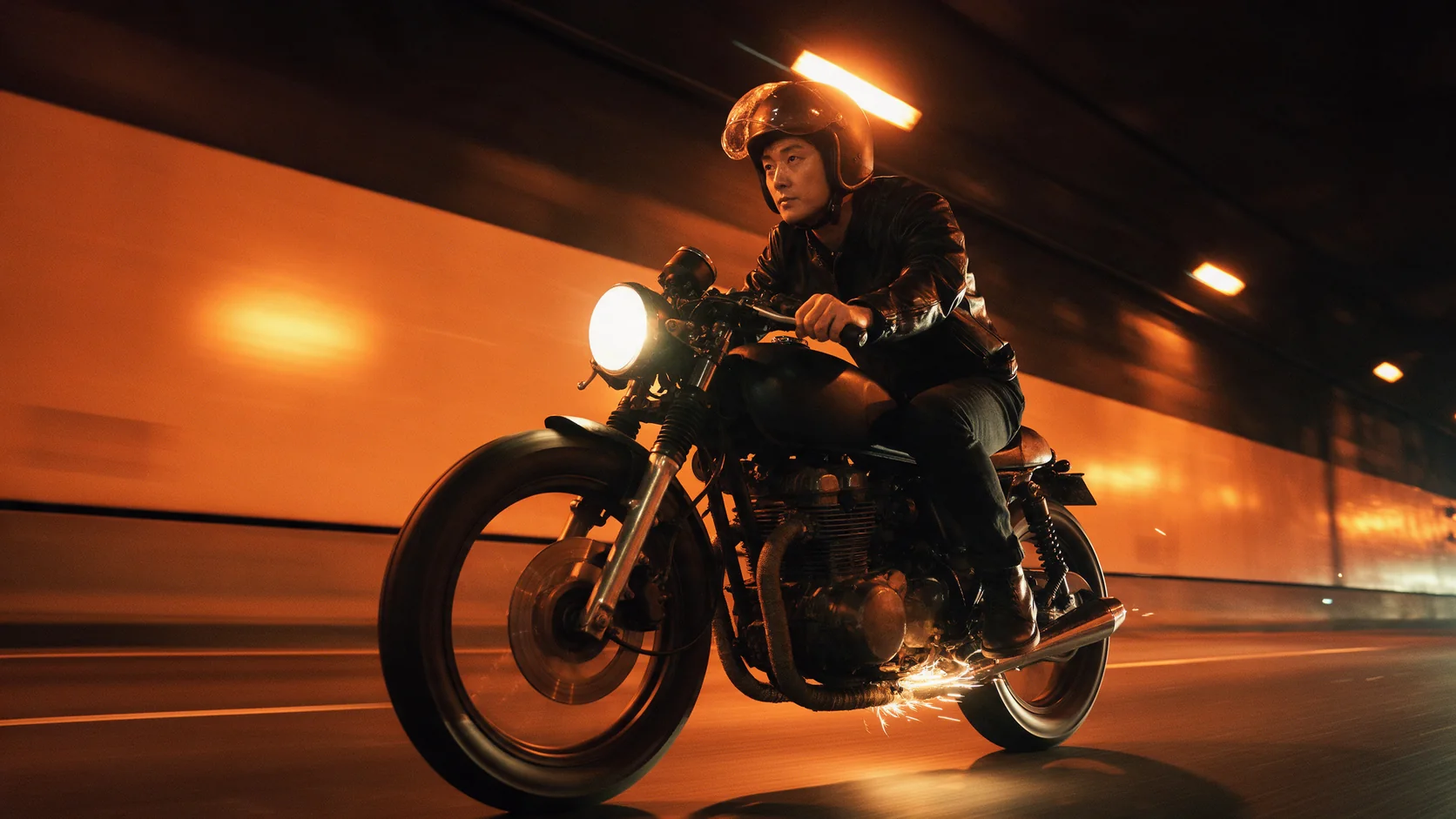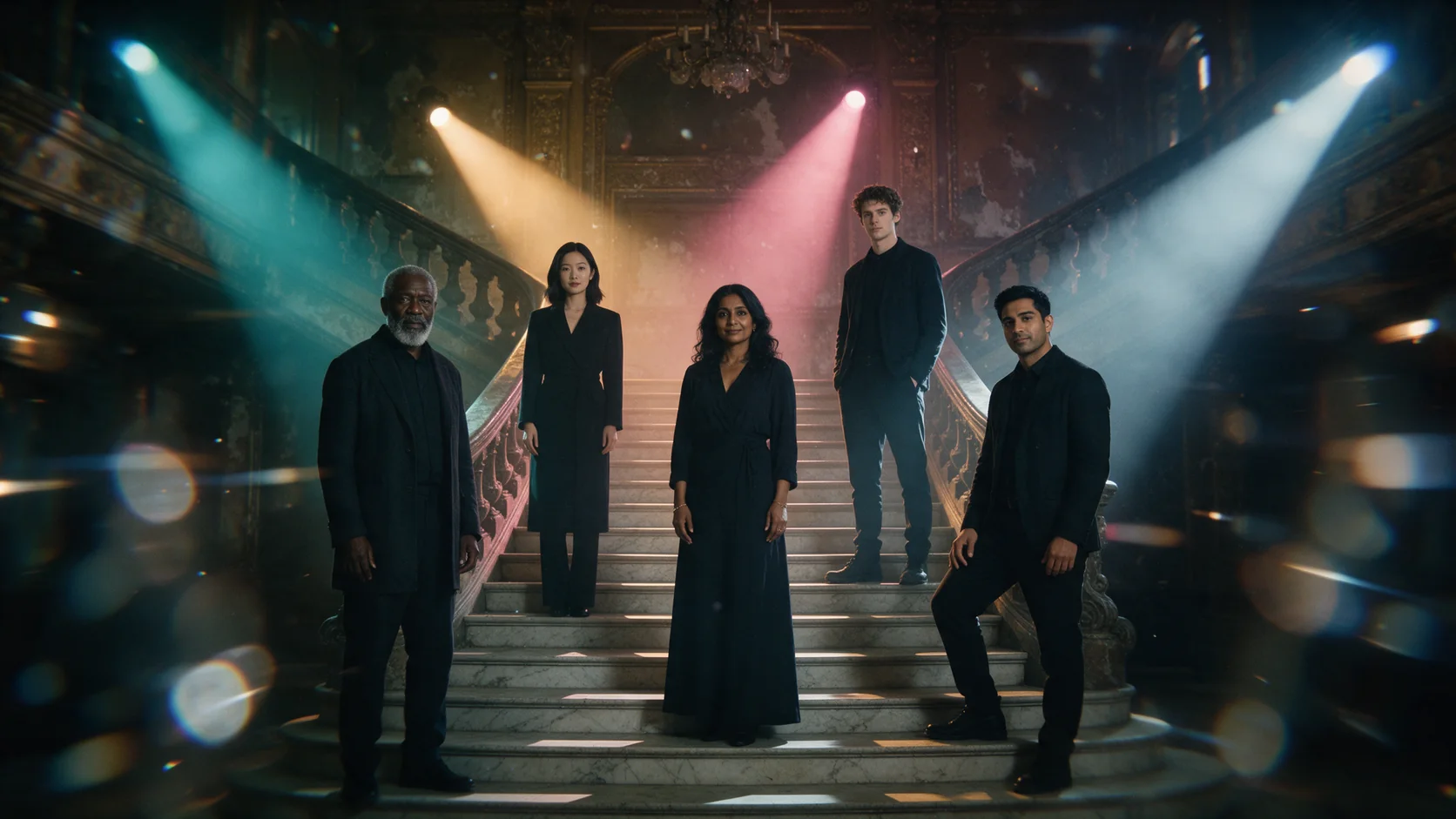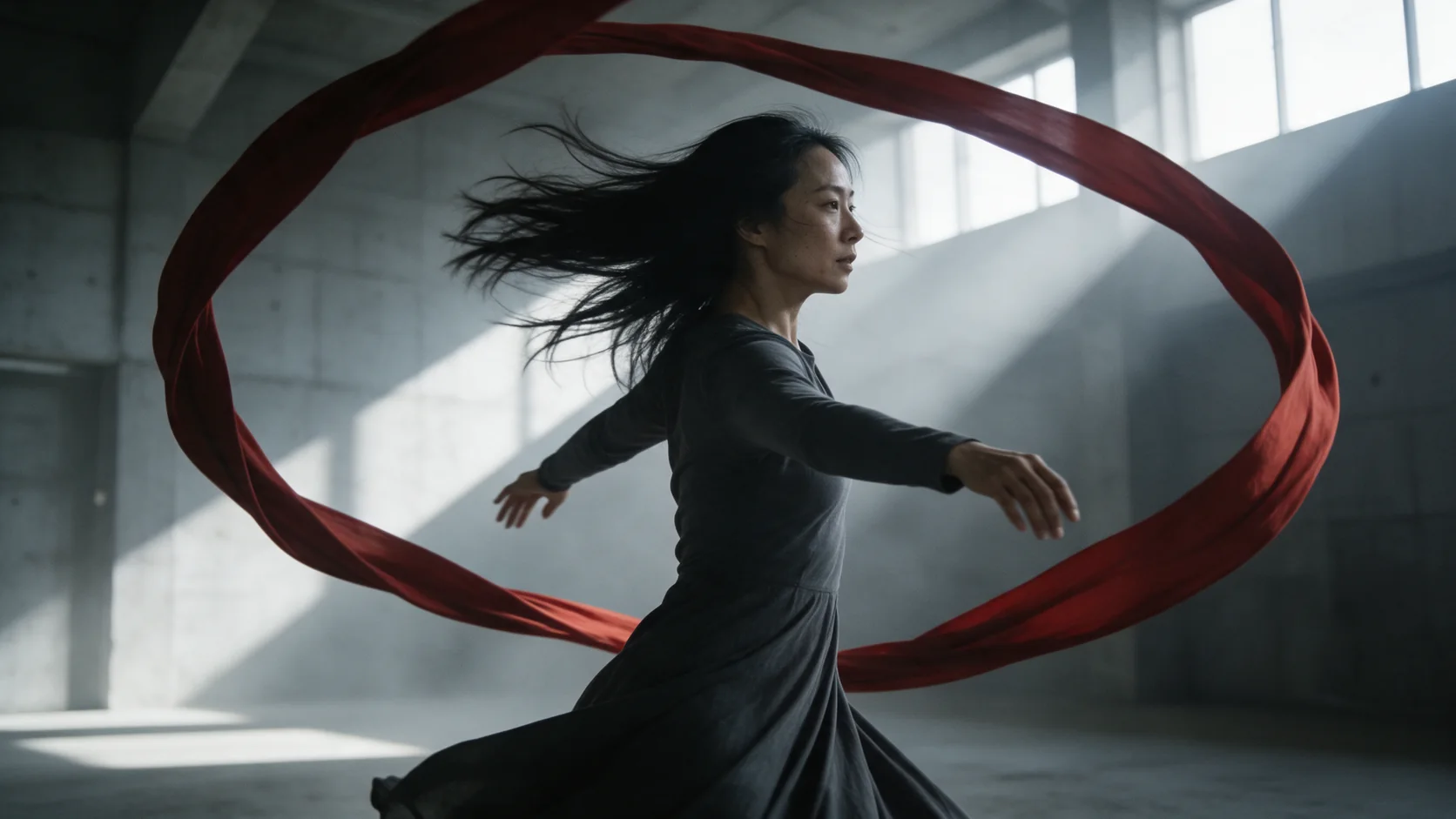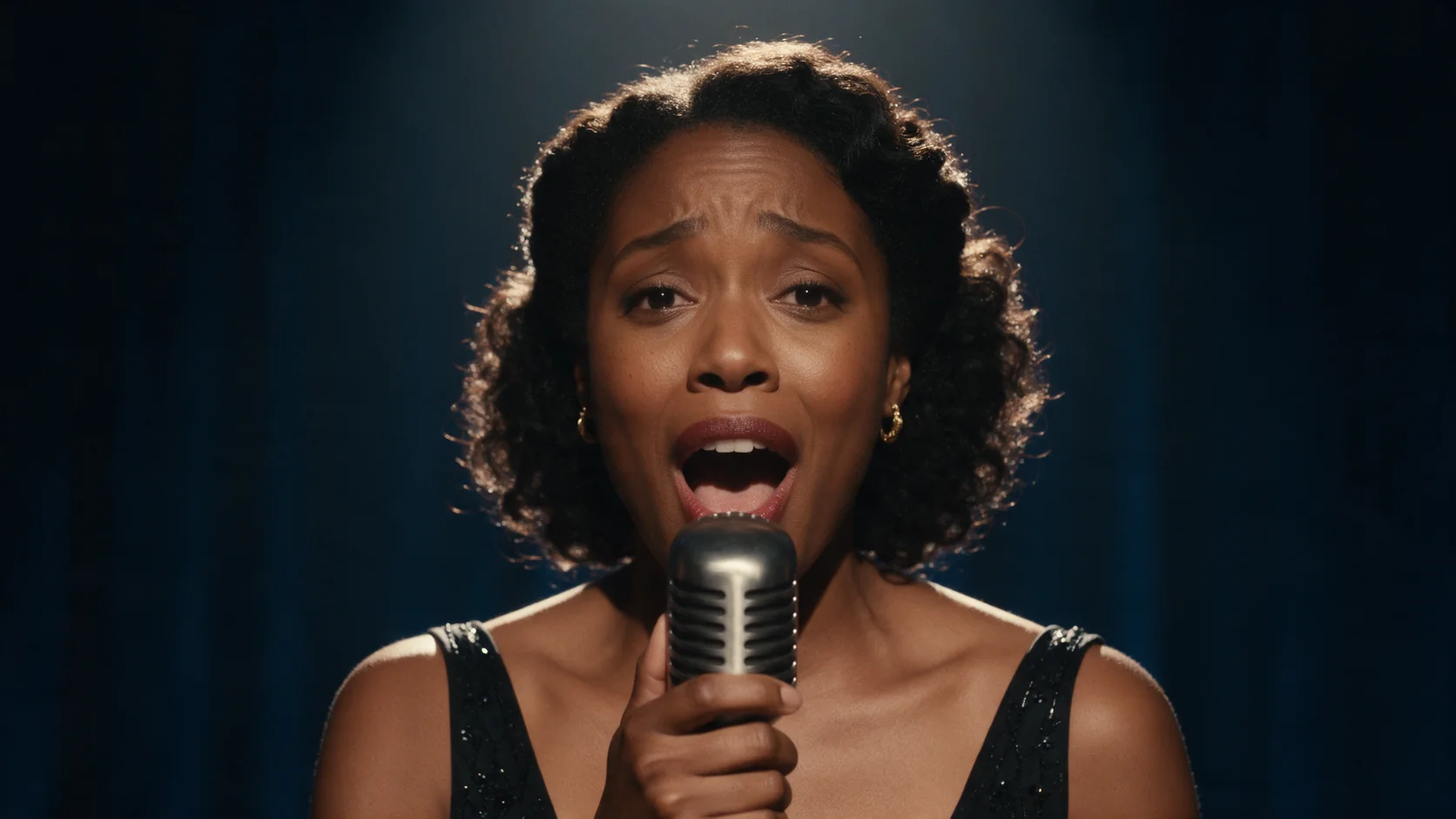
Kling Avatar 2.0 talking avatar turns one portrait and an audio file into a clip of that person speaking or singing it. Render at 720p or 1080p; the clip length follows your audio, up to about 5 minutes.

From $0.051/s8% below the publisher's list price

Workbench

Input

Talking avatar
183/2500
Optional direction for the performance: mood, gestures, where the eyes go. Separate from what the audio says. at most 2500 characters
1/1

Drop files or media links, paste, or browse · 1 file · Max 10 MB · JPG · PNG

  • 1
1 / 1 files
Portrait to animate. JPEG or PNG only. A clear, front-facing, well-lit face gives the most reliable lip sync.
1/1

Drop an audio file here, or browse · 1 file · Max 90 MB · MP3 · WAV

1 / 1 files
Speech or song the avatar performs. The clip is exactly as long as this audio - there is no separate duration field.
affects price
720p or 1080p. 1080p costs more per second of audio.
Safety checkerOff

SpicyAPI does not run a safety checker on this model. Your prompt and media go to the model as written, and the model itself decides what comes back.

Checking your account before enabling submission and pricing.

Output

Ready for a new run
Example result

Missing the model you need?

Tell us what to add and where you would use it. Requests go to the people who decide what gets onboarded next.

TALKING AVATAR VIDEO

Kling Avatar 2.0 API at a glance

Send a portrait and a line of speech or a song, and get back a clip of that person saying or singing it - lip sync, expression and length all follow your audio.

Longest clip
~5MIN
Length follows your audio - roughly 5 minutes at the outside.
Resolutions
2
720p or 1080p; 1080p costs more per second.
Speech to lip sync
1:1
Delivered lines matched our source audio word for word in tests.
Speech or song
SING
Works from spoken lines or a sung performance.
Portrait needed
1
One clear, front-facing photo is enough to start.
Direction prompt
OPT
An optional prompt steers mood, gestures and where the eyes go.

Results

What you can make with Kling Avatar 2.0

  • From a portrait and a voice

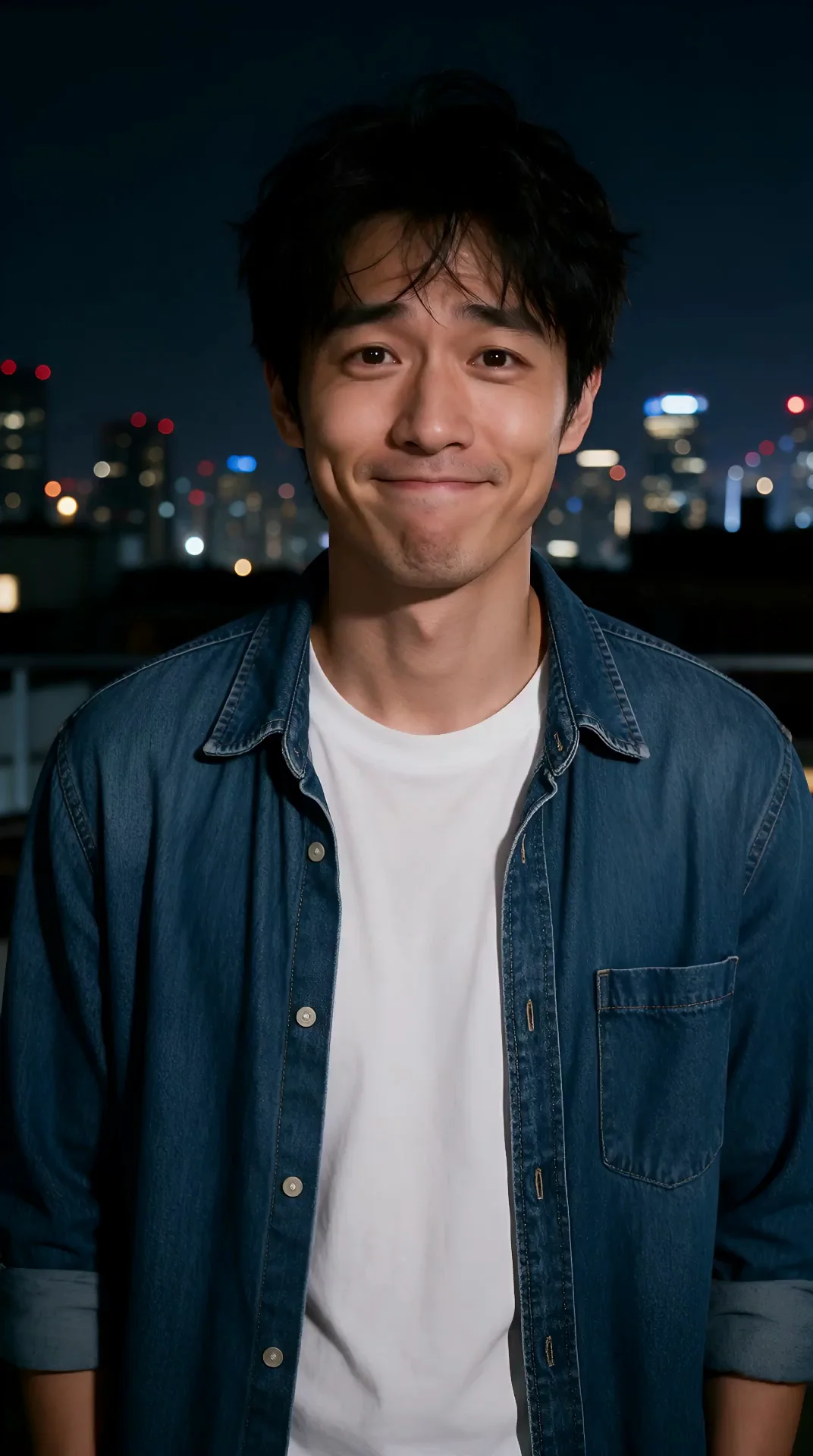
    A nervous confession, timed to the audio

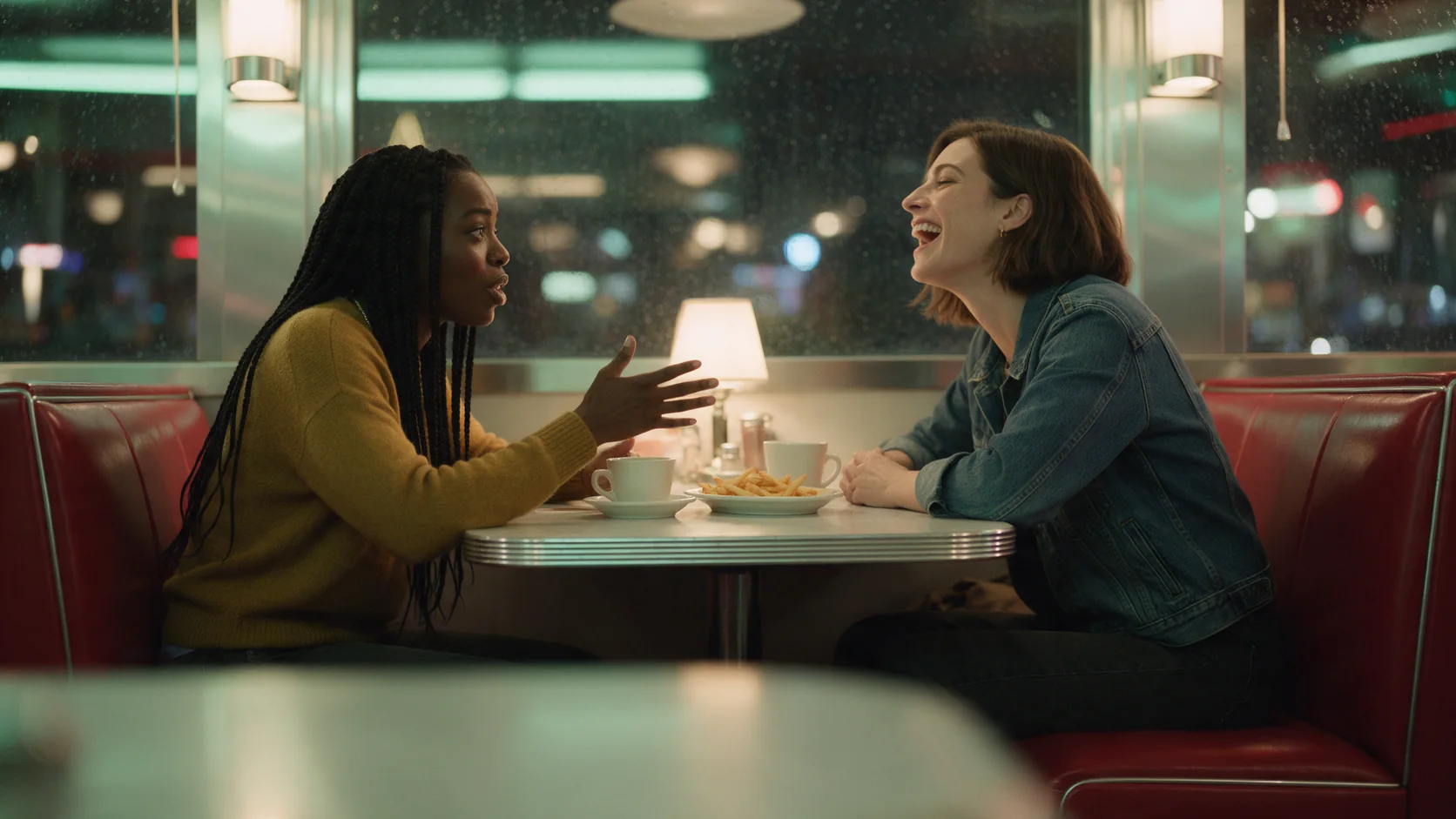
    A single portrait plus an audio clip of someone rehearsing what to say is enough: the avatar's glance down, the shy laugh at the end, and the length of the whole clip all follow the audio.

    Talking avatar, 1080p: dialogue matched the source audio word for word, expression followed the direction prompt.

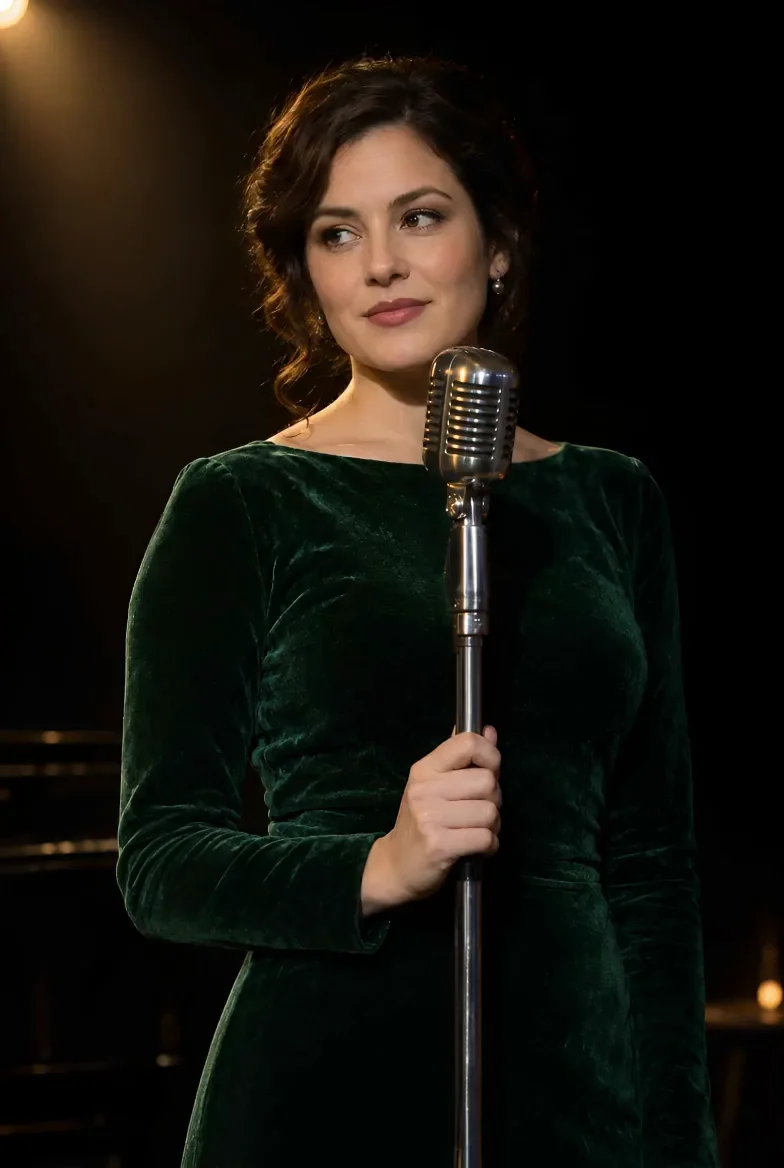
  • Singing works too

    A performance, not just a reading

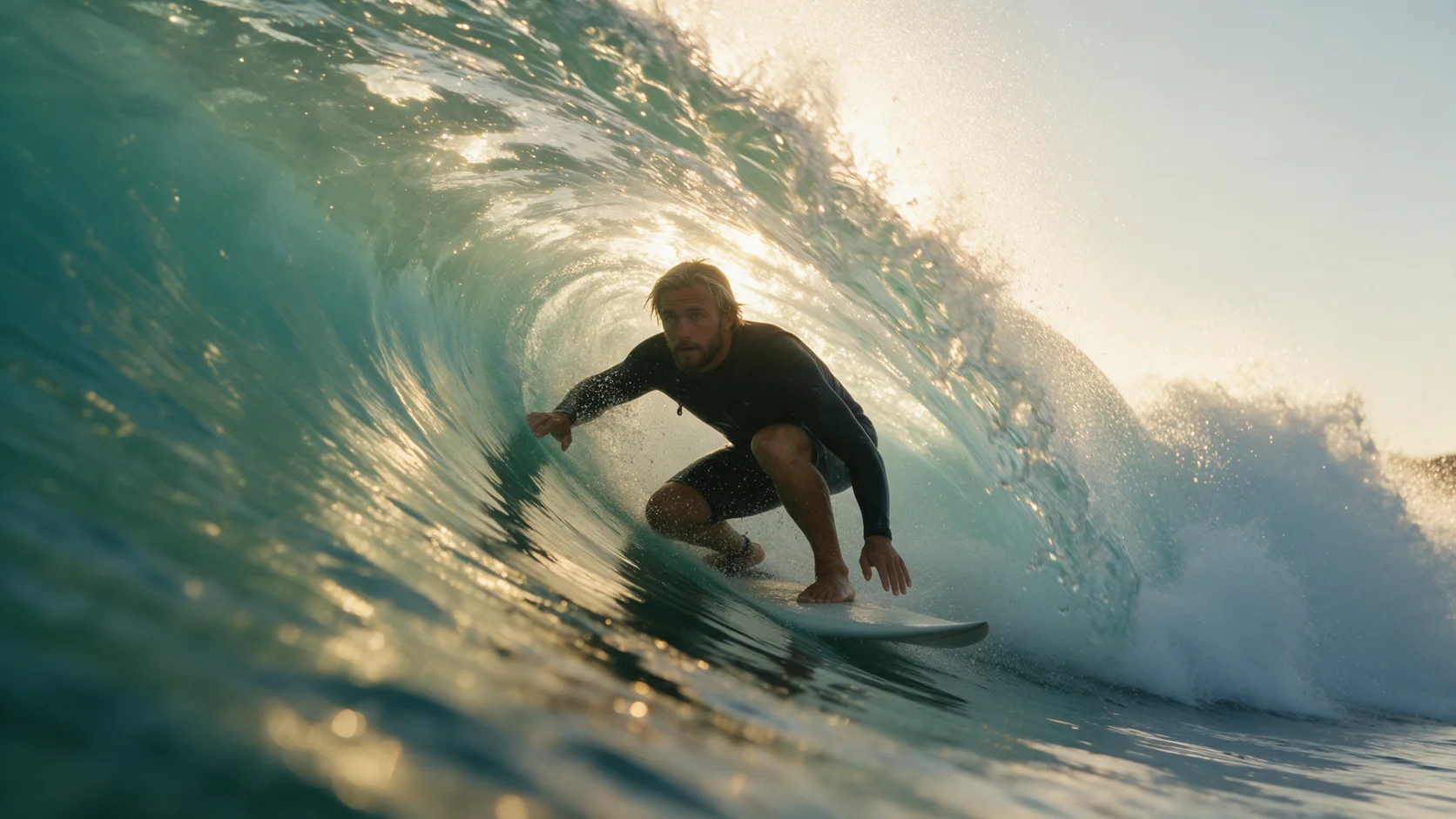
    Sent with a sung line rather than spoken dialogue, the avatar's hand gestures and gaze toward an imagined crowd followed the performance direction written into the prompt.

    Talking avatar, 720p: a between-songs address, gesture and gaze following the performance prompt.

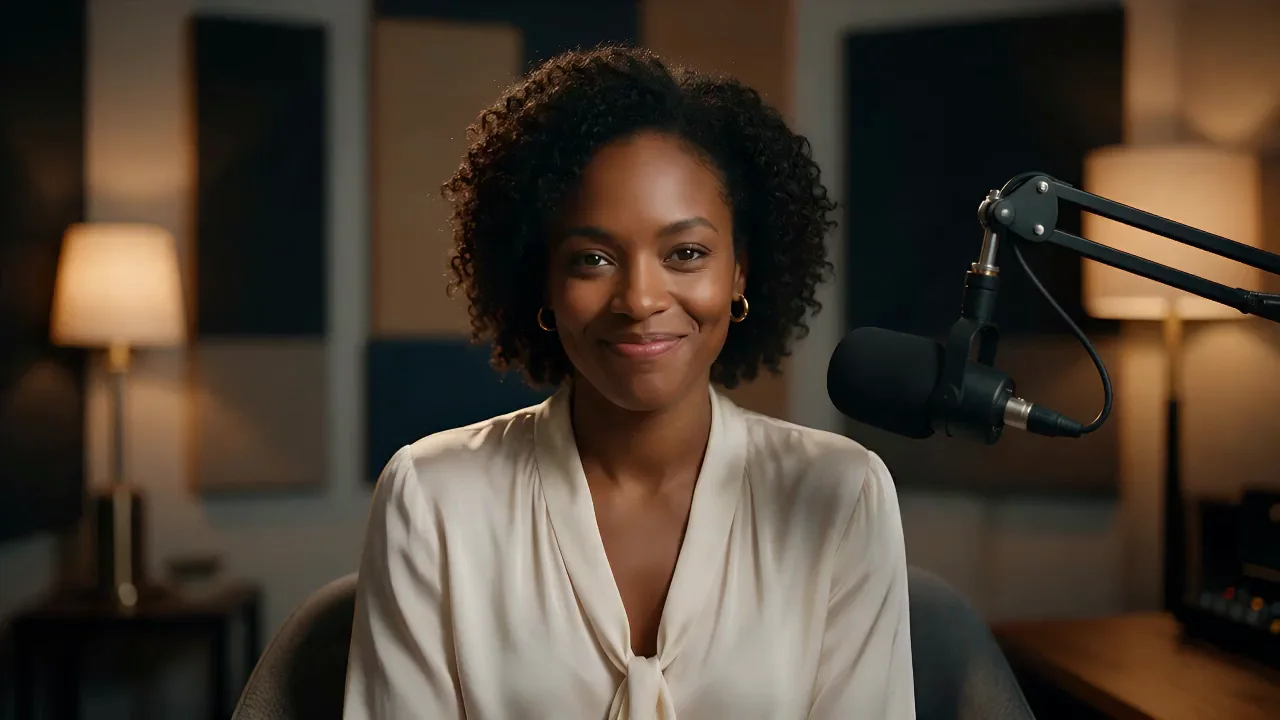
  • Direction, in words

    One line of prompt sets the whole performance

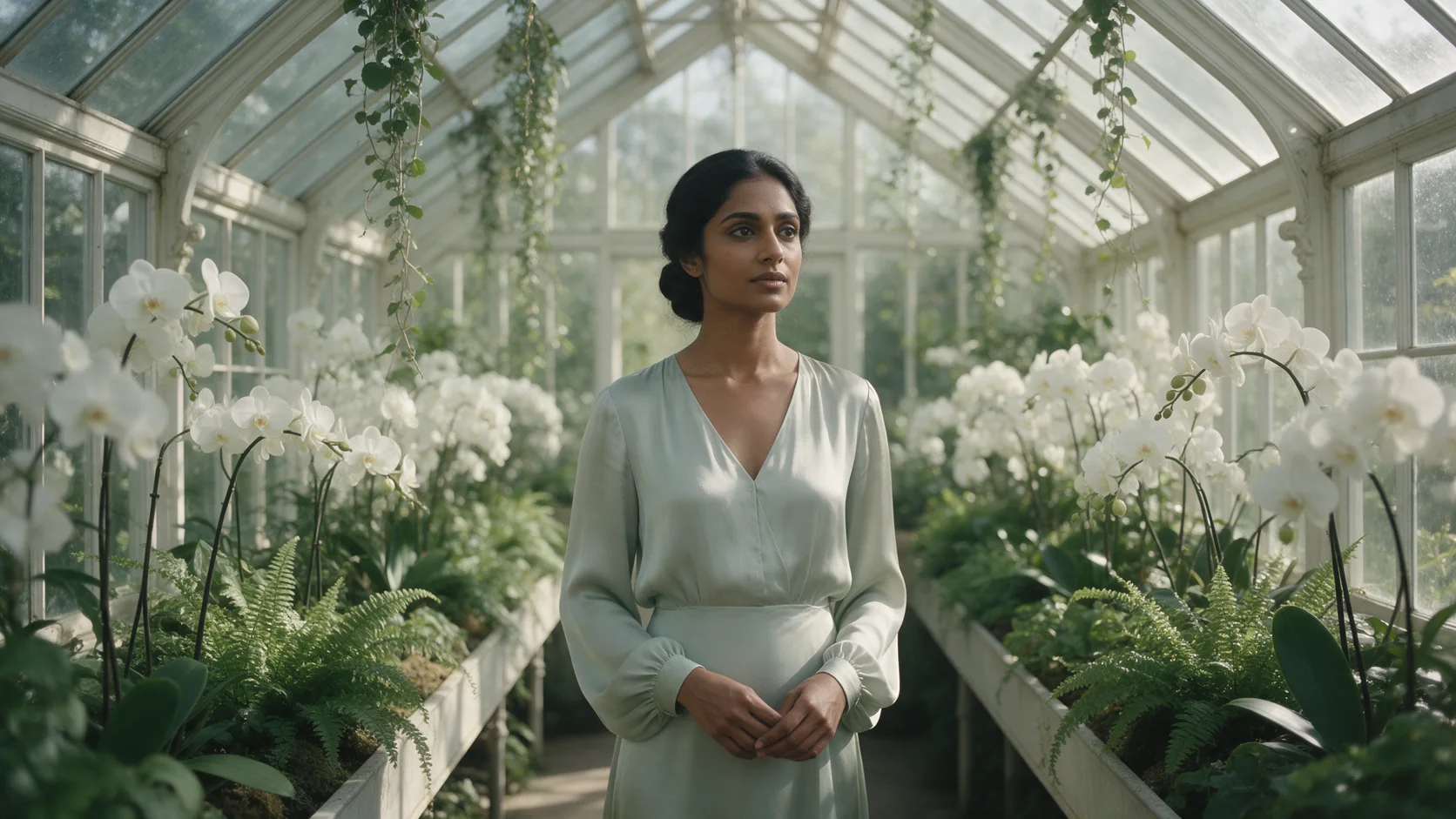
    "Confident and upbeat, like opening a show, lively eyebrows and a bright smile" was the entire direction for this clip - the prompt field is where you set mood and gesture, separate from what the audio says.

    Talking avatar, 720p: an upbeat cold-open line delivered with matching eyebrow and smile animation.

Content test

Is Kling Avatar 2.0 uncensored? What we tested

We ran each level on our live setup and checked every clip frame by frame. A pass means the content was actually on screen, not just that the request went through.

Content levels tested on Kling Avatar 2.0, by mode
LevelTalking avatar
MildThe lightest prompts in the test
Not tested yet
ModerateWhere filtered models start to refuse
Not tested yet
StrongThe middle of the scale
RefusedTested Sep 28, 2026
Very strongWhere most models start to hold back
Not tested yet
MaximumThe top of the scale
Not tested yet

Renders: on screen as written. Softened: generated, but milder than what was written. Refused: rejected. Not tested yet: we have not run that level on that mode.

How each mode behaves

Talking avatar
Clip length is set by your audio, not a duration field you choose directly - trim the audio to the length you want the clip to run. A clear, front-facing, well-lit portrait gives the most reliable lip sync and expression; side angles or obscured faces are more likely to drift.
All modes
Kling reviews everything it renders. A portrait beyond the Mild level is caught at upload before generation starts, and audio or prompt direction pushing past that level is refused; refused requests aren't charged. For video beyond these limits, use one of our Spicy families instead - Seedance 2.5 Spicy, Wan 2.2 Spicy or MiniMax H3 Spicy.
Talking avatar
There's no video-only mode: every request needs both a portrait and an audio file. There is no way to generate an avatar clip from text alone.

Use cases

What to build with the Kling Avatar 2.0 API

  • Turn a script and a voice recording into a face

    Record or generate the line you need spoken, pair it with a portrait, and get a clip of that person delivering it - useful for narrated intros, testimonials or character dialogue.

  • A singing performance from a still photo

    Pair a portrait with a sung audio track and direct the performance (gesture, gaze, energy) with a short prompt, as in the between-songs example on this page.

  • Consistent hosting across an episodic series

    Reuse the same portrait across episodes with new audio each time to keep a recurring host or character's face consistent from one clip to the next.

  • Multilingual delivery from the same face

    Because the performance follows whatever audio you send, the same portrait can deliver lines in different languages by swapping only the audio file.

Prompts

Kling Avatar 2.0 prompt examples you can copy

Paste one into the playground as it is, then change one thing at a time.

  • Talking avatar

    Direct the emotional arc, not just the mood

    Result from this prompt

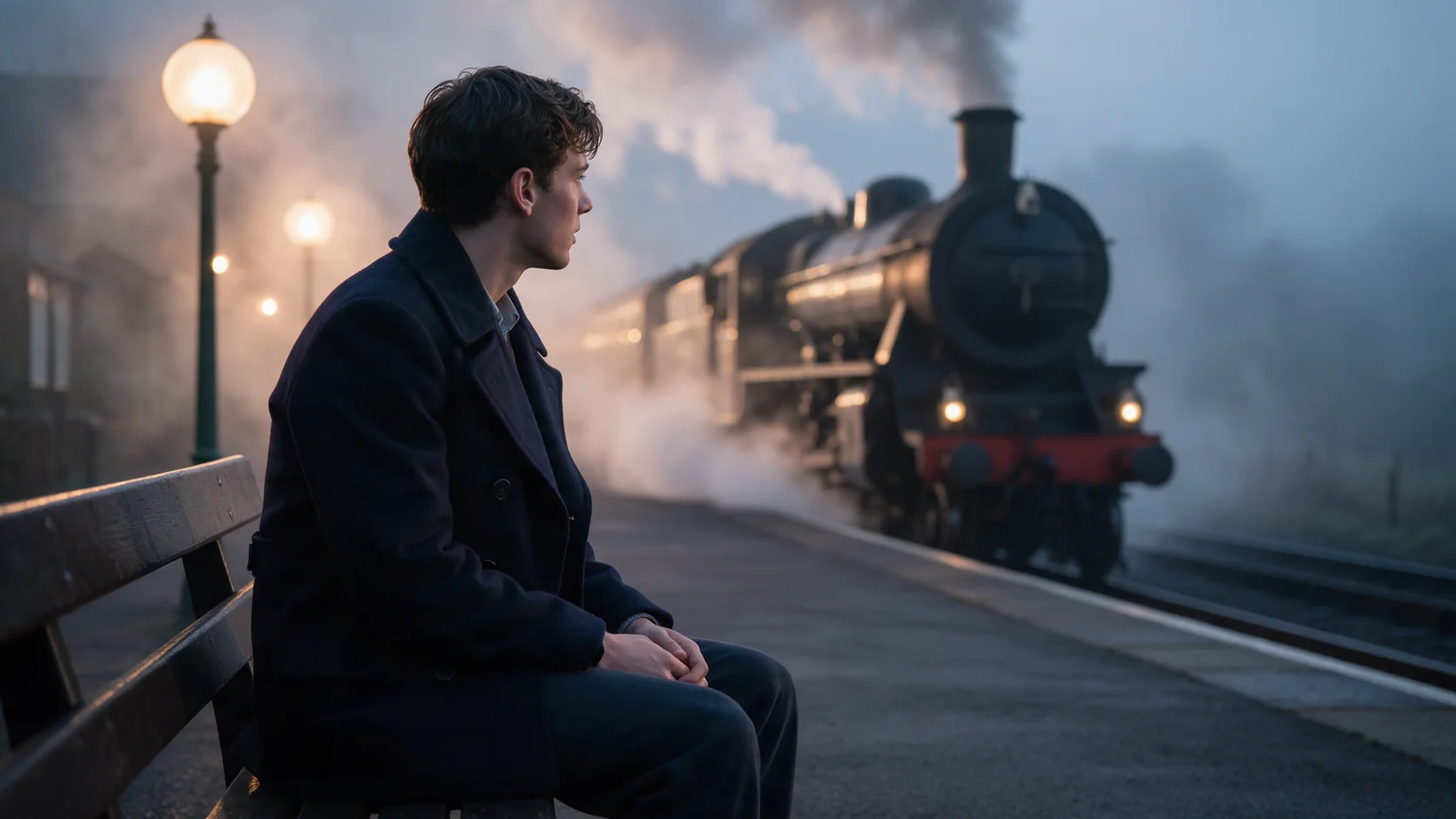
    Nervous and sincere, glancing down once, then back into the lens with a shy laugh at the end.

    Why it works. Naming a sequence (glance down, then back up, then a laugh) rather than a single static mood gave the avatar a small arc to perform across the clip instead of one fixed expression held throughout.

    This mode starts from your own image: add it in the playground before you run.

    Try this prompt
  • Talking avatar

    Set the audience and the physical detail together

    Result from this prompt

    A warm, intimate delivery to a small late-night audience, a slight smile between lines, one hand resting on the microphone stand.

    Why it works. Naming who the performance is for (a small late-night audience) alongside a specific hand position gave the avatar a consistent gesture to hold rather than idle default motion.

    This mode starts from your own image: add it in the playground before you run.

    Try this prompt
  • Talking avatar

    Match energy to the line's content

    Result from this prompt

    Confident and upbeat, like opening a show, lively eyebrows and a bright smile.

    Why it works. A short, high-energy direction matched to an actual show-opening line kept the eyebrows and smile animated through the whole clip instead of flattening out partway through.

    This mode starts from your own image: add it in the playground before you run.

    Try this prompt
  • Talking avatar

    Write the relationship into the delivery

    Result from this prompt

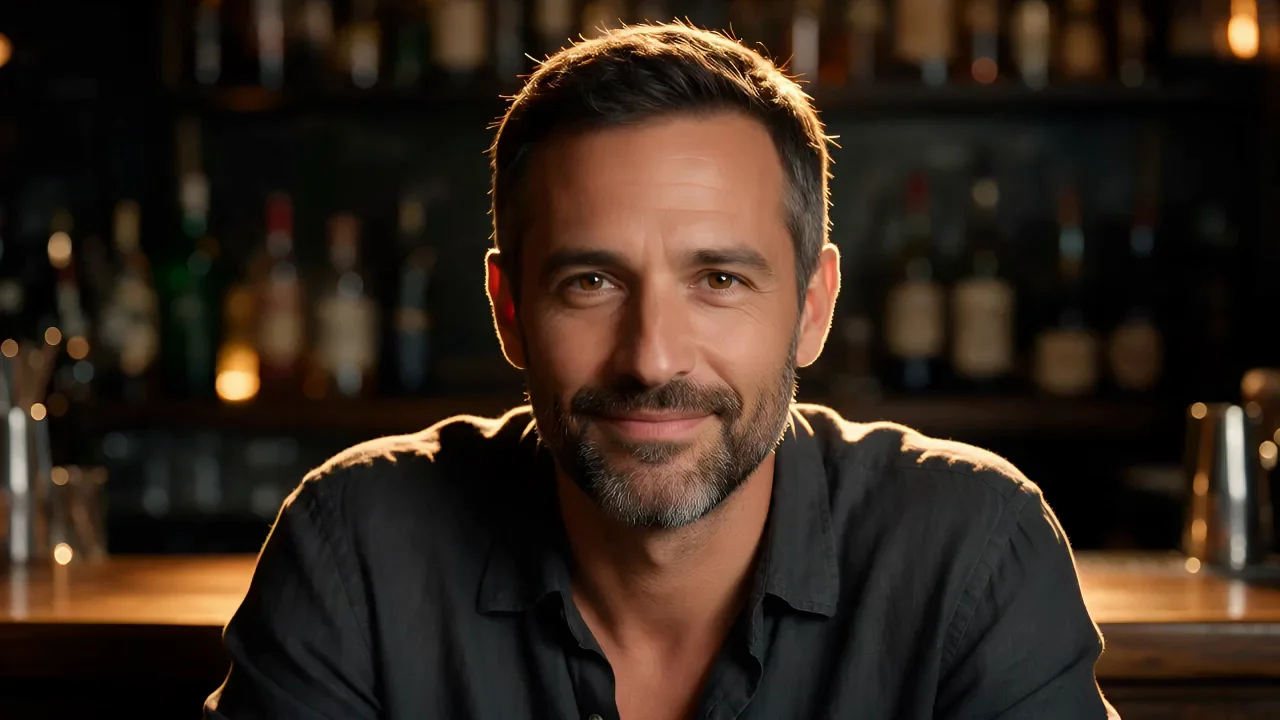
    Relaxed and wry, as if talking to an old friend across the bar, small nods and an easy smile.

    Why it works. Framing the delivery around a specific relationship (an old friend across the bar) gave the avatar a consistent, low-key register rather than a generic neutral read.

    This mode starts from your own image: add it in the playground before you run.

    Try this prompt

Compare

Kling Avatar 2.0 vs similar models: which one to pick

ModelModesFromContentPick it when
Kling Avatar 2.0This pageTalking avatar$0.051 / output secondFiltered — This model refuses requests beyond its own limits outright. Measured, not assumed — models we have not measured carry no label at all.You have a portrait and an audio file and want a talking or singing clip whose length follows that audio.
Kling 2.6Character animation · Image to video · Text to video$0.069 / output secondFiltered — This model refuses requests beyond its own limits outright. Measured, not assumed — models we have not measured carry no label at all.You want a full scene with camera movement and setting, not just a portrait speaking, still with generated sound.
Kling 3.0Character animation · Image to video · Text to video$0.067 / output secondFiltered — This model refuses requests beyond its own limits outright. Measured, not assumed — models we have not measured carry no label at all.You want a full cinematic shot rather than a fixed-portrait performance, with 4K and Motion Control available.
Talking AvatarTalking avatar$0.018 / output second—You want to compare a different talking-avatar model for the same portrait-plus-audio workflow.

Pricing

Kling Avatar 2.0 API pricing

A 5-second clip starts at $0.256 at 720p and $0.512 at 1080p.

The playground shows the exact price for your settings before you run. Failed or timed-out tasks are usually not charged. Some models charge for content refusals as stated on their model page; check those billing terms before submitting.

See every price tier

Why SpicyAPI

Why run Kling Avatar 2.0 on SpicyAPI

  • No filter from us

    We add no content filter of our own. What the model renders is what you get back.

  • Tested, not guessed

    Content labels come from real generations we ran and checked, with the test date on the page.

  • Pay per result, in dollars

    No subscription and no credits. Failed or timed-out tasks are usually not charged. Some models charge for content refusals as stated on their model page; check those billing terms before submitting.

  • One key for every model

    One API key and balance cover image, video, audio and chat models, so you can explore more models from the same account.

FAQ

Kling Avatar 2.0 API FAQ

About Kling Avatar 2.0

Kling Avatar 2.0 turns a single portrait and an audio file into a talking or singing clip: the video's length matches the audio you send, up to roughly 5 minutes, at 720p or 1080p. In our tests, delivered dialogue matched the source audio word for word and expression followed the tone of the line. Kling reviews everything it renders: Mild wording sometimes gets through, anything from Moderate up is refused, and a refused request isn't charged - a portrait at that level is also caught before generation starts. For video beyond these limits, use one of our Spicy video families instead, such as Seedance 2.5 Spicy, Wan 2.2 Spicy or MiniMax H3 Spicy. SpicyAPI bills per second of audio in US dollars, with no subscription and no prepaid package. You are responsible for having the rights and consent of anyone whose likeness or voice you use, and for how you use what you generate.

Related models and next tasks