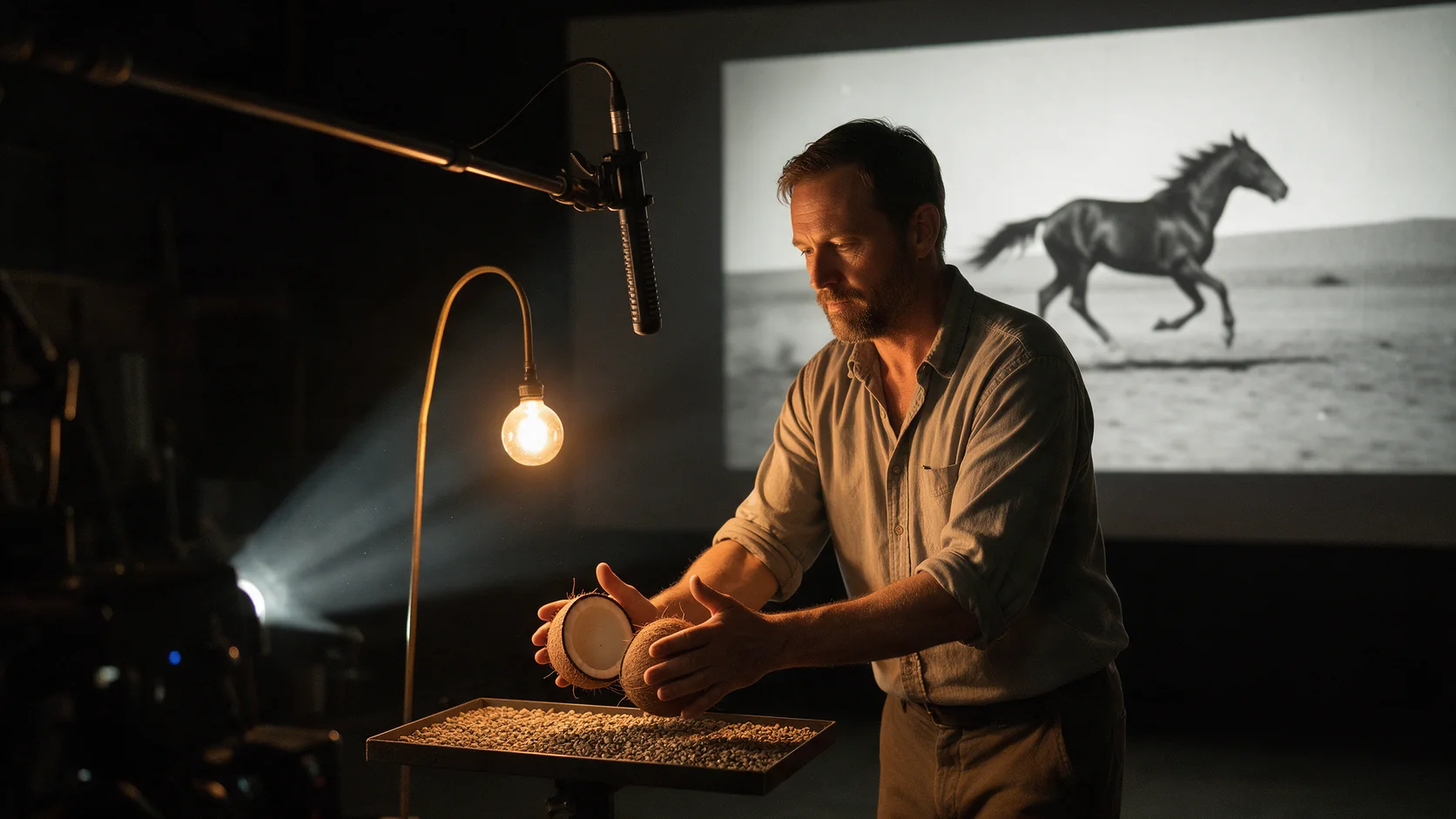
To add sound effects to a finished silent clip, send its MP4 to Foley v1 with the clip length and a short list of what should be heard. The price is $0.0012 per requested second: a six-second clip costs $0.0072, and the default eight-second request costs $0.0096. You get back the same video with the generated soundtrack attached, not a separate audio file, and any audio the input clip carried is replaced. A task usually finishes in under a minute.
When Foley is the right step
Use it when the picture is already final and silent: output from a video model that has no audio, a product loop, a rough cut that is hard to judge without sound. It makes effects and ambience (footsteps, cups, rain, traffic, a kitchen), not music, and speech comes out as murmur at best. If your video model can generate sound with the picture, ask for it there; Foley is for clips you cannot or do not want to regenerate. For spoken lines use Lip Sync or Talking Avatar; add effects as described in the dialogue section below.
Prepare the clip
Use the final shot, not a longer assembly with unused material. For a six-second scene of a fictional adult setting a ceramic cup on a wooden desk, include the hand approach, the visible contact and a moment of rest. The contact is your timing landmark. A cut to another angle halfway through adds a second event boundary and makes a bad result harder to diagnose.
Use an MP4 up to 90 MB: a direct link to the file (not a share page) or a file you upload from your computer (.mov files are converted to MP4 on the way in; see Media). Keep the original, because the returned file contains only the new track.
Try it in the Playground first
Open Video Sound Effects on the Playground tab, in Form view, and sign in with a funded account to run.
- Under Input video, drop your MP4 on the field (or paste its link under Asset URL and press Add URL).
- Write the sounds you want in Prompt, as a short list. Leave it empty for a rough pass.
- Set Duration to the length of your clip in seconds.
- Open Advanced parameters and put "music, speech" in Negative prompt.
- Run the model and play the returned clip with sound.
Change one thing per attempt, and fix the prompt before retrying, because every completed run is billed.
Controls and what to leave alone
| Field | Allowed input | Starting value |
|---|---|---|
video_url (Input video) | MP4, up to 90 MB | Direct URL of the final clip |
duration_seconds (Duration) | Integer 1-30, default 8 | The clip length, rounded up |
prompt (Prompt) | Optional, 1-1,000 characters | Three or four sound sources |
negative_prompt (Negative prompt) | Up to 1,000 characters | Music, speech |
guidance_scale (Prompt adherence) | 0-20, default 4.5 | Leave alone |
steps (Sampling steps) | 4-50, default 25 | Leave alone |
ignore_visual_semantics (Sound from prompt only) | Boolean, default false | false |
duration_seconds is what you pay for, not the clip length. A six-second clip sent with the default eight seconds is billed for eight and comes back six seconds long; a ten-second clip with duration_seconds: 6 comes back cut to six. Match it to the clip. A clip longer than 30 seconds has to be cut into pieces of 30 seconds or less at a scene change, run separately, and the tracks joined in your editor; each piece is billed on its own seconds.
ignore_visual_semantics: true picks sounds from the prompt instead of the picture while motion still drives timing. Use it for a sound that is not on screen, such as a distant hum behind a window shot. It is not a fix for a cup sound that is slightly late, and it does not change the price. Raise guidance_scale a little only if the result ignores your prompt. There is no seed.
Write the prompt
List what makes noise, not the mood: "espresso machine hiss, cups clinking, low café chatter" works; "cosy atmosphere" does not. Name the material and the contact ("ceramic cup on wood, soft contact"), and describe only what the picture shows. Asking for footsteps in a shot where the person only turns their head produces plausible but unsynced sound. Leave the prompt out for a rough pass; the model then matches sounds to the action.
Two starting prompts:
- Cup on a desk: "A ceramic cup is gently placed on a wooden desk. One soft ceramic contact at the visible touch, light sleeve rustle during the hand movement, quiet room tone." Negative: "speech, music, repeated clattering, metallic ringing, crowd noise".
- Three slow steps, fully clothed: "Three soft shoe steps on a wooden floor matching the visible foot contacts, a light jacket rustle, quiet indoor ambience." If the steps sound like heels, name the sole and the surface; if they are merely too loud, lower the track in the editor.
Fast, repetitive actions are the hard case: a pencil scratching at constant speed or pages flipping rapidly rarely land stroke by stroke. Generate the bed, then place one clean sample at the right rhythm by hand, or let ambience cover it.
Then run it from code
The same request in code. Install the Python SDK (pip install spicyapi), set SPICY_API_KEY in your server environment, and run:
import uuid
from spicyapi import SpicyClient, output_assets

client = SpicyClient()  # reads SPICY_API_KEY from the environment

clip = client.upload_file("six-second-cup-shot.mp4")  # or pass a direct MP4 link as video_url

task = client.create_task(
    model="spicyapi/foley-v1/video-to-audio",
    input_data={
        "video_url": clip["uri"],
        "duration_seconds": 6,  # billed per requested second: match the clip
        "prompt": "A ceramic cup is gently placed on a wooden desk. One soft ceramic contact at the "
                  "visible touch, light sleeve rustle during the hand movement, quiet room tone. "
                  "Natural close sound, no dramatic impact.",
        "negative_prompt": "speech, music, repeated clattering, metallic ringing, crowd noise",
    },
    idempotency_key=str(uuid.uuid4()),
)

final = client.wait_for_terminal(task["taskId"])
if final["state"] != "succeeded":
    raise RuntimeError(f"{task['taskId']} ended as {final['state']}: {final.get('errorCode')}")
print(output_assets(final)[0]["url"])  # the same clip with sound; copy it now
The result link is signed and lasts about 20 minutes, and the file is kept for 14 days, so copy it to your own storage right away. Quotes, waiting, downloading, retries and error codes are covered in the tasks guide and the Python SDK reference.
Or let an Agent run it
When an assistant should run the clips, all three official tools show the price and ask you before a paid call.
- CLI. Upload the clip, put the returned
spicy://URI and your prompt ininput.json, then:
``bash spicyapi files upload six-second-cup-shot.mp4 spicyapi tasks create --model spicyapi/foley-v1/video-to-audio --input-file input.json --wait ``
See the CLI docs; npx @spicyapi/cli works without installing.
- MCP server. Add the MCP server to your assistant, then ask: "Add sound effects to this MP4 with Video Sound Effects: a ceramic cup placed on a wooden desk, no music or speech." It calls
spicyapi_upload_filefor a file on your computer, thenspicyapi_task_create, which stops for your price confirmation, thenspicyapi_task_wait. - Skill.
npx skills add spicyapi-ai/spicy-skillinstalls the Agent Skill, which has a coding assistant read the live model schema instead of guessing fields.
Review: material, count, timing
Play the picture with sound at normal speed, then replay the contact slowly. The three failures need different fixes:
- Wrong material (a metal clang for a ceramic cup): replace "object impact" with "ceramic cup on wood, soft contact".
- Too many events (several impacts for one contact): ask for a single placement and drop words like rattling or clattering. More steps will not reliably fix it; simplify the prompt or keep the one good contact and edit out the rest.
- Wrong moment: measure the error at more than one event. A constant offset is a nudge in the editor. An error that grows over the clip is drift, and moving the whole track once will not fix it. For a single-contact shot, dragging the onset to the contact frame is usually quicker than another attempt.
Quiet or delicate scenes (rain, typing, soft footsteps) are where a track most often comes back thin; name the sound as close and prominent, or lay a library ambience under it.
Dialogue and lip-sync clips
Foley and Lip Sync each write their own audio track and replace the clip's, so a speaking scene needs two passes. Run Foley on the silent picture first and extract its soundtrack as one mixed WAV (cup, clothing and room sound are not separate stems; FFmpeg stream selection):
ffmpeg -i foley-result.mp4 -map 0:a:0 -vn -c:a pcm_s16le foley-track.wavThen run Lip Sync or Talking Avatar for the voice and mix the Foley WAV under the speech:
ffmpeg -i lipsync.mp4 -i foley-track.wav \
  -filter_complex "[1:a]volume=0.35[fx];[0:a][fx]amix=inputs=2:duration=first:normalize=0[a]" \
  -map 0:v -map "[a]" -c:v copy -c:a aac mixed.mp4
This command preserves the full input video; duration=first makes the mixed audio follow the first input audio track. Add -shortest only if you want to cut the picture when that audio ends. The Foley track does not loop automatically: if Lip Sync repeats the picture, place or repeat the effects at the new contacts yourself, or run Foley on the final looped picture.
Adjust volume=0.35 by ear. A cup contact that lands on a key consonant needs a lower level or a different edit point, and an effect that sounds quiet alone can stand out in a pause. Fade at a quiet boundary and keep the contact transient intact; fading through it turns an impact into a soft thump.
Cost
A baseline plus two alternative prompts on a six-second clip costs $0.0216; ten six-second clips at one take each cost $0.072. A completed request is billed whatever the result sounds like, so fix the prompt before retrying.
For a first useful result: finish the picture edit, name the real material and contact, request the exact clip length, then fix material errors in the prompt and small timing offsets in the editor. That gives you a clearer next move than asking again for "better cinematic sound".
FAQ
Can I keep the dialogue that is already in my clip? Not inside the Foley output: the returned video carries only the generated track. Mix the original audio back in your editor.
Does it make music or voices? No. Put music and speech in negative_prompt; speech-like murmur can still appear, so listen before delivery.