Introduction
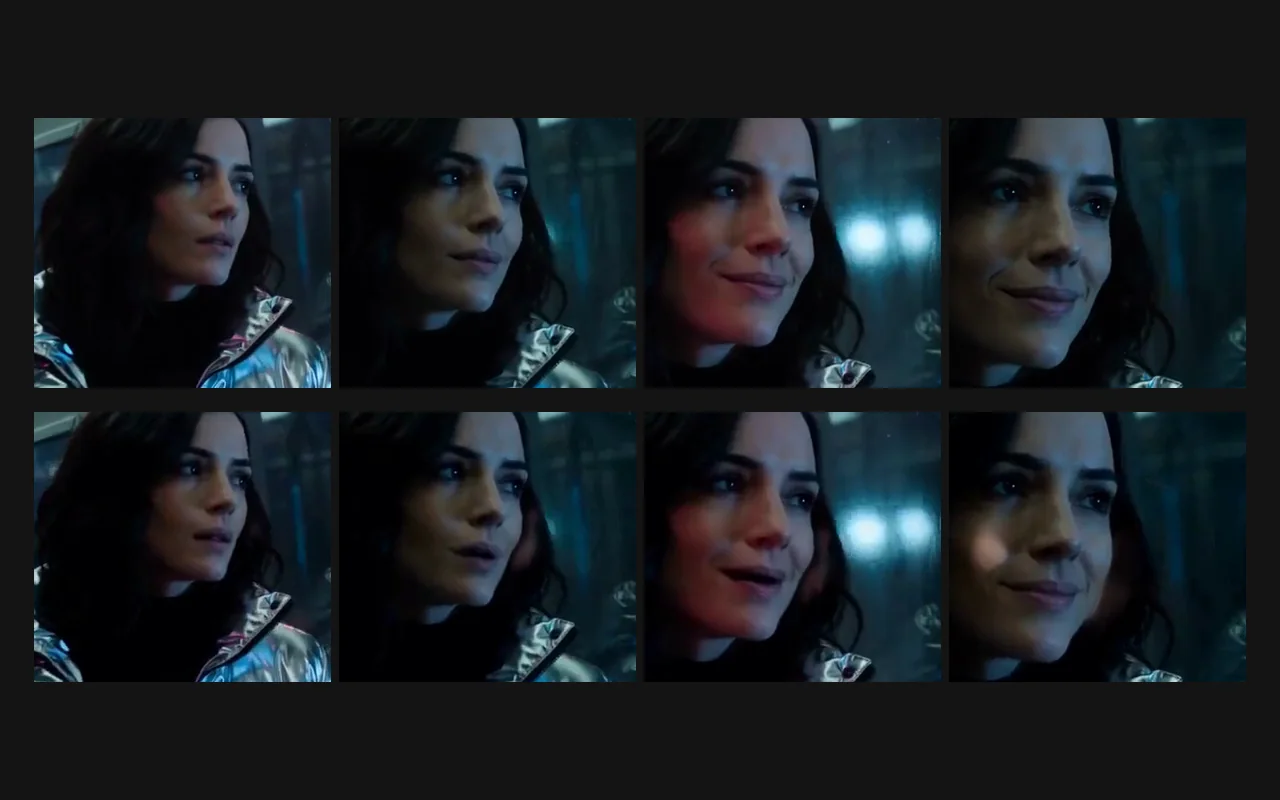
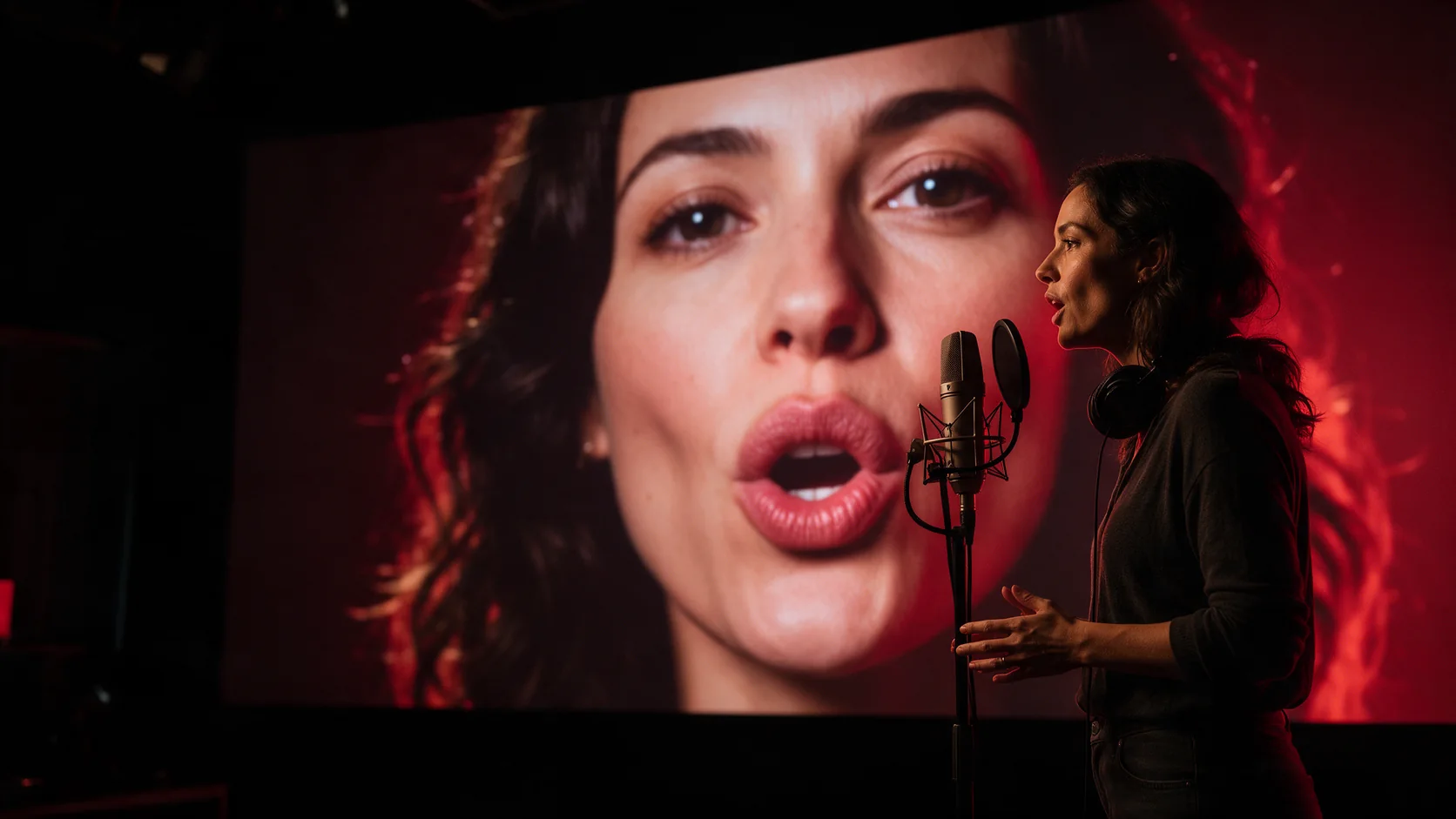
Lip Sync re-voices footage you already have. Send the clip in video_url and the new speech in audio_url, and the mouth area of the person on screen is redrawn to match the words, while the performance, lighting and framing of the clip stay as shot. The result runs as long as the audio and carries it as its sound track.
Key features & highlights
Only the mouth is repainted
Expression, head movement, wardrobe and background all come from the original frames, so a take that already works keeps working; what changes is what the person appears to say. Because the rest of the face is left alone, the new line should suit the original delivery: a calm face paired with shouted audio still reads as calm.
The audio decides the length
The result follows the recording, not the clip. When the audio is longer than the video, the video is looped to cover it, and the returned file can run about half a second past the end of the audio. The picture keeps the resolution of the video you send up to about 720p: a 1280×720 test clip came back at 1280×720, while a 1920×1080 clip came back at 1280×720.
Request parameters
| Parameter | Required | Description |
|---|---|---|
video_url | Yes | The footage to re-voice. One face, reasonably large in frame and mostly facing the camera. at least 1 characters |
audio_url | Yes | The new speech, 3 to 60 seconds, MP3 or WAV. The result runs as long as this recording; files outside the range are rejected before anything is charged. at least 1 characters |
Pricing
$0.012 / output second
Billed per second of the audio you send, rounded up with a 3-second minimum. The returned video can run about half a second longer; that extra time is not billed.
Use cases
Dubbing without re-shooting
Keep an interview, a testimonial or a presenter take and swap in a translated voice track. The performance stays exactly as it was filmed, and the mouth now follows the new language instead of the one that was recorded on set.
Giving silent generated clips a voice
Most video models return silent footage. Record or generate a line, send it with the clip, and the character on screen actually says it instead of moving their lips at random or staying still.
Prompt guide & pro tips
Pick footage that shows the mouth
One person, face large enough in frame, turned mostly toward the camera. Hard cuts, heavy motion blur, a hand near the mouth and very small faces are where the sync slips. A steady shot also hides the loop point when the audio outlasts the clip.
Prepare the line like a dub
Export dry speech without music underneath and trim silence at both ends, since the length you pay for is set by the audio. Keep each file between three and sixty seconds and split long scripts at natural pauses.
Plan for the wait
This is the slowest tool in the set: a ten-second line took about four minutes to process. Submit early, poll patiently, and test the pairing on a short line before sending a full script.
API quick start
# Generate the idempotency key once; reuse it when retrying after a lost response.
export SPICY_IDEMPOTENCY_KEY="${SPICY_IDEMPOTENCY_KEY:-$(uuidgen)}"
curl -X POST https://api.spicyapi.ai/api/v1/jobs/createTask \
  -H "Authorization: Bearer $SPICY_API_KEY" \
  -H "Content-Type: application/json" \
  -H "Idempotency-Key: $SPICY_IDEMPOTENCY_KEY" \
  -d '{
  "model": "spicyapi/lip-sync-v1/lip-sync",
  "input": {
    "audio_url": "https://example.com/reference.mp3",
    "video_url": "https://example.com/reference.mp4"
  }
}'

# Copy data.taskId from the response into TASK_ID, then poll the status.
TASK_ID="TASK_ID_FROM_RESPONSE"
curl "https://api.spicyapi.ai/api/v1/jobs/recordInfo?taskId=$TASK_ID" \
  -H "Authorization: Bearer $SPICY_API_KEY"
See the API reference for authentication, the complete schema, polling, and error handling.