Introduction
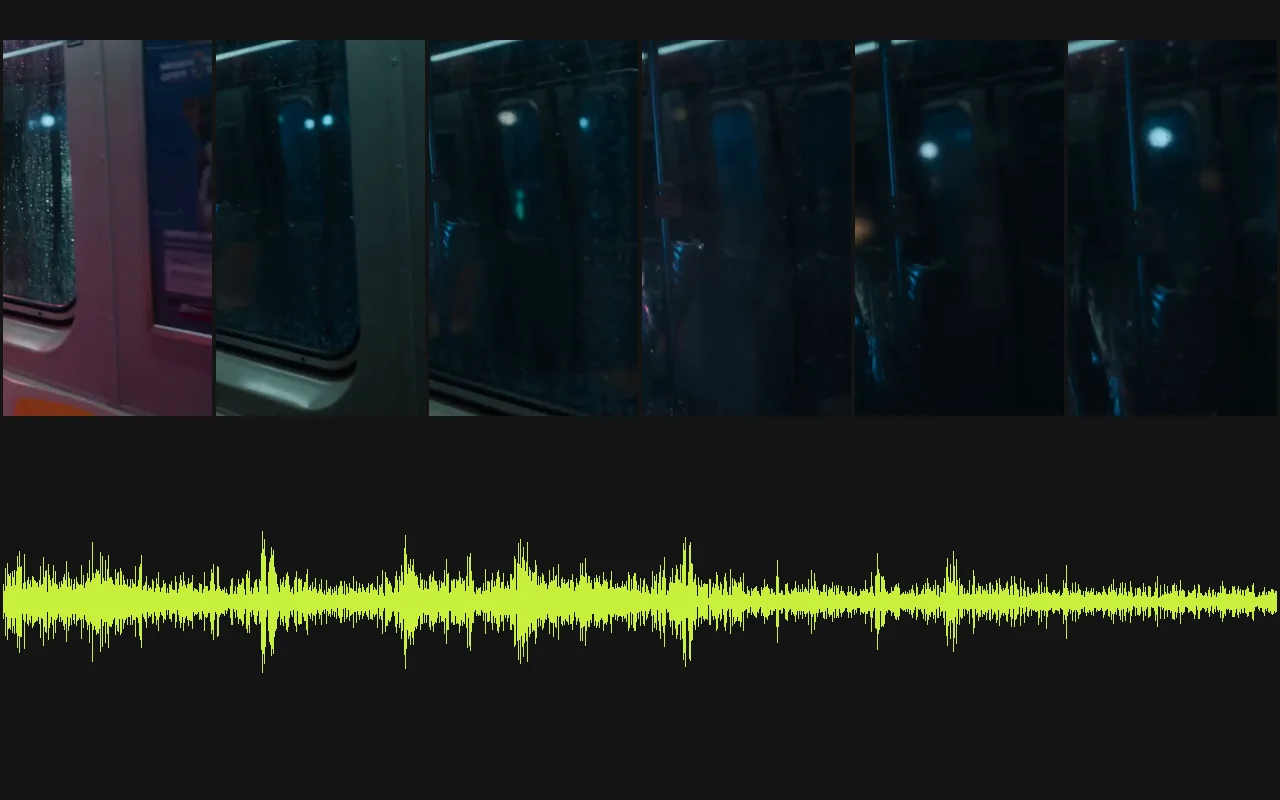
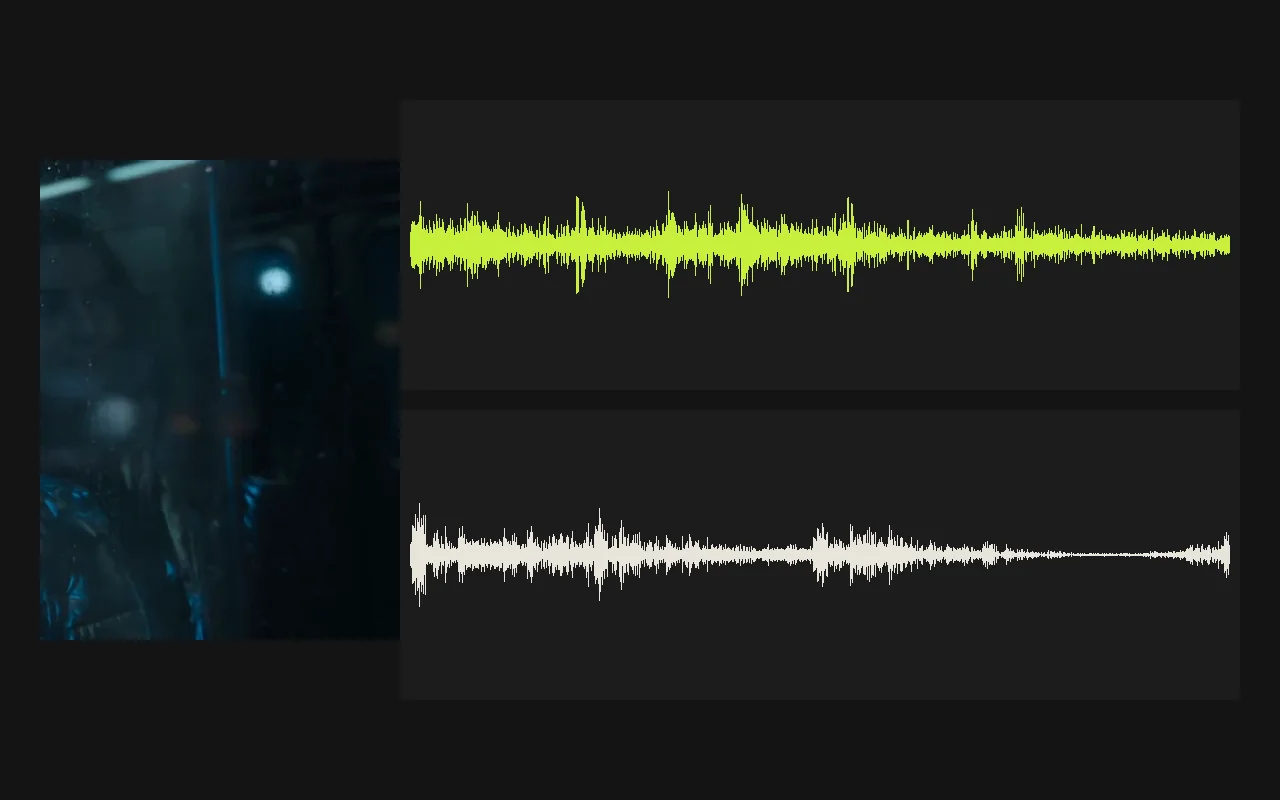
Video Sound Effects adds a sound track to a clip by watching it. Send the footage in video_url, optionally describe what should be heard in prompt, and choose how many seconds of sound to make with duration_seconds. The tool generates effects and ambience that follow the action on screen and returns the same picture with that track as its audio.
Key features & highlights
Sound that follows the picture
The track is generated from the frames, so impacts, footsteps, pours and passing traffic land where they happen in the shot instead of on a loop laid over it. A short description steers the palette, from rain on glass to gravel underfoot to a busy kitchen, and the negative prompt keeps out what you do not want, such as music or voices.
Length you choose, price you can predict
The requested length runs from one to thirty seconds and sets both how long the returned clip is and what it costs: you pay for the seconds you ask for, not for processing time. The picture itself is not changed, so framing and resolution stay exactly as they were in the clip you sent.
Request parameters
| Parameter | Required | Description |
|---|---|---|
video_url | Yes | The clip to add sound to. The picture is kept as it is. at least 1 characters |
prompt | No | The sounds you want, as a short list: rain on a window, distant traffic, footsteps on gravel. at least 1 characters · at most 1000 characters |
duration_seconds | No | How many seconds of sound to generate, 1 to 30. The returned video is cut to this length, and these seconds are billed even if the clip is shorter, so match it to your clip. |
negative_prompt | No | Sounds to keep out, such as music, speech or wind noise. at most 1000 characters |
ignore_visual_semantics | No | Off by default: the model decides what to play from both the picture and your prompt. Default: |
guidance_scale | No | How closely the sound follows your description, 0 to 20. The default suits most clips; raise it a little if the result ignores the prompt. |
steps | No | Refinement passes, 4 to 50. More passes take longer; the default is a good balance. |
Pricing
$0.0012 / output second
Billed per second of sound you request with duration_seconds, not by the length of your clip.
Use cases
Finishing clips from video models
Most generated video arrives silent. Adding ambience and effects before posting makes a clip feel finished without a trip through a sound library or a session in an editor, and short clips usually come back in under a minute.
Temp sound for rough cuts and product shots
A draft that plays in silence is hard to judge. Give rough cuts, food clips and product loops a believable bed of sound, and replace it later if the scene needs a score.
Prompt guide & pro tips
Describe sources, not moods
List the things that make noise: espresso machine hiss, cups clinking and low café chatter work better than a cosy atmosphere. Three or four sources are plenty; long lists blur together into a wash.
Match the length to the clip
Set duration_seconds to the clip's length, rounded up. Ask for more and you pay for seconds that never appear, because the returned video stops where the clip ends; ask for less and the video is cut to what you asked for.
Leave the fine controls alone at first
guidance_scale sets how closely the sound follows your words and steps sets the number of refinement passes; the defaults suit most clips. Raise guidance a little only when the result ignores the prompt, and expect more steps to take longer rather than sound dramatically better.
API quick start
# Generate the idempotency key once; reuse it when retrying after a lost response.
export SPICY_IDEMPOTENCY_KEY="${SPICY_IDEMPOTENCY_KEY:-$(uuidgen)}"
curl -X POST https://api.spicyapi.ai/api/v1/jobs/createTask \
  -H "Authorization: Bearer $SPICY_API_KEY" \
  -H "Content-Type: application/json" \
  -H "Idempotency-Key: $SPICY_IDEMPOTENCY_KEY" \
  -d '{
  "model": "spicyapi/foley-v1/video-to-audio",
  "input": {
    "duration_seconds": 8,
    "video_url": "https://example.com/reference.mp4"
  }
}'

# Copy data.taskId from the response into TASK_ID, then poll the status.
TASK_ID="TASK_ID_FROM_RESPONSE"
curl "https://api.spicyapi.ai/api/v1/jobs/recordInfo?taskId=$TASK_ID" \
  -H "Authorization: Bearer $SPICY_API_KEY"
See the API reference for authentication, the complete schema, polling, and error handling.