Introduction
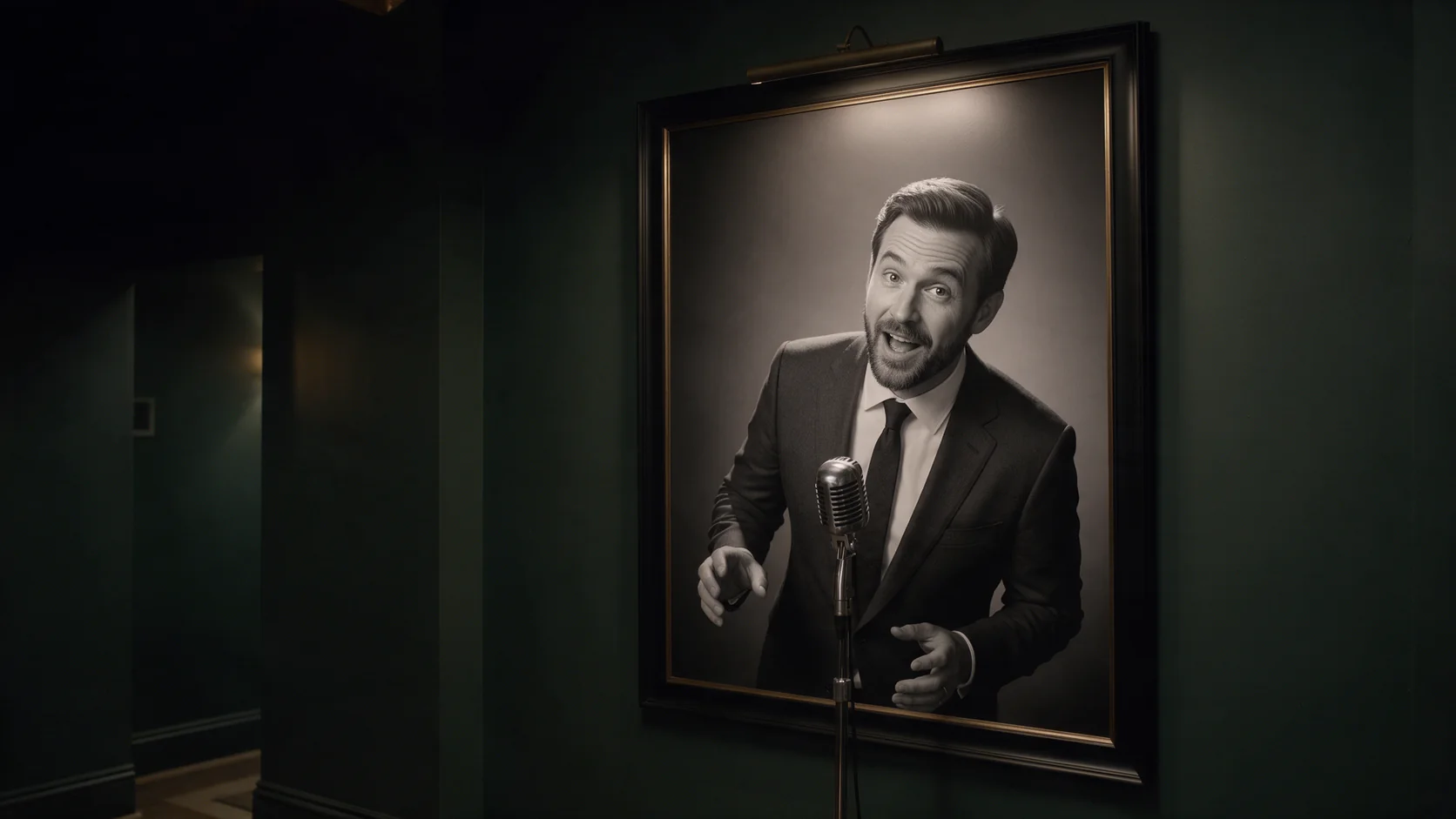
Talking Avatar turns a single portrait into a speaking clip. You send the face in image_url and a voice recording in audio_url; the tool animates the mouth, jaw and small head movements so the person appears to say exactly what is in the recording. The clip is as long as the audio, three to sixty seconds, and comes back with your recording already on it, ready to post or to drop into an edit.
Key features & highlights
The audio sets the timing
Every mouth shape is driven by the sound itself, so pauses, quick phrases and emphasis land where the speaker put them. There is no script field and no timing to tune: record the line the way it should be delivered and the face follows it, second for second.
The portrait stays the scene
Clothing, hair, background and framing come straight from the image. Nothing around the face is regenerated, which keeps a presenter, a character or a spokesperson recognisably the same from one clip to the next. The output is compact, about 0.2 megapixels at 25 frames per second (a 16:9 photo came back at 640×352, a 3:4 portrait at 400×544), so plan for feeds and chat windows rather than full-screen playback.
Request parameters
| Parameter | Required | Description |
|---|---|---|
image_url | Yes | The face that will speak. One person, looking roughly at the camera, evenly lit; head-and-shoulders framing works best. at least 1 characters |
audio_url | Yes | The speech to lip-sync, 3 to 60 seconds, MP3 or WAV. It must be a direct link to the audio file; uploading it is the most reliable route. at least 1 characters |
prompt | No | Optional. A few words on expression or mood, such as calm, cheerful or serious. at most 1000 characters |
mask_url | No | Optional. Only needed when the portrait shows several people: a black-and-white image the same size, white over the person who should speak. at least 1 characters |
seed | No | Fix it to compare two runs of the same portrait and audio; leave it out for a fresh take each time. |
Pricing
$0.018 / output second
Billed per second of the returned video, which is as long as your audio, rounded up with a 3-second minimum.
Use cases
Presenter clips from a still
Course intros, product walkthroughs and weekly updates can reuse one approved portrait with a fresh recording each time. Switching languages is just a matter of sending a different audio file with the same image, so one presenter can cover several markets.
Characters that answer out loud
Companion and role-play apps can let a character deliver a reply on camera: keep one character portrait, turn the reply into speech, and send the pair. A short reply takes a minute or two to render, so start the job while the text reply is already on screen.
Prompt guide & pro tips
Choose the portrait for the mouth
The mouth is the part that moves, so give it pixels: head-and-shoulders framing, face turned roughly toward the camera, even light and nothing covering the lips. Sunglasses, strong profile angles and small faces in a wide shot are the usual reasons a result looks off.
Clean audio beats loud audio
Export speech without background music, echoey rooms or overlapping voices. Trim silence at the start and the end, because silence still counts toward the length you pay for. Keep each file between three and sixty seconds and split longer scripts at natural pauses.
Prompt for mood, mask for who
The prompt field nudges expression, such as calm, cheerful or serious, but cannot change who speaks or where. When the portrait shows more than one person, pass mask_url with the speaker painted white on black, at the same size as the image. Fix seed to compare two recordings on the same portrait.
API quick start
# Generate the idempotency key once; reuse it when retrying after a lost response.
export SPICY_IDEMPOTENCY_KEY="${SPICY_IDEMPOTENCY_KEY:-$(uuidgen)}"
curl -X POST https://api.spicyapi.ai/api/v1/jobs/createTask \
  -H "Authorization: Bearer $SPICY_API_KEY" \
  -H "Content-Type: application/json" \
  -H "Idempotency-Key: $SPICY_IDEMPOTENCY_KEY" \
  -d '{
  "model": "spicyapi/talking-avatar-v1/talking-avatar",
  "input": {
    "audio_url": "https://example.com/reference.mp3",
    "image_url": "https://example.com/reference.png"
  }
}'

# Copy data.taskId from the response into TASK_ID, then poll the status.
TASK_ID="TASK_ID_FROM_RESPONSE"
curl "https://api.spicyapi.ai/api/v1/jobs/recordInfo?taskId=$TASK_ID" \
  -H "Authorization: Bearer $SPICY_API_KEY"
See the API reference for authentication, the complete schema, polling, and error handling.