Introduction
Kling 2.5 Turbo Image to video animates an opening frame into a 5 or 10 second clip at 1080p, with a real audio track generated in the same pass.
Add an optional closing frame (last_image_url) to pin the ending; the output aspect ratio follows whatever frame you send in, both JPEG or PNG only.
Choose a Kling 2.5 Turbo mode by starting material
| Starting material for Kling 2.5 Turbo | Matching endpoint |
|---|---|
| a written scene | Kling 2.5 Turbo Text to video |
| an approved opening frame | Kling 2.5 Turbo Image to video |
Key features & highlights
An optional closing frame
last_image_url is not required, but when it's set the clip is built to land on that exact frame instead of wherever the model decides to stop.
Nothing pins the middle of the clip, so keep the two frames close in light, pose and framing for the smoothest result.
Sound arrives with the picture
The audio track is generated in the same pass as the video - there is no field to mute it. Write what the scene should sound like in the prompt, the same place you write the action.
Request parameters
| Parameter | Required | Description |
|---|---|---|
prompt | Yes | Describe only what happens after the opening frame: the action and the camera move. at least 1 characters · at most 2500 characters |
image_url | Yes | Opening frame. JPEG or PNG only. |
last_image_url | No | Optional closing frame. When set, the clip is built to land on it; the middle is not otherwise pinned. |
duration_seconds | No | Whole seconds, 5 or 10. Drives the price. |
negative_prompt | No | For Kling 2.5 Turbo, list unwanted visual artifacts in |
guidance_scale | No | Use |
Pricing
$0.07 / second
Billed per second of the output clip at 1080p. An upload Kling refuses isn't charged.
Use cases
Bring an approved frame to life
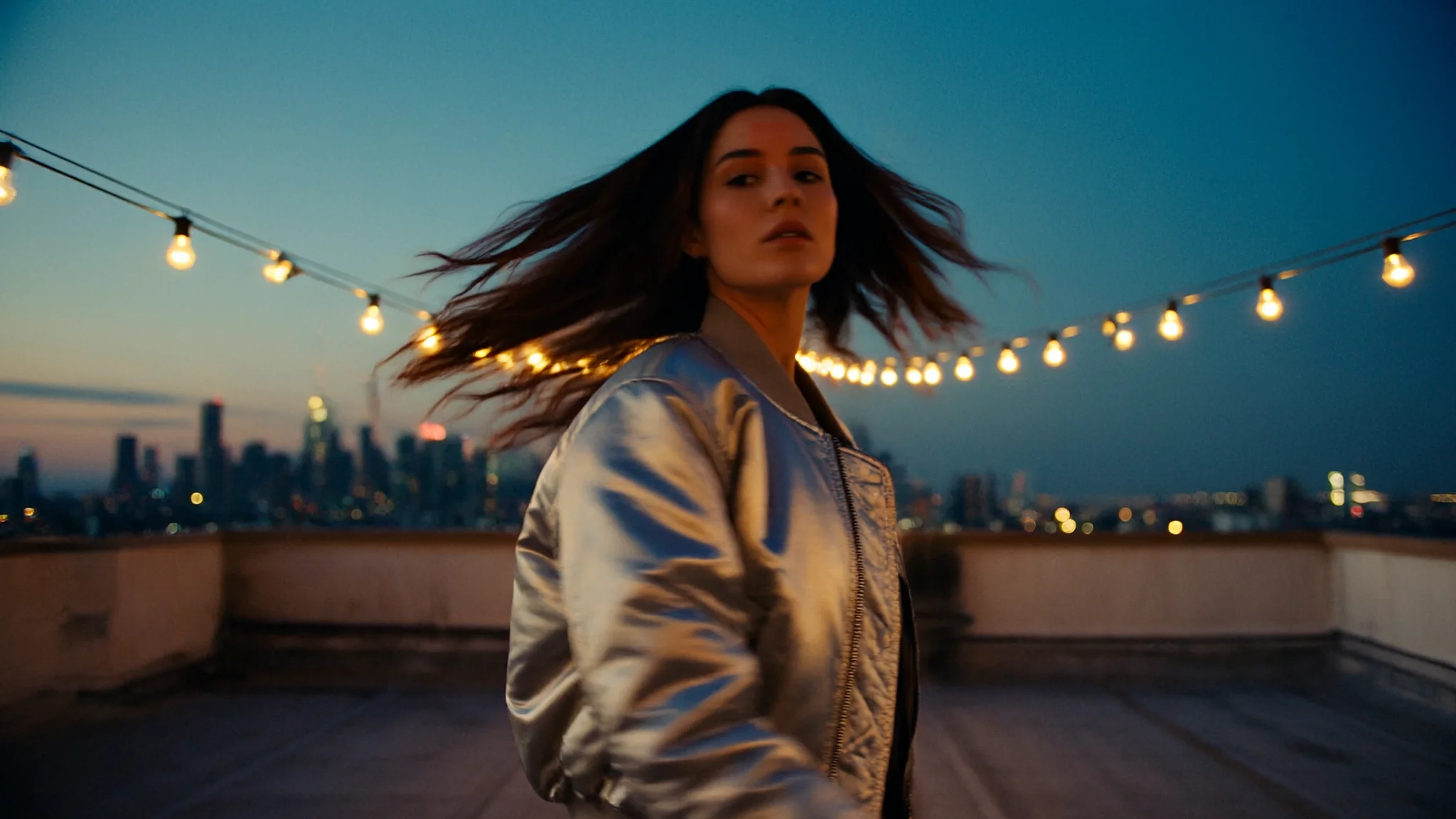
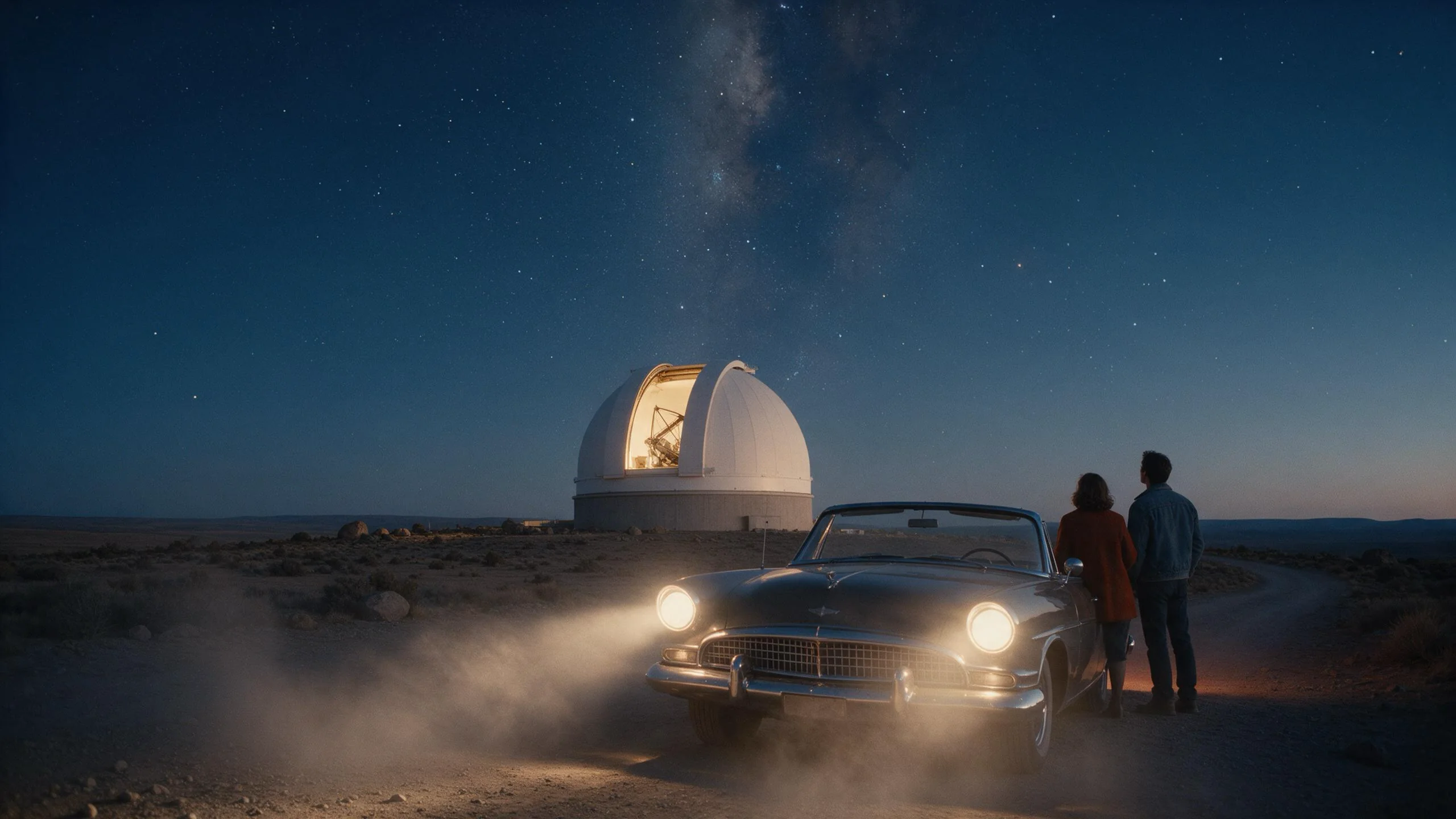
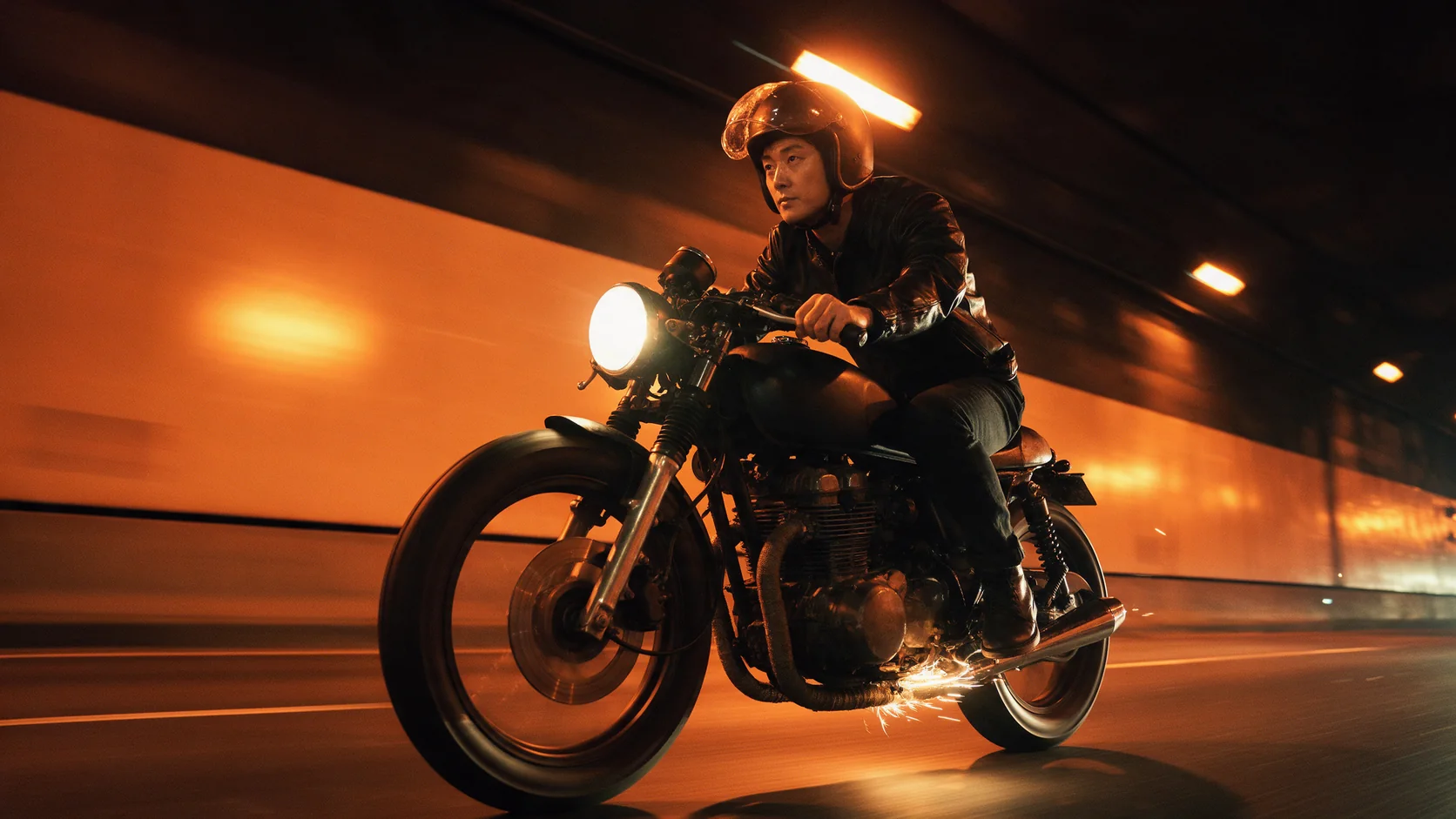
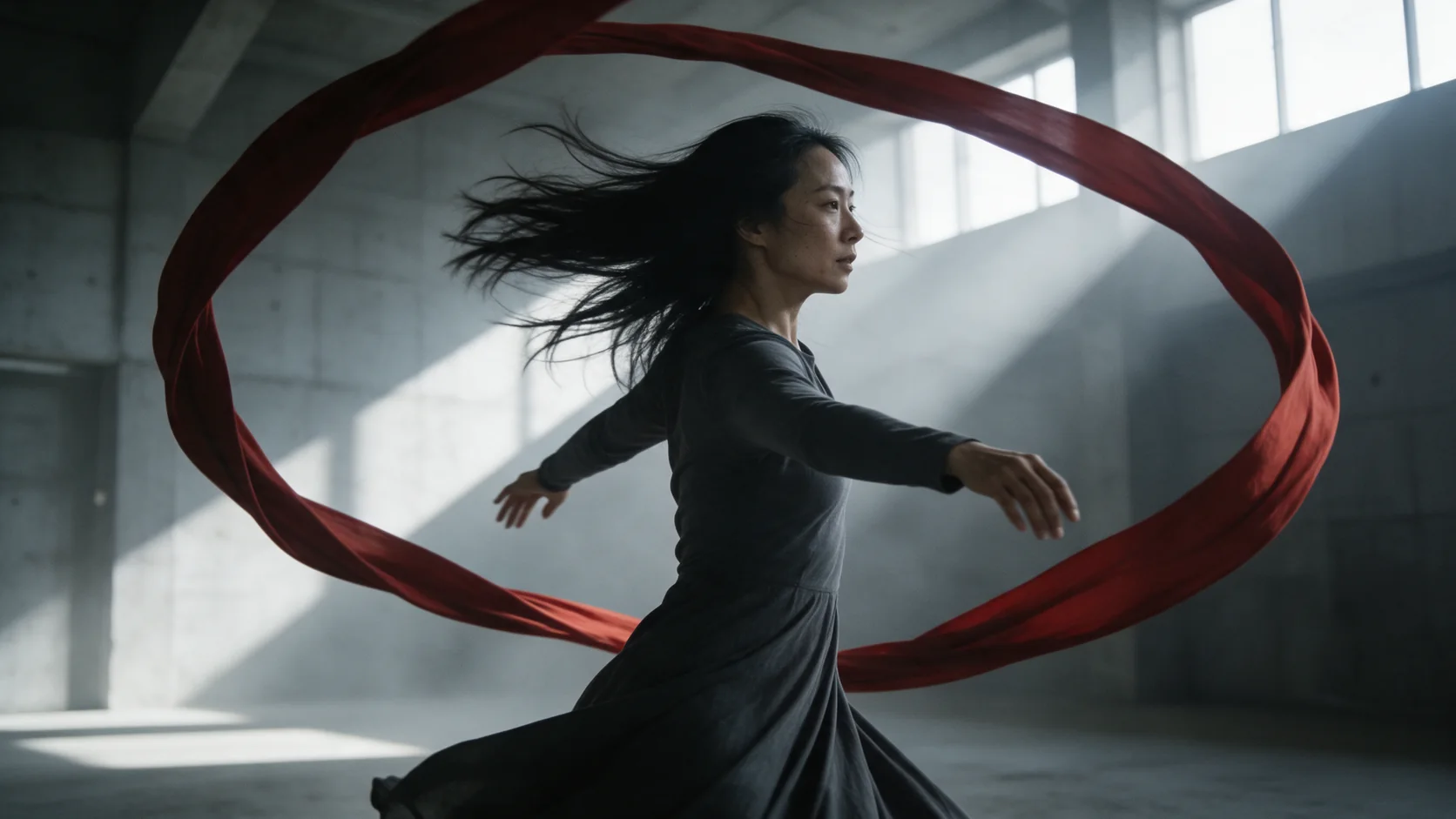
Start from a still you already like - a portrait, a product shot, a piece of concept art - and describe only what happens next; the frame itself doesn't change.
Chain frame to frame across a longer scene
Send the last frame of one approved clip as the opening frame of the next, and use last_image_url on this new clip to land on a specific pose - useful for stringing several 5 or 10 second clips into one continuous scene.
Prompt guide & pro tips
Describe only what changes
The opening frame already sets the subject, wardrobe and setting - the prompt only needs to say what happens next: the action, the camera move, and what it sounds like.
Keep two frames close when using last_image_url
A closing frame that differs wildly in pose, light or framing from the opening frame gives the model more work to reconcile in the space between, and the middle can wander on a 10-second clip. Keep both frames close and let the prompt carry the motion between them.
Write the sound in the same sentence as the motion
Because audio is generated alongside the picture on every clip, describe what a movement sounds like right where you describe the movement itself - footsteps, fabric, wind, distant crowd noise - rather than treating sound as an afterthought at the end of the prompt.
API quick start
# Generate the idempotency key once; reuse it when retrying after a lost response.
export SPICY_IDEMPOTENCY_KEY="${SPICY_IDEMPOTENCY_KEY:-$(uuidgen)}"
curl -X POST https://api.spicyapi.ai/api/v1/jobs/createTask \
  -H "Authorization: Bearer $SPICY_API_KEY" \
  -H "Content-Type: application/json" \
  -H "Idempotency-Key: $SPICY_IDEMPOTENCY_KEY" \
  -d '{
  "model": "kling/2.5-turbo/image-to-video",
  "input": {
    "duration_seconds": 5,
    "image_url": "https://example.com/reference.png",
    "prompt": "A slow aerial shot drifting over a misty pine forest at sunrise"
  }
}'

# Copy data.taskId from the response into TASK_ID, then poll the status.
TASK_ID="TASK_ID_FROM_RESPONSE"
curl "https://api.spicyapi.ai/api/v1/jobs/recordInfo?taskId=$TASK_ID" \
  -H "Authorization: Bearer $SPICY_API_KEY"
See the API reference for authentication, the complete schema, polling, and error handling.