Introduction
Wan 3.0 Pro Image to video animates an opening frame and delivers the clip at 1080p, 2K or 4K for 2 to 30 seconds. image_url is the only required field and is used exactly as the first frame, so wardrobe, body, set and light come from your still; the prompt is optional and should carry motion and camera only. last_image_url optionally fixes the exact final frame, and it works only together with image_url. Audio is generated with the picture unless you switch it off.
Choose a Wan 3.0 Pro mode by starting material
| What you have at the start | Mode |
|---|---|
| a written scene or script | Wan 3.0 Pro Text to video |
| an approved opening image | Wan 3.0 Pro Image to video |
| separate visual, motion, or sound references | Wan 3.0 Pro Reference to video |
Key features & highlights
A 4K render cannot sharpen a soft still
The opening frame is the quality ceiling of the shot, and the 2k and 4k tiers enlarge a native 1080p render rather than drawing new detail. A soft or low-resolution source stays soft at 4K. Supply a JPEG, PNG without transparency, BMP or WEBP of 240 to 8000 pixels per side, up to 20 MB and no wider than 8:1, as sharp as you have.
Both ends pinned for edit-ready masters
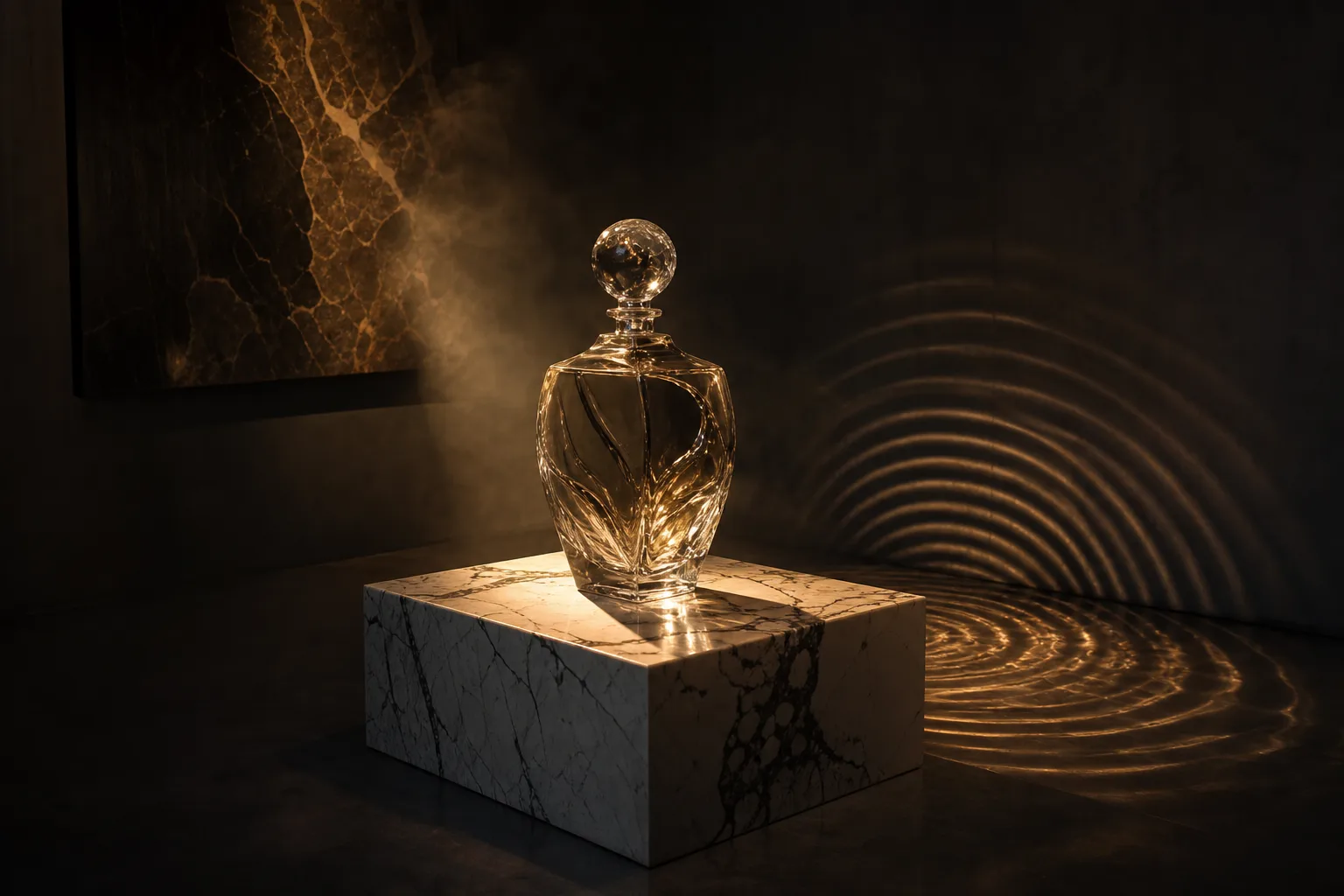
The bottle example sends the same packshot as image_url and last_image_url at 4k, with prompt expansion and audio switched off and a fixed seed of 5512090. The bottle rotates a quarter turn so the highlight travels the length of the glass and returns to its opening angle, producing a master whose label stays readable when an editor pushes in digitally.
Framing follows the source by default
aspect_ratio defaults to adaptive, which follows the opening frame. Pin 16:9, 4:3, 1:1, 3:4 or 9:16 only when the delivery format is fixed. None of the four published examples sets a ratio, so each clip keeps the shape of its source image.
Request parameters
| Parameter | Required | Description |
|---|---|---|
prompt | No | Optional here, because the frame already carries the look. Use it for motion and camera only. at least 1 characters · at most 20000 characters |
image_url | Yes | The opening frame, used exactly as the first frame, and the real quality ceiling of the shot. at least 1 characters |
last_image_url | No | Optional, and only together with |
resolution | No | 1080p, 2k or 4k, default 1080p. |
aspect_ratio | No | adaptive follows the opening frame. Pin 16:9, 4:3, 1:1, 3:4 or 9:16 only when the delivery format is fixed. |
duration_seconds | No | Any whole number from 2 to 30, default 5, or -1 for smart duration, where the model picks the length: the 30-second maximum is reserved up front and the charge settles on the le… |
generate_audio | No | On by default. Sound is generated with the picture and arrives inside the same file. Default: |
enable_prompt_expansion | No | On by default on this family. It fills out thin briefs and rewrites detailed ones, so turn it off once your prompt is a precise shot description. Default: |
seed | No | 0 to 2147483647. Fix it while you tune resolution or duration, otherwise every rerun changes two things at once. |
Pricing
| Specification | Price |
|---|---|
| $0.144 / second |
| $0.16 / second |
| $0.184 / second |
Use cases
Long journeys with an approved payoff
The summit example supplies the foot of the mountain as image_url and the summit as last_image_url, then renders 10 seconds at 4K with the prompt covering only the climb between them. A long ascent is where an unpinned ending drifts; fixing the landing frame lets you approve the payoff as a still before paying for a 4K render.
Wardrobe held in the frame
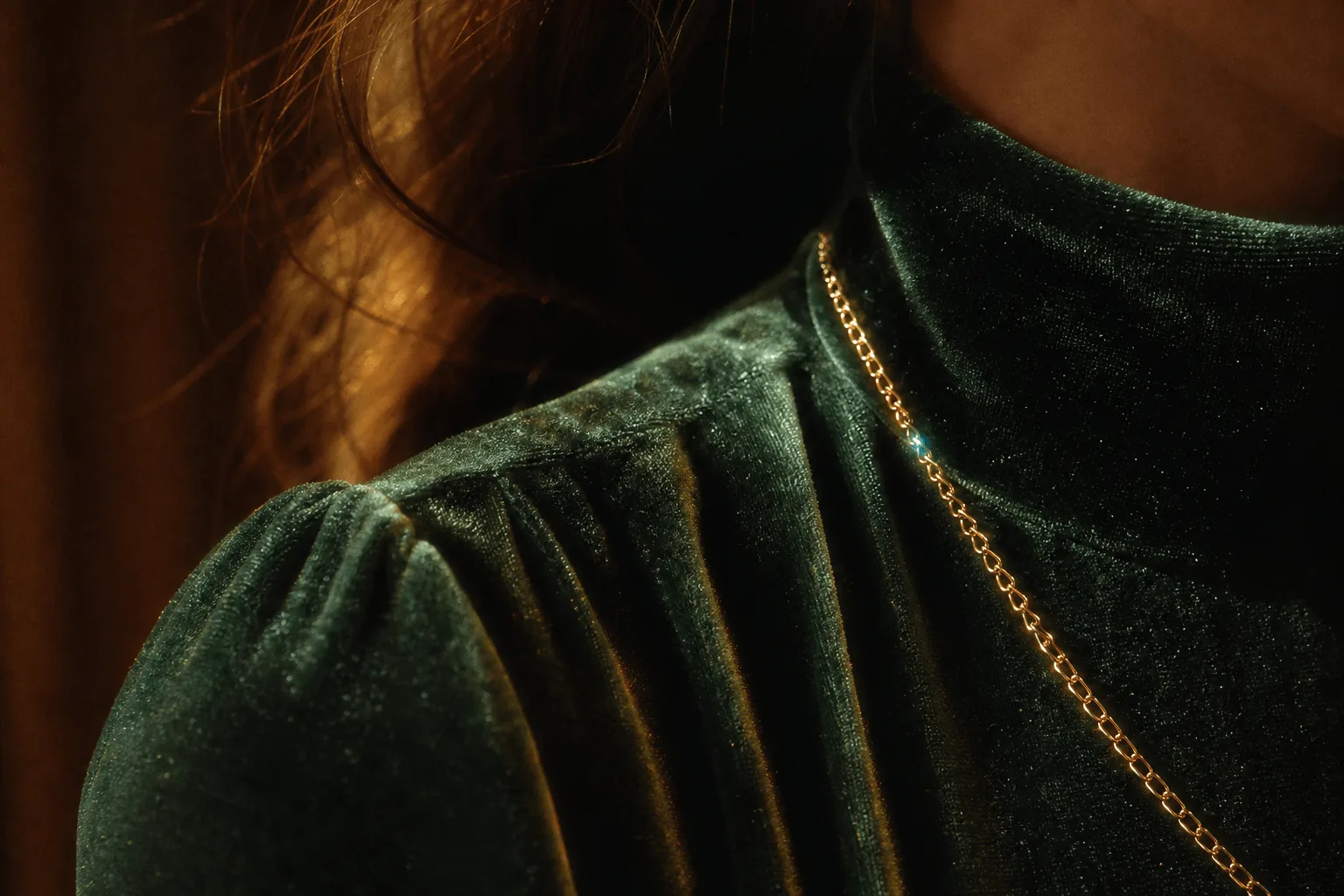
The silk-shoulder example starts from a still that already contains the wardrobe, so its prompt spends everything on movement: shoulders turning slowly toward camera, silk catching the light, breath settling, a slow push-in with one hard key from the left and rain on the window behind. It renders 5 seconds at 2k.
Prompt guide & pro tips
Use the prompt for motion and camera only
Prompt expansion is on by default on this family and will rewrite a detailed motion brief, so set enable_prompt_expansion to false once your wording is precise, as the bottle example does. Then say who moves, how far and how fast, and what the camera does. The prompt accepts up to 20,000 characters, but one clear action moves the result more than a long list.
Approve at 1080p, then render large
Settle framing and motion at 5 seconds and 1080p with a held seed; a rerun that changes both resolution and seed changes two things at once. When both frames are approved and the motion reads correctly, re-send the same body at 2k or 4k. Durations run 2 to 30 whole seconds, or -1 to let the model pick the length.
Inspect enlarged detail in the delivered file
In a 2K or 4K file, check the areas an enlargement stretches first: label text, hard specular highlights, hair and skin texture. The steamed-mirror example is a demanding case — steam rolling up and fogging a mirror, the figure turned away from the lens, a slow push-in past a wall sconce — rendered at 4k between a pinned first and last frame.
API quick start
# Generate the idempotency key once; reuse it when retrying after a lost response.
export SPICY_IDEMPOTENCY_KEY="${SPICY_IDEMPOTENCY_KEY:-$(uuidgen)}"
curl -X POST https://api.spicyapi.ai/api/v1/jobs/createTask \
  -H "Authorization: Bearer $SPICY_API_KEY" \
  -H "Content-Type: application/json" \
  -H "Idempotency-Key: $SPICY_IDEMPOTENCY_KEY" \
  -d '{
  "model": "alibaba/wan-3.0-pro/image-to-video",
  "input": {
    "aspect_ratio": "adaptive",
    "duration_seconds": 5,
    "image_url": "https://example.com/reference.png",
    "resolution": "1080p"
  }
}'

# Copy data.taskId from the response into TASK_ID, then poll the status.
TASK_ID="TASK_ID_FROM_RESPONSE"
curl "https://api.spicyapi.ai/api/v1/jobs/recordInfo?taskId=$TASK_ID" \
  -H "Authorization: Bearer $SPICY_API_KEY"
See the API reference for authentication, the complete schema, polling, and error handling.