Introduction
Wan 3.0 Pro Reference to video holds a face, a garment, a set, a movement or a voice across shots using image, video and audio references, and delivers the result at 1080p, 2K or 4K for 2 to 30 seconds. Send at least one of reference_image_urls (1 to 10 ordered images), reference_video_urls, reference_audio_urls (up to 5 clips each), reference_file_url (one document) or reference_link_url (one web page). The prompt is optional, but it is where each reference gets its job and where the action is stated.
Choose a Wan 3.0 Pro mode by starting material
| What you have at the start | Mode |
|---|---|
| a written scene or script | Wan 3.0 Pro Text to video |
| an approved opening image | Wan 3.0 Pro Image to video |
| separate visual, motion, or sound references | Wan 3.0 Pro Reference to video |
Key features & highlights
One master, several crops
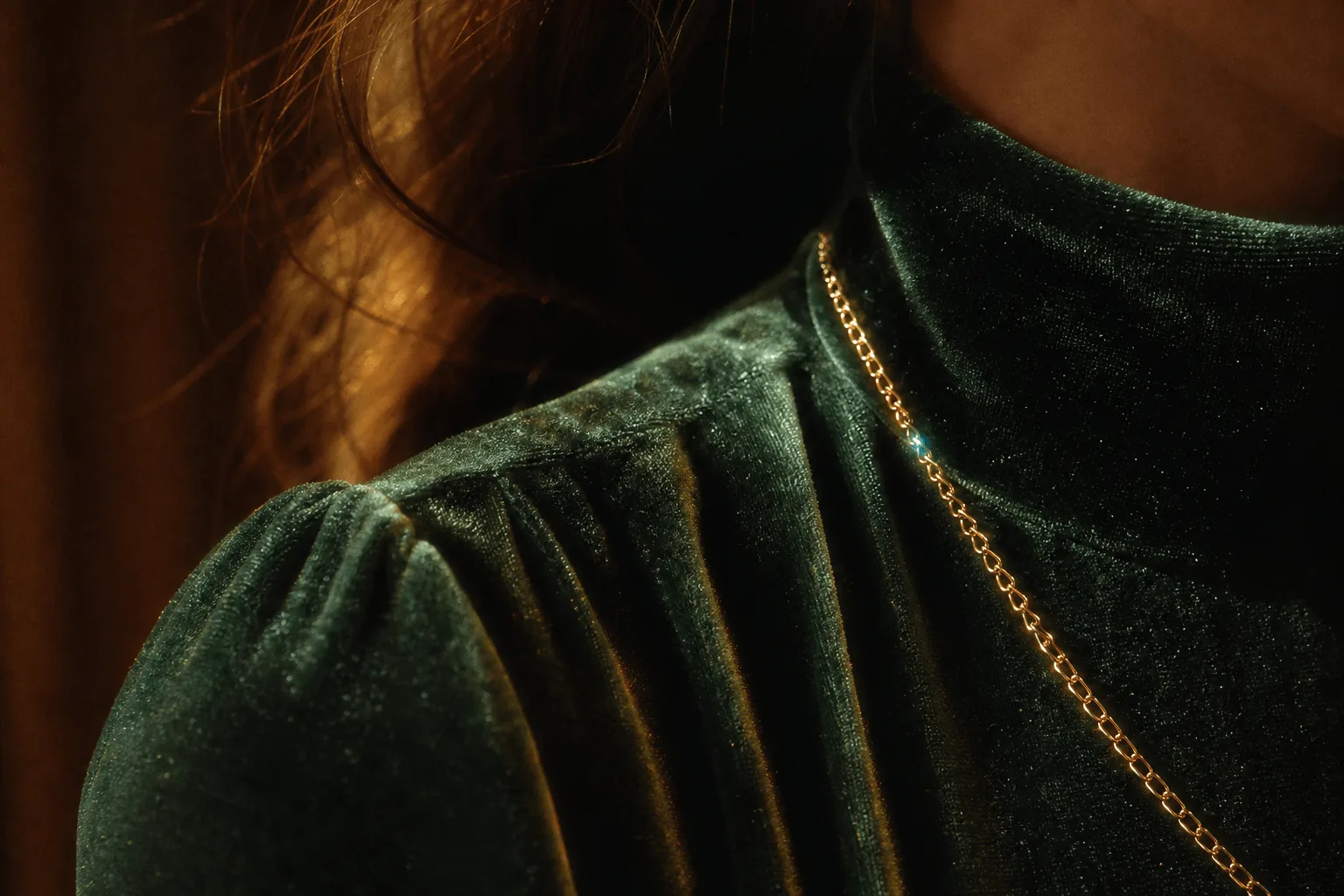
A reference-locked shot rendered at 4K gives a master that can be cropped for a banner and a vertical cutdown. The garment example sends one coat plate — "Keep the coat from the reference exactly — cut, colour and stitching" — and renders 6 seconds at 4k with audio off while the model turns once on a dark stage and the hem lifts and settles.
Drift is easier to see at delivery size
A face that shifts between shots is immediately obvious at high resolution, which helps in review: render each shot of a sequence at the delivery size and compare them side by side before committing. The 2k and 4k tiers are enlarged from a native 1080p render, so they reveal inconsistencies from the render rather than hiding them.
Reference budgets
Reference images and reference audio are not billed; reference video seconds are billed with the output. Video and audio references are each capped at 15 seconds in total, with every clip between 1 and 15 seconds, and reference video plus duration_seconds must stay within 30 seconds. These limits are enforced during generation, not at submission, so check clip lengths first.
Request parameters
| Parameter | Required | Description |
|---|---|---|
prompt | No | Optional, but this is where you say what each reference is for — which image is the character, which clip carries the movement, which audio is the voice — and what actually happ… at least 1 characters · at most 20000 characters |
reference_image_urls | No | 1 to 10 images for identity, wardrobe and set plates. Name each one in the prompt — character, garment, set — or they are averaged together. at least 1 items · at most 10 items |
reference_video_urls | No | Up to 5 clips, each 1 to 15 seconds and 15 seconds in total. Use them for movement and camera style rather than for a face. at least 1 items · at most 5 items |
reference_audio_urls | No | Up to 5 clips, each 1 to 15 seconds and 15 seconds in total — a voice, a line reading or room tone the shot has to match. Reference audio is not billed. at least 1 items · at most 5 items |
reference_file_url | No | One document the model reads before it directs the shot: a character sheet, a script, a shot list or a product brief. |
reference_link_url | No | One public web page the model reads for reference, such as an article, a product page or a character profile. It must open without a login. |
resolution | No | 1080p, 2k or 4k, default 1080p. |
aspect_ratio | No | 16:9, 4:3, 1:1, 3:4, 9:16 or adaptive. Defaults to adaptive, which lets the model choose; name a ratio when the delivery format is fixed. |
duration_seconds | No | Any whole number from 2 to 30, default 5, or -1 for smart duration, which reserves the maximum and settles on the length actually delivered. |
generate_audio | No | On by default. Sound is generated with the picture and arrives inside the same file. Default: |
enable_prompt_expansion | No | On by default on this family. It fills out thin briefs and rewrites detailed ones, so turn it off once your prompt is a precise shot description. Default: |
seed | No | 0 to 2147483647. Fix it while you tune resolution or duration, otherwise every rerun changes two things at once. |
Pricing
Reference videos add to the billed seconds; reference images and audio do not. Because we cannot measure your clips before the job runs, we hold funds for the 15-second maximum up front and release the unused portion the moment the job settles — you are only ever charged for the seconds actually used.
| Specification | Price |
|---|---|
| $0.144 / second |
| $0.16 / second |
| $0.184 / second |
Use cases
Episodic shots with a labelled face and set
The face-and-set example sends two plates and one action line: "The first image is the character — keep her face, hair and the black gown. The second image is the room." She walks from the doorway to the window under a slow lateral track, 8 seconds at 1080p with seed 640117. Reuse the plates and the seed for every shot of an episode and change only the action.
Same people, different light
The three-times-of-day example keeps two people and one apartment while the light changes: morning by the window, dusk on the kitchen counter, night on the balcony. That is the awkward continuity case, because everything except the light must hold. The references carry the people and the room, so the prompt describes only what differs.
Prompt guide & pro tips
Label references in order
reference_image_urls is ordered, so refer to images as "the first image" and "the second image" and supply them in that order. For each one, say whether it is a character, a garment or a set. Use reference videos for movement and camera style rather than faces, and audio for a voice, a line reading or room tone.
Turn prompt expansion off for the final render
enable_prompt_expansion is true by default on this family and rewrites detailed briefs, which can blur the roles you assigned. Switch it off once the reference labels and action line are settled, keep seed fixed, and do the first renders at 1080p and 5 seconds.
Scale up only the approved take
When the shot works at 1080p, re-send the identical body with resolution set to 2k or 4k. Keep aspect_ratio on adaptive unless the delivery frame is fixed, and check the recurring details — face, cut of the garment, room layout — at the start and end of the delivered file.
API quick start
# Generate the idempotency key once; reuse it when retrying after a lost response.
export SPICY_IDEMPOTENCY_KEY="${SPICY_IDEMPOTENCY_KEY:-$(uuidgen)}"
curl -X POST https://api.spicyapi.ai/api/v1/jobs/createTask \
  -H "Authorization: Bearer $SPICY_API_KEY" \
  -H "Content-Type: application/json" \
  -H "Idempotency-Key: $SPICY_IDEMPOTENCY_KEY" \
  -d '{
  "model": "alibaba/wan-3.0-pro/reference-to-video",
  "input": {
    "aspect_ratio": "adaptive",
    "duration_seconds": 5,
    "reference_image_urls": [
      "https://example.com/reference.png"
    ],
    "resolution": "1080p"
  }
}'

# Copy data.taskId from the response into TASK_ID, then poll the status.
TASK_ID="TASK_ID_FROM_RESPONSE"
curl "https://api.spicyapi.ai/api/v1/jobs/recordInfo?taskId=$TASK_ID" \
  -H "Authorization: Bearer $SPICY_API_KEY"
See the API reference for authentication, the complete schema, polling, and error handling.