Introduction
Z-Image Spicy Pro renders an uncensored or ordinary brief into a single image at dimensions you set, with a ceiling of 2560 pixels on each side. It is a dedicated uncensored tier: no maturity flag, no declaration, no scanner between the request and the model.
Z-Image Spicy Pro is the large-frame uncensored tier of the Z-Image line: width and height set independently up to 2560 pixels, an unlimited prompt field, an optional prompt expander that is off by default, and no content filter.
Key features & highlights
A dedicated uncensored image tier
Z-Image Spicy Pro is positioned for uncensored visual briefs rather than as a loosened general-purpose route. Make the intended context, subject and visual treatment clear, then review the output against the stated brief and applicable policy.
More room for delivery-oriented imagery
The Pro tier is intended for work that needs a more detailed final frame than an early concept pass. Judge details such as material, lighting and composition at the planned delivery placement, not from an enlarged thumbnail.
Preserve deliberate wording
When the wording of an uncensored brief matters, keep the approved phrasing with the result. An exploratory rewrite can change the request's intent, so compare every later variation with the original constraints.
Request parameters
| Parameter | Required | Description |
|---|---|---|
prompt | Yes | No character cap. Concrete description of light direction, fabric, palette and lens is used well at this size; adjective stacking is not. at least 1 characters |
width | No | Output width in pixels, 256 to 2560, defaulting to 1024. Keep the long side within roughly twice the short side unless you are writing the composition for a strip. |
height | No | Output height in pixels, 256 to 2560, defaulting to 1024. The large frame is opt-in — leaving this at the default is the usual reason a result comes back smaller than expected. |
enable_prompt_expansion | No | Rewrites a short prompt into a longer one before generation. Default: |
seed | No | Pass the same seed with the same prompt and the same dimensions to hold the draw steady between two runs; that makes them comparable but does not guarantee an identical image. |
Pricing
$0.019 / image
Use cases
Start from a written brief
Use this endpoint for uncensored or ordinary briefs that need a large frame: width and height each run from 256 to 2560 and default to 1024, so set the delivery size explicitly. Keep enable_prompt_expansion off and the wording arrives as written.
Uncensored editorial at full frame
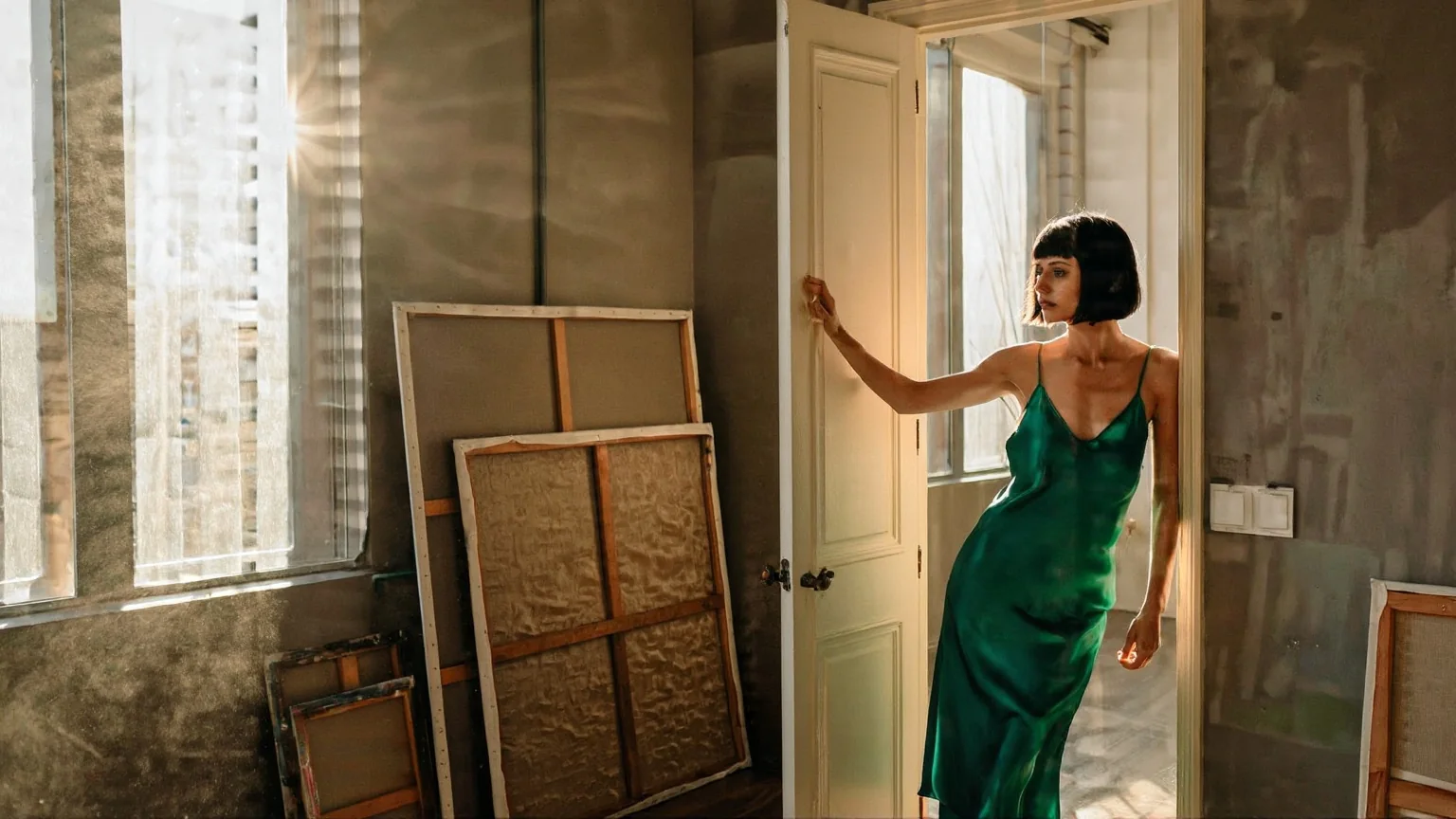
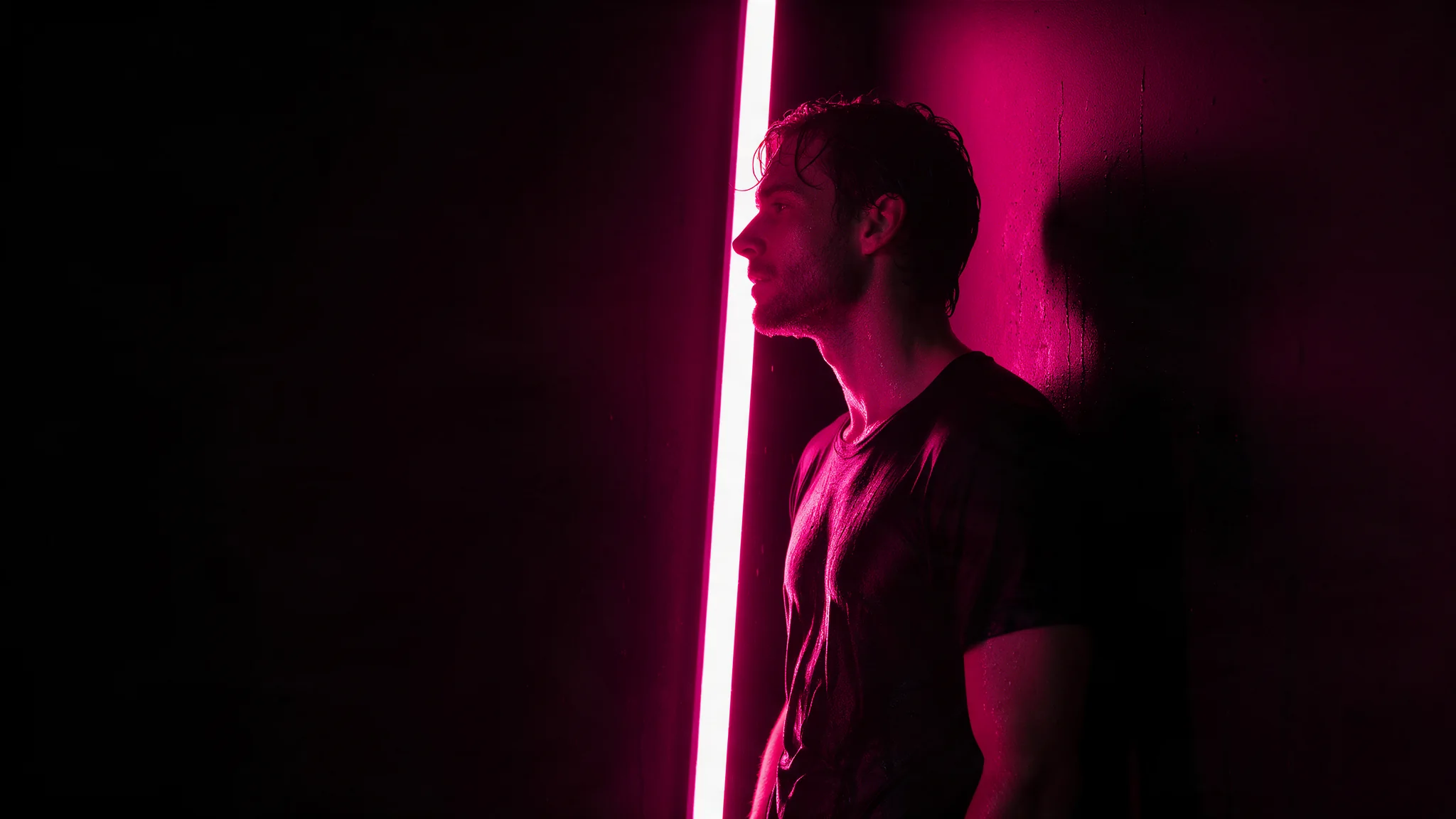
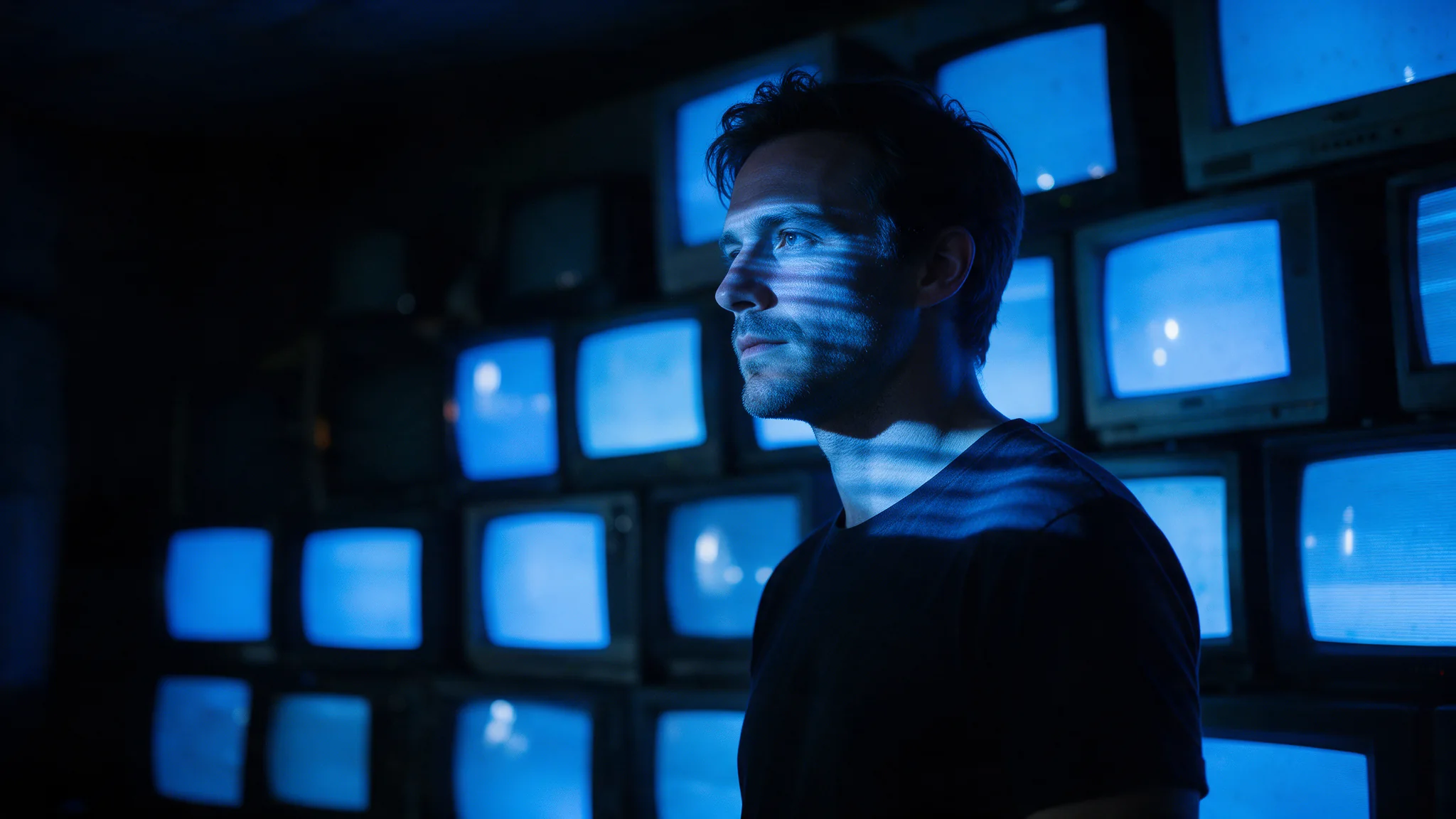
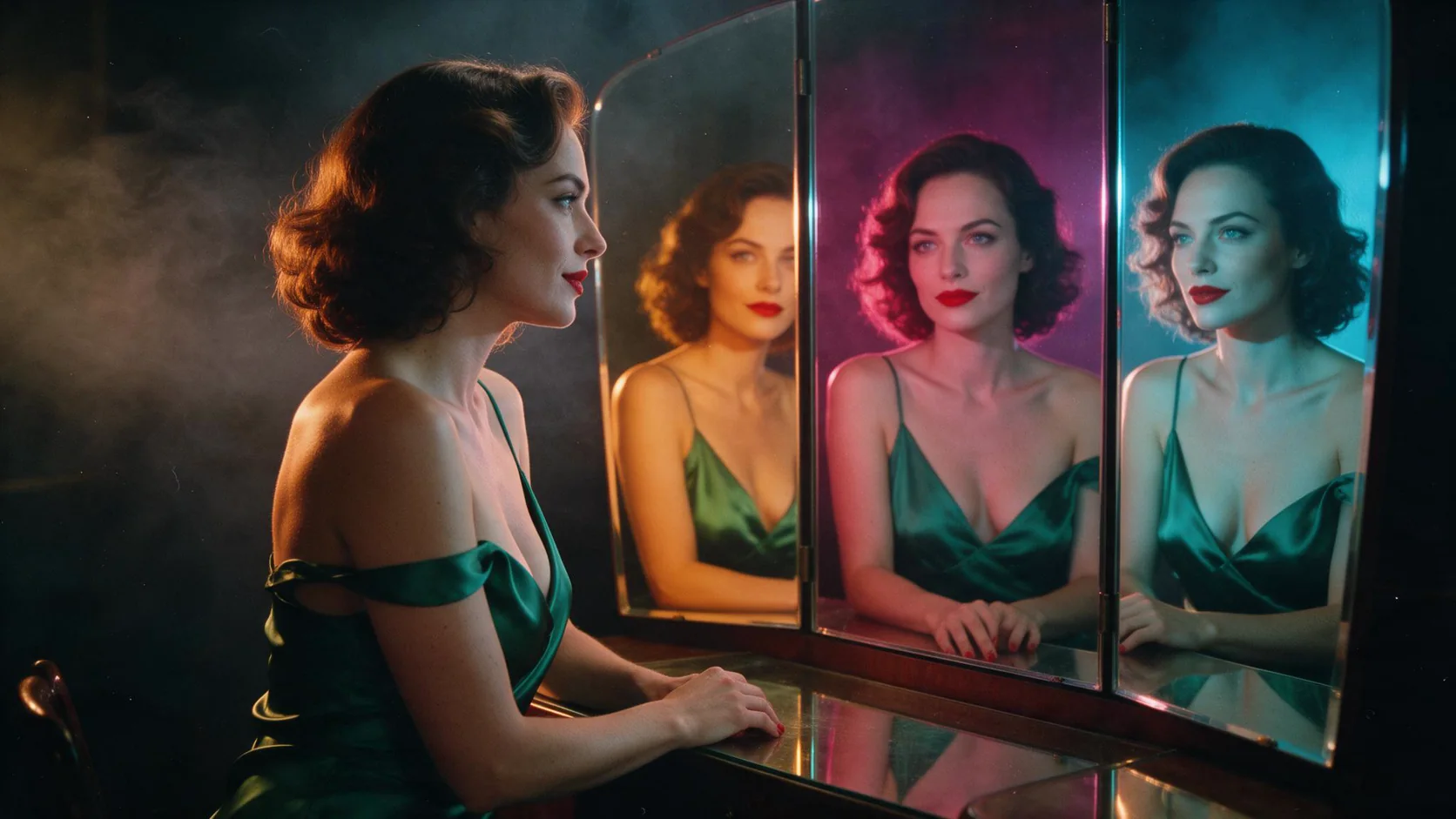
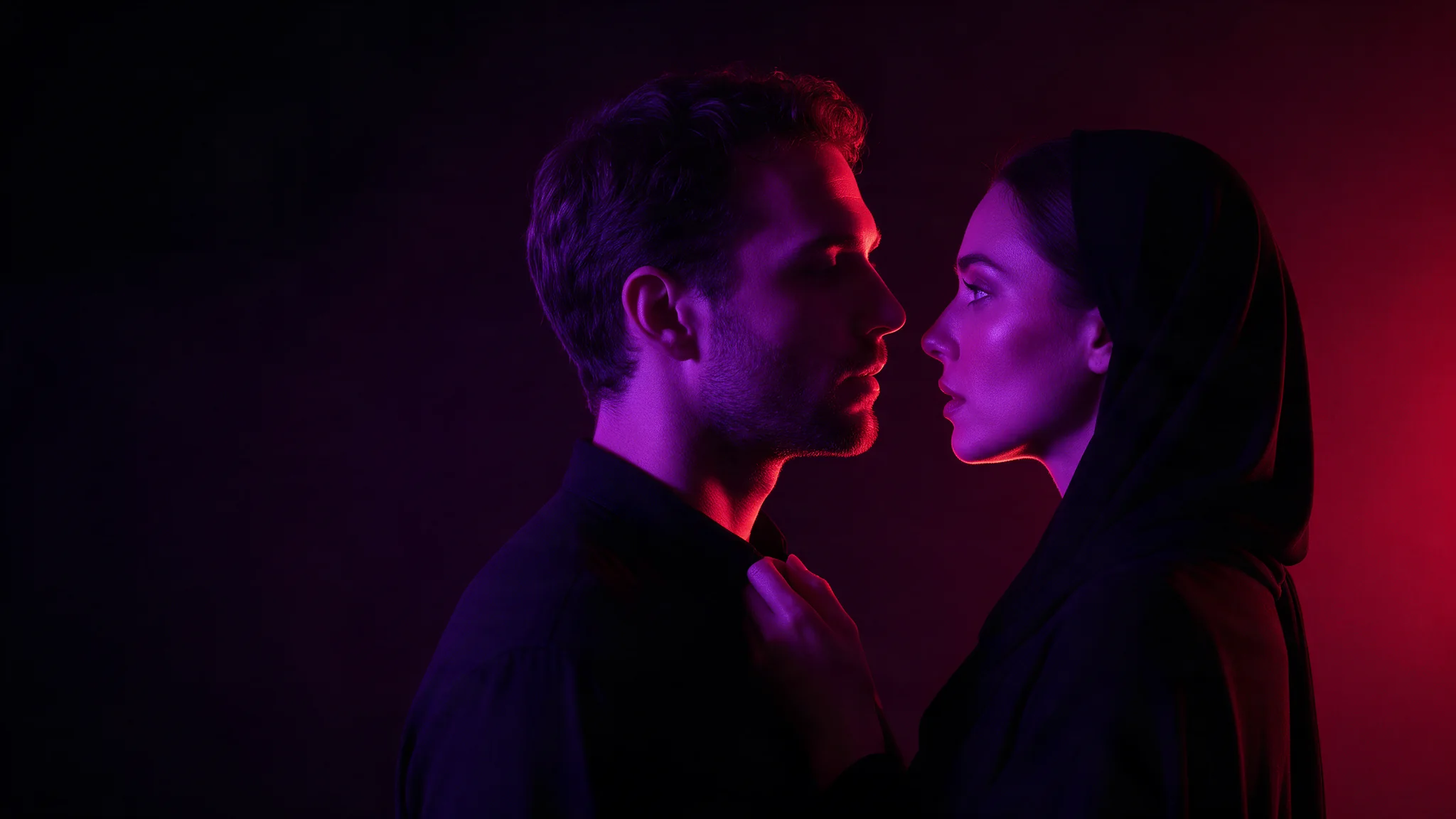
High-key portraits, POV compositions and fashion editorial generated at 1728x2560 so the frame goes straight into a layout. No upscaling pass inventing skin detail that was never rendered.
Prompts other image APIs decline
Uncensored wording passes through unchanged with expansion off, and the request looks identical to any other model here — create the task, poll, fetch the asset from platform storage. Nothing about uncensored work takes a different code path.
Print-adjacent comps
2560x1440 and 2048x2560 give enough pixels for a comp that will be projected or printed small. Below that ceiling nothing needs an upscaler, which is where most uncensored pipelines lose texture.
Prompt guide & pro tips
Write the full brief with expansion off
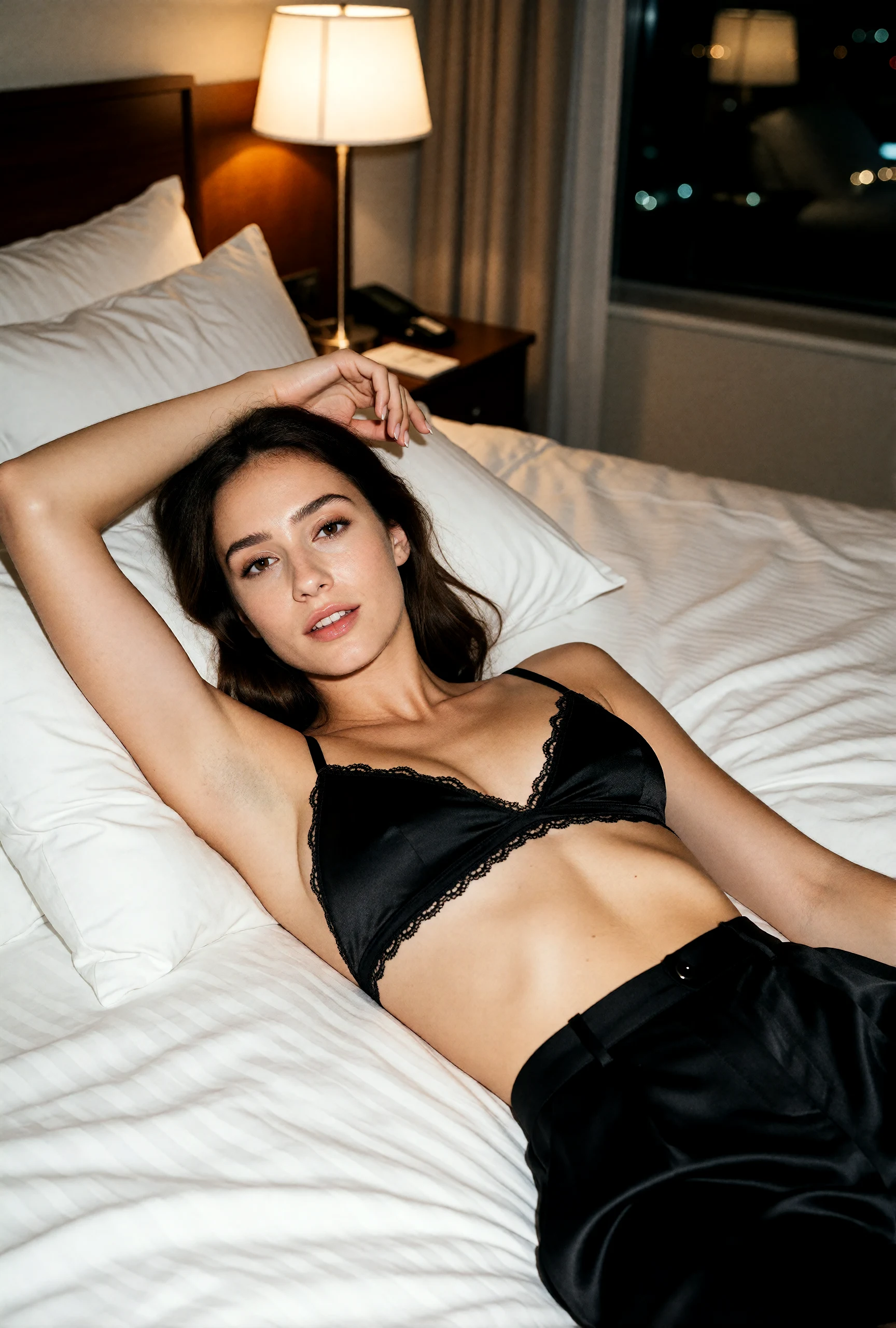
Write the lighting, fabric, pose and setting in concrete terms. The Pro example on this page uses a black satin top, silk trousers and a warm hotel lamp at 1728 × 2560. The brief below is the recorded prompt for that image; use the satin, lace trim and hands as details to inspect when adapting it.
Compare at the size you plan to deliver
Choose the delivery dimensions first. Accepted sizes currently share one per-image price, so a 1024-square draft does not reduce the cost of a call. Keep the seed and dimensions fixed while changing one part of the brief; budget by the number of variations. A seed of 0 requests a fresh draw.
Adapt the included example
Start from the recorded Pro example with width: 1728, height: 2560 and seed: 4217. Prompt expansion is off by default. Change the room, lighting or wardrobe one at a time, and keep the selected prompt with the image.
Photograph of an adult woman in her thirties lying back across a hotel bed in an opaque black satin bralette with a thin scalloped lace trim along the edges and high-waisted black silk trousers, one arm above her head, looking at the camera with a slow smile. Low warm bedside lamp, city lights through the window, 50mm, soft film grain, editorial lingerie campaign.
The example pairs a low warm bedside lamp with city lights outside. Compare the face, raised hand, lace edges and separation between black satin and silk trousers at the final viewing size.
Check the result before iterating
2560 pixels a side is the ceiling; both dimensions default to 1024, so a large frame is something you have to ask for explicitly. Extreme pairs — a very long side against a short one — go past what the model composes well, so keep the long side within roughly twice the short one unless the empty space is deliberate. Leaving enable_prompt_expansion off is the more reliable route for uncensored briefs. There is no negative prompt, no image input and no output-format field here.
API quick start
# Generate the idempotency key once; reuse it when retrying after a lost response.
export SPICY_IDEMPOTENCY_KEY="${SPICY_IDEMPOTENCY_KEY:-$(uuidgen)}"
curl -X POST https://api.spicyapi.ai/api/v1/jobs/createTask \
  -H "Authorization: Bearer $SPICY_API_KEY" \
  -H "Content-Type: application/json" \
  -H "Idempotency-Key: $SPICY_IDEMPOTENCY_KEY" \
  -d '{
  "model": "alibaba/z-image-spicy-pro/text-to-image",
  "input": {
    "prompt": "A ceramic teapot on a linen cloth, soft window light, muted palette"
  }
}'

# Copy data.taskId from the response into TASK_ID, then poll the status.
TASK_ID="TASK_ID_FROM_RESPONSE"
curl "https://api.spicyapi.ai/api/v1/jobs/recordInfo?taskId=$TASK_ID" \
  -H "Authorization: Bearer $SPICY_API_KEY"
See the API reference for authentication, the complete schema, polling, and error handling.