You want images for an adult character project. One recommendation sends you to a website, another sells an API, and a third tells you to install ComfyUI. All three use the phrase uncensored AI image generator, but buying the wrong kind of tool can leave you with an attractive picture and no workable way to finish the project.
Choose a website when you want to create and select pictures by hand. Choose a hosted API when pictures need to appear inside your own application or repeatable batch. Choose a local setup when keeping the inference on your hardware, using particular weights or controlling the workflow matters enough to maintain it. If you already have a picture worth keeping, check the editing route before buying more text-to-image generations.
Those choices overlap. A website can run the same hosted model that an API exposes; a local interface can call a remote API. A LoRA is an adapter used with a compatible model, rather than a fourth place where images run. This guide compares the routes by the work they let you do. It does not claim a new test of every service or rank their maximum NSFW range.
Start with the thing you need to deliver
| What you need | Start here | What would make this the wrong choice? |
|---|---|---|
| A few adult fictional character pictures, selected manually | A browser generator with the right visual style | You need custom weights or controls its interface does not offer |
| Images generated from a companion app or game | A documented hosted image API | The model accepts text prompts but does not support your required source-image task |
| An approved character in another scene | A reference-based editor | You need a small protected repair and the editor redraws the entire image |
| A specific checkpoint, adapter stack or pose-control workflow | A local model workflow, or a host that explicitly supports those assets | The hardware or managed environment cannot run the actual workflow |
| Prompt experiments with no initial payment | A genuinely free browser allowance, or existing local hardware | Export, content rules or usage limits prevent the intended project |
For an NSFW project, ask two separate questions: can this route deliver my adult-oriented brief, and can I use it in the way my project requires? A permissive browser tool without a documented integration may suit a solo creator while being unsuitable for a product. A callable API may still return a softened result on a particular model or edit request. Neither answer follows from the word “uncensored.”
A Reddit discussion about affordable image services makes the mismatch concrete: the poster uses a mobile frontend, while several replies recommend local models. A local recommendation might be excellent for someone at a workstation and still fail to solve that poster's access problem. Treat such discussions as useful questions to ask, rather than proof of current prices or model behavior.
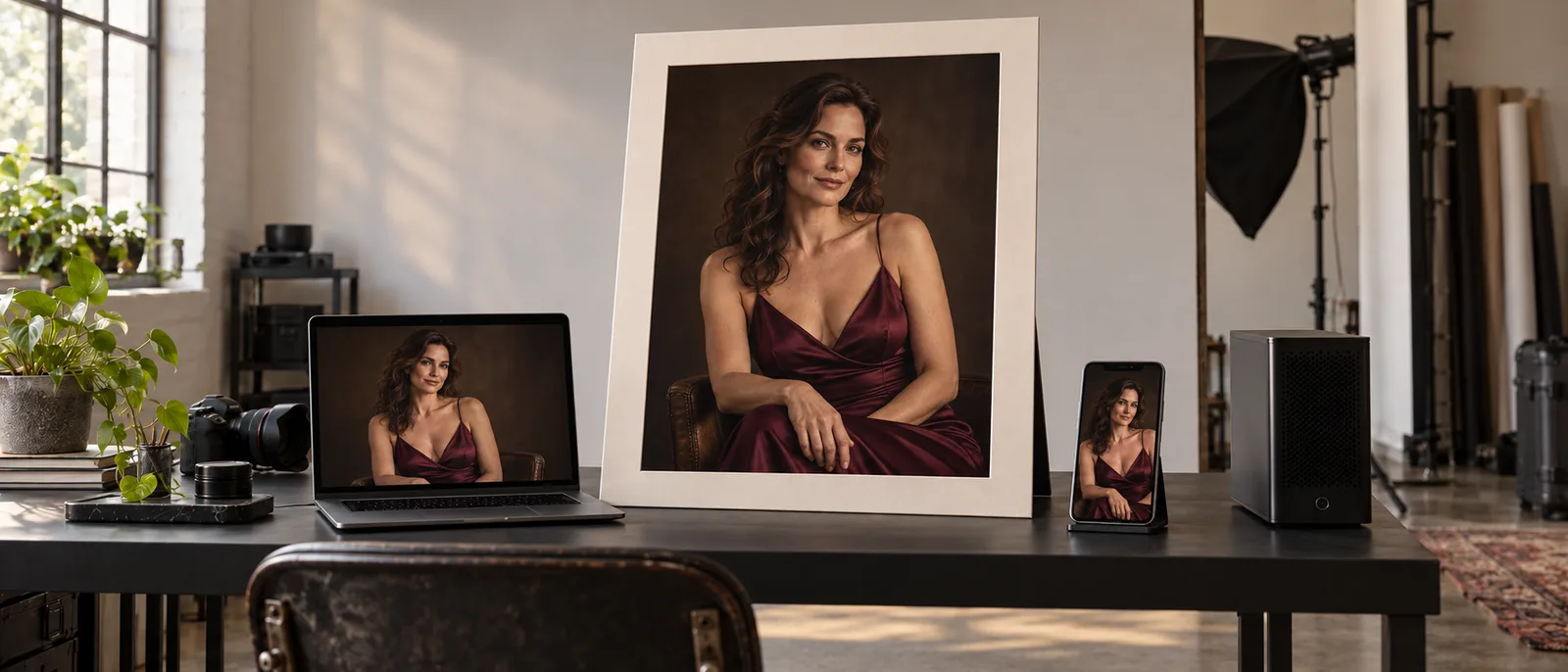
Illustration: manual selection, an application and locally owned hardware imply different generation workflows. The pictured devices do not establish where any real app runs inference.
Browser generators: the quickest route to manual creative work
A browser generator is a sensible first choice if you want to describe a scene, inspect candidates and keep the ones you like. You do not need to operate a model runtime to discover whether your preferred style is anime, photographic or heavily illustrated. For an adult visual novel, you can settle the character's look before building any automation.
The useful difference between browser tools is what happens after the first picture. Can you bring a saved image back as a reference? Can you change the scene while retaining the character? Does the tool offer an actual mask, or only a general instruction to edit? Can you download the full image and its settings? A gallery of polished examples does not answer those questions.
NovelAI provides a concrete example of a specialized browser choice. Its documentation positions the service around anime imagery and storytelling, and its subscription plans are $10 for Tablet, $15 for Scroll and $25 for Opus per month. That makes it an option to investigate for a manually produced illustrated series, rather than a default recommendation for photographic work. The subscription page also explains the included Image Anlas and conditions on generations that consume no Anlas.
Read the conditions before translating a subscription into “unlimited images.” NovelAI's newer V5 model has an Opus usage allowance for qualifying no-Anlas generations; larger or otherwise billable requests consume Anlas. The official FAQ also describes a one-time image trial after account registration, rather than a permanently renewing free plan. An older recommendation of unlimited use can therefore describe a different model or billing condition.
For your own project, try the exact continuation task you expect to repeat: save an adult character portrait, return with it, and request a different room or outfit within the service's terms. If the process loses the face or requires rebuilding the prompt every time, that friction matters more than how pleasant the first generation felt.
Choose a browser service when selecting images yourself is part of the creative process. Move toward an API or local workflow when you are repeatedly copying prompts between windows, need a particular adapter, or must connect generation to an application. Paying more for a browser subscription does not automatically provide those capabilities.
Hosted APIs: use these when images are part of a product
An image API lets your software request generation and receive the result without a person operating a prompt box. That is the relevant choice for contextual selfies in an adult companion app, character images attached to a game event, or a collection of scene variations generated from a saved brief.
The advantage is the connection between the image request and the rest of your product. Your application can send the character reference and scene instruction together, associate the returned image with the correct conversation, and present the cost before the user runs another variation. You still need to inspect whether the chosen model produces useful pictures. Automating a weak workflow only makes more weak pictures.
Before integrating, find a working example of the exact task: text-to-image, reference editing or masked repair. Do not accept “we have an API” as proof that every browser feature is available there. The SpicyAPI image catalogue separates model tasks, and the task documentation explains the generation process. Use the model page to select an available task before planning the interface around it.
For a companion app, the difference is especially practical. If you want the same fictional adult character in a new setting, a fresh text-to-image call has to invent that person again. A reference-based edit gives the model an existing appearance to work from. Neither route guarantees identity preservation, but only one starts with the approved image as an input.
Also distinguish several independent requests from an API that returns a coherent image series. Sending a saved prompt ten times does not establish shared identity or an ordered story. Your application may need to retain the approved source and use it for each requested scene. Decide whether you want ten candidates for one picture or ten distinct pictures of one character; those are different workflows.
An API is worth investigating even at modest volume when you need automation. There is no universal rule that twenty images a week makes it cheaper than a subscription. A creator manually exploring hundreds of anime drafts may prefer a qualifying subscription allowance. A developer producing five images a day from application events may need an API regardless of the raw image count.
Local generation: control the actual workflow, not just the prompt
A local setup runs model inference on your own machine. ComfyUI is an interface for connecting steps such as loading weights, encoding a prompt, generating an image and saving it. It is not one image model, and installing it does not determine what your chosen checkpoint can render.
This route becomes useful when a specific workflow is the reason you are choosing the tool: a community checkpoint, a compatible character adapter, a pose reference, or a sequence of masking and refinement operations. You can preserve a known setup rather than depend on the controls a hosted interface happens to expose. The tradeoff is that you maintain the files, dependencies and hardware needed to run it.
Start with a supplied model workflow, rather than collecting unrelated nodes from screenshots. ComfyUI's workflow guide explains templates and saving workflows as JSON. For an adult character series, keep the working recipe alongside the images: which model was loaded, which reference was used and which adapter influenced the character. That is more useful than retaining a prompt while forgetting the rest of the setup.
There is no single GPU specification that covers “uncensored generation.” Memory requirements depend on the model, precision, image dimensions and workflow. A configuration that generates one modest image may fail when you add a larger output or another model stage. ComfyUI's system requirements document different hardware backends; they do not establish one universal 12 GB minimum. Check a working configuration for the model you actually intend to use before buying hardware.
Local generation can keep inference inputs on your device when every relevant stage runs locally. A local-looking canvas does not establish that. ComfyUI also supports Partner Nodes that call remote services. If a workflow includes those nodes, their requests leave your machine and use the remote service's pricing and policies. Cloud-hosted ComfyUI is also hosted execution, even though the interface looks familiar.
For an NSFW creator, local control is most valuable when the desired model and workflow are already identified. If you are still choosing a visual style and dislike software maintenance, a browser tool is usually an easier first experiment. If you need a private local process or a file no available host can run, the installation effort solves a real constraint.

Illustration: the location of the generation stage matters. A local interface can still send requests to a remote model.
Existing-image editors: buy preservation, not another fresh generation
An editor is a task you can access through a website, API or local workflow. Its purpose is to use an existing image while making a requested change. It deserves a separate decision because the best generator of a new character may be a poor choice for keeping a character you already approved.
Consider a fictional adult performer whose portrait will appear in several premium character cards. You like the face and outfit, but need a bedroom scene instead of a studio background. Give an editor the approved portrait and describe the scene change. If you also request a new angle, expression, hairstyle and lighting, you have introduced several reasons for the identity to shift. Begin with the change the next card actually needs.
There are three useful distinctions:
- Reference-based editing supplies the image as visual context and asks for a change. The entire returned frame may differ.
- Image-to-image regeneration uses a source to guide a new image. Where supported, departure strength controls how far it moves from that source.
- Masked editing supplies a region to redraw. It is the route to investigate when only a garment detail or small background area should change.
A tool that accepts an uploaded image does not necessarily implement all three. A mask narrows the intended edit; it still does not certify that every surrounding pixel will remain identical. Read the task's controls and inspect the output at the size you will publish.
Choose a general reference editor for a new scene. Investigate a masked route for a small repair. Use full regeneration when you actually want a restyle and can tolerate broader changes. Our image-editor comparison covers specific editor choices; the decision here is whether preservation is your main requirement.
LoRAs and community models: customization belongs to a compatible base
A LoRA is an adapter that can influence a compatible model's character, style or other learned features. It can run locally or through a host that accepts that file. Choosing “a LoRA tool” without knowing the base is like choosing a lens without checking the camera mount.
For an adult character series, first try the base with an approved reference. If the face and desired style already work, an adapter adds another moving part without solving an identified problem. If you need a recognizable original character or a specific illustration style that ordinary prompting does not supply, a compatible adapter may be worth testing.
Check the creator's model target, trigger instructions and recommended strength. A downloadable file is not proof that it works on every model with a similar name. Generation and editing variants can have different compatibility requirements. The hosted image LoRA comparison explains the concrete choices on SpicyAPI; a hosted route lets you investigate adapters without operating the inference hardware yourself.
Training and running are separate services. A route that accepts completed weights need not train them, host your dataset or provide a private library. If you already own a file, the hosted LoRA API guide addresses that next step. If you need to create the file, select a trainer for the intended base before purchasing an inference plan.
Model licensing is also specific. For example, the FLUX.1 Schnell model card identifies an Apache 2.0 release. That does not give every FLUX variant, adapter or training dataset the same terms. Check each asset you plan to use rather than treating “open weights” as a blanket commercial permission.
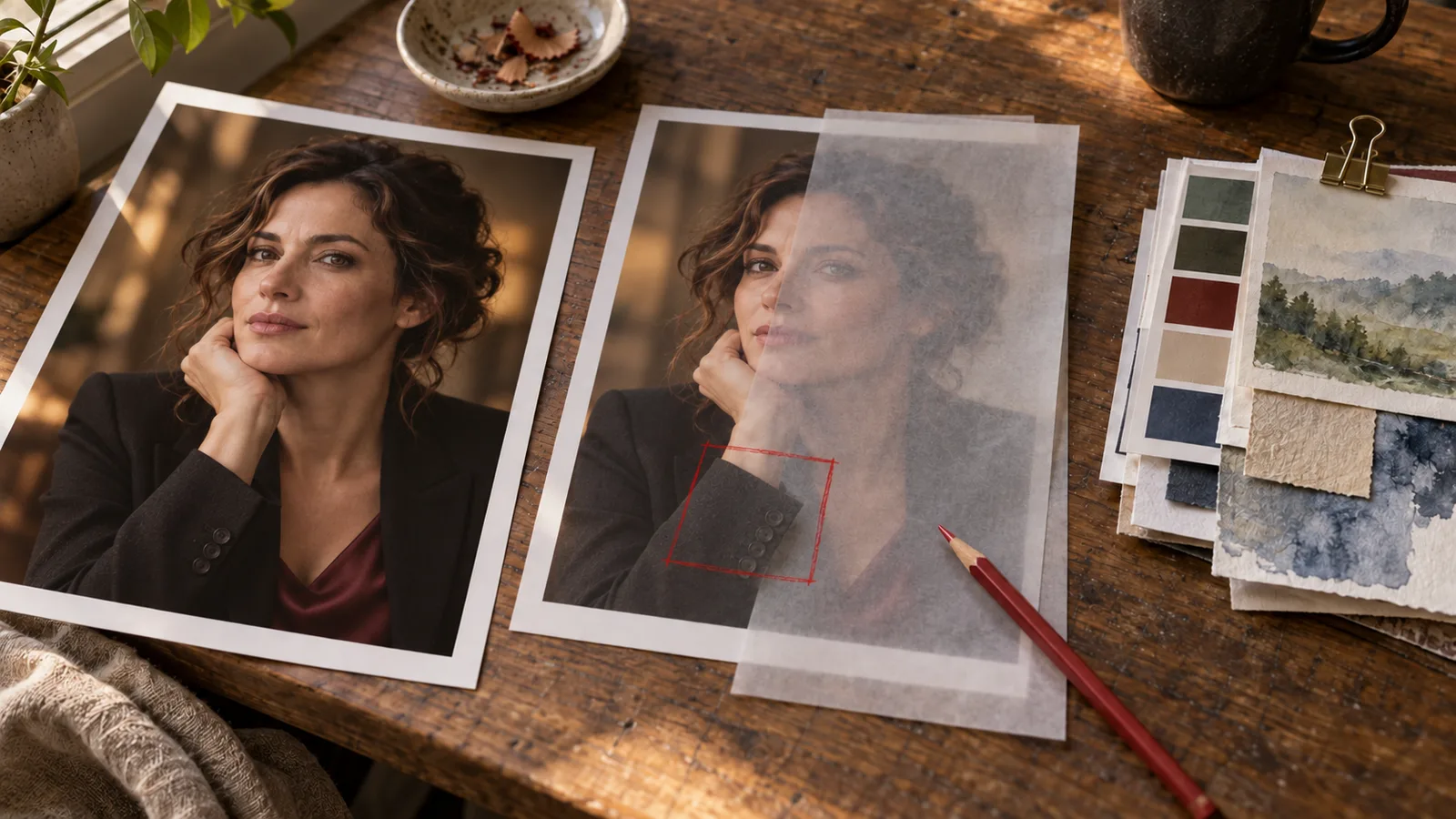
Illustration: preserving an approved character, repairing a small region and adding a learned style are different tasks. This is not a model before-and-after comparison.
Free access, subscriptions and per-image billing
“Free” can mean a one-time trial, a renewing allowance, an ad-supported website or software you run on hardware you already own. Those are different offers. Check whether the exact model and editing mode you need are included, whether full-size export is allowed, and whether your content category is permitted. Do not assume all free tools share the same resolution cap or daily limit.
For a low-commitment browser experiment, Perchance’s image-generator page presents itself as free and requiring no sign-up. That is a starting point for trying a prompt, rather than evidence of a particular NSFW result, commercial permission or production API. We have not run a new generation there for this guide. If your next step needs a saved character reference, an adapter or an app integration, establish that capability before treating free access as the complete solution.
For a subscription, divide the amount you actually pay by the images you can use, rather than the plan's largest theoretical allowance. If a $25 month gives you 250 accepted character pictures, the subscription component is $0.10 per accepted picture. If you only keep 25, it is $1.00. These are budgeting examples, not measured acceptance rates or promises about a particular plan.
For a concrete hosted example, Z-Image Turbo LoRA generation lists $0.012 per image, while Qwen Image 2512 LoRA generation lists $0.03. One hundred successful generation requests therefore have listed image charges of $1.20 and $3.00 respectively. That comparison establishes a budget, not which route produces more useful character pictures. Use the current request quote before submitting.
Count every billable attempt and edit. At a hypothetical $0.03 for each request in a project, 100 generation attempts and 20 edits cost $3.60. If those requests produce 40 finished images, the generation component is $0.09 per finished image. The attempt count and keeper count are illustrative, and actual editing charges may differ.
Local generation removes the remote per-image invoice for locally executed requests, but not hardware, power, storage or maintenance. If you already own a suitable machine and enjoy using it, that can be attractive. Buying a GPU solely to save a small monthly image bill requires a different calculation. There is no reliable break-even image count without your hardware cost, useful throughput and likely keeper rate.
A workable first choice
For a solo adult-fiction creator starting with a few images, begin in a browser and choose a service suited to the desired style. Before subscribing, continue one saved character into a second scene and download the result. That reveals whether you are buying a useful creative workflow or just a first-image generator.
For a developer, begin with a hosted API for the exact generation or editing task your interface needs. Test the character source and scene instruction you will actually send from the app. For someone with a required checkpoint, adapter or fully local processing requirement, begin with a documented local workflow for that asset.
You can combine routes: choose a character manually, create subsequent scenes through a reference-editing API, and handle a small repair locally. Keep the approved source as the starting point for each new scene when you want to avoid accumulating changes through an edit chain. Choose the route that lets you finish your adult-oriented project with the controls you need.