Introduction
FLUX.1 Krea Dev LoRA Text to image draws one image from a written prompt on FLUX.1 Krea [dev], the open-weights version of Krea 1 that Black Forest Labs released with Krea, with up to three of your own LoRA files loaded. Krea [dev] is a 12-billion-parameter model tuned for photography that avoids the glossy, oversaturated "AI look", and it shares the FLUX.1 [dev] architecture, so LoRAs built for FLUX.1 [dev] load on it. The platform adds no content filter to the prompt, the weights or the image.
Choose a mode by starting material
| What you have | Mode |
|---|---|
| a written description | FLUX.1 Krea Dev LoRA Text to image |
| a picture to restyle | FLUX.1 Krea Dev LoRA Image editing |
Key features & highlights
A photographic look by default
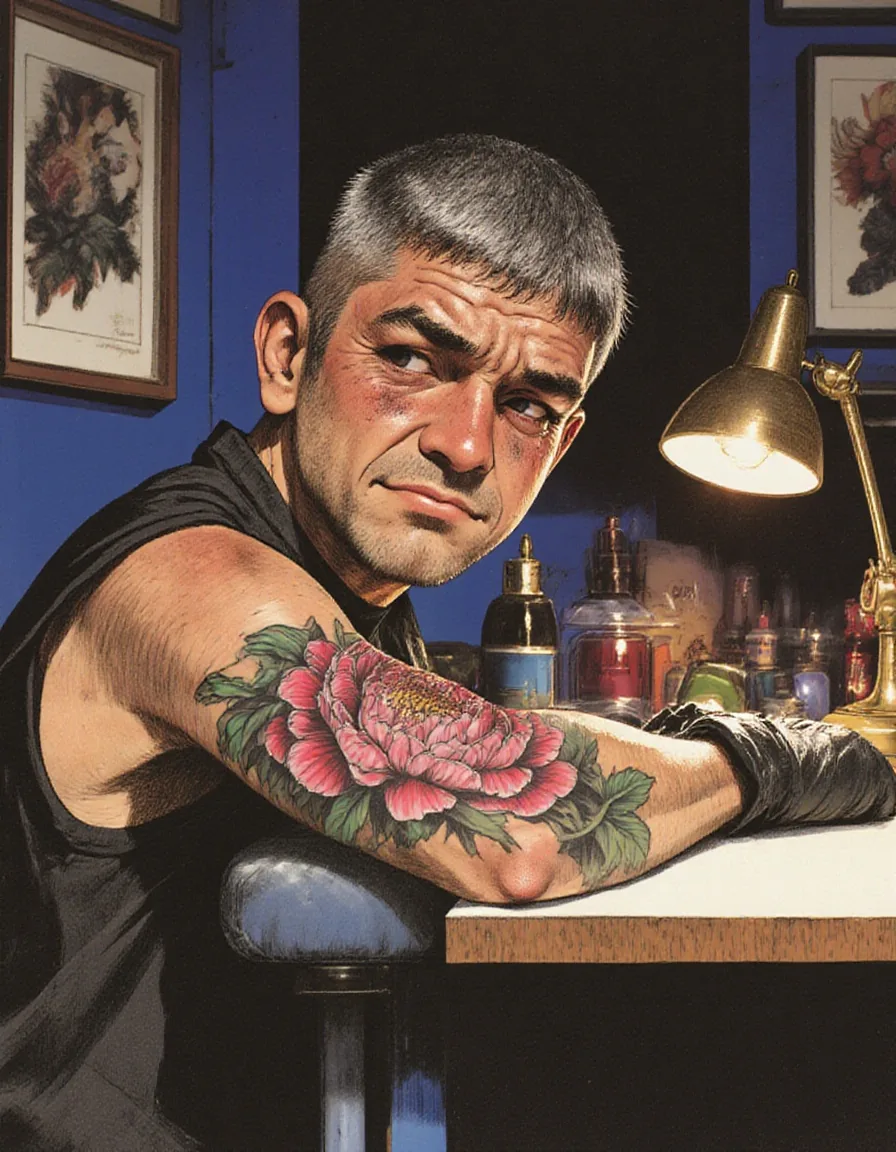
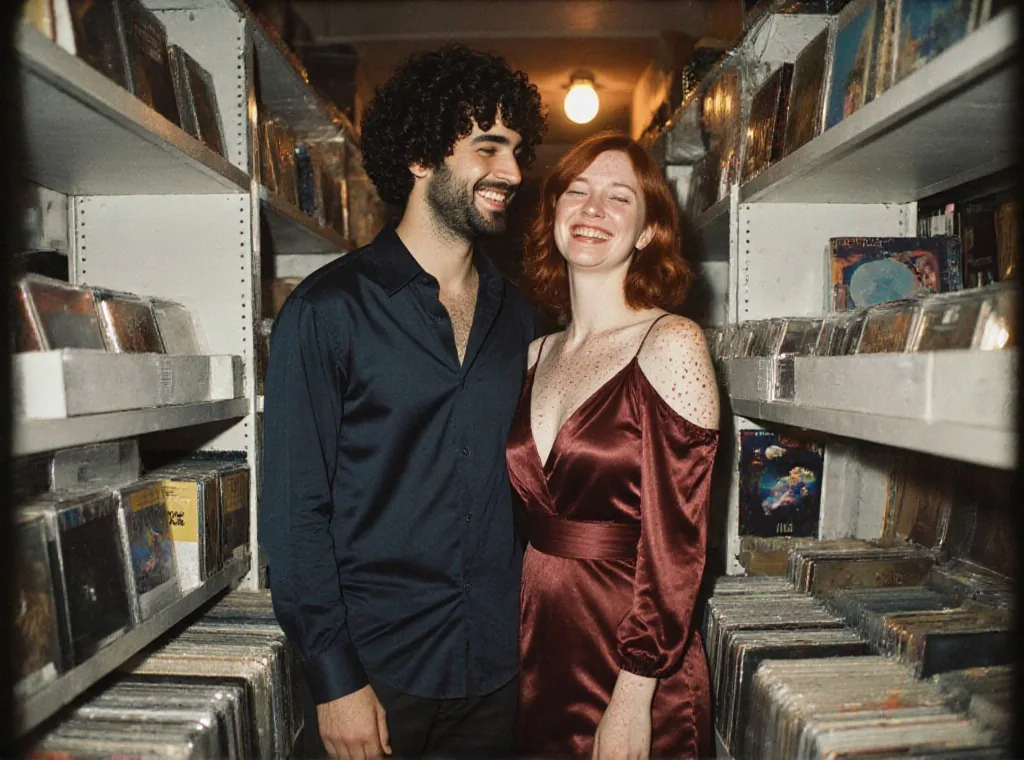
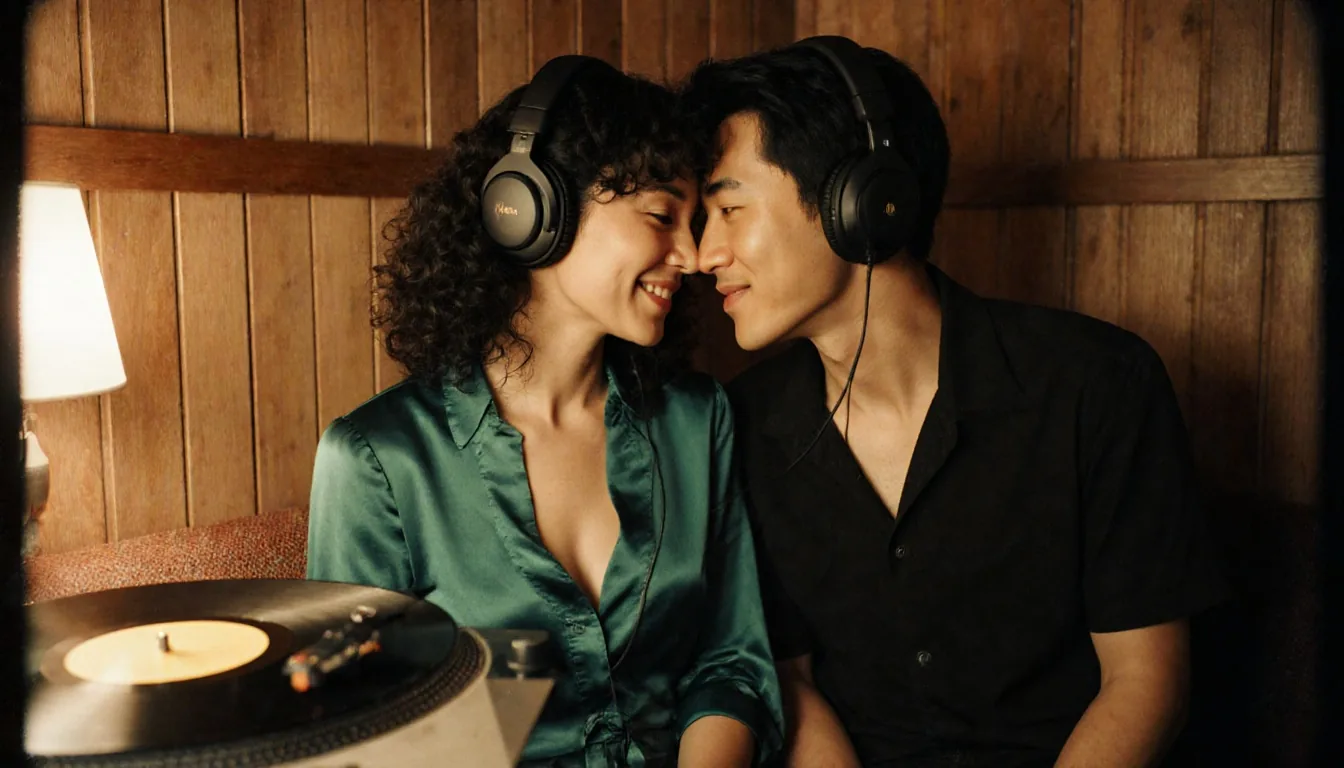
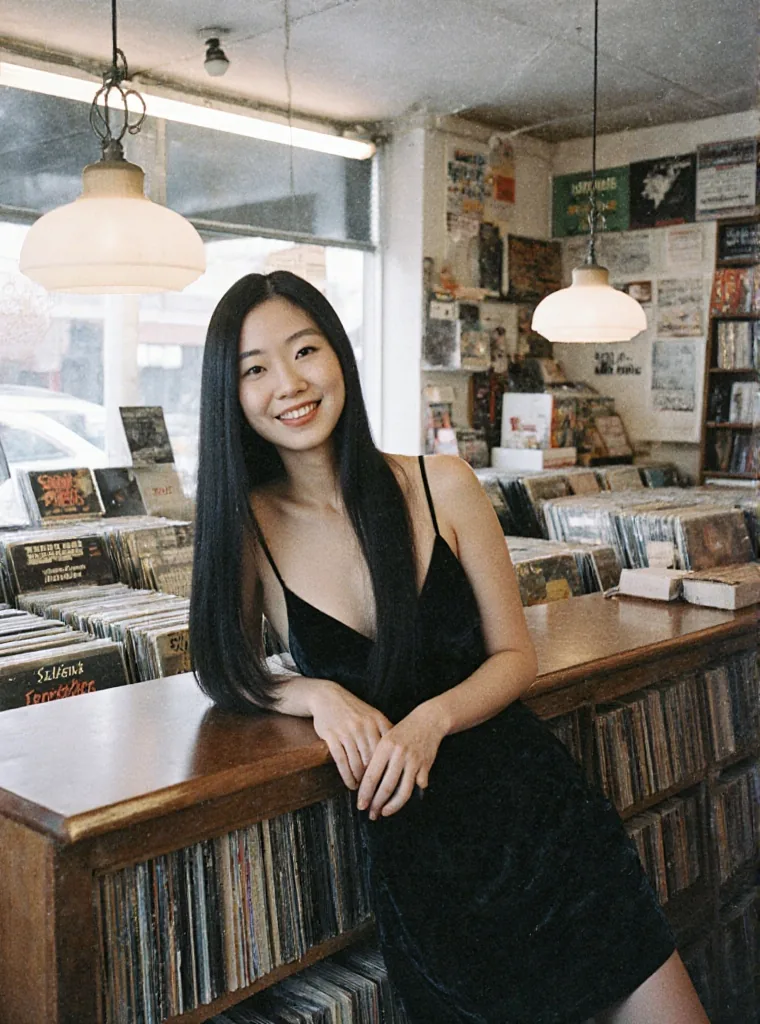
With no LoRA loaded, our test prompts came back with muted colour, real-looking skin, warm practical light and visible film grain. Ask for "film photograph" or "35mm film still" and that is what you get, without stacking style words.
FLUX.1 [dev] LoRAs load here
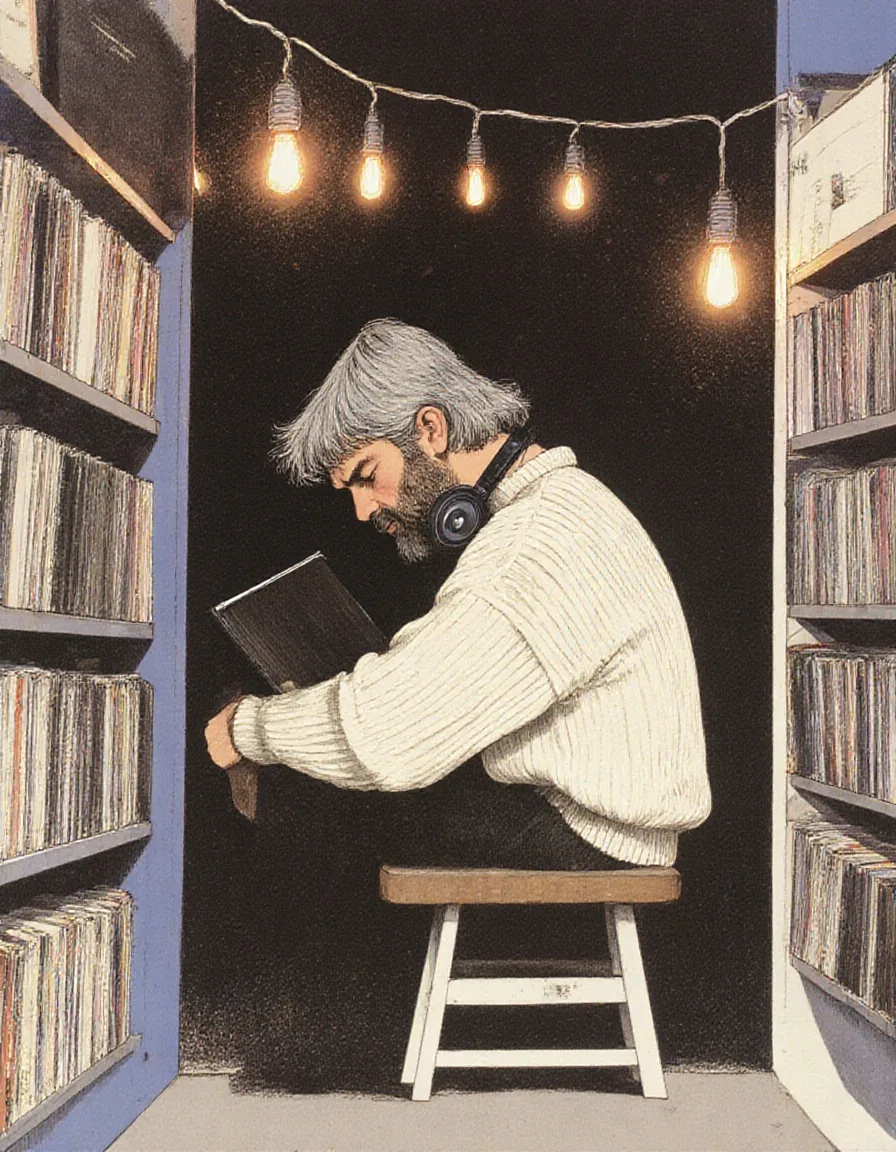
Up to three LoRAs per request, each with a scale from 0 to 4. LoRAs trained for FLUX.1 [dev] and for Krea [dev] both loaded in our tests: an illustration LoRA redrew whole scenes, and an unfiltered LoRA changed what the model was willing to draw.
Style LoRAs need a higher scale
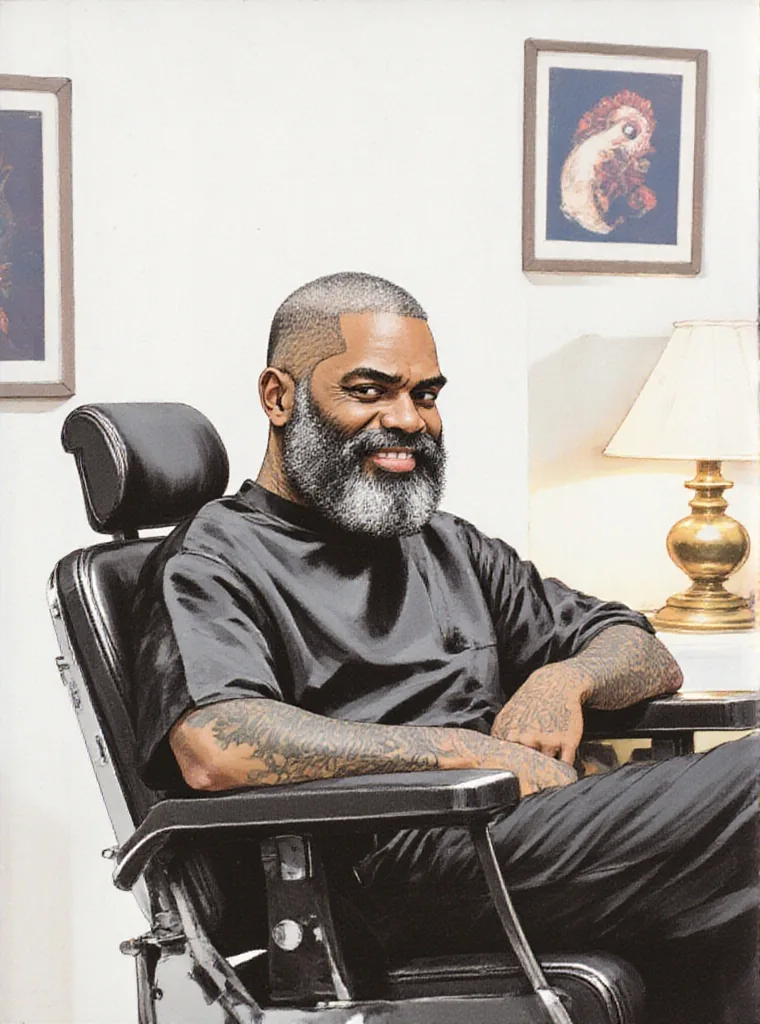
Krea's own look is strong. At scale 1 most style LoRAs we tried only nudged the picture; the illustration examples on this page ran at 1.8. A cartoon LoRA that works at 1.2 on FLUX.1 [dev] still came back photographic here.
Uncensored with the right weights
Nothing is filtered. On its own the model delivers the Mild level, stops partway at Moderate and Strong, and renders the Maximum-level prompts; with an unfiltered LoRA built for FLUX.1 [dev] it delivered the Strong level for women and men as written in our tests.
Request parameters
| Parameter | Required | Description |
|---|---|---|
prompt | Yes | Write the subject, clothing, place, light source and lens in sentences. Put a LoRA's trigger phrase first. at least 1 characters · at most 5000 characters |
aspect_ratio | No | Nine shapes of about one megapixel, from 21:9 (1536 x 640) to 9:21; 1:1 by default. The ratio changes the shape, not the price. |
loras | No | Up to three {path, scale} entries trained for FLUX.1 [dev] or FLUX.1 Krea [dev]; scale 0 to 4, 1 by default. Style LoRAs usually need 1.5 to 2 here. Default: |
guidance_scale | No | How closely the image follows the prompt, 0 to 20; 3.5 by default. In our tests 0 looked washed out, 1 softer, 7 harder, and 20 overcooked. |
output_format | No | JPEG by default, or PNG or WebP. The format does not change the price. |
seed | No | Keeps a set of images comparable while you change one LoRA scale or one sentence at a time. No seed means a random one. |
Pricing
$0.024 / image
Billed per image. The aspect ratio, guidance, the output format and loading LoRAs do not change the price.
Use cases
Editorial and fashion stills
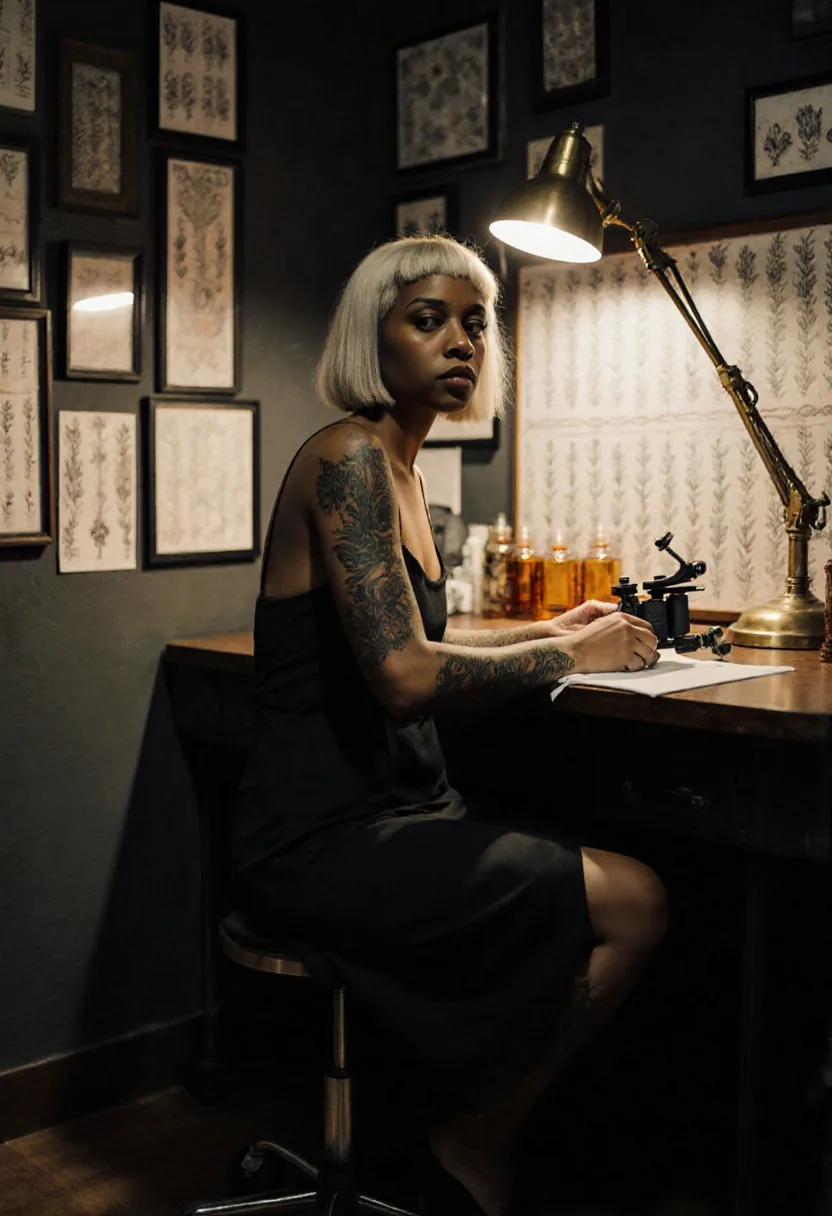
Night-time interiors, warm lamps, film grain and believable skin straight from a sentence prompt, in nine shapes from 21:9 to 9:21.
A house style for a set
Load one style LoRA at 1.5 to 2, keep its trigger phrase at the front and run a list of prompts. Every image in the set shares the look.
Your FLUX LoRAs on a more photographic base
If you already use FLUX.1 [dev] LoRAs, run them here to get the same subject or style with a quieter, more photographic finish.
Prompt guide & pro tips
Write it like a shot list
Subject, clothing, place, light source and lens, in sentences. Naming the light ("a brass desk lamp", "a string of warm bulbs") does more than adjectives such as "moody".
Start style LoRAs high
Begin at scale 1.5 for a style LoRA and compare with scale 0 on the same seed. If the two images match, the file did not apply; if the style is faint, go to 2.
Leave guidance near 3.5
Guidance runs from 0 to 20. In our tests 0 came back washed out and grainy, 1 softer, 7 harder and more contrasty, and 20 overcooked the shadows and changed the outfit.
Expect labels and logos
Like other FLUX models it sometimes prints small fake lettering on props such as headphones, sleeves and signs. Describe props as plain or unmarked, and try another seed if a logo appears.
API quick start
# Generate the idempotency key once; reuse it when retrying after a lost response.
export SPICY_IDEMPOTENCY_KEY="${SPICY_IDEMPOTENCY_KEY:-$(uuidgen)}"
curl -X POST https://api.spicyapi.ai/api/v1/jobs/createTask \
  -H "Authorization: Bearer $SPICY_API_KEY" \
  -H "Content-Type: application/json" \
  -H "Idempotency-Key: $SPICY_IDEMPOTENCY_KEY" \
  -d '{
  "model": "black-forest-labs/flux-1-krea-dev-lora/text-to-image",
  "input": {
    "aspect_ratio": "1:1",
    "output_format": "jpeg",
    "prompt": "A ceramic teapot on a linen cloth, soft window light, muted palette"
  }
}'

# Copy data.taskId from the response into TASK_ID, then poll the status.
TASK_ID="TASK_ID_FROM_RESPONSE"
curl "https://api.spicyapi.ai/api/v1/jobs/recordInfo?taskId=$TASK_ID" \
  -H "Authorization: Bearer $SPICY_API_KEY"
See the API reference for authentication, the complete schema, polling, and error handling.