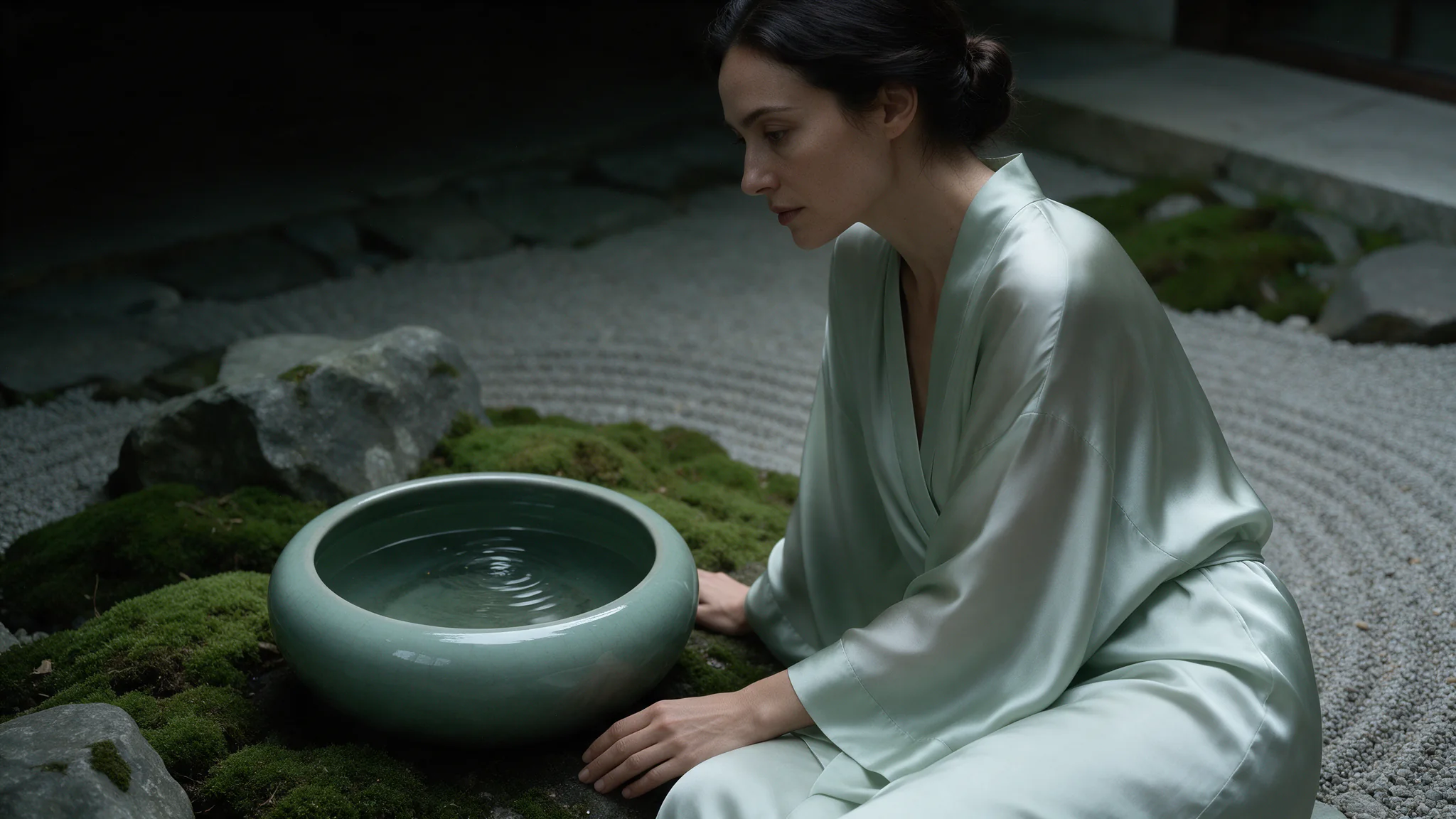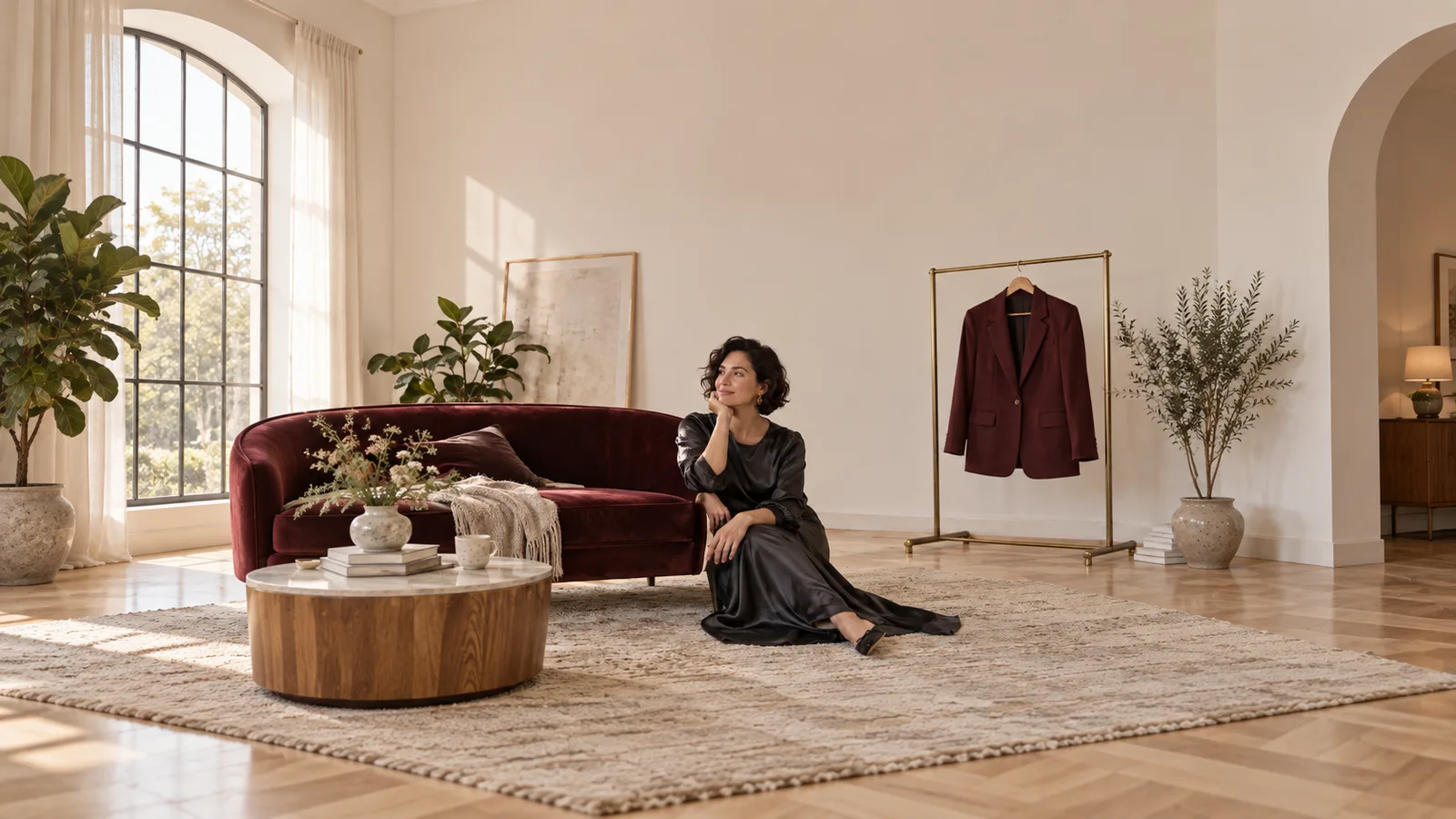
When a model makes an attractive portrait, the next question for an adult creator is whether it will actually follow an NSFW brief. A good-looking replacement scene is still a failed result if it drops the content you requested.
Qwen Image 3.0 on SpicyAPI supports NSFW generation and editing without a separate NSFW switch. Both tasks delivered all the adult-oriented categories in our September 2026 tests, including the higher-intensity requests. Start with the standard model when its inputs and 2k output fit your work.
If you want a new fictional adult character, start with text to image. If you already have the character you want to keep, start with editing. Both have a listed output price of $0.03 at 1k or 2k; editing adds $0.003 per reference image, so a one-reference edit is $0.033 and a two-reference edit is $0.036.
What the NSFW tests actually show
The tests cover standard Qwen Image 3.0, with 14 adult-content requests per task: 28 delivered, none softened and none refused. Pro and older open-weight editing models are separate versions.
“Delivered” means the recorded visual review found the requested content in the output. “Softened” means an image was returned but the requested content was reduced or replaced. “Refused” means the content request was rejected.
| Recorded adult-oriented category | Text to image | Editing |
|---|---|---|
| L1: suggestive imagery | 3 delivered; 0 softened; 0 refused | 3 delivered; 0 softened; 0 refused |
| L2: moderate NSFW imagery | 3 delivered; 0 softened; 0 refused | 3 delivered; 0 softened; 0 refused |
| L3: advanced NSFW imagery | 2 delivered; 0 softened; 0 refused | 2 delivered; 0 softened; 0 refused |
| L4: higher-intensity adult scenes | 3 delivered; 0 softened; 0 refused | 3 delivered; 0 softened; 0 refused |
| L5a: consensual restraint and impact play | 3 delivered; 0 softened; 0 refused | 3 delivered; 0 softened; 0 refused |
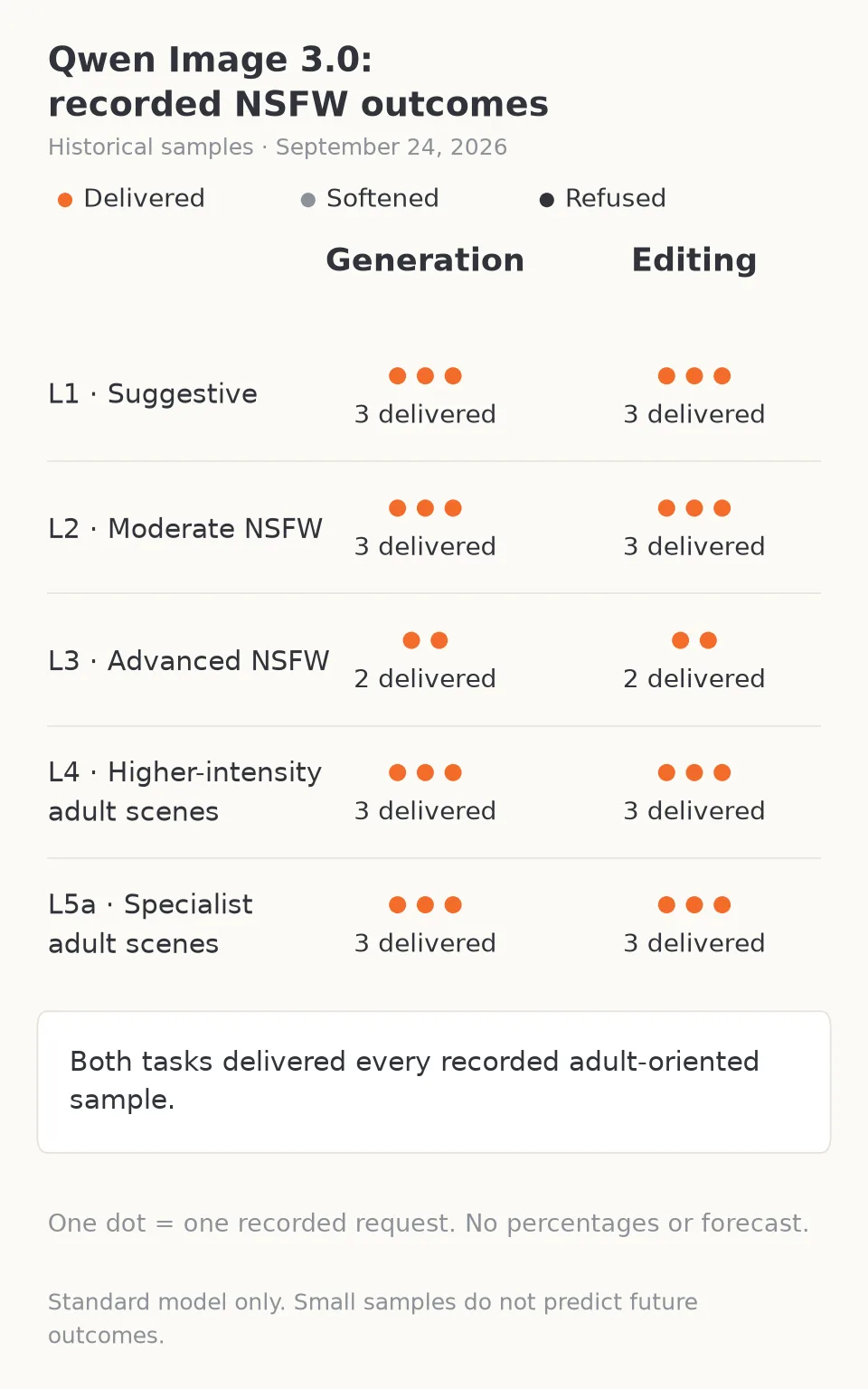
Both standard-model tasks delivered the requested adult content across all five categories.
The Qwen Image 3.0 review carries the model’s published content assessment. For an adult character collection, assess content fulfillment and identity retention separately: a complete NSFW result can still depict the wrong person.
Does “uncensored” mean unlimited or unmoderated everywhere?
SpicyAPI adds no safety checker to these two tasks; the model determines the output. “Uncensored” does not mean free generations, unlimited account usage, downloadable weights or permission to use another person's likeness without consent.
There is no nsfw or safety-toggle field you need to add to the public Qwen Image 3.0 request. Selecting Pro does not unlock a separate adult-content mode either. The practical decision is whether you need a fresh composition or an edit of a source image.
Qwen Chat, local checkpoints and other websites may use different models or request handling. Match the exact model and task when comparing content behavior.
The official Qwen Image generation and editing reference treats 3.0 generation and editing as related tasks and documents one to three image inputs. It does not establish that every application offering the family will return every NSFW request. Use only fictional adult subjects or real adults whose likeness and transformation rights you have explicit permission to use, within the rules that apply to your project.
Generate a new adult character, then edit the chosen image
A creator building an adult-oriented character collection usually has two separate problems: find an appealing character, then keep that character across the collection. Repeated text generations can solve the first problem while making the second harder, because each result may interpret the person differently.
Use Qwen Image 3.0 text to image when you have no approved source. A useful first brief makes the character and intended framing recognizable before adding a long list of scene details. Example SFW preview prompt:
Photographic editorial portrait of a fictional adult woman aged 34, short dark wavy hair, a small freckle below her left eye, charcoal satin slip dress with opaque fabric, seated sideways on a burgundy sofa. Three-quarter view, both hands visible and relaxed, warm light from a lamp on the left, natural facial texture, quiet hotel-room background. Vertical composition with her complete head and hands in frame. No lettering or extra people.
Use resolution: 2k, aspect_ratio: 3:4, one output and enable_prompt_expansion: false for this detailed brief. Qwen's expansion setting defaults to on and may rewrite a prompt; switching it off makes the submitted wording a clearer starting point when you already know the subject, wardrobe, light and frame you want.
Choose the source before expanding the collection:
- Face and apparent age: match the intended character.
- Hands and framing: keep the features that later scenes need visible.
- Composition: leave room for the next change without rebuilding the whole image.
Save the approved image and edit from it. A seed can help control a comparison, but it does not store a character identity.
For a male-led collection, write the actual adult character you need rather than reuse a woman's template: for example, a fictional 38-year-old man with closely cropped hair, a navy satin shirt, seated in the same light. Age, distinctive features and the intended silhouette should belong to the character, not change incidentally between images.
Keep the same person while changing the room or wardrobe
Qwen Image 3.0 editing accepts one to three reference images. One source is enough for a focused change. Extra sources are useful when they supply something your instruction cannot describe precisely, such as the cut of a garment or a room layout.
Set aspect_ratio: 3:4 to match this portrait; editing defaults to 1:1 and otherwise reshapes the result. Keep resolution: 2k, one output and prompt expansion off. A practical two-reference edit is:
Image 1 defines the fictional adult character: retain her face, short dark hair, apparent age, pose and camera angle. Image 2 supplies only the burgundy velvet jacket, including its collar and sleeve cut; do not copy the person or background in image 2. Replace the outfit in image 1 with that jacket over an opaque black top. Retain the sofa and warm lamp lighting. Do not add text, accessories or another person.
Give each upload one role:
- Image 1: character, pose and camera angle.
- Image 2: garment only.
- Optional image 3: room or background only.
Upload in that order: Image 1 is the first entry in image_urls. Supply publicly fetchable image URLs or use the SpicyAPI upload flow.
“Make her look like image 2” can also ask for its face or pose. Use a third source only when the setting needs a visual reference; otherwise leave it out.
For garment-edge artifacts, try negative_prompt: seams at the garment edge, duplicated jewelry, extra people. The editing task exposes no mask or bounding-box field, so “change only the jacket” is an instruction to the model, not a promise that every other pixel will be untouched. If the approved face must remain exactly identical, keep the original source and use conventional compositing for any accepted clothing or background change.
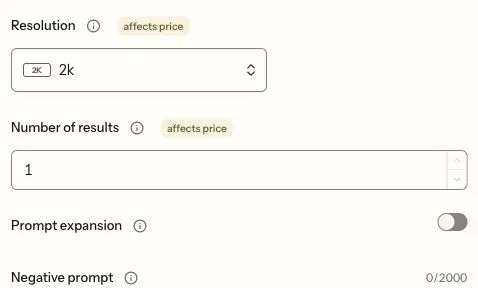
Controls showing 2k, one result and prompt expansion off. Expansion controls the wording sent to the model; it does not lock the face or background.
What to change when the output is wrong
Different failures need different responses. Repeating the same prompt with more emphasis can spend money without changing the cause.
| What you see | Useful next move |
|---|---|
| A reference garment brings in a different face | Name image 2 as wardrobe only; remove it if the cut can be described without that photograph. |
| The correct person appears but the crop loses the hands | Choose the intended output ratio before generating and ask for both hands fully inside the frame. |
| A requested change also redraws the room | Return to the approved source, remove unrelated scene instructions and ask for one change. Exact background preservation may need compositing. |
| The result is coherent but has reduced the requested NSFW content | Treat it as softened, not a successful content match. Compare the output with the actual request; do not interpret completed as a visual verdict. |
| A task returns a content refusal | Do not classify it as an anatomy or composition failure. Keep the error context and check the exact model/task used before spending on repeated attempts. |
| A character-set caption contains wrong lettering | Keep the quoted text short, use 2k and proofread the downloaded file. Add final publication text in a design tool if it must be exact. |
The last point is relevant to subscription covers, character names and preview cards. Qwen's official 3.0 introduction emphasizes text and detailed compositions. For publication cards, check the lettering separately from the portrait.
Budget for attempts, not just the keeper
Text generation costs $0.03 per output at either available tier. Four independent concepts therefore cost $0.12; ten cost $0.30. Each request returns one image, so the public num_outputs field is fixed at one.
For editing, add $0.003 for each reference to the $0.03 output component. The public quotes for one output at 2k are $0.033 with one reference and $0.036 with two.
A sensible first session is four concepts, one chosen source and two focused edits. Four concepts cost $0.12; two one-reference edits add $0.066, for $0.186 total. If both edits use a second garment reference, the total is $0.192. If all four concepts miss the same requested feature, revise that feature before buying a much larger set.
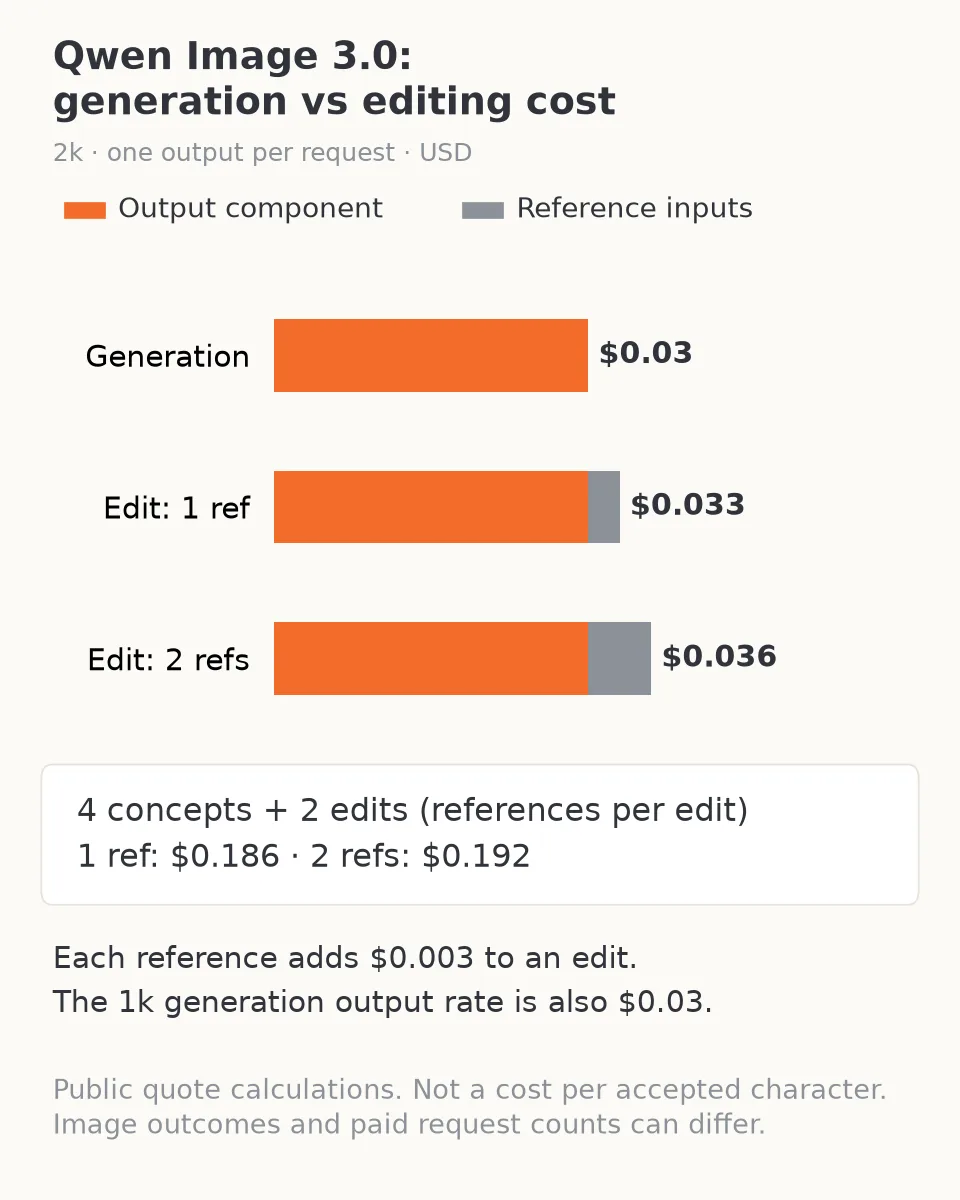
At 2k and one output, references add $0.003 each. A four-concept, two-edit session totals $0.186 or $0.192 depending on reference count.
The standard and Pro comparison belongs in our Qwen Image 3 vs Pro article. For this question, the important point is that Pro is not required to access the tested NSFW behavior. Start with standard when its references, 2k ceiling and one-image output fit the task.
The answer for an adult creator
Qwen Image 3.0 is a supported NSFW choice on SpicyAPI for both new images and edits, backed by historical results that fulfilled the tested adult-content categories. Start with generation to find the character, then edit the approved image to make the collection. Use source roles and a short preservation instruction to control what changes, and assess the actual image instead of the task status.
Choose another editing tool when you need measured regions or exact pixel preservation. Choose a higher-resolution workflow when 2k does not fit delivery. Neither change follows from the NSFW label alone: content freedom, image fidelity and control are separate requirements.
Frequently asked questions
Do I need Pro or an NSFW setting?
No. These results belong to standard Qwen Image 3.0, and its public generation and editing inputs have no NSFW switch. Choose Pro for a separate capability requirement, not as a prerequisite for the tested adult-content behavior.
Does an uncensored result guarantee the same character?
No. The content tests assessed whether the requested adult content was delivered. For a recurring character, use the approved source in editing and separately inspect face, age, hair and pose. Reference instructions guide a redraw; they do not freeze the original pixels.
Can I use a LoRA or local Qwen workflow with this task?
The hosted Qwen Image 3.0 task provides neither a LoRA input nor downloadable model weights. Tutorials for older local Qwen checkpoints describe a different workflow; their settings cannot be copied into this task.
How many reference images can I use, and what does editing cost?
One to three. The output costs $0.03 at either 1k or 2k, plus $0.003 per source: $0.033 with one, $0.036 with two or $0.039 with three. Use extra references when they supply a distinct garment or setting, not simply because more slots are available.
Should I switch off prompt expansion?
For an exact, detailed brief, switching it off keeps the submitted wording as your starting point. For a rough concept, the default expansion can help develop the description. Neither choice is a safety bypass or an identity lock.