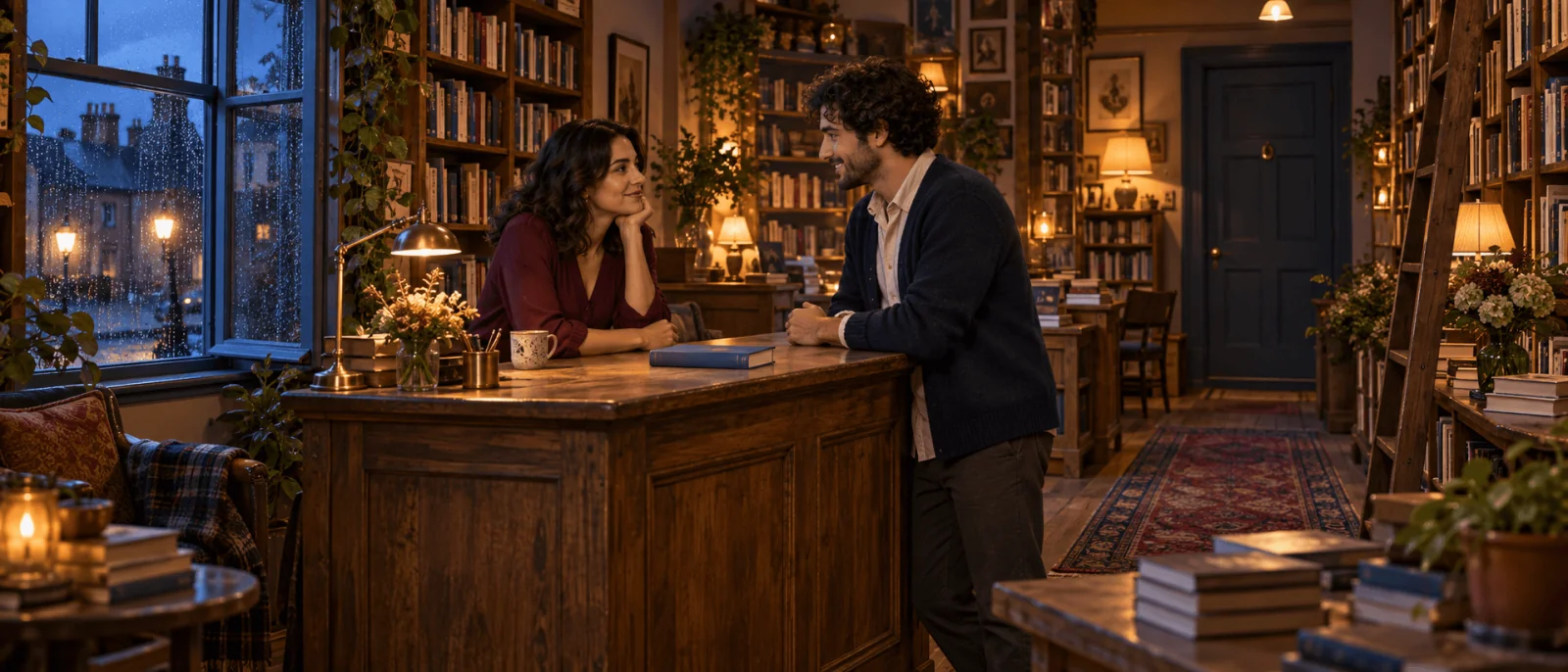
Choose Seed Audio 1.0 when you want dialogue and background sound in one generated scene. Describe the adult speakers, put their lines in quotation marks, and name the music or ambience in the same prompt. One request costs $0.36 whatever the prompt length, returns one mixed file of up to about two minutes, and failed requests are not charged. The file is mixed: you cannot mute the rain or fix one line afterwards without regenerating, and the result is kept for 14 days, so download it.
Based on our September 2026 tests, explicit adult vocabulary inside the quoted lines is spoken as written, and the scene description around it is not read aloud.
Use Seed Audio or ordinary TTS?
| You need | Better starting approach |
|---|---|
| Two characters talking over rain or music, delivered as one file | Seed Audio 1.0 |
| A chosen preset voice reading an approved script | A text-to-speech task such as Seed Speech 2.0 |
| Dialogue, ambience and music on separate editing tracks | Generate dry voices separately and mix locally |
| Audio synchronized to mouth movements | Generate the scene here, then pass the file to a lip-sync or talking-avatar model; this task returns no word timestamps |
The Seed Audio task page uses a single prompt, not the text plus voice_id of ordinary TTS. There is no voice menu: describe each voice in the prompt, or supply reference audio. You can play the hotel-bar dialogue sample, a 12-second hotel-bar exchange between a man and a woman; the sample prompt calls for lounge music and glass sounds.
A prompt you can adapt
Two adults in their thirties talk quietly in a hotel lounge after dinner. Light rain taps on the window; no music. A woman with a warm, relaxed voice says: "I thought you were leaving." A man with a low, amused voice replies: "I changed my mind. Would you like another drink?" She answers softly: "Only if you stay." Keep every line clear above the rain, with a natural gap between speakers. Finish quietly after her reply.
To make it your own, change the quoted lines first, then the two voice descriptions, then the background.
Try it in the Playground
- Run this prompt on Seed Audio 1.0 (log in or create an account first).
- On the Playground tab, the Prompt box is already filled in. Leave Speed, Pitch and Volume at their defaults and set Output format to MP3.
- Check the price shown ($0.36), then press Run model.
- Play the result. Change the quoted lines or the rain in Prompt and run again.
- Optional: add up to three clips under Reference audio and call them
@Audio1to@Audio3in the prompt.
Run it from code
cat > input.json <<'J'
{
  "prompt": "Two adults in their thirties talk quietly in a hotel lounge after dinner. Light rain taps on the window; no music. A woman with a warm, relaxed voice says: \"I thought you were leaving.\" A man with a low, amused voice replies: \"I changed my mind. Would you like another drink?\" She answers softly: \"Only if you stay.\" Keep every line clear above the rain, with a natural gap between speakers. Finish quietly after her reply.",
  "output_format": "mp3",
  "speed": 1,
  "pitch": 0,
  "volume": 1
}
J
spicyapi tasks create --model bytedance/seed-audio-1.0/text-to-audio --input-file input.json --wait
Setup and results are in the CLI docs.
Or let an Agent run it. Give your assistant the CLI above or the MCP server (it calls spicyapi_task_create); both show the price and ask before a paid run. npx skills add spicyapi-ai/spicy-skill installs the Skill.
Keep directions outside attributed quotes to distinguish them from spoken lines. The prompt limit is 2,000 characters.
Adult scripts
In our tests an explicit first-person monologue, an adult-fiction reading and a cue-heavy scene with rain all came back with every explicit word spoken (26, 29 and 9 seconds). SpicyAPI adds no content filter to this model, so you are responsible for the scenes you write and for not passing generated voices off as a real person's words.
The male and female voices in the hotel-bar sample are clearly different, so a two-character exchange works. For a long series where one character must sound identical across many files, supply the same reference audio each time and listen before you commit.
Length
One request is one scene of up to about two minutes, and there is no duration field. Ask for a short self-contained scene and trim the result in your editor. For a longer story, generate each scene separately and join them; this hosted task has no extend-audio operation, although the model's developer describes continuation as a native capability.
Reference audio and image
The task accepts up to three MP3 or WAV clips in reference_audio_urls. Refer to them in the prompt as @Audio1, @Audio2 and @Audio3, in the order you supply them:
Use @Audio1 as the woman's voice and @Audio2 as the man's voice. Follow the dialogue below; keep the rain quiet.
Use recordings whose voices you have permission to use, and prefer a clear single-speaker clip over one with several people or music. References do not change the $0.36 price.
You can instead send one image_url for scene context, but an image and audio references cannot be combined. Pick the image when the room or the pictured person is the reference; pick audio when the voice is. With an image, still write the lines and voice description in the prompt.
Controls and file choices
| Input | Supported values | Practical use |
|---|---|---|
speed | 0.5 to 2; default 1 | Speech rate for the whole clip, not per speaker |
pitch | -12 to +12 semitones; default 0 | Leave at 0 for the first scene |
volume | 0.5 to 2; default 1 | Overall level only; it does not rebalance dialogue against rain |
output_format | mp3, wav, opus, pcm | MP3 for web playback, WAV for editing |
sample_rate | 8,000 to 48,000 Hz (8, 16, 24, 32, 44.1, 48 kHz); default 24,000 | Match your editor |
Output is stereo. opus returns an Ogg Opus file. pcm is headerless 16-bit little-endian interleaved stereo that browsers cannot play, so choose WAV for the same samples in a playable file.
Fix the scene without rewriting everything
| What went wrong | Change this first |
|---|---|
| Rain or music masks the reply | Ask for no music and quieter rain; raising volume lifts the background too |
| The scene description is spoken | Keep directions outside quotes and attribute only the dialogue |
| The wrong character says a line | Repeat the speaker's name before each quoted turn |
| Two voices merge into one | Give each a short, distinct voice description; if that fails, generate separate preset TTS turns |
| One line needs a later edit | Use separate voice tasks and an editor instead of a flattened scene |
| You need an exact duration | Shorten the dialogue and trim; there is no duration field |
Because the price is per request, a scene plus two revisions costs $1.08, and ten scenes with one extra attempt each cost $7.20.
Which to use
Seed Audio is the quickest route to a finished sound scene. If you need to replace lines often, reuse preset voices or keep dialogue and ambience on separate tracks, generate speech separately and mix it yourself.