Introduction
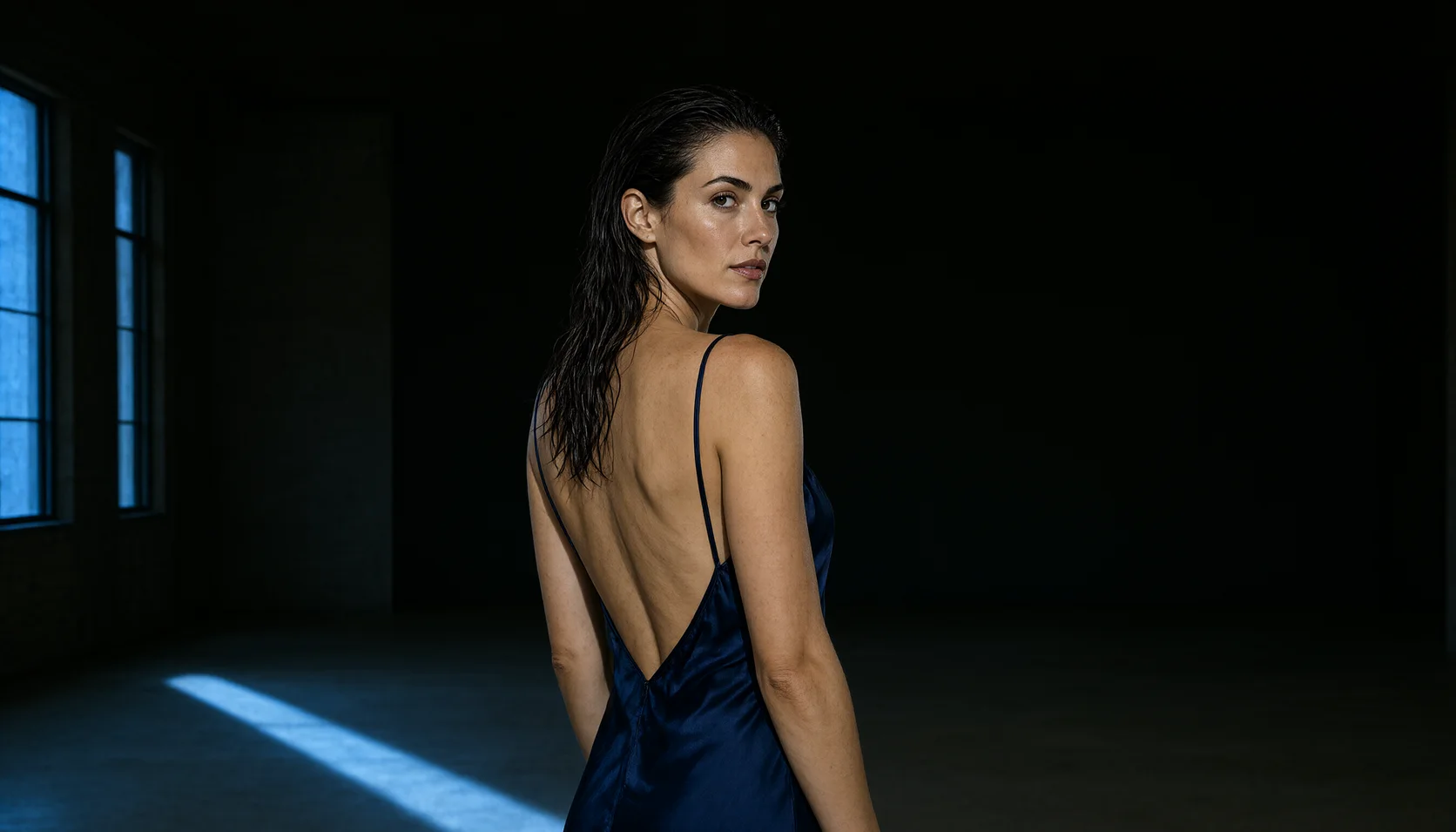
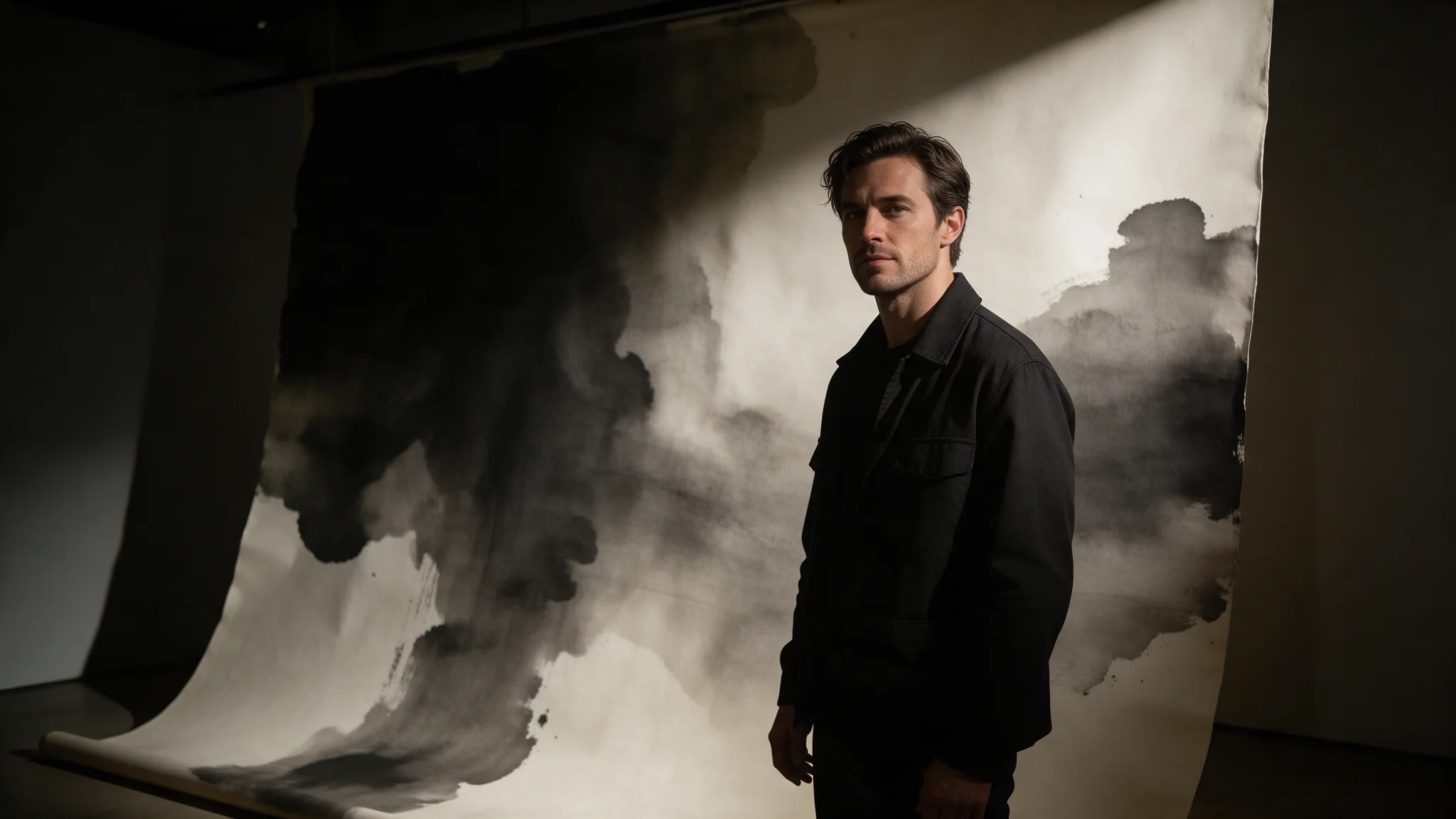
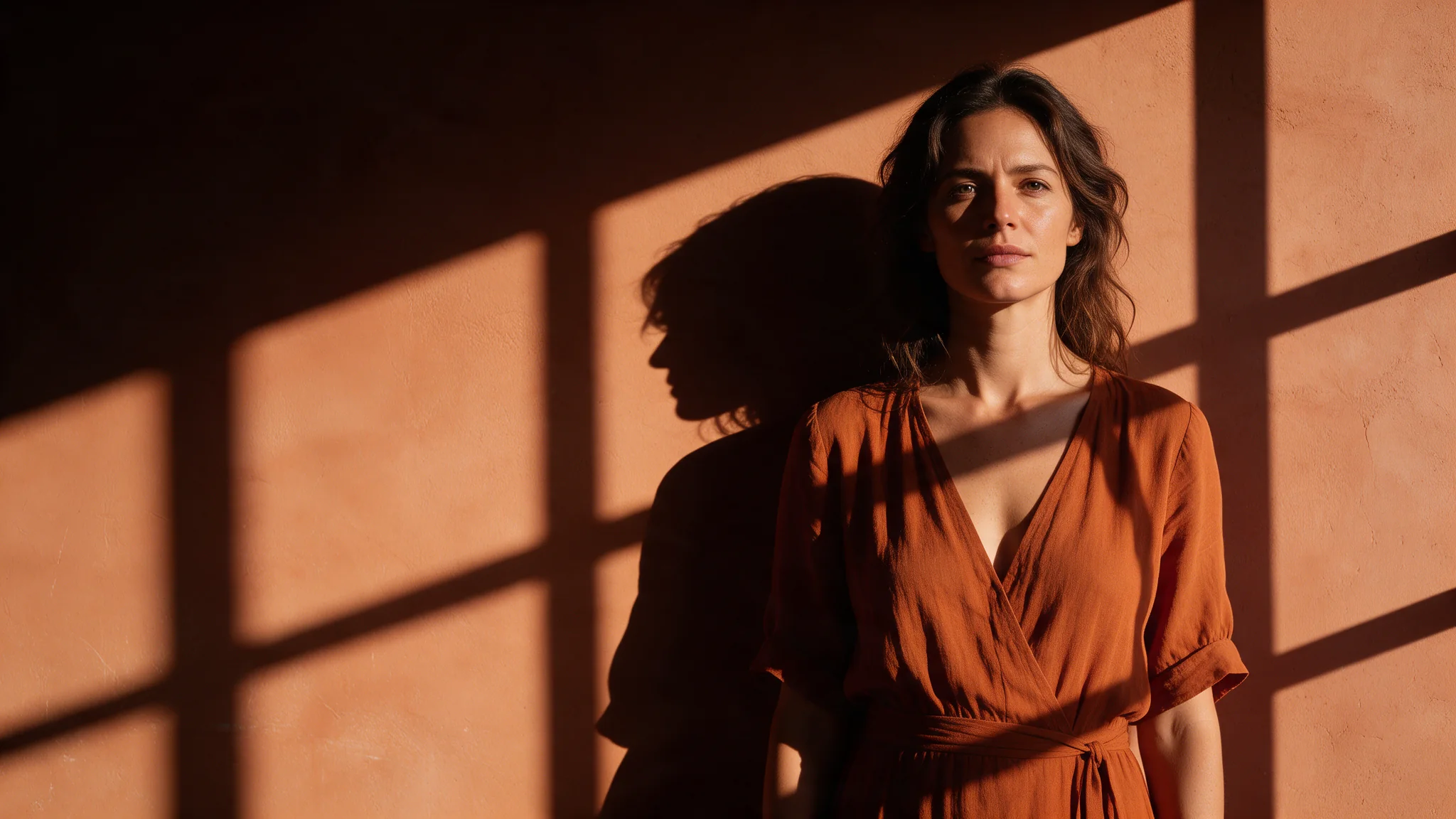
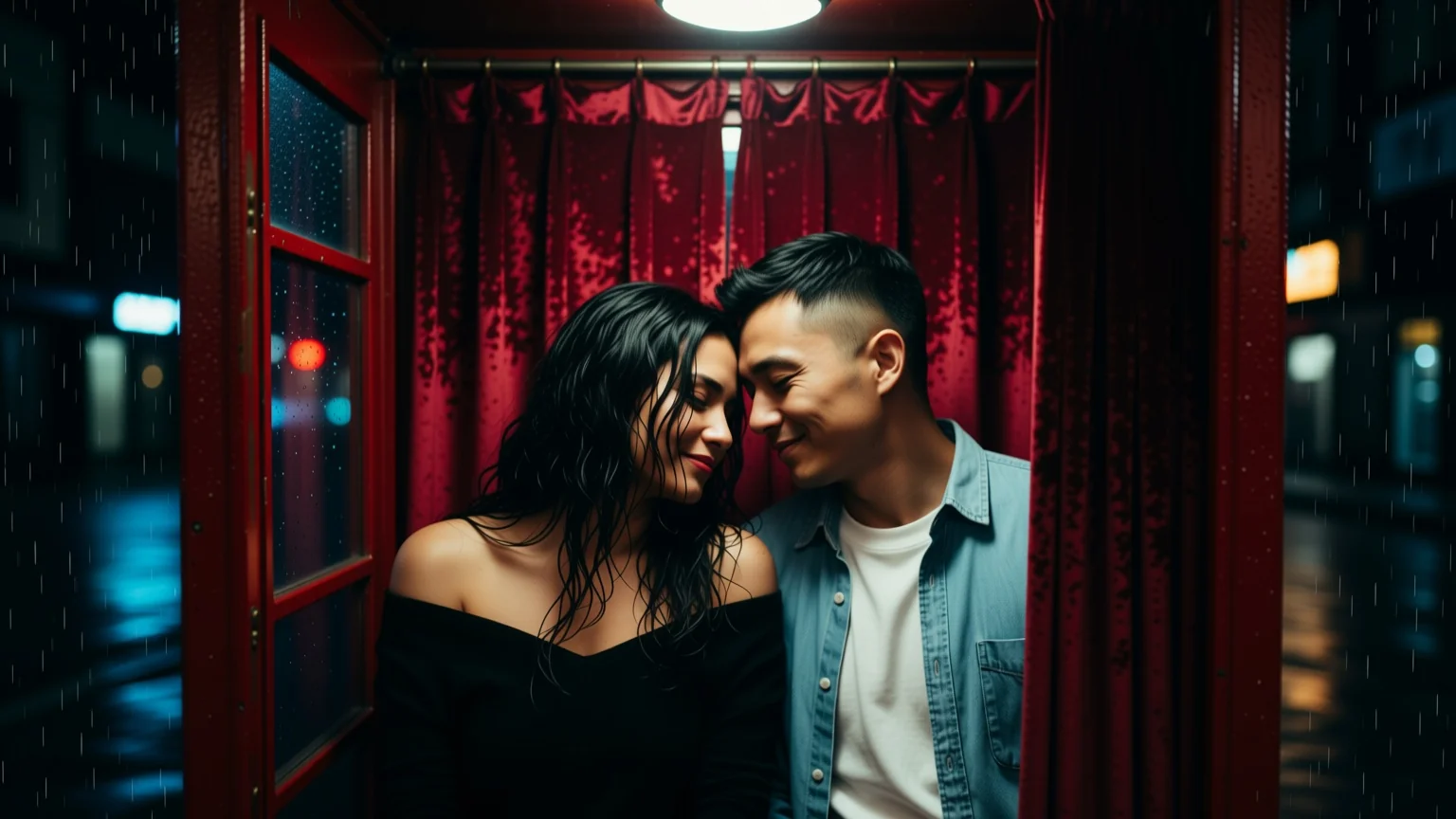
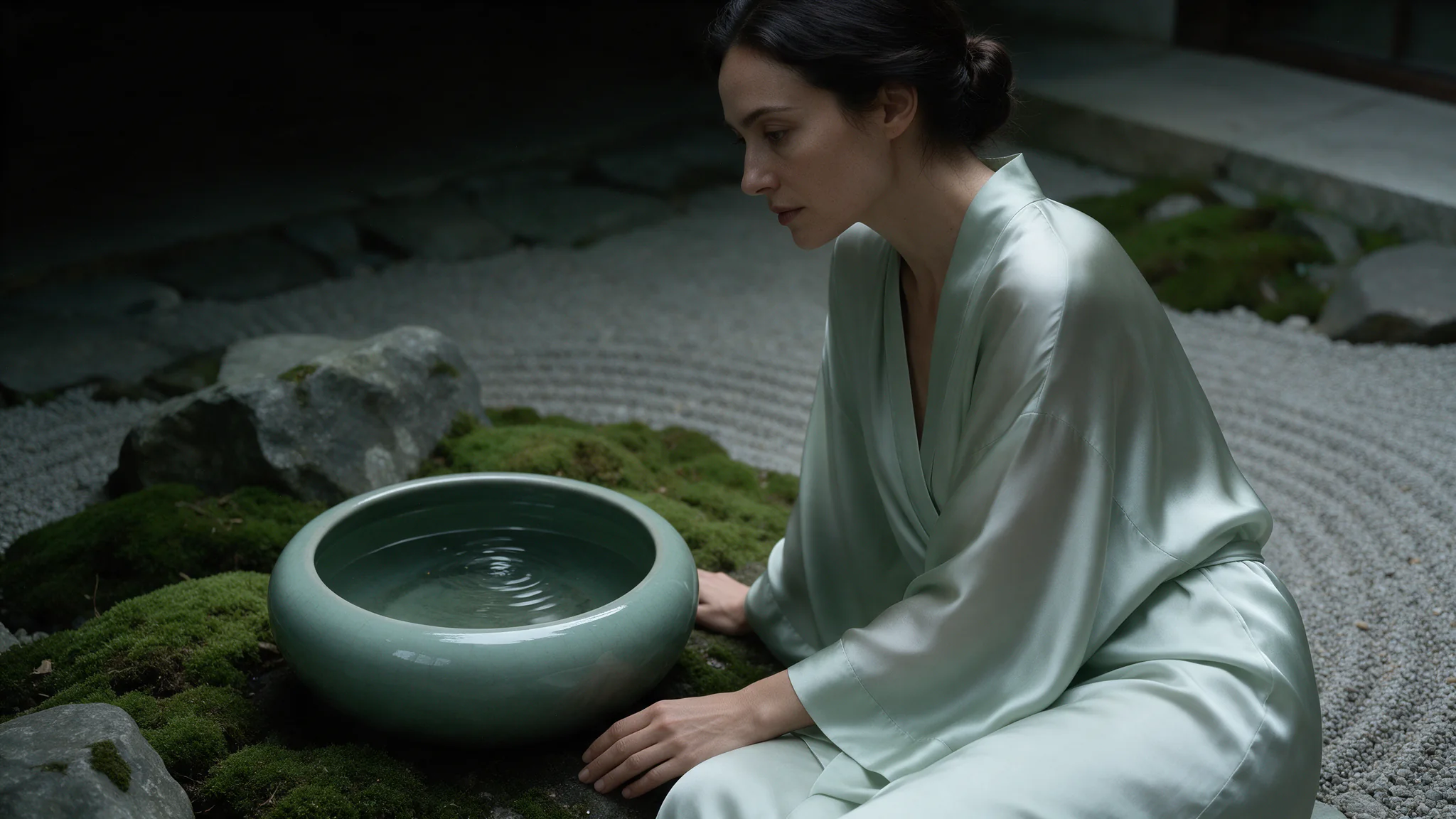
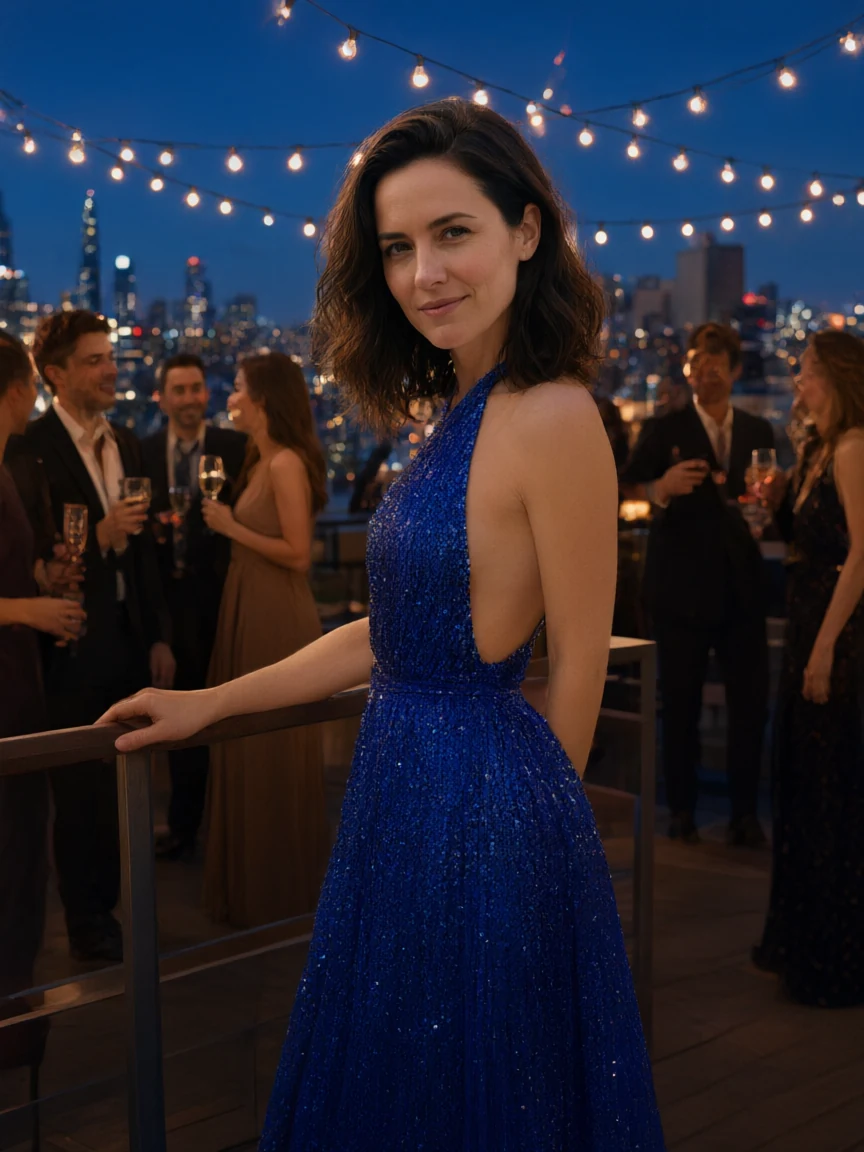
Qwen Image 3.0 Image to Image takes one to three reference images plus an instruction and returns an edited result. With a single reference it is a targeted edit; with two or three it merges — a face from one, a garment or a background from another — provided the prompt says which is which.
Qwen Image 3.0 is Alibaba's text-rendering image model: 5,000-character prompts, eight aspect ratios, a 1K or 2K tier, and an editing endpoint that reads one to three references. Uncensored, with no flag to set.
Choose a Qwen Image 3.0 mode by starting material
| Starting material | Mode |
|---|---|
| A written art direction or design brief | Qwen Image 3.0 Text to Image |
| An approved source image to revise | Qwen Image 3.0 Image Editing |
Key features & highlights
Text-aware image composition
Qwen Image 3.0 is useful for visual concepts in which supplied wording, composition and image treatment must be considered together. Treat generated lettering as a design draft and proofread it before publication.
New composition and source-led revision are separate jobs
Use text-to-image to establish a visual from a written brief. Use image editing when an existing image supplies the identity, layout or material that must be retained while a defined change is made.
Review hierarchy before decorative detail
For posters, packaging and campaign concepts, decide the message hierarchy and focal area first. A visually appealing result still fails the assignment if the approved copy or product facts are not represented correctly.
Request parameters
| Parameter | Required | Description |
|---|---|---|
prompt | Yes | Up to 5,000 characters. Say what changes and what must stay identical; anything you leave unmentioned is open to being redrawn. at least 1 characters · at most 5000 characters |
image_urls | Yes | One to three publicly fetchable URLs for images you hold the rights to. at least 1 items · at most 3 items |
aspect_ratio | No | Applies to the result, not to the sources. A reference that is not the ratio you set comes back reshaped, so match it deliberately when you want the original framing kept. |
resolution | No | 1k or 2k, default 2k. It is the tier choice that changes the price; each reference image in |
num_outputs | No | Fixed at 1: one edited image per request. To tell an ambiguous instruction from an unlucky draw, send the same edit two or three times in parallel without a seed. |
enable_prompt_expansion | No | On by default on this family. It fills out thin briefs and rewrites detailed ones, so turn it off once your prompt is a precise shot description. Default: |
negative_prompt | No | Up to 2,000 characters of exclusions. On edits it is most useful against artefacts the source invites — seams at a garment edge, duplicated jewellery, leftover lettering. at most 2000 characters |
seed | No | Omit it while exploring. Fix it to compare two wordings of the same instruction against an identical draw. |
Pricing
| Specification | Price |
|---|---|
| $0.03 / image |
| $0.03 / image |
Use cases
Refine a supplied visual
Use this mode when one to three existing images should fix the subject, layout or material. List them in image_urls in the order your prompt refers to them — first, second, third — and say what each one supplies.
Character sets and fashion series
Keep the character from an approved frame and change one detail per request: wardrobe, light or pose. Fix seed when you compare two wordings of the same change, so the draw is not what moved.
Localised copy variants
Send the approved frame to the editing endpoint and change only the words on the sign. The pose, wardrobe, lighting and grade are described as unchanged, so the variant differs in the copy rather than in the whole picture.
Hospitality and set-dressing plates
Send an approved room or bar plate and add or replace the signage: a door hanger, a menu board, a neon line. Quote the new wording, and when a sign already exists, quote the old string as well.
Prompt guide & pro tips
Choose the ratio and the tier first
aspect_ratio applies to the result, not to the sources: a reference of a different shape comes back reshaped, so match it deliberately when the original framing has to survive. Keep resolution at 2k for anything with type; each reference image also adds to the quote.
Write the scene and quote the wording verbatim
Say first what must stay identical, then what changes; anything unmentioned is open to being redrawn. For text edits, quote both the old and the new string. negative_prompt takes up to 2,000 characters and is useful against leftover lettering and duplicated jewellery.
Adapt the included example
Start with the published example using aspect_ratio: 3:4, resolution: 2k. Replace the subject and creative direction while keeping the input contract for this mode intact.
Keep the bathroom, the mirror, the steam, the woman's reflection, the basin, the lighting and the whole composition exactly as they are. On the blank fogged area of the mirror to the left of her reflection, add two lines of writing drawn in bold red lipstick, thick glossy strokes with clear dark glass showing through where the fog is wiped away, slightly dripping at the ends: the first line reads 'WAIT UP' and the second line below reads 'FOR ME'. The lettering is large, hand-drawn, neatly spelled and clearly legible, and catches the warm bathroom light. Change nothing else.
Writing added onto a surface that is neither flat nor clean: fogged glass, where each stroke has to wipe the condensation away and show dark glass through it, with a little drip at the ends. The instruction fences the edit to the blank area left of the reflection and orders everything else to stay put. Supply your own plate — the URL is a placeholder.
Check the result before iterating
The prompt has to name which reference supplies what; with two or three sources the model does not infer roles on its own. Editing text in place works when you spell out both the old and the new wording. Identity drifts across heavy edits, so change one thing per pass rather than restyling and retyping in the same call.
API quick start
# Generate the idempotency key once; reuse it when retrying after a lost response.
export SPICY_IDEMPOTENCY_KEY="${SPICY_IDEMPOTENCY_KEY:-$(uuidgen)}"
curl -X POST https://api.spicyapi.ai/api/v1/jobs/createTask \
  -H "Authorization: Bearer $SPICY_API_KEY" \
  -H "Content-Type: application/json" \
  -H "Idempotency-Key: $SPICY_IDEMPOTENCY_KEY" \
  -d '{
  "model": "alibaba/qwen-image-3.0/edit",
  "input": {
    "aspect_ratio": "1:1",
    "image_urls": [
      "https://example.com/reference.png"
    ],
    "num_outputs": 1,
    "prompt": "A ceramic teapot on a linen cloth, soft window light, muted palette",
    "resolution": "2k"
  }
}'

# Copy data.taskId from the response into TASK_ID, then poll the status.
TASK_ID="TASK_ID_FROM_RESPONSE"
curl "https://api.spicyapi.ai/api/v1/jobs/recordInfo?taskId=$TASK_ID" \
  -H "Authorization: Bearer $SPICY_API_KEY"
See the API reference for authentication, the complete schema, polling, and error handling.