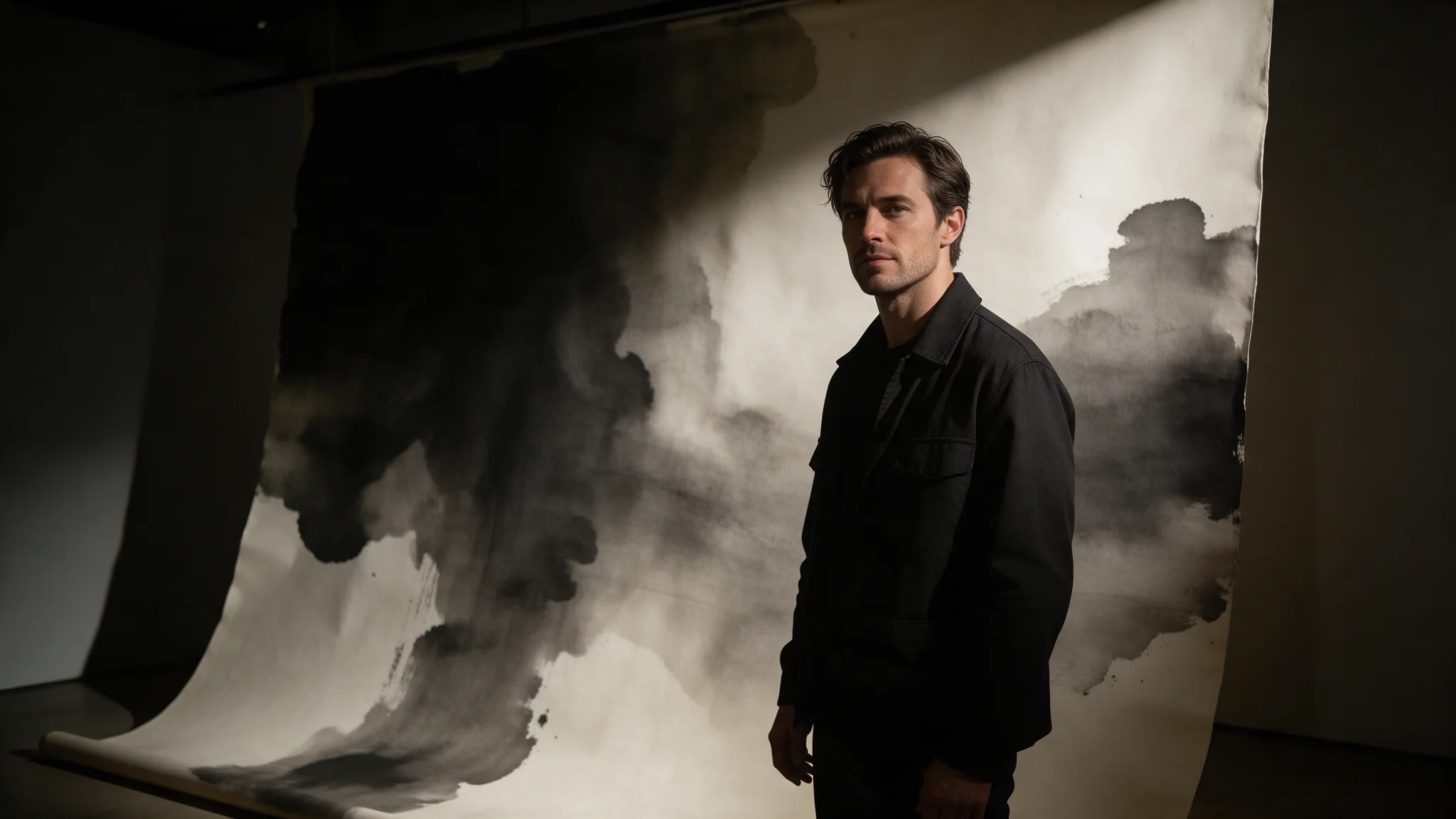
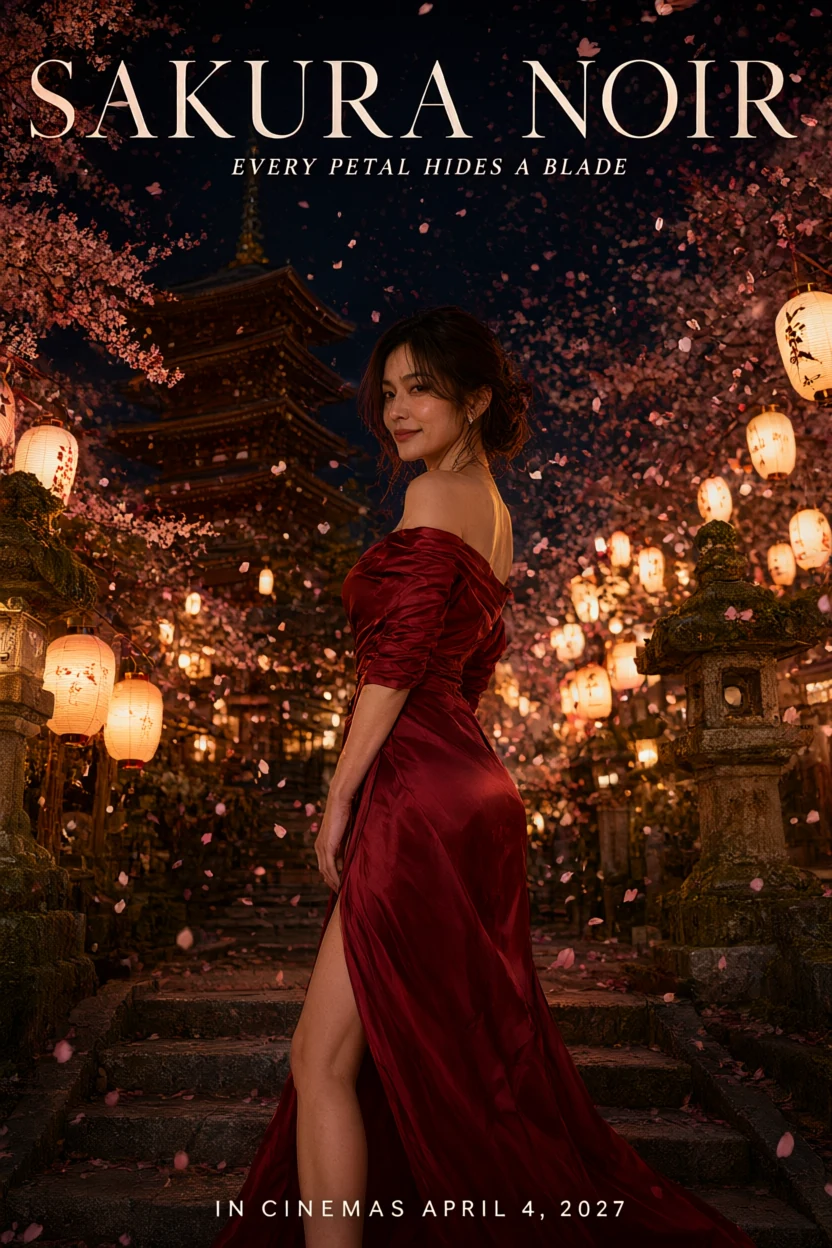
Introduction
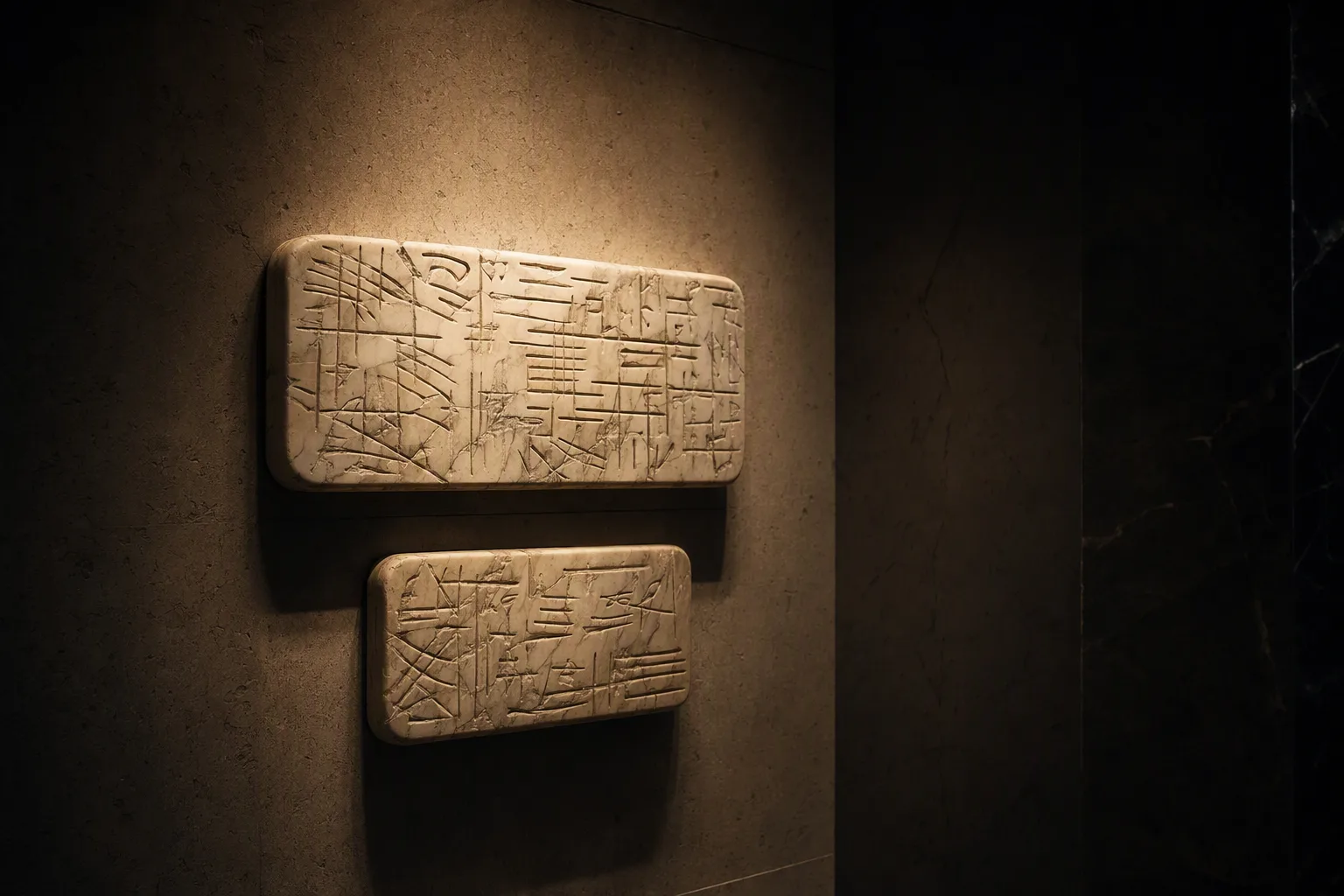
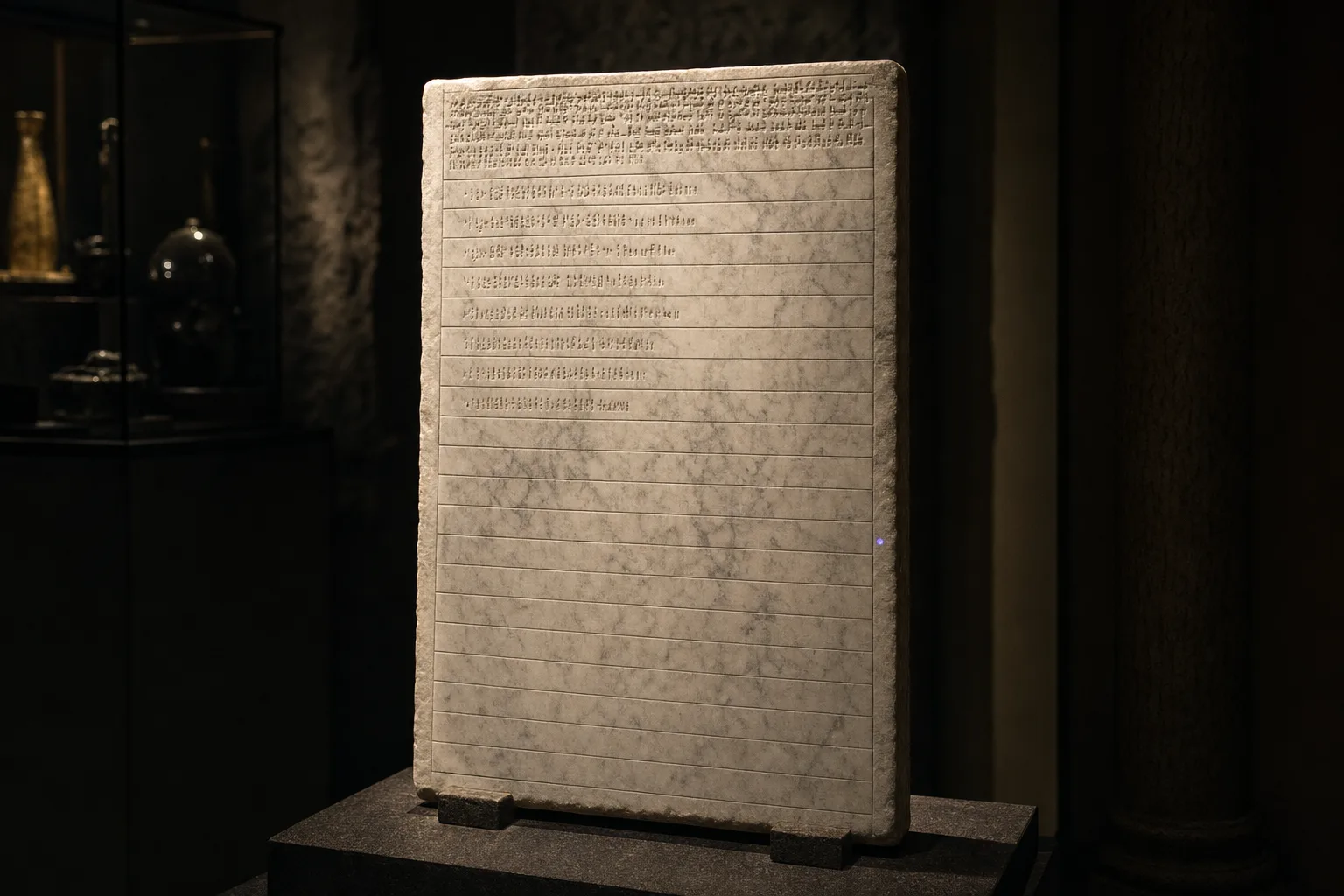
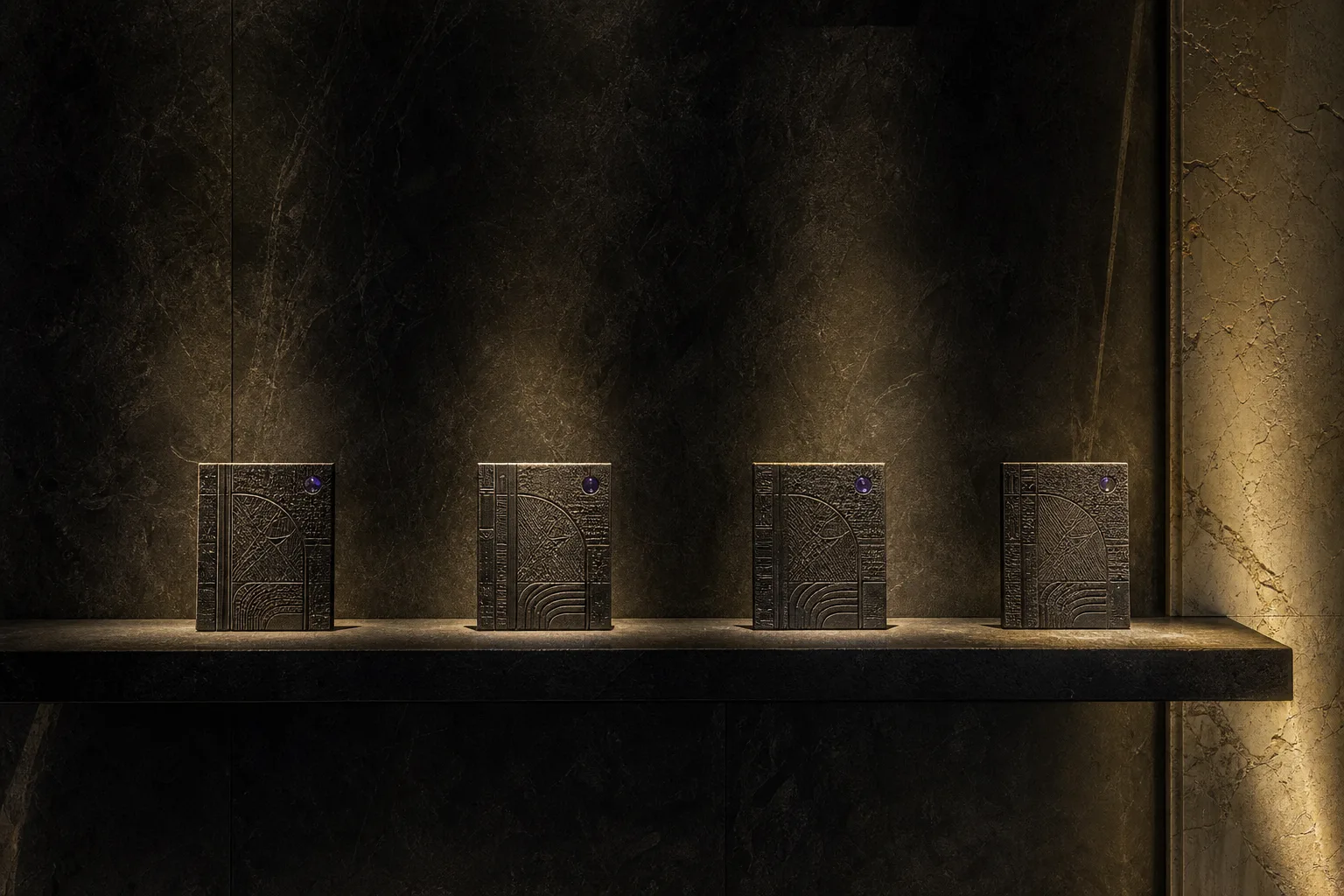
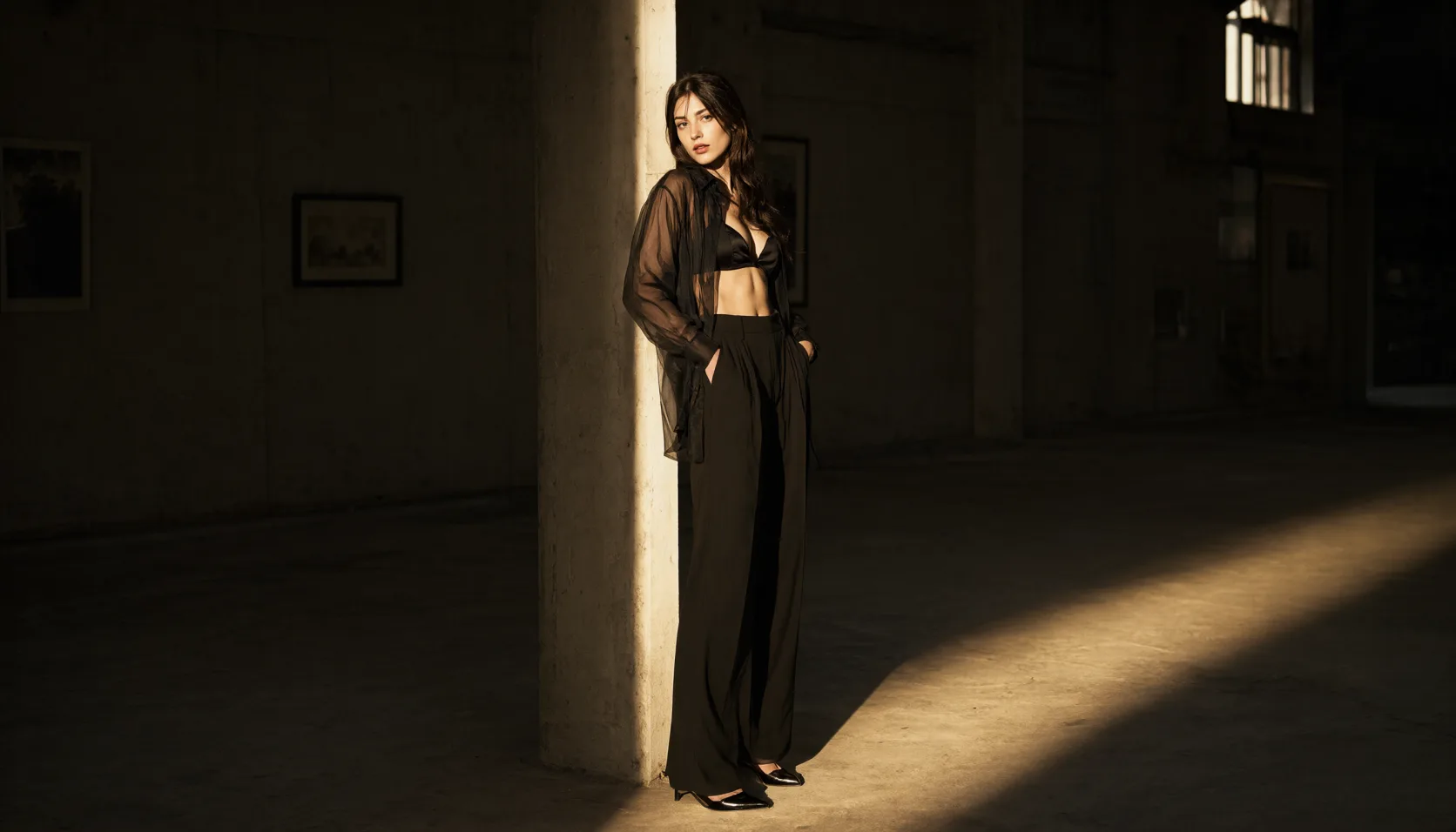
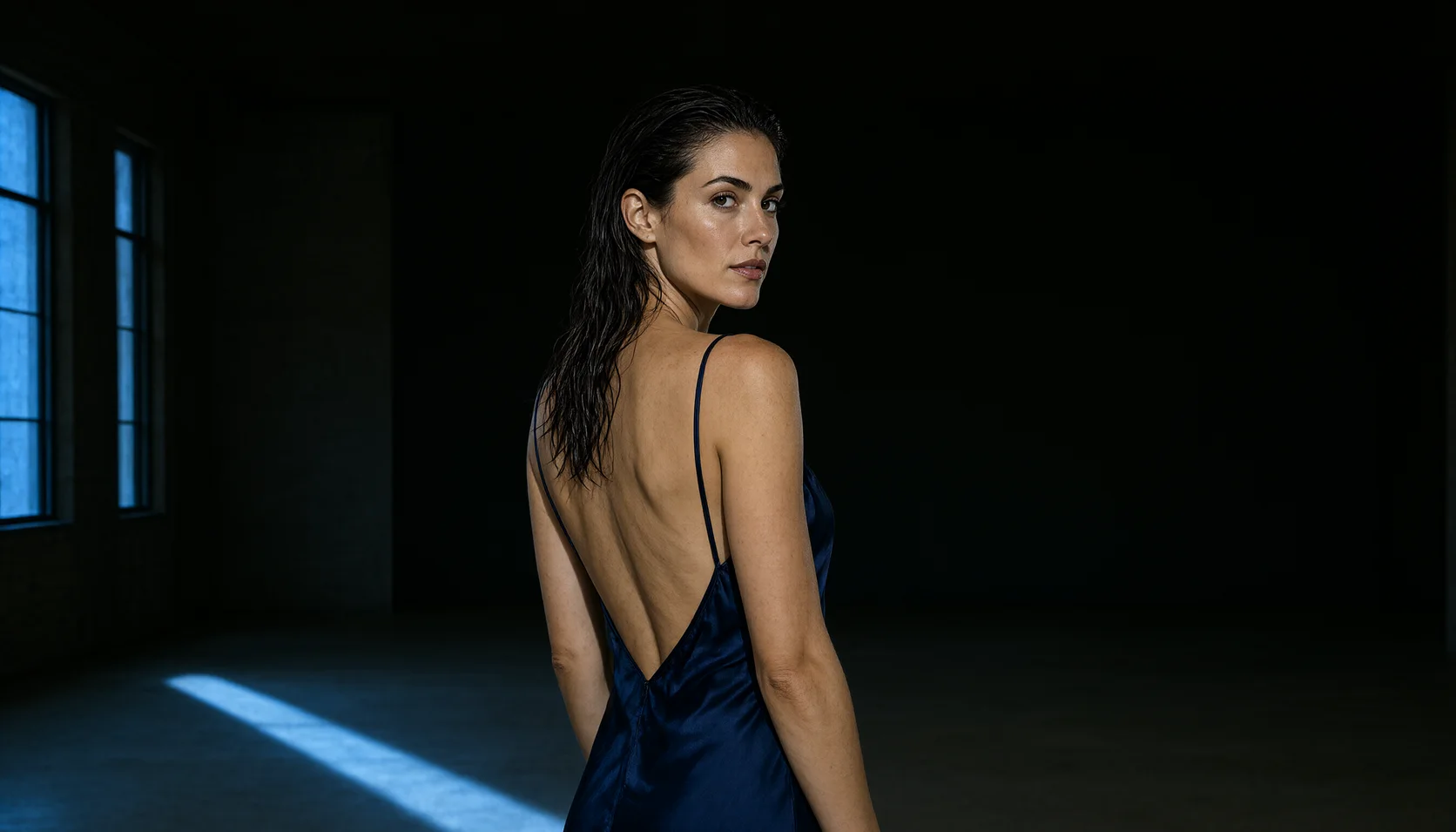
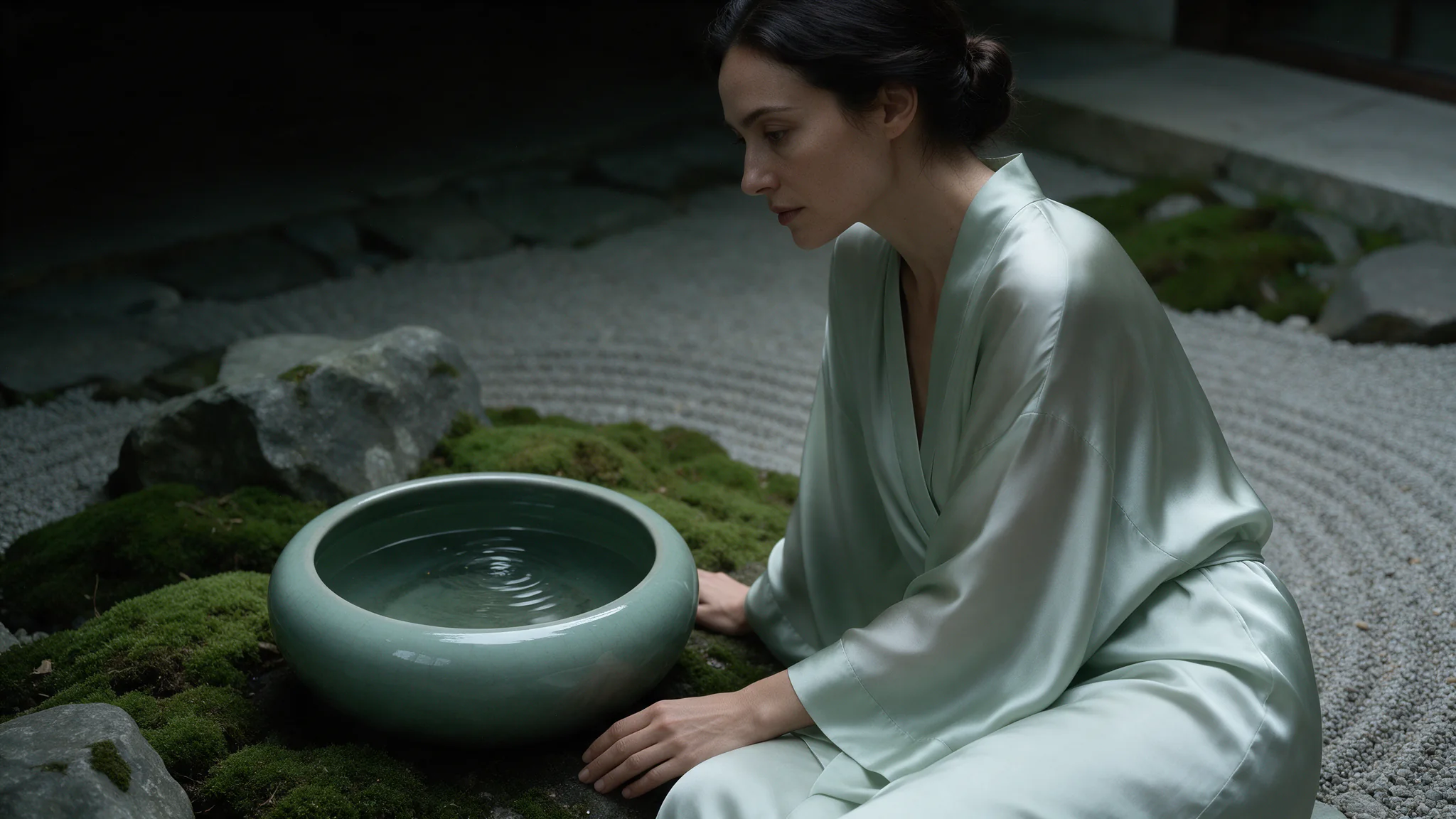
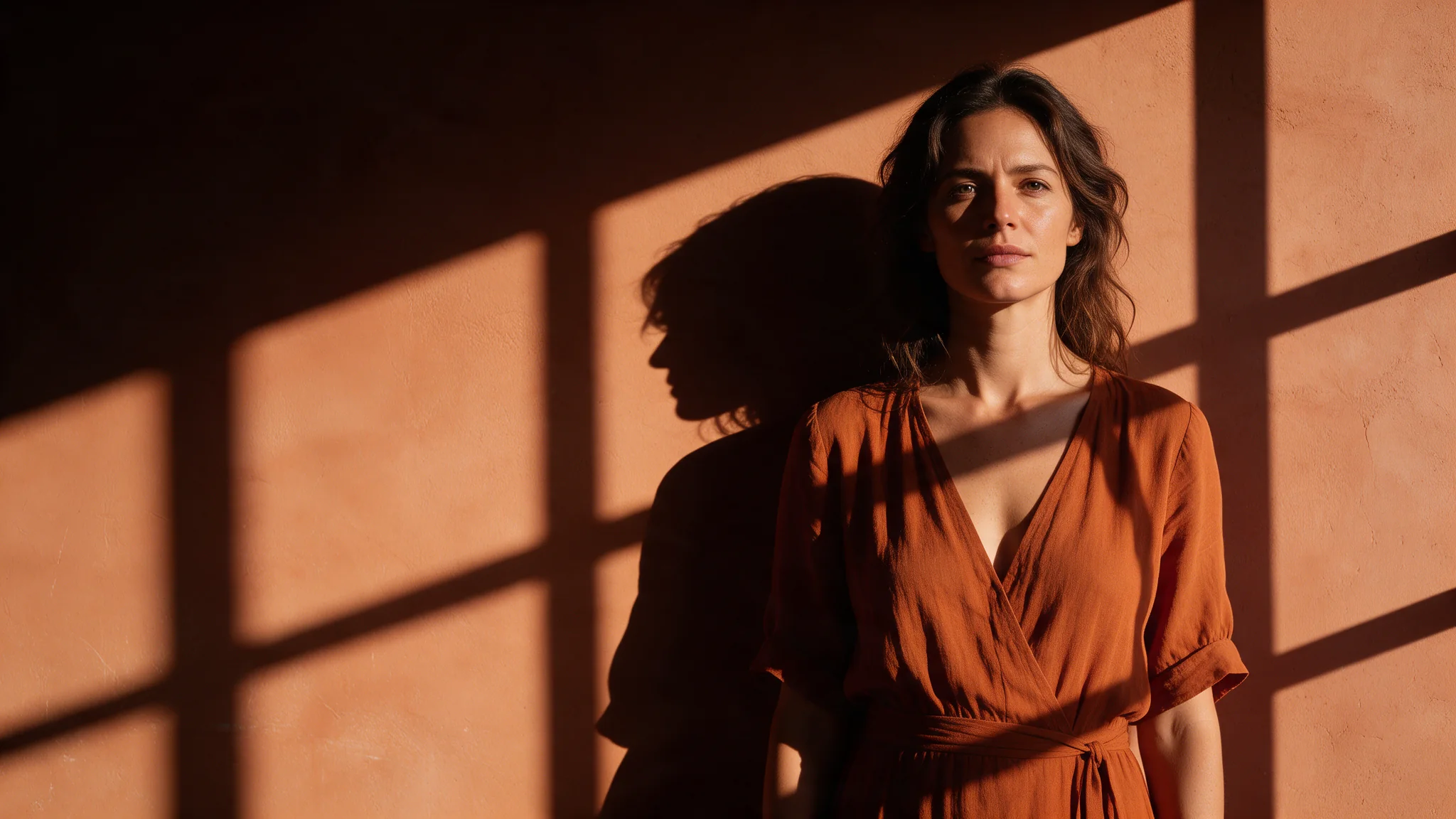
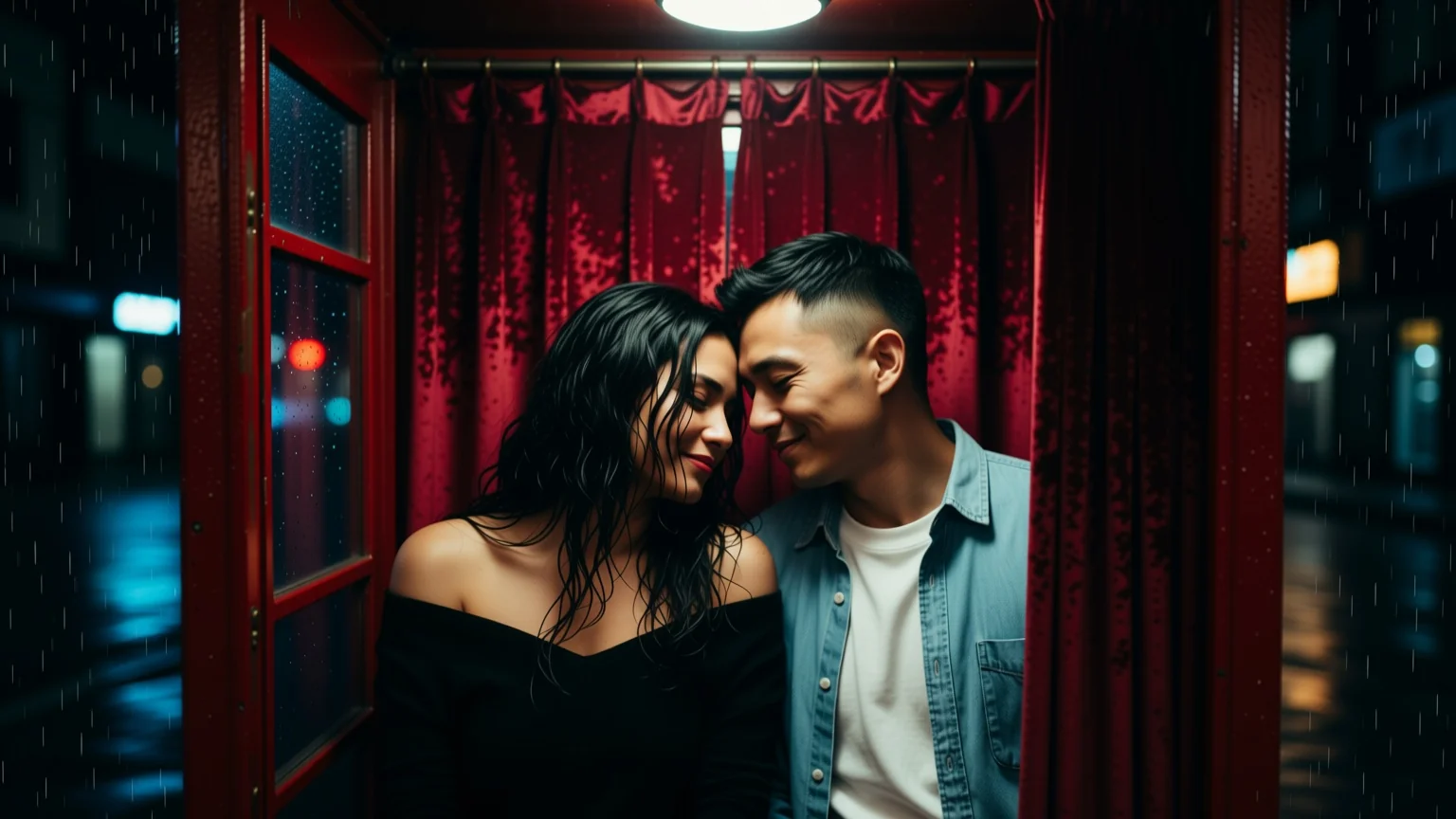
Qwen Image 3.0 Pro Text to Image is the finishing tier of the line. It takes the same request as Qwen Image 3.0 and spends more on detail — most visibly on multi-element typography and on material rendering in skin, fabric and glass.
Qwen Image 3.0 Pro is the high-detail tier of Alibaba's Qwen image line: 5,000-character prompts, eight aspect ratios, a 1K or 2K tier, and one-to-three-reference editing. Built for frames that ship, uncensored.
Choose a Qwen Image 3.0 Pro mode by starting material
| Starting material | Mode |
|---|---|
| A written art direction or design brief | Qwen Image 3.0 Pro Text to Image |
| An approved source image to revise | Qwen Image 3.0 Pro Image Editing |
Key features & highlights
Text-aware image composition
Qwen Image 3.0 Pro is useful for visual concepts in which supplied wording, composition and image treatment must be considered together. Treat generated lettering as a design draft and proofread it before publication.
New composition and source-led revision are separate jobs
Use text-to-image to establish a visual from a written brief. Use image editing when an existing image supplies the identity, layout or material that must be retained while a defined change is made.
Review hierarchy before decorative detail
For posters, packaging and campaign concepts, decide the message hierarchy and focal area first. A visually appealing result still fails the assignment if the approved copy or product facts are not represented correctly.
Request parameters
| Parameter | Required | Description |
|---|---|---|
prompt | Yes | Up to 5,000 characters, Chinese or English. Quote every string that must appear and say where it sits; three or four short strings per frame is the reliable range. at least 1 characters · at most 5000 characters |
aspect_ratio | No | Composes the frame rather than cropping it. 3:4 and 2:3 are the shapes covers and posters are laid out for; all eight cost the same per image. |
resolution | No | 1k or 2k, default 2k, and the only price variant. This tier's advantage is largely invisible at 1k — use 1k for composition roughs only. |
num_outputs | No | Fixed at 1: one image per request. |
enable_prompt_expansion | No | On by default on this family. It fills out thin briefs and rewrites detailed ones, so turn it off once your prompt is a precise shot description. Default: |
negative_prompt | No | Up to 2,000 characters of exclusions. On typography work it earns its place against duplicated lettering, stray watermarks and smeared label edges. at most 2000 characters |
prompt_optimization_mode | No | How prompt expansion rewrites your brief while |
seed | No | Omit while exploring; pin it once a layout lands, then change one cover line at a time to see the effect of each edit in isolation. |
Pricing
| Specification | Price |
|---|---|
| $0.04 / image |
| $0.075 / image |
Use cases
Start from a written brief
Use this tier when the frame will ship as it comes back and carries several pieces of type: a masthead, a date line, a short claim. Keep resolution at 2k, quote every string, and say where each one sits.
Packaging and label mockups
Bottle, box and tin labels where the brand name and a short claim have to be legible on a curved surface. Quote each string, name the material, and let the negative prompt handle stray duplicated lettering.
Magazine covers and uncensored editorial
A full-bleed portrait with a real masthead, an issue number and two cover lines, generated in one call. The styling can change without changing anything about the request: the same endpoint handles both the type and the styling.
Poster and out-of-home comps
3:4 and 2:3 frames with a headline, a date line and a legal strap already set in the image, at the 2k tier. Enough to take into a review before anyone sets real type over a clean plate.
Prompt guide & pro tips
Quote every string and say where it sits
Name the masthead, the cover lines and the small caps separately, each in single quotes and each with a position. Three or four short strings per frame is the reliable range; negative_prompt can keep duplicated lettering and stray watermarks out.
Pin the seed, then vary one line
Once the layout lands, record the seed and change a single cover line at a time. When you want several readings of the same layout instead of one committed frame, leave the seed out and send the brief as parallel requests.
Adapt the included example
Start with the published example using aspect_ratio: 3:4, resolution: 2k. Replace the subject and creative direction while keeping the input contract for this mode intact.
A glossy fashion magazine cover, full-bleed portrait of an adult woman in a black lace bodysuit under a sheer open kimono, arms raised adjusting her hair, studio rim light on a deep charcoal background; masthead text 'SPICY' in large condensed type across the top, cover lines reading 'THE LATE SHIFT' and 'ISSUE 07' in small caps, high-end print typography, razor-sharp 2K detail.
The exact request behind the cover shown for this endpoint: a 3:4 full-bleed portrait at 2k with masthead, issue line and cover lines all quoted in the prompt.
Check the result before iterating
Multi-element typography is the reason to use this tier, and it still has a ceiling: three or four short strings per frame is reliable, a full page of body copy is not. Generate type at 2k — the 1k tier is for composition roughs. Rare glyphs and non-Latin scripts render but need proofreading before anything ships.
API quick start
# Generate the idempotency key once; reuse it when retrying after a lost response.
export SPICY_IDEMPOTENCY_KEY="${SPICY_IDEMPOTENCY_KEY:-$(uuidgen)}"
curl -X POST https://api.spicyapi.ai/api/v1/jobs/createTask \
  -H "Authorization: Bearer $SPICY_API_KEY" \
  -H "Content-Type: application/json" \
  -H "Idempotency-Key: $SPICY_IDEMPOTENCY_KEY" \
  -d '{
  "model": "alibaba/qwen-image-3.0-pro/text-to-image",
  "input": {
    "prompt": "A ceramic teapot on a linen cloth, soft window light, muted palette",
    "resolution": "2k",
    "num_outputs": 1,
    "aspect_ratio": "1:1",
    "prompt_optimization_mode": "direct"
  }
}'

# Copy data.taskId from the response into TASK_ID, then poll the status.
TASK_ID="TASK_ID_FROM_RESPONSE"
curl "https://api.spicyapi.ai/api/v1/jobs/recordInfo?taskId=$TASK_ID" \
  -H "Authorization: Bearer $SPICY_API_KEY"
See the API reference for authentication, the complete schema, polling, and error handling.