Introduction
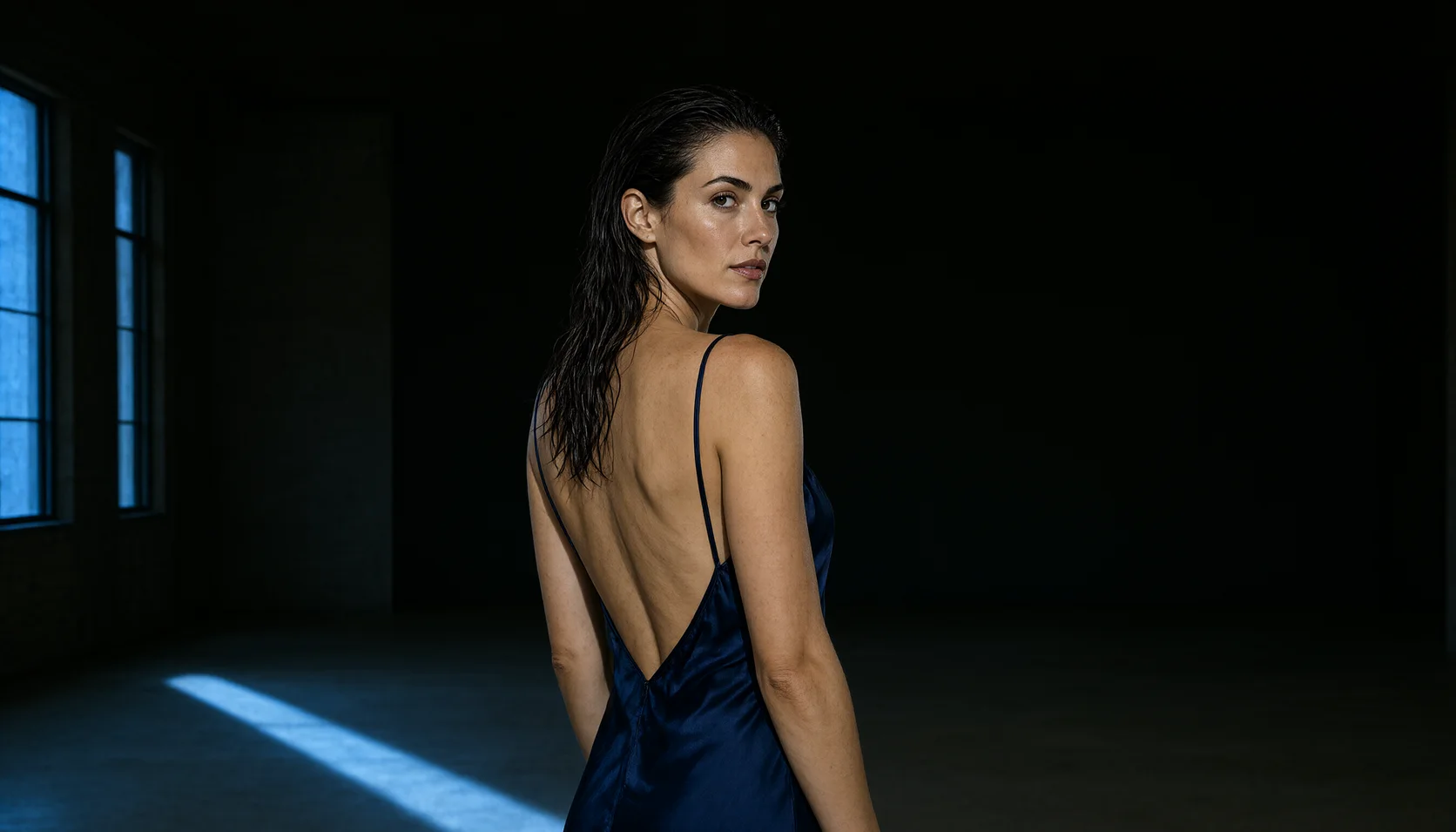
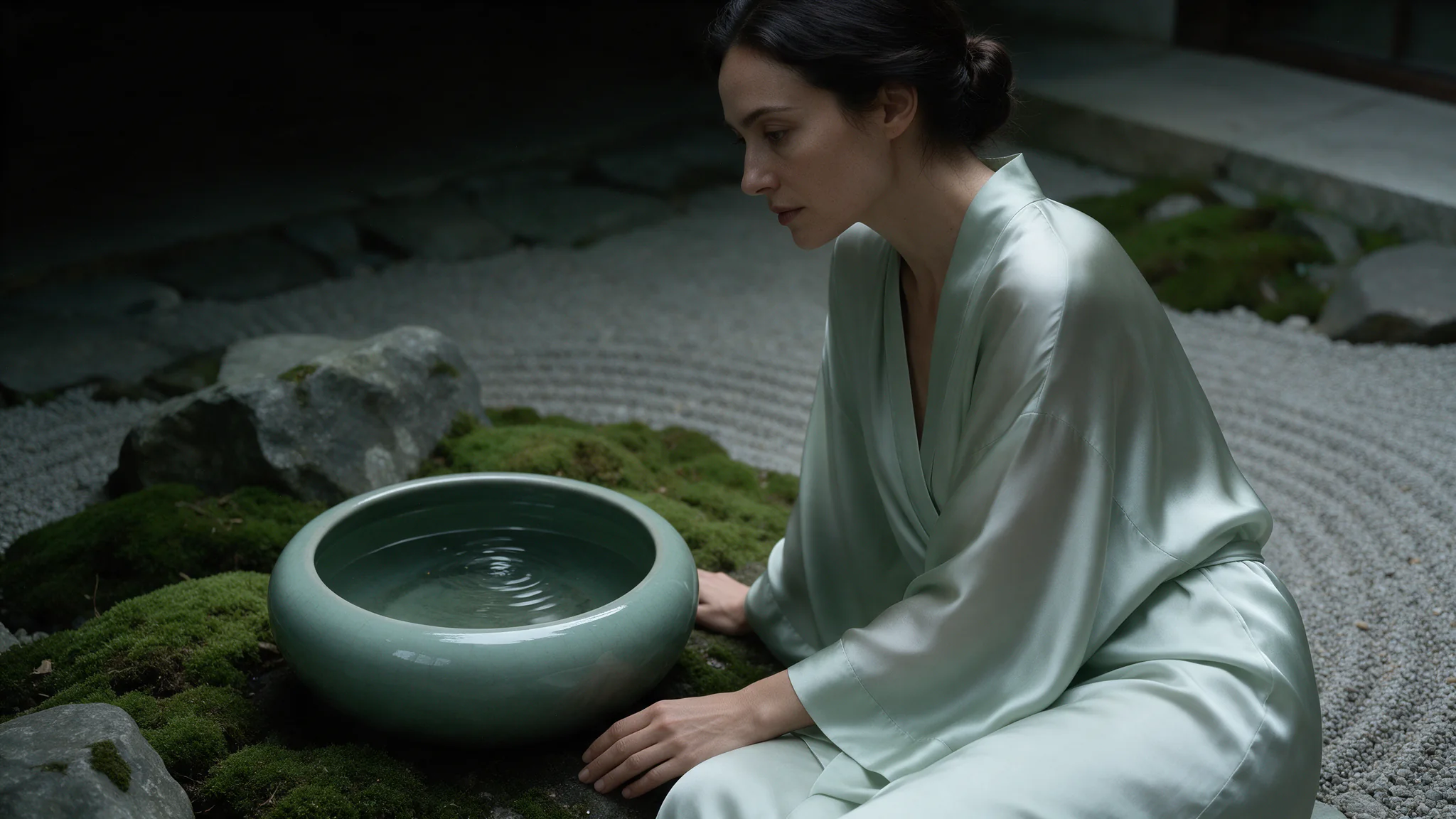
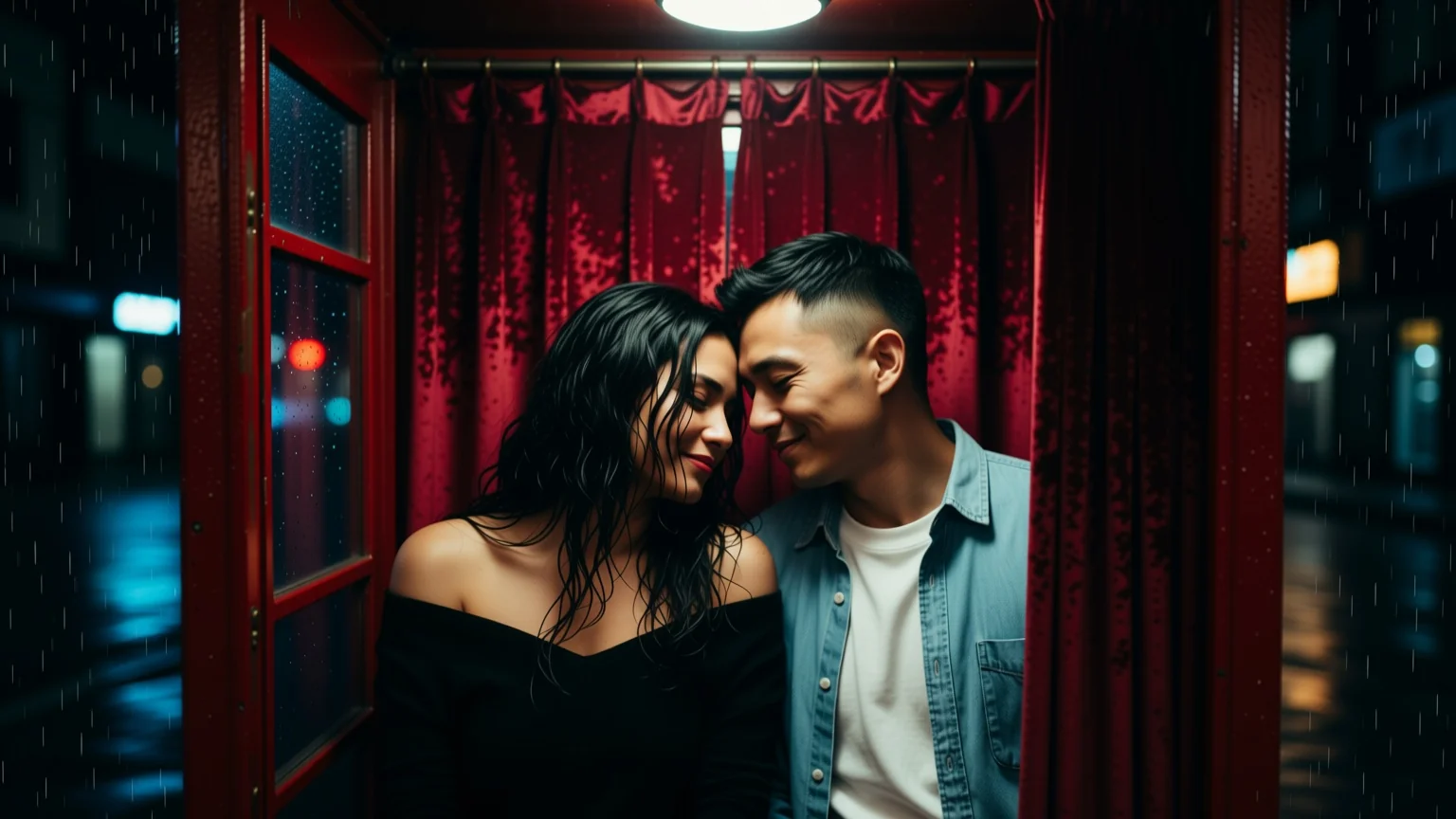
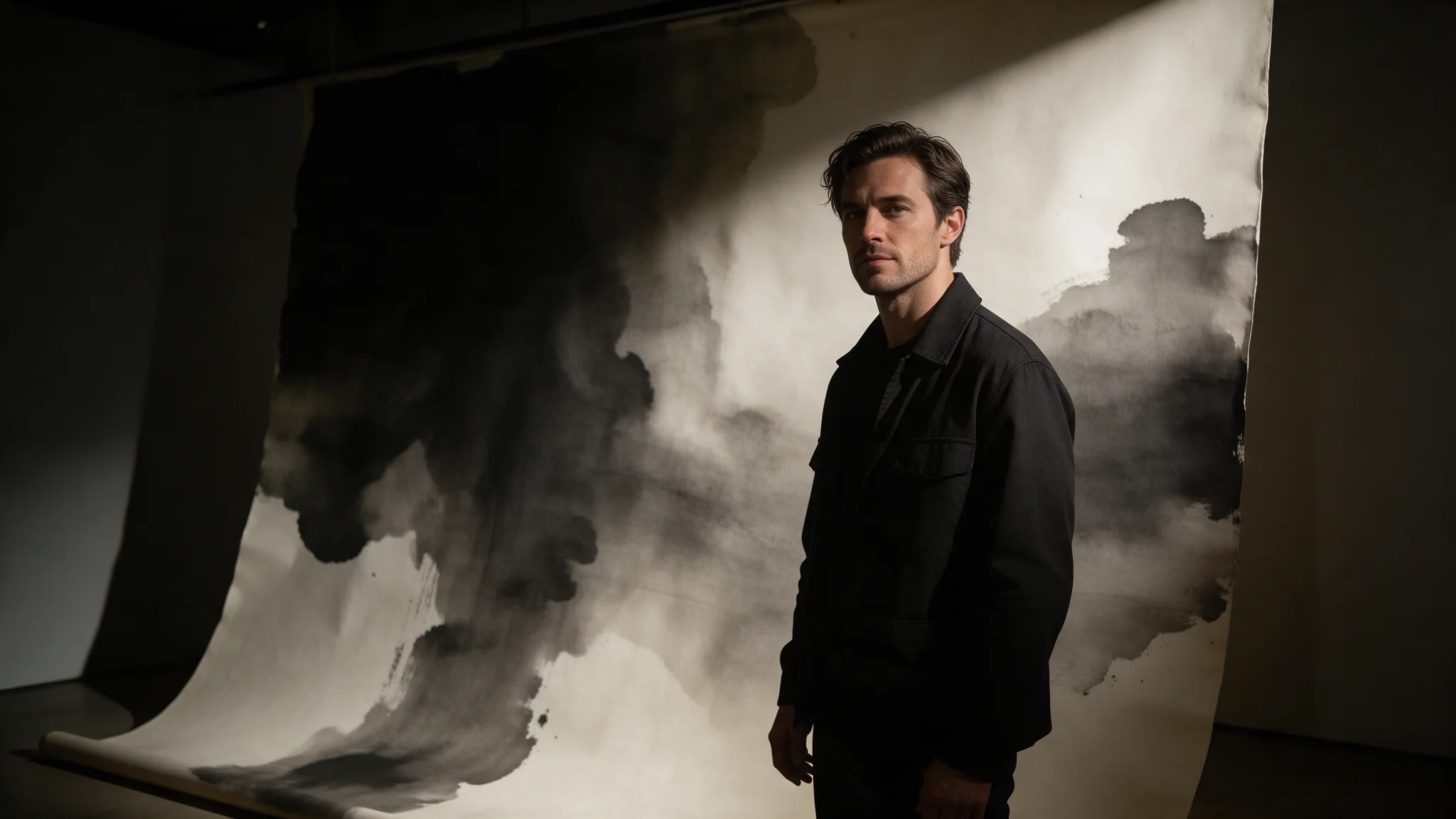
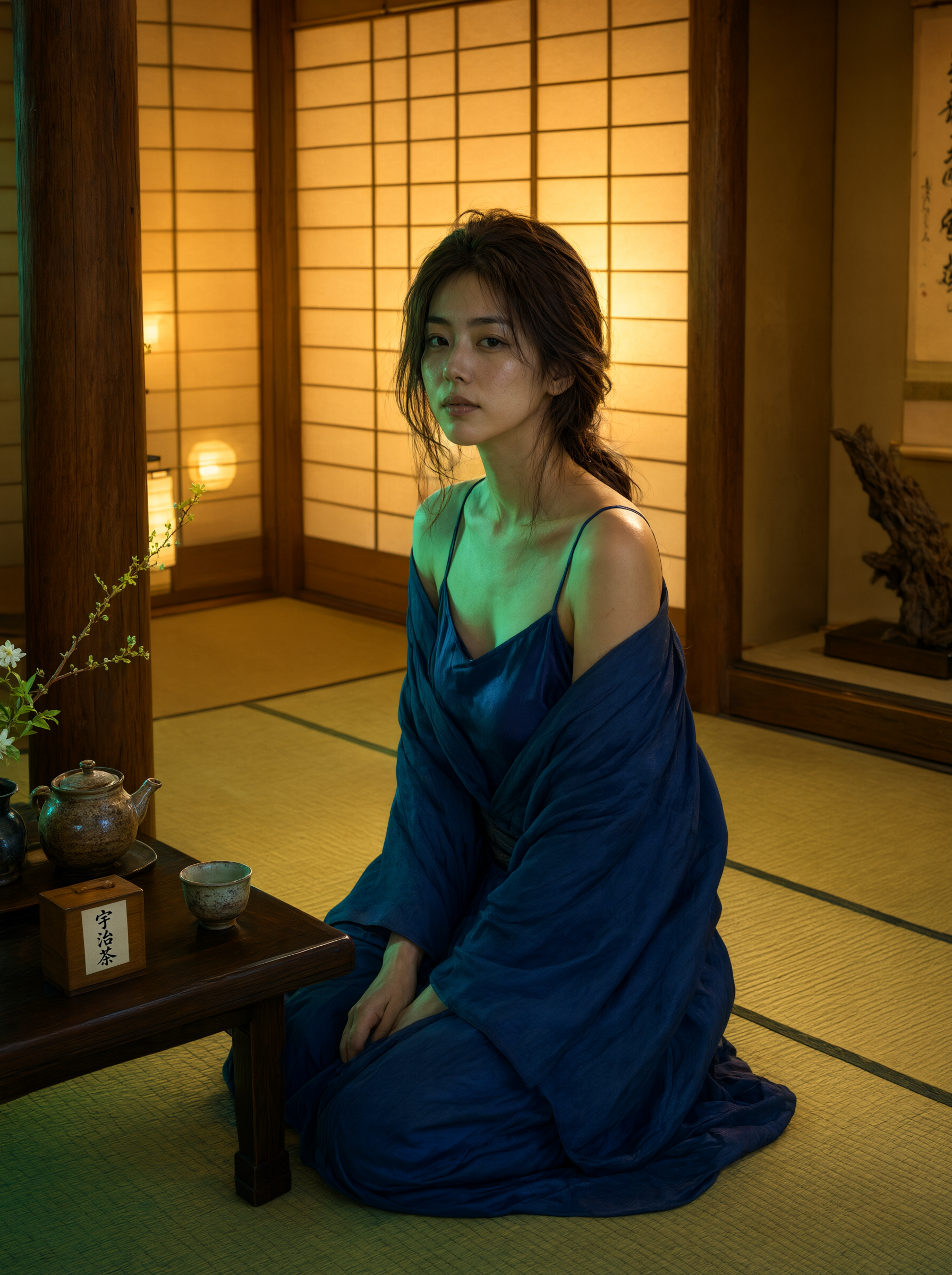
Qwen Image 3.0 Pro Image to Image edits one to three reference images under an instruction. With one reference it is a surgical change — a cover line, a garment, a light. With two or three it merges, provided the prompt says which source contributes what.
Qwen Image 3.0 Pro is the high-detail tier of Alibaba's Qwen image line: 5,000-character prompts, eight aspect ratios, a 1K or 2K tier, and one-to-three-reference editing. Built for frames that ship, uncensored.
Choose a Qwen Image 3.0 Pro mode by starting material
| Starting material | Mode |
|---|---|
| A written art direction or design brief | Qwen Image 3.0 Pro Text to Image |
| An approved source image to revise | Qwen Image 3.0 Pro Image Editing |
Key features & highlights
Text-aware image composition
Qwen Image 3.0 Pro is useful for visual concepts in which supplied wording, composition and image treatment must be considered together. Treat generated lettering as a design draft and proofread it before publication.
New composition and source-led revision are separate jobs
Use text-to-image to establish a visual from a written brief. Use image editing when an existing image supplies the identity, layout or material that must be retained while a defined change is made.
Review hierarchy before decorative detail
For posters, packaging and campaign concepts, decide the message hierarchy and focal area first. A visually appealing result still fails the assignment if the approved copy or product facts are not represented correctly.
Request parameters
| Parameter | Required | Description |
|---|---|---|
prompt | Yes | Up to 5,000 characters. Name the change and name what must stay identical — anything unmentioned is open to being redrawn. at least 1 characters · at most 5000 characters |
image_urls | Yes | One to three publicly fetchable URLs for images you hold the rights to. The order is meaningful: your prompt calls them first, second and third, and roles are never inferred. at least 1 items · at most 3 items |
aspect_ratio | No | Applies to the result, not to the sources, so a reference of a different shape comes back reshaped. Match it deliberately when the original framing has to survive. |
resolution | No | 1k or 2k, default 2k. It is the tier choice that changes the price; each reference image in |
num_outputs | No | Fixed at 1: one edited image per request. |
enable_prompt_expansion | No | On by default on this family. It fills out thin briefs and rewrites detailed ones, so turn it off once your prompt is a precise shot description. Default: |
negative_prompt | No | Up to 2,000 characters of exclusions. Most useful here against artefacts an edit invites: garment seams, leftover lettering, duplicated jewellery. at most 2000 characters |
seed | No | Fix it to compare two phrasings of one instruction against an identical draw; leave it out when you want genuine variation. |
Pricing
| Specification | Price |
|---|---|
| $0.04 / image |
| $0.075 / image |
Use cases
Refine a supplied visual
Use this mode when one to three approved frames should carry into the result. List them in image_urls in the order your prompt refers to them and give each a role — the face from the first, the garment from the second — because roles are never inferred.
Magazine covers and uncensored editorial
Keep an approved cover and change one element per pass: a cover line, a garment or the light. Restyling and retyping in the same call is where faces drift, so split them into two requests.
Poster and out-of-home comps
Take an approved poster frame and swap the date line or the legal strap for the next run. Quote the old and the new string, keep aspect_ratio at the frame's shape, and describe everything else as unchanged.
Packaging and label mockups
Send a product render and relabel it: quote the brand name and the short claim, say which surface they sit on, and use negative_prompt against leftover lettering from the old label.
Prompt guide & pro tips
Set the cover shape and stay at 2k
Pick 3:4 or 2:3 for covers and posters; the frame is composed for that shape rather than cropped into it. Leave resolution at 2k for anything with type — this tier's advantage disappears at 1k.
Quote every string and say where it sits
For a text edit, quote the old string and the new one and name the position, then say which elements must stay untouched, such as the masthead. Anything the instruction does not mention is open to being redrawn.
Adapt the included example
Start with the published example using aspect_ratio: 3:4, resolution: 2k. Replace the subject and creative direction while keeping the input contract for this mode intact.
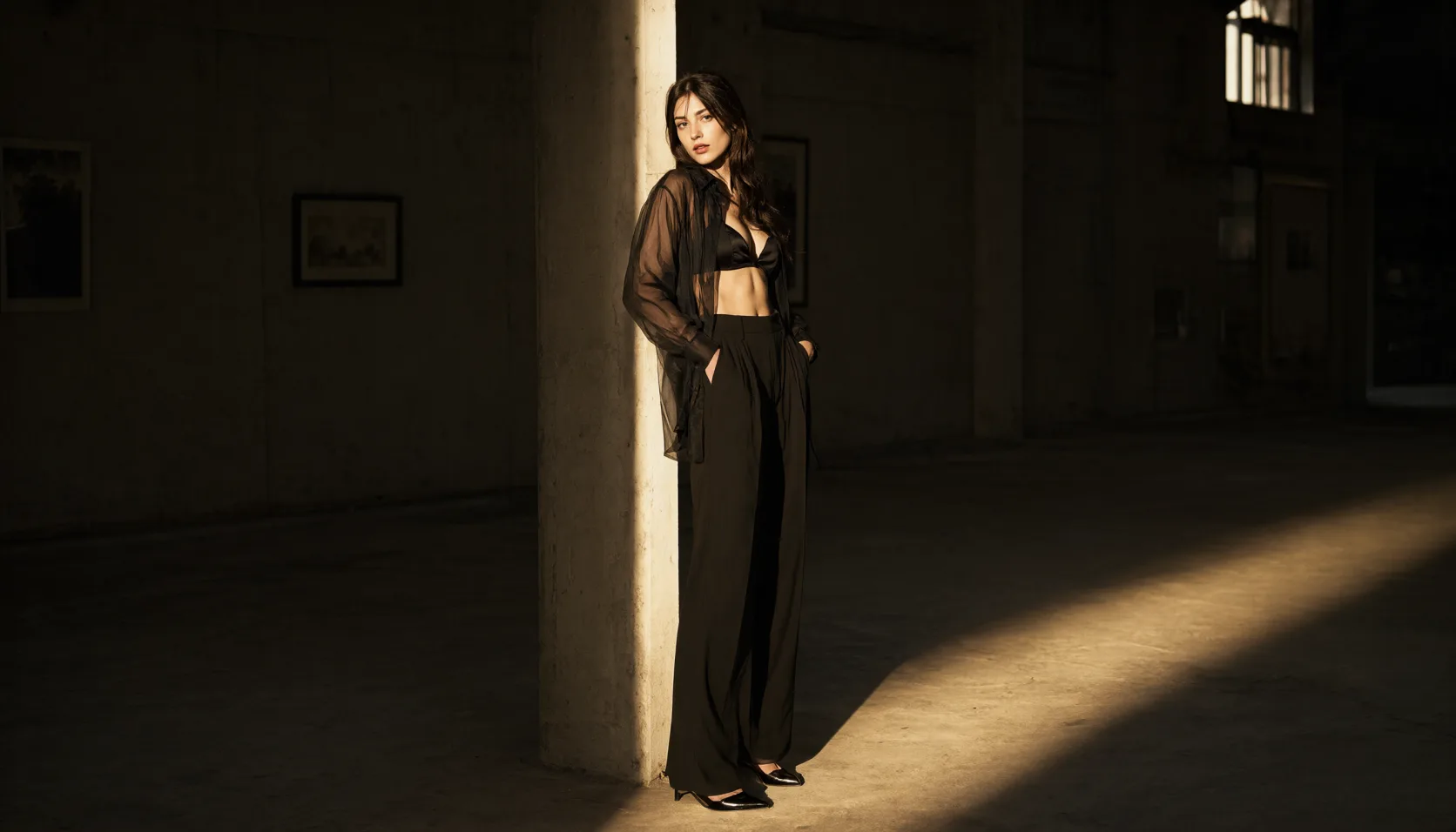
Keep the portrait, wardrobe, lighting and grade exactly as they are. Change the cover line from 'THE LATE SHIFT' to 'AFTER HOURS' in the same small caps and the same position, and leave the masthead untouched.
A single-reference text edit with both strings quoted and the masthead explicitly protected. Supply your own cover frame — the image_urls value is a placeholder, not a hosted sample.
Check the result before iterating
Merging works when the prompt assigns a role to each reference; with three sources and no roles named the result is a blend nobody asked for. Retyping in place needs both the old and the new string quoted. Faces drift when you restyle and retype in the same call, so split those into two passes.
API quick start
# Generate the idempotency key once; reuse it when retrying after a lost response.
export SPICY_IDEMPOTENCY_KEY="${SPICY_IDEMPOTENCY_KEY:-$(uuidgen)}"
curl -X POST https://api.spicyapi.ai/api/v1/jobs/createTask \
  -H "Authorization: Bearer $SPICY_API_KEY" \
  -H "Content-Type: application/json" \
  -H "Idempotency-Key: $SPICY_IDEMPOTENCY_KEY" \
  -d '{
  "model": "alibaba/qwen-image-3.0-pro/edit",
  "input": {
    "aspect_ratio": "1:1",
    "image_urls": [
      "https://example.com/reference.png"
    ],
    "num_outputs": 1,
    "prompt": "A ceramic teapot on a linen cloth, soft window light, muted palette",
    "resolution": "2k"
  }
}'

# Copy data.taskId from the response into TASK_ID, then poll the status.
TASK_ID="TASK_ID_FROM_RESPONSE"
curl "https://api.spicyapi.ai/api/v1/jobs/recordInfo?taskId=$TASK_ID" \
  -H "Authorization: Bearer $SPICY_API_KEY"
See the API reference for authentication, the complete schema, polling, and error handling.