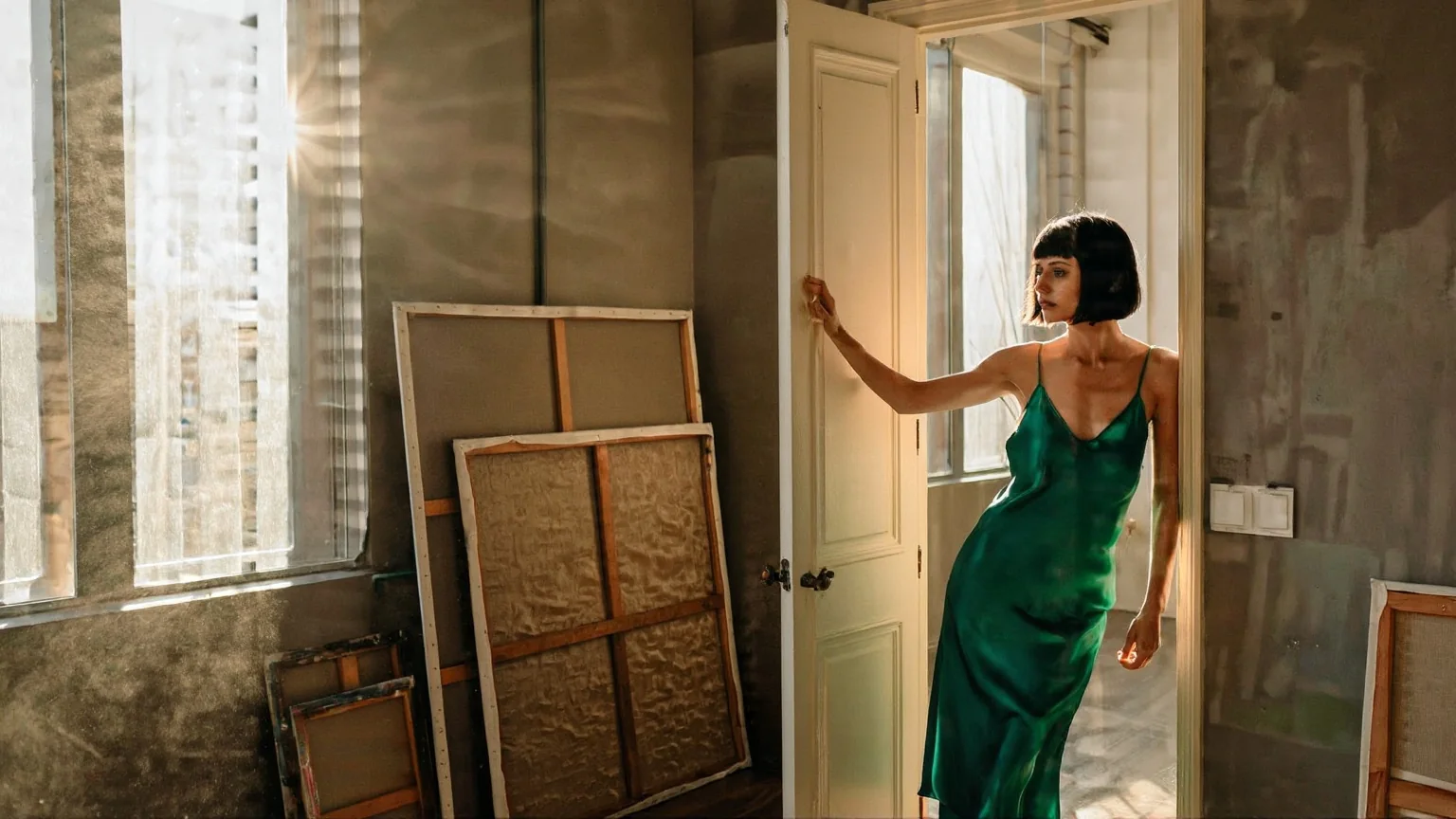
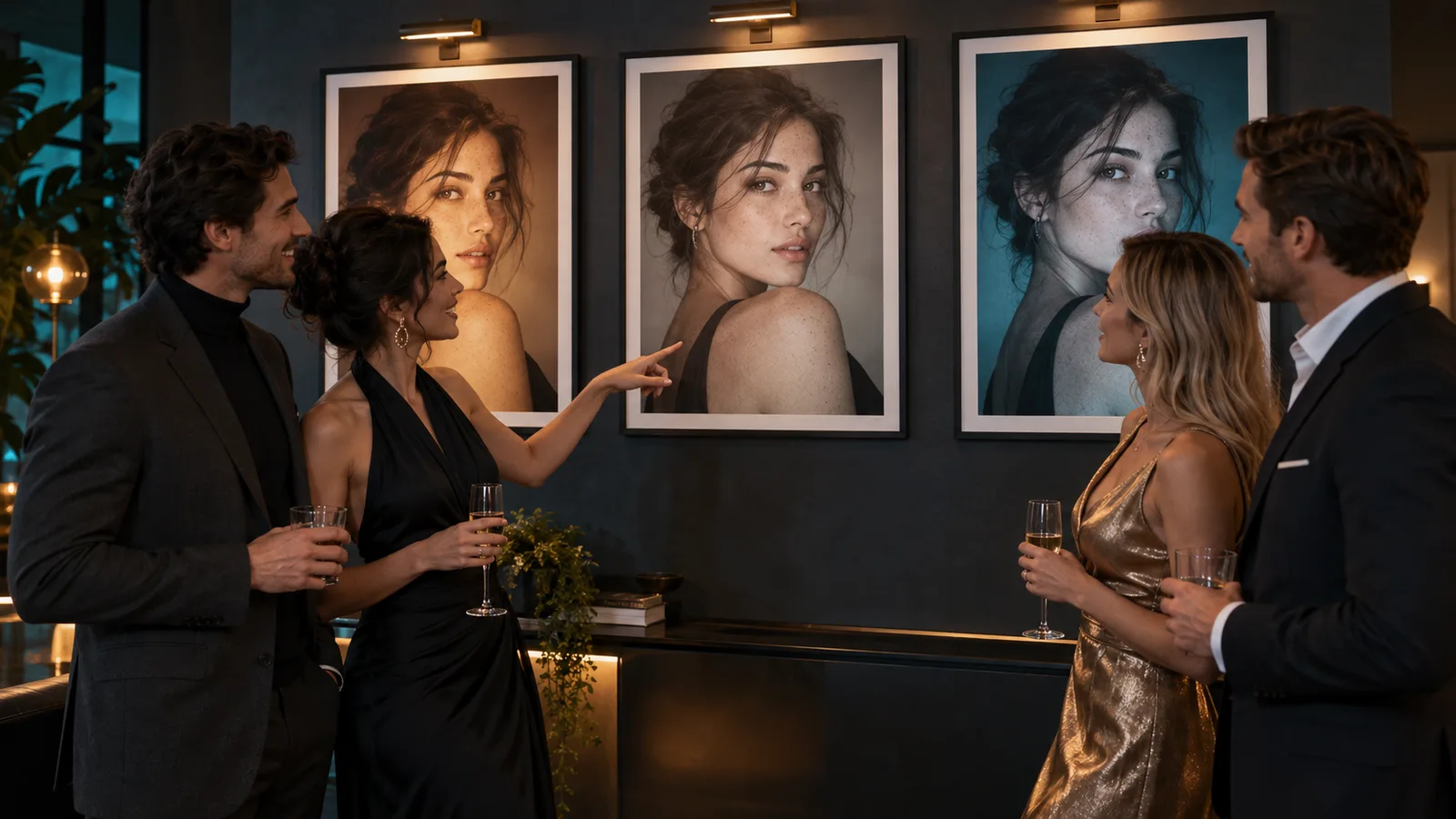
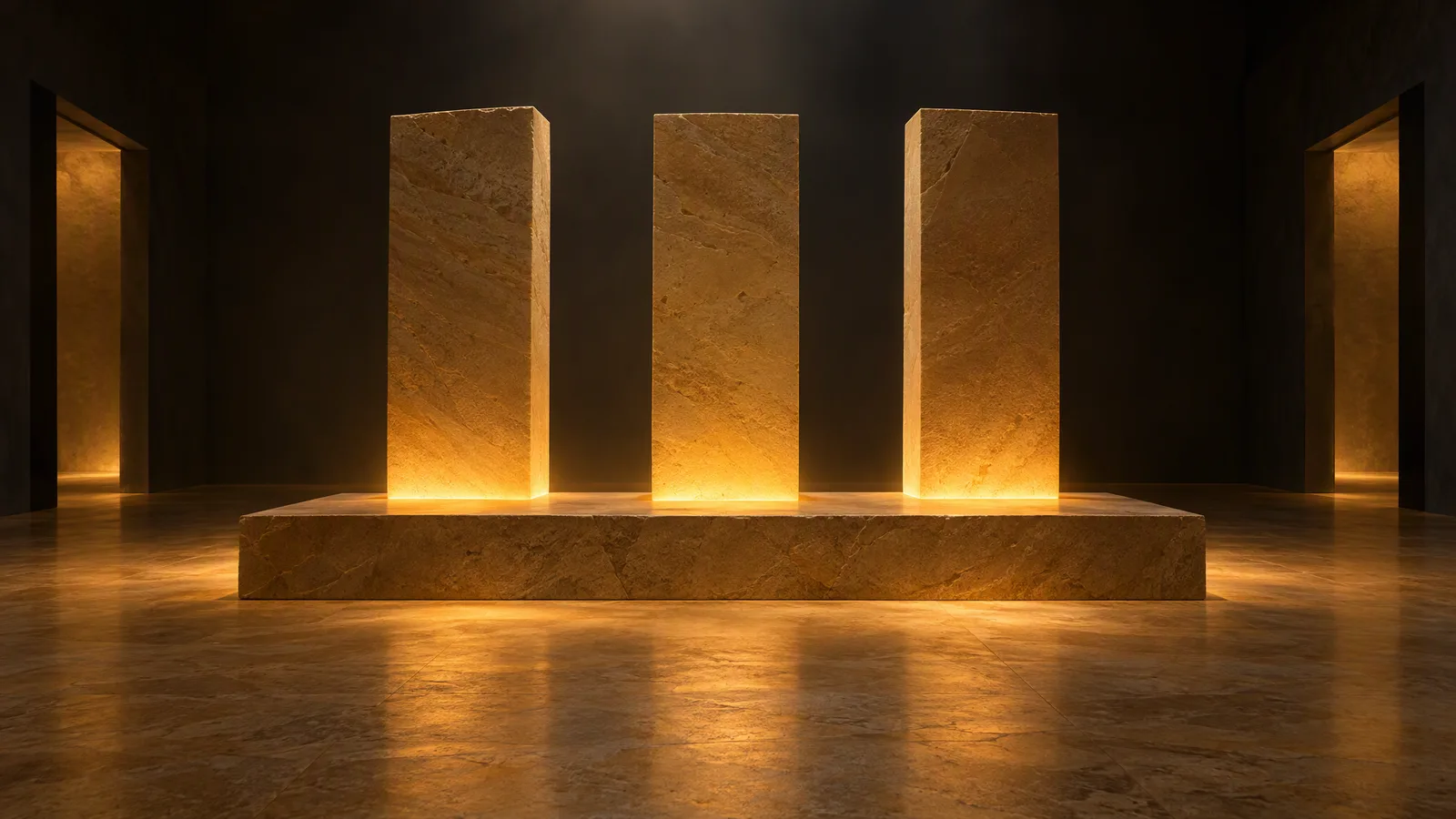
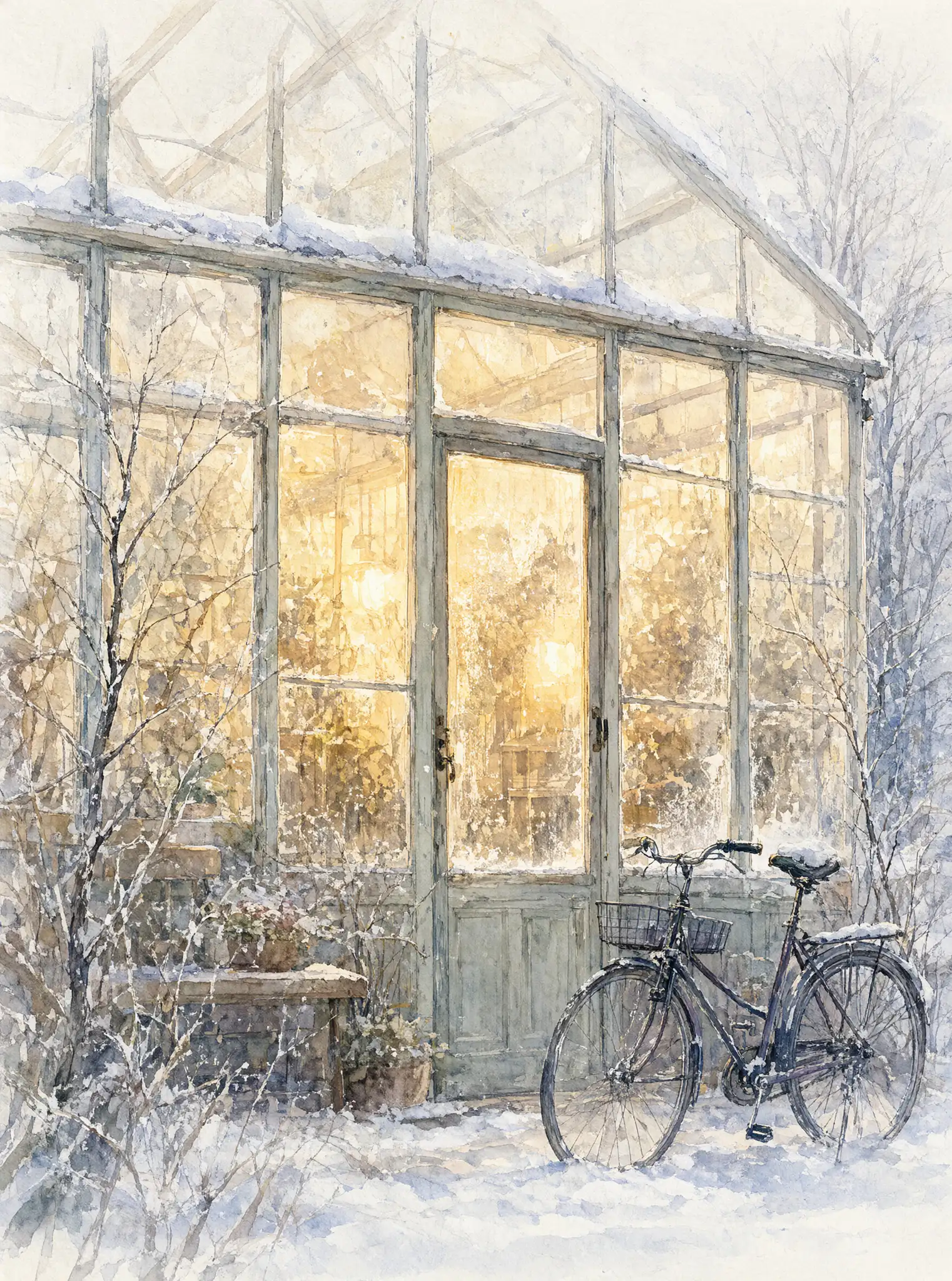
On Z-Image Base LoRA, use LoRAs trained on Z-Image Base: a LoRA trained for Z-Image Turbo broke the image into noise and pseudo-text when we loaded it on Base on 5 October 2026. Base is the slower, undistilled model that the community trains on, so its text-to-image median was 32.8 seconds in our 36 runs. For edits, the default strength is 0.7, and around 0.6 with a style LoRA restyled the whole frame while keeping the composition exactly.
Z-Image Base LoRA runs Z-Image Base from Tongyi-MAI at Alibaba, a 6-billion-parameter single-stream diffusion transformer, with up to three of your own LoRAs on both text to image and image to image. The model card calls Base the foundation of the Z-Image family, built for development and an ideal starting point for the community; it supports LoRA training because it is not distilled. The endpoints are uncensored: the platform adds no content filter. One honest limit comes first: the base model on its own draws the most intimate scenes poorly, which is exactly what adult LoRAs are for. Every prompt in this guide is an everyday scene with clothed adults.
At a glance
| Question | Answer (tested 5 October 2026) |
|---|---|
| Model | Z-Image Base by Tongyi-MAI (Alibaba), 6 billion parameters |
| API model names | alibaba/z-image-base-lora/text-to-image and alibaba/z-image-base-lora/edit |
| LoRA field | loras: up to 3 entries, each {path, scale}, scale 0 to 4 |
| Right LoRAs | Files trained on Z-Image Base |
| Wrong LoRAs | Turbo-trained: broke the image. Pony or differently saved files: no error, no change |
| Edit strength | 0 to 1, default 0.7 |
| Text-to-image sizes | Nine aspect ratios, each side up to 1536 |
| Edit sizes | resolution 1k or 1.5k sets the long side; the source's aspect ratio is kept |
| Speed in our tests | Text to image 9.8 to 56.7 s, median 32.8 (36 runs); edit 4.9 to 41.7 s, median 16.8 (28 runs) |
| Not exposed | Steps, guidance and negative prompt |
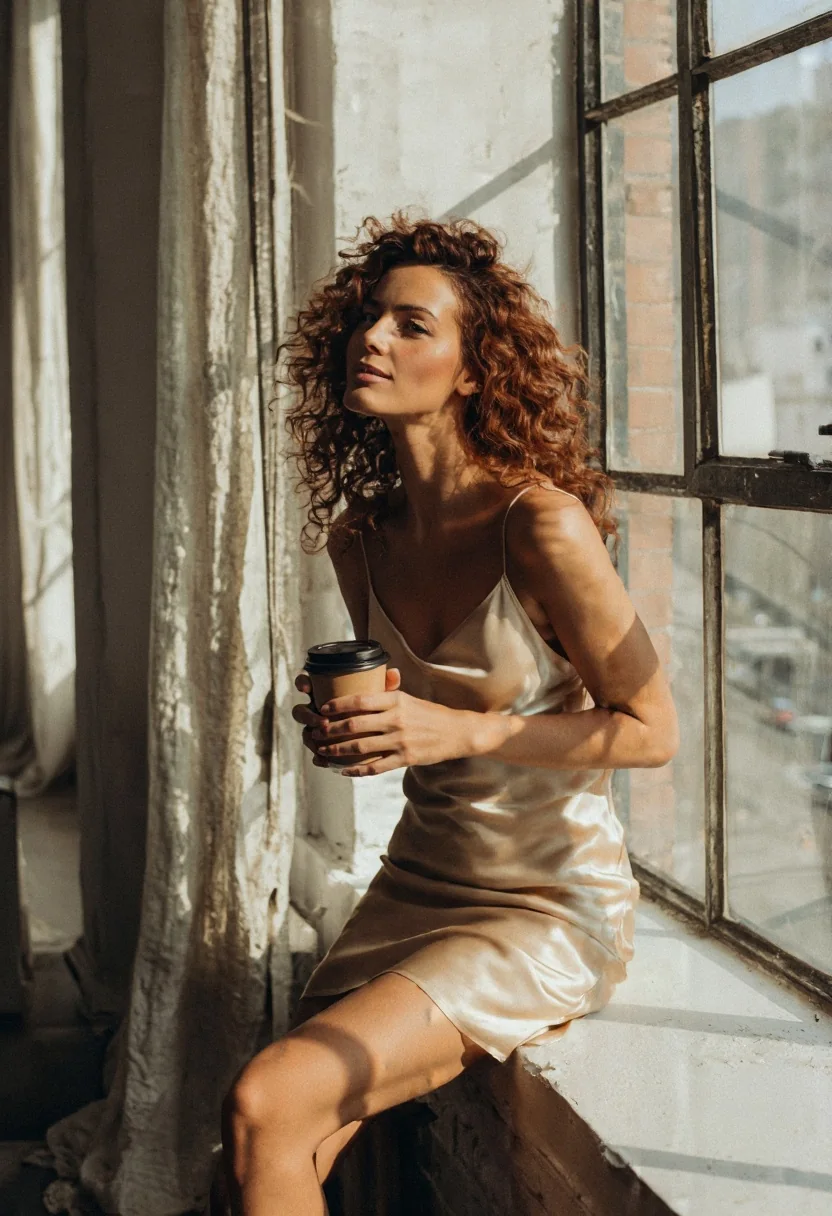
Z-Image Base LoRA, text to image, 2:3 (832×1216), seed 41, no LoRA. The prompt is printed in the next section.
Prompts: plain sentences, strong adherence
Prompt adherence on Base was strong in our tests. Write the way you would brief a photographer: subject, clothes, place, light, grain. The loft portrait above came from one sentence:
A photograph of a woman in her thirties with curly auburn hair, wearing a champagne satin slip dress, sitting on a windowsill in a sunlit loft, holding a coffee cup with both hands, golden hour light on her face, soft film grain.The same sentence shape with only the subject swapped carried a boxer in an old gym:
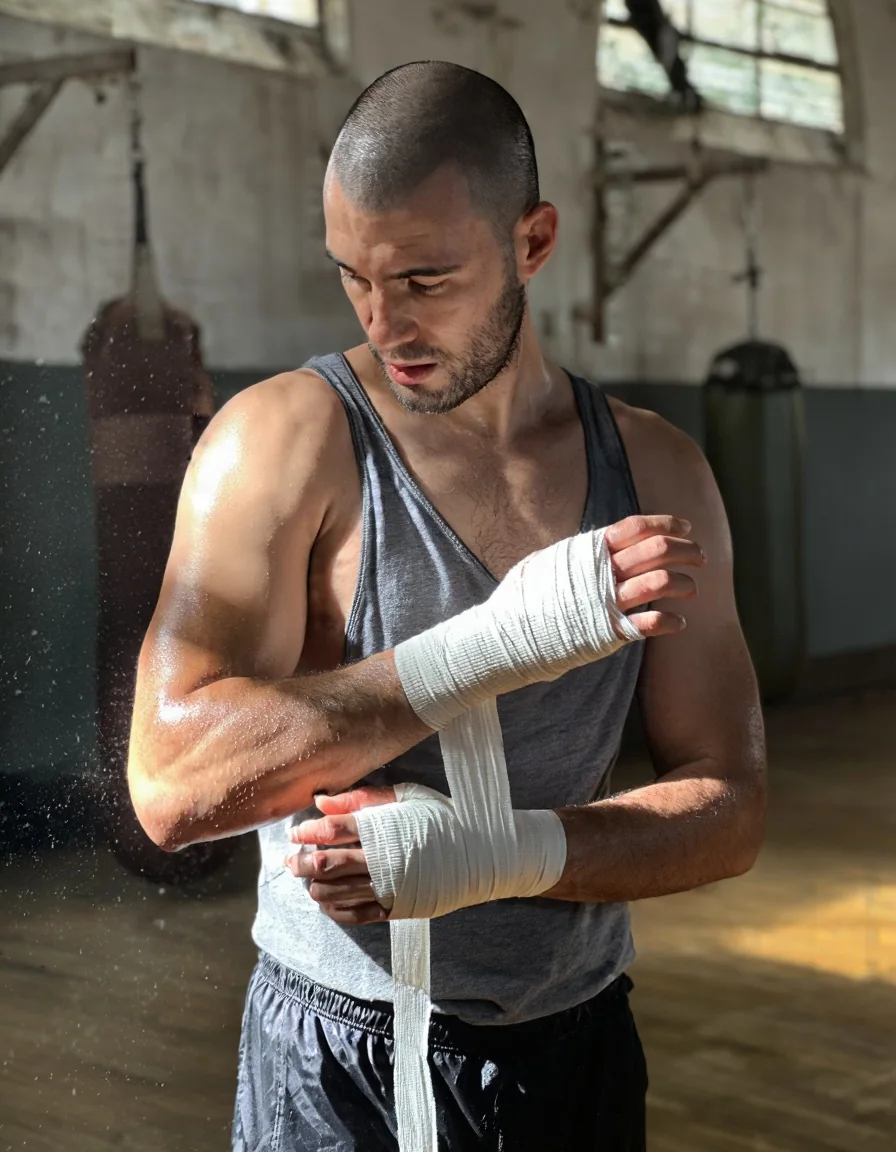
Z-Image Base LoRA, text to image, 3:4 (896×1152), seed 42, no LoRA.
There is no negative prompt, guidance or step field. The publisher recommends guidance 3.0 to 5.0 and 28 to 50 steps for the model itself, but this endpoint exposes none of them, so tone and style come from the prompt and the LoRA.
Which LoRAs work on Base
This is the question the family exists to answer, so we tried four kinds of file:
| LoRA | Trained for | What happened |
|---|---|---|
mikkoph/mikkoani-z-image | Z-Image Base | Worked at 0.5 and at 1 |
| A Z-Image Turbo LoRA | Z-Image Turbo | Loaded without an error and broke the image (noise and pseudo-text) |
furaidosu/flat-cartoon-zimage, labelled for Z-Image | A different key format | Loaded without an error, pixel-identical output: no change |
| A Pony LoRA | Pony SDXL | Loaded without an error, pixel-identical output: no change |
Two failures are silent and one is loud-looking. A mislabelled file or one from another base model changes nothing, so you may blame your prompt for an hour; a Turbo file on Base makes a mess, which at least tells you something is wrong. Run one pair with the file and one without, same seed, before you build on an adapter. If they match, the file does nothing here; if the result is noise, it was trained for Turbo.
Hugging Face lists adapters whose base model is Tongyi-MAI/Z-Image. We pulled only the top 40 by download count: mostly real-person likeness LoRAs, plus some style LoRAs. We did not count the whole list, so we give no number.
Checklist before you pick a LoRA:
- Base model: the card says Z-Image Base, or Tongyi-MAI/Z-Image, not Turbo, Pony or FLUX.
- A file you can link: the repository holds a
.safetensorsfile and you can build itsresolve/main/link. - Public access: a gated file fails with an HTTP 401 message.
- Trigger phrase: copy it exactly from the card.
- Licence: read the one on the LoRA's own card.
The mikkoani LoRA: one phrase, a different look
The mikkoani LoRA switches on with its phrase, mature illustration with muted color and complex linework, at the start of the prompt. Here is a ballroom scene with the LoRA at scale 1:
{
  "model": "alibaba/z-image-base-lora/text-to-image",
  "prompt": "mature illustration with muted color and complex linework. A woman in her thirties in a red evening dress and a man in his thirties in a dark suit dance close in an empty ballroom at night, moonlight through tall windows, long shadows on the parquet floor.",
  "aspect_ratio": "16:9",
  "seed": 43,
  "loras": [
    {
      "path": "https://huggingface.co/mikkoph/mikkoani-z-image/resolve/main/z-image-mikkoani-v2.safetensors",
      "scale": 1
    }
  ]
}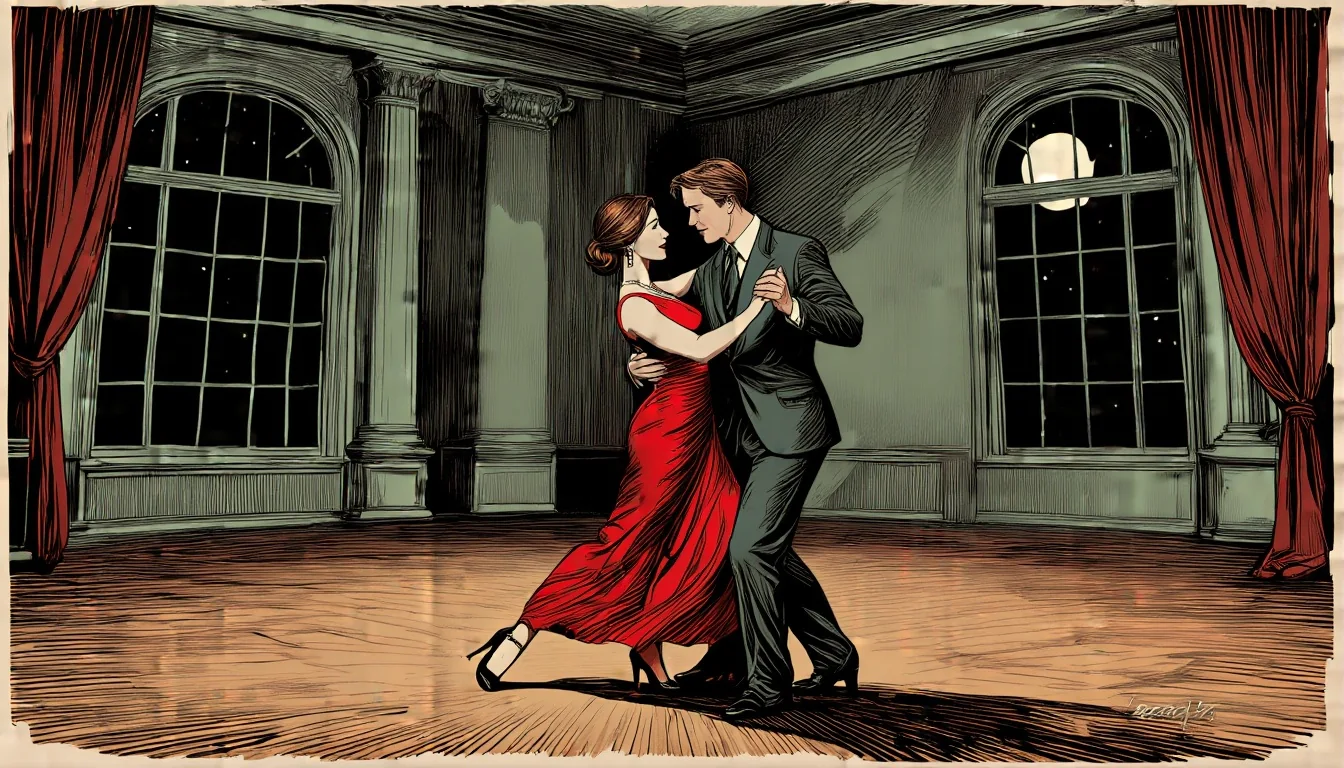
Z-Image Base LoRA, text to image, 16:9 (1344×768), seed 43, mikkoani LoRA at scale 1.
One more finding worth knowing: the phrase alone, without the LoRA, already turned a photo prompt toward an illustration. Base follows wording strongly, so a trigger phrase can carry some of the style even if the file fails to load. That makes the with-and-without pair a little less obvious: compare line quality and palette, not just the genre.
Edit strength: the ladder
The edit endpoint takes one source image, a strength from 0 to 1 and the same loras field. Our public default is 0.7; the upstream default is 0.6. We ran a ladder on a photo with no LoRA:
| Strength | What we saw |
|---|---|
| 0.3 and 0.5 | Almost unchanged |
| 0.6 | Slight change |
| 0.7 | Content starts to change; composition kept |
| 0.75 | The scene is re-posed and re-staged, light and palette kept |
| 0.85 | A new picture |
With a style LoRA the picture changes: at 0.6 it restyled the whole frame and kept the composition exactly. That is the sweet spot for turning a photo into an illustration.
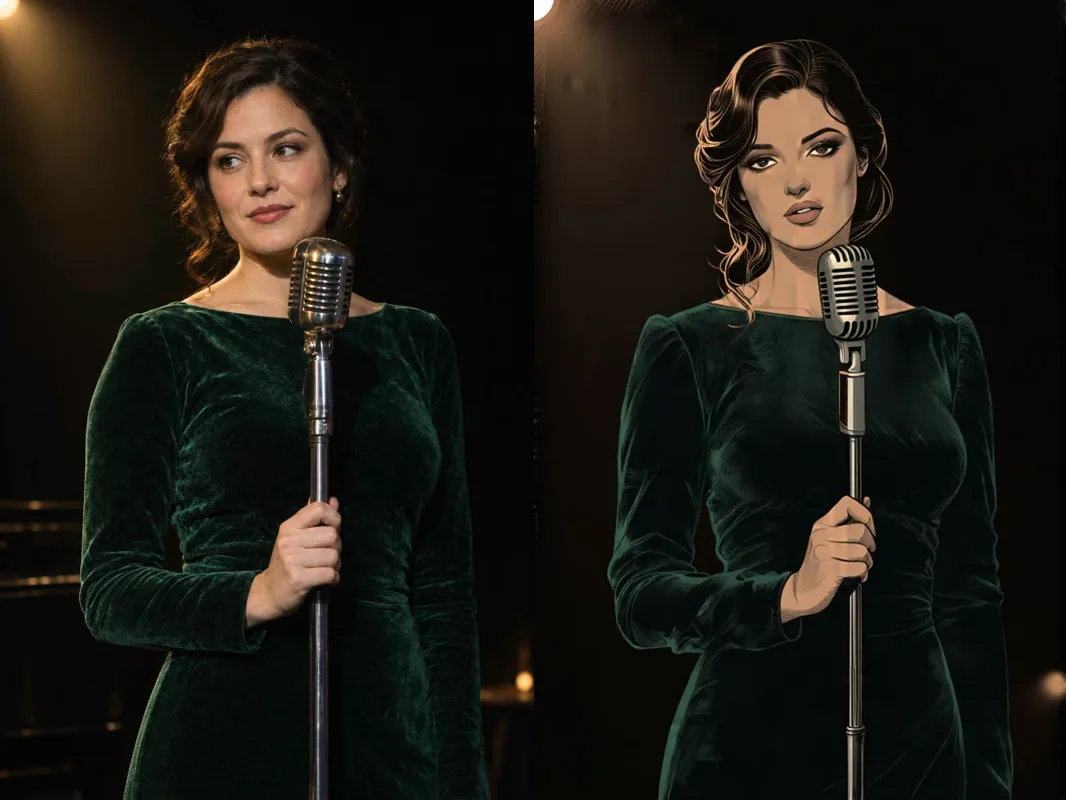
Left: our generated source photo. Right: Z-Image Base LoRA, image to image, 1k, seed 51, mikkoani LoRA at scale 1, strength 0.6.
The edit prompt describes the whole picture you want, not only the change:
mature illustration with muted color and complex linework. A woman with wavy dark hair in a green velvet dress sings into a vintage microphone on a dark stage, warm spotlight from above.A second source, a man on a rooftop at sunset in an open white linen shirt, at the same strength:
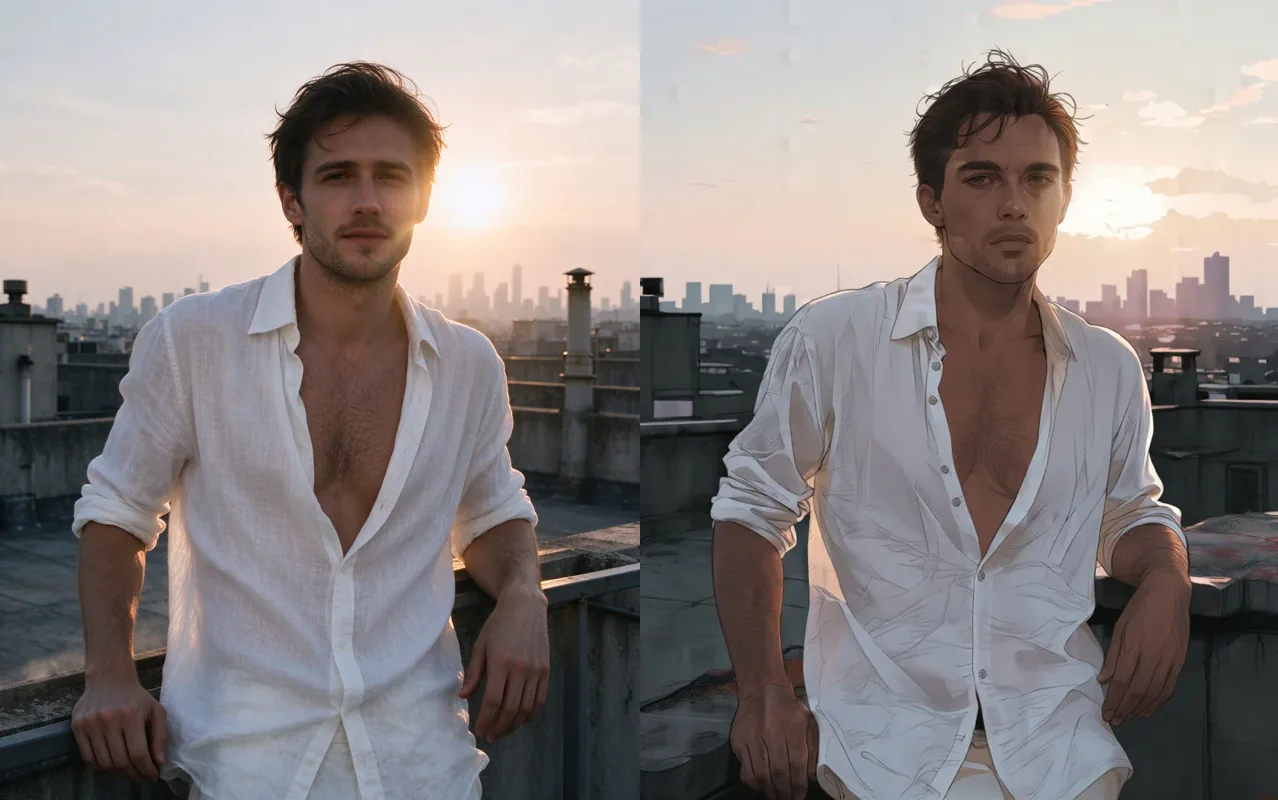
Left: our generated source photo. Right: Z-Image Base LoRA, image to image, 1k, seed 54, mikkoani LoRA at scale 1, strength 0.6.
And a wide source at 1.5k and strength 0.65:
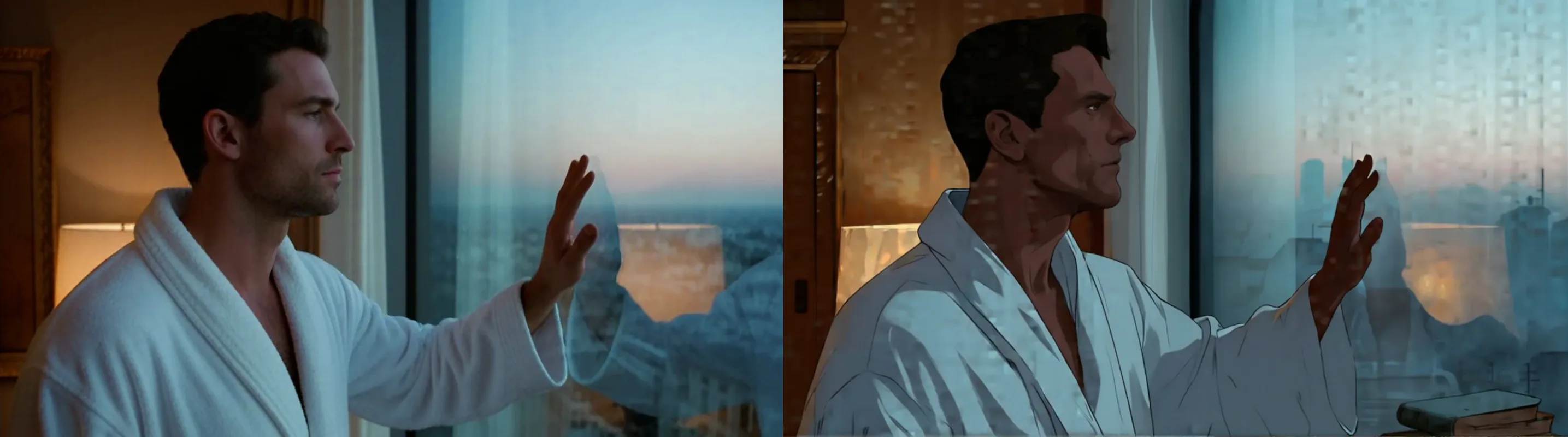
Left: our generated source photo. Right: Z-Image Base LoRA, image to image, 1.5k, seed 55, mikkoani LoRA at scale 1, strength 0.65.
It restyles; it does not follow instructions
Without a LoRA, "make it black and white" stayed in colour at strengths 0.65 and 0.8, and "put him in a tuxedo" changed little at 0.7 and 0.8. The model redraws the frame from your description. For a change of medium, bring a style LoRA; for a different scene, describe it fully and raise strength. Details are on the edit page.
Sizes
Text to image offers nine aspect ratios on SDXL-native sizes, and all nine completed at exactly the requested size:
| Ratio | Size | Ratio | Size |
|---|---|---|---|
| 1:1 | 1024×1024 | 3:2 | 1216×832 |
| 16:9 | 1344×768 | 2:3 | 832×1216 |
| 9:16 | 768×1344 | 21:9 | 1536×640 |
| 4:3 | 1152×896 | 9:21 | 640×1536 |
| 3:4 | 896×1152 |
The upstream accepts 256 to 1536 on a side: 1536×1536 and 256×256 completed, while 1600×896, 2048×2048 and 200×200 failed with a size-constraint error. For edits, resolution sets only the long side and the source's ratio is kept: a 2:3 photo at 1k came back 680×1024, and a 16:9 photo at 1.5k came back 1536×856.
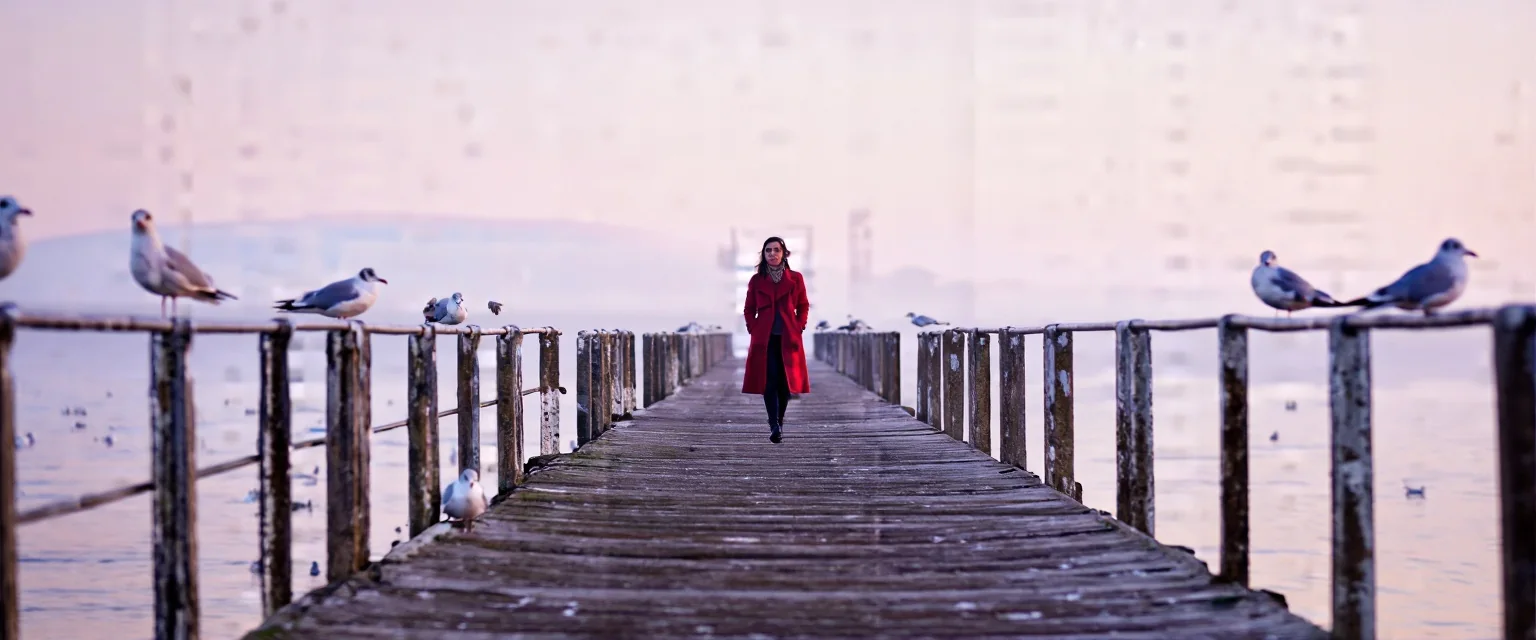
Z-Image Base LoRA, text to image, 21:9 (1536×640), seed 45, no LoRA.
The same wide shape suits street scenes:
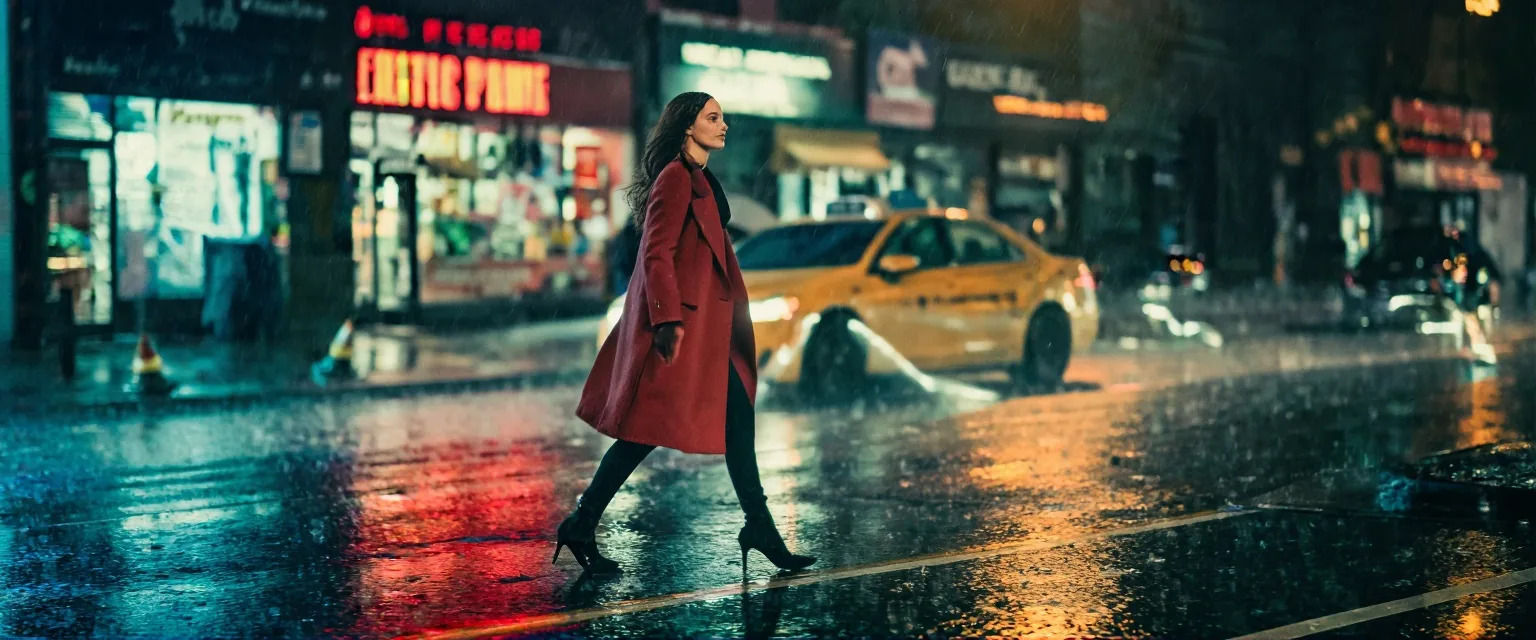
Z-Image Base LoRA, text to image, 21:9, no LoRA.
What softens
No content filter sits in front of the model. In our ladder, with adults stated in every prompt, text to image delivered L1 Suggestive (lingerie, a slipping strap), L2 Partial, L3 Strong, L5 Extreme (consensual restraint between adults, or cinematic gore), and the male version of L3 as written. L4 Intense (an intimate scene between two adults) came back softened in three tries: the seeds gave figures and some contact, but no coherent scene. Image to image on a clothed source behaved the same way: lower tiers delivered, L3 from strength 0.8 up (0.7 was partial), and L4 softened.
So the honest summary is that Base itself draws that top tier poorly. LoRAs trained for it are the intended route, with the same Base-only rule as above. We did not test image to image with three LoRAs, or LoRAs from Civitai links.
Z-Image Base LoRA or Z-Image Turbo LoRA
The publisher's own comparison of the two models:
| Z-Image (Base) | Z-Image Turbo | |
|---|---|---|
| Steps | 28 to 50 | 8 |
| CFG | yes | no |
| Fine-tunable | yes | no |
| Negative prompting | yes (not exposed by this endpoint) | no |
| Diversity | High | Low |
| Visual quality | High | Very High |
Z-Image Turbo LoRA is the distilled 8-step model with up to three LoRAs trained for Turbo, about one megapixel in nine ratios, and its image-to-image default strength is 0.8. For how a Turbo adapter behaves, see our same-seed Turbo LoRA test. The two families do not share LoRAs. A Turbo file on Base broke the image in our test; we did not test the reverse, so do not assume a Base file is safe on Turbo.
| You want | Pick |
|---|---|
| A LoRA trained on Z-Image Base | Z-Image Base LoRA |
| A LoRA trained on Z-Image Turbo | Z-Image Turbo LoRA |
| The fastest answer, in seconds | Turbo; Base took a median of 32.8 s for text to image |
| Photo to illustration with a style LoRA | Base edit at strength about 0.6, with a Base-trained style LoRA |
| Plain prompts with strong adherence, no LoRA | Either; Base followed wording closely in our tests |
| Control over steps, guidance or negative prompt | Neither endpoint exposes them |
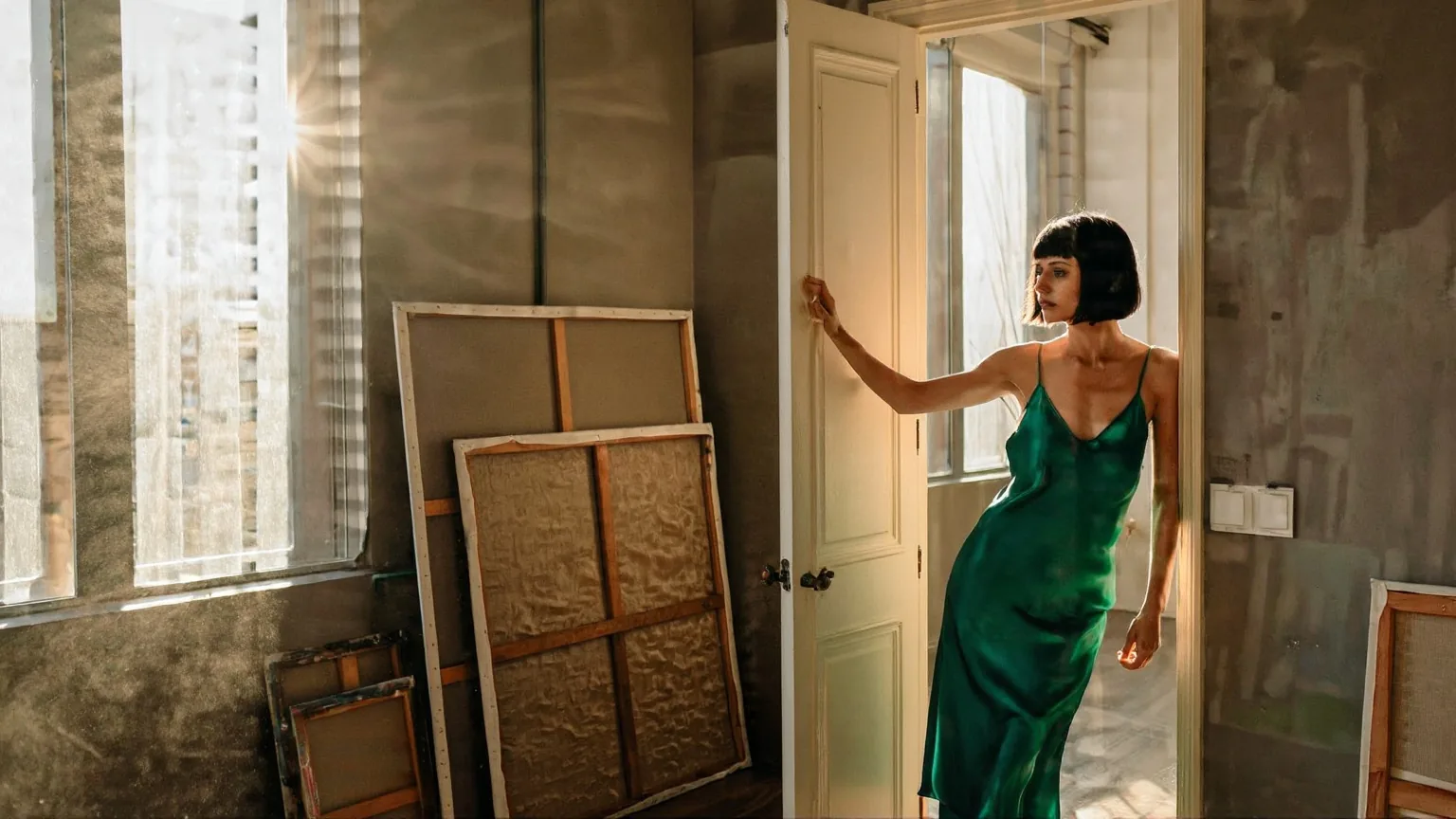
Z-Image Base LoRA, text to image, no LoRA, a cinematic portrait prompt from our cover set.
FAQ
Can I use a Z-Image Turbo LoRA on Base?
No. In our test a Turbo-trained LoRA loaded on Base without an error and broke the image into noise and pseudo-text. Use files trained on Z-Image Base.
Why did my Z-Image LoRA change nothing?
It was probably saved in a different key format or trained for another model. A file labelled for Z-Image but saved differently, and a Pony LoRA, both loaded and gave pixel-identical output. Run a with-and-without pair.
What edit strength should I use?
Start at the default 0.7, or about 0.6 with a style LoRA to keep the composition. In our ladder 0.3 and 0.5 barely changed the photo, 0.75 re-staged the scene and 0.85 gave a new picture.
Can it follow instructions like "make it black and white"?
No. Without a LoRA, black and white stayed in colour at 0.65 and 0.8, and a tuxedo request changed little. It redraws from your description, so use a style LoRA for the look.
Which sizes can I use?
Nine aspect ratios for text to image, up to 1536 on a side, and 1k or 1.5k for the long side on edits. A 200×200 or 2048×2048 request failed in our tests.
How slow is Base?
Text to image took 9.8 to 56.7 seconds with a median of 32.8 across 36 runs. Edits took 4.9 to 41.7 seconds with a median of 16.8 across 28 runs.
Does Base draw the most intimate scenes?
Not convincingly on its own. In three tries that tier came back softened, while the tiers below it rendered as written. LoRAs trained for it are the way to get further.
Can I set steps, guidance or a negative prompt?
No. The endpoint has no such fields, even though the publisher recommends 28 to 50 steps for the model.