Introduction
Z-Image Base LoRA Image to image redraws one source image on Z-Image, the 6-billion-parameter base model from Alibaba's Tongyi-MAI team, with up to three of your own LoRA files loaded. A strength control sets how far the result moves from the source. The output keeps the source's aspect ratio. The platform adds no content filter to the prompt, the weights or the image.
Choose a mode by starting material
| What you have | Mode |
|---|---|
| a written description | Z-Image Base LoRA Text to image |
| a picture to restyle | Z-Image Base LoRA Image to image |
Key features & highlights
Restyle with a LoRA, keep the composition
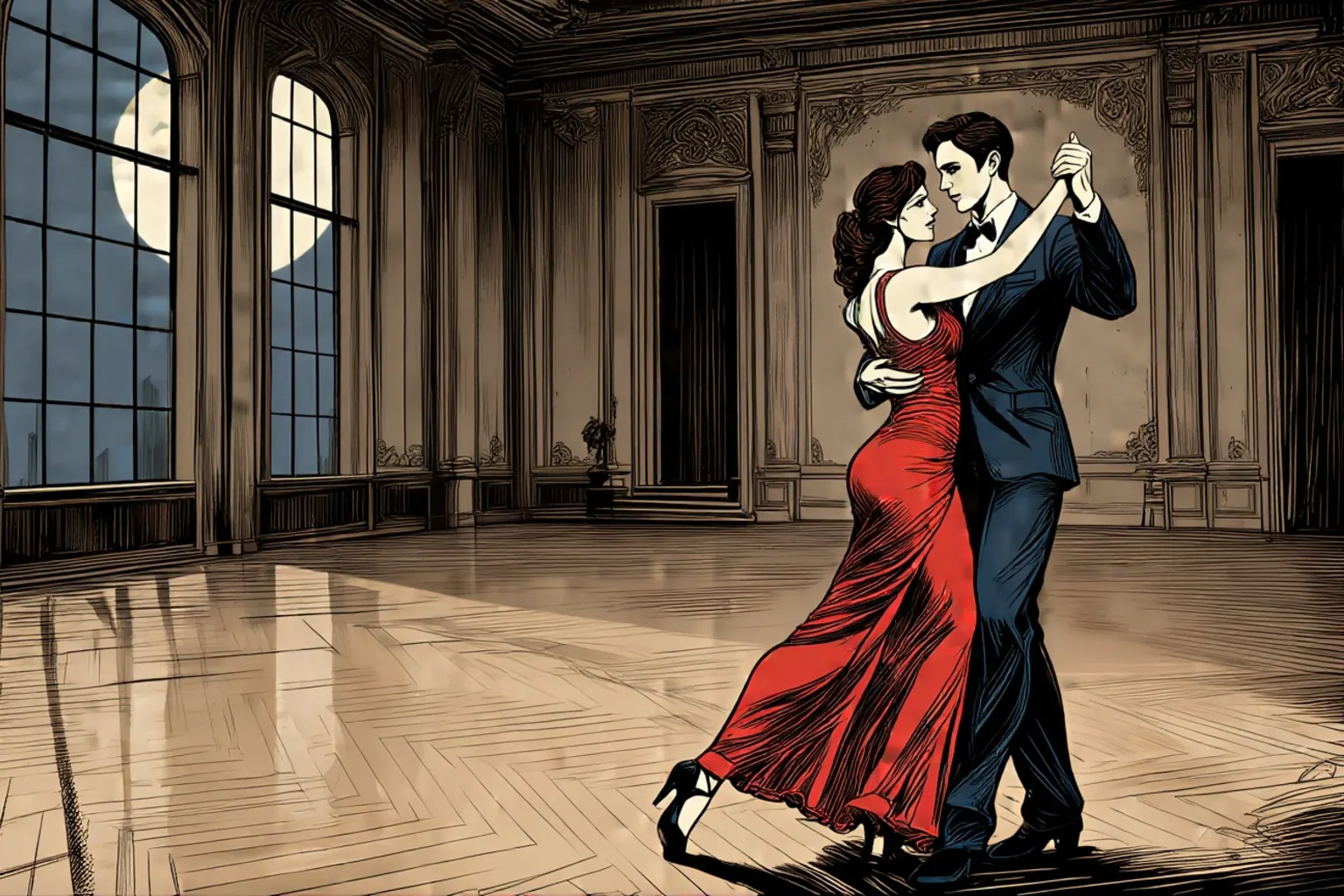
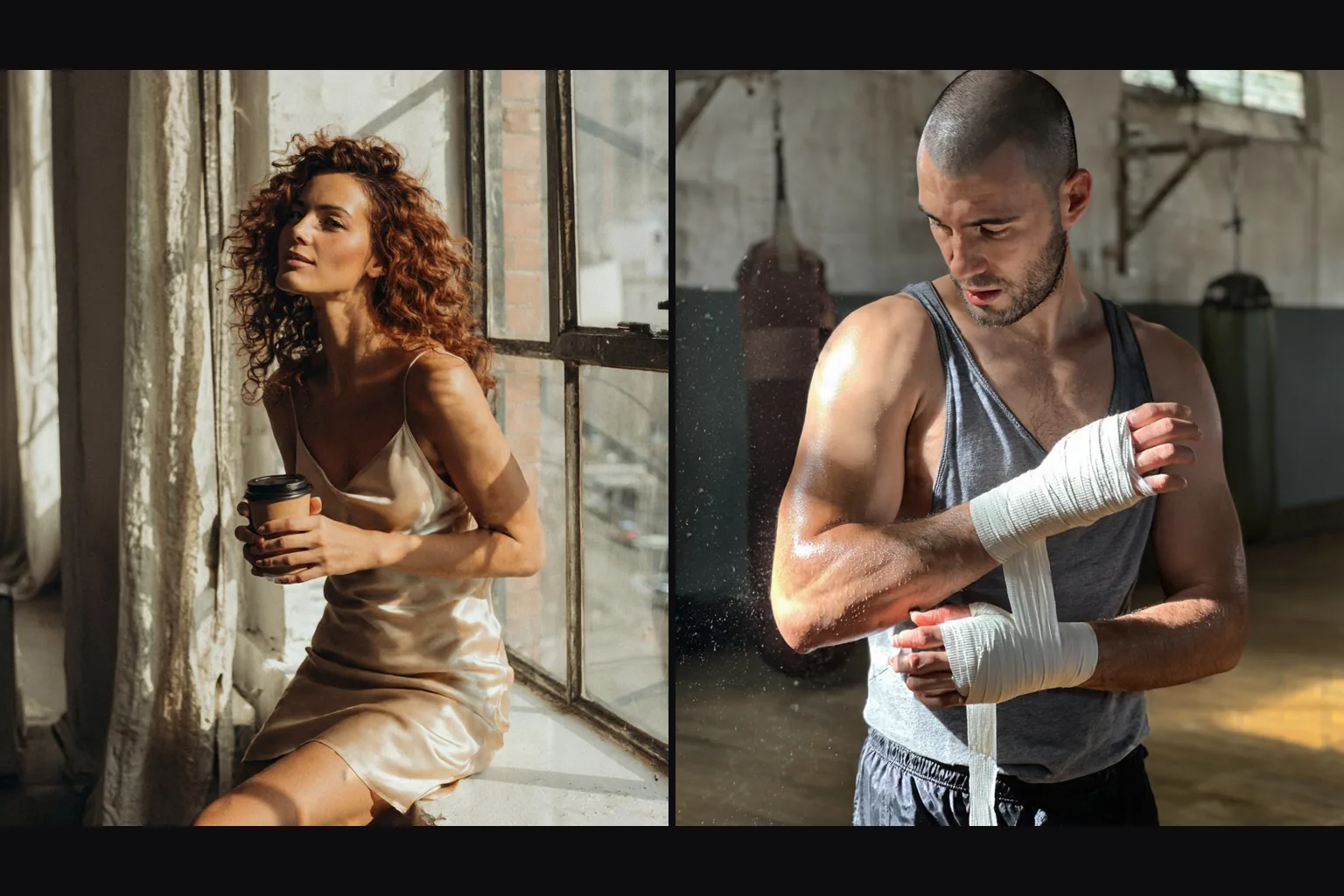
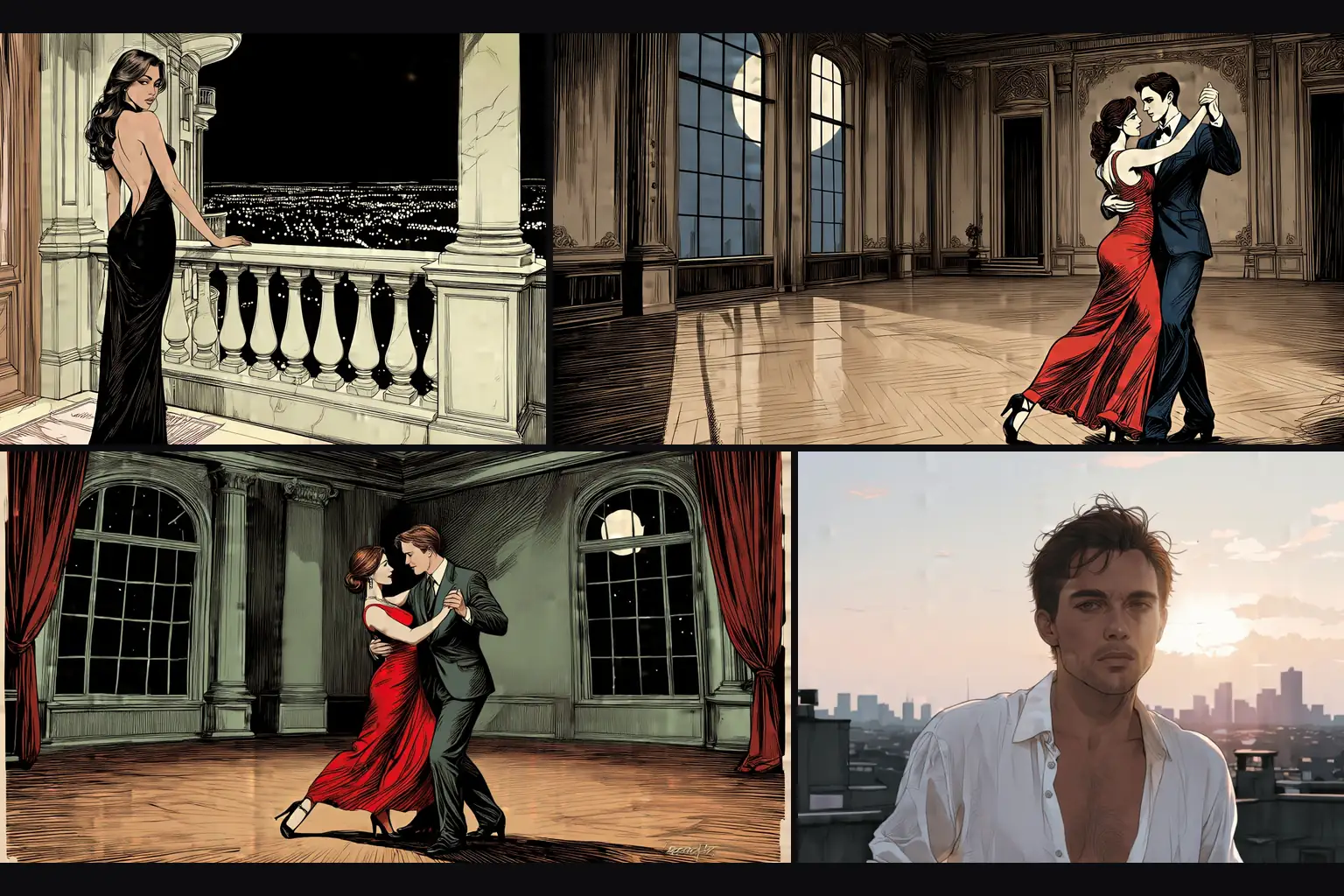
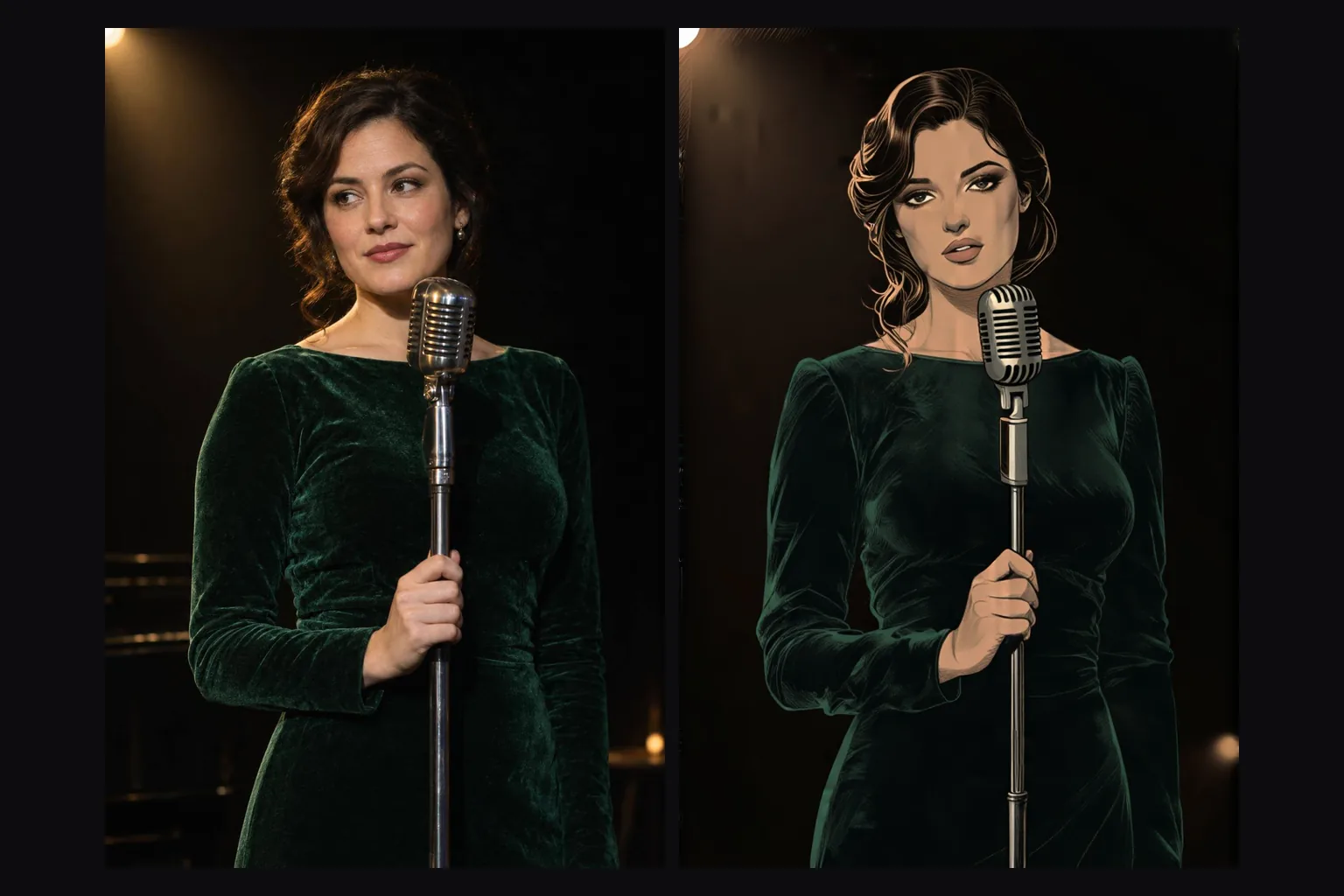
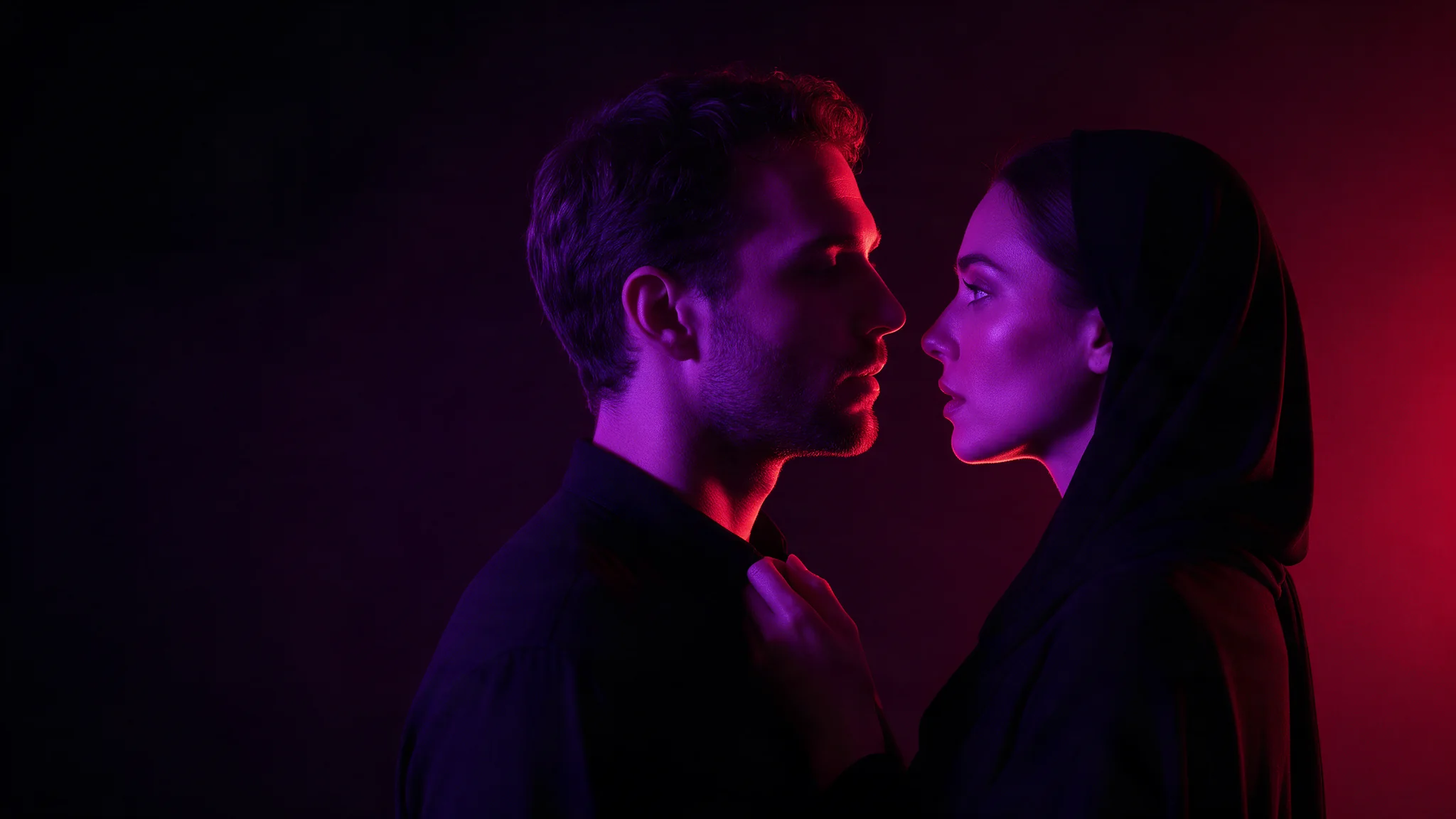
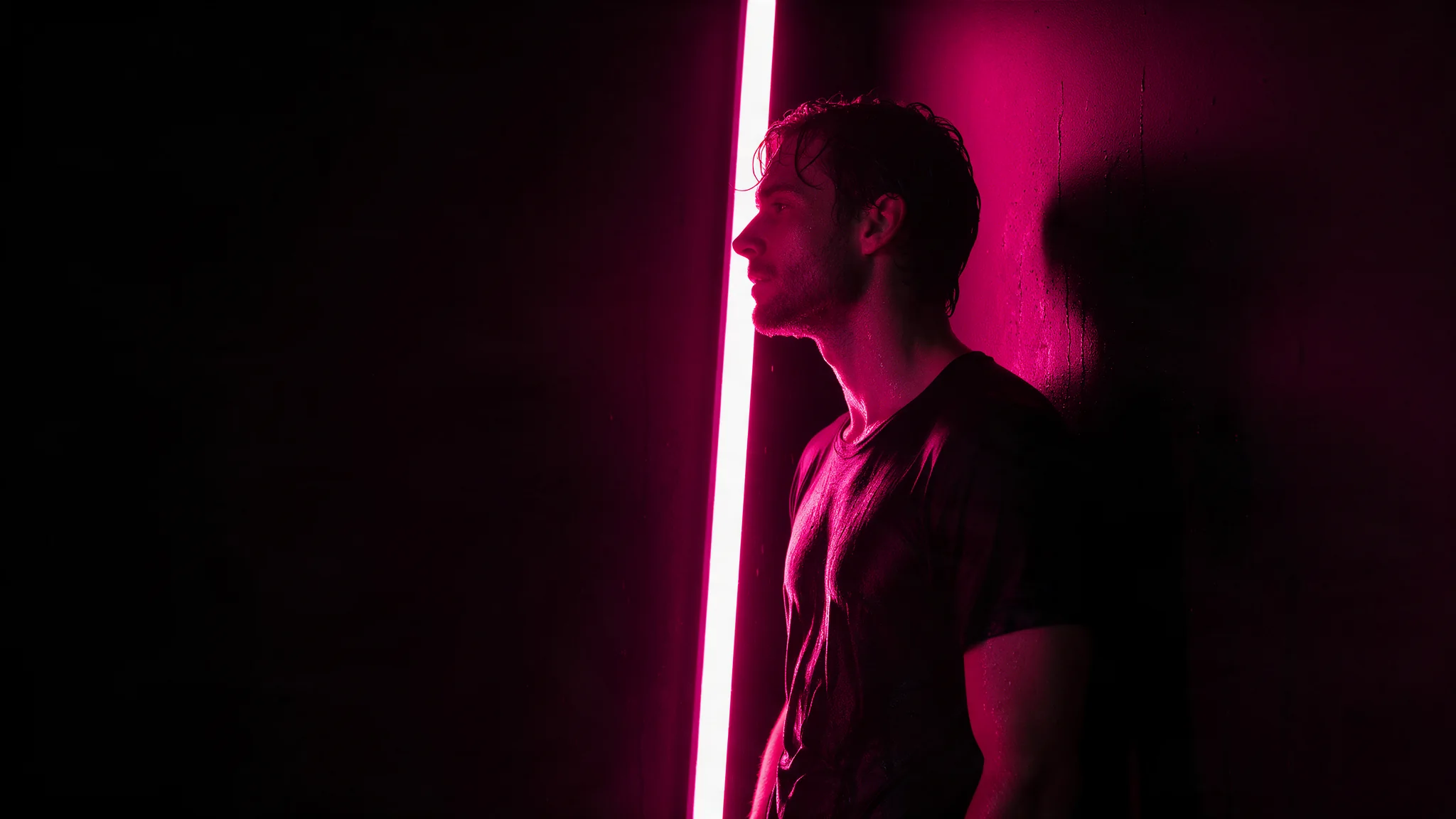
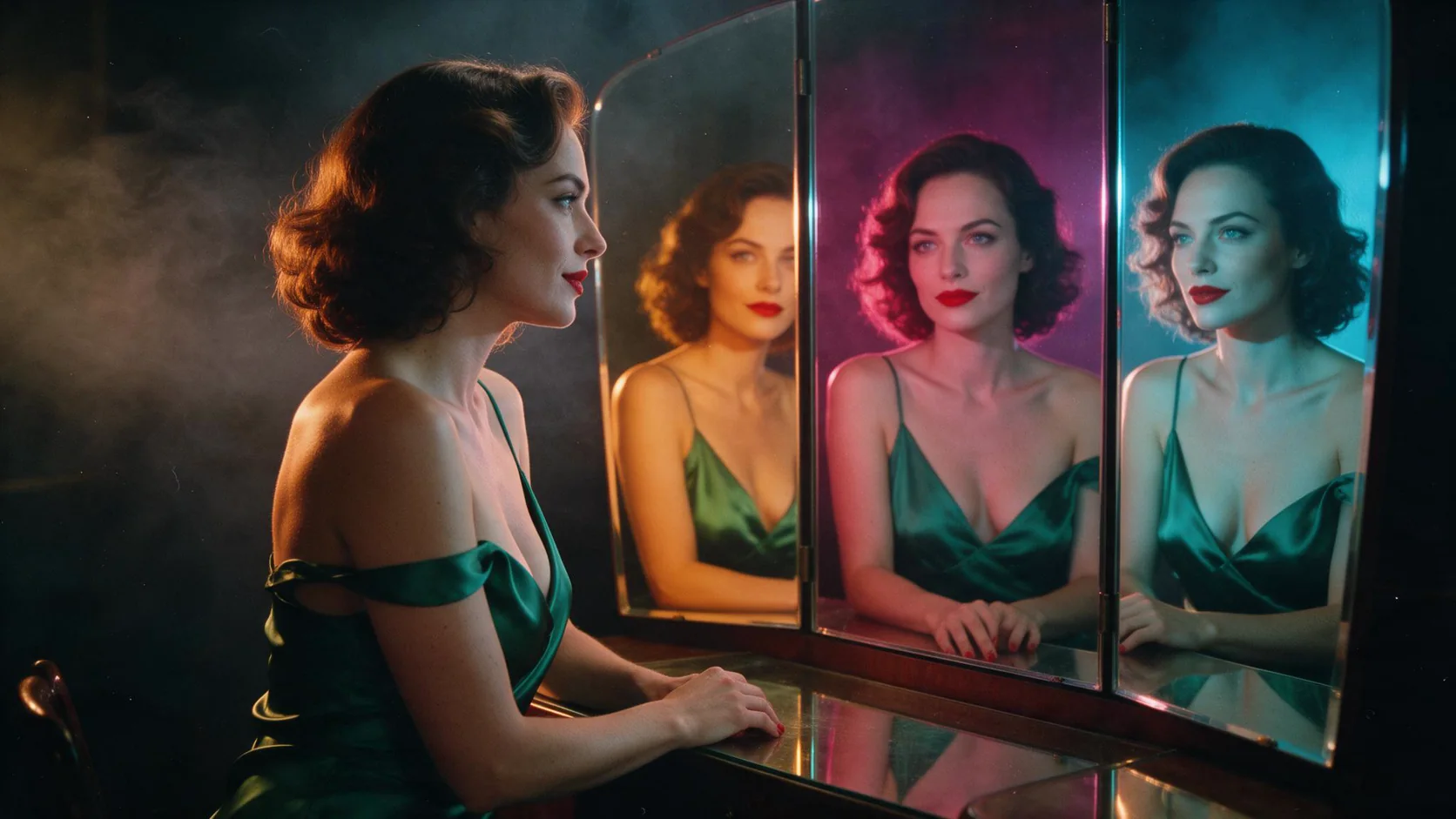
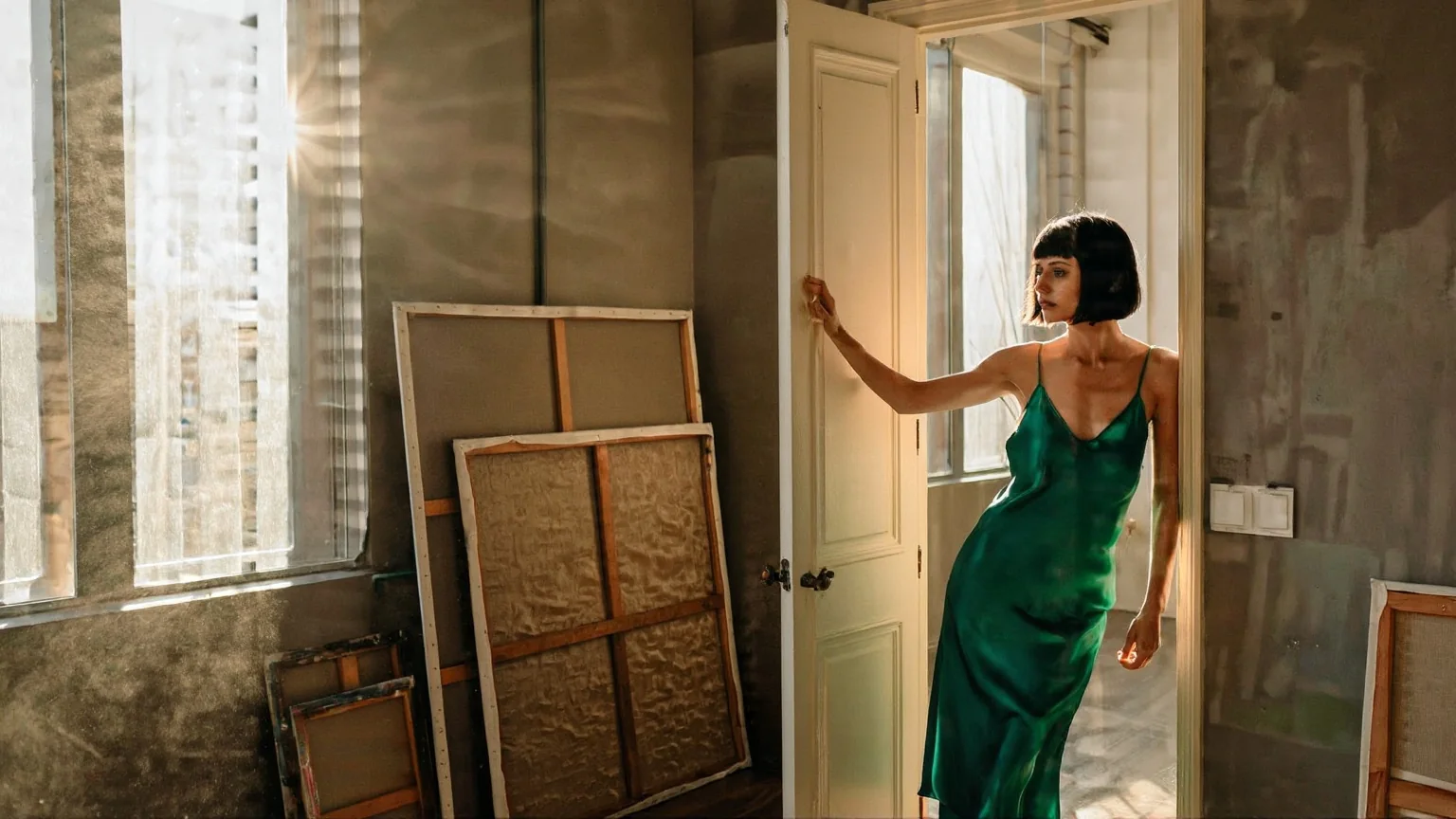
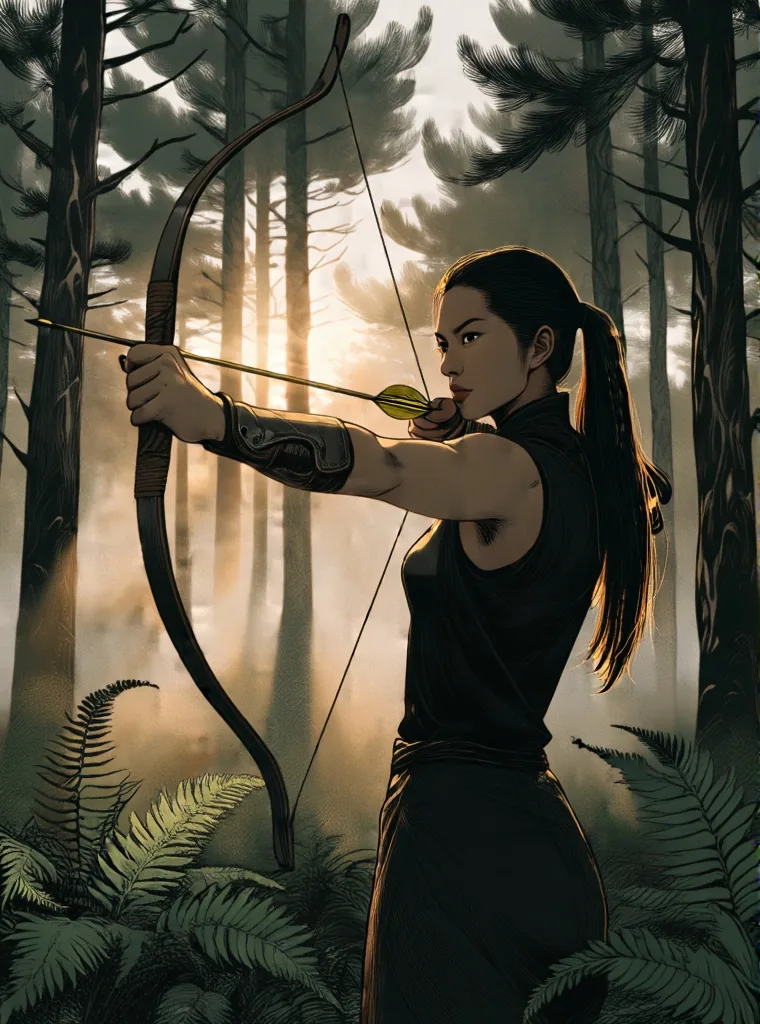
With a style LoRA at strength 0.6, our test photos were redrawn as illustrations while the pose, framing and clothing stayed exactly where they were.
One strength dial
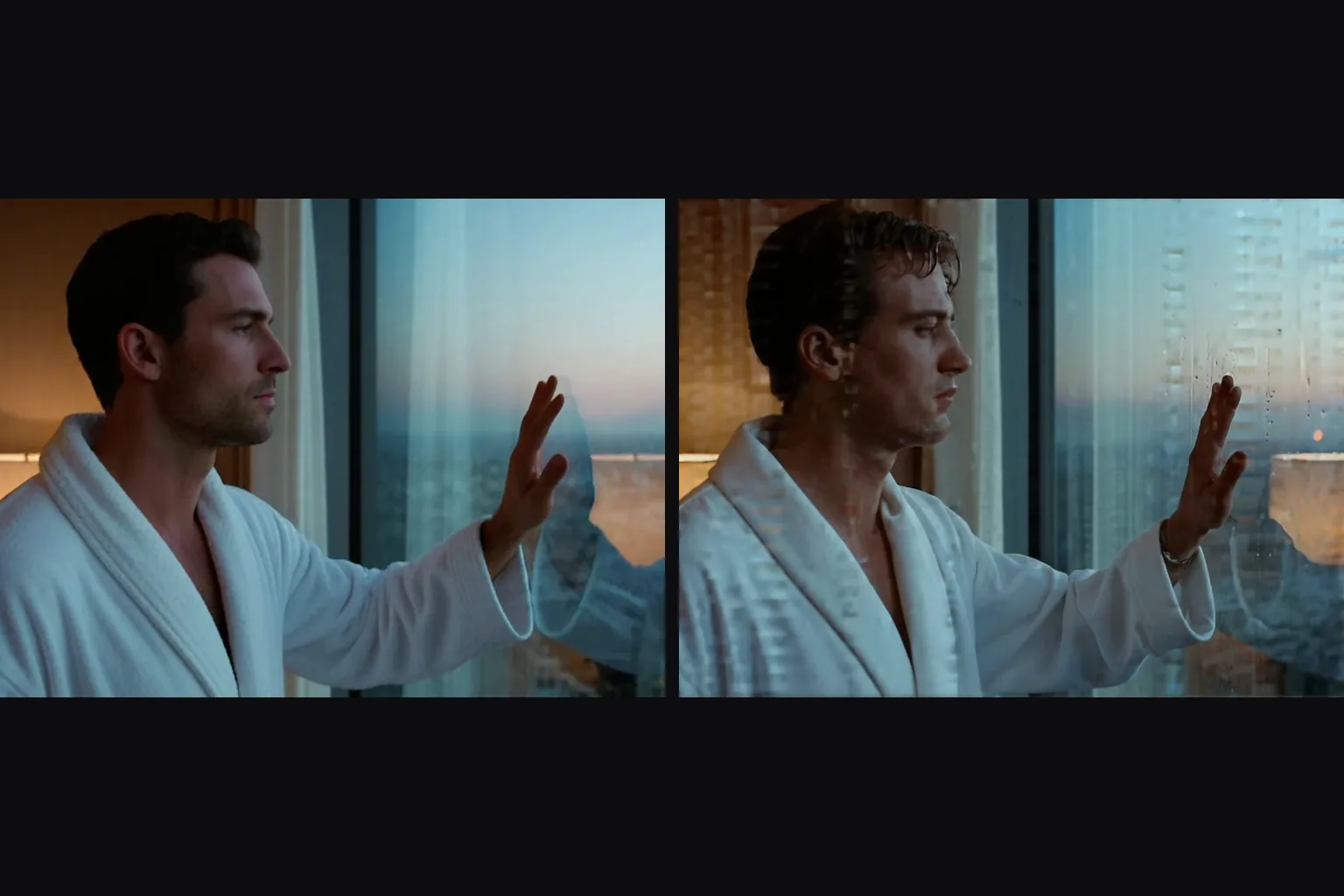
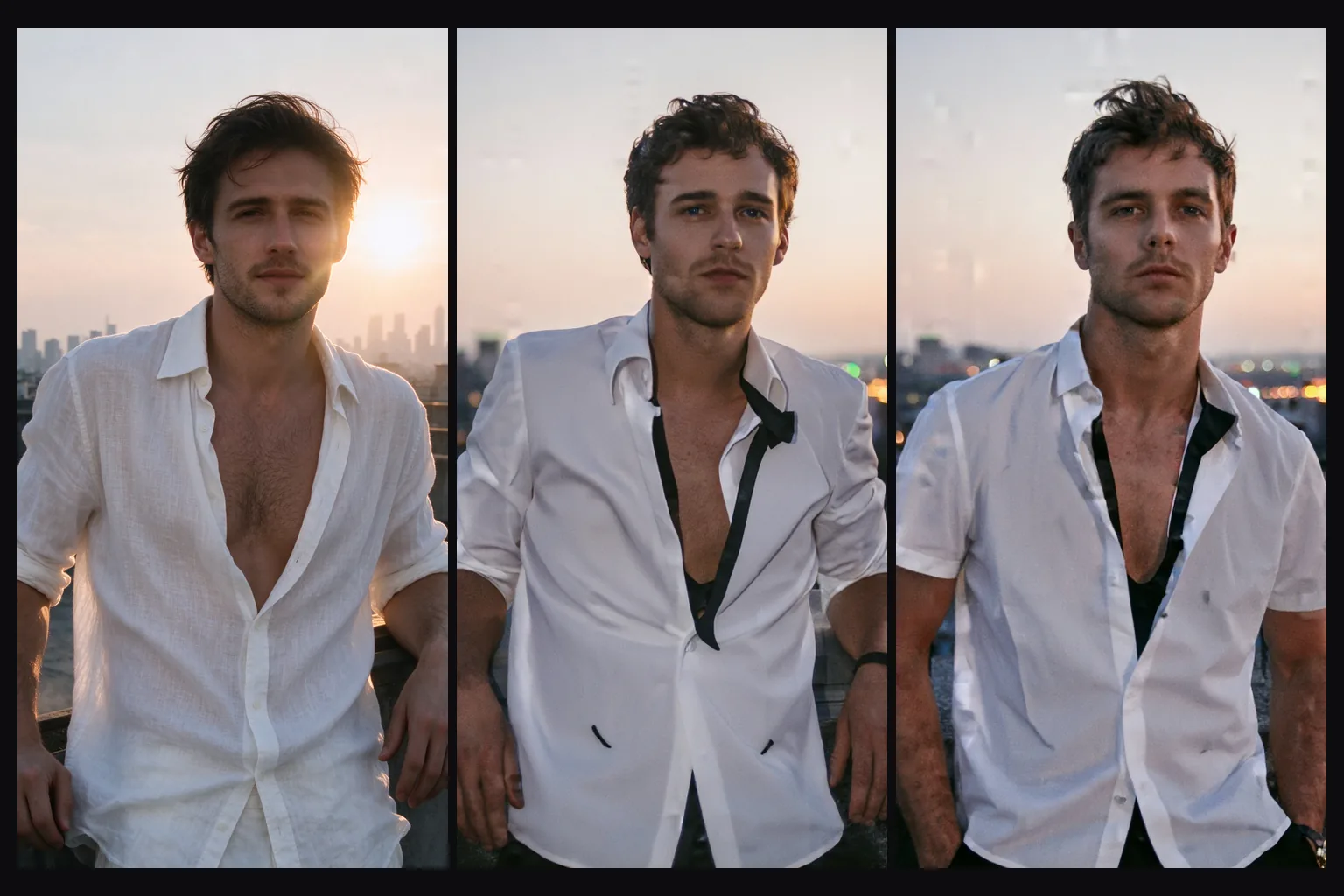
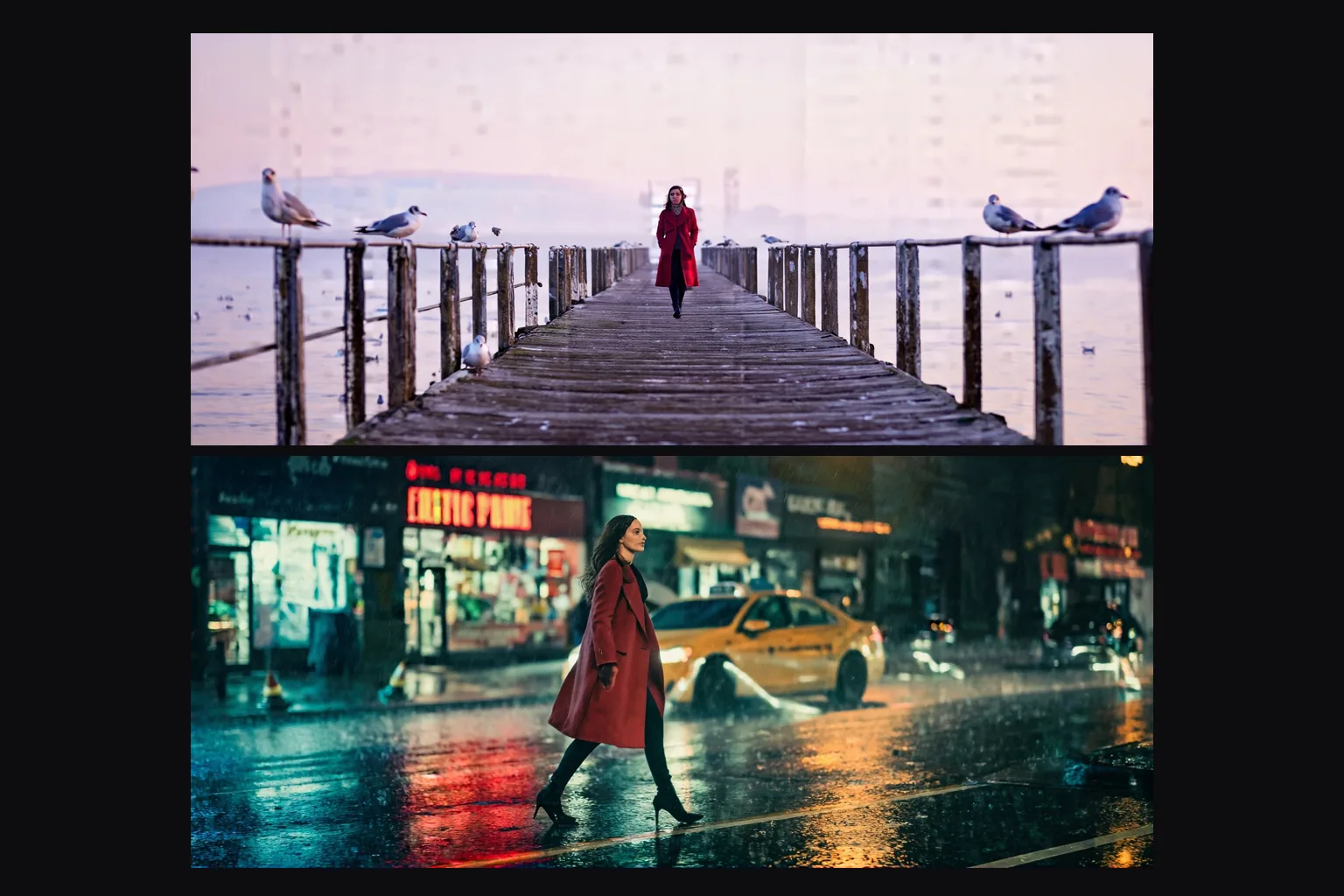
Strength runs from 0 to 1 (default 0.7). Below 0.6 the source comes back nearly unchanged; from about 0.75 the scene is re-posed and re-staged with the same light and palette.
Two resolution tiers
1k returns a long side of 1,024 pixels and 1.5k a long side of 1,536 pixels, in the source's own aspect ratio. Both cost the same.
No content filter
Source images can be redrawn with any prompt. Nothing is filtered on the way in or out; the Very strong level came out muddled rather than blocked in our tests.
Request parameters
| Parameter | Required | Description |
|---|---|---|
prompt | Yes | Describe the whole picture you want back, not just the change. Put a LoRA's trigger phrase first. at least 1 characters · at most 5000 characters |
image_url | Yes | The picture to redraw. The result keeps its aspect ratio; the resolution tier sets the long side. |
resolution | No | 1k returns a long side of 1,024 pixels and is the default; 1.5k returns 1,536. Both cost the same, and the aspect ratio always follows the source. |
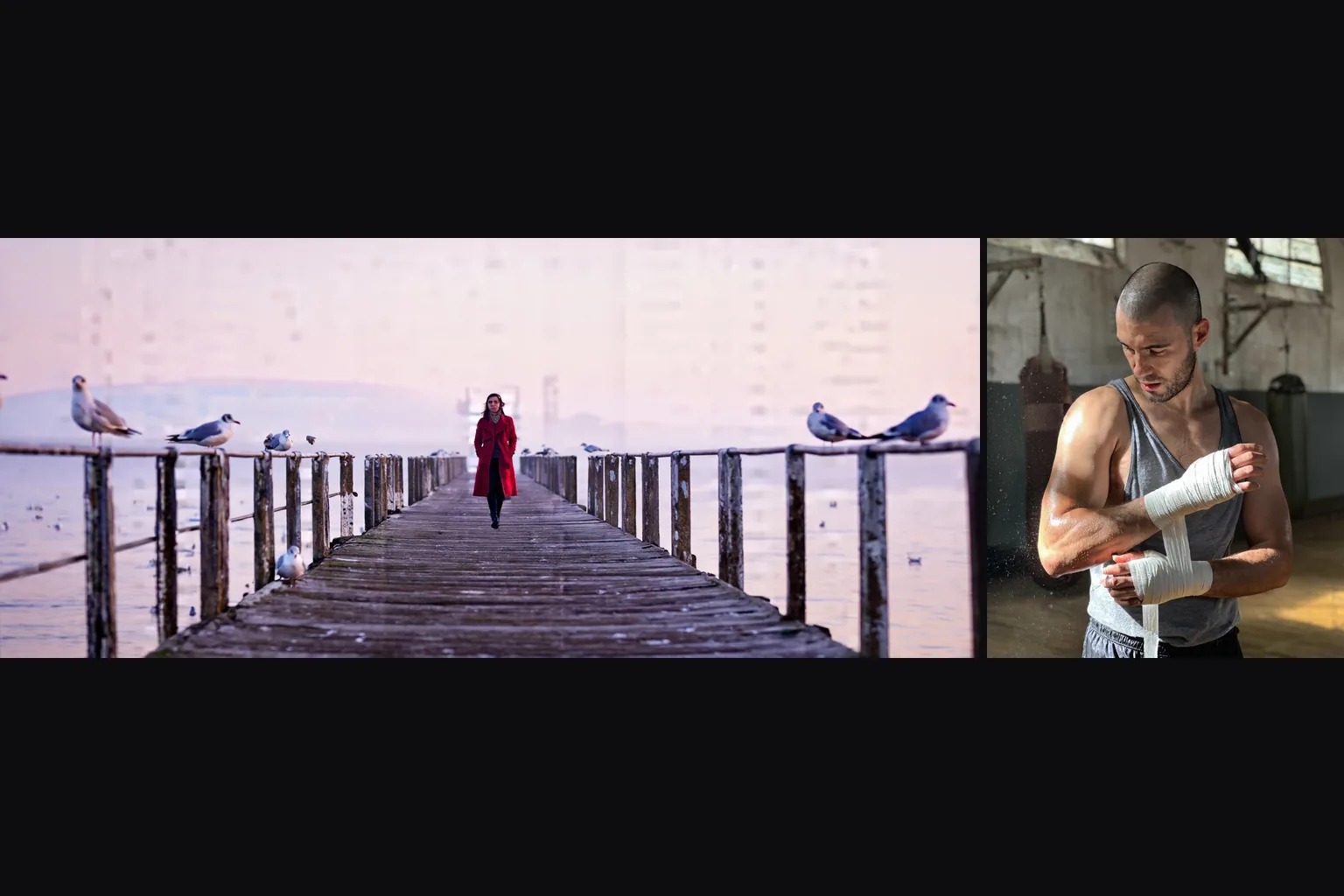
strength | No | How far to move from the source, 0 to 1; 0.7 by default. 0.6 with a style LoRA keeps the composition; around 0.75 the pose and setting are redrawn; from 0.85 it is a new picture. |
loras | No | Up to three {path, scale} entries trained on Z-Image Base; scale 0 to 4, 1 is neutral. A style LoRA does most of the restyling here. Default: |
output_format | No | JPEG by default, or PNG or WebP. The format does not change the price. |
seed | No | Keeps results comparable while you adjust strength. It does not guarantee the exact same pixels on every run. |
Pricing
$0.014 / image
Billed per image, at the same rate as text-to-image. The resolution tier, the output format and loading LoRAs do not change the price.
Use cases
Photo to illustration
Load an illustration LoRA and run your photos through it at 0.6 to get a matching illustrated set.
Variations of a shot
At 0.75 to 0.8 the model keeps the light and mood of a photo but redraws the pose and setting, which is useful for alternate takes.
Testing a trained LoRA on real images
Check how a LoRA you trained on Z-Image Base treats real photographs before you build on it.
Prompt guide & pro tips
Describe the whole picture
Write the image you want back, not the change. "A woman in a green velvet dress singing on a dark stage" works; "make it black and white" alone did not in our tests.
Let the LoRA do the restyling
Without a LoRA, instructions to change the medium or the outfit changed little below 0.8. A style LoRA changed the medium at 0.6.
Pick the strength by the job
0.6 for a restyle that keeps everything in place, 0.7 for small content changes, 0.75 to 0.8 for a new take on the scene, 0.85 and above for a new picture.
Use Base LoRAs
A LoRA trained on Z-Image Turbo broke the image on this build in our test. Use files trained on Z-Image Base.
API quick start
# Generate the idempotency key once; reuse it when retrying after a lost response.
export SPICY_IDEMPOTENCY_KEY="${SPICY_IDEMPOTENCY_KEY:-$(uuidgen)}"
curl -X POST https://api.spicyapi.ai/api/v1/jobs/createTask \
  -H "Authorization: Bearer $SPICY_API_KEY" \
  -H "Content-Type: application/json" \
  -H "Idempotency-Key: $SPICY_IDEMPOTENCY_KEY" \
  -d '{
  "model": "alibaba/z-image-base-lora/edit",
  "input": {
    "image_url": "https://example.com/reference.png",
    "output_format": "jpeg",
    "prompt": "A ceramic teapot on a linen cloth, soft window light, muted palette",
    "resolution": "1k"
  }
}'

# Copy data.taskId from the response into TASK_ID, then poll the status.
TASK_ID="TASK_ID_FROM_RESPONSE"
curl "https://api.spicyapi.ai/api/v1/jobs/recordInfo?taskId=$TASK_ID" \
  -H "Authorization: Bearer $SPICY_API_KEY"
See the API reference for authentication, the complete schema, polling, and error handling.