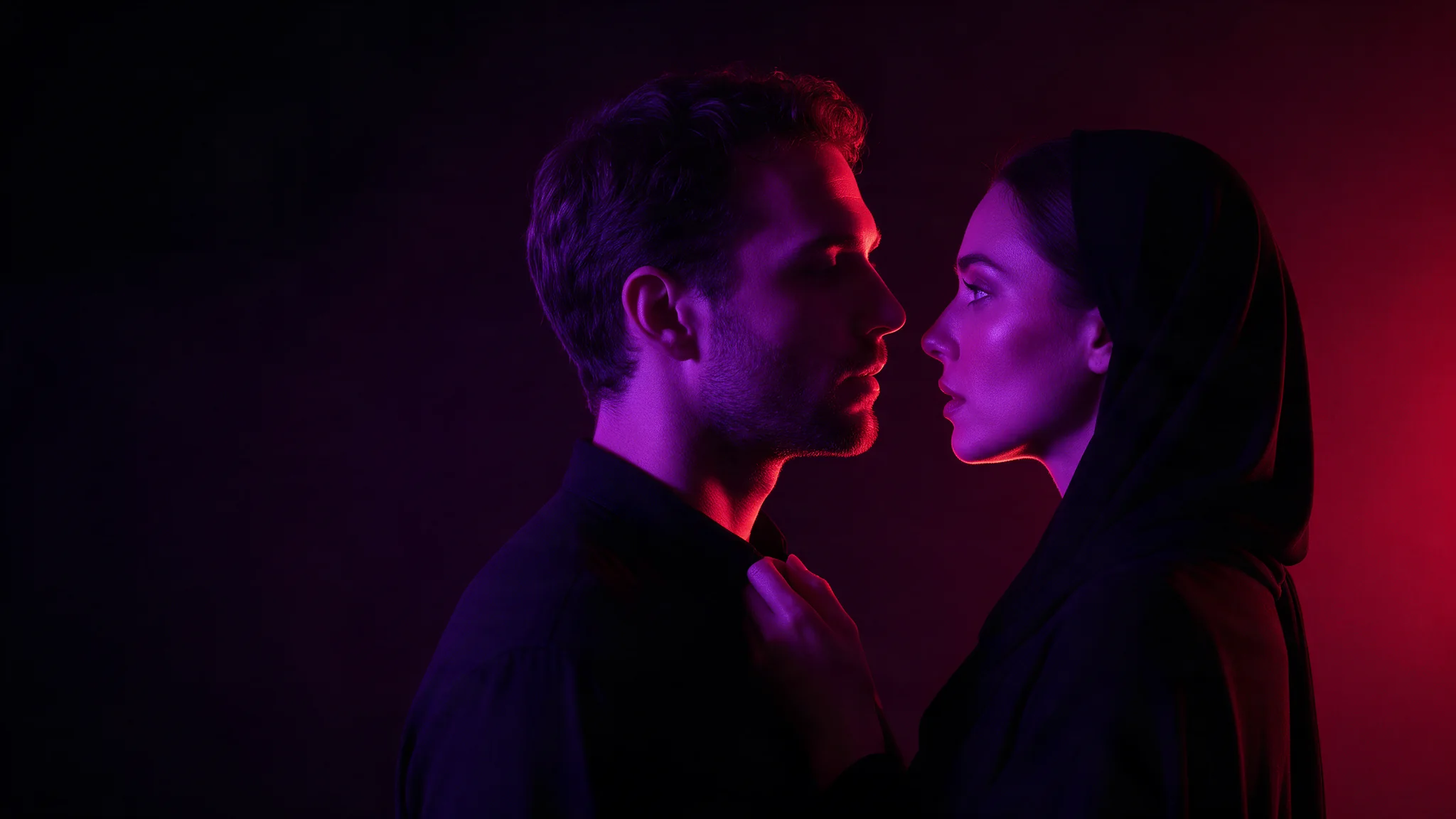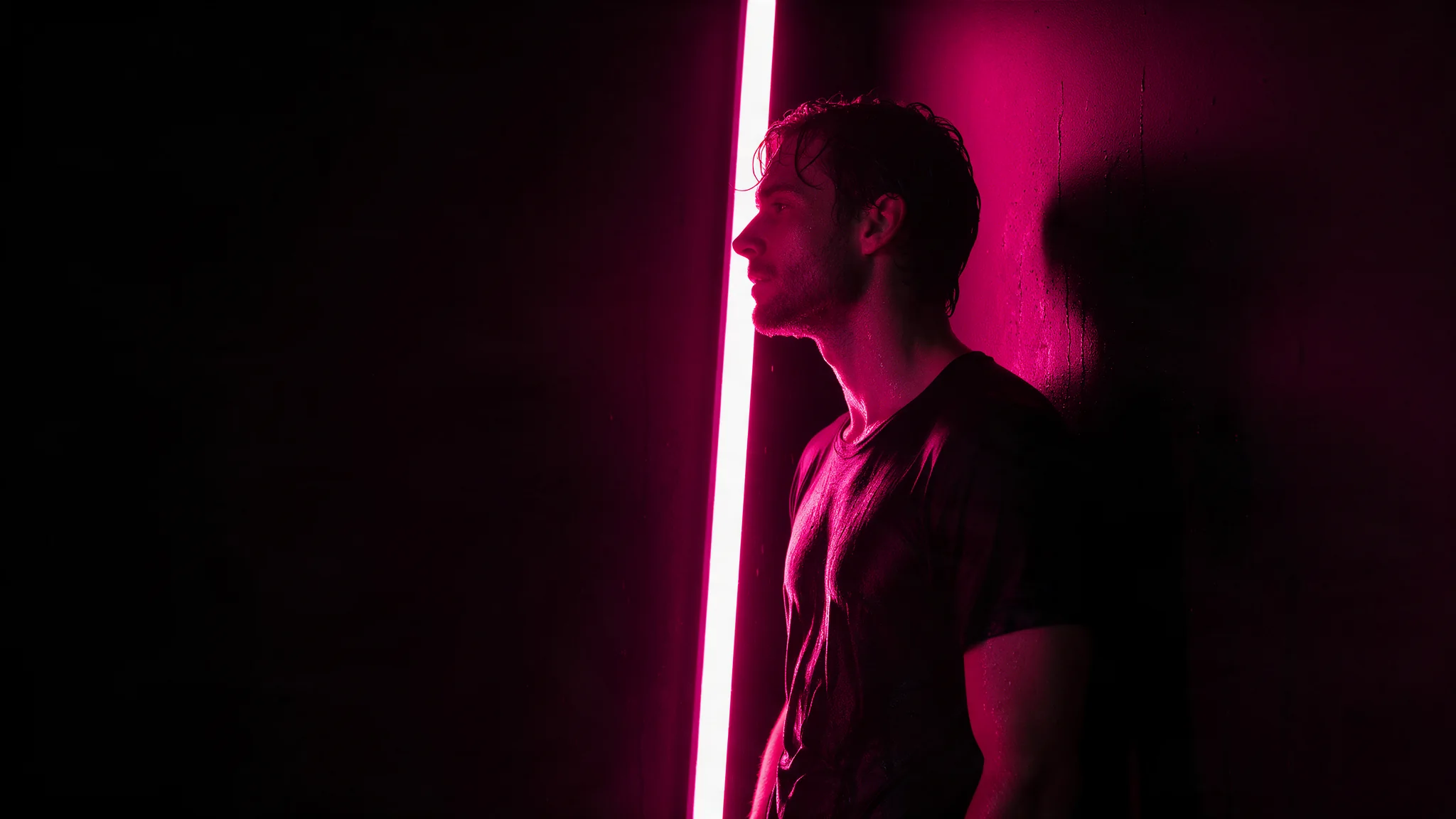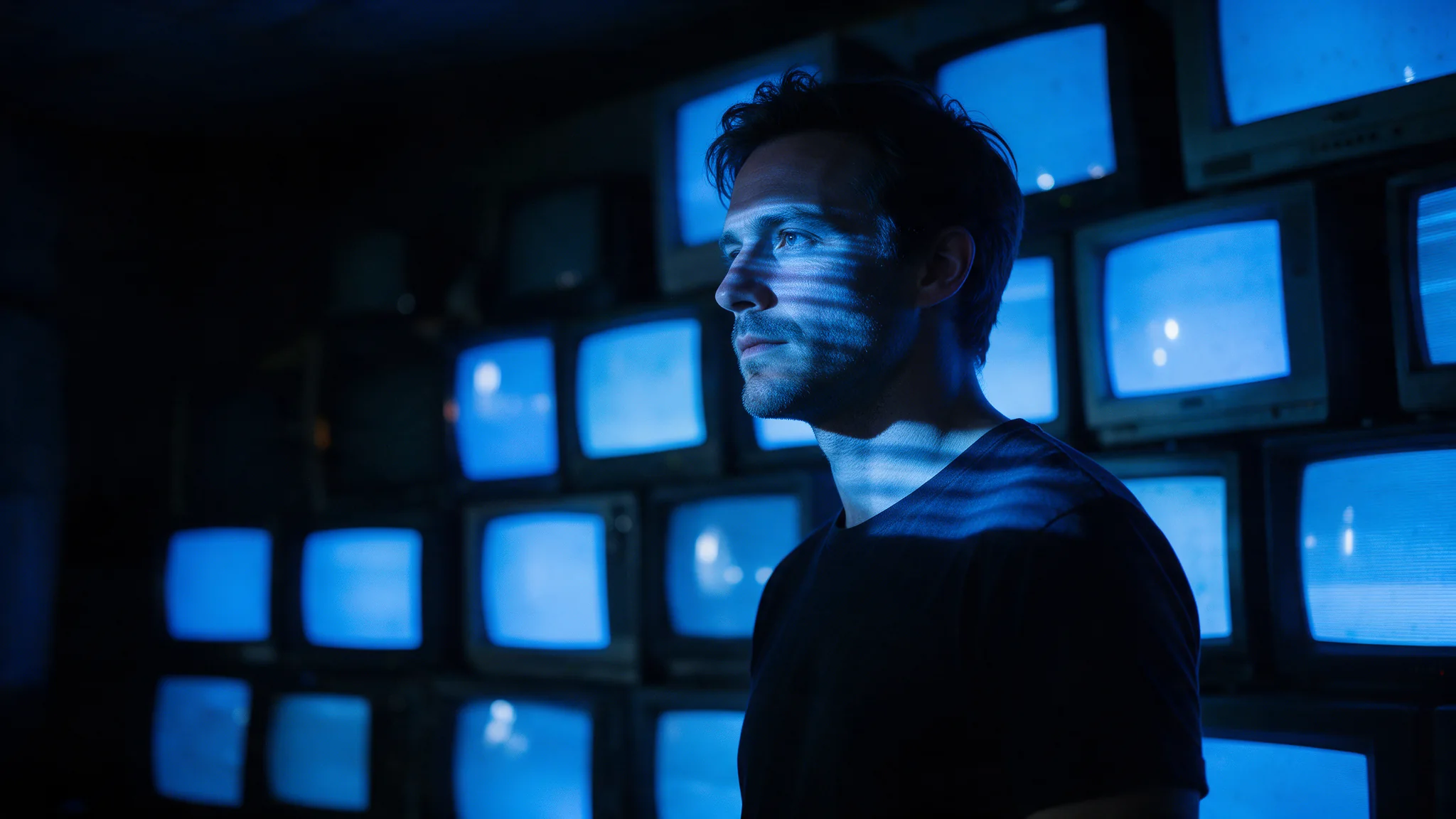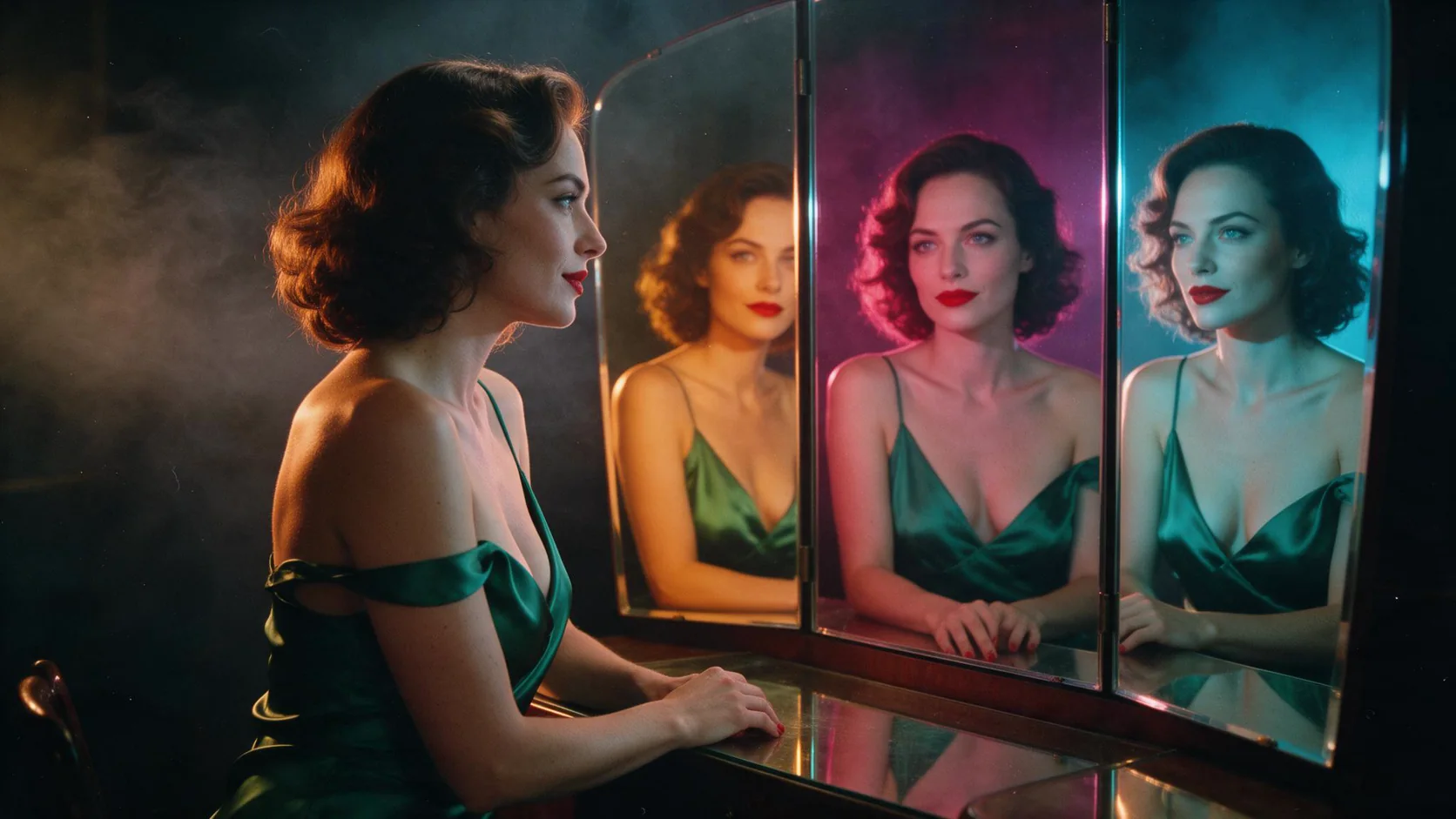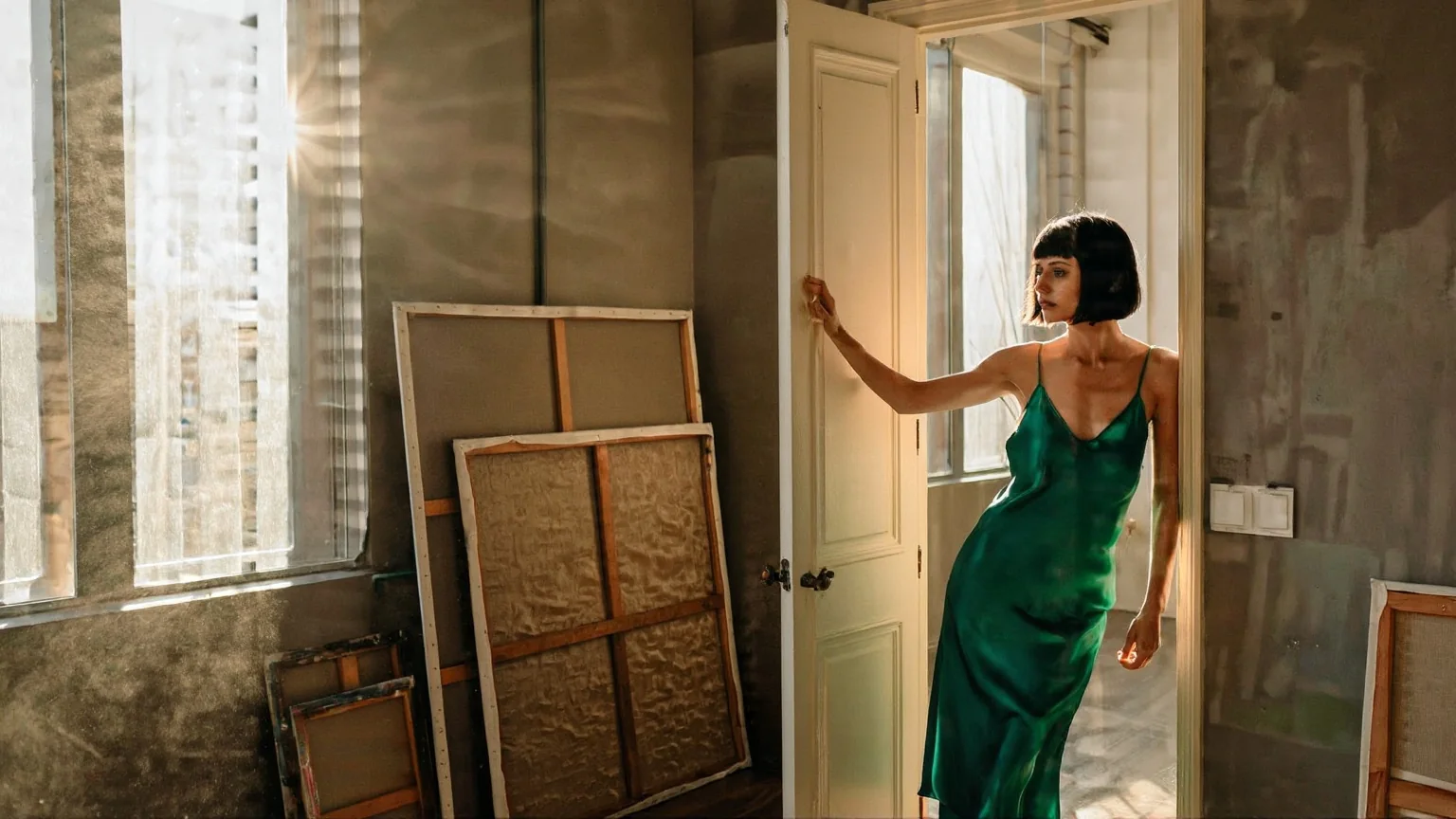
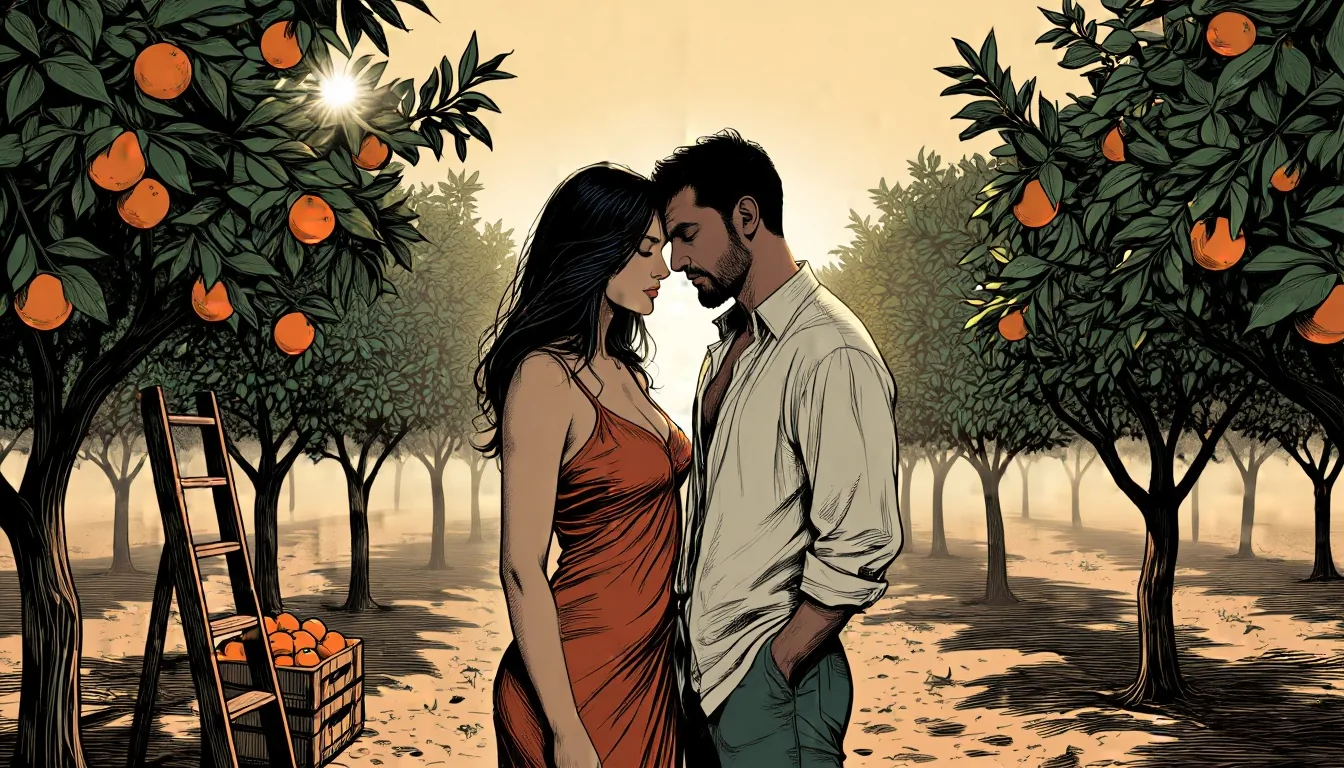
Text-to-image on Z-Image Base, the 6-billion-parameter non-distilled Z-Image model from Alibaba's Tongyi-MAI team, with up to three of your own LoRAs per request. Sentence prompts, nine aspect ratios, JPEG, PNG or WebP, and no filter on prompts, weights or results.

From $0.014/image

Workbench

Input

Text to image
406/5000
Full sentences work best: subject, clothing, place, light and lens. Put a LoRA's trigger phrase first. Up to 5,000 characters; there is no negative prompt. at least 1 characters · at most 5000 characters
Nine shapes of about one megapixel, from 21:9 (1536 x 640) to 9:21; 1:1 by default. The ratio changes the shape, not the price.
Style LoRAs1/3

Mikkoani

Up to three {path, scale} entries trained on Z-Image Base; scale 0 to 4, 1 is neutral. Turbo LoRAs are not compatible. Use a public direct link to the .safetensors file. at most 3 items
Output format
JPEGPNGWebP
JPEG by default, or PNG or WebP. The format does not change the price.
Seed
Keeps a set of images comparable while you change one LoRA or one sentence at a time. It does not guarantee the exact same pixels on every run. no lower than 0 · no higher than 2147483647
Safety checkerOff

SpicyAPI does not run a safety checker on this model. Your prompt and media go to the model as written, and the model itself decides what comes back.

Checking your account before enabling submission and pricing.

Output

Ready for a new run
orange-grove-sunriseExample result

Related models and next tasks

Missing the model you need?

Tell us what to add and where you would use it. Requests go to the people who decide what gets onboarded next.

Run LoRAs made for Z-Image Base, and restyle photos with a strength dial

Z-Image Base LoRA runs Z-Image Base, the 6-billion-parameter foundation model from Tongyi-MAI at Alibaba, with up to three LoRAs on text-to-image and on image editing. Base is the undistilled model the community trains on, so it is slower than Turbo: text-to-image took 9.8 to 56.7 seconds with a median of 32.8, and edits 4.9 to 41.7 with a median of 16.8. Nothing filters the prompt or the image, though the base model alone draws the Very strong level of our content test poorly and LoRAs exist for that.

Open the playground
Run LoRAs made for Z-Image Base, and restyle photos with a strength dial
LoRAs per request
Up to 3, each {path, scale}; the file must be trained on Z-Image Base, not Turbo
Edit strength
0 to 1, default 0.7; around 0.6 restyled with a LoRA, 0.75 re-staged the scene
Sizes
9 aspect ratios up to 1536 on a side; edits take 1k or 1.5k on the long side and keep the source's ratio
Speed
Text-to-image median 32.8 seconds in 36 runs; edit median 16.8 seconds in 28 runs
Price
Billed per image at one flat rate; size, source image and number of LoRAs do not change it
Not exposed
Steps, guidance and negative prompt; the endpoint has no such fields
Right base model
A LoRA from the wrong model fails without an errorA LoRA trained on Z-Image Turbo, loaded on Base, broke the image into noise and pseudo-text. A Pony LoRA and a Z-Image-labelled file saved in a different key format both loaded and changed nothing. Use files trained on Base, and run a with-and-without pair first.
Edit limits
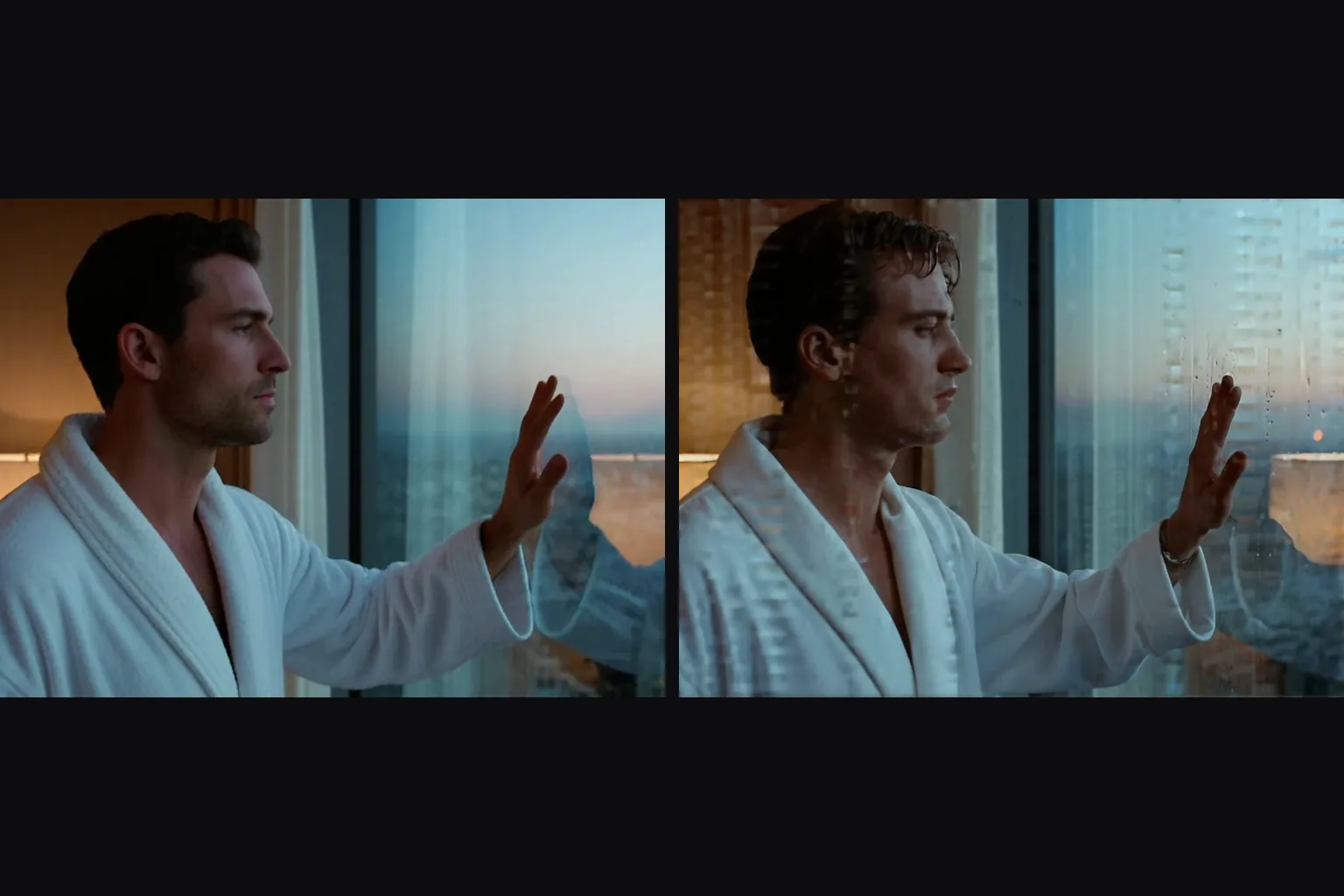
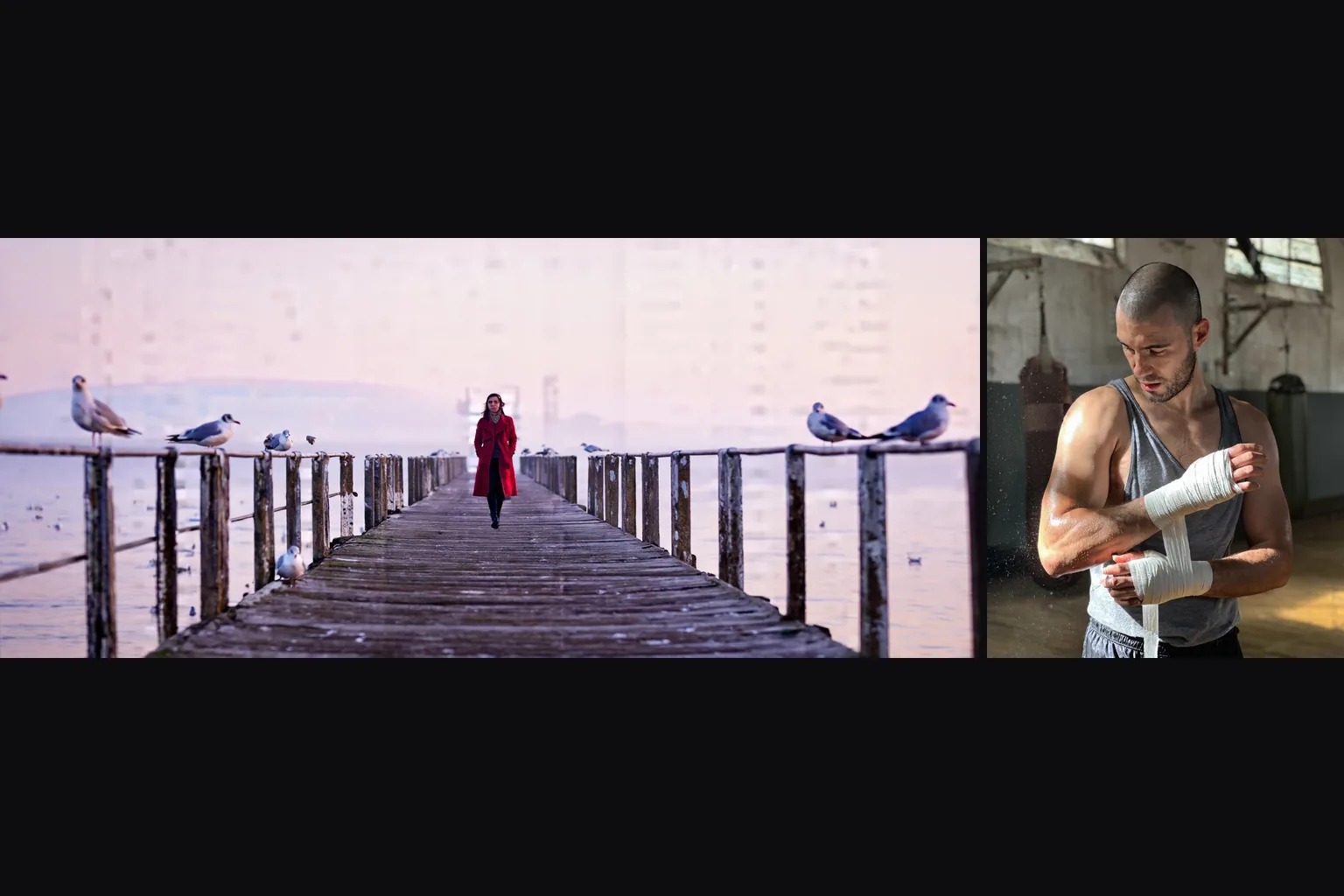
Edits redraw the frame and do not follow instructionsWithout a LoRA, asking for black and white at strength 0.65 and 0.8 stayed in colour, and asking for a tuxedo at 0.7 and 0.8 changed little. Describe the whole picture you want, and bring a style LoRA when you want the look to change.
Honest limit
One content level comes out softenedNo content filter sits in front of the model, and on both endpoints our five-level content test rendered every level except Very strong, Maximum included. Very strong came back softened in three tries: the base model does not draw it convincingly on its own, which is what LoRAs trained for it are for.

Working with Z-Image Base LoRA

Write photo prompts as plain sentences

Write photo prompts as plain sentences

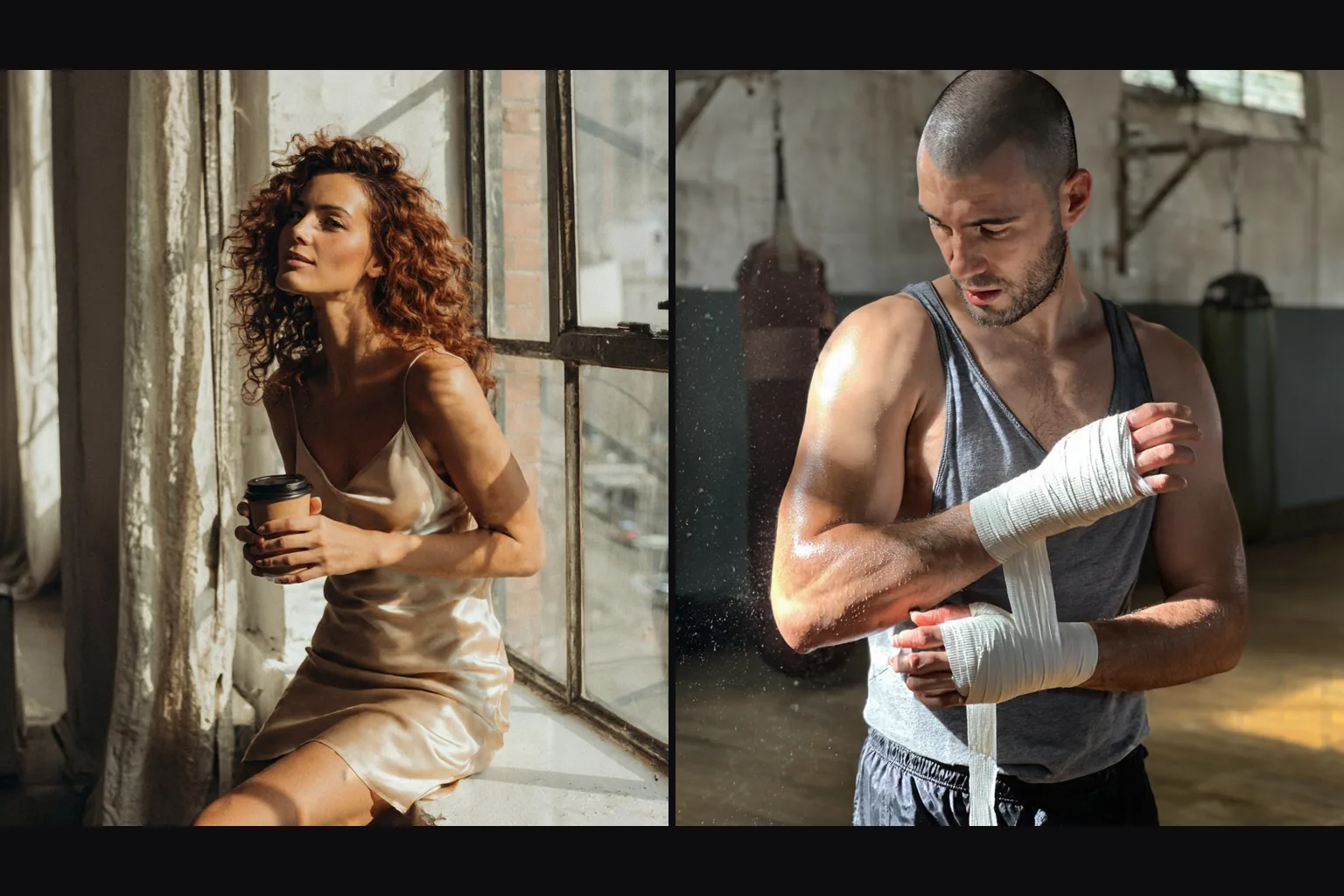
Prompt adherence is strong, so describe the photograph the way you would brief a photographer: subject, clothes, place, light, grain. Our loft and gym portraits both came from one sentence each. The same sentence shape, with only the subject swapped, carries a whole series.

Use LoRAs trained on Base

Use LoRAs trained on Base

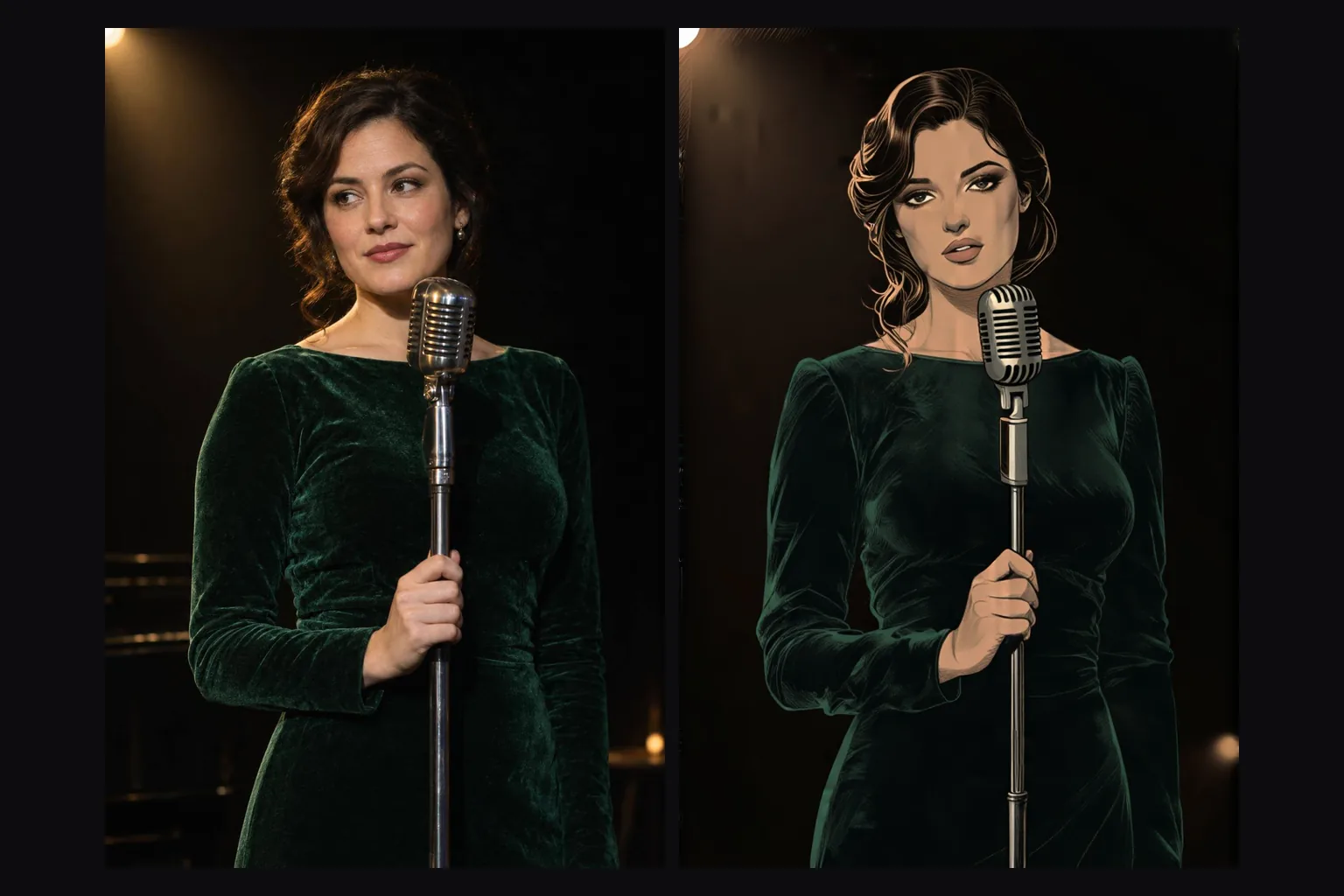
A LoRA trained on Z-Image Base worked at 0.5 and at 1. The mikkoani illustration LoRA turns on with its phrase "mature illustration with muted color and complex linework" at the start of the prompt, and the phrase alone, without the file, already pushed a photo prompt toward an illustration.

  • Pick the strength before you rewrite the prompt

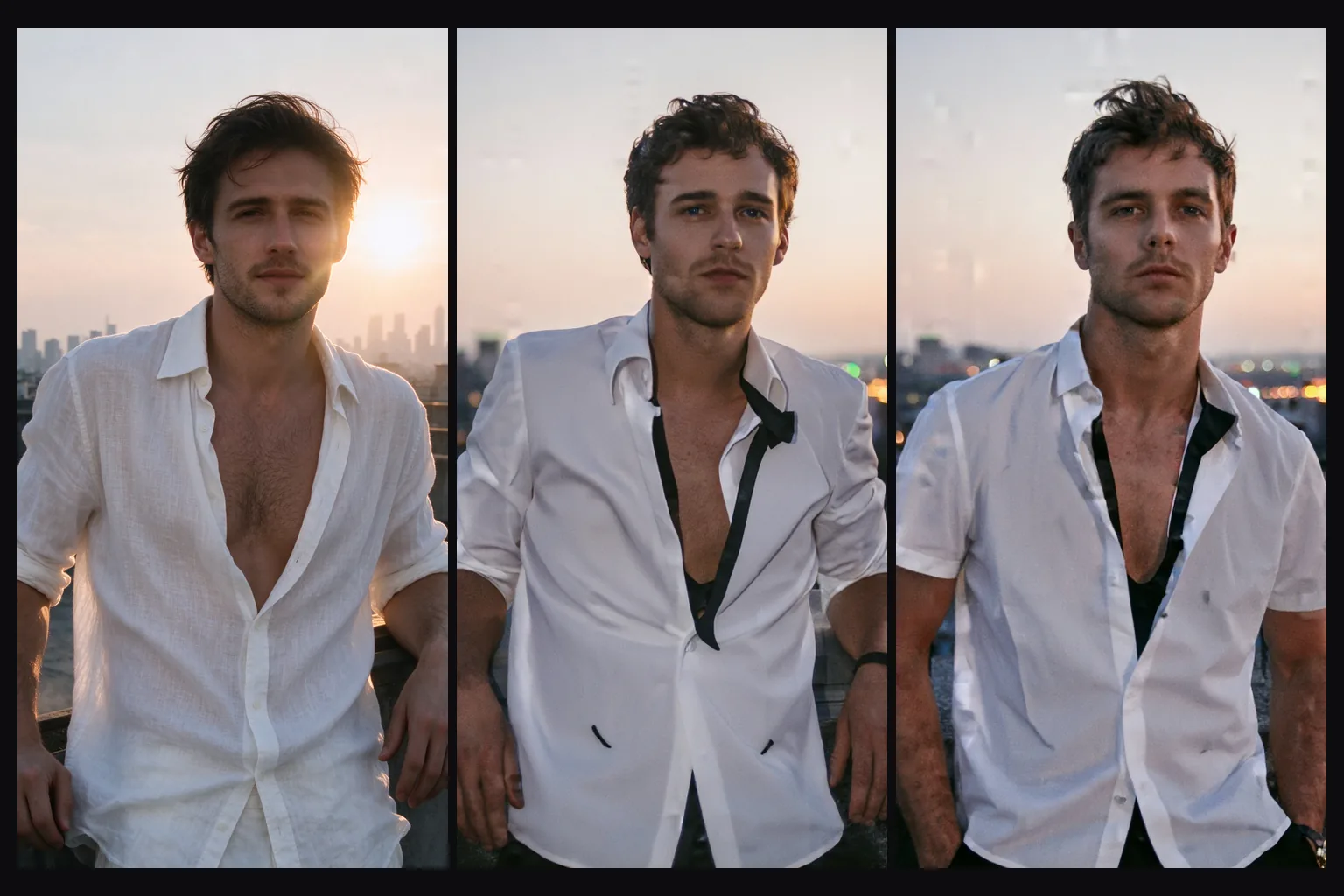
    On edit, strength decides how much of the source survives. In our ladder, 0.3 and 0.5 left the picture almost unchanged and 0.6 changed it slightly. At 0.7 the content started to change with the composition kept, 0.75 re-posed and re-staged the scene while keeping light and palette, and 0.85 gave a new picture. With a style LoRA, 0.6 restyled the whole frame and kept the composition exactly.

  • Expect restyling, not instructions

    The edit model redraws the frame from your description. "Make it black and white" stayed in colour at 0.65 and 0.8 in our test, which the right-hand picture shows. For a change of medium, use a style LoRA; for a different scene, describe it fully.

  • Mind the sizes

    Text-to-image offers nine ratios, from 1024×1024 for 1:1 to 1536×640 for 21:9, and each came back at exactly the requested size. On edit, 1k and 1.5k set the long side and the source's ratio is kept: a 2:3 photo at 1k came back 680×1024, and a 16:9 photo at 1.5k came back 1536×856.

Who uses Z-Image Base LoRA

  • Muted, linework-heavy illustration from text

    Illustrators and concept artists

    Muted, linework-heavy illustration from text

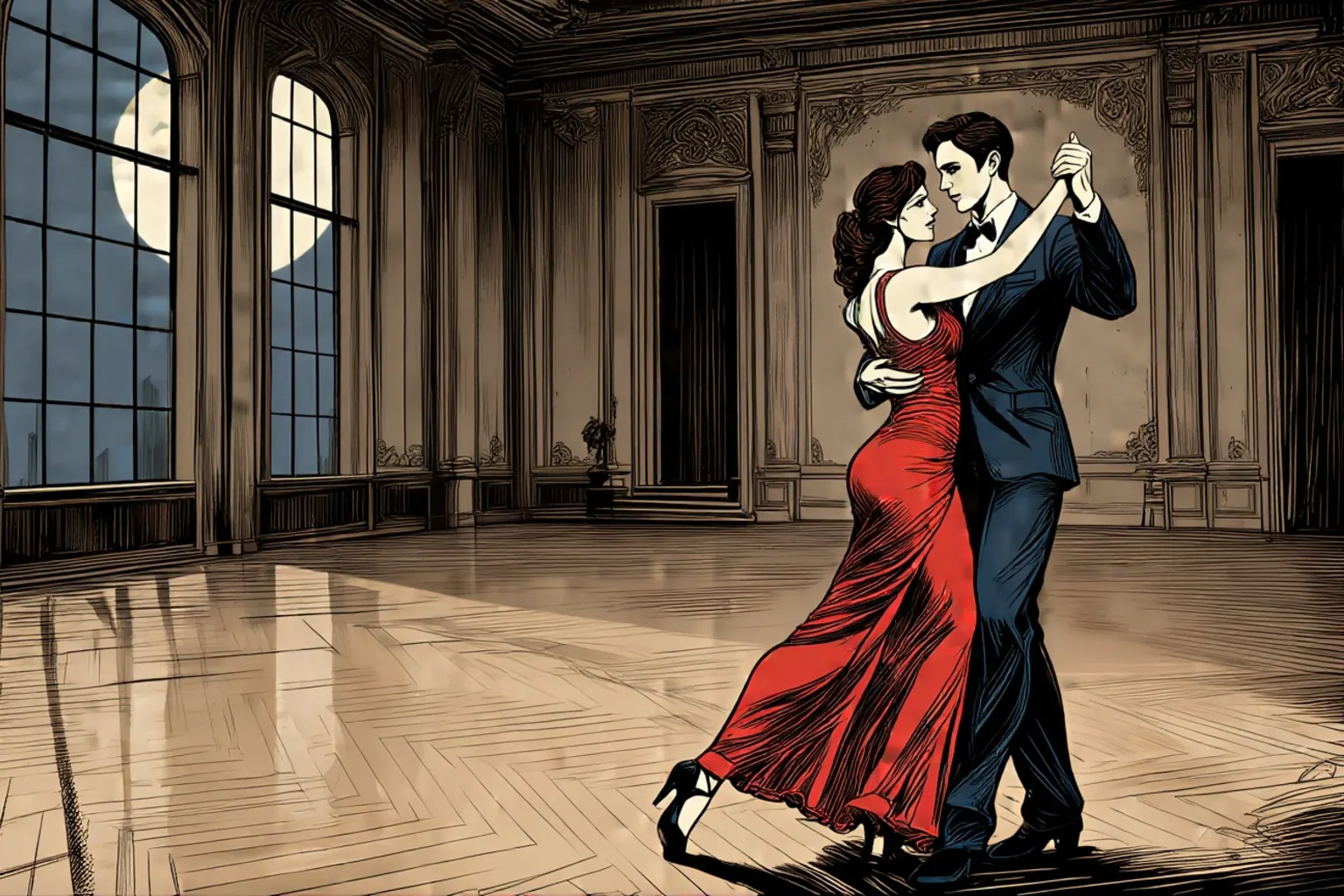
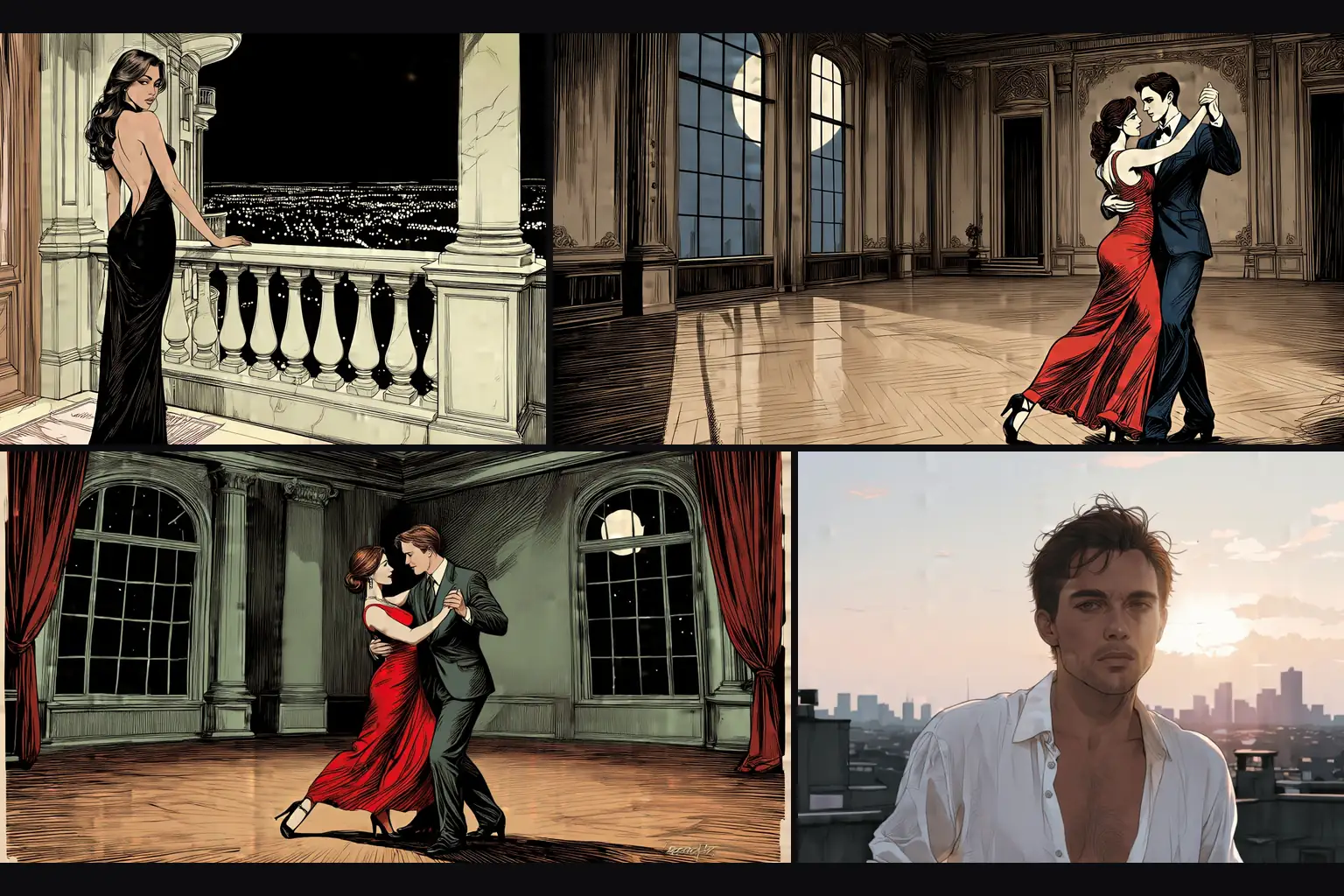
    With the mikkoani LoRA at 1, our prompts for a ballroom dance, a balcony at night and a couple in a moonlit hall all came back as inked, muted-colour illustration. Keep the phrase first and write the scene in sentences.

  • A photo turned into an illustration

    Photographers and retouchers

    A photo turned into an illustration

    Left is a source photo of a singer in a green velvet dress, right is the edit with the mikkoani LoRA at strength 0.6. The pose, the microphone and the framing stayed in place while the rendering became drawn.

  • Choosing how far a variation goes

    Social and campaign teams

    Choosing how far a variation goes

    Our rooftop portrait went through a no-LoRA edit asking for a tuxedo at 0.7 and 0.8. It changed little, and the composition stayed. Use the strength as the variation dial and save the stronger values for when you want a different frame.

  • Wide 21:9 scenes at 1536 pixels

    Cinematic and wallpaper makers

    Wide 21:9 scenes at 1536 pixels

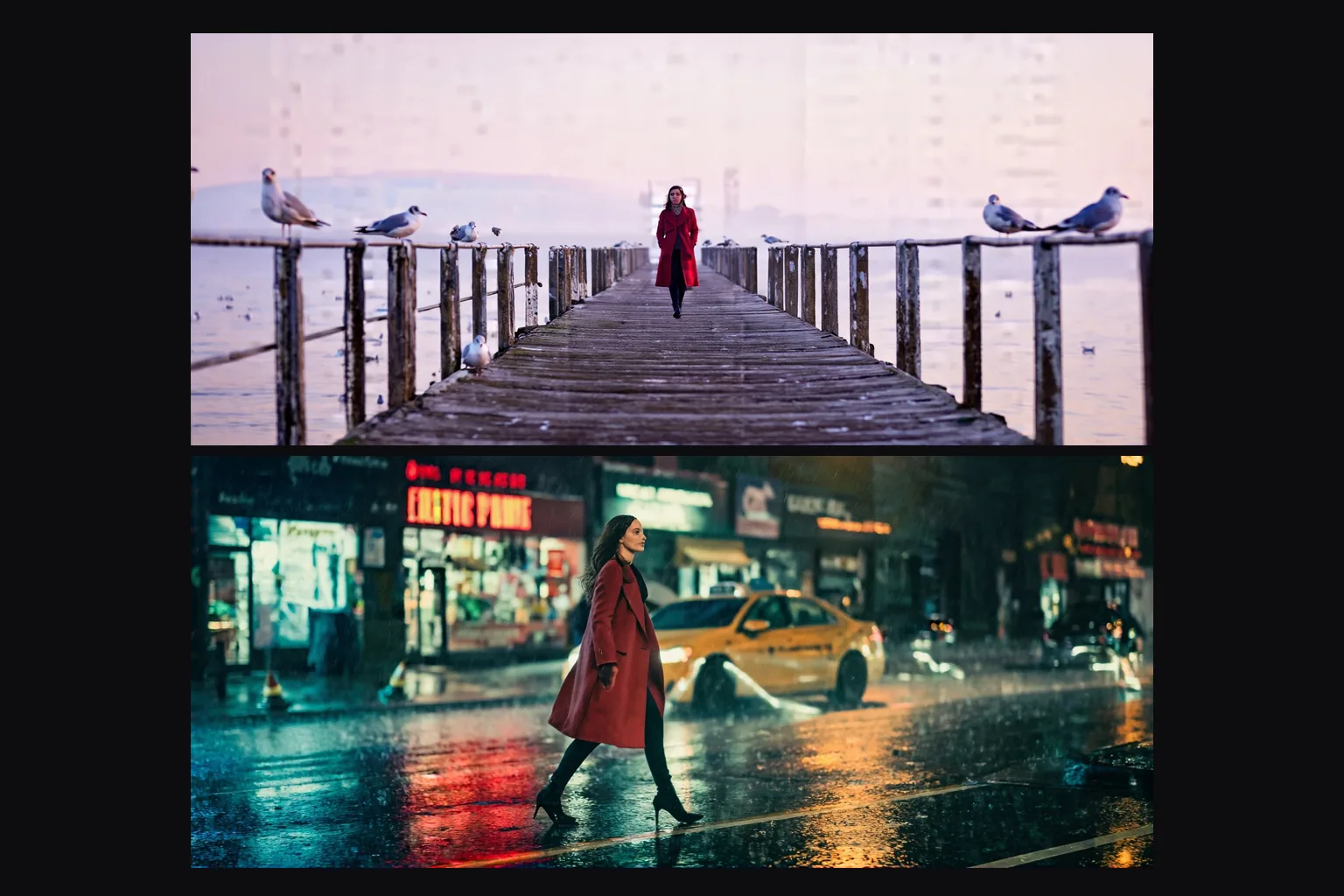
    A woman in a red coat on a misty pier at dawn and on a rainy neon street both came from plain sentences at 21:9 (1536×640), with no LoRA. The wide ratio is part of the prompt, not a crop afterwards.

From first prompt to finished edit with Z-Image Base LoRA

  1. Start from a plain-sentence prompt

    Run text-to-image without a LoRA first, in the ratio you will publish, to see what the base model gives you.

  2. Add a LoRA trained on Base

    Copy the direct download link to the .safetensors file and run it with and without the file on the same seed.

  3. Check the scale

    Try 0.5 and 1 and keep the value where the look lands without taking over the subject.

  4. Edit with a strength ladder

    Send a source image with the loras array and start at 0.6; use 0.7 and 0.75 when you want the scene re-staged.

  5. Describe the whole result

    The model redraws the entire frame, so write the full picture, not only the change.

Z-Image Base LoRA prompts worth copying

  • A plain-sentence photo

    No LoRA; a portrait ratio of 2:3.

    A photograph of a woman in her thirties with curly auburn hair, wearing a champagne satin slip dress, sitting on a windowsill in a sunlit loft, holding a coffee cup with both hands, golden hour light on her face, soft film grain.
  • A muted illustration

    With the mikkoani LoRA at scale 1 and the 16:9 ratio; the phrase stays first.

    mature illustration with muted color and complex linework. A woman in her thirties in a red evening dress and a man in his thirties in a dark suit dance close in an empty ballroom at night, moonlight through tall windows, long shadows on the parquet floor.
  • A photo into drawn linework

    For the edit endpoint with the mikkoani LoRA at scale 1 and strength 0.6. Describe the whole picture, not only the change.

    mature illustration with muted color and complex linework. A woman with wavy dark hair in a green velvet dress sings into a vintage microphone on a dark stage, warm spotlight from above.

More Z-Image Base LoRA questions

Use it as your Base-model lab

Start with a plain-sentence prompt, add a LoRA trained on Base and prove it with a with-and-without pair.

On edit, climb strength from 0.6 and describe the whole result. If a file changes nothing or breaks the picture, it was trained for a different model.