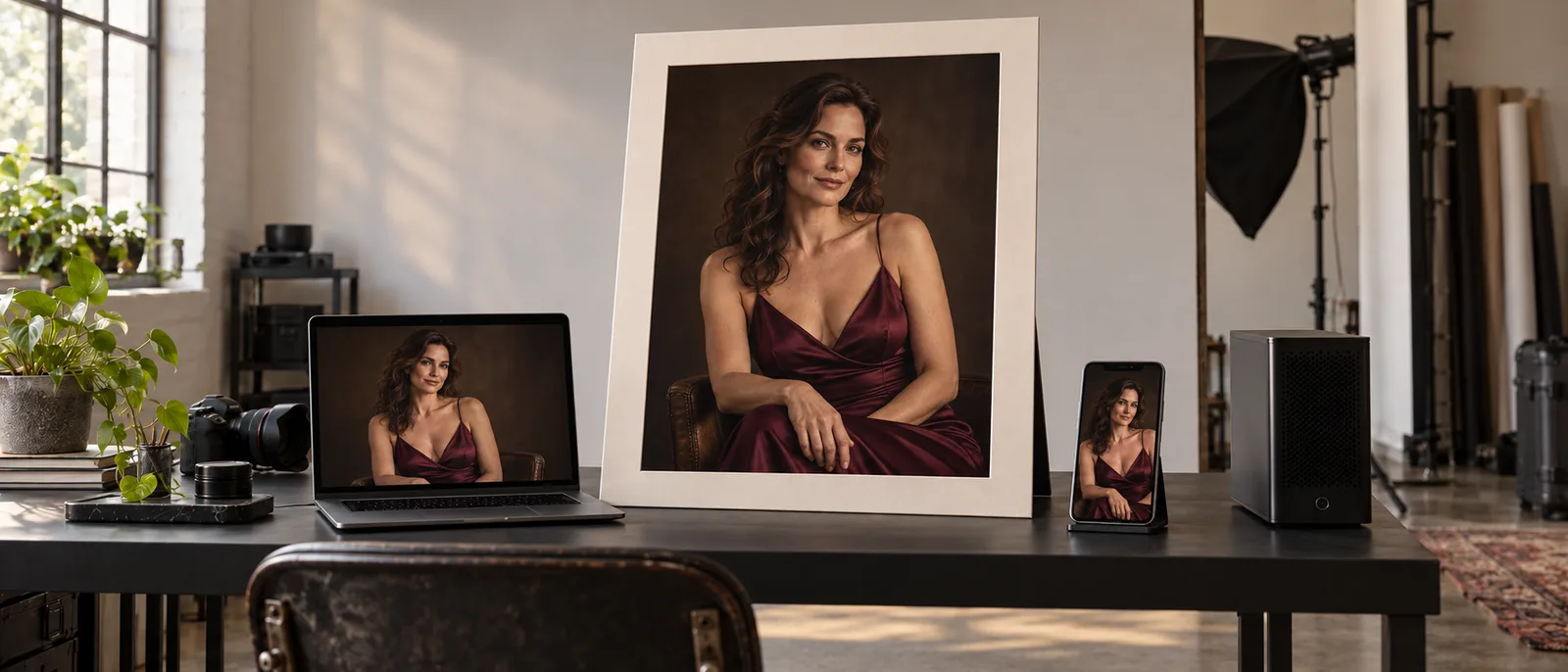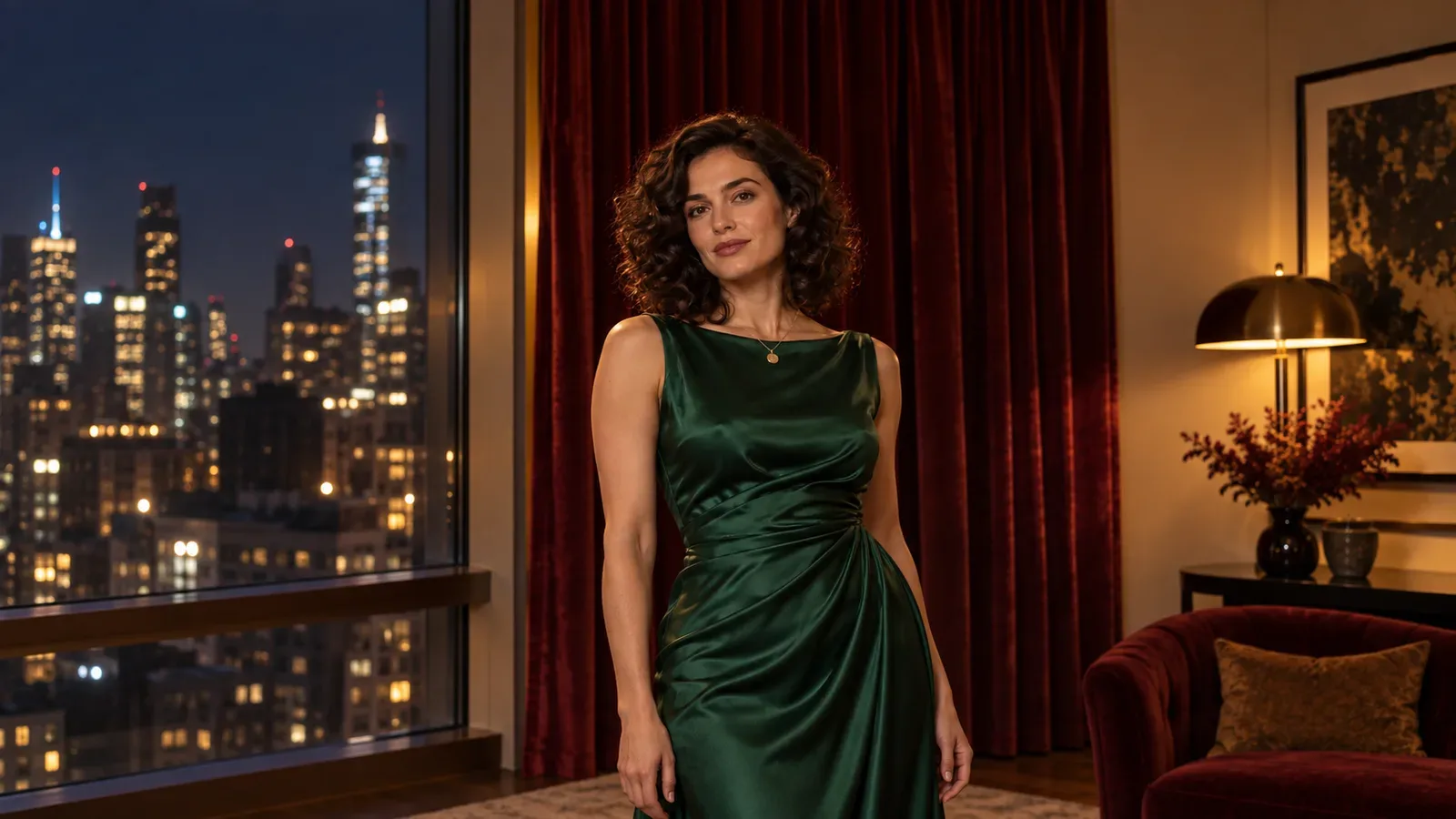
If you want a free NSFW AI image generator without signing up, start with ArtBot / AI Horde: its documentation supports eligible NSFW requests, with lower-priority anonymous access. Stuffer explicitly targets adult-oriented artwork, but its advanced features and private generation have separate conditions. Perchance is useful for fully clothed adult character concepts without an account; the NSFW range of that particular generator is not established here. If you already own suitable hardware, a local ComfyUI workflow avoids a hosted daily allowance.
The right choice depends on what “free” needs to include. A few fictional adult character concepts are a different job from keeping the same face across an illustrated story. A generator that lets you type without an account may still require registration for references, restrict your chosen model, or make private output a paid feature. Getting a preview is only the beginning; you need to be able to save an image that suits the project.
This guide separates those conditions before you invest an evening in a tool. It draws on product pages, terms, official documentation and community discussions. It does not claim a new generation benchmark or promise that every NSFW request will be accepted. The examples use fictional adults, and the public illustrations are suitable for an ordinary blog page.
Which free option should you open first?
| Your immediate task | A practical starting point | The limitation to understand first |
|---|---|---|
| Explore a fully clothed adult character, lighting or illustrated style without creating an account | Perchance.org | No-sign-up is documented; the NSFW range of this specific generator is not established here |
| Choose models and settings, with an actual community generation API behind the tool | ArtBot / AI Horde | Anonymous requests have the lowest queue priority; available workers and models vary |
| Try a browser tool aimed at adult-oriented fictional artwork | Stuffer.ai | Advanced models, some editing features, LoRA access and private generation have different access conditions |
| Keep working without a hosted daily allowance on hardware you already own | Local ComfyUI with a compatible image model | Installation, memory, storage, electricity and maintenance are your responsibility |
| Evaluate an anime service and registration is acceptable | NovelAI's one-time image trial | It requires an account and is a trial, rather than a renewing free plan |
These are starting points, not a quality ranking. We have not established that one produces the best face, hands or character consistency across an identical set of NSFW prompts. The useful comparison here is whether you can begin, complete and continue the job under the free conditions.
If you are reading on a phone and want three concepts tonight, opening a browser tool makes sense. If you want a recurring cast for a visual novel, reference support and saved settings matter much more. If your companion app needs to generate images for users, a free website without a documented integration will not become an API because its homepage says “unlimited.”
What counts as a genuinely useful free generation?
A useful free generation ends with a file you can actually use. That means the requested task is available, the image finishes, you can export it, and its permitted use fits your project. A credit counter or an attractive sample gallery does not establish any of those things by itself.
Consider a fictional adult character portrait for a game profile. You might need a square crop, a recognizable face at small size and a clean download. You probably do not need maximum resolution, an elaborate adapter stack or twenty images at once. A simple free generator can be enough. For a chapter illustration, however, you may need a wider composition and the same character in another setting. A tool that only makes fresh portraits can become frustrating even when every request costs nothing.
Before a long session, complete one modest request from beginning to end. Write down the character's approximate age, appearance, outfit, camera framing and light. Generate one image, locate the original download, save the settings if available, and open the file outside the generator. That last step catches a surprisingly important distinction: a preview in a browser is not necessarily the same file as the export.
Inspect the dimensions and format in your image viewer. Check whether a visible mark is part of the export, whether the composition survives your intended crop, and whether the details you care about are readable. We are not assigning a universal free resolution or watermark rule to the tools below; those conditions should be checked on the current interface. If a site only reveals its export restriction after generation, you want to discover that on the first image.
A sensible first prompt might describe “a fictional 32-year-old character, dark wavy hair, a fitted opaque evening dress, confident expression, waist-up framing, warm window light.” For an adult-oriented project, that gives you a useful visual starting point without putting a complicated scene into the first request. Change the style or composition according to the story you are making. This is a proposed evaluation prompt, not an output we generated for this guide.
Keep three decisions separate. First, do you like the image? Second, can the tool make the changes you need? Third, can you retain and use the result under its conditions? Paying for a larger allowance might help the first decision by giving you more candidates. It will not fix missing reference input or automatically grant rights to a third-party character.
One more boundary matters for NSFW work: a tool can be free and still be unsuitable for your content. General-purpose tools appear in searches for no-login generators because the access terms overlap. Their presence in the results is not evidence of an adult-oriented content policy. Read the relevant policy before spending your allowance, rather than inferring it from an “uncensored” roundup.
Perchance: the simplest place to explore without an account
The official Perchance image generator describes itself as free, no-sign-up and unlimited. That makes it a reasonable first stop for fully clothed adult character concepts and style exploration without a subscription. Those access claims do not establish this particular generator's NSFW range. Use the exact Perchance.org domain: similarly named sites can have different operators, terms and content rules.
The practical use case is a small creative search. You have not chosen whether an adult character should look photographic, illustrated or more stylized. You want to see how your description translates into an image before deciding on a production tool. In that situation, avoiding an account is useful, and a lack of advanced project management is less important.
Start by describing one character in one setting. Keep the subject description stable while changing one visual choice at a time: a close portrait versus a waist-up frame, soft daylight versus warm evening light, or a painted style versus a photographic one. If you change everything between requests, you will collect unrelated pictures and learn very little about which instruction helped.
Save appealing results as you go. Give the files descriptive names, such as character name, style and framing, and keep the prompt in a nearby note. If the interface exposes additional settings, record those too. This small habit turns a casual free session into a useful reference collection. Otherwise, the only record of a promising idea may be a thumbnail you cannot find after closing the tab.
Do not assume that the main text-to-image entry can preserve a face from an uploaded image. Perchance hosts community generators, and a page with a similar name is not automatically the same workflow. If reference editing is essential, inspect the exact page's input controls and documentation before uploading anything. A text description of a character can guide appearance; it does not establish an identity-preserving editing function.
The no-sign-up claim does not guarantee a particular export size, queue time or watermark rule. Complete the first download before treating the site as your source for finished assets. Inspect the actual file, rather than assuming a preview or a roundup's description tells you what you can keep.
Perchance's terms say that generated images and text may be used commercially and that attribution is not required. They also say the platform does not claim ownership of those generated outputs. That is useful permission from the service; it does not resolve a separate issue involving someone else's protected character, branding or likeness. Creating an original fictional adult is a cleaner starting point for a commercial project.
Choose this route when you are happy to select images manually and your task can be described in text. Stop when the missing capability becomes the bottleneck. If you spend the session trying to rediscover one exact face, your next tool should support a suitable reference workflow. If you need generation inside your own application, do not automate an ordinary browser page on the assumption that a free website offers an integration contract.
The main reason to begin here is low commitment. You can settle the visual direction of a project before buying access elsewhere. Keep your expectations at that level: successful concept exploration is valuable, even if the final production workflow will be different.
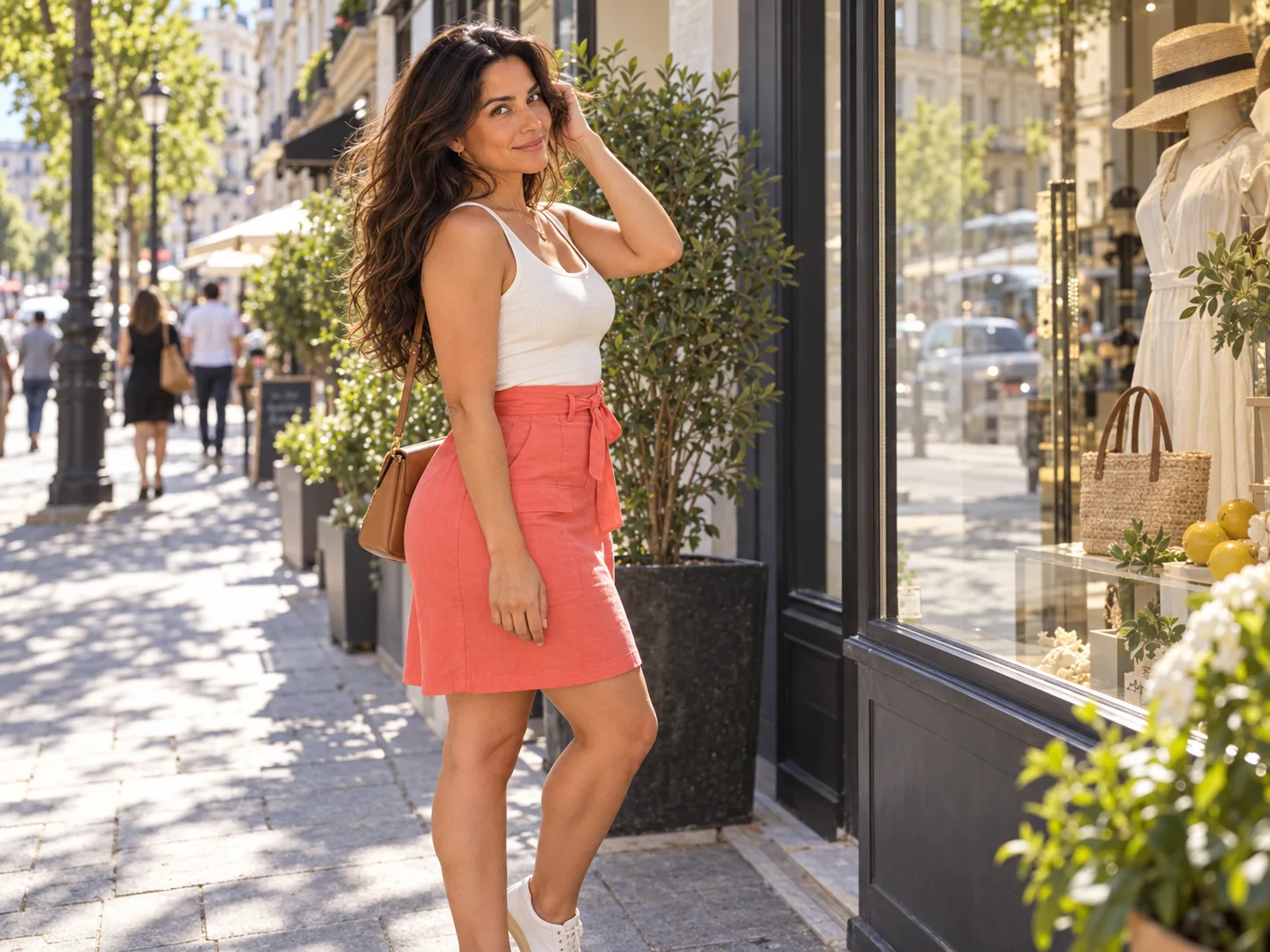
Illustration: define the character, outfit, framing and light before changing individual visual choices.
ArtBot and AI Horde: free community compute, with a real queue
ArtBot is a browser client for AI Horde, a community service using volunteered computing resources. The creation page exposes model selection, prompts, seeds and other settings, as well as source-image features. This is a more configurable free route than a minimal prompt box, provided you accept that the available compute is shared.
The official AI Horde project documentation explains anonymous access, including its public guest API key. Anonymous requests receive the lowest priority, and high load can restrict them. Registering a pseudonymous account changes the priority situation; it is not equivalent to buying an unlimited commercial service. The project also documents an API, which makes this route relevant to developers investigating a genuinely free community integration.
For a creator, the first decision is whether waiting is acceptable. If you are experimenting while doing something else, a variable queue may be fine. If you need an image before a scheduled post or customer response, it can be the wrong fit. There is no honest universal “seconds per free image” number for a volunteer worker pool.
For a first ArtBot session, use one image and a supported model that is currently available. Keep the resolution and generation settings modest enough for the allowance and workers shown by the client. Avoid starting with several adapters, an upscale and a large batch: when that request fails, it is difficult to tell whether the base model, an added component or access to sufficient compute caused the problem.
Describe the fictional adult character and choose the aspect ratio for the actual destination. A profile portrait and a landscape illustration need different framing. If you are working on eligible NSFW material, ArtBot exposes an “Allow NSFW” option. Treat it as a content-routing preference, rather than a promise that every worker will complete every request.
The AI Horde FAQ describes NSFW requests and individual worker restrictions. It also explains that the relevant worker pool can be smaller. That is a reason to expect availability to differ between tasks, not a reason to repeatedly submit a prohibited request. Choose a tool whose rules fit the legitimate project you are making.
When a request is waiting, inspect its existing status before sending a replacement. A slow queue is different from a failed job. Several duplicate jobs can make your image history confusing and consume capacity without solving the delay. If the client offers slow-worker preferences or automatic downgrading, read what the selected option changes before relying on it. Lowering a request's demands can affect the image you receive.
Horde's kudos system is also easy to misunderstand. It is a mechanism for fair access and priority, not a ordinary dollar-denominated credit balance. The official kudos explanation says kudos are not bought or sold. There are contribution-based ways to obtain them. A person with more priority therefore has a different experience from an anonymous visitor, even though both can describe the service as free.
The ArtBot FAQ notes that higher-demand generations can require kudos up front. Do not read the existence of a guest path as access to every possible resolution, step count and model combination. For a repeatable project, save the model choice and settings with each image. If the worker or model is unavailable next time, those notes help you understand why the session differs.
ArtBot's local browser gallery should not be mistaken for local generation. Its about page explains browser storage, while the images are produced through Horde. Saving an image on your device and sending a prompt to a remote worker are separate events. Download anything important rather than treating browser history as a permanent archive.
This is the strongest option in this list for someone who specifically wants to investigate free API access. It still comes with community-service constraints: priority, model availability and worker behavior. For a hobby application that can show a waiting state, those may be acceptable. For a product promising predictable response times, you will need to consider the service conditions and the experience you can actually offer users.
Stuffer: an adult-oriented free entry, with feature gates
Stuffer explicitly positions its NSFW image generator as a free, no-registration browser tool. Unlike a general art page with no adult-content information, this is a relevant entry to investigate for eligible fictional adult artwork. Its headline should still be read alongside the actual feature conditions.
The live Stuffer interface separates basic access from supporter features. It presents private generation among supporter extras, gates advanced model access, and requires login for custom LoRA features. Its free editing allowance is not stated consistently: one prompt advertises a different Qwen allowance from the comparison table. We would not plan a project around either figure without confirming the active allowance inside the product.
That leaves a useful but narrower recommendation: try the basic browser flow for a few concepts, rather than assuming that all models, private output and reference editing are included without an account. We have not established a single reliable numerical guest limit for ordinary text-to-image generation, or an external API entitlement for a free visitor.
Begin with the model and features currently available to your session. Use one fictional adult character, a clear outfit description and a simple scene. Keep the first request small enough that you can inspect the result before committing to a longer session. If an account or supporter prompt appears, identify which feature triggered it. Was it the chosen model, an editing task, a custom adapter or privacy? Those are different purchasing decisions.
If a basic image suits the project, save it and record the visible settings. Then try a single continuation, such as a different background while retaining the same written character description. Evaluate what changed. If the face is different, do not assume the solution is more free text prompts. Determine whether the tool offers a reference-based task you can access and whether it actually meets your need.
Stuffer's upload controls deserve particular attention. The interface distinguishes a public image uploader from the source-image feature used for image-to-image work and warns that material uploaded through the public uploader can be visible to others. Do not drag a reference into whichever upload box you happen to notice first. Read the label and visibility information of the actual control you intend to use.
For an NSFW character project, start with an original fictional reference you are comfortable handling under the site's conditions. A login-free prompt box does not mean your uploads are private. If privacy is a requirement, the presence of paid private-generation features is relevant before you create the material, not after it appears in a gallery.
The Stuffer terms permit adult-oriented content within stated restrictions and explain that output ownership depends in part on the model used and applicable rights. That is more conditional than “every free output comes with unrestricted commercial rights.” If the image will be sold or become part of a game, identify the model and its terms before expanding the project.
The privacy policy describes collection of prompts, outputs and technical data. No account removes one piece of the relationship; it does not remove the service from the generation process. You do not need to turn this into a long legal exercise for a disposable concept, but you should understand it before uploading sensitive source material or building a commercial catalogue there.
Stuffer is worth a short, bounded trial when its browser controls and visual options match your brief. It is less suitable as a blind answer to “everything free forever.” If a required task is gated, decide whether that feature is worth paying for or whether another route already provides it. Repeatedly opening fresh sessions to evade an allowance does not create a dependable creative workflow.

Illustration: a free first portrait and a reference-dependent continuation are different tasks.
Local ComfyUI: no hosted allowance, but you supply the machine
A local setup is the most direct way to avoid a hosted subscription and daily credit counter. The software and compatible weights can be available without a recurring fee, while generation runs on your computer. You supply the hardware, storage, power and time needed to operate it. That tradeoff can make sense for an ongoing fictional adult character project, especially if you already have a suitable machine.
Do not buy a new computer merely because a free-generator roundup says “run Stable Diffusion locally.” First check the exact workflow you want to run. Model memory, image size, additional components and the computer's supported runtime all matter. A hardware claim about one checkpoint does not transfer automatically to a larger editor with reference inputs and several adapters.
The official ComfyUI system requirements cover supported operating systems and hardware paths, including different GPU platforms and CPU operation. CPU support does not establish that the workflow will be pleasant for repeated image work. Use the installation instructions that match your own machine rather than guessing from a tutorial made for someone else's graphics card.
For a straightforward text-to-image starting point, the official Z-Image-Turbo workflow tutorial provides a concrete template. Follow that complete workflow instead of building a graph from unrelated screenshots. Its model components serve different jobs: the diffusion model makes the image, the text encoder processes the description, and the VAE handles the image representation.
The tutorial specifies three files and their folders: z_image_turbo_bf16.safetensors belongs in the diffusion-model folder, qwen_3_4b.safetensors in the text-encoder folder, and ae.safetensors in the VAE folder. File placement matters. An empty model dropdown or missing-component error is not evidence that your prompt is bad, and changing the wording will not repair it.
Use the current official template, update ComfyUI if its required core nodes are missing, and keep the first run free of optional custom nodes. Load the required components, enter a simple character description, and generate one image with the template's intended settings. The goal of this first run is to establish that the installation works. A complicated style stack is a poor diagnostic input.
Once the basic image completes, save the workflow together with the result. Give it a name that identifies the base model and purpose. If the next experiment changes the resolution or adds a component, save that as a separate version. You can then return to the working baseline rather than trying to remember which of several changed settings broke the session.
The official Z-Image-Turbo model card identifies the weights and their Apache 2.0 licence. That identifies this starting point; it does not make every community model or adapter share the same licence. If you later replace the checkpoint or add a character LoRA, read that asset's own requirements and usage conditions. Free download and commercial permission are different questions.
For NSFW work, a local runtime also gives you a clearer view of the components you are using. It does not create a promise about what a particular base model can draw or how reliably it follows an adult-oriented brief. Evaluate the exact model and workflow. If the project needs identity preservation, choose an appropriate reference or editing workflow rather than expecting a fresh text-to-image request to retain a previous face.
An important practical advantage is continuity. Your saved graph, model files and prompts remain available when a free website changes its allowance. The corresponding disadvantage is maintenance: an update, missing file or incompatible extension is your problem to resolve. Local generation is a good fit when that control has value to you. For someone who wants five pictures on a phone, installation may be more work than the pictures justify.
Free credits: calculate the task, not the headline allowance
“Free credits” can mean a recurring allowance, a one-time trial, a reward for activity or a temporary promotion. Those arrangements produce very different amounts of useful work. Read the reset conditions before assuming you can repeat today's session tomorrow.
NovelAI provides a clear example of a registered trial. Its official FAQ describes 30 trial image generations, up to 1024 × 1024, after registration. The trial does not renew as a daily free plan. That can be useful for evaluating an anime workflow, provided the desired model and task are available under the trial conditions. It does not meet a strict no-account requirement, and the trial's existence alone does not prove the outcome of a particular NSFW brief.
Use a finite trial to answer a small number of questions. Can the service produce the visual style you want? Can you make a composition suitable for your intended use? Does its interface let you preserve and continue a promising image? Spend some attempts on each question rather than using the entire allowance to chase a perfect opening portrait.
Here is a hypothetical trial plan, rather than a claim about NovelAI's per-task billing: if you had 30 equally priced attempts, you could reserve ten for style exploration, ten for composition and ten for continuation. If editing or larger output costs more, that split must change. The point is to leave capacity for the task after the first image. A beautiful portrait tells you little about a tool's usefulness for a series.
For any credit-based service, the calculation is simple: the usable allowance divided by the displayed cost of the specific task gives the number of attempts. A hypothetical 60-credit allowance with a ten-credit image cost buys six attempts. If the required edit costs twenty credits, it buys three edits. Neither is equivalent to sixty images. Reserve allowance for the actual task instead of relying on the number at the top of the page.
Also identify when the allowance resets. A rolling window is different from a calendar-day reset, and unused trial credits are different from daily credits that disappear. If the documentation does not establish the timezone, rollover rule or cost of failures, do not invent them. The product's balance and task history should be your guide during a bounded trial.
Older tutorials can be actively misleading about NSFW allowances. Tensor's official TensorHub announcement separates TensorArt's SFW direction from TensorHub's adult-oriented service and says TensorHub does not provide regular daily free tokens or missions. A video describing the older TensorArt daily-credit system is therefore not enough to establish a current free NSFW option. Past migration promotions are also not a continuing allowance.
SeaArt illustrates a different mismatch. Its official FAQ says NSFW content is strictly filtered. A free portrait feature or a generous-looking credit counter does not establish that the service fits an NSFW character project. We would not recommend it for that purpose merely because it appears in a broad free-image roundup.
If you accept registration but reject subscriptions, say that clearly when choosing a tool. You may be happy with a one-time trial followed by occasional pay-as-you-go use. That opens different choices from insisting on no login, no payment method and a replenishing free allowance. Defining the requirement saves you from signing up for services that were never a fit.
Why free image-to-image is harder to choose than free text-to-image
Many readers searching for free NSFW generation already have a character image. They want a different outfit, location or composition while keeping that character. This is where a generic “free AI image generator” recommendation often stops being useful. The available free task may create a new picture from text, while the needed task consumes a source image and preserves selected details.
A Reddit request for a free, no-login image-to-image tool makes the distinction explicit. The poster wants to upload an image and describe an edit. Replies contain conflicting reports about access, changing limits and results that do not resemble the reference. Several prominent replies are marked as automated bot comments; they should not be mistaken for independent hands-on reviews. The thread is useful evidence of the reader's problem, not a reliable price list.
Before using your allowance, decide what has to stay the same. “Keep the face” is more specific than “make something similar.” You may need the hairstyle and outfit too, or just the facial identity while changing the scene. A reference option that mostly transfers colours and composition may be useful for one project and fail the other.
Choose a small continuation task. Use an original fictional adult reference and ask for a different background or lighting while retaining the face and clothing. Inspect the face at the size you will use it. A resemblance that looks convincing in a thumbnail may disappear in a larger story illustration. Record the task and visible settings alongside both images so that the comparison is meaningful.
If the tool returns the input unchanged, that is different from generating a new image with a different face. An unchanged image may indicate an unsupported edit, a weak transformation or a refusal expressed through the output; the image alone does not settle the cause. A new face suggests the workflow did not retain the identity you needed. Repeating exactly the same request is a poor first response to either outcome.
Check the tool's task description and input requirements. Is the source actually used for image-to-image, a reference mode or merely an image description? Does it support the kind of transformation you want? Does the free tier include that task? You need those answers before judging its usefulness for a recurring character.
Similarly, adding a LoRA is not a universal free fix. The base model must be compatible, the host must support loading the asset, and the asset must be reachable under the host's requirements. A login-only model repository or a paid custom-LoRA feature can stop an otherwise free session. A downloaded adapter also needs its own usage rights and a working compatible workflow.
When your first two or three deliberately chosen continuation attempts fail the same requirement, pause. This is a suggested personal stopping rule, not a measured model failure threshold. Confirm that you selected the right task before spending more attempts. If the task is absent, change tools. If the task exists but the result is unsuitable, investigate a better reference workflow. More free portraits are not progress toward retaining one approved character.
Our guide to face-preserving image-to-image workflows goes further into that problem. For this decision, the essential point is simpler: price the continuation you need, not just the first generation the service advertises.
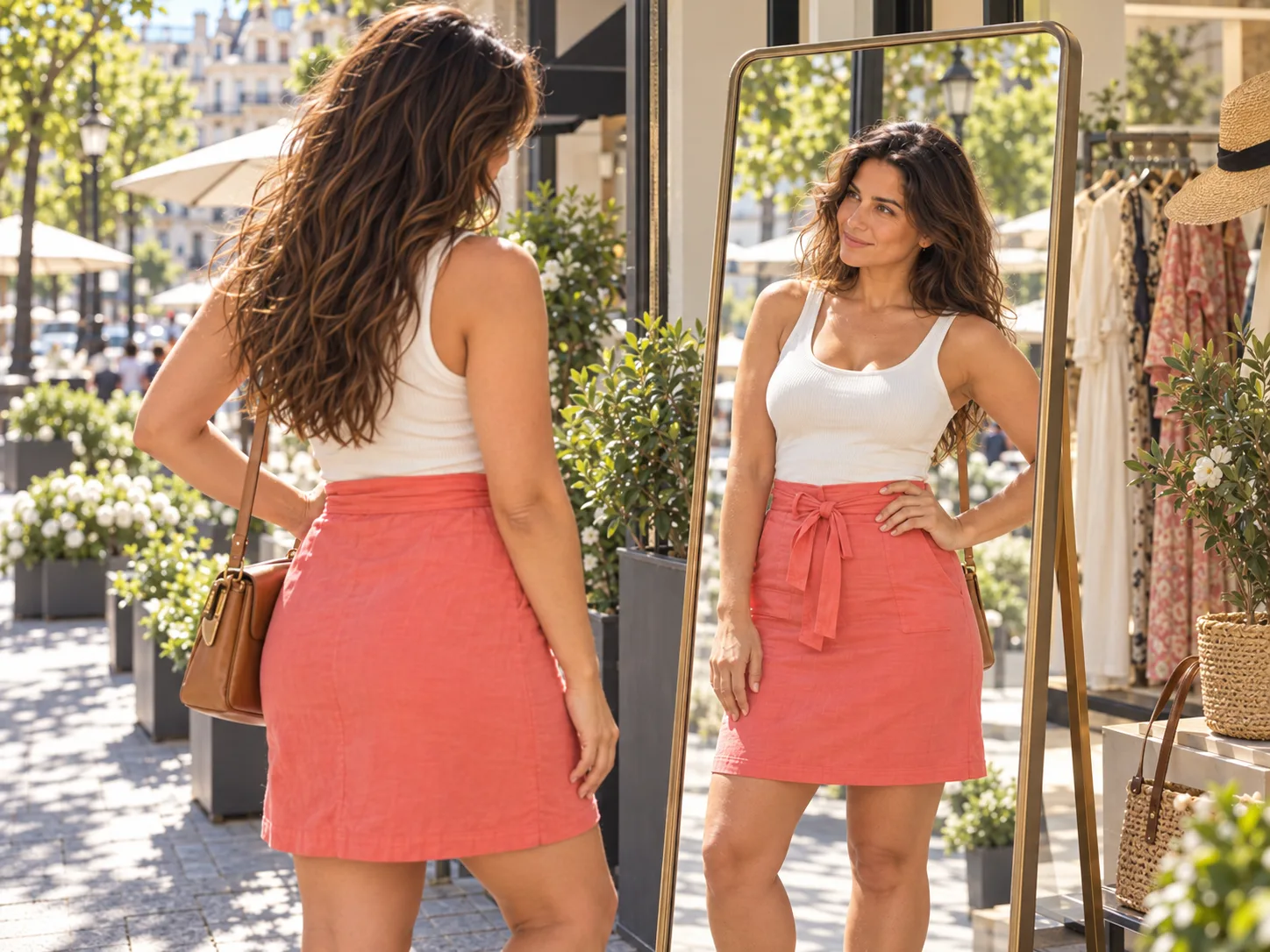
Illustration: inspect facial details and clothing at the intended framing before choosing a continuation workflow.
No login does not mean private, local or commercially cleared
No-login access is convenient because you can begin without handing over an email address. It does not tell you where the generation runs, whether the service stores the prompt, or whether an upload becomes visible to other people. Those are separate product conditions.
For a disposable fictional character concept, you may accept a hosted service's ordinary data handling. For unreleased artwork, a customer-owned reference or a commercial character library, you may need stronger control. Make that choice before the upload. Removing an image from your own browser history does not establish that every server-side copy has been removed.
ArtBot's privacy policy discusses the information involved in its service. Its browser storage and remote worker arrangement make a useful distinction: your gallery can be local while inference is remote. A tool that keeps a local thumbnail collection is therefore different from a ComfyUI workflow running entirely on your machine.
Likewise, a service's private-generation button is a feature with specific conditions. If it is limited to a paid tier, a guest session should not be treated as private by default. Public sharing can be perfectly acceptable for original fictional adult fashion concepts, but it may be unsuitable for confidential story assets. The question is whether the visibility fits your project, not whether sharing is inherently bad.
Commercial use needs the same precision. A service might permit sale of generated images while the selected checkpoint has additional conditions. A community adapter may have a different licence from the base model. A person uploading a reference must have the right to use it, regardless of whether the tool charges for the edit. None of those questions is answered by the word “free.”
For an original small project, keep a modest record: the service or local workflow, the model if shown, the prompt, the saved output and the relevant permission page. You do not need an elaborate spreadsheet to save five character concepts. You do need enough information to find the right conditions later if one concept becomes a paid asset.
If privacy is the primary requirement and you can operate the appropriate local workflow, local inference can avoid uploading the reference to a hosted generator. Confirm that the workflow actually uses local components; an interface running on your computer can still contain remote API nodes. The place where a window opens does not establish where the image is made.
When should you stop waiting and use a low-cost API?
Free generation is useful until the friction exceeds the value of the free allowance. Waiting in the background is not the same as spending active time repairing sessions, recovering settings, reading upsell prompts or re-uploading references. Track the time you actually spend managing the process, rather than treating every minute in a queue as lost work.
Suppose you want forty text-to-image candidates for an original fictional adult character project. The current SpicyAPI Z-Image page lists Z-Image Turbo's base text-to-image rate at $0.01 per image; enabling prompt expansion uses the $0.016 rate. Forty base-rate requests therefore cost $0.40, or $0.64 with prompt expansion. These are request-cost calculations, not promises that all forty images will be useful.
| Planned text-to-image requests | Base rate, expansion off | With prompt expansion |
|---|---|---|
| 12 | $0.12 | $0.192 |
| 40 | $0.40 | $0.64 |
| 100 | $1.00 | $1.60 |
The rate applies to that particular endpoint and condition. Its public inputs describe text-to-image, with PNG output and selected aspect ratios. They do not include a source-image input. It is therefore not a substitute for a face-preserving editor simply because it is inexpensive. If your real task is changing an approved character image, compare the appropriate editing endpoint instead.
You can put a value on your own active time without pretending that everyone has the same hourly rate. At an assumed personal value of $12 per hour, ten minutes of active troubleshooting represents $2. That is already more than the forty-request base cost above. This is an illustrative decision calculation; it is not a measured saving, and a paid endpoint can still require experimentation.
The number of usable images matters too. If forty $0.01 requests yield eight images you decide to keep, the generation spend per selected image is $0.05. If you keep twenty, it is $0.02. Those are hypothetical outcomes, not our observed acceptance rates. Include any separately charged editing or upscaling in your own total rather than presenting the base generation price as the full cost of a finished asset.
This calculation is most useful when you already know the required task and visual direction. Paying for requests before settling either can simply make an unfocused session more expensive. Use free exploration to narrow the brief, then consider a documented paid task when the free tool's specific limit is slowing the work.
If you move to an API, start with a small batch. Set the cost-affecting option deliberately, select the intended aspect ratio, and save the returned image and request settings. Check the active price shown before submission. An API gives you a repeatable way to request work; it does not remove the need to inspect the actual pictures.
For a product, also distinguish a guest community API from a funded commercial account. AI Horde's documented guest access is useful for experiments with its queue conditions. A paid hosted endpoint is a different arrangement. Choose according to the user experience your application needs, and do not present one as a guaranteed substitute for the other.
A short session that tells you whether to continue
You can make a practical decision without visiting twenty sites. Choose one route from the opening table and give it a specific deliverable. For example: three candidate portraits of one original adult character, with a square crop suitable for a game profile. That is a bounded task you can inspect, rather than a vague search for the best unlimited generator.
Spend the first request checking the complete path to a saved file. Spend the next requests changing only the visual choices you genuinely need to compare. Keep the same character description while changing framing or light, and record what you selected. If your target is an illustrated series, reserve a request for the continuation task before judging the tool a success.
At the end, answer four practical questions. Did you download a useful image? Could you find the prompt and settings again? Was the required follow-up task available? Were the visibility and usage conditions acceptable? If the answers are yes, the free route has done its job. There is no need to buy a subscription merely because another generator advertises more features.
If the answer is no, name the missing capability. “The queue was too slow today” suggests a capacity problem. “The face changed” suggests a reference-workflow problem. “Private output required payment” is an access-condition problem. “I cannot connect it to my application” is an integration problem. Changing the prompt will not solve all four.
Our broader website, API and local setup comparison helps with choosing the next route. Here, your goal is smaller: get enough reliable information from one short free session to decide whether that particular tool deserves more of your time.
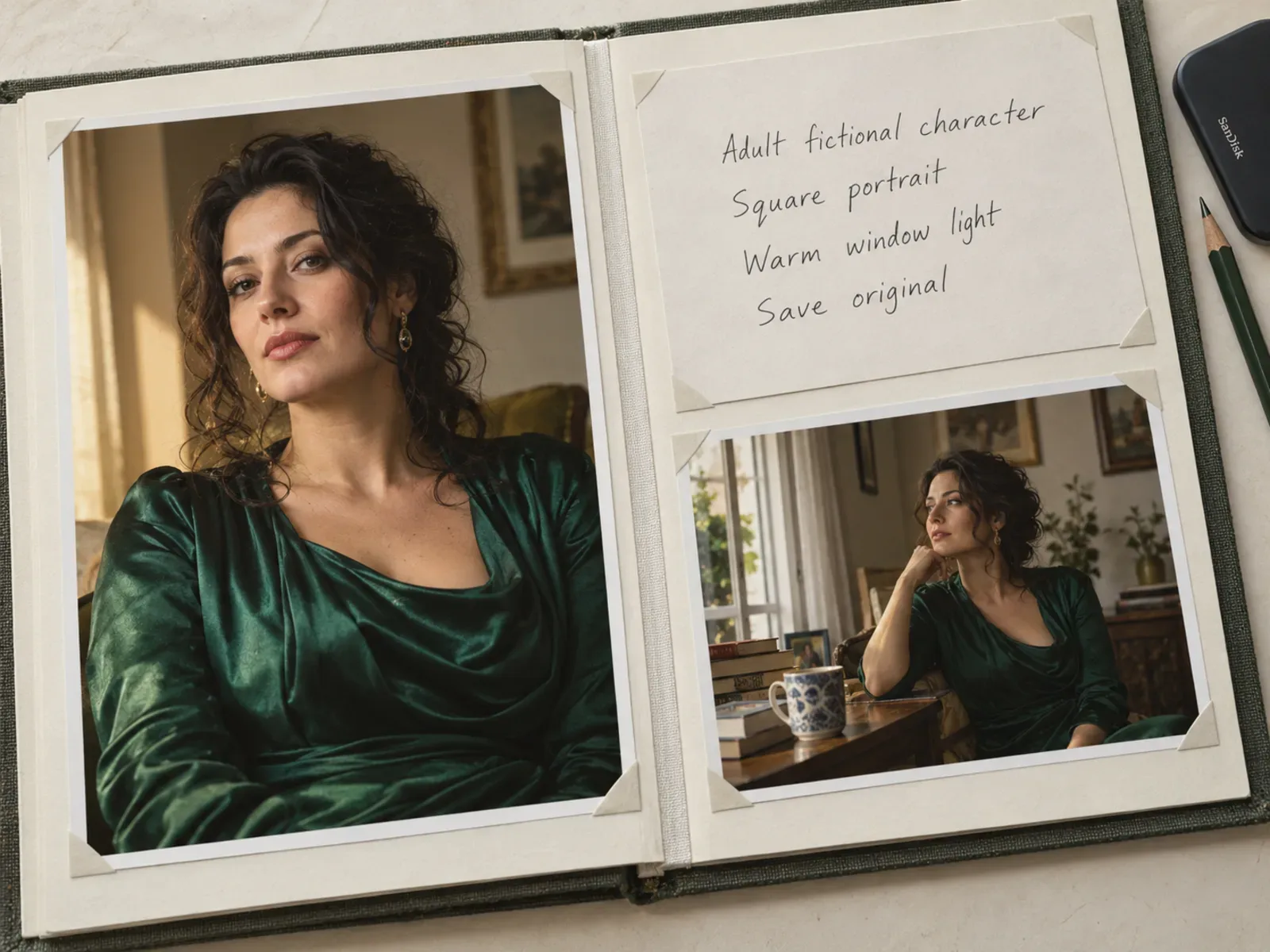
Illustration: retain the original image and useful settings so a promising free session can become a project.
Frequently asked questions
Is there a free NSFW AI image generator with no sign-up?
AI Horde documents both anonymous access and eligible NSFW requests, and ArtBot exposes its NSFW setting. Stuffer also advertises an adult-oriented guest browser entry. Controls, visibility and capacity differ, and neither route guarantees every request or editing feature anonymously. Perchance documents free no-sign-up access, but this specific generator's NSFW range is not established here; use it for fully clothed character concepts. Finish the intended task and one download before planning a longer session.
Can I get unlimited free images without owning a GPU?
Some browser services advertise unlimited generation, but shared capacity, feature access and service changes still matter. Anonymous Horde requests have lower priority. Local software removes a hosted credit allowance only if you supply the computing resources. Treat “unlimited” as a description to inspect, rather than a promise of unlimited speed, quality, privacy and every task at once.
Which option is best if I need the same face?
Choose a documented source-image or reference workflow, not merely the largest free text-to-image allowance. ArtBot exposes source-image features, while Stuffer has separate editing conditions. Whether either meets your exact identity requirement needs an appropriate comparison. A local setup can support additional workflows, but the basic Z-Image-Turbo text-to-image template alone does not establish identity preservation.
Are free credits and no subscription the same thing?
No. A one-time trial can be free but end permanently, and a pay-as-you-go API can avoid a subscription while charging for every request. Daily credits can replenish but require an account. NovelAI's image trial is a registered, one-time example. Decide which requirement matters to you before comparing the amounts.
Can I use free generated images commercially?
It depends on the service, model, source material and relevant rights. Perchance explicitly permits commercial use of its generated outputs; Stuffer's terms tie ownership to the model and rights involved. Check the actual asset's conditions and keep the relevant page with your project notes. A free price is not a commercial licence.
For a few concepts, choose a free browser entry and complete a small session. For repeated characters, test continuation before chasing more portraits. For ongoing local work, begin with one official workflow that your machine can run. Once the free route's real limitation is clear, you can decide whether to accept it, change workflows or pay for the specific capability you need.