Esta reseña aún no está disponible en Español, así que estás leyendo el original en English.
Face Enhancer Review: Soft Faces Back in Focus, Same Size
Pick Face Enhancer to bring detail back to soft, recompressed faces and leave the rest of the photo alone; add Image Upscaler for more pixels.
Spicy Index
Fuera del índice
Freedom Score
Aún sin probar
- Precio
- 0,012 US$ por imagen
- Tiempo mediano
- 8,3 s
- Tasa de éxito
- Recopilando datos
Face Enhancer takes one photo and rebuilds the detail in the faces: eyes, brows, beard, skin texture. The request is a photo URL and, if you want it, an output format (JPEG, PNG or WebP). There is no prompt and nothing to tune. Up to three faces are restored, taking the larger faces first, and everything else in the picture is left as it was. The image comes back at the resolution you sent.
- SpicyAPI Engineering
- Probado el 25 oct 2026
- Metodología v3.3 →
- Vendemos estos modelos; el precio no cuenta en la puntuación →
The verdict
It is a repair tool, not an upscaler. If the face is the problem, this is the call; if the whole photo is too small, use Image Upscaler instead or after it.
Key facts
- Input:
image_url(JPEG, PNG or WebP);output_formatis optional and does not change the price. - Output: one image per request at the input resolution, with up to three faces restored.
- Price: a flat price per image; see the model page for the live figure.
- Tested: one portrait on 25 Oct 2026; it finished in about 9 seconds.
Lo que nos gustó y lo que lo frenó
Lo que nos gustó
- Nothing to configure. A photo URL is the whole request, so it drops into a pipeline without prompt work.
- The rest of the frame stays put. In our test the bottle shelf behind the subject kept its original compression blocks; only the face was rebuilt.
- Same size in, same size out. Our 720 x 404 test photo came back at 720 x 404, so it fits back into whatever layout it came from.
- Format choice. PNG avoids another round of lossy compression when the result goes to further editing.
Lo que lo frenó
- It does not add pixels. For a banner or a print, enhance the faces first and upscale afterwards.
- Three faces maximum. In a group photo three of the larger faces are restored and the others stay as shot.
- Skin comes back a little smooth. Detail is rebuilt, so compare against the original around the eyes and skin before you publish.
- Hard cases improve less. Illustrated or anime faces, very small faces, and faces that are heavily covered or extremely blurred gain less than clear, reasonably large human faces.
What the result looks like
We ran one portrait through the image endpoint. The faces gained detail and stayed recognisably the same person, while the background kept its original artefacts. We did not run a batch or a side-by-side set of photo types, so we have not tested how it behaves on group shots, heavy blur or non-photographic faces beyond what the model page says.
We have not tested Face Enhancer on content-limit tests, so this review makes no claim about content limits.
Alternatives
- Need more pixels, not better faces? Image Upscaler enlarges the whole photo to 2K, 4K or 8K.
- Faces in a video? Face Enhancer Video applies the same repair to footage.
Cómo gana Face Enhancer su Spicy Index
Cada dimensión enlaza con su cálculo completo: la fila de la tabla de la que sale cada punto y por qué se perdieron puntos.
- Clasificaciones públicas 45 % de la calidad
- Aún sin probar
- Prueba a ciegas de resultados 35 % de la calidad
- Aún sin probar
- Calidad en la arena 20 % de la calidad
- Aún sin probar
- Capacidad Peso del 10,5 %
- Aún sin probar
- Freedom Score Peso del 30 %
- Aún sin probar
Aún no hay una coincidencia exacta en las clasificaciones públicas que seguimos. Cómo funciona
Aún no se ha incluido en nuestra prueba a ciegas de resultados. Cómo funciona
Contará cuando el modelo tenga al menos 100 votos a ciegas y un intervalo del 95 % menor de 200 Elo. Cómo funciona
Aún sin puntuar. Cómo funciona
La libertad no se ha probado o las pruebas son insuficientes. El Index conserva la puntuación original de calidad y capacidades, se marca como provisional y sigue recibiendo posición. La falta de pruebas no equivale a cero. Cómo funciona
Lo que Face Enhancer puede hacer en SpicyAPI
Tomado directamente de la especificación en vivo del modelo en SpicyAPI. Algunos creadores ofrecen más en sus propias apps; esto es lo que puedes llamar hoy desde nuestra API.
| Función | Edición de imagen |
|---|---|
| Formatos de salida | jpeg · png · webp |
| Control de semilla | No |
| Prompt negativo | No |
Cuánto tarda de verdad
Medido con trabajos reales de los últimos 30 días, desde la solicitud hasta el resultado final. Los tiempos incluyen nuestras propias pruebas.
- Tiempo mediano
- 8,3 s
- Percentil 90
- 40 s
- Tasa de éxito
- Recopilando datos
Un tiempo aparece cuando hay al menos 10 trabajos completados. Las tasas de éxito solo cuentan trabajos de clientes y siguen ocultas para todos los modelos hasta completar 30 días de tráfico.
Modelos que puedes considerar en lugar de Face Enhancer
SpicyAPI
Video Face Enhancer
Faces in a video?
- Spicy Index
- —
- Freedom Score
- —
- Precio
- 0,06 US$/ 5 s procesados
SpicyAPI
Image Upscaler
Need more pixels, not better faces?
- Spicy Index
- 70,0
- Freedom Score
- 60,0
- Precio
- 0,012 US$/ imagen
¿Qué opinas?
¿Te resultó útil esta reseña?
Inicia sesión para votar.
Comentarios
Los comentarios se revisan de forma automática y por nuestro equipo. Eliminamos el spam, el contenido inapropiado, los ataques personales y cualquier cosa que nombre a una persona real sin su consentimiento. Si reportas un comentario, lo revisamos en un día hábil.
¿Probaste este modelo? Comparte lo que te funcionó. Necesitas una cuenta gratuita para comentar, así mantenemos fuera el spam.
Preguntas frecuentes sobre Face Enhancer
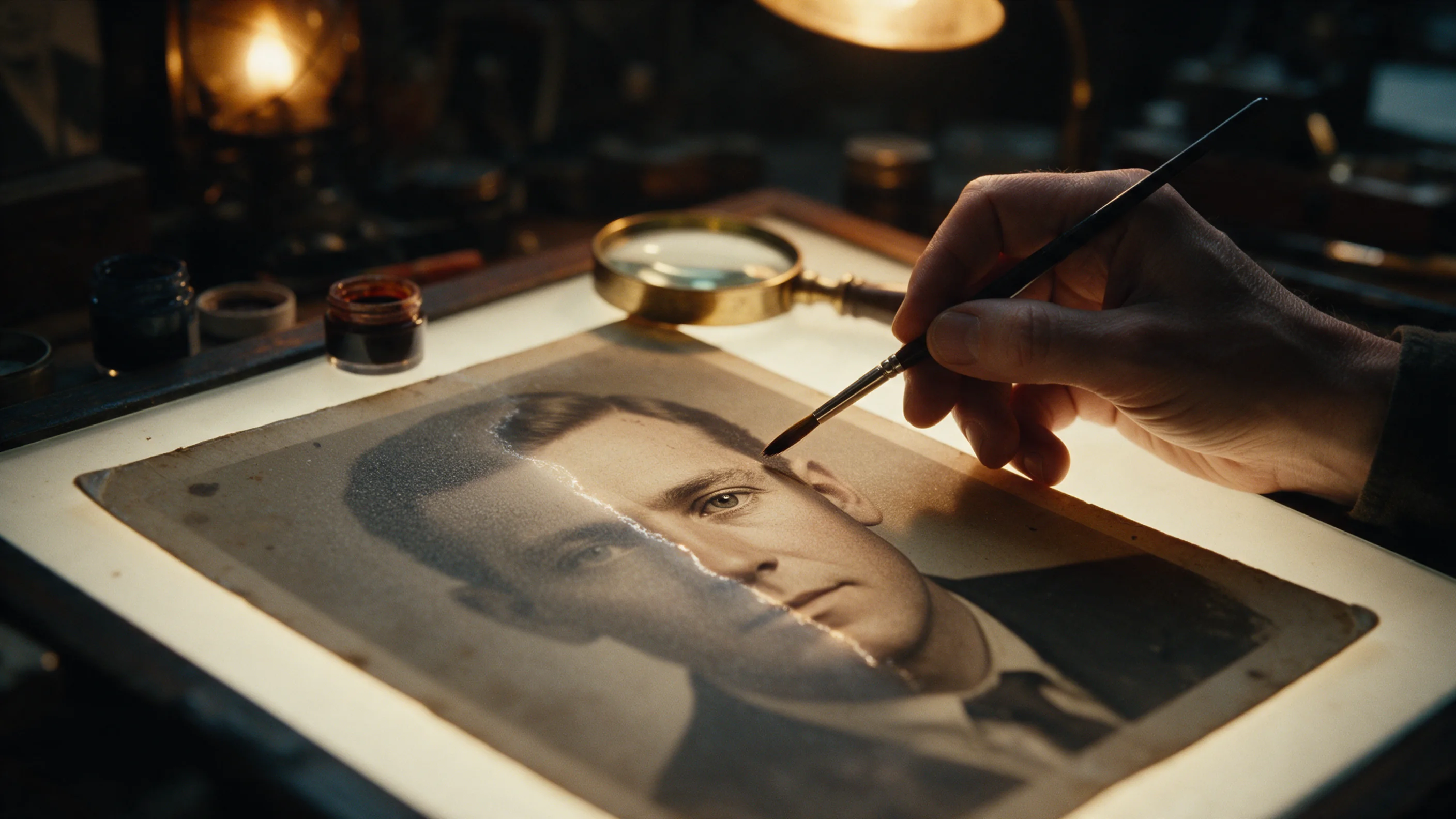
Prueba Face Enhancer por tu cuenta
Ajusta cada parámetro en el Playground y mira el precio exacto antes de lanzarlo.
0,012 US$ por imagen
Más reseñas
Ver las clasificaciones →
Background Remover
Elige Background Remover para recortes de producto, avatar o composición por una fracción de centavo; dale una foto donde el sujeto ya se distinga del fondo.
Probado el 27 sept 2026
Leer la reseña
Object Eraser
Elige Object Eraser para limpiar desorden pequeño y mediano nombrándolo o enmascarándolo; las eliminaciones grandes necesitan una segunda revisión.
Probado el 27 sept 2026
Leer la reseña
Image Expander
Elige Image Expander para reencuadrar una foto a una nueva proporción sin recortarla; planea escalar el resultado si lo necesitas más grande de 1536 píxeles.
- Spicy Index
- 82,4
- Freedom Score
- —
Probado el 27 sept 2026
Leer la reseña