이 리뷰는 아직 한국어 버전으로 제공되지 않아 English 원문을 표시합니다.
Photo to Anime Review: Same Scene, Redrawn as Anime for $0.05
Pick Photo to Anime for avatars, couples and pets redrawn as anime with the pose and outfit intact; expect the background to stay partly photographic.
Spicy Index
지수 대상 아님
Freedom Score
아직 테스트 안 함
- 가격
- US$0.05 장당
- 소요 시간 중앙값
- 데이터 수집 중
- 성공률
- 데이터 수집 중
Photo to Anime does one job: send image_url, get back the same picture redrawn as anime. The people and pets become anime characters in the same pose, outfit and colours, and the setting follows the photo. It runs Alibaba's open Qwen-Image-Edit-2509 with the Photo-to-Anime LoRA by AutoWeeb (MIT licence), behind a built-in instruction, so there is nothing to write. You pay $0.05 per image whatever the aspect ratio or file format.
- SpicyAPI Engineering
- 2026년 10월 26일 테스트
- 평가 방식 v3.3 →
- 판매 중인 모델이지만 점수는 가격과 무관합니다 →
테스트에서 생성된 Photo to Anime 결과물
테스트 실행 결과를 그대로 옮겼습니다. 프롬프트를 복사하거나 플레이그라운드에서 열어 직접 사용해 보세요.
이미지 편집
이미지 편집
이미지 편집
Photo to Anime 모델로 직접 만들어 보기
The verdict
We tested it on 26 October 2026 with five generated, fully clothed photo sets: a woman at a café window, a man on a rooftop, a couple in an autumn park, a golden retriever indoors and a man on a ferry deck. All five were converted to anime. The characters were redrawn with line art and cel shading while the outfits, poses and rooms stayed in place. The limits are just as consistent. The background often keeps much of its photographic look, and fine details such as freckles do not survive.
Use it for profile pictures, gifts, cards and pet portraits where you want the scene you already have, drawn differently. Look elsewhere if you want a fully painted background, a chosen anime art style, or a character invented from words.
Key facts
- Price: $0.05 per image. Aspect ratio and output format do not change it, and failed requests are not charged. The model page shows the live price.
- Input: one photo, JPEG, PNG or WebP, up to 10 MB. Sharp, high-resolution photos with large faces give the most convincing results.
- Output: about one megapixel. Leave
aspect_ratioempty and the result keeps the shape of the photo (832 x 1248 for a 2:3 portrait, 1248 x 832 for a 3:2 landscape, 1024 x 1024 for a square), or pick one of nine ratios from 1:1 to 21:9 and 9:21. - Other fields: an optional
promptof up to 1,000 characters, aseedfor comparing runs, andoutput_format(JPEG by default, PNG or WebP). - Speed: about 7 to 13 seconds per image in our integration runs and 17 to 26 seconds in later runs on the live platform.
- Content testing: we have not run content-level tests on this tool, so there is no Freedom reading to quote.
좋았던 점과 아쉬웠던 점
좋았던 점
- The scene stays the scene. A knit sweater and a mug in a café, an olive work jacket on a rooftop and a retriever on a wooden floor all kept their pose, colours and place in the frame.
- No prompt needed. The built-in instruction does the work; leave
promptempty for a first attempt. - It keeps colouring better than the plain model. With the same seed and instruction, the base edit model drew more of the café as anime but turned the woman's brown eyes blue and darkened her hair. With the LoRA her eye and hair colour stayed.
- It works on pets and groups. The dog came back as an anime dog in the same spot with the same coat colour, and a couple in a park were both redrawn.
- Flat, predictable price. One image, one price, in any of nine ratios.
- Fast enough to iterate. Seconds per image, and a fixed
seedkeeps comparisons fair.
아쉬웠던 점
- The background often stays photographic. Skylines, autumn trees and café windows kept much of their photo look. Adding "also redraw the background as a painted anime scene" barely helped: the rooftop man's background did not change and the dog's moved only slightly.
- Faces become characters, not likenesses. Large, sharp faces keep the most recognisable features. Small faces in wide shots come out simplified, and the LoRA author recommends high-resolution photos.
- Details are lost. Asking to keep a woman's freckles had no effect; they disappeared in every anime version.
- The prompt does not choose a style. In a matched test on the same seed, asking for a 90s cel-shaded TV look produced an almost identical result. Use
promptto protect a detail, not to select a drawing style. - Short instructions can fail on the underlying model. In our trials the author's three-word prompt, "transform into anime", often returned the photo unchanged, and sometimes drew a dog as a lion. The tool's built-in instruction adds an explicit redraw line to avoid this, and five of five final test photos converted. We cannot promise it for every photo.
What the images look like
The gallery holds three published examples from the Photo to Anime model page, all fictional adults or a pet, fully clothed and safe for work. Each was sent with no prompt.
A café window. A woman with auburn curls in an oatmeal knit sweater holding a mug. Her face and hair become anime with the same brown eyes; the sweater, the mug and the autumn street outside stay close to the photo.
A rooftop at sunset. A bearded man in an olive work jacket comes back in clean line art and cel shading, in the same pose, with the city skyline behind him still photographic.
A golden retriever. A dog lying on a sunny wooden floor next to a houseplant, redrawn as an anime character in the same pose and coat colour; the room stays light and airy.
Prompts that worked
The built-in instruction starts with the LoRA author's "transform into anime" and adds a line asking for the whole photo to be redrawn as an anime illustration with the same subjects, pose, clothing, colours and background. Anything in prompt is appended after it as a new sentence.
- Start with the prompt empty. The main examples were all run that way.
- Name a detail to protect. "Keep his beard and the olive jacket" is the kind of line the field is for. Check whether the detail survived before you rewrite the instruction.
- Do not expect a style menu. Period or studio wording did not change the drawing in our matched test.
- Make the face large and clear. Close portraits gave the most convincing anime look. A tighter crop or a simpler background is the practical next try, though we have not tested whether cropping alone redraws a busy background.
- Compare with a seed. A fixed
seedlets you run the same photo with and without a prompt.
Alternatives
- Want to invent an anime character from words instead of redrawing a photo? Anima Turbo is the text-to-image route; see our Anima Turbo review.
- Want to go the other way, from anime to a photographic look? Anime to Real converts an anime image back into a photo-style picture. We have not reviewed it yet.
Photo to Anime의 Spicy Index 구성
아래 각 항목에서 채점 세부 내용으로 이동할 수 있습니다. 모든 점수가 어느 행에서 나왔는지, 왜 감점됐는지 확인하세요.
- 공개 리더보드 품질의 45%
- 아직 테스트 안 함
- 블라인드 결과물 테스트 품질의 35%
- 아직 테스트 안 함
- 아레나 품질 품질의 20%
- 아직 테스트 안 함
- 기능 가중치 10.5%
- 아직 테스트 안 함
- Freedom Score 가중치 30%
- 아직 테스트 안 함
추적 중인 공개 리더보드에 아직 정확히 일치하는 항목이 없습니다. 작동 방식
아직 자체 블라인드 결과물 테스트를 거치지 않았습니다. 작동 방식
블라인드 투표 100표 이상이고 95% 신뢰구간의 폭이 200 Elo 미만일 때 반영합니다. 작동 방식
아직 채점하지 않았습니다. 작동 방식
자유도가 미측정이거나 근거가 부족합니다. Index는 원래 품질·기능 점수를 유지하고 잠정 표시로 순위에 포함됩니다. 근거가 없다고 0점으로 처리하지 않습니다. 작동 방식
SpicyAPI에서 지원하는 Photo to Anime 기능
SpicyAPI의 실시간 모델 사양에서 그대로 가져왔습니다. 개발사가 자사 앱에서 더 많은 기능을 제공할 수도 있지만, 여기 있는 것은 지금 당사 API로 호출할 수 있는 기능입니다.
| 기능 | 이미지 편집 |
|---|---|
| 화면비 | 1:1 · 16:9 · 9:16 · 4:3 · 3:4 · 3:2 · 2:3 · 21:9 · 9:21 |
| 출력 형식 | jpeg · png · webp |
| 시드 지정 | 예 |
| 네거티브 프롬프트 | 아니요 |
실제로 걸리는 시간
지난 30일 동안의 실제 작업에서 요청부터 완성까지를 측정했습니다. 시간에는 당사가 직접 돌린 테스트 작업도 포함합니다.
- 소요 시간 중앙값
- 데이터 수집 중
- 90번째 백분위수
- 데이터 수집 중
- 성공률
- 데이터 수집 중
완료된 작업이 10건 이상 모이면 시간을 표시합니다. 성공률은 고객 작업만으로 계산하며, 30일 분량의 트래픽이 모일 때까지 모든 모델에서 숨겨 둡니다.
Photo to Anime 대신 고려할 만한 모델
CircleStone Labs
Anima Turbo
Want to invent an anime character from words instead of redrawing a photo?
- Spicy Index
- 62.6
- Freedom Score
- 97.5
- 가격
- US$0.012−76%/ 장
SpicyAPI
Anime to Real
Want to go the other way, from anime to a photographic look?
- Spicy Index
- —
- Freedom Score
- 아직 근거 부족
- 가격
- US$0.03−40%/ 장
어떻게 생각하세요?
이 리뷰가 도움이 되었나요?
투표하려면 로그인하세요.
댓글
댓글은 자동 검사와 당사 팀의 확인을 거칩니다. 스팸, 부적절한 내용, 인신공격, 동의 없이 실존 인물을 거론하는 글은 삭제합니다. 댓글을 신고하면 영업일 기준 하루 안에 검토합니다.
이 모델을 써 보셨나요? 잘 된 방법을 공유해 주세요. 스팸을 막기 위해 댓글을 달려면 무료 계정이 필요합니다.
Photo to Anime 자주 묻는 질문
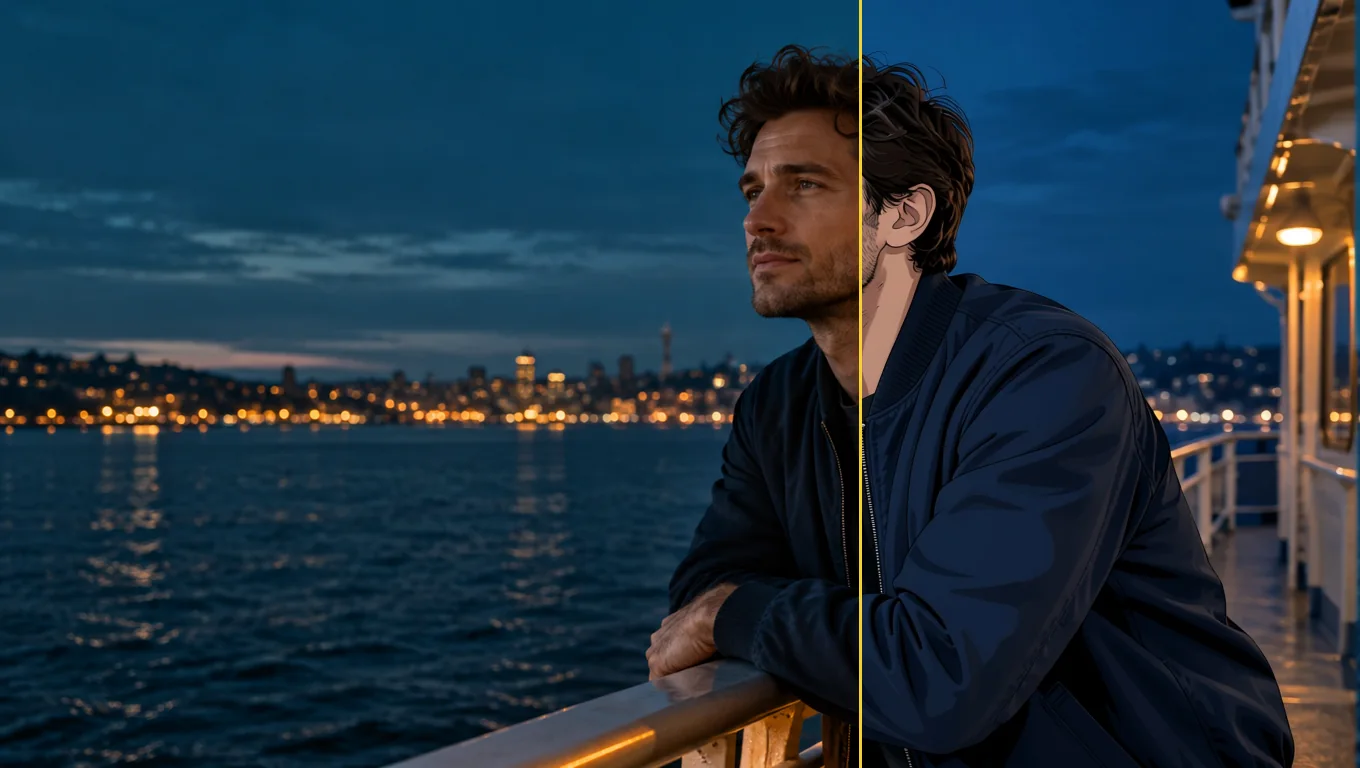
Photo to Anime 직접 써 보기
플레이그라운드에서 모든 파라미터를 설정하고 실행 전에 정확한 가격을 확인하세요.
US$0.05 장당
다른 리뷰
리더보드 보기 →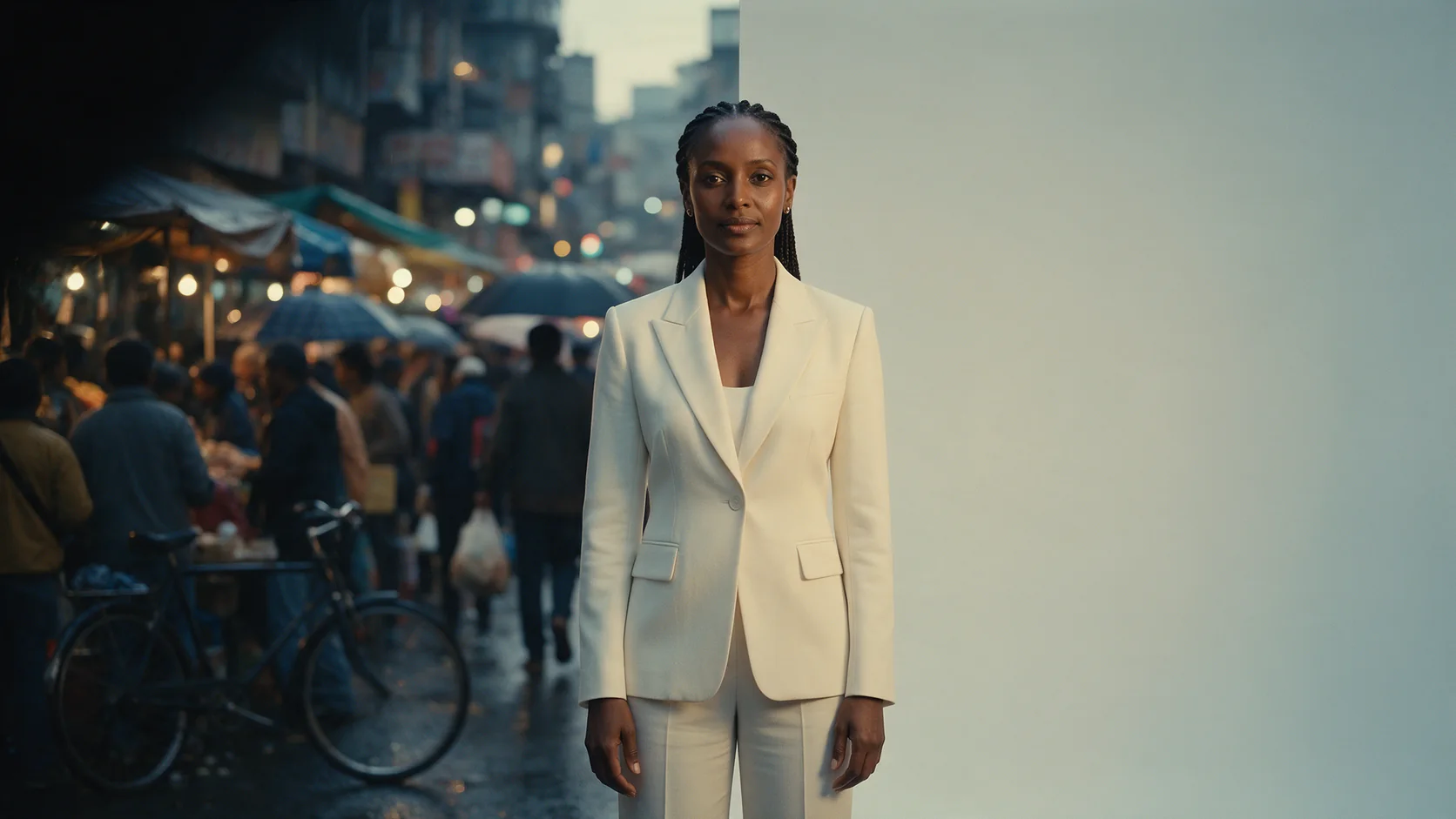
Background Remover
1센트도 안 되는 가격으로 제품, 아바타, 합성용 컷아웃을 만들 때 Background Remover를 고르세요. 피사체가 이미 배경과 분리돼 보이는 사진을 주세요.
2026년 9월 27일 테스트
리뷰 읽기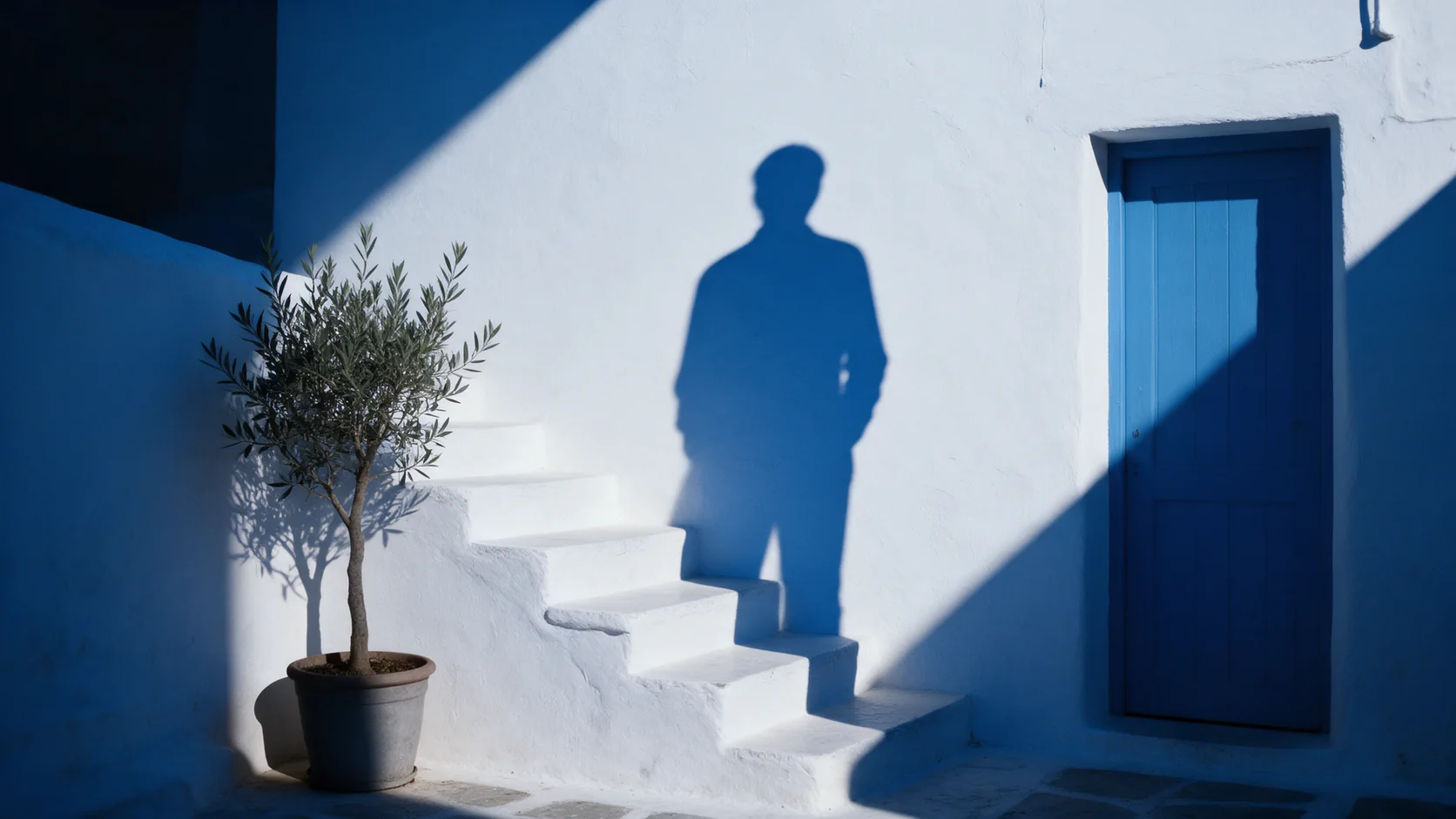
Object Eraser
이름을 대거나 마스킹해서 사진 속 작거나 중간 크기의 잡동사니를 정리하려면 Object Eraser를 고르세요. 큰 물체 제거는 다시 한번 확인이 필요합니다.
2026년 9월 27일 테스트
리뷰 읽기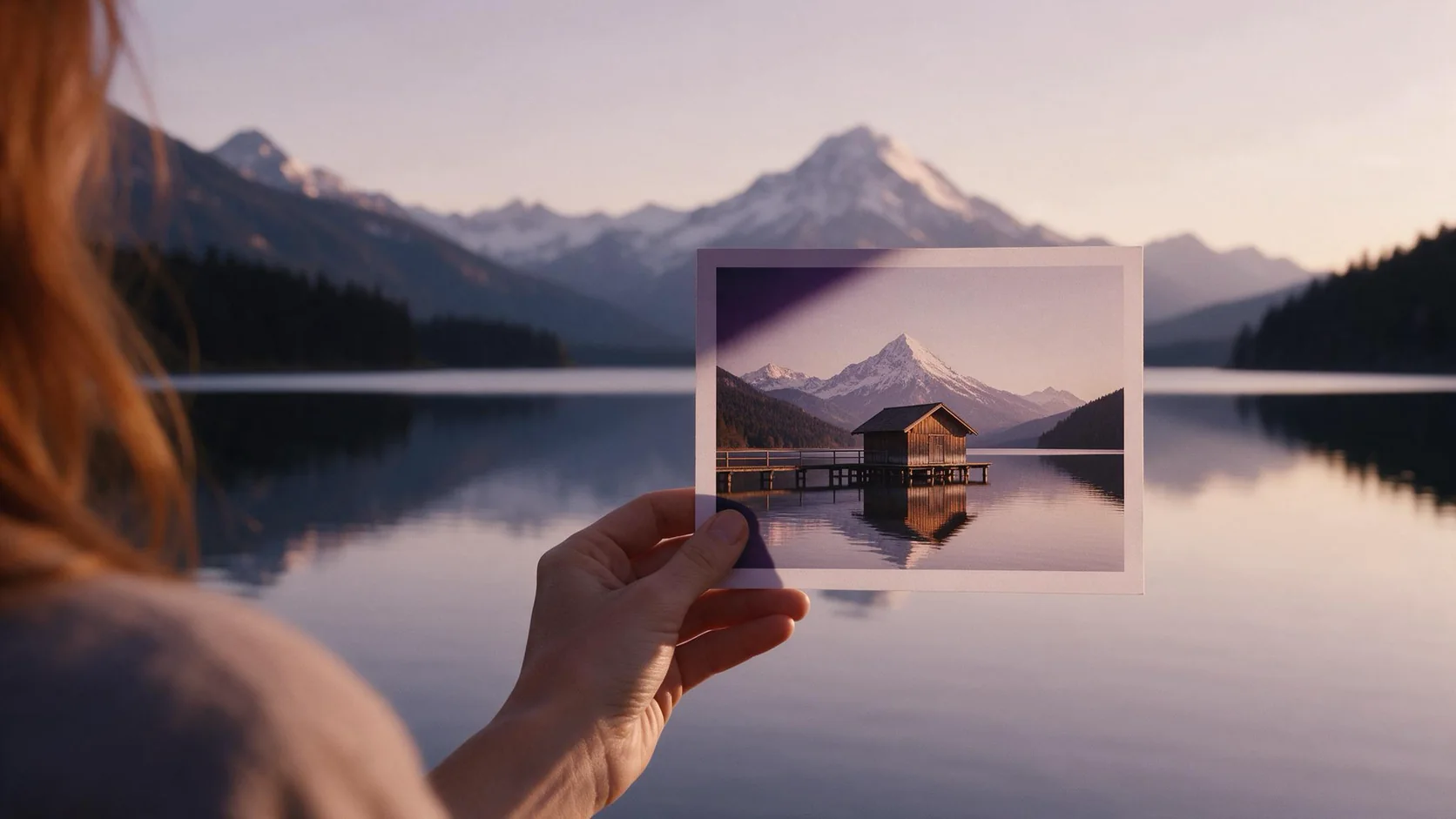
Image Expander
크롭하지 않고 사진을 새 화면비로 재구도하려면 Image Expander를 고르세요. 1536픽셀보다 더 크게 필요하면 결과를 업스케일할 계획을 세우세요.
- Spicy Index
- 82.4
- Freedom Score
- —
2026년 9월 27일 테스트
리뷰 읽기