After Dark
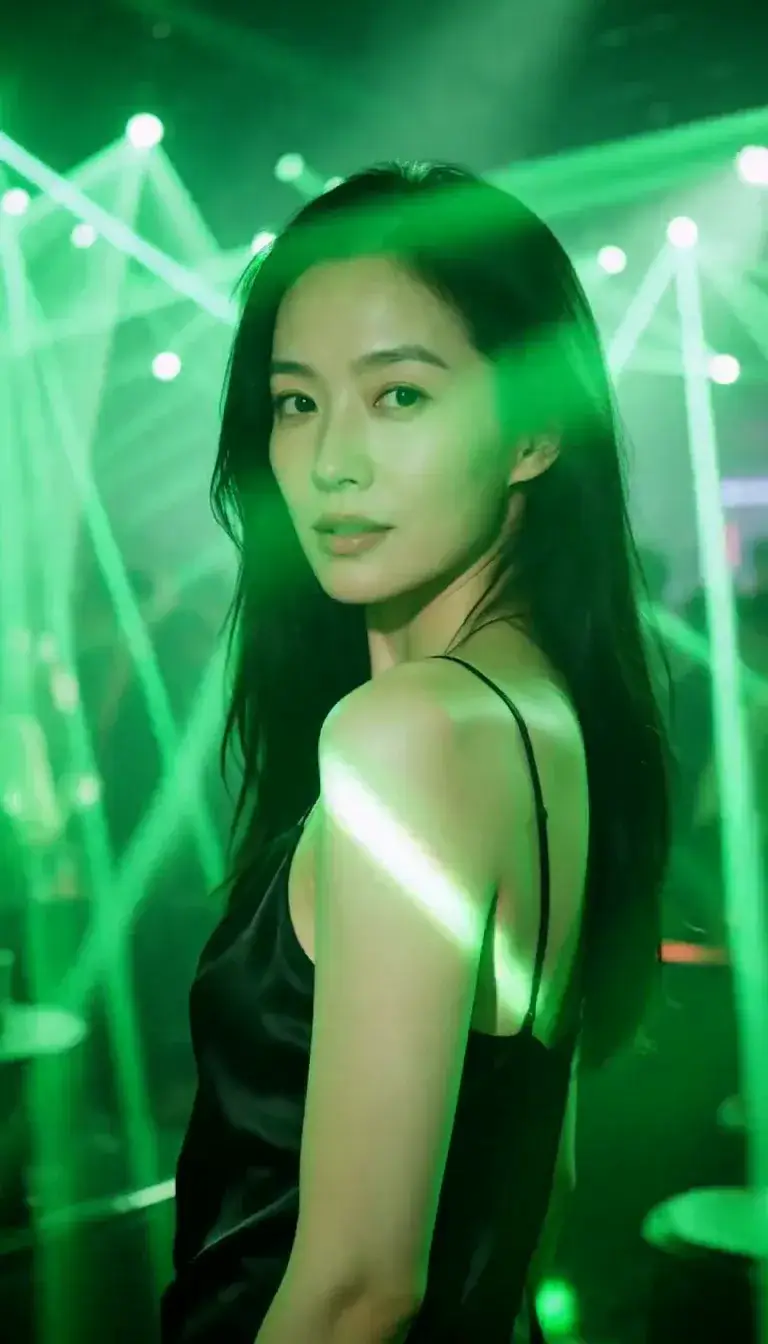 Laser Room
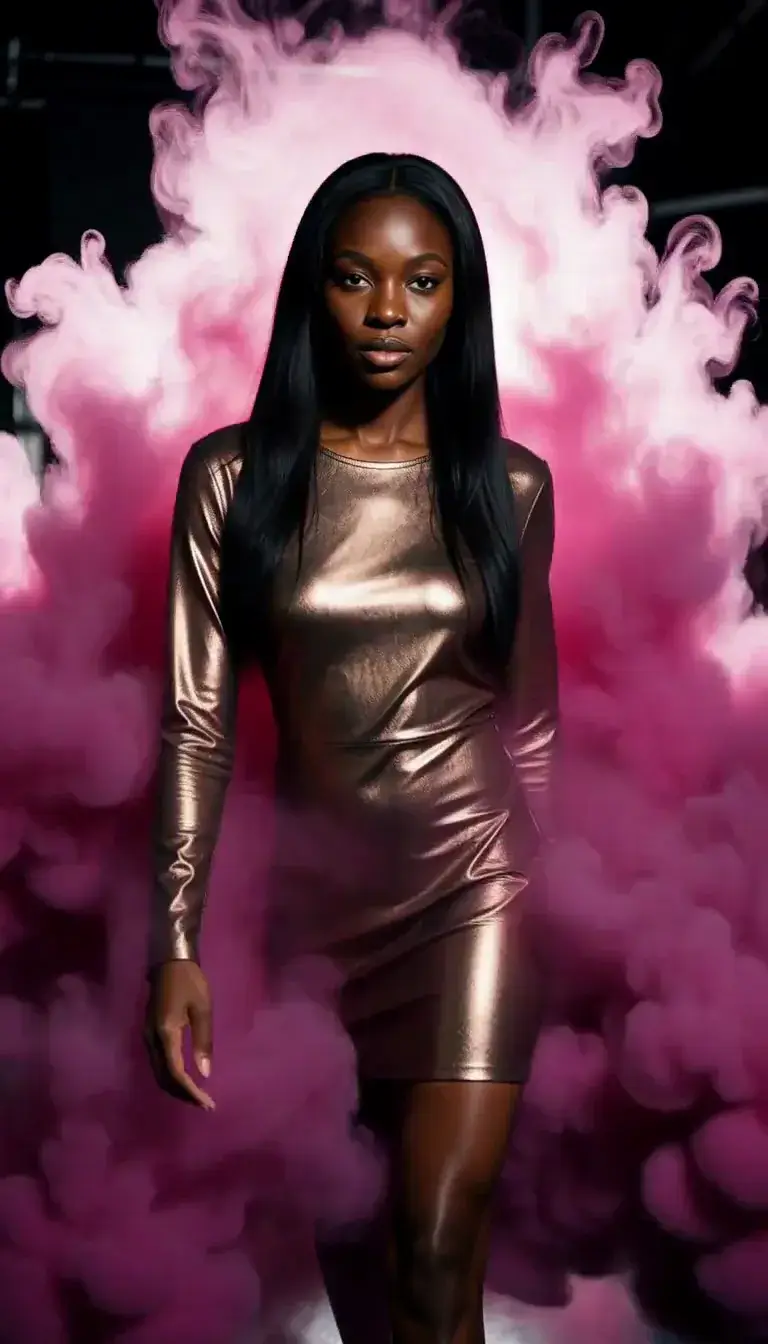 Color Smoke
 Silk Drop
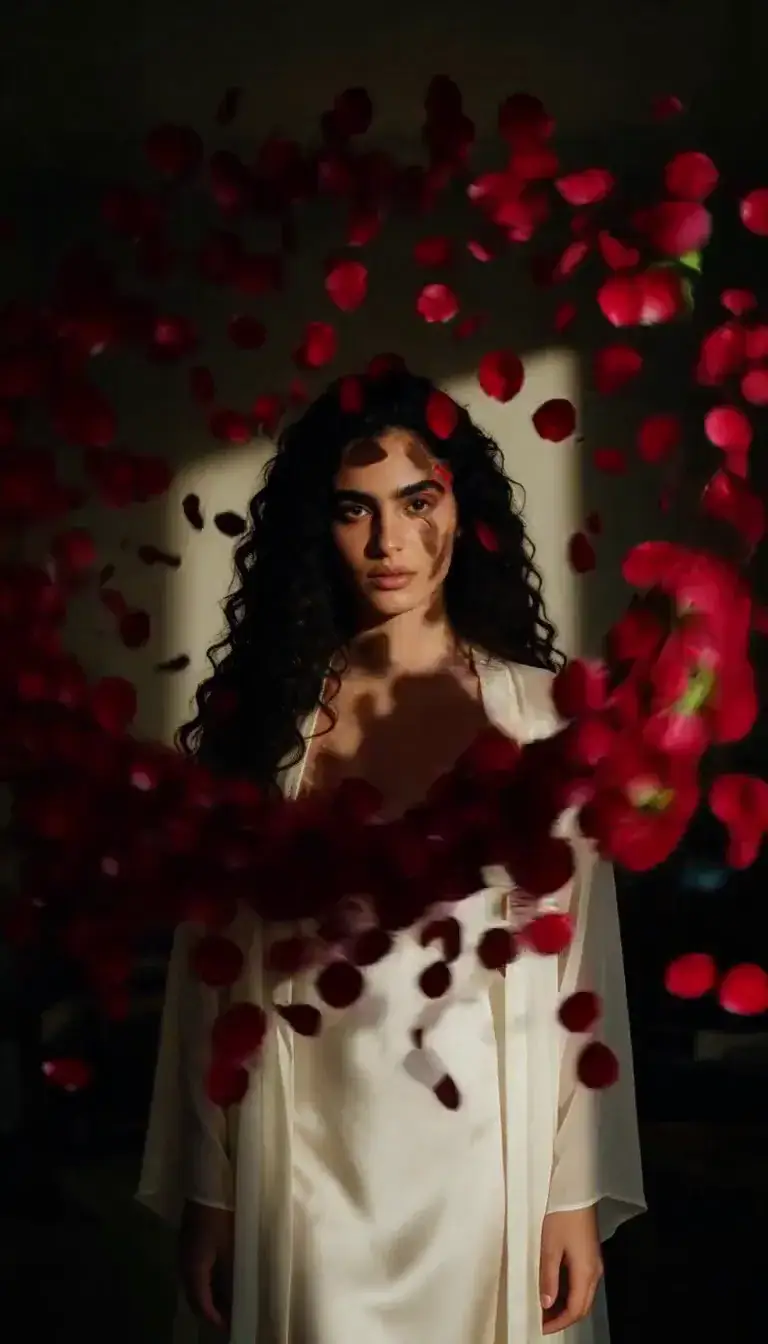 Petal Storm
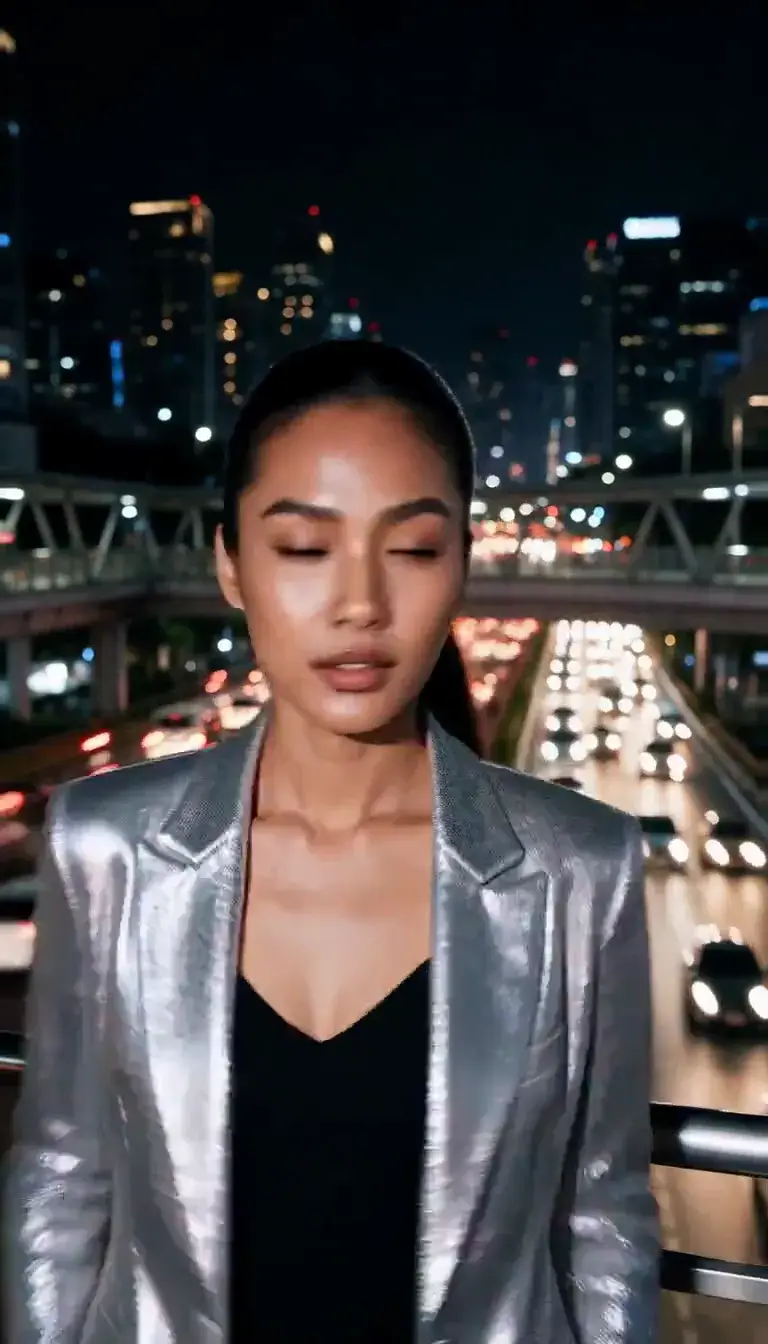 Slow Shutter
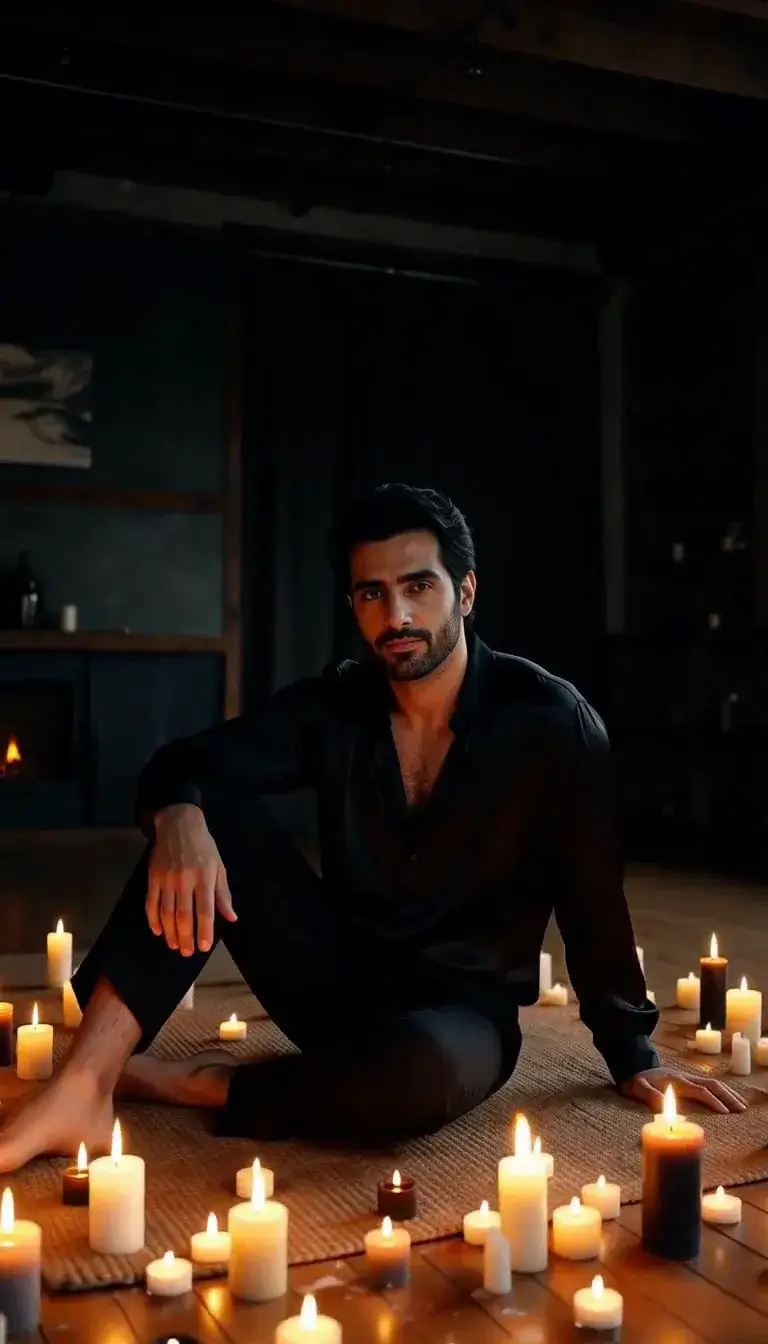 Candlelight
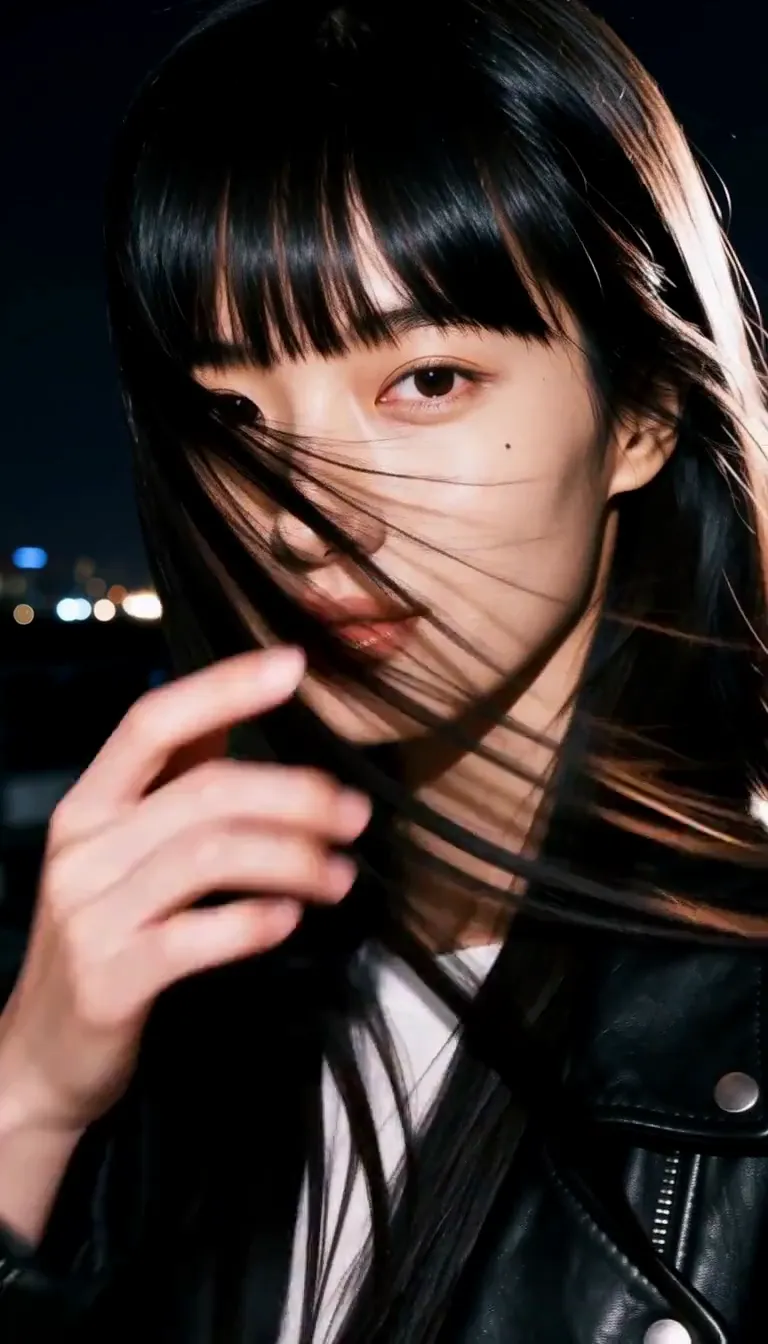 Behind the Hair
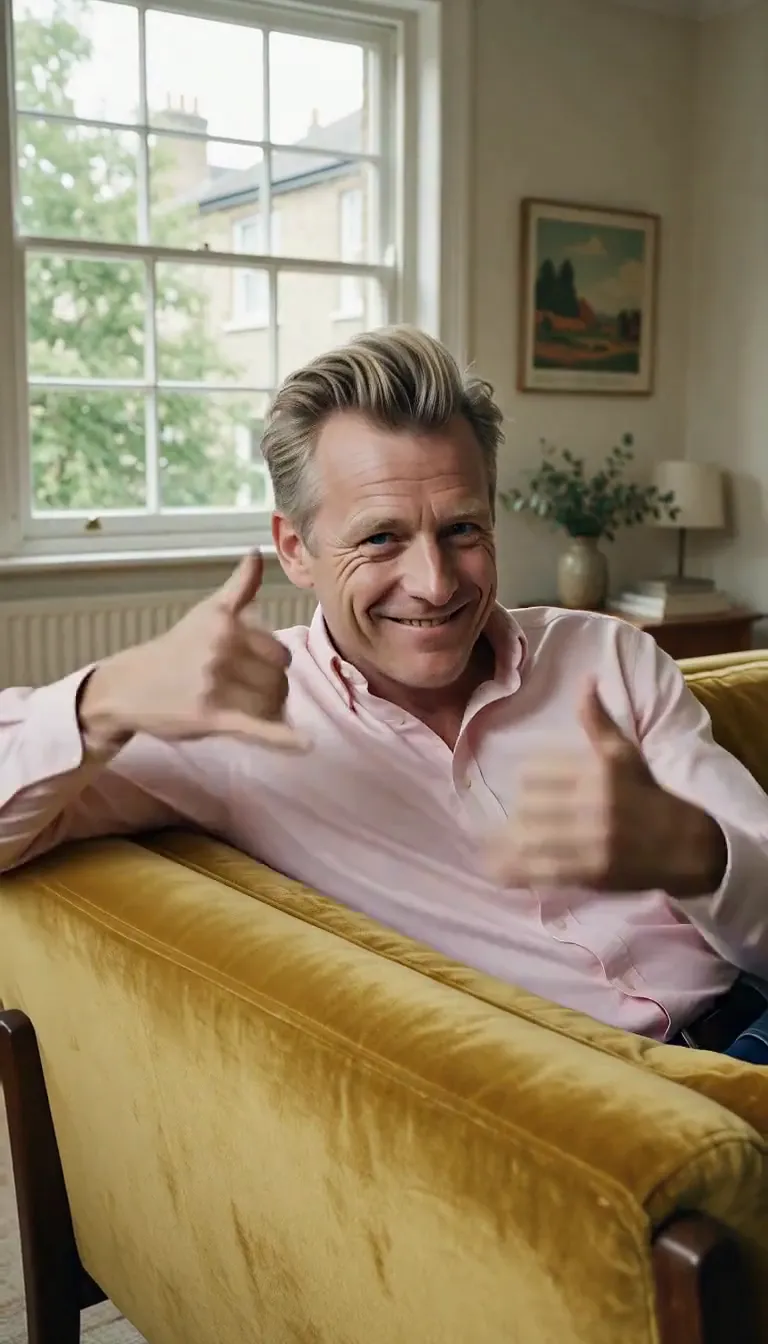 Call Me
 Champagne Toast
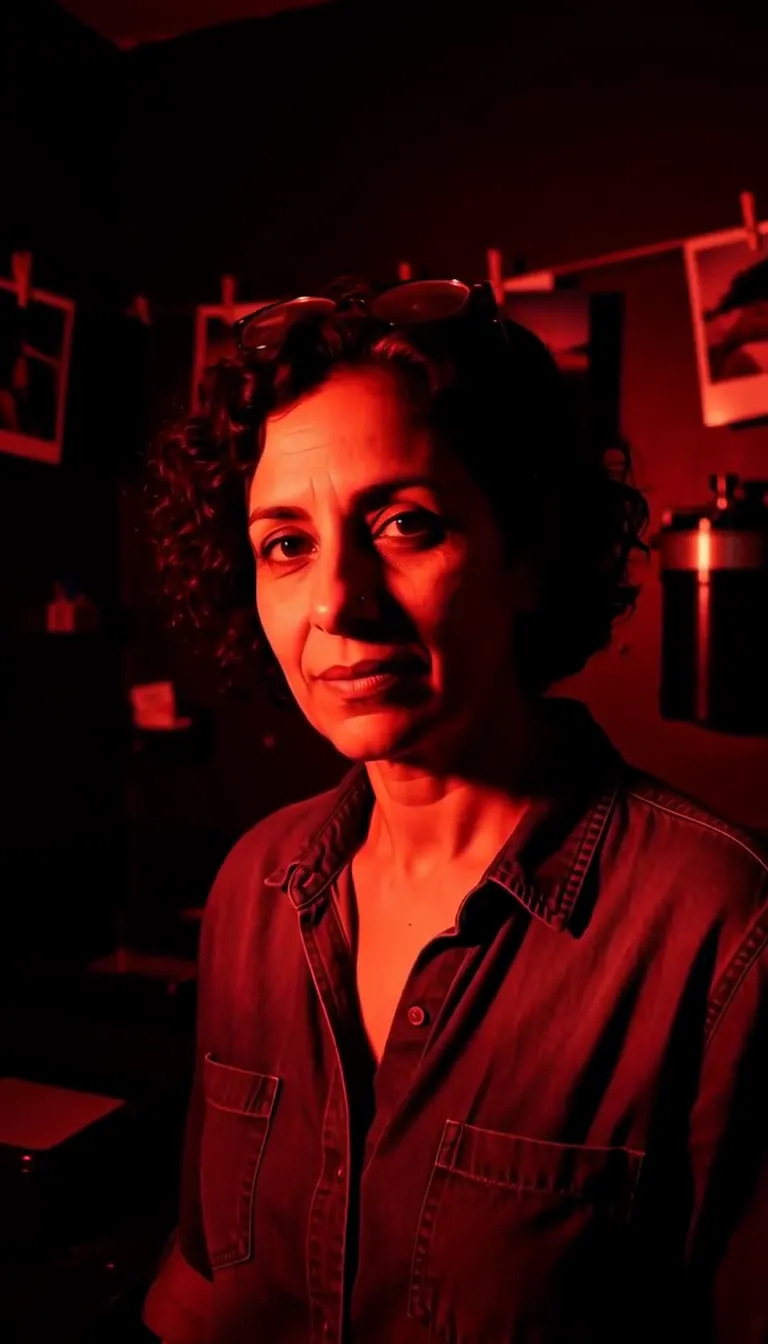 Darkroom Red
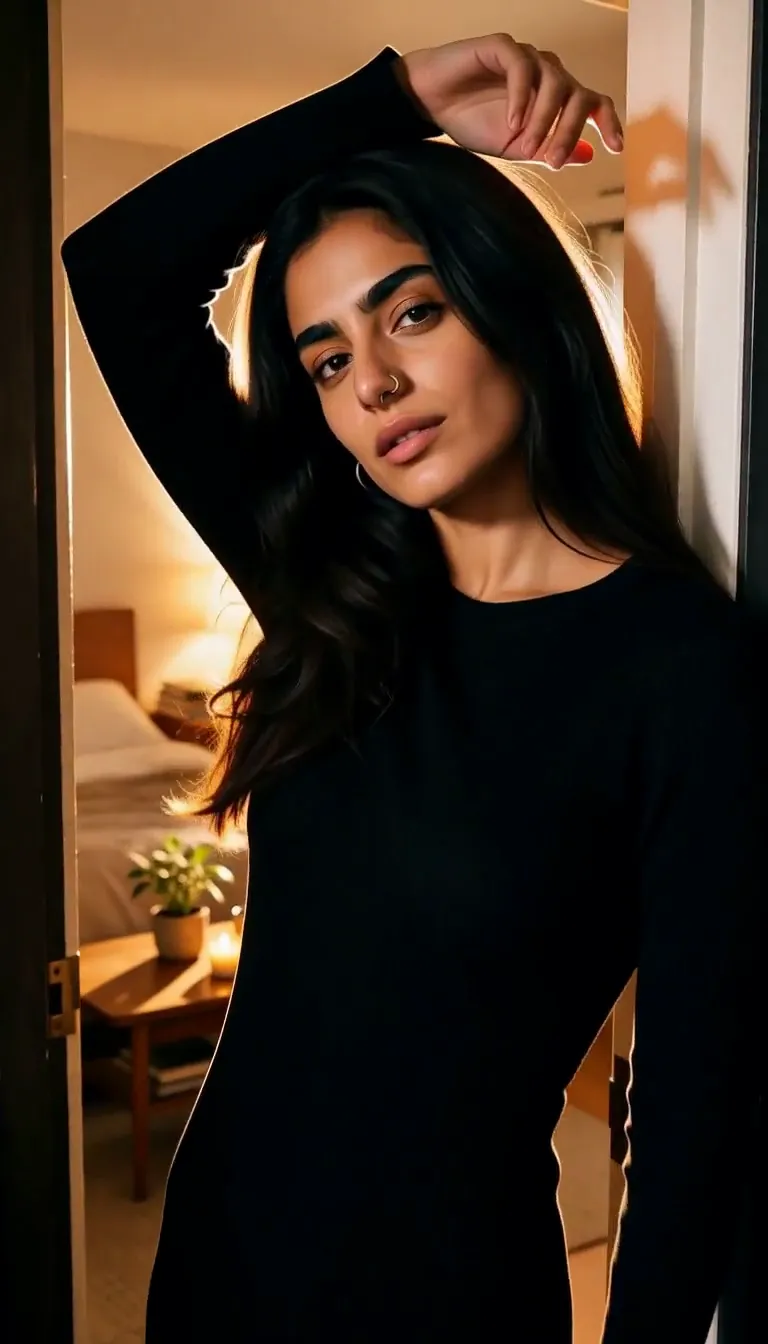 Doorway Lean
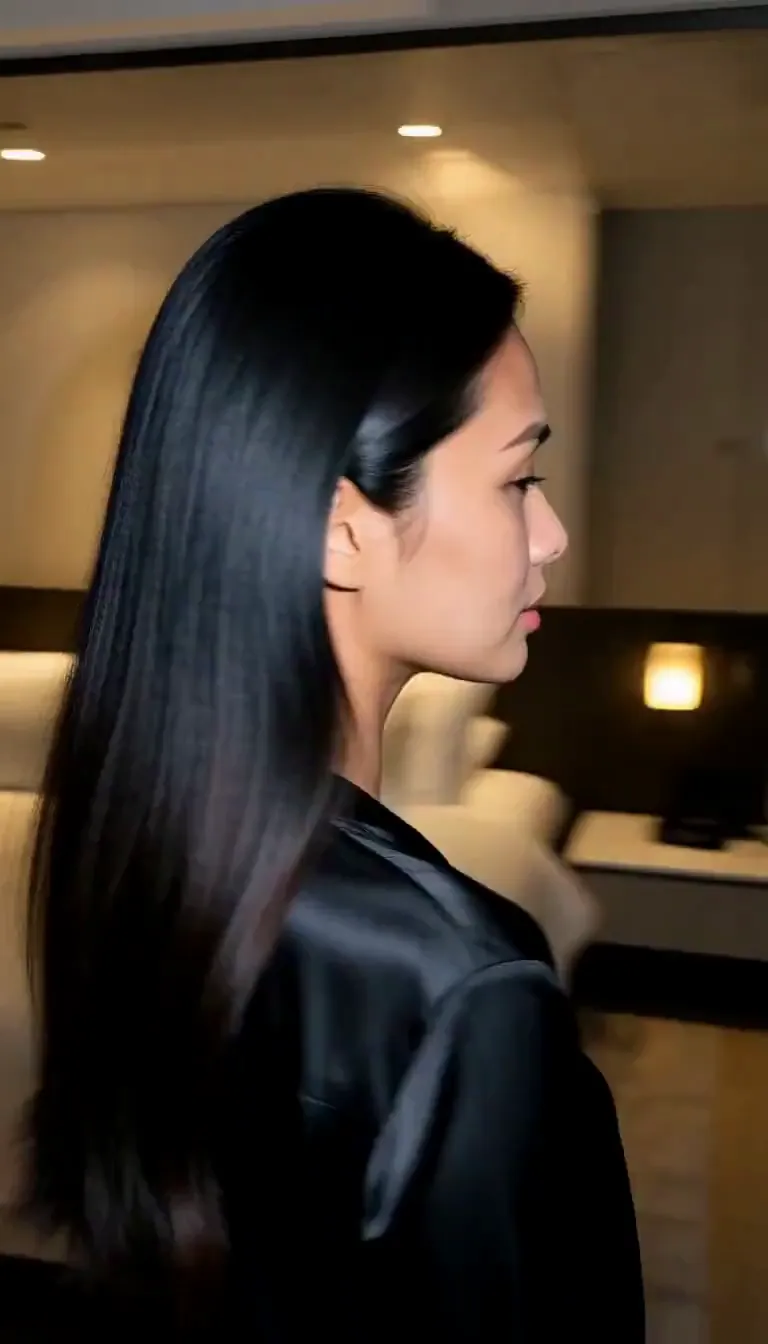 Eyes on You
 Join Me
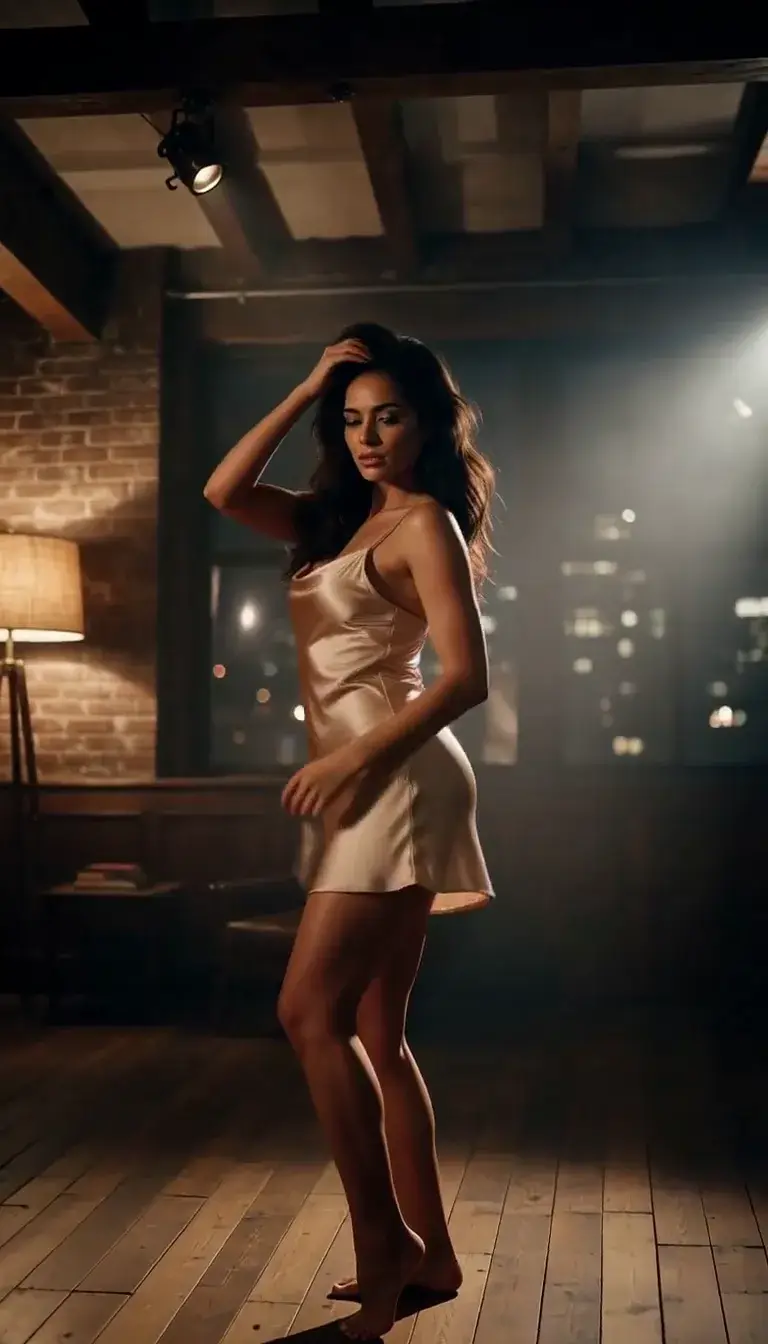 Late-Night Dance
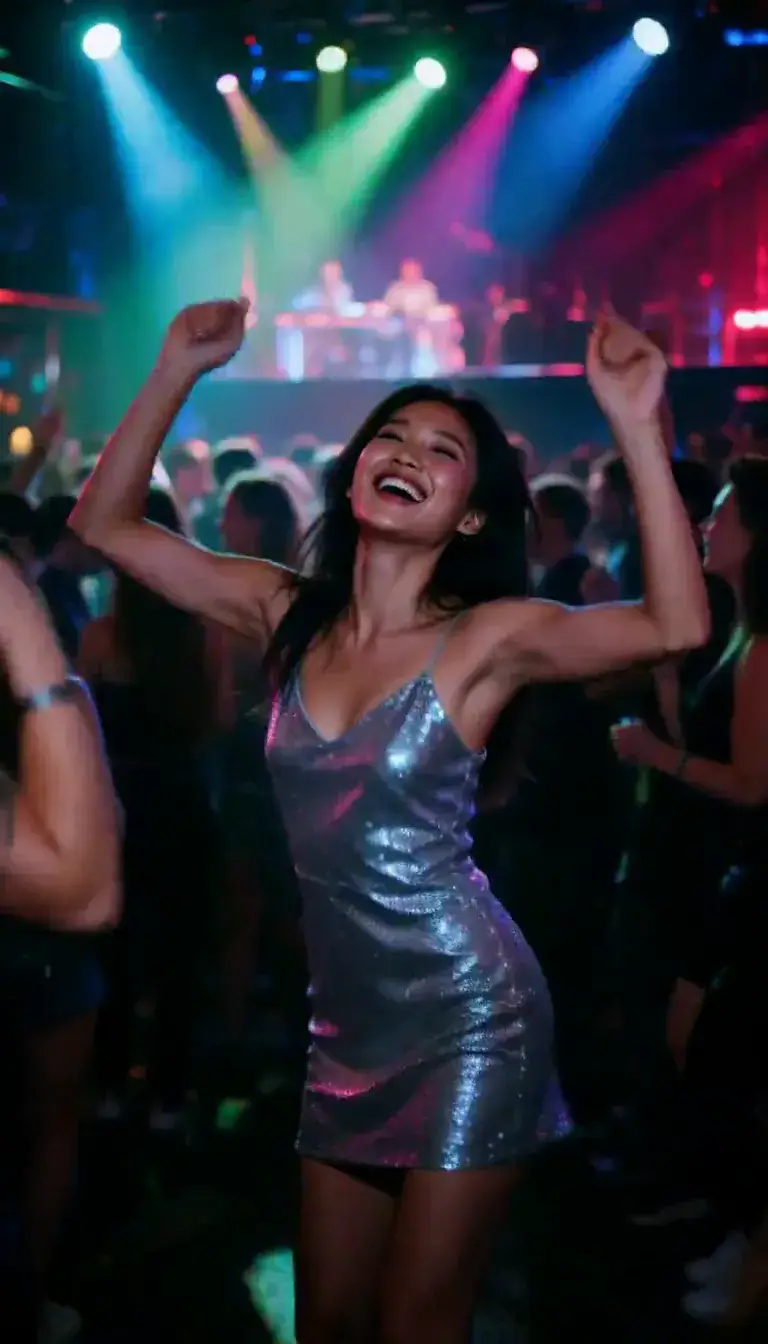 Club Strobe
Romance
 Kiss
KissCamera moves
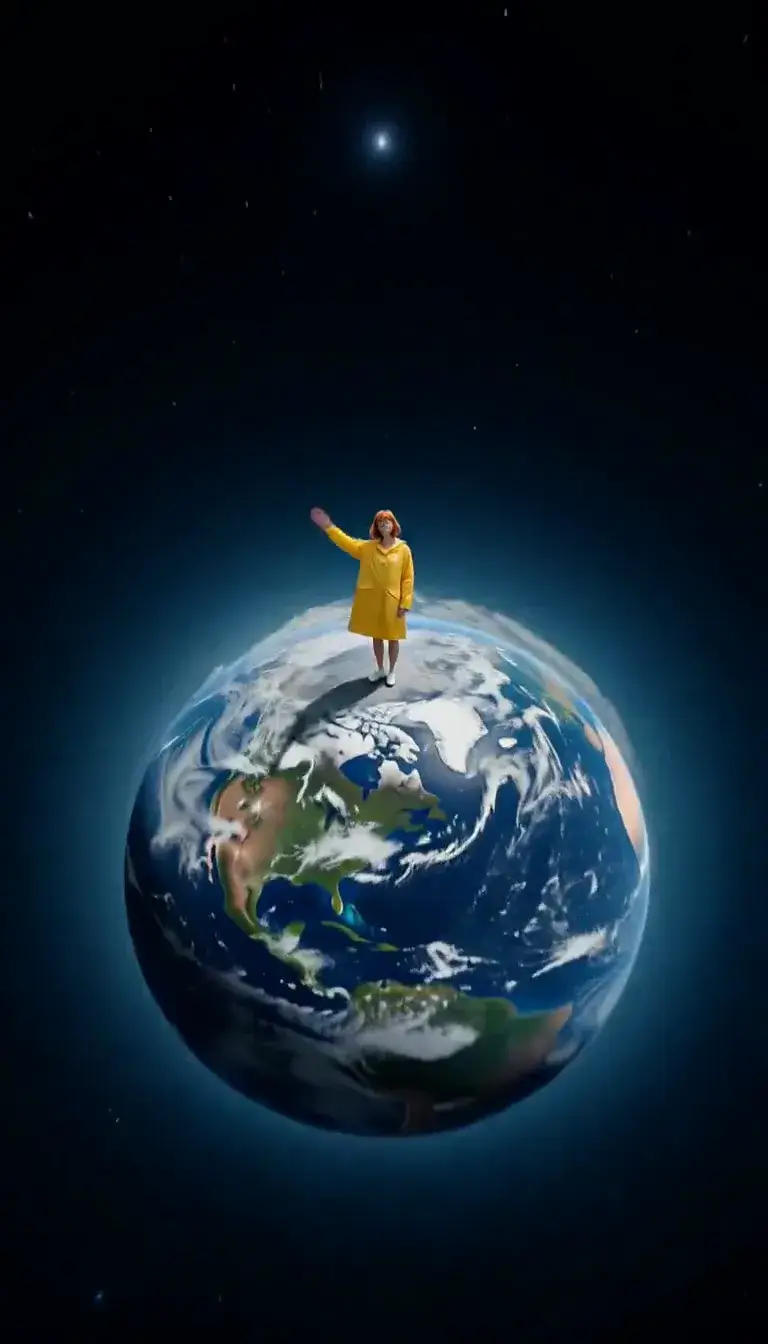 Tiny Planet
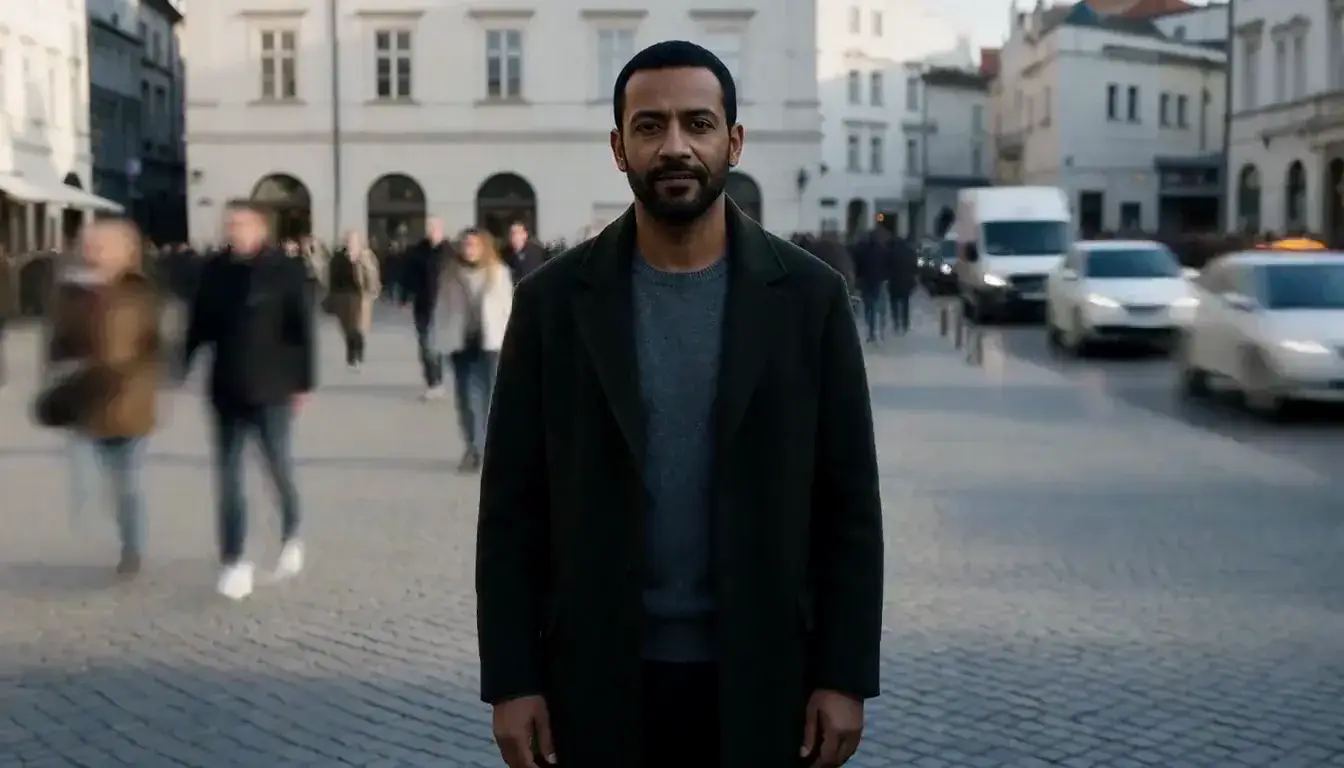 Still in the Rush
Transform
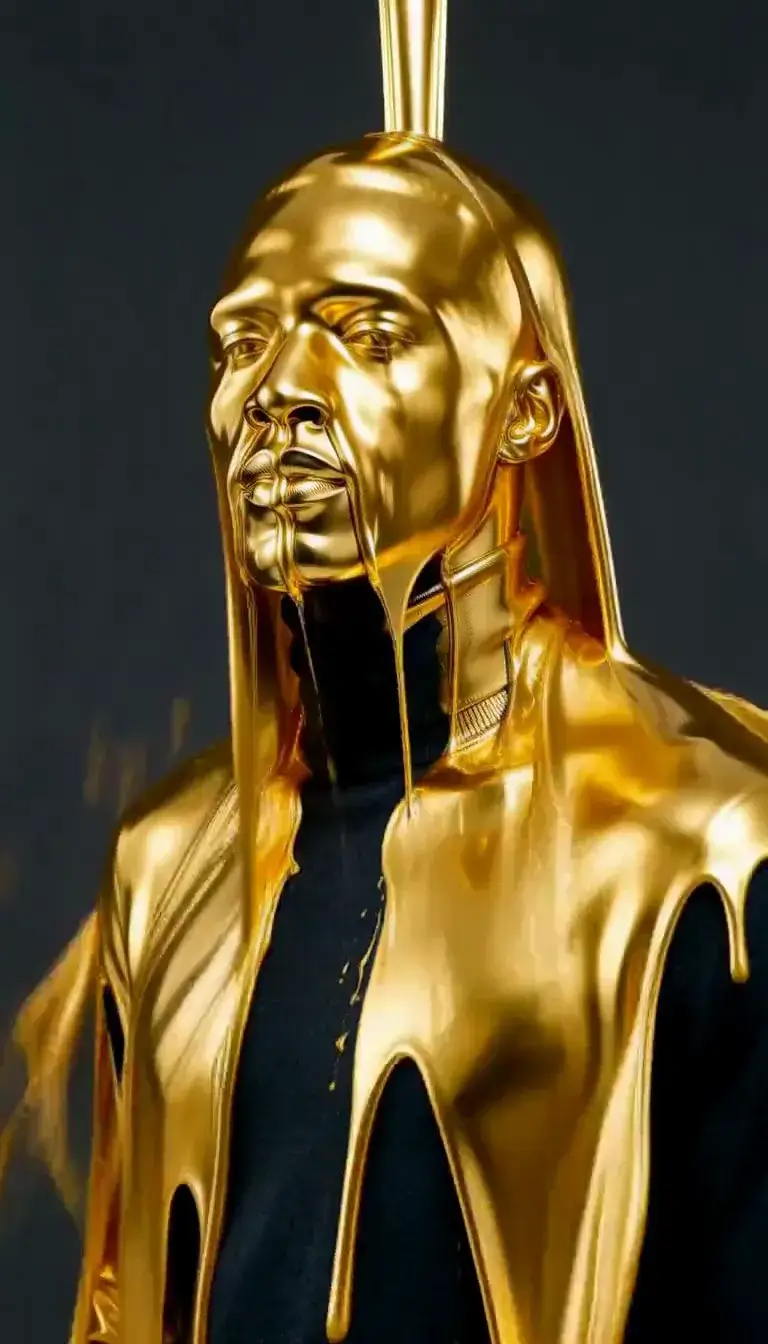 Molten Gold
Fashion
 Mirror Glance
Atmosphere
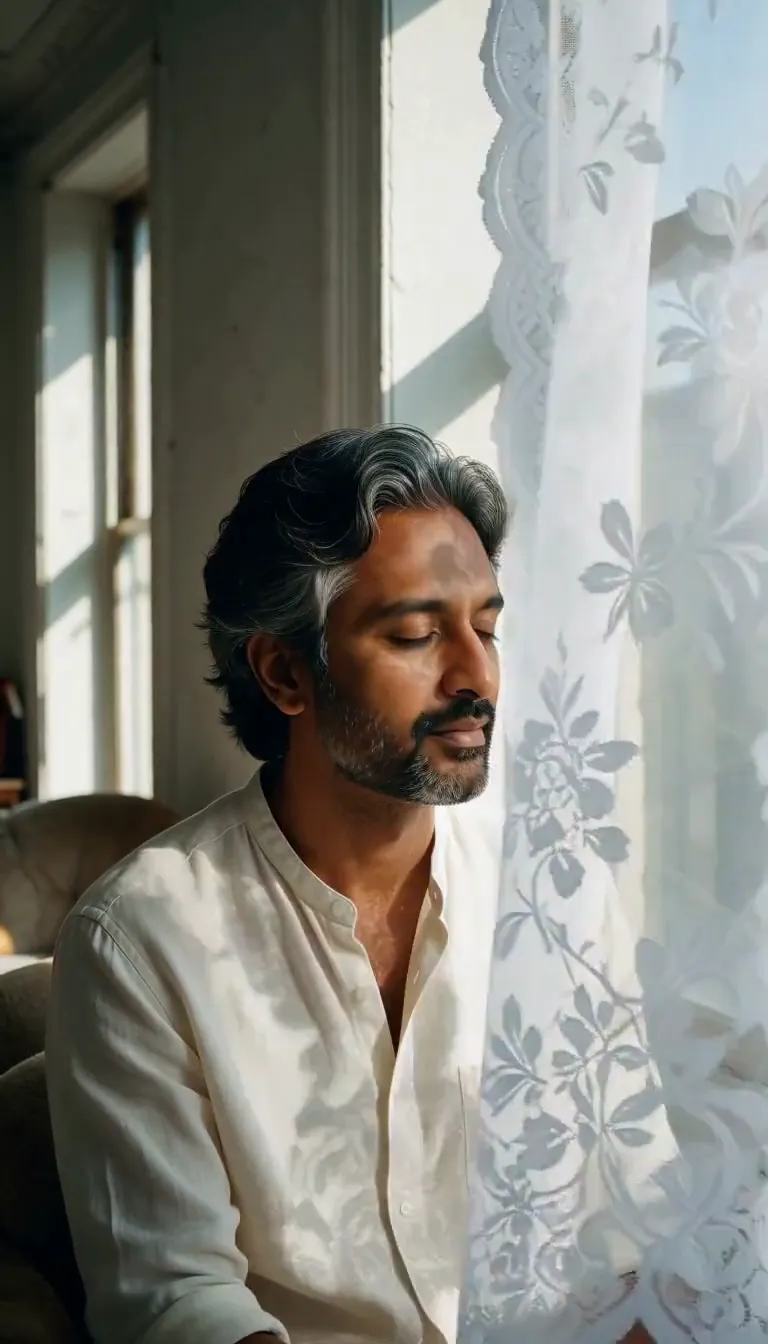 Lace Shadows
Motion
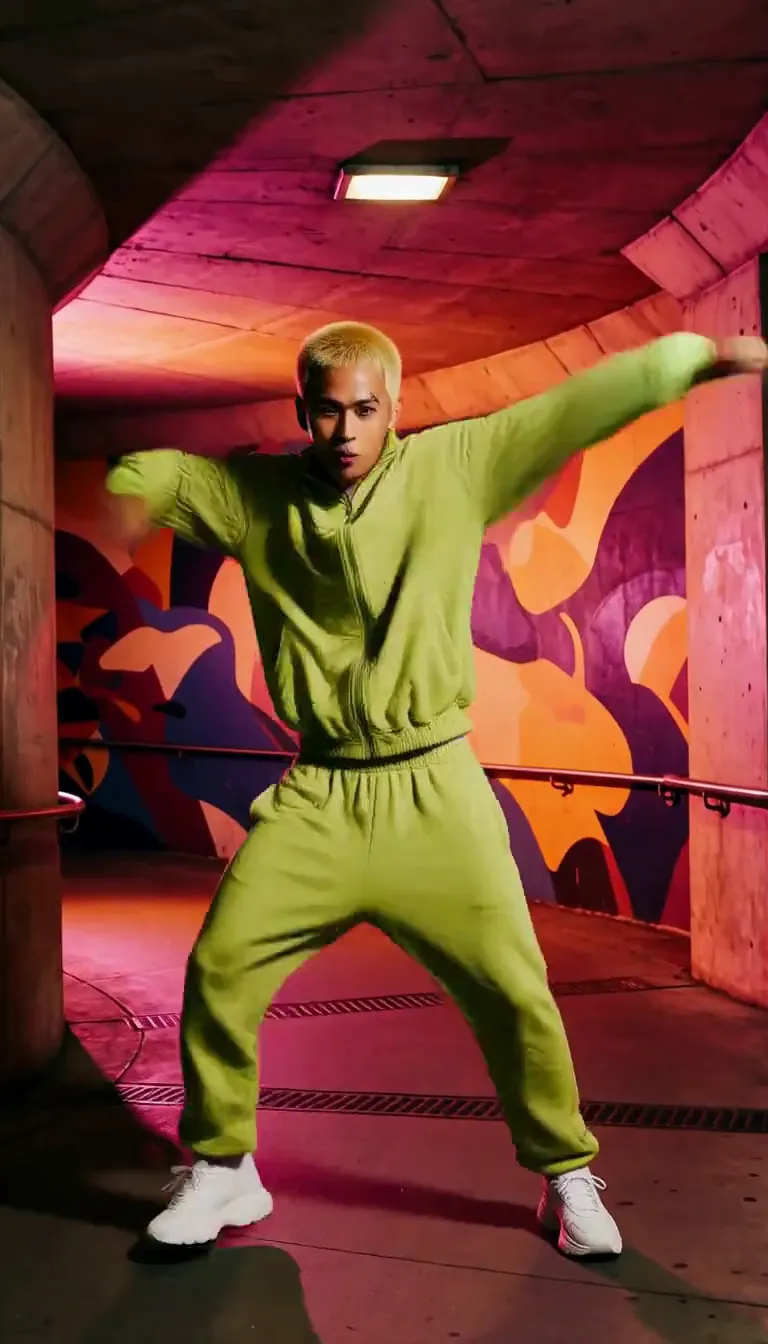 Groove
Fun
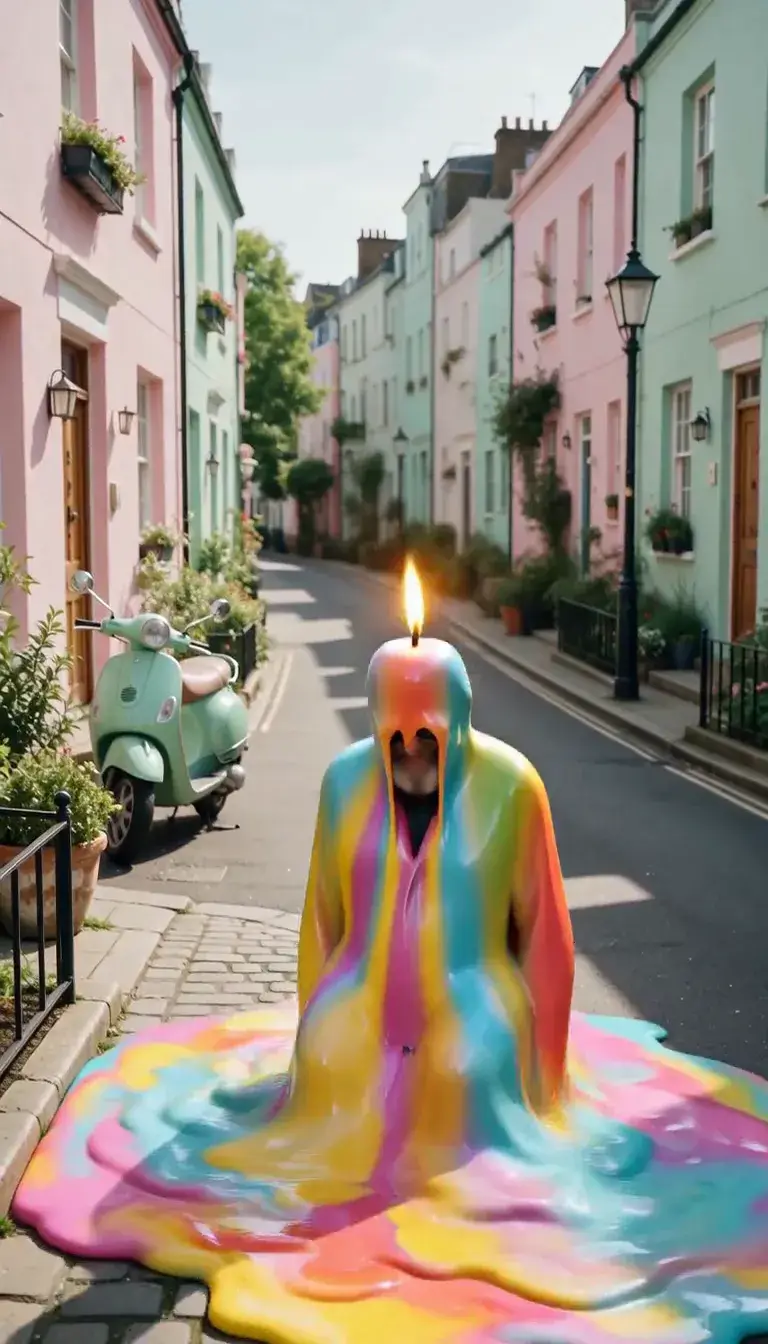 Meltdown
Product
 Ingredients Burst
Film looks
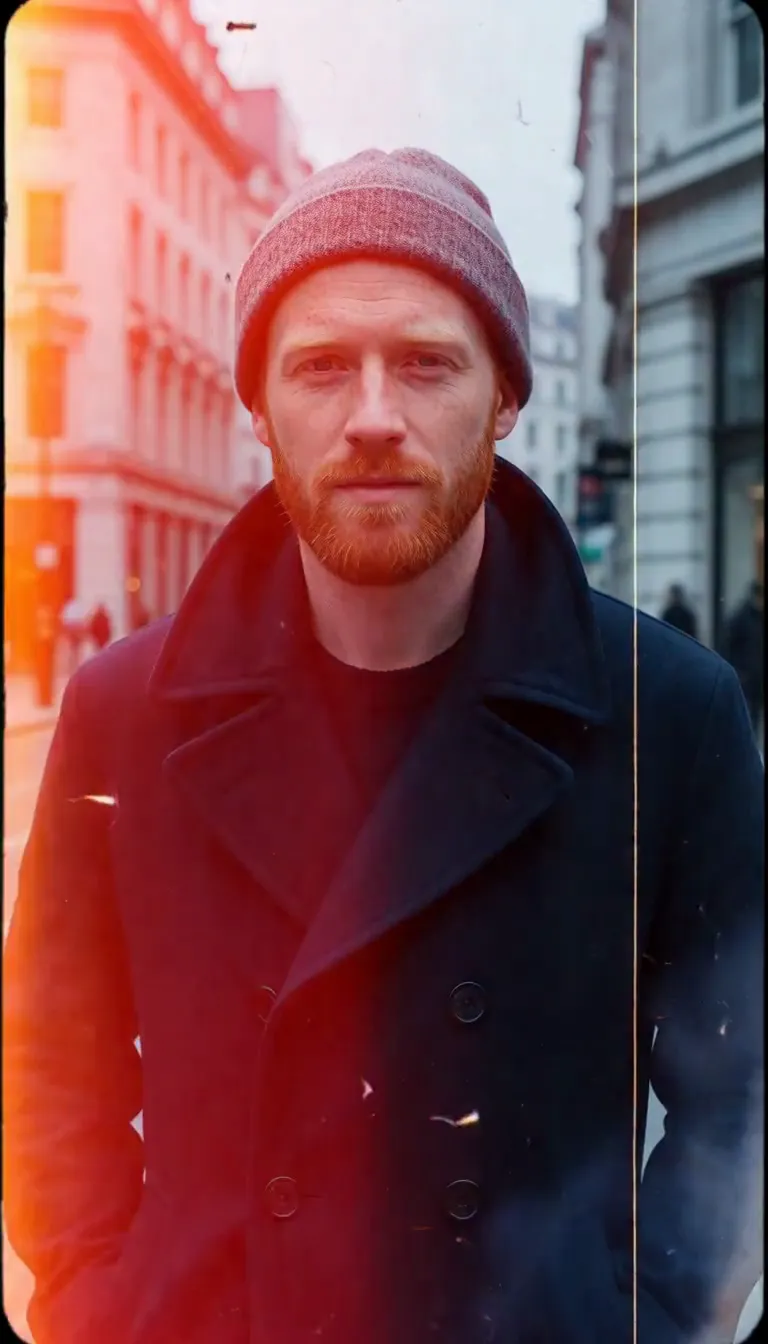 Film Burn
Video templates
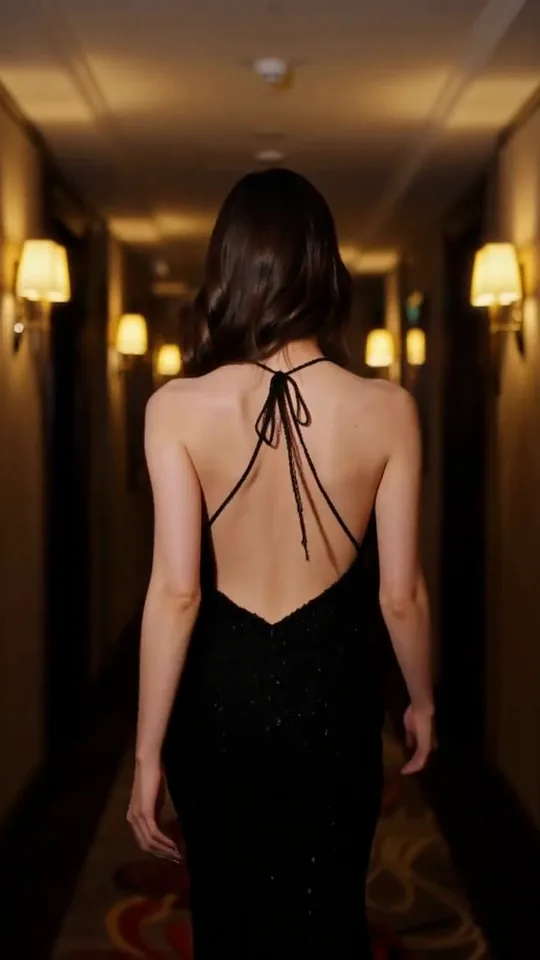 The Glance Back
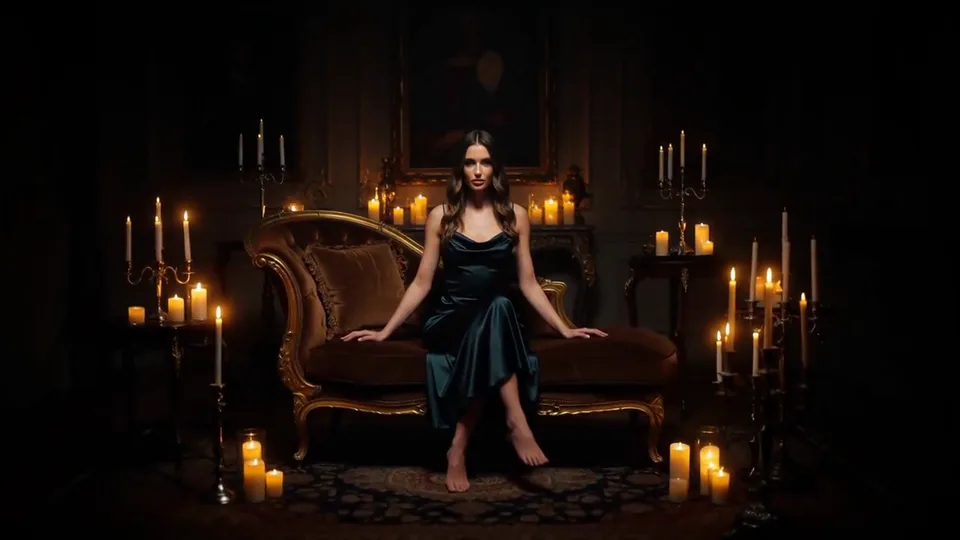 Candles Come Alive
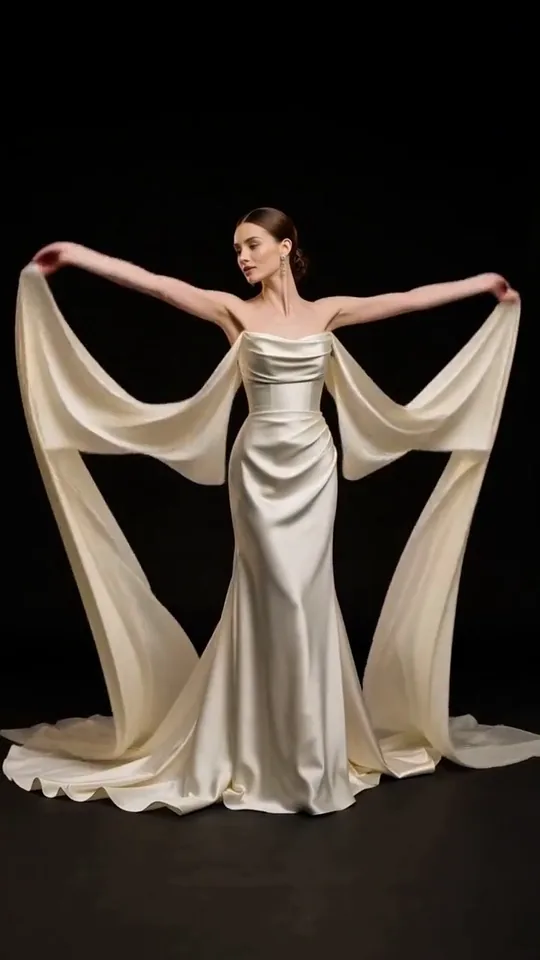 Silk Drift
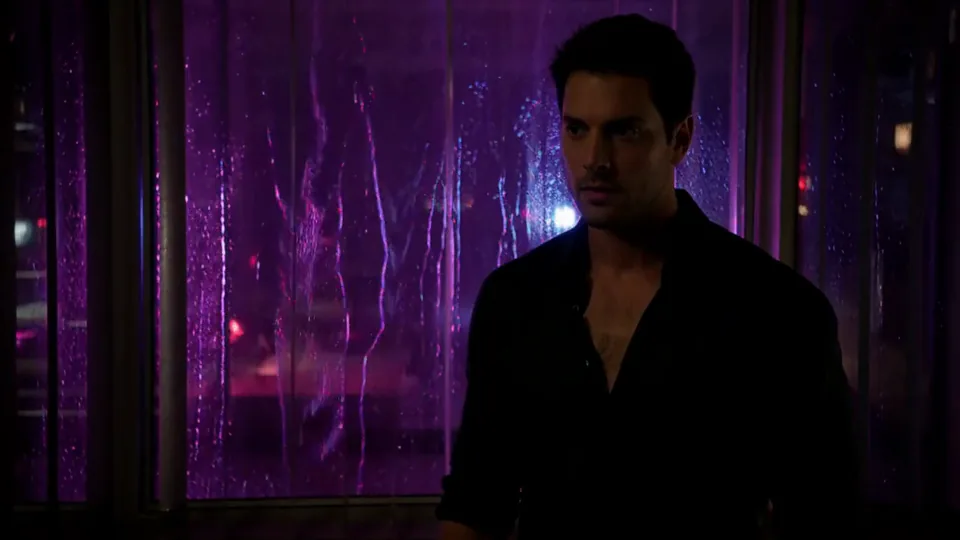 Neon After Hours
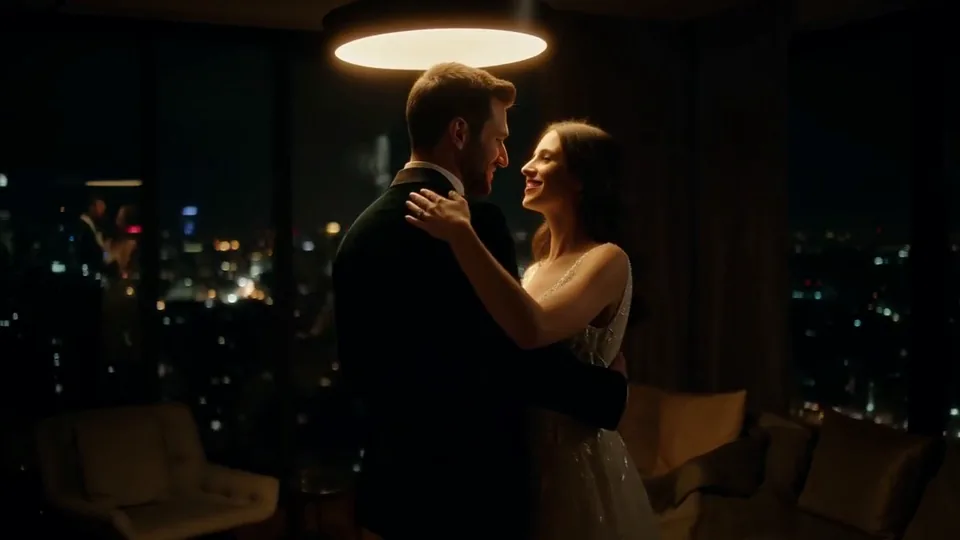 Sway Under the Lamp
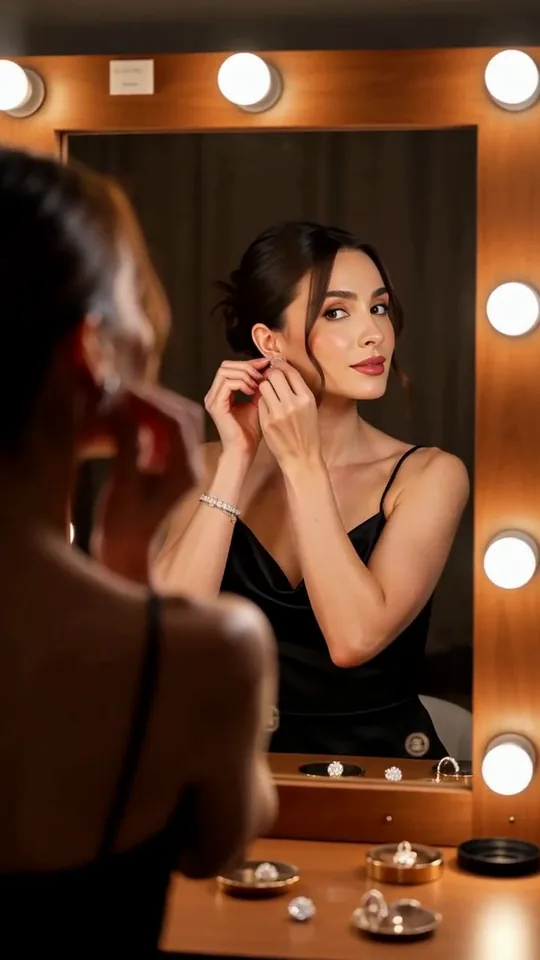 Mirror Moment
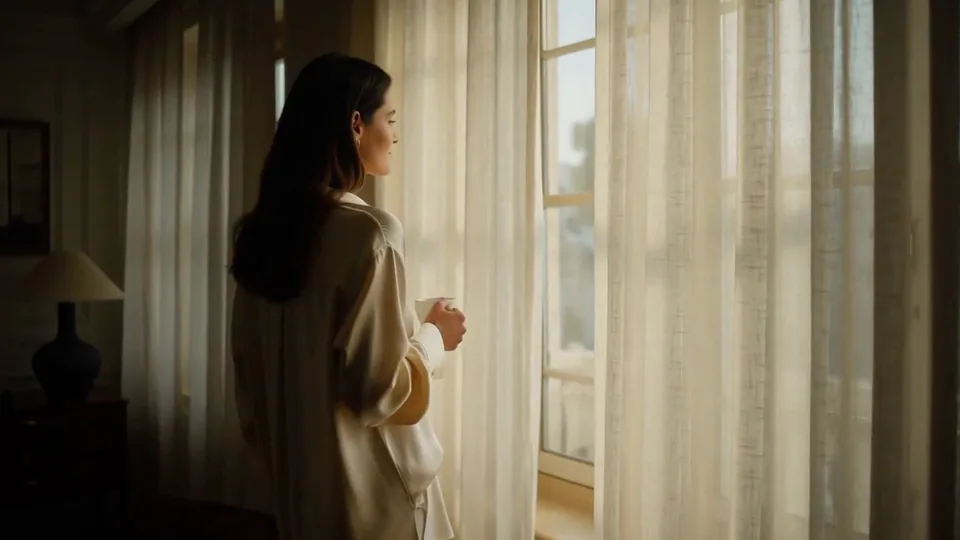 Morning Light
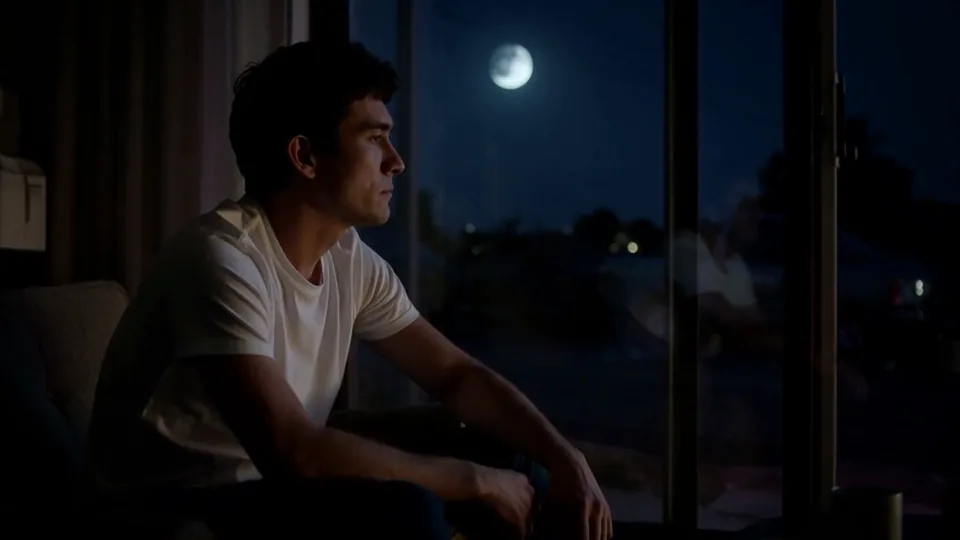 Passing Headlights
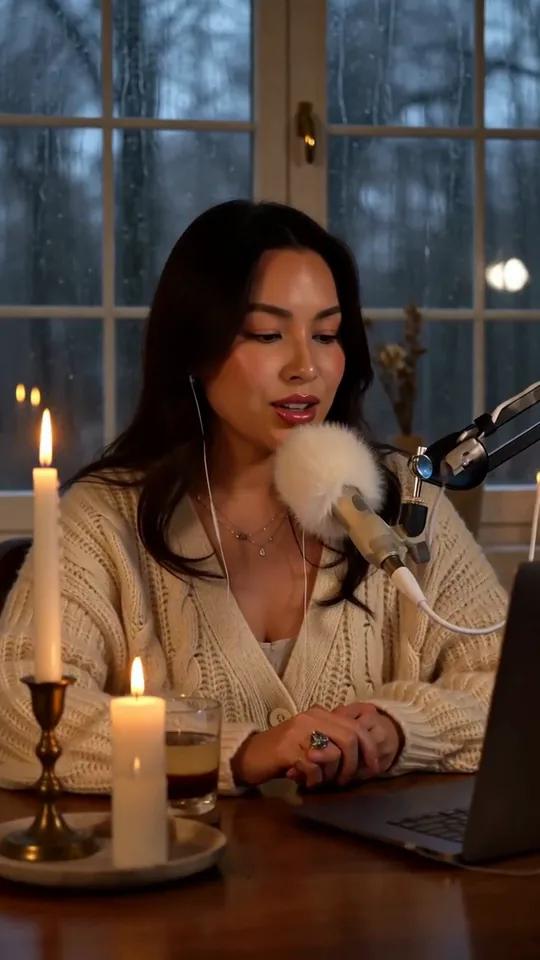 Whisper Session
 Slow Push-In
 Half Orbit
 Drone Rise
This effect writes the prompt for you. Add one image.
We never filter your prompt.
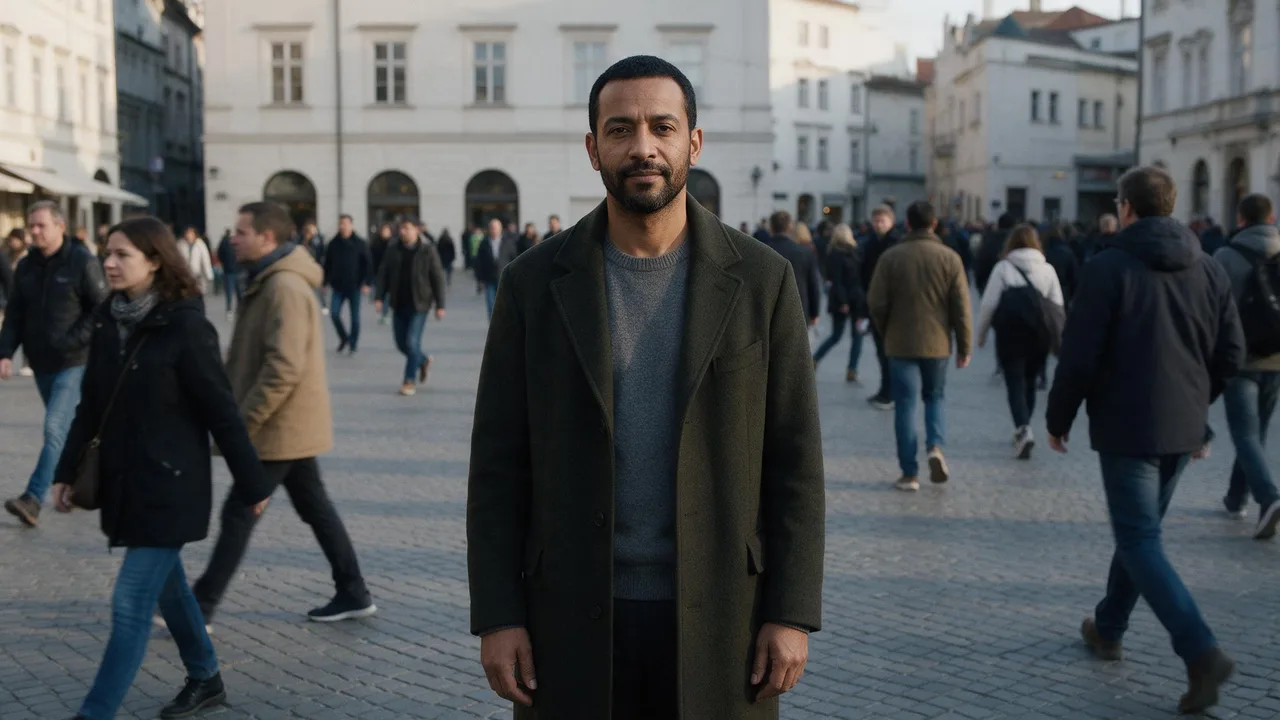
Everyone around your subject blurs into fast-forward motion while they stay perfectly still and sharp.
- Model
- MiniMax H3
- Length
- 5 s
- Resolution
- 768p
- Per run
- $0.185
- Type
- Camera moves
What this effect sends
This is the full prompt, word for word. Copy it, or open it in the generator and change anything you like.
The main subject stands completely still while time speeds up around them, passers-by, traffic and light streaking past in rapid time-lapse blur. The camera stays locked off so the subject remains the only sharp, unmoving point in the frame.Pictures that work best
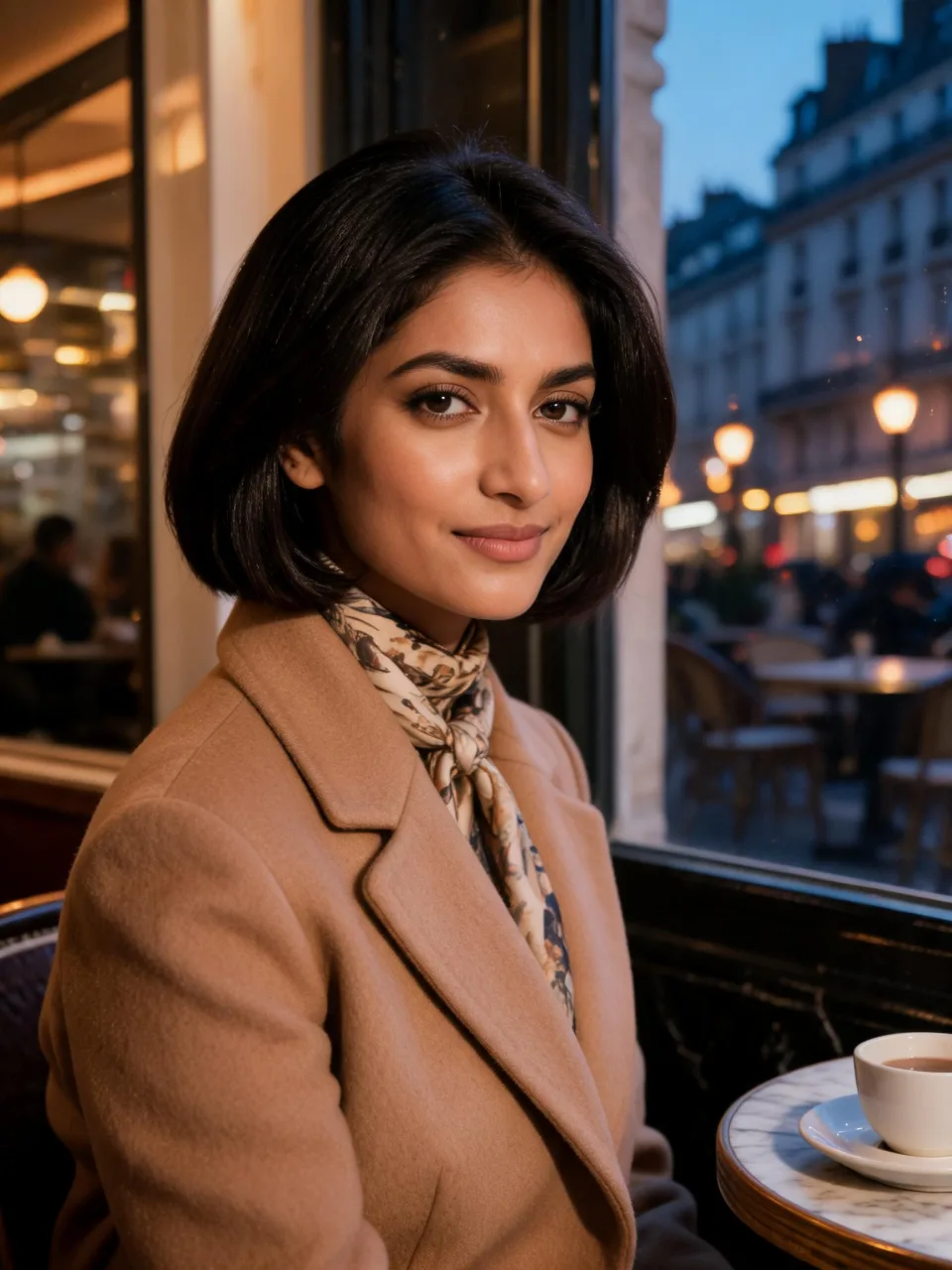
- A busy street, plaza or café window with real foot or vehicle traffic gives the time-lapse something to blur — an empty background has nothing to speed up.
- Keep any shop signs or readable text out of frame or far in the background; text is one of the few things that can stay sharp when everything else blurs.
- A calm, seated or standing pose works better than mid-stride — the point of the effect is that your subject doesn't move.
- Photos with some depth (a street or window behind the subject) show off the effect more than a flat, close-up backdrop.
Models this effect runs on
The same prompt on different models. Pick by look and by price.
- MiniMax H3$0.185 per run
5 s · 768p
- Seedance 2.0 Fast$0.484 per run
5 s · 720p
- Kling 3.0$0.336 per run
5 s · 720p
- Seedance 2.0$0.76 per run
5 s · 720p
- Wan 3.0$0.45 per run
5 s · 720p
- Vidu Q3 Turbo$0.33 per run
5 s · 720p
- MiniMax H3 Max$0.4 per run
5 s · 768p
- Kling 2.5 Turbo$0.28 per run
5 s
- Wan 2.6 Flash$0.113 per run
5 s · 720p
- Seedance 2.0 Mini$0.265 per run
5 s · 720p
How it works
- 01
Add one photo
Choose the photo to match the example: include both people for a shared gesture, and keep the face and any hands involved clearly visible. Upload your own photo or start with a Still in the Rush sample.
- 02
Check the price
Still in the Rush defaults to a 5-second clip for $0.185. Swap the model or change the length and resolution before you run — the price on the button updates to match, and that's the whole cost of the clip.
- 03
Generate
Your Still in the Rush clip renders in the background, lands in History and is never published.
Do the move yourself
Still in the Rush keeps one version of this shot. To give Still in the Rush your own motion or ending, write it yourself in Image to Video, starting from the prompt above.
What it does to your photo
Still in the Rush is a contrast trick: the world speeds up into time-lapse blur while your subject stays locked in place, sharp and untouched by the rush. The camera never moves, so there's nothing to distract from the one still point in a frame full of streaks.
In our test runs on MiniMax H3, a man standing in the middle of a European stone plaza held his pose for the full five seconds while the crowd around him dissolved into motion-blurred streaks, and a bus and cars swept through the background between two and four seconds. On a café portrait, the same effect played out through the window: pedestrians, a red bus and passing cars rushed by as light trails and blur while she sat still with a faint smile, the effect staying inside the glass so it read as subtle rather than showing everywhere at once.
Any readable text in the background — shop signs, bus destination boards — tends to stay legible even while everything around it blurs, and once in a while a video model will try to fill that text in with garbled letters. We saw this on one attempt and swapped the input rather than keep it, so pick a background that's light on signage.
It's a strong opener for a personal-brand reel, a "main character" moment in a street-style post, or the closing beat of a busy-day story where you want your subject to be the one thing that doesn't move.
The prompt is public — for a calmer read, replace "passers-by, traffic and light streaking past in rapid time-lapse blur" with "a few pedestrians drifting past in a slow blur."