After Dark
 Laser Room
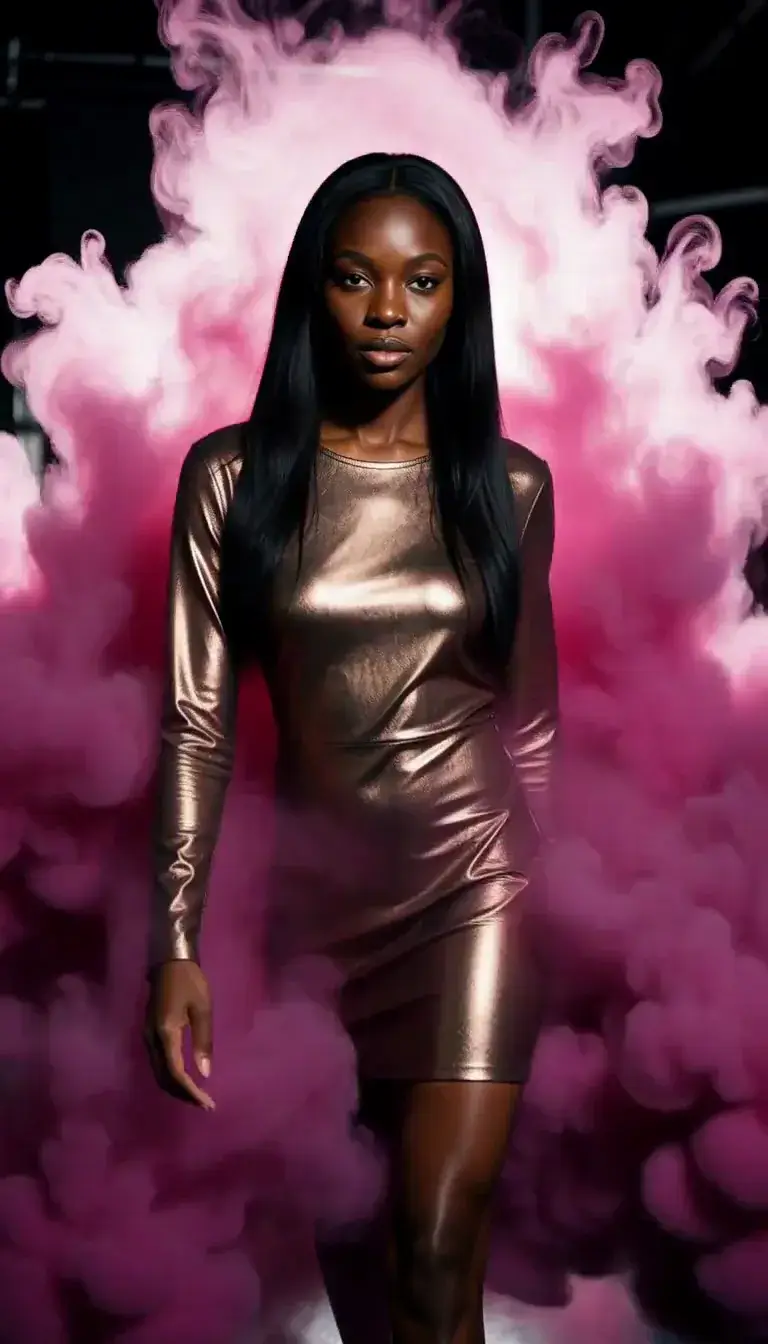 Color Smoke
 Silk Drop
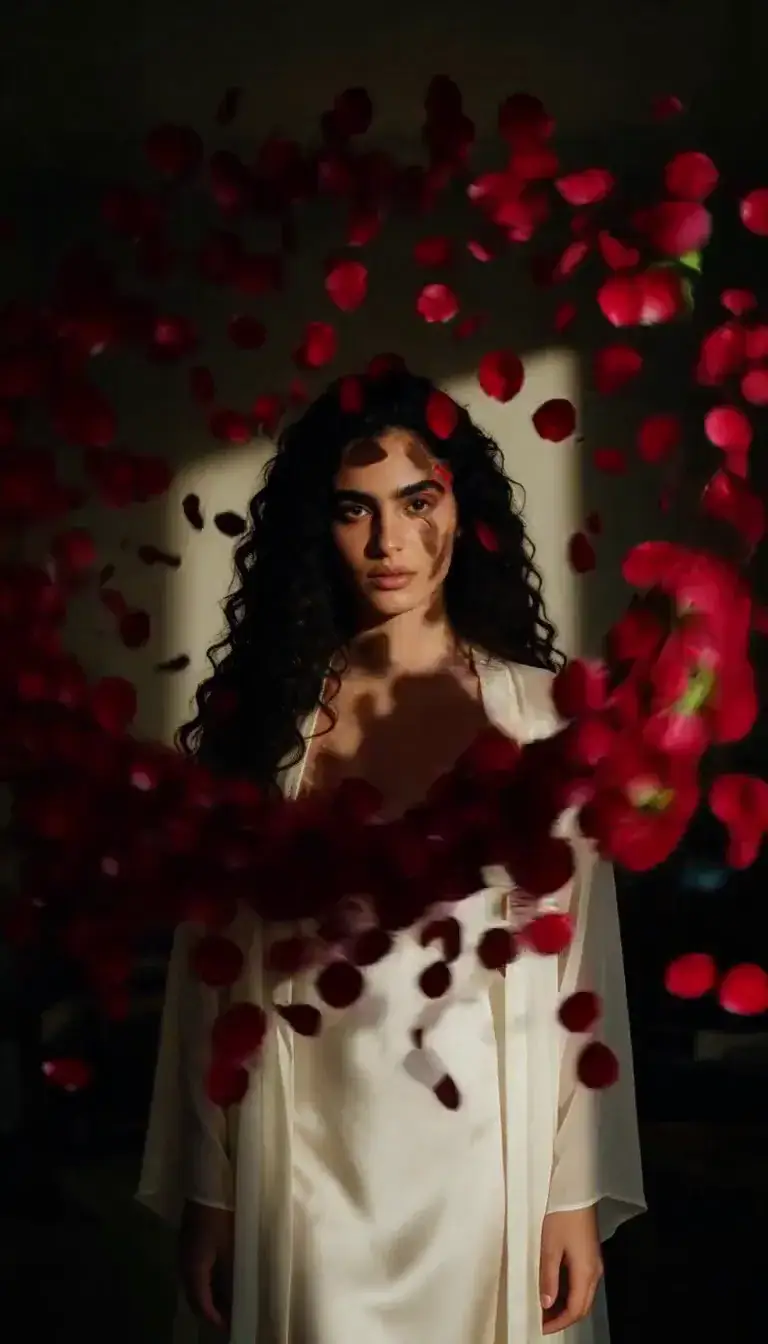 Petal Storm
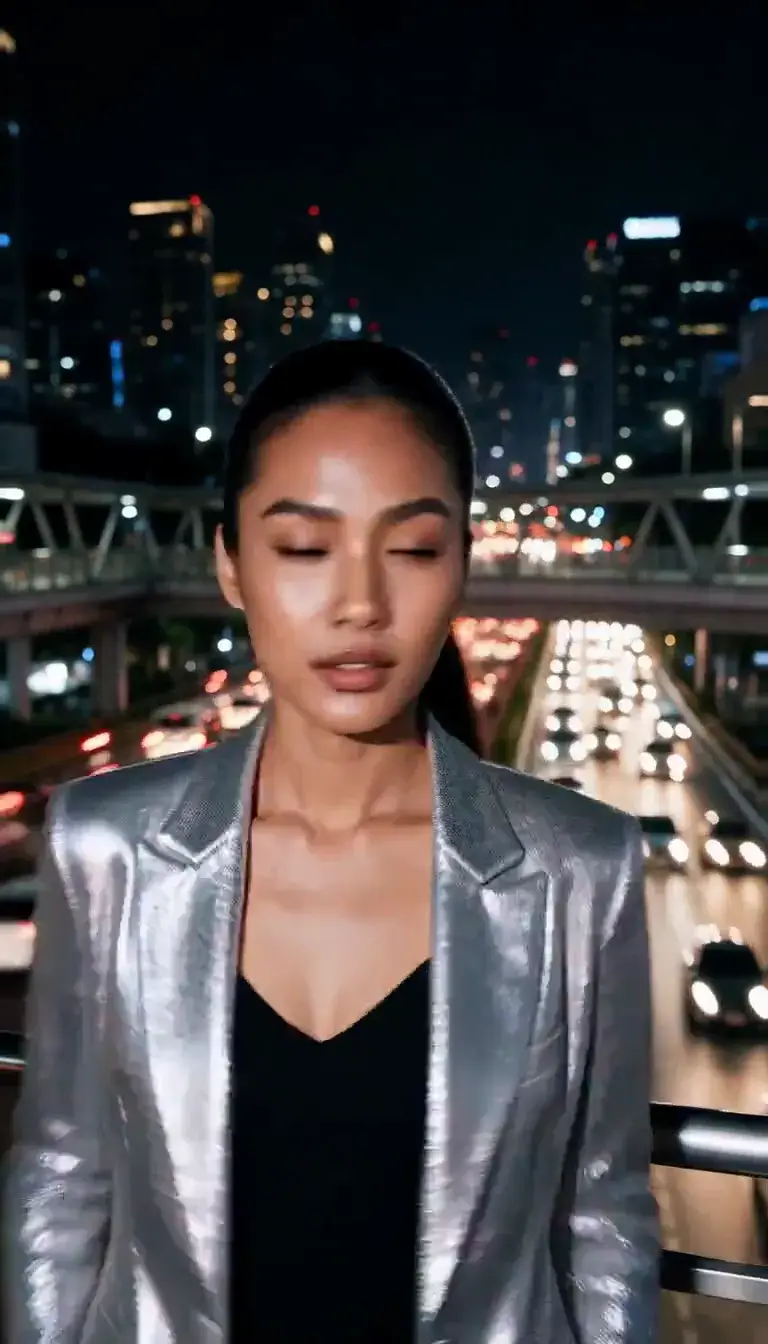 Slow Shutter
 Candlelight
 Behind the Hair
 Call Me
 Champagne Toast
 Darkroom Red
 Doorway Lean
 Eyes on You
 Join Me
 Late-Night Dance
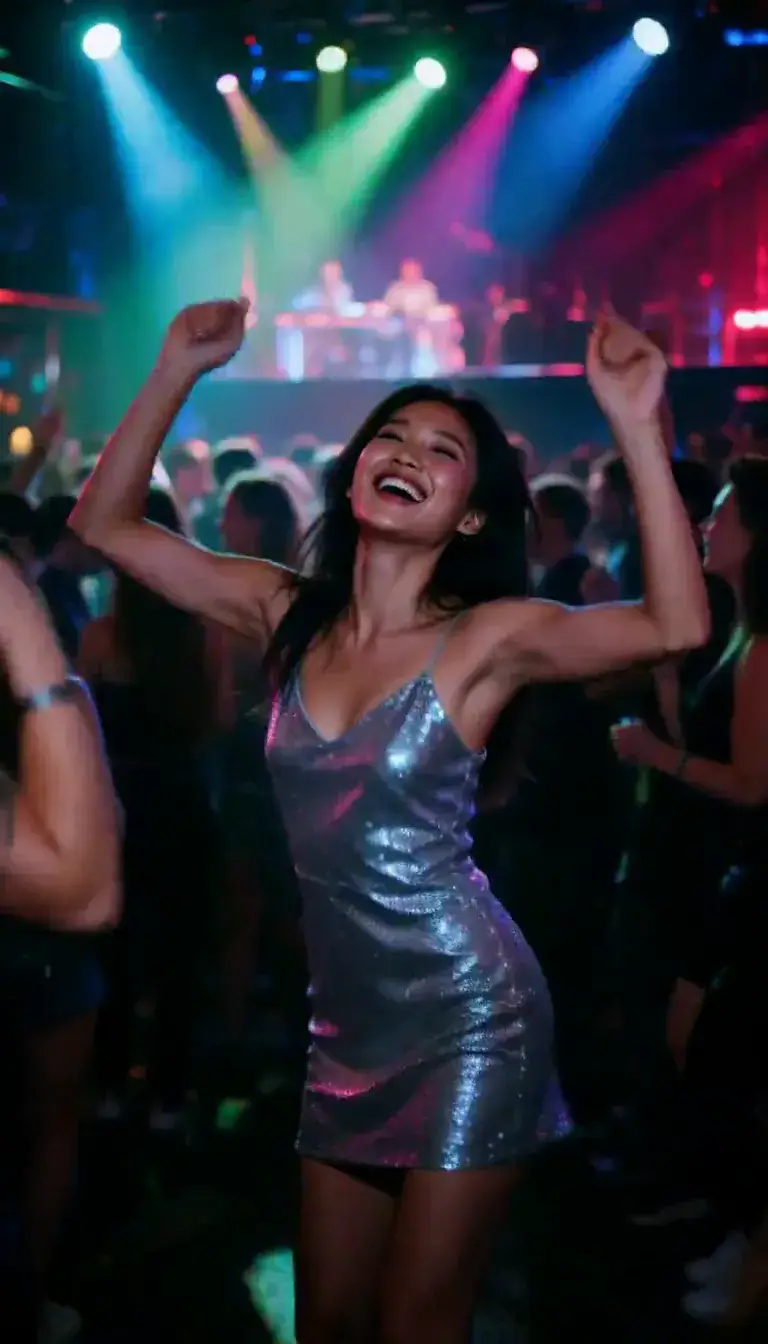 Club Strobe
Romance
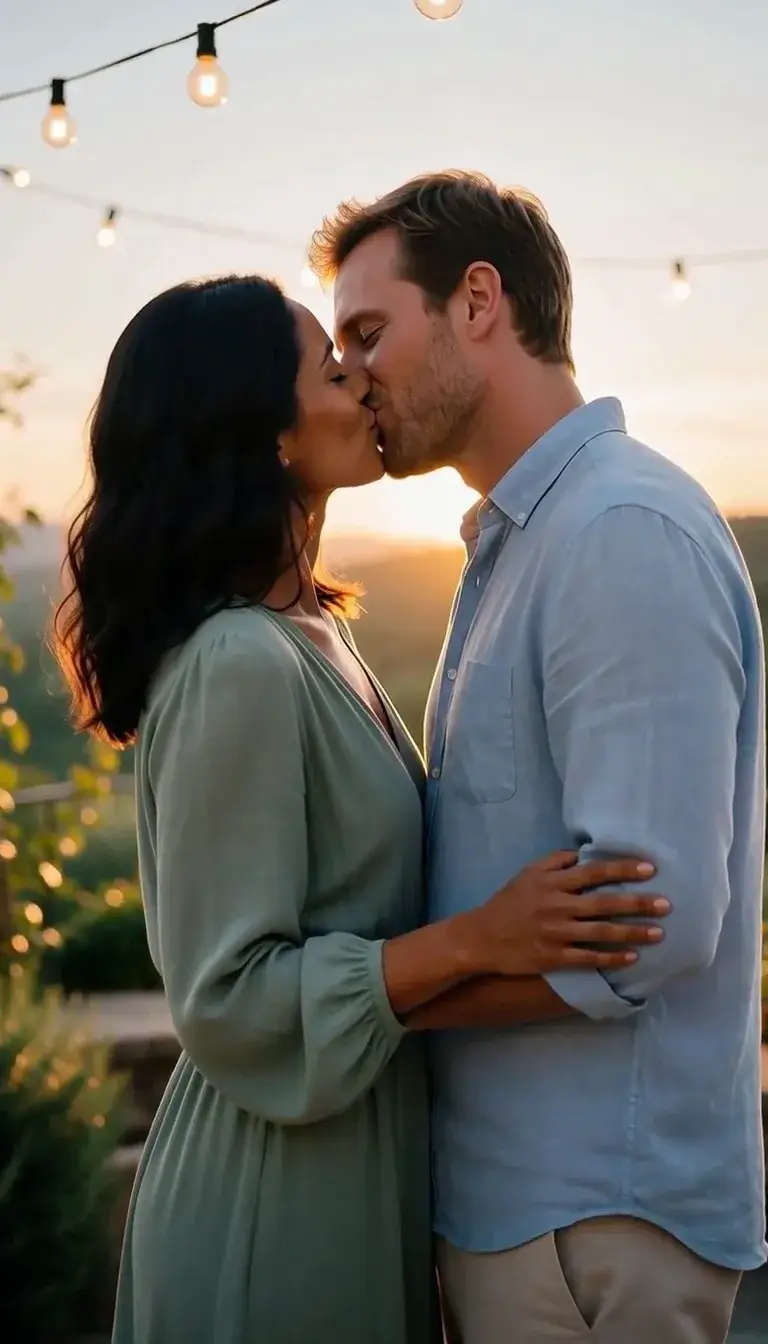 Kiss
KissCamera moves
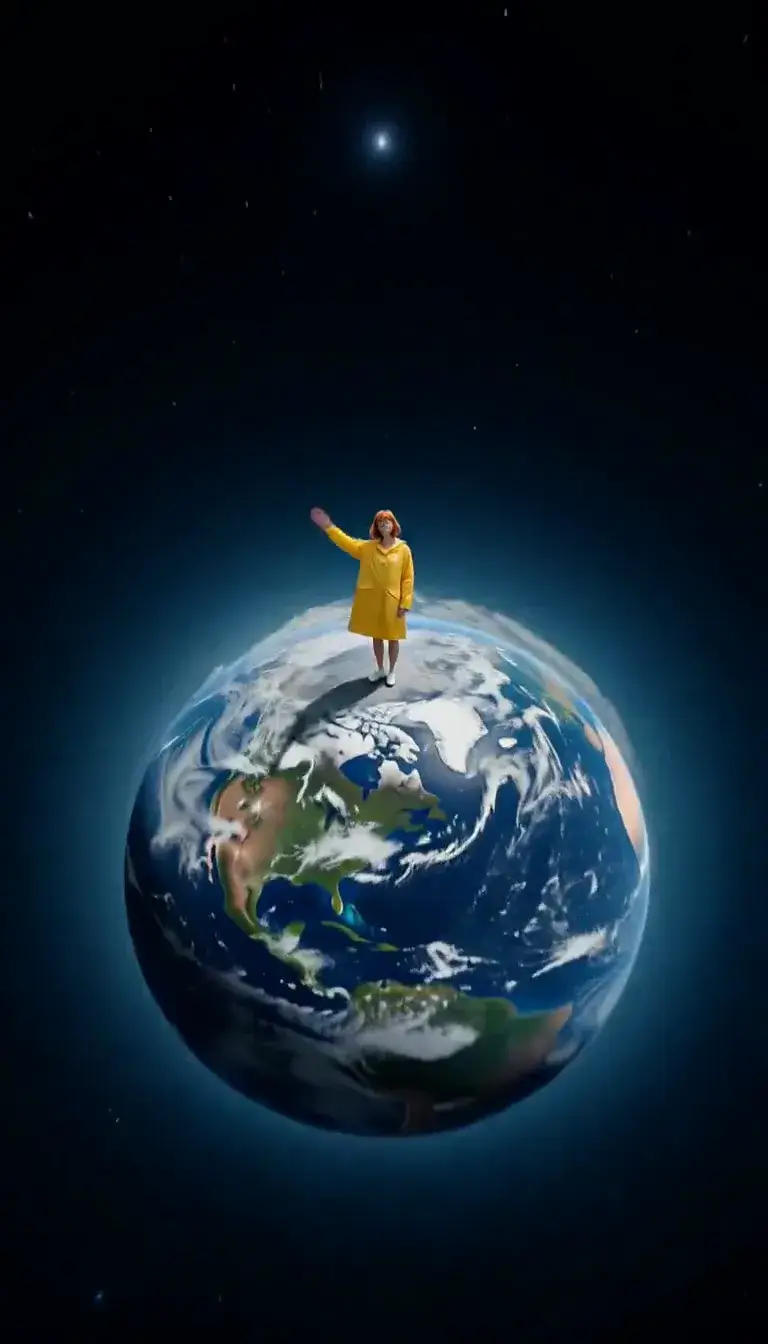 Tiny Planet
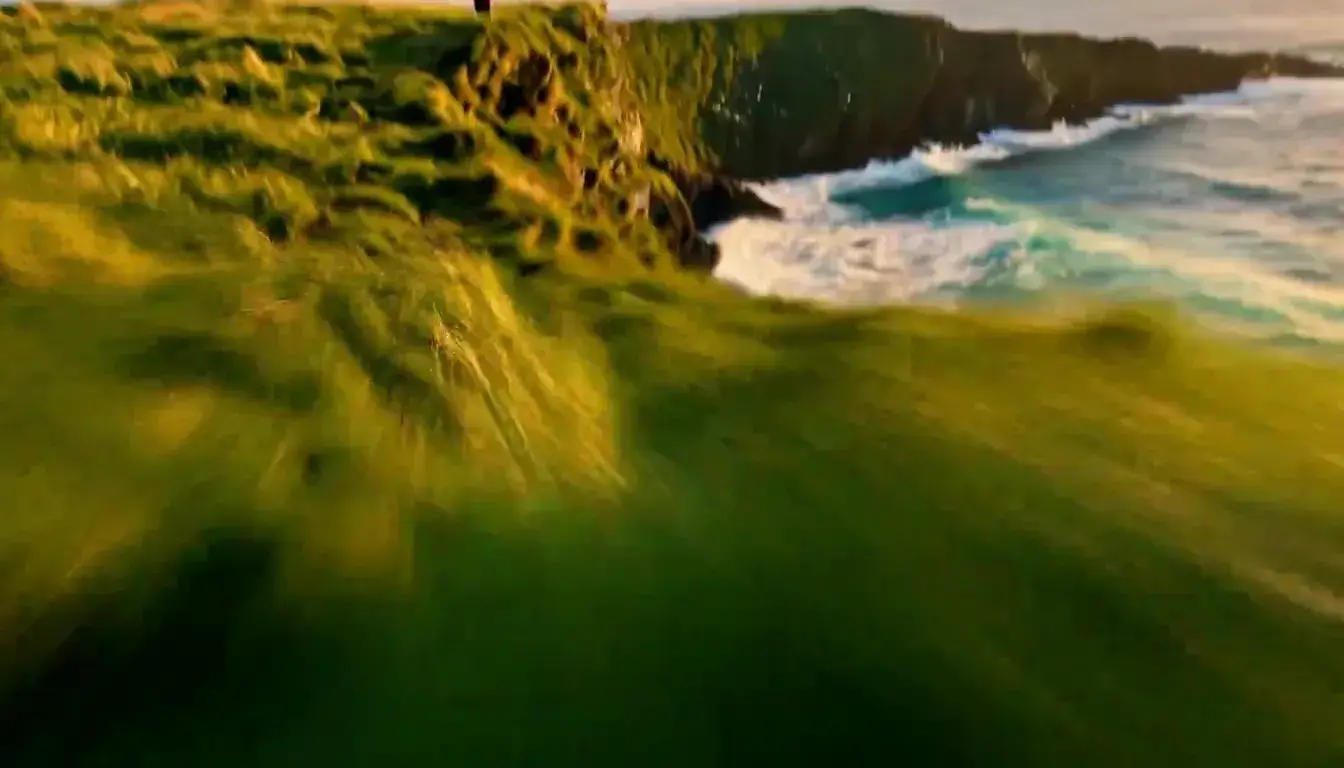 FPV Dive
Transform
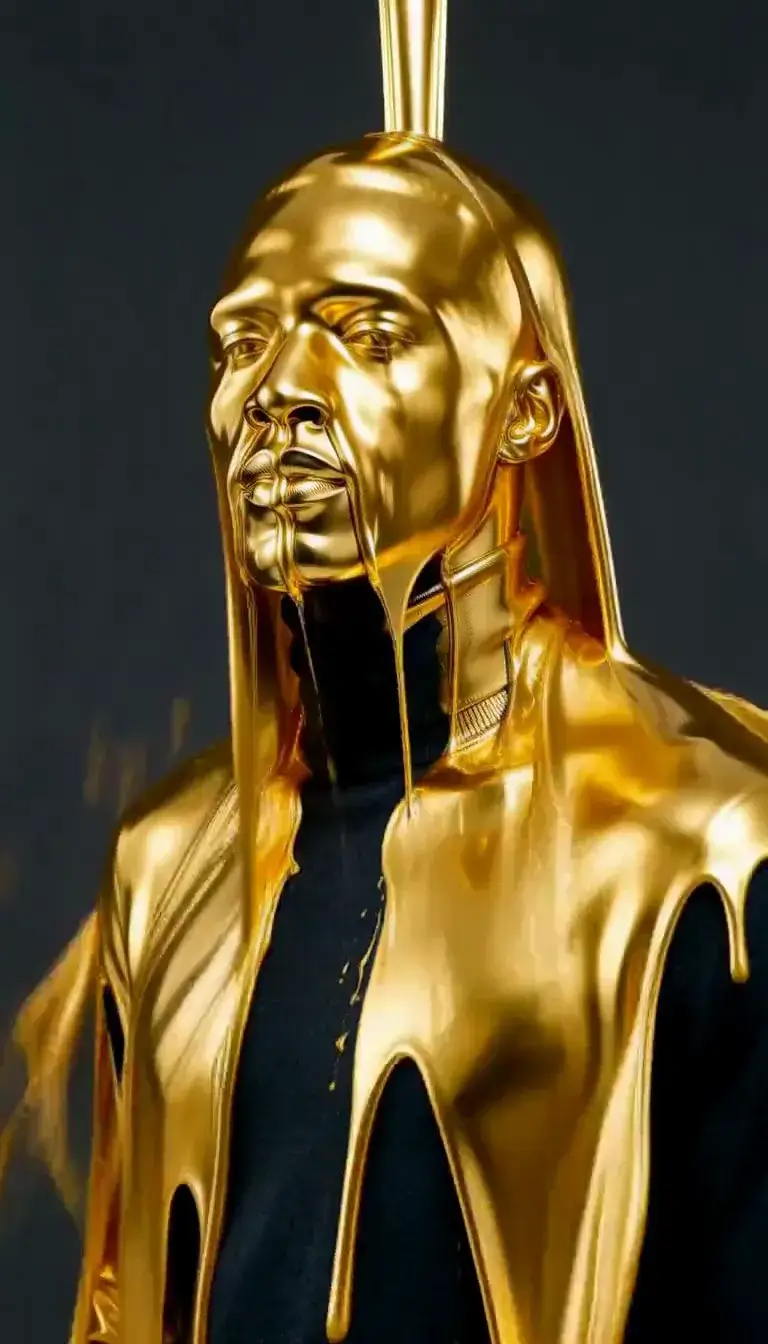 Molten Gold
Fashion
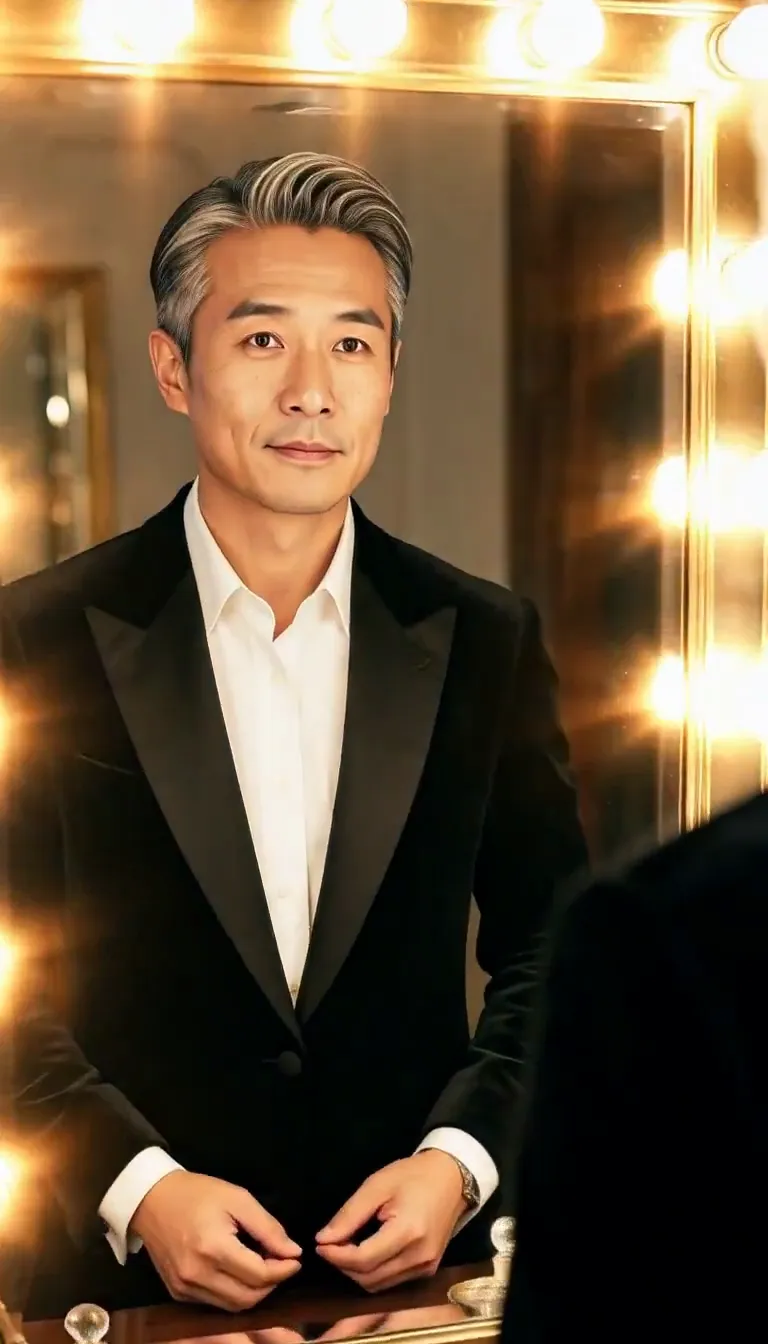 Mirror Glance
Atmosphere
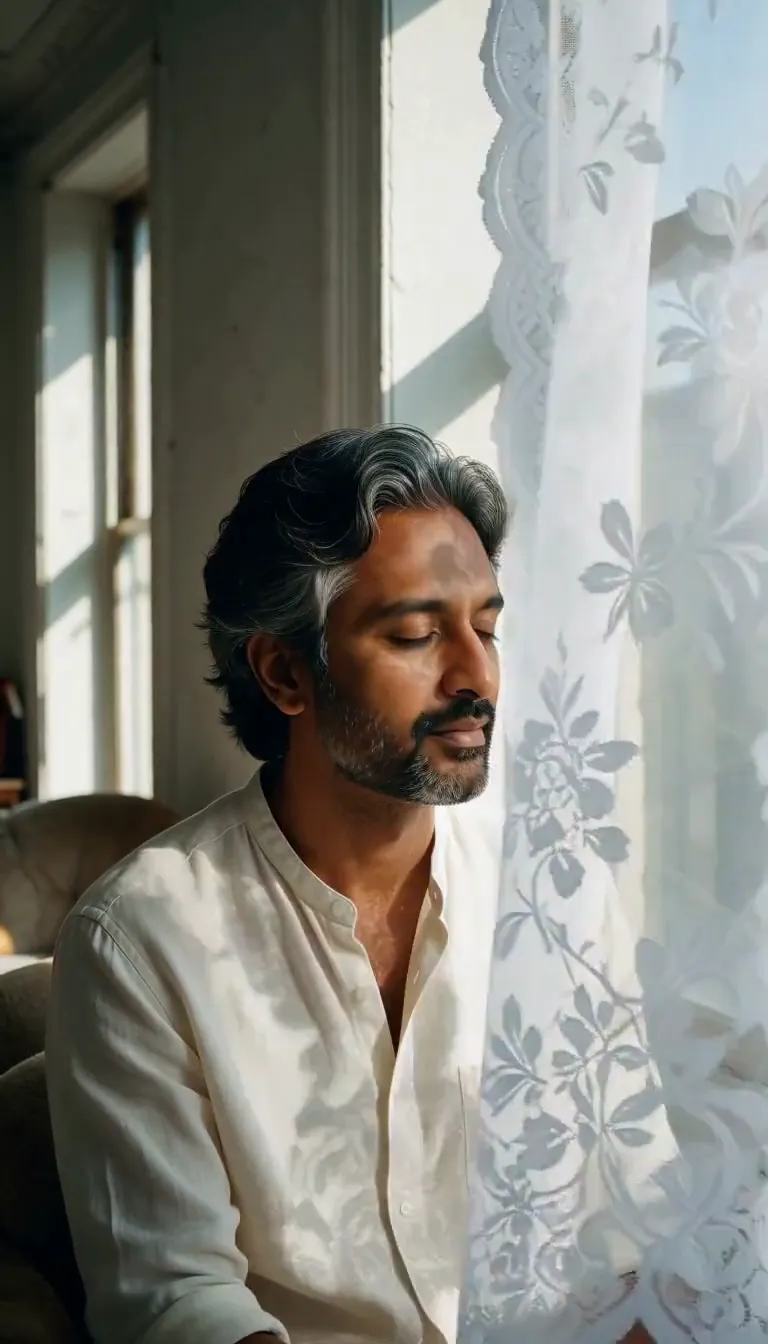 Lace Shadows
Motion
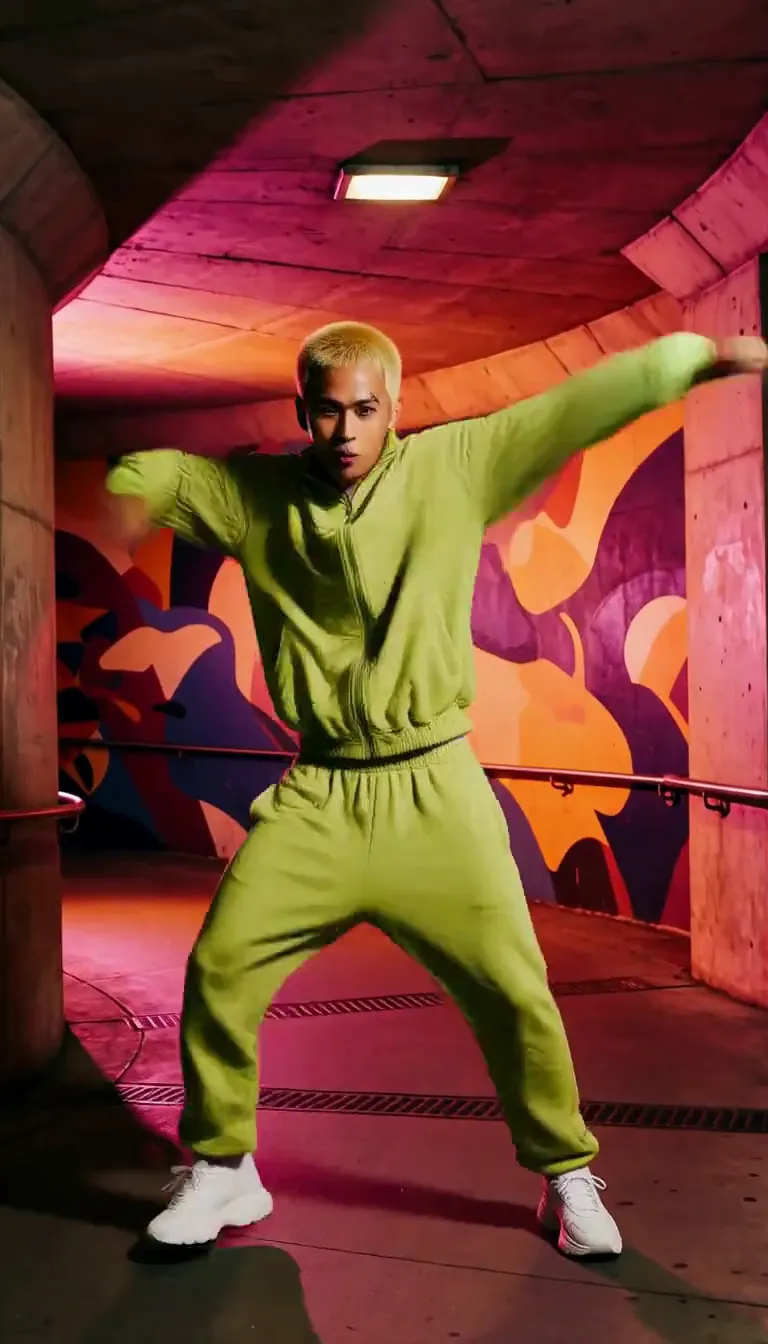 Groove
Fun
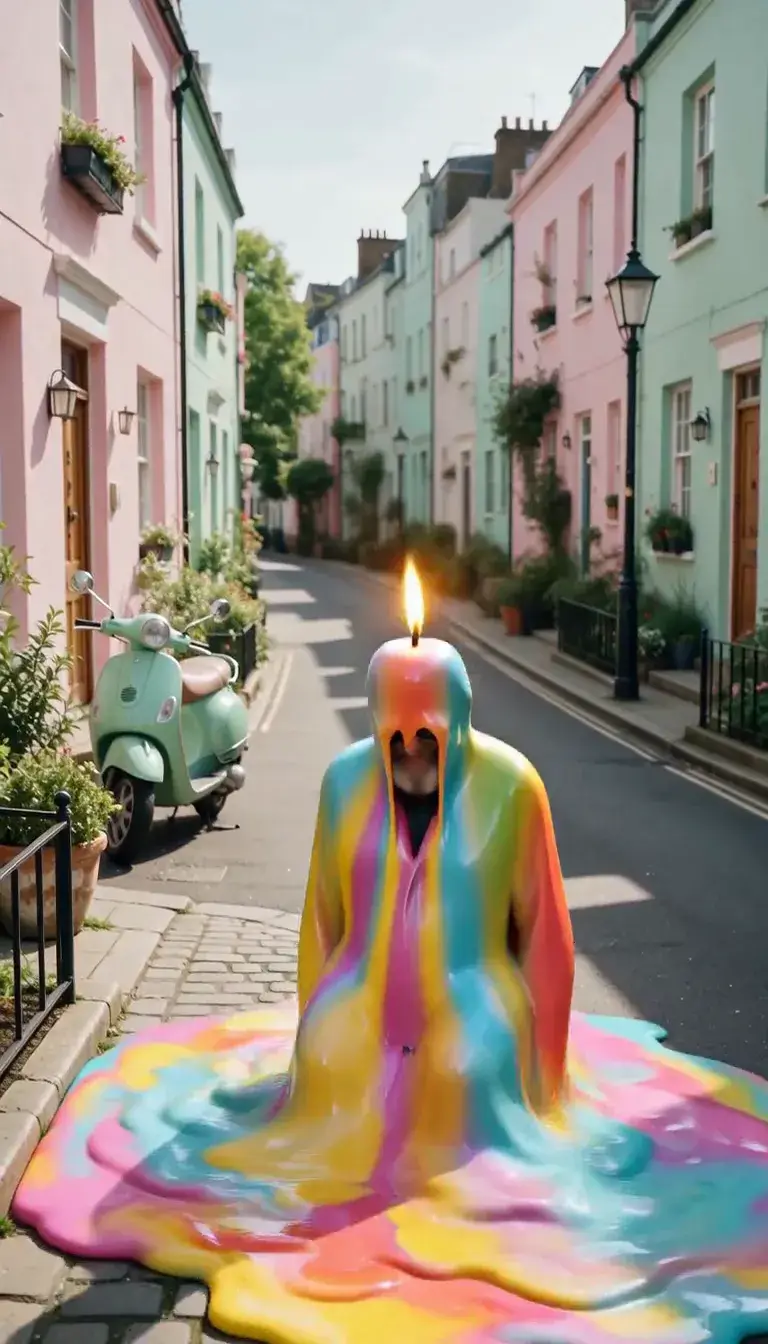 Meltdown
Product
 Ingredients Burst
Film looks
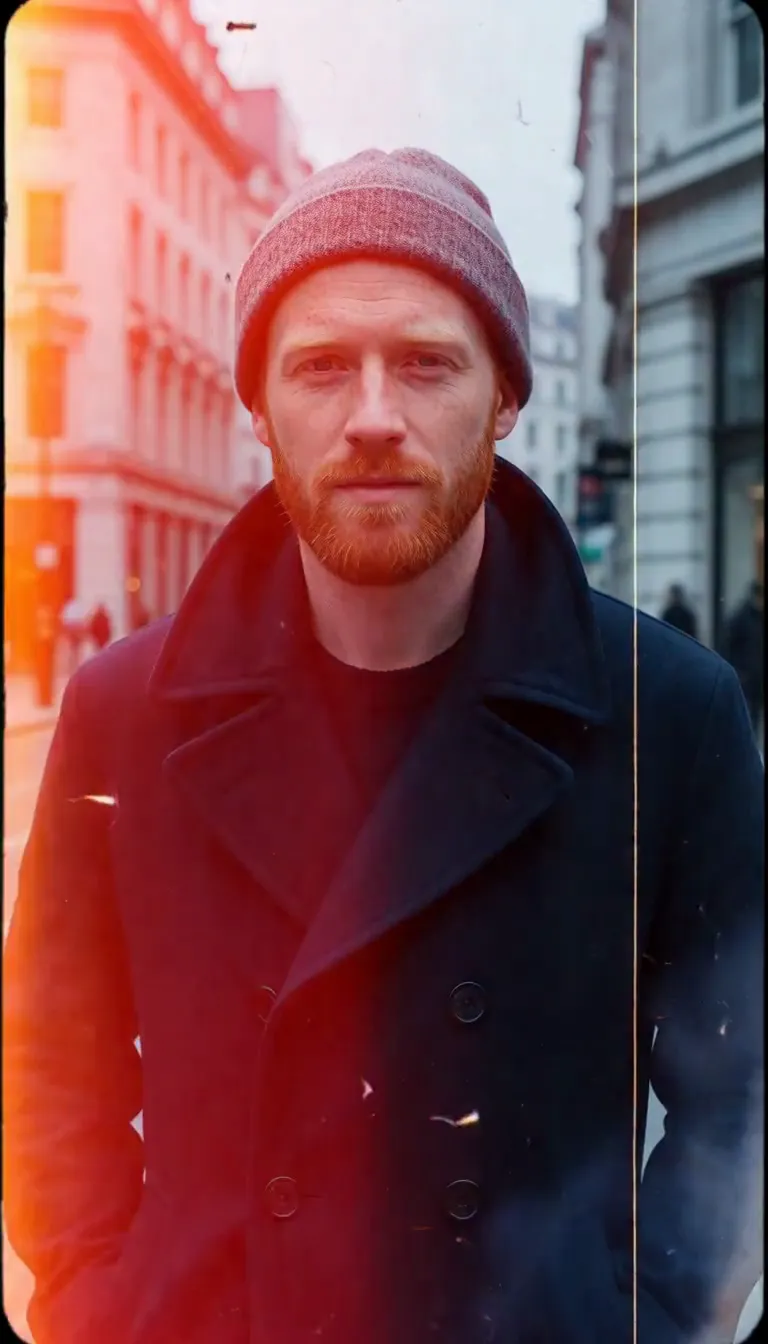 Film Burn
Video templates
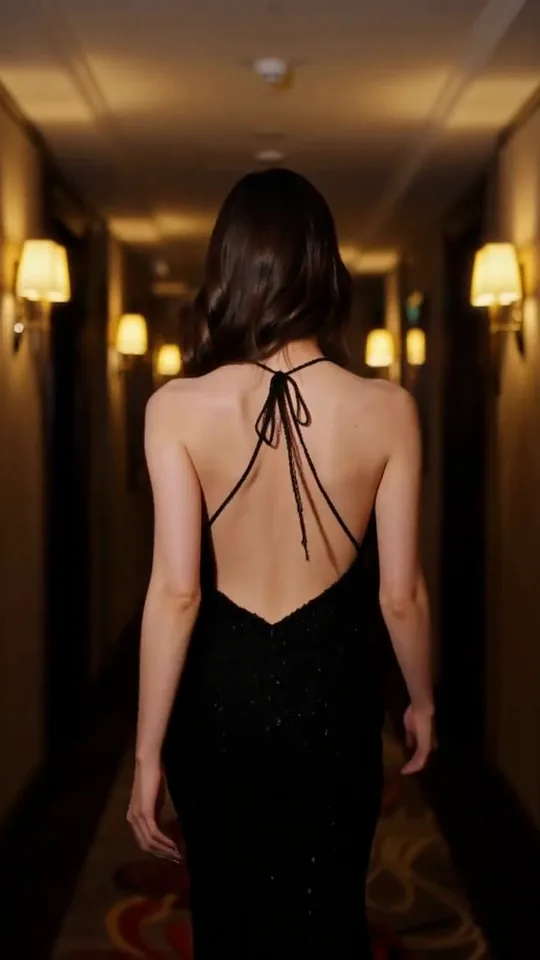 The Glance Back
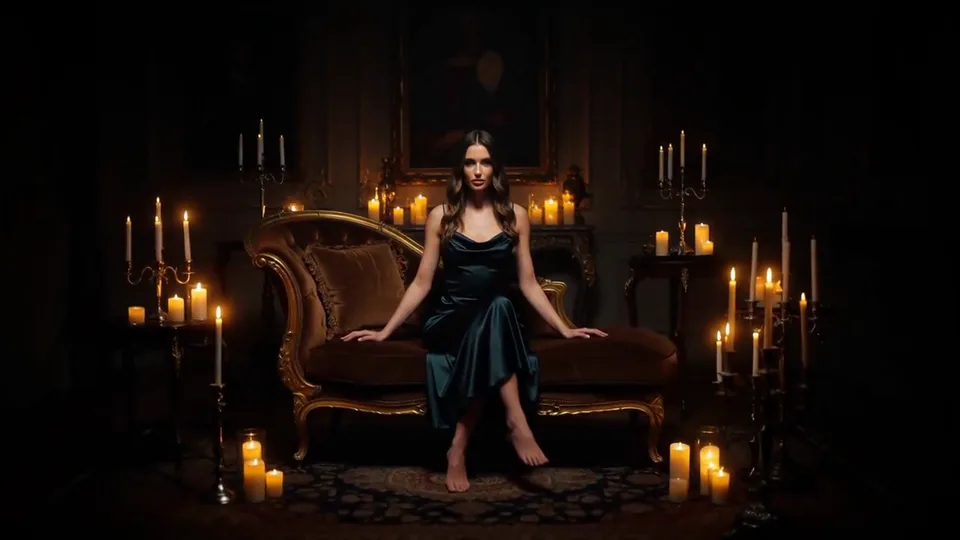 Candles Come Alive
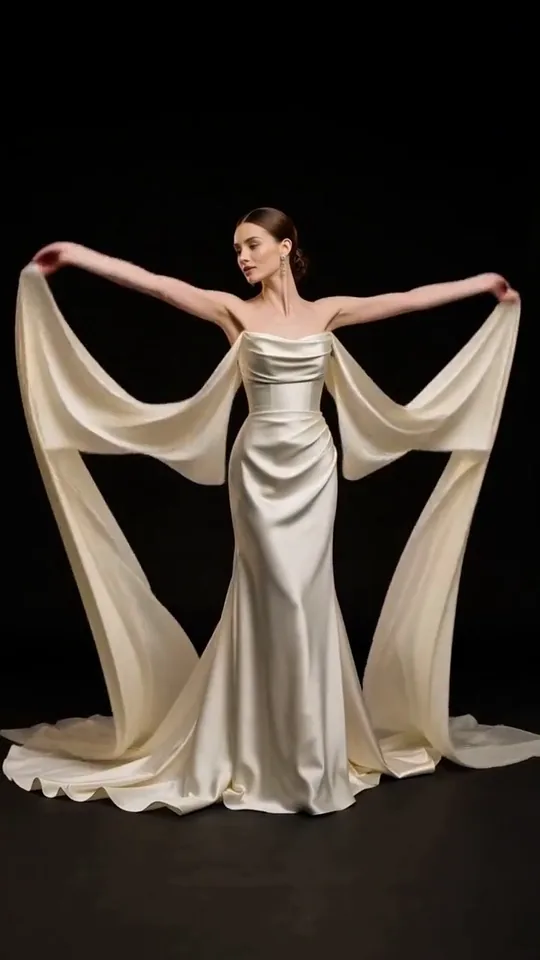 Silk Drift
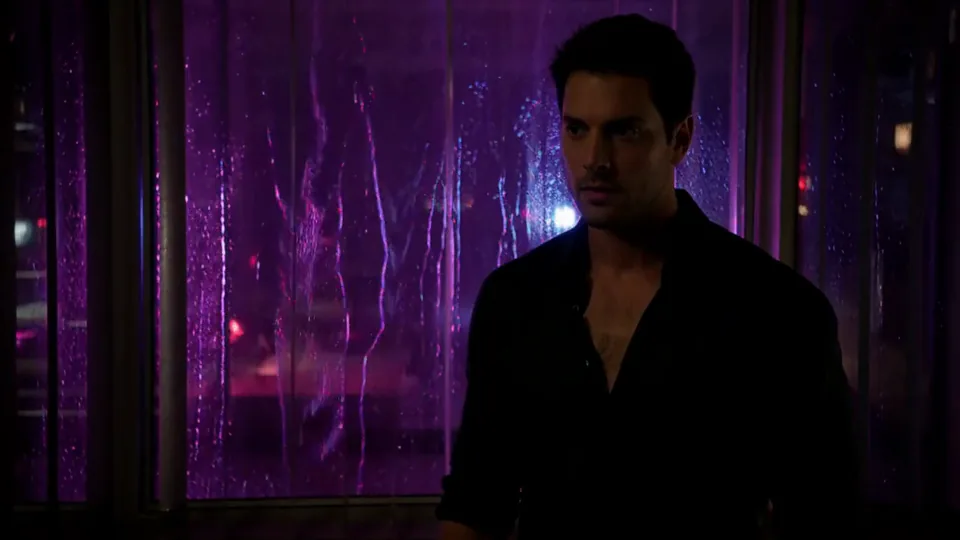 Neon After Hours
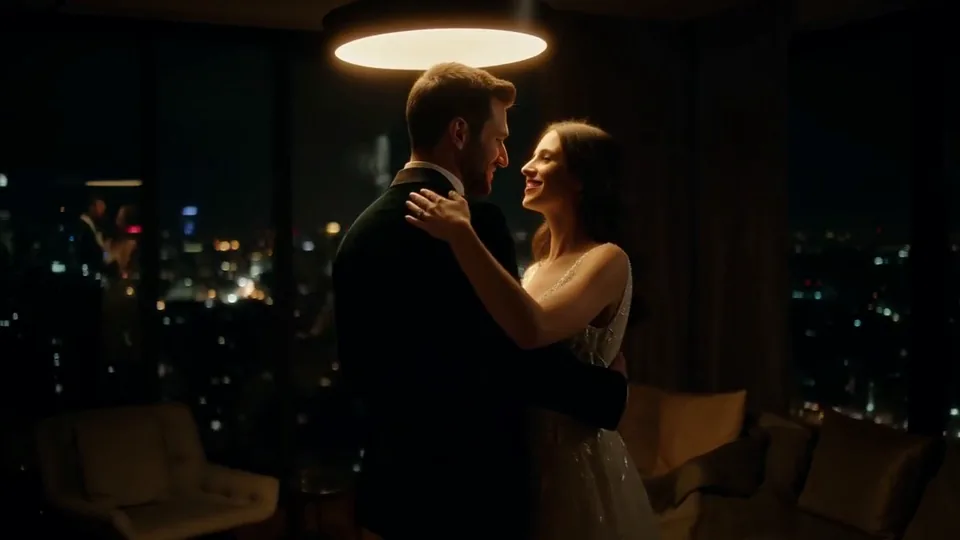 Sway Under the Lamp
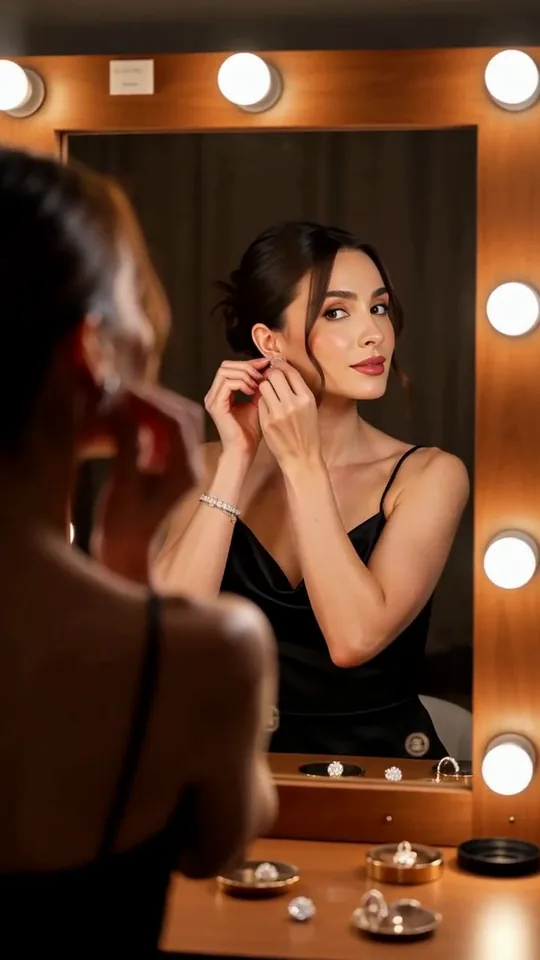 Mirror Moment
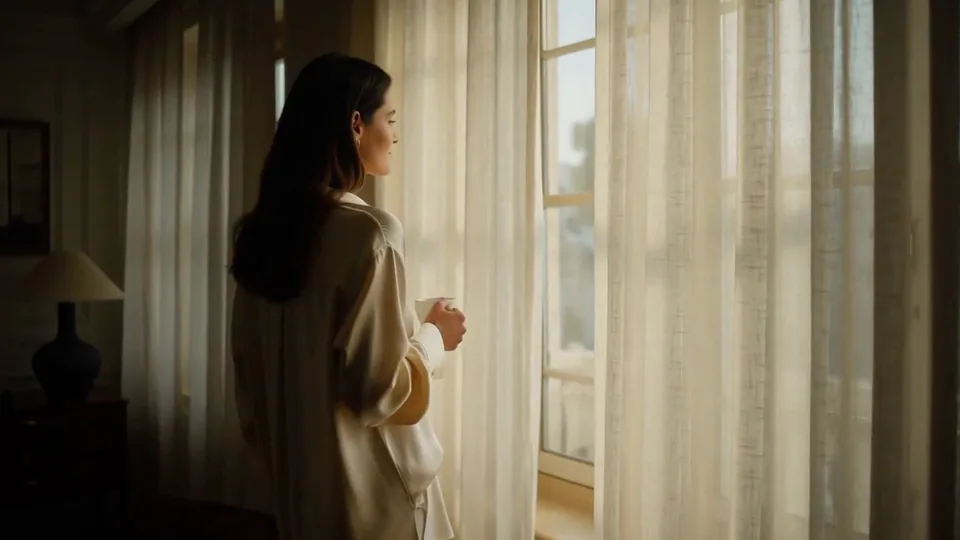 Morning Light
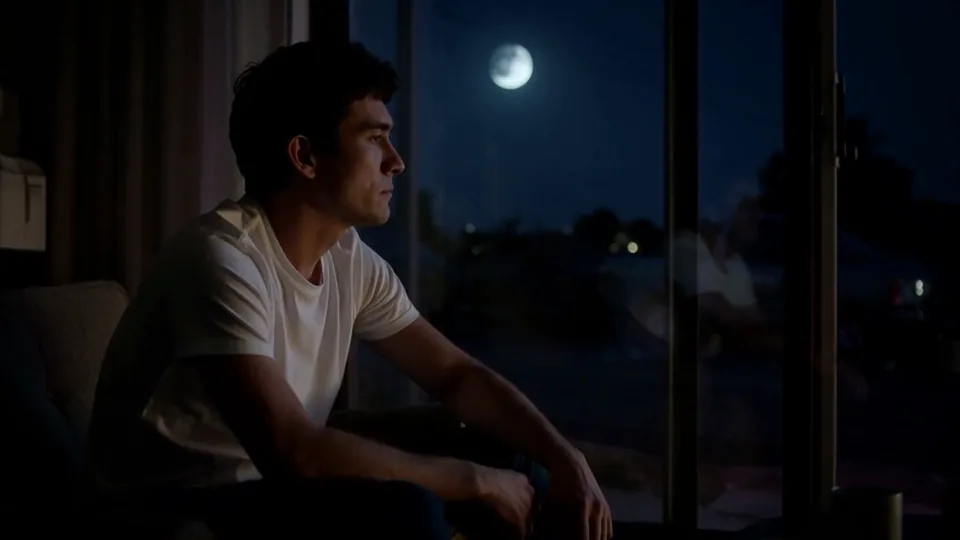 Passing Headlights
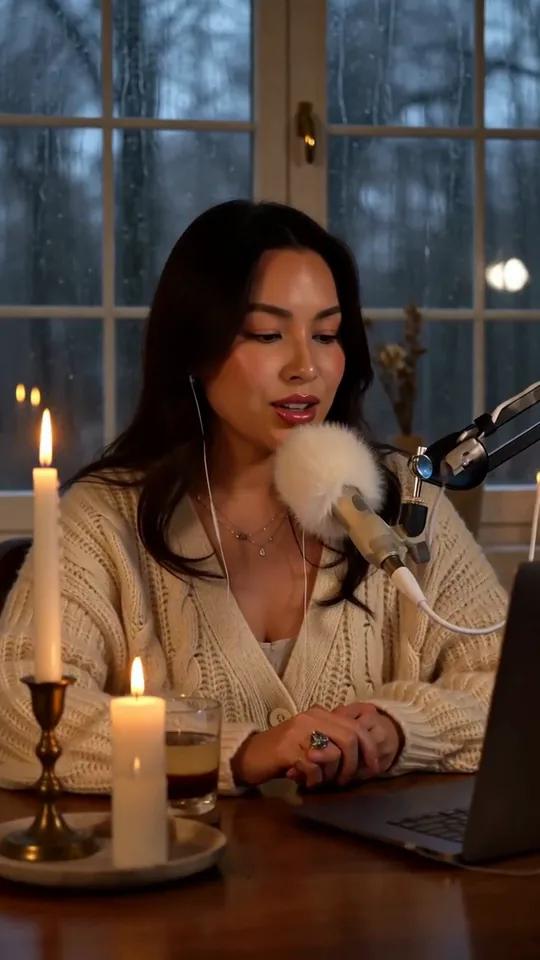 Whisper Session
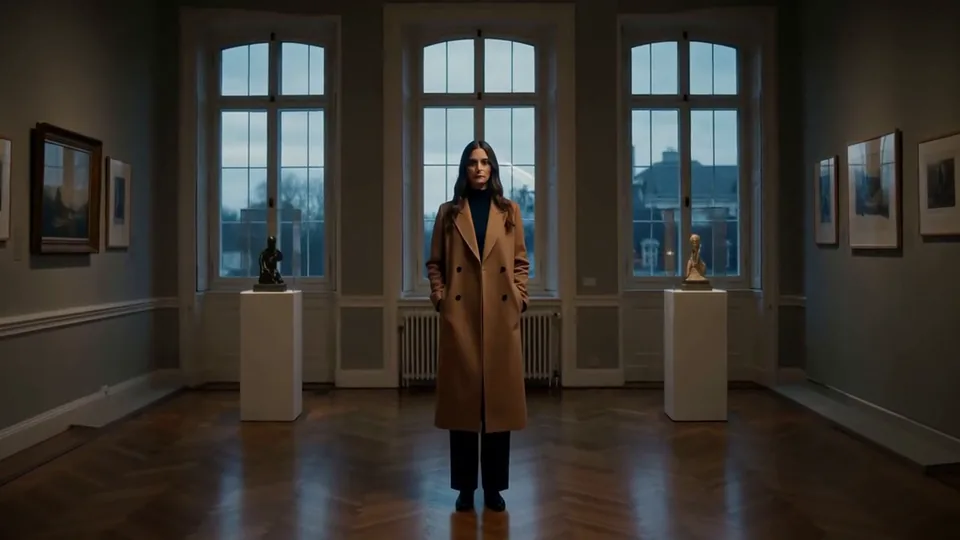 Slow Push-In
 Half Orbit
 Drone Rise
This effect writes the prompt for you. Add one image.
We never filter your prompt.
The camera dives in from above like a racing drone, skims low over the scene, then pulls up to hover in front of your subject.
- Model
- MiniMax H3
- Length
- 5 s
- Resolution
- 768p
- Per run
- $0.185
- Type
- Camera moves
What this effect sends
This is the full prompt, word for word. Copy it, or open it in the generator and change anything you like.
The camera starts high and dives fast in a first-person flight, swooping low over the ground and threading through the scene before pulling up to hover in front of the main subject. Motion blur streaks the edges while the subject stays sharp at the end of the move.Pictures that work best
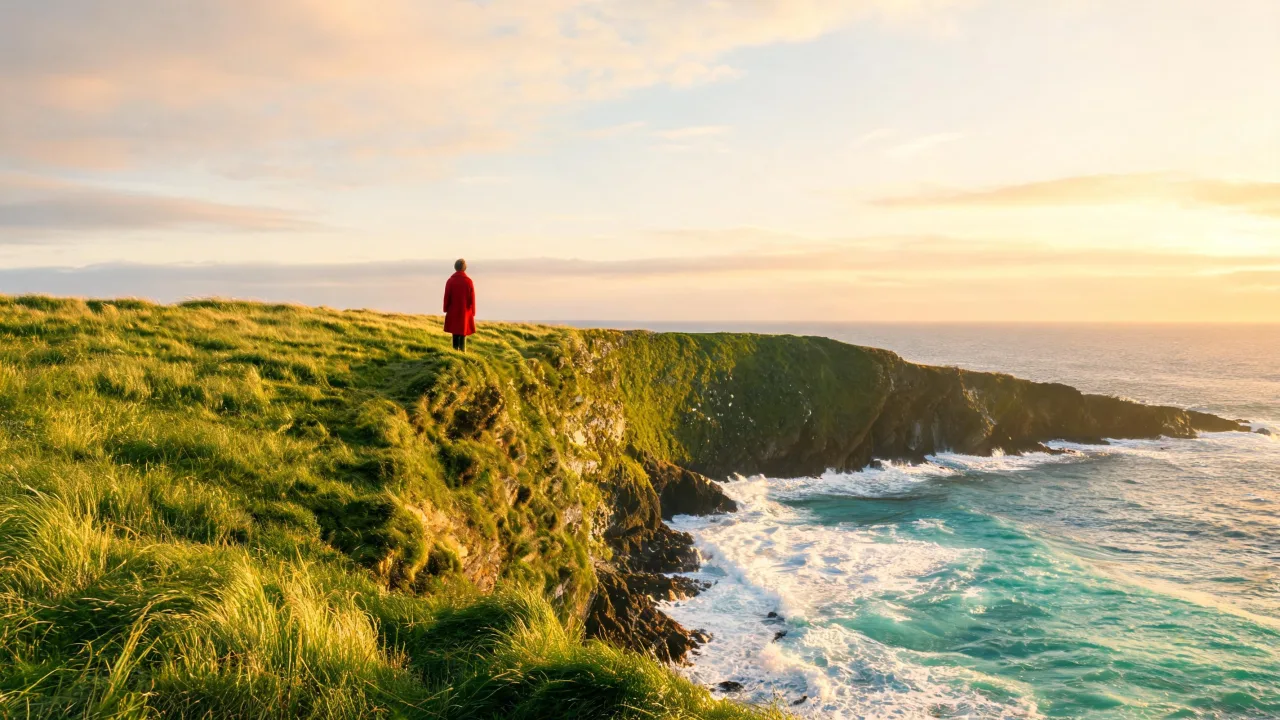
- Wide landscape or outdoor photos with visible ground — grass, sand, water — give the dive something to skim over; a tight close-up has no room for the swoop.
- A subject already facing the camera lands the move on their face; one facing away or shot from behind ends on their back instead.
- Photos with a clear horizon or open sky at the top give the "starts high" part of the move somewhere real to begin.
- Keep the subject reasonably small or mid-distance in the original photo — the dive reads best when there's real ground between the starting point and the landing.
Models this effect runs on
The same prompt on different models. Pick by look and by price.
- MiniMax H3$0.185 per run
5 s · 768p
- Seedance 2.0 Fast$0.484 per run
5 s · 720p
- Kling 3.0$0.336 per run
5 s · 720p
- Seedance 2.0$0.76 per run
5 s · 720p
- Wan 3.0$0.45 per run
5 s · 720p
- Vidu Q3 Turbo$0.33 per run
5 s · 720p
- MiniMax H3 Max$0.4 per run
5 s · 768p
- Kling 2.5 Turbo$0.28 per run
5 s
- Wan 2.6 Flash$0.113 per run
5 s · 720p
- Seedance 2.0 Mini$0.265 per run
5 s · 720p
How it works
- 01
Add one photo
Choose the photo to match the example: include both people for a shared gesture, and keep the face and any hands involved clearly visible. Upload your own photo or start with a FPV Dive sample.
- 02
Check the price
FPV Dive defaults to a 5-second clip for $0.185. Swap the model or change the length and resolution before you run — the price on the button updates to match, and that's the whole cost of the clip.
- 03
Generate
Your FPV Dive clip renders in the background, lands in History and is never published.
Do the move yourself
FPV Dive keeps one version of this shot. To give FPV Dive your own motion or ending, write it yourself in Image to Video, starting from the prompt above.
What it does to your photo
FPV Dive borrows the move from racing-drone footage: the camera starts high, drops fast, skims low over the ground with the edges streaking in motion blur, then pulls up sharply to hover right in front of your subject. It's the most physically dramatic of the camera moves, built to feel like a drone pilot found their target.
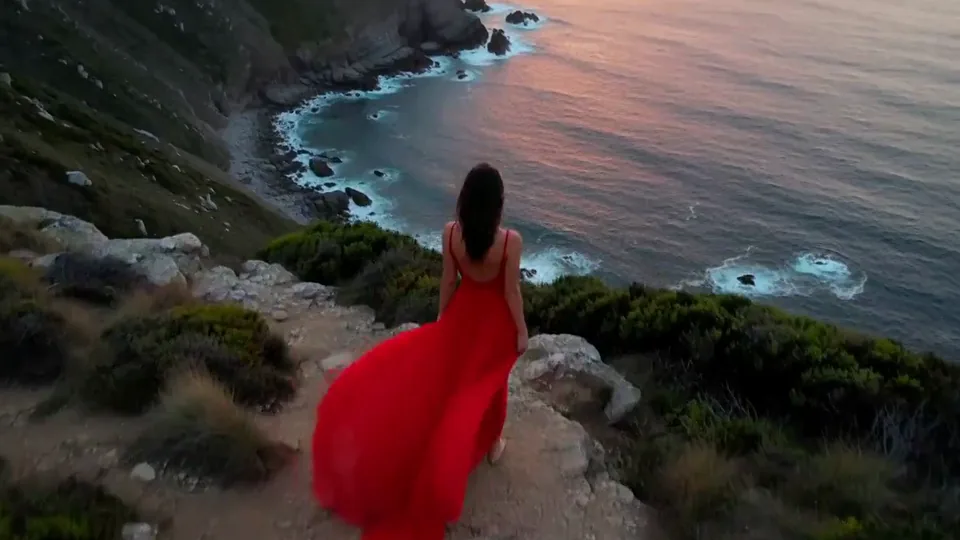
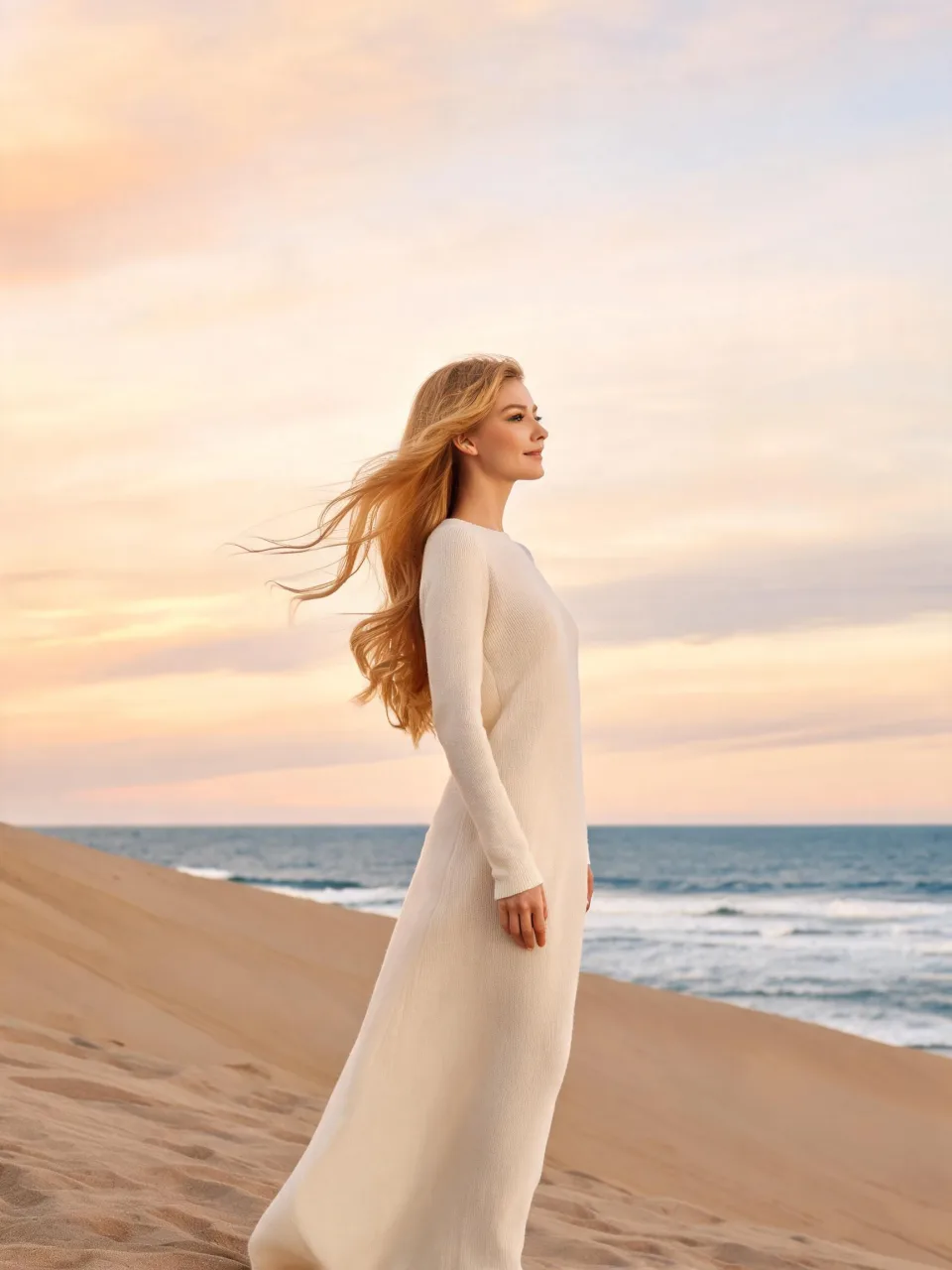
In our test runs on MiniMax H3, the dive over a sea-cliff photo dropped low over the grass with heavy edge blur for about two seconds before pulling up to a small figure at the cliff edge and hovering close behind her — since she was facing away in the original photo, the clip ends on her back rather than her face. On a dune photo, the camera whipped past her hair, climbed and dove back over the sand with streaking grass, spotted her from a distance, then flew back to hover right in front of her as she turned and smiled.
The dune sample also showed a small continuity quirk: after the low pass, she briefly reappears far off in the frame before the camera flies back in, which reads more like a fast whip-around turn than a single unbroken shot. And if your subject is facing away from the camera in the photo, the dive will end on their back — for a face-first landing, start with a photo where they're already turned toward the lens.
It's built for landscape and travel content that wants a big opening move, adventure and outdoor reels, and any clip where you want the first two seconds to feel like a drone found the subject at the last second.
The prompt is public — to land somewhere other than directly in front of your subject, swap "to hover in front of the main subject" for a side or three-quarter angle, like "to hover just to their left."